Questions & Answers
- Model:
- S70TR
- |
- SKU:
- 6578017
Q: QuestionWho do I contact about problem with my system? Had just under a year and started making a cracking sound every so often.
Asked by Shawn.
- A:Answer Hello there, Shawn. Thank you for reaching out about your LG S70TR Sound Bar. We understand how concerning it can be to hear unexpected crackling sounds. This issue may be related to wireless interference, loose connections, or the system’s settings. Here are some steps you can try: Ensure all cables are securely connected. Reduce potential interference by placing the sound bar and subwoofer away from other wireless devices, such as routers. Adjust the audio settings to test different modes, as this can sometimes resolve sound irregularities. If the issue persists, we recommend contacting LG’s support team directly through social media at @LGUSSupport for personalized assistance. Since your unit is under a year old, it may still be within the warranty period, and our team can help explore repair or replacement options. Audio - Making a Cracking or Popping Sound - https://www.lg.com/us/support/help-library/audio-making-a-cracking-or-popping-sound--20150908821095 We’re here to help ensure your sound system performs at its best! —Renzo
Answered by LG Digital Customer Care

Q: QuestionIs this sound bar designed to fit in the stand of LG C1 OLED 55 inch TV? I saw the SC9S model which has a bracket that sits on top the TV stand. Is there similar option for this soundbar?
Asked by Zakk.
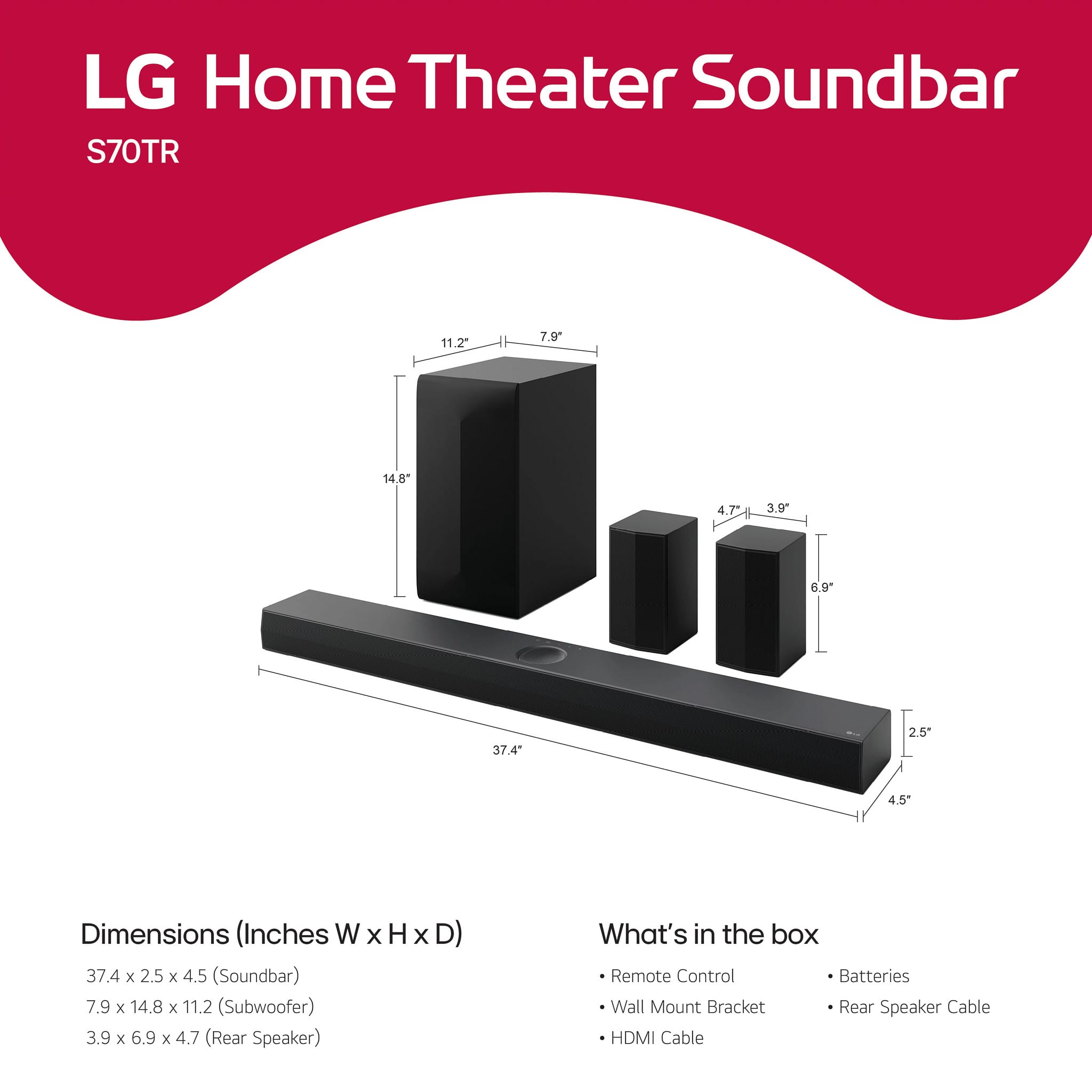
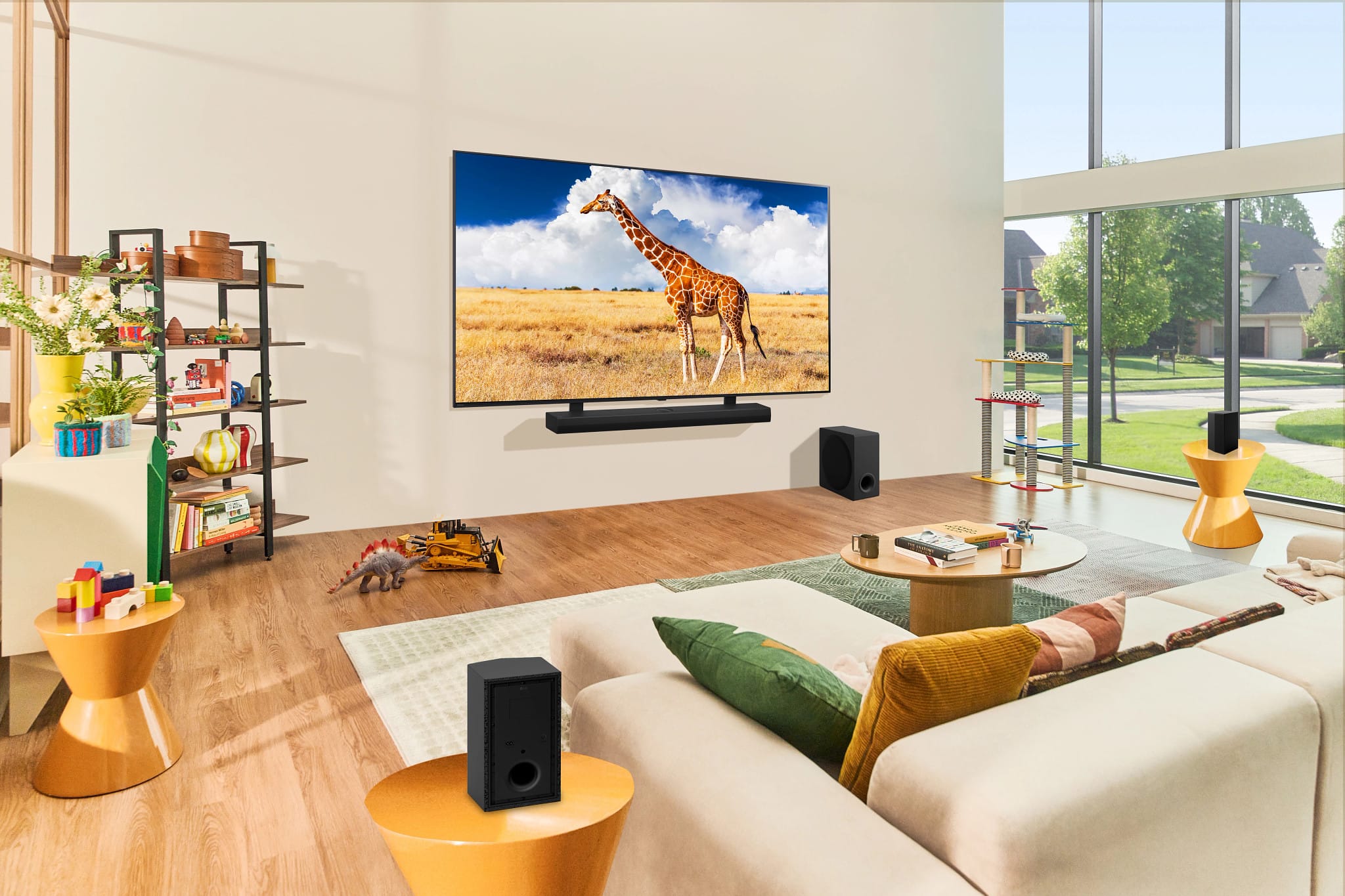
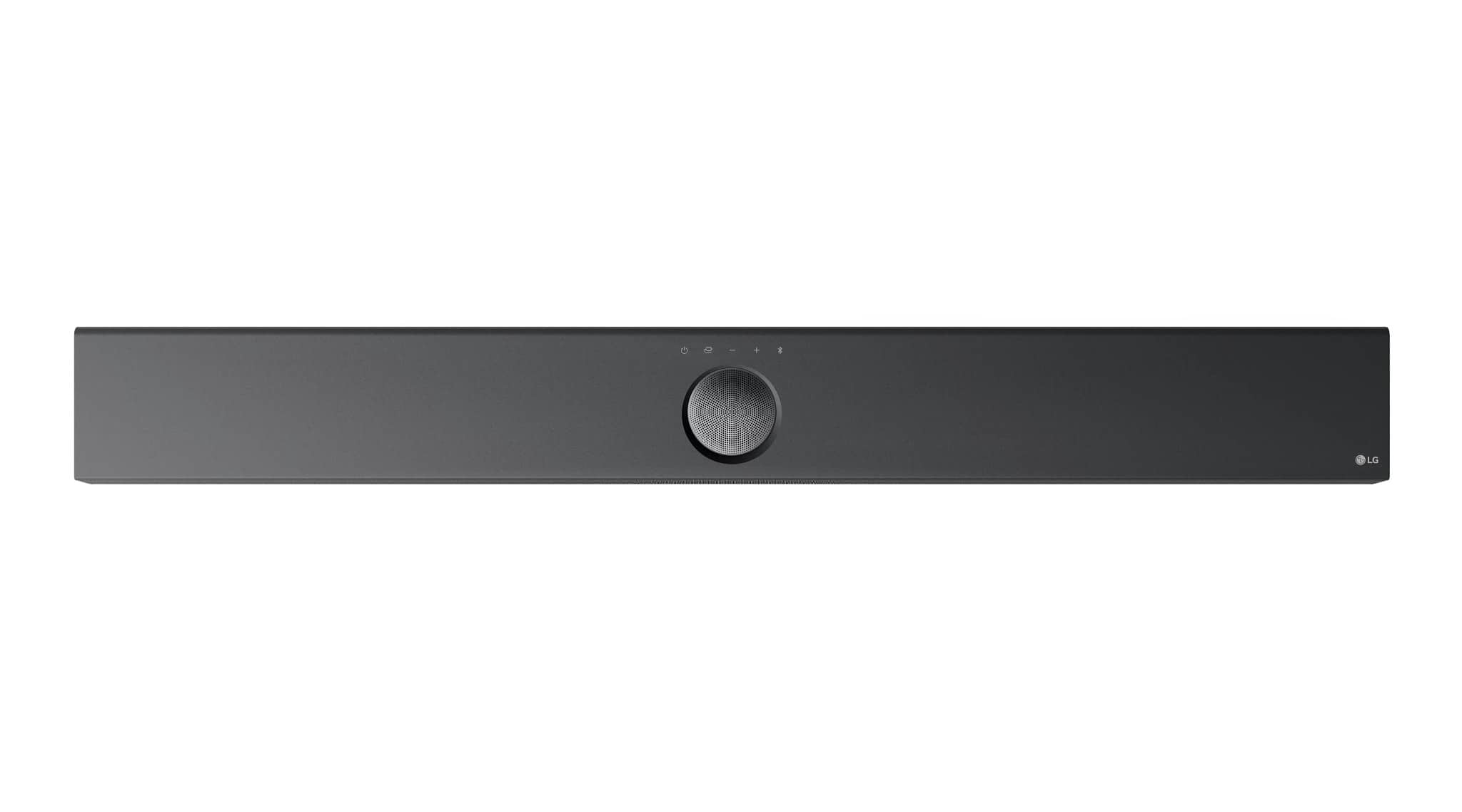
- A:Answer Hi there, Zakk. Thank you for your question about the LG Sound Bar (Model: S70TR) and its compatibility with the LG C1 OLED 55-inch TV. While the S70TR sound bar is designed to be paired with a variety of TVs, including the LG C1, it does not come with a specific bracket or stand that sits on top of the TV stand like the SC9S model does. The S70TR sound bar is intended to be placed in front of the TV or mounted on the wall using the included wall mount bracket. Here’s a quick tip for your setup: If you're looking to position the sound bar below the TV stand, make sure the sound bar's dimensions (37.4" x 2.5" x 4.5") fit comfortably on the stand, or consider wall mounting it if you prefer a more streamlined look. https://www.lg.com/us/sound-bars/lg-s70tr-sound-bar#pdp_specs For further assistance with mounting or installation options, feel free to send us a private message on Social Media @LGUSSupport. We’d be happy to guide you through the setup! We appreciate your patience. —Renzo
Answered by LG Digital Customer Care

Q: QuestionHow do the rear wireless speakers & subwoofer stay powered on? Batteries or power cord? How long do the batteries last and how much to replace?
Asked by Scott.
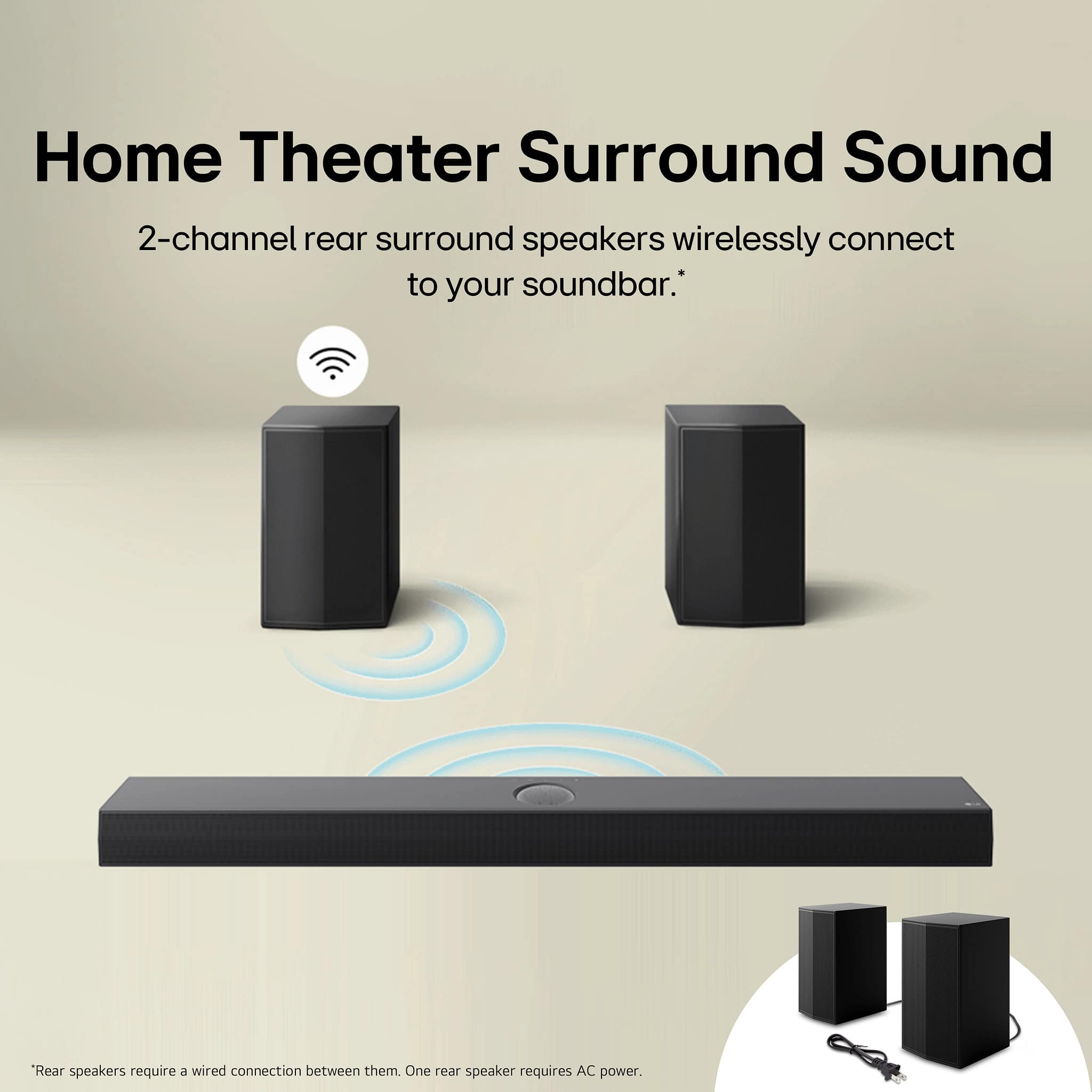
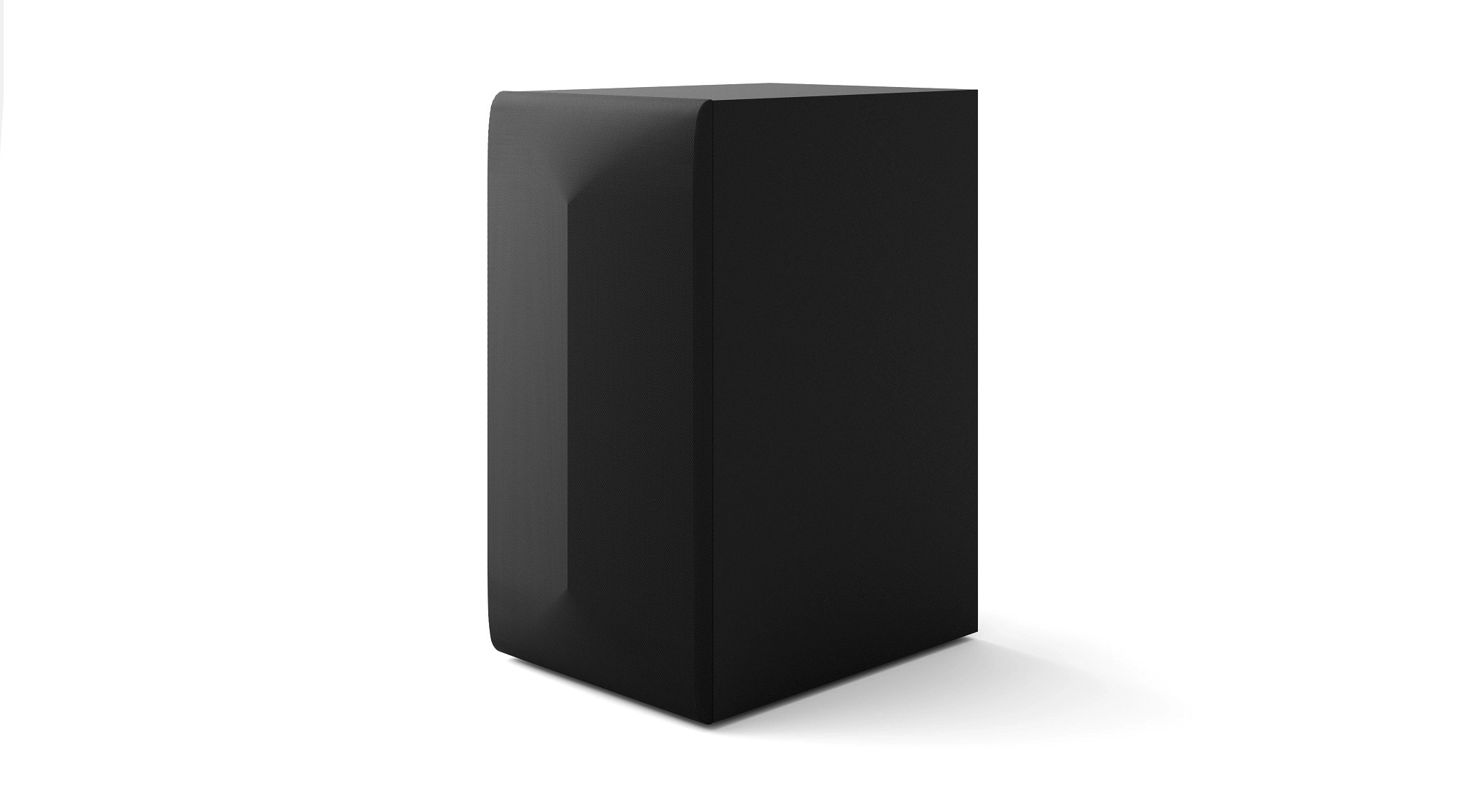
- A:Answer Hi there, Scott. Thanks for reaching out. The rear wireless speakers and subwoofer of the LG S70TR Sound Bar are powered using a power cord. They do not run on batteries, so you won't need to worry about replacing them. https://www.lg.com/us/sound-bars/lg-s70tr-sound-bar#pdp_specs Both the wireless speakers and the subwoofer are plugged into a power source via the included power cords. If you need help with the setup or encounter any issues, feel free to reach out to @LGUSSupport on social media. We appreciate your inquiry! —Renzo
Answered by LG Digital Customer Care

Q: QuestionI am getting alot of static on my soundbar i have reset my internet checked all connections and tried different hdmi cables, It was working fine then two days ago we started getting static. help
Asked by sable.
- A:Answer Hi there. Thank you for reaching out about the static on your LG S70TR Sound Bar. We understand how frustrating this can be. Since you've already checked your connections and cables, we recommend performing a reset on the soundbar to resolve the static issue. You can reset your soundbar by following the instructions on this official LG support page: How to Reset LG Sound Bar - https://www.lg.com/us/support/help-library/lg-sound-bar-how-to-reset--20153193962273 If the issue persists after resetting, feel free to send us a private message on social media @LGUSSupport, and we’ll be happy to assist you further! —Renzo
Answered by LG Digital Customer Care

Q: QuestionCan you add speakers to this system?
Asked by Monroe.
- A:Answer Hi there, Monroe. Thank you for your question about the LG S70TR Sound Bar. We understand the desire to enhance your audio experience with additional speakers. After looking into this further, we don’t recommend adding extra speakers that do not come with the S70TR system, as this can lead to poor-quality performance and a deterioration in sound quality. The S70TR is designed to work optimally with its built-in 9 speakers, which provide 3D Spatial Sound that fills the room beautifully. For more detailed information about connecting your soundbar with compatible speakers or setups, we encourage you to check page 10 of your owner's manual: https://www.lg.com/us/support/product/lg-S70TR.AUSALLK If you have any other questions or need further assistance, please don’t hesitate to send us a private message on Social Media @LGUSSupport. We’re here to help! Thank you for choosing LG! —Renzo
Answered by LG Digital Customer Care

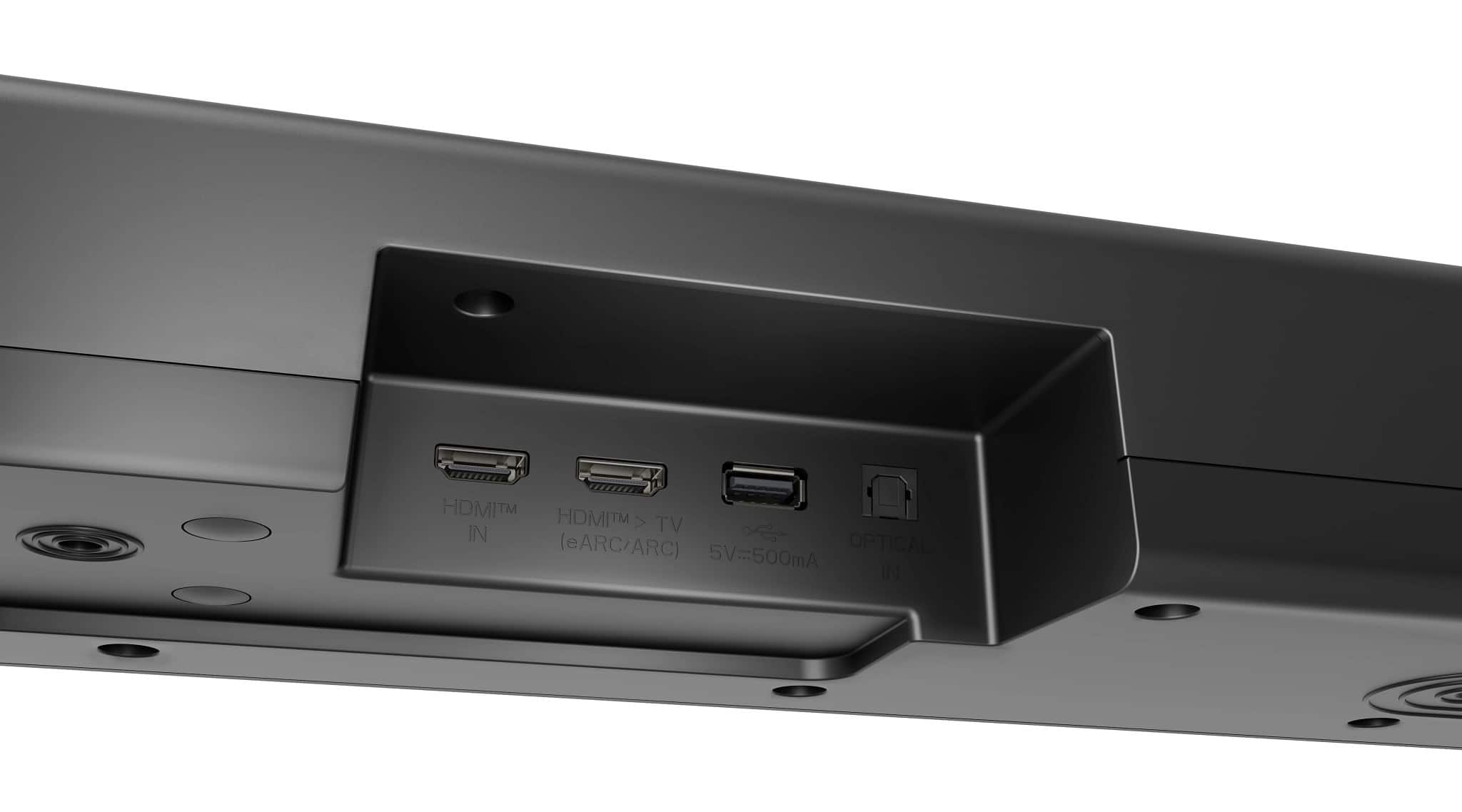
Q: QuestionI have a Samsung tv 4K UHD that is 6 years old, it doesn’t have a hdmi arc port, do I still plug it in that hdmi port on the back of the soundbar? Currently I have both that and optical plugged in. Is this even compatible?
Asked by Jay.
- A:Answer Hello there, Jay! Thank you for reaching out and for sharing your experience with the S70TR soundbar. While your Samsung TV may not have an HDMI ARC port, you can still use the optical connection for compatibility with the soundbar. If both the HDMI and optical cables are plugged in, try using just the optical cable, as that should provide clear audio without any conflicts. If your issue haven't been resolved, please reach out to the Samsung Customer Service, to check compatibility on the unit. We appreciate your patience. —Avril
Answered by LG Digital Customer Care

Q: QuestionDo I have to use the rear speakers for this system to work?
Asked by Anonymous.
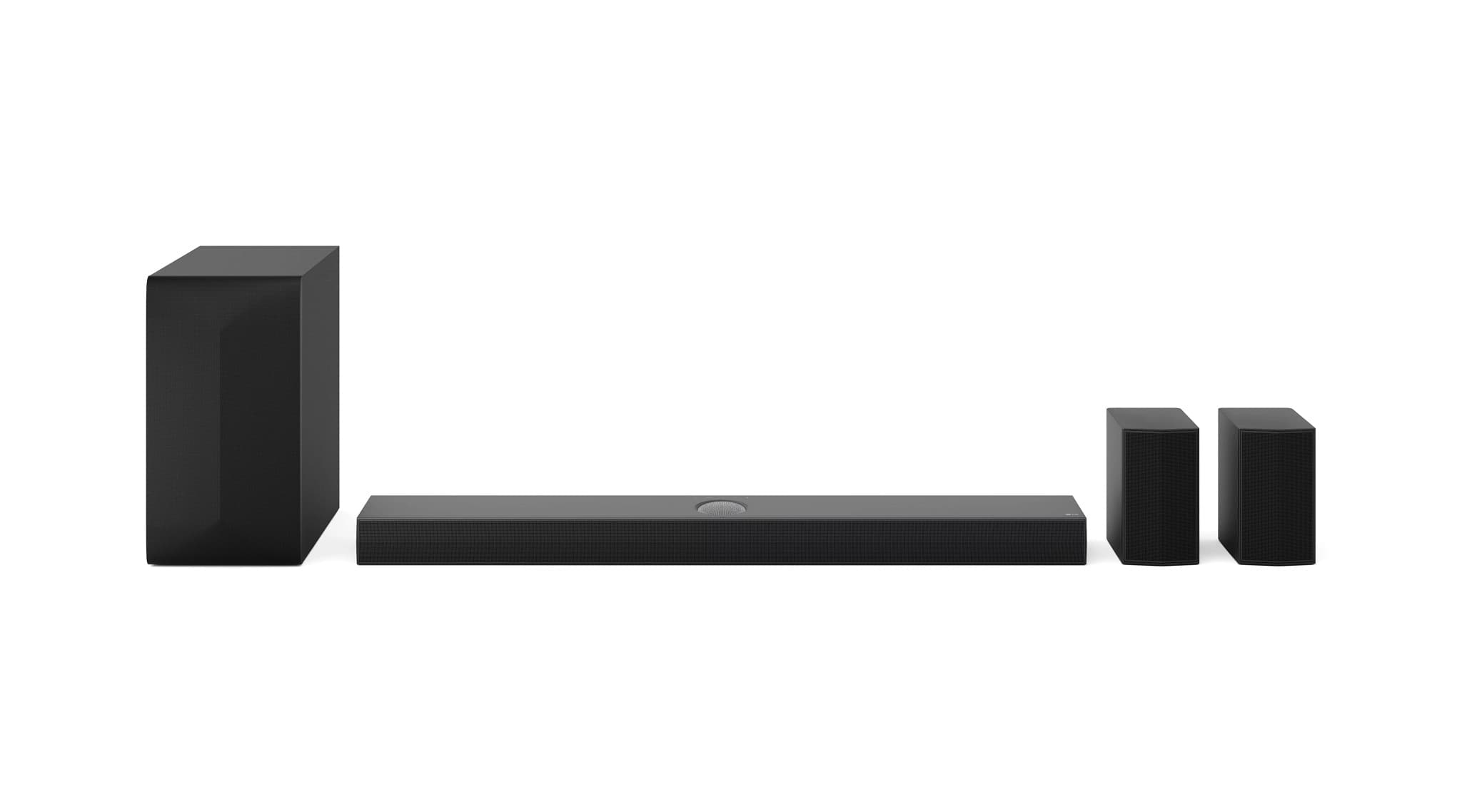
- A:Answer Hi there! Thank you for your question about the S70TR sound system. While the rear speakers enhance the overall surround sound experience, the system will still function without them. However, to fully enjoy the immersive audio that the S70TR is designed to deliver, we recommend using all included speakers. If you have any further questions or need assistance with setup, please feel free to send us a private message on Social Media @LGUSSupport, and we’ll be happy to help. We appreciate your inquiry! —Avril
Answered by LG Digital Customer Care

Q: QuestionDoes it work well the the 77 inch B3 OLED LG TV?
Asked by Jocastel.
- A:Answer I gather with that size TV it’s in a big room, I would most likely go to the next level of LGSoundbar above this one to complement the TV and room. You’ll be amazed at the WOW Orchestra SETTING.
Answered by Redeye59
Q: QuestionDoes is this sound bar voice acceptable?
Asked by Dustin.
- A:Answer Hello there. Thank you for sharing your thoughts with us! The LG S70TR soundbar is designed to deliver clear and immersive audio, including voice clarity for dialogue. If you find that the voice quality isn't meeting your expectations, we recommend checking the sound mode settings, such as switching to the "Clear Voice" mode, which enhances dialogue clarity. If you need further assistance, please send us a private message on Social Media @LGUSSupport, and we’ll be more than happy to help. We appreciate your feedback! —Renzo
Answered by LG Digital Customer Care

Q: QuestionWhat is the wattage for this sound bar
Asked by Anonymous.
- A:Answer 500 WAtts
Answered by Redeye59
Q: QuestionWill this work with non LG tv's through the eArc port?
Asked by M6.
- A:Answer Yes it’ll work fine. Sound was get connected to the.eArc or an optical connection.
Answered by Redeye59
Q: QuestionDoes the HDMI cable that comes w/ this (which I'm using) a 2.1 or a standard HDMI? If not 2.1, would it be a benefit to use the higher speed 2.1 with it?
Asked by Mysticsage.
- A:Answer it does come with the high-speed HDMI cable
Answered by Redeye59
Q: QuestionWill this work with any LG model? I have a 65” that’s probably 6 years or more old.
Asked by Dakota.
- A:Answer I’m sure it’ll work with that TV, but to get what you’re looking for I would imagine you’d want to get a new TV and upgrade to an LGEVO. The sound bar and the upgrade of the TV will complement one another by the extra features on the upgraded TV.
Answered by Redeye59
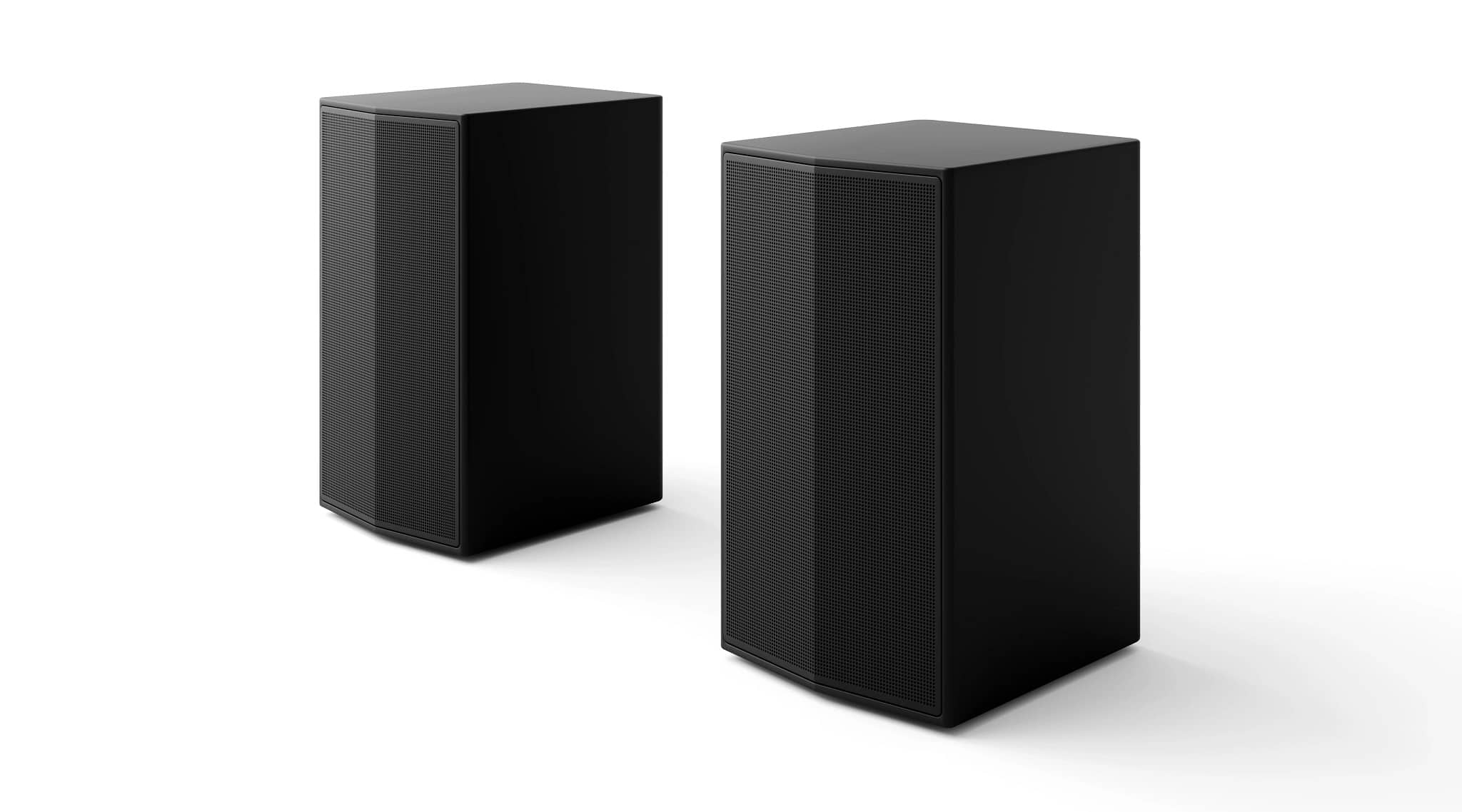
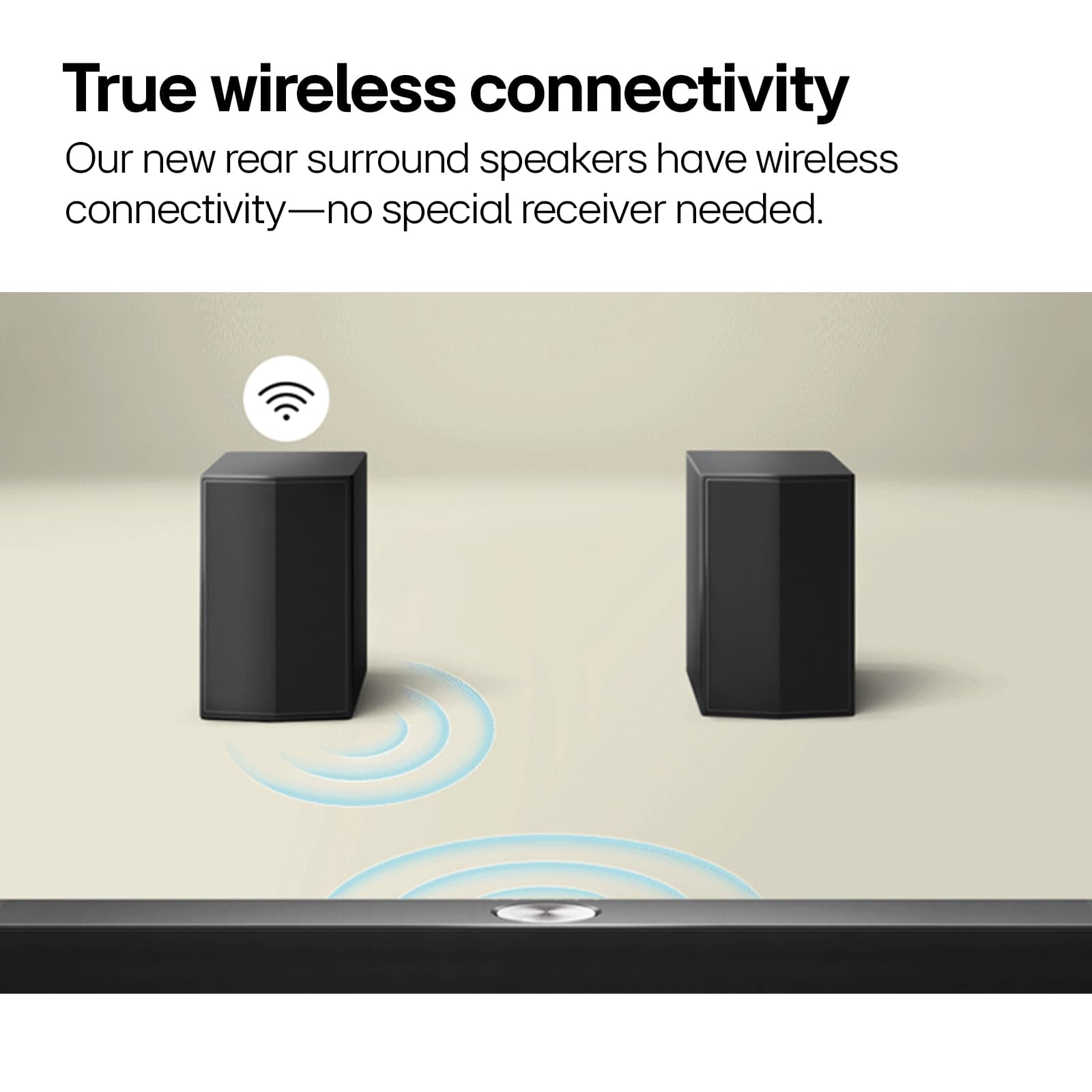
Q: QuestionAre the rear speakers wireless?
Asked by Wireless.
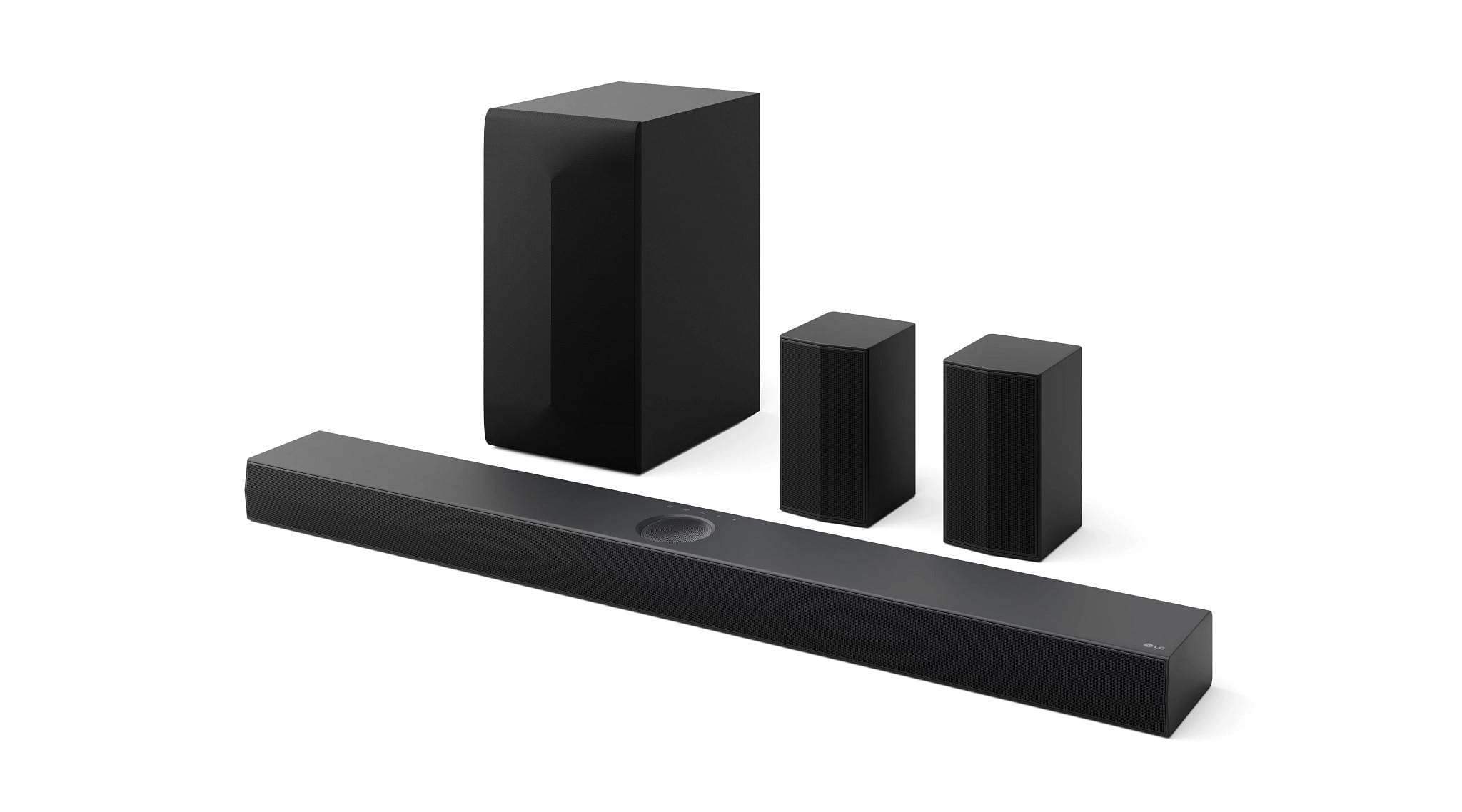
- A:Answer no they are not. They must be plugged in to power and you also have to string speaker wire from one rear speaker to the other.
Answered by Redeye59
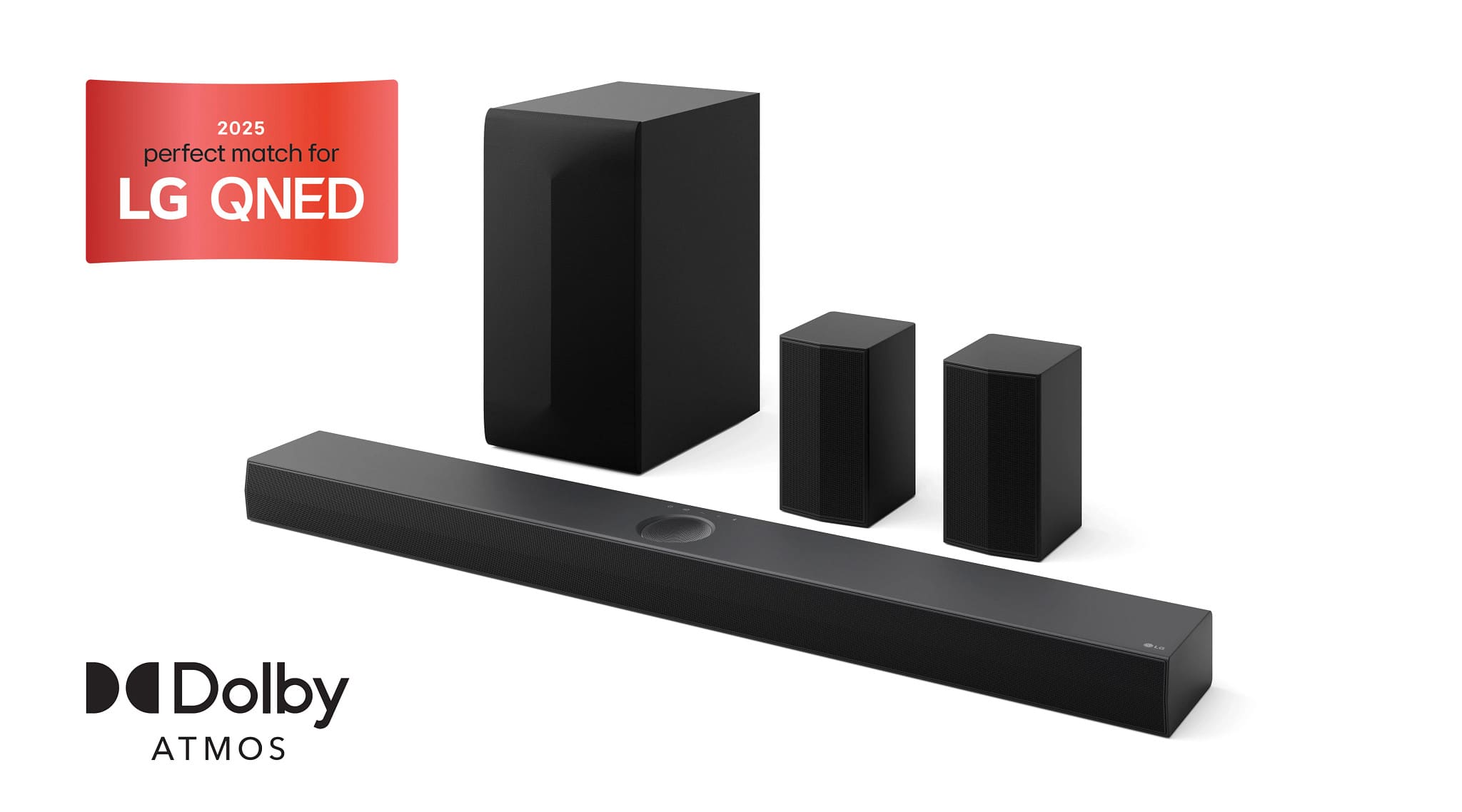
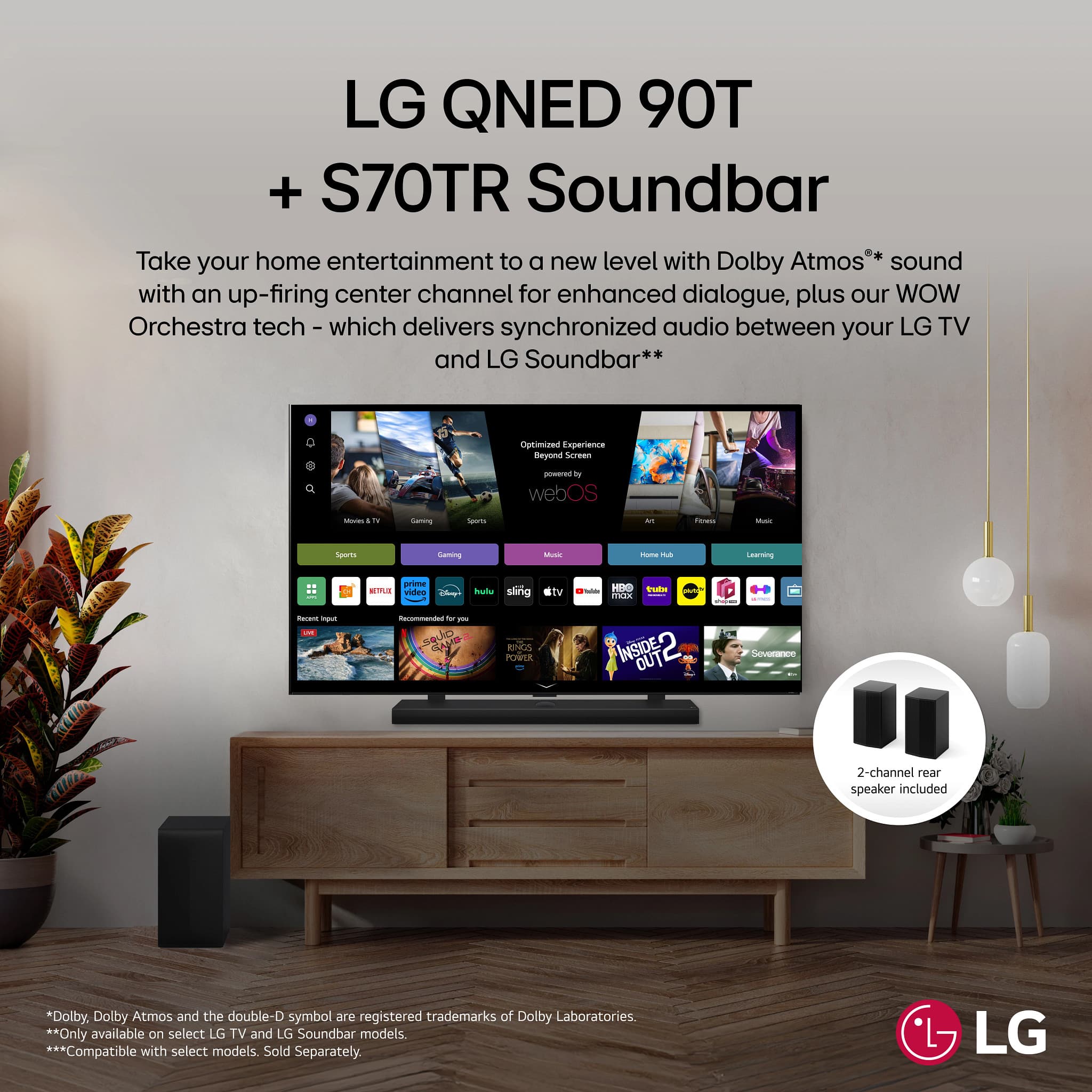
Q: QuestionIs the rear speaker included in the package? Then I want to know the size of the rear speaker.
Asked by REARKING.
- A:Answer Two ear speakers are included. I don't have the measurements but it's maybe the heigh of a large iPhone, very lightweight.
Answered by MichaelG
Q: QuestionDoes it come with a remote control. Thanks
Asked by Chuck.
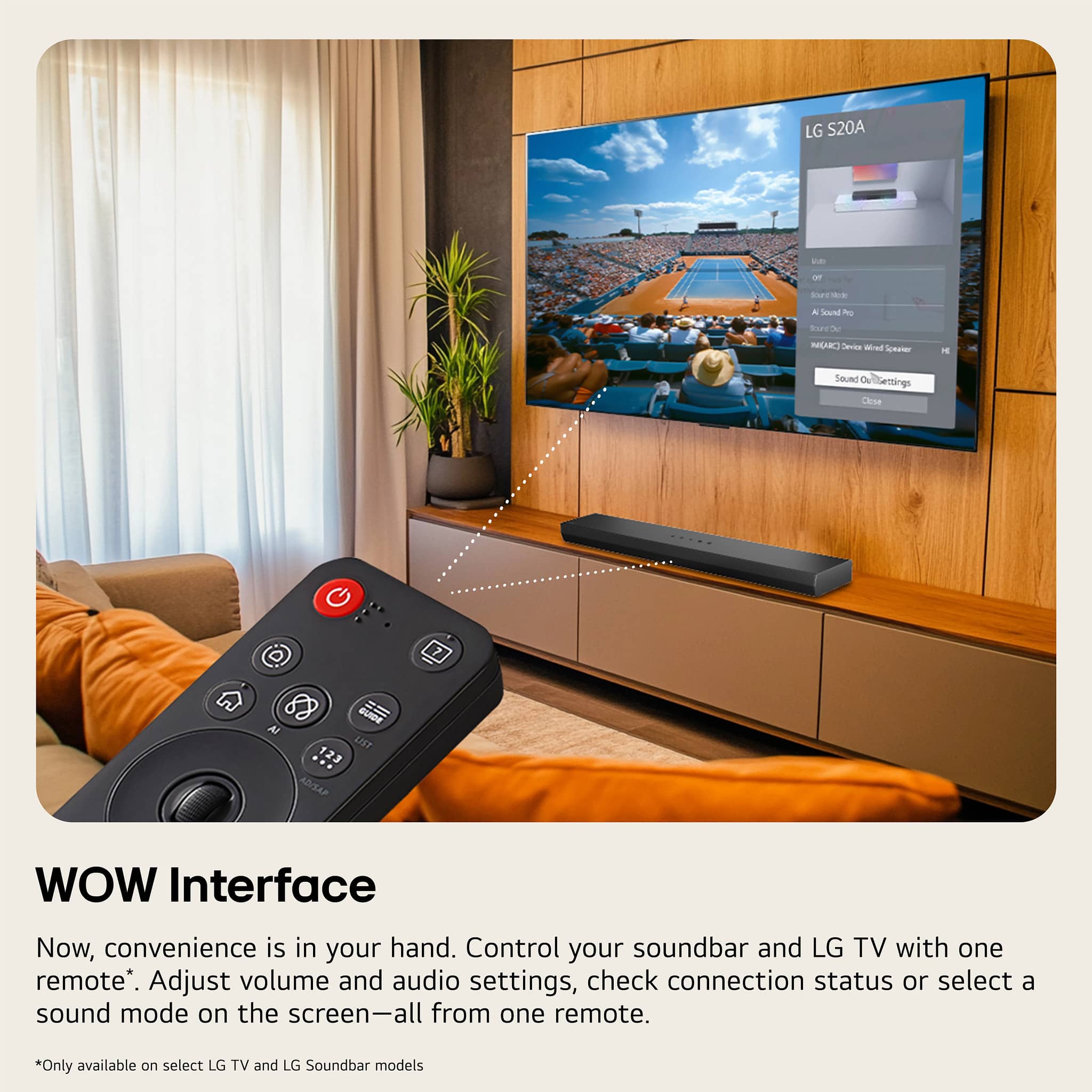
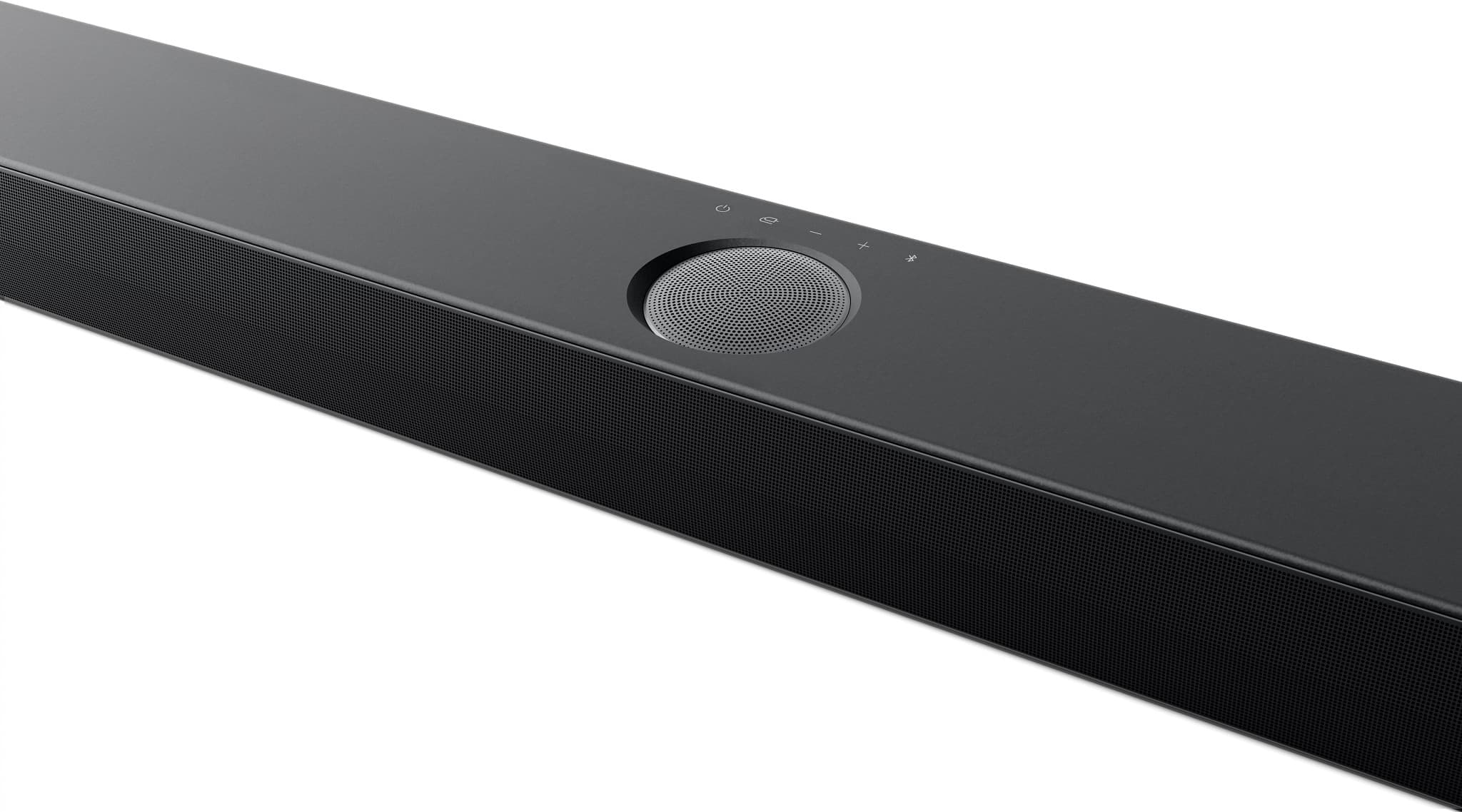
- A:Answer A remote control and batteries for it are included with the LG 5.1.1-Channel S70TR Home Theater Soundbar with Wireless Subwoofer and Rear Speakers, Dolby Atmos®, WOW Orchestra - Black...^Ivan.
Answered by LG Digital Customer Care

Q: QuestionI purchased the LG - 5.1.1-Channel S70TR Home Theater Soundbar with Wireless Subwoofer and Rear Speakers on Monday. The box did not contain a Manual, optical cable or soundbar screws. Where can I get the soundbar screws? What size?
Asked by Katrina.
- A:Answer The Hilti (Hud-1 6 x 30) plugs and bracket screws that are recommended in the manual for mounting the LG 5.1.1-Channel S70TR Home Theater Soundbar with Wireless Subwoofer and Rear Speakers, Dolby Atmos®, WOW Orchestra - Black can be found through an online search. You may also want to check local hardware stores or home improvement stores like Lowes or Home Depot...^Ivan.
Answered by LG Digital Customer Care

Q: QuestionI purchased this soundbar but it did not come with a packing list of parts, the optical cable or the screws to mount the soundbar. What size screws can I use instead? I can replace the optical cable.
Asked by Katrina.
- A:Answer A packing list is not provided with the LG 5.1.1-Channel S70TR Home Theater Soundbar with Wireless Subwoofer and Rear Speakers, Dolby Atmos®, WOW Orchestra - Black, Model # S70TR. An Optical Cable, Rear Speaker cable, Remote Control (with batteries), a Wall Mount Bracket, a Wall bracket installation guide, and the owner's manual should have come as included accessories with the soundbar. Page 47 in your owner's manual lists bracket screws and wall plugs as "Sold Separately" and the note at the bottom of the page states "Screws and Wall Plugs are not supplied for mounting the product. We recommend the Hilti (HUD-1 6 x 30) for the mounting."...^Ivan.
Answered by LG Digital Customer Care

Q: QuestionI have green lights on the sub woofer and the powered rear speaker, yet no sound in the rear speakers. I just got the LG TV and speakers, however your installers didn't get it properly set up. What can I do to engage the rear speakers?
Asked by Rearspeakers.
- A:Answer Hi there! Thank you for reaching out about your LG S70TR sound bar system. We understand how important it is to get full surround sound from your setup. Since the green lights are on, it indicates the rear speakers are connected, but they may need additional setup to ensure they’re active during playback. Here are a few steps you can try: Check Sound Settings: On your LG TV, go to Settings > Sound and ensure the output is set to the sound bar system. Additionally, check if the Surround Mode or Dolby Atmos is enabled for immersive audio, as this can enhance rear speaker output. Adjust Speaker Levels: Use the remote to enter the sound bar’s Speaker Level settings. Here, you can manually increase the rear speakers' volume, which might resolve the issue if they’re set too low. Audio Source: Ensure you’re using a surround sound source, such as a movie or show that supports surround sound. Certain content, like stereo audio, may not activate the rear speakers. LG Sound Bar – Troubleshooting No Audio from External Sound System - https://www.lg.com/us/support/help-library/lg-sound-bar-troubleshooting-no-audio-from-external-sound-system--1422464978777 If these steps don’t help or you have further questions, please send us a private message on Social Media @LGUSSupport, and we’ll be happy to assist you. Thank you for choosing LG, and we’re here to help get your system up and running! —Renzo
Answered by LG Digital Customer Care

Q: QuestionCan the output level of the Subwoofer be adjusted individually? Meaning, independent of the Soundbar?
Asked by Sarge.
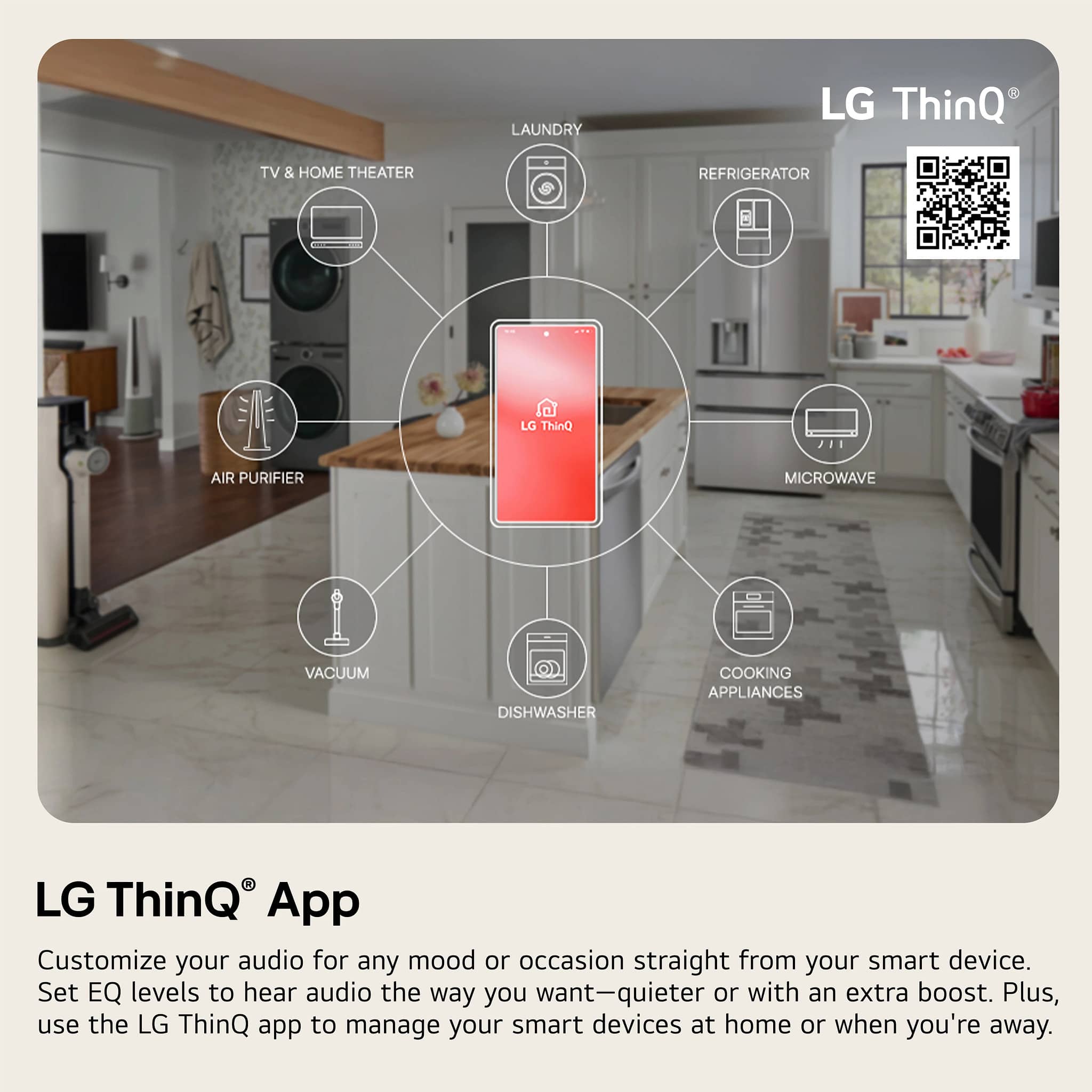
- A:Answer Hi there! Thank you for reaching out about the LG S70TR Sound Bar. The output level of the subwoofer can indeed be adjusted independently of the soundbar itself. This allows you to customize your audio experience according to your preferences, ensuring that you can achieve the perfect balance of sound in your space. https://www.lg.com/us/sound-bars/lg-s70tr-sound-bar#pdp_specs If you have any more questions or need further assistance, please don’t hesitate to send us a private message on social media @LGUSSupport. We’re here to help! Thank you for choosing LG! —Renzo
Answered by LG Digital Customer Care

Most-viewed items
- Flash Deal$399.00Your price for this item is $399.00
Samsung - HW-B650/ZA 3.1 Channel Soundbar with Wireless Subwoofer, Dolby 5.1 / DTS Virtual:X - BlackBlack Friday Deal$199.99Your price for this item is $199.99- Black Friday Deal$879.00Your price for this item is $879.00
- $199.99Your price for this item is $199.99$399.99The comparable value for this item is $399.99
- Black Friday Deal$199.99Your price for this item is $199.99
- Black Friday Deal$349.00Your price for this item is $349.00
- $1,349.99Your price for this item is $1,349.99$1,999.99The comparable value for this item is $1,999.99
- Black Friday Deal$999.99Your price for this item is $999.99
- Black Friday Deal$99.99Your price for this item is $99.99
- Black Friday Deal$149.99Your price for this item is $149.99
- Black Friday Deal$599.99Your price for this item is $599.99
- Black Friday Deal$399.99Your price for this item is $399.99
- Black Friday Deal$99.99Your price for this item is $99.99
- Black Friday Deal$34.99Your price for this item is $34.99
- $99.99Your price for this item is $99.99$119.99The comparable value for this item is $119.99
- $399.99Your price for this item is $399.99$549.99The comparable value for this item is $549.99
- Black Friday Deal$699.99Your price for this item is $699.99
- $279.99Your price for this item is $279.99$399.99The comparable value for this item is $399.99
- $199.00Your price for this item is $199.00$219.00The comparable value for this item is $219.00