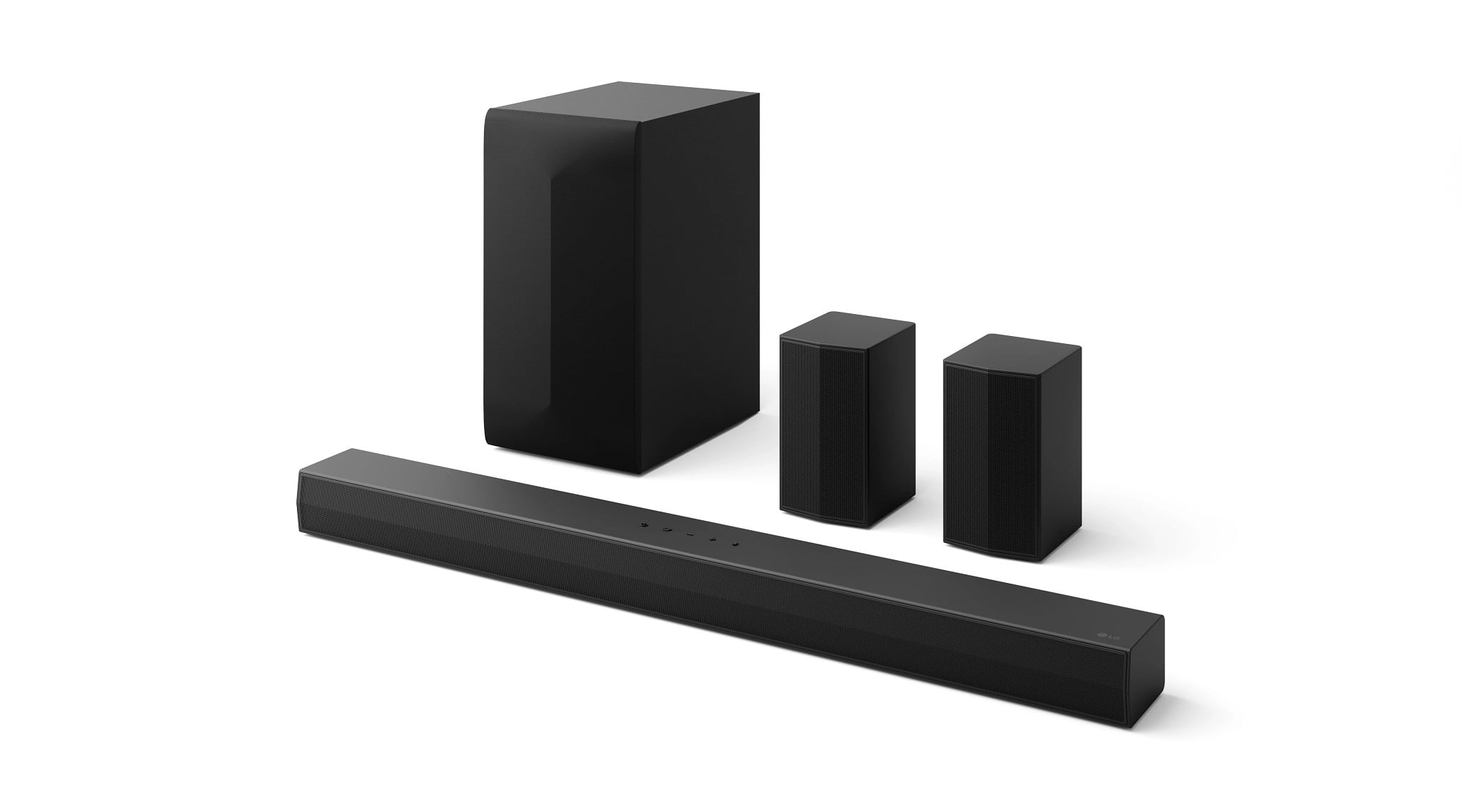
A:AnswerHello there! Thank you for reaching out with your question about the LG 5.1-Channel S60TR Home Theater Soundbar (Model: S60TR).
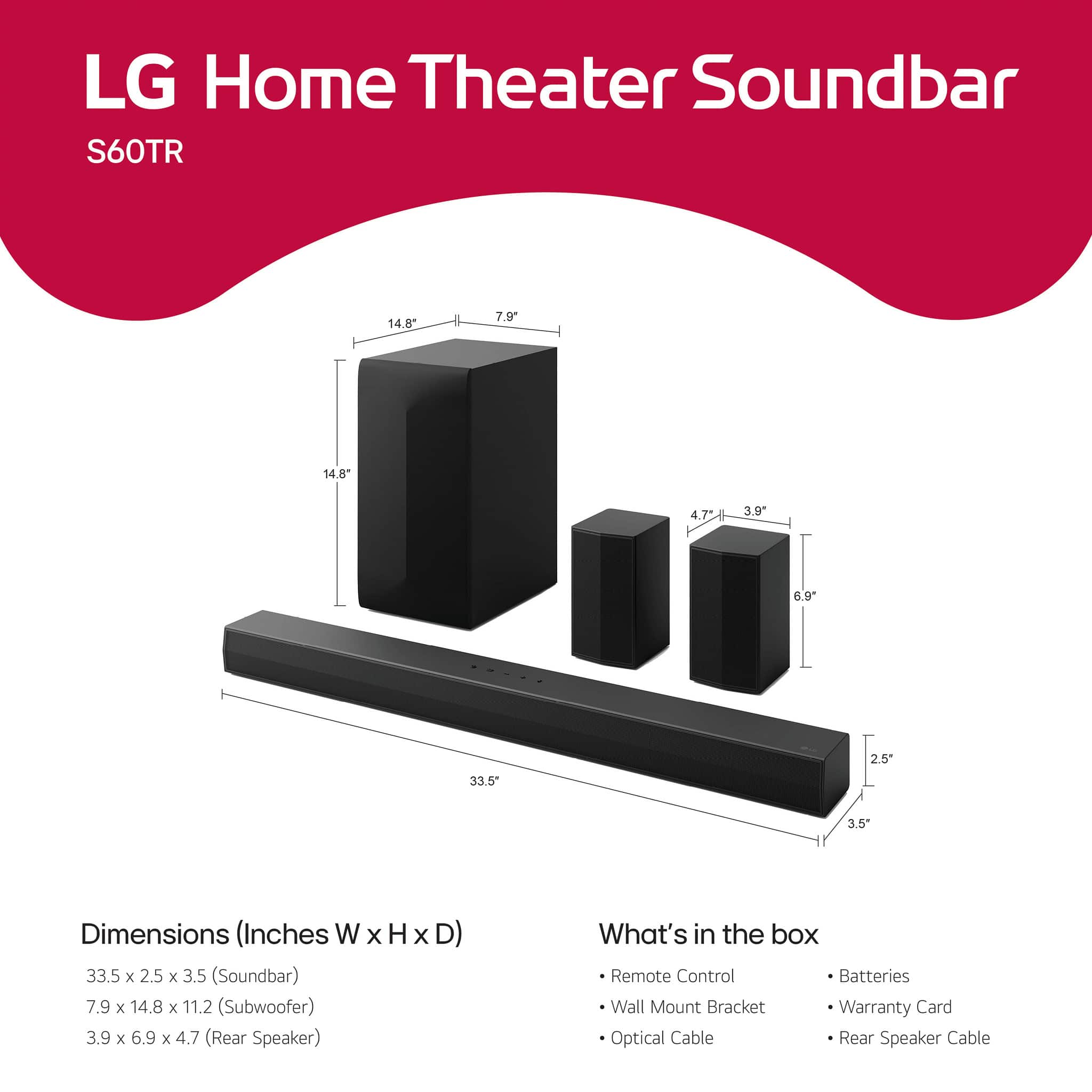
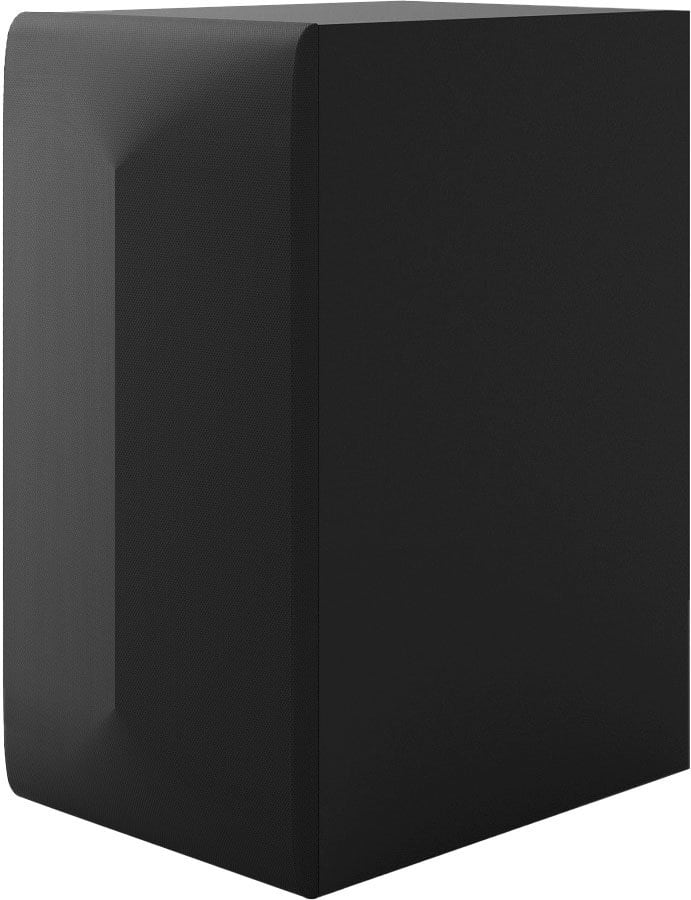
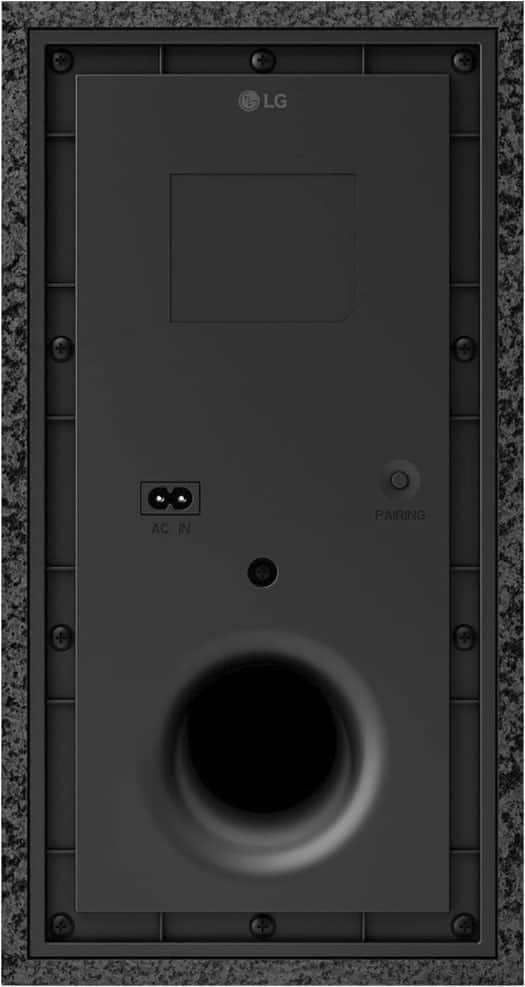
The subwoofer for this unit has the following dimensions:
Height: 14.8 inches
Width: 7.9 inches
Depth: 11.2 inches
https://www.bestbuy.com/site/lg-5-1-channel-s60tr-home-theater-soundbar-with-wireless-subwoofer-and-rear-speakers-dolby-audio-black/6579924.p?skuId=6579924
If you have any further questions or need assistance, feel free to send us a private message on Social Media @LGUSSupport, and we’ll be more than happy to assist you!
—Renzo
A:AnswerHi there, Jazzybird. Thank you for your questions about the LG S60TR Sound Bar. Here's the information you're looking for:
1. Do I need to purchase an HDMI cable?
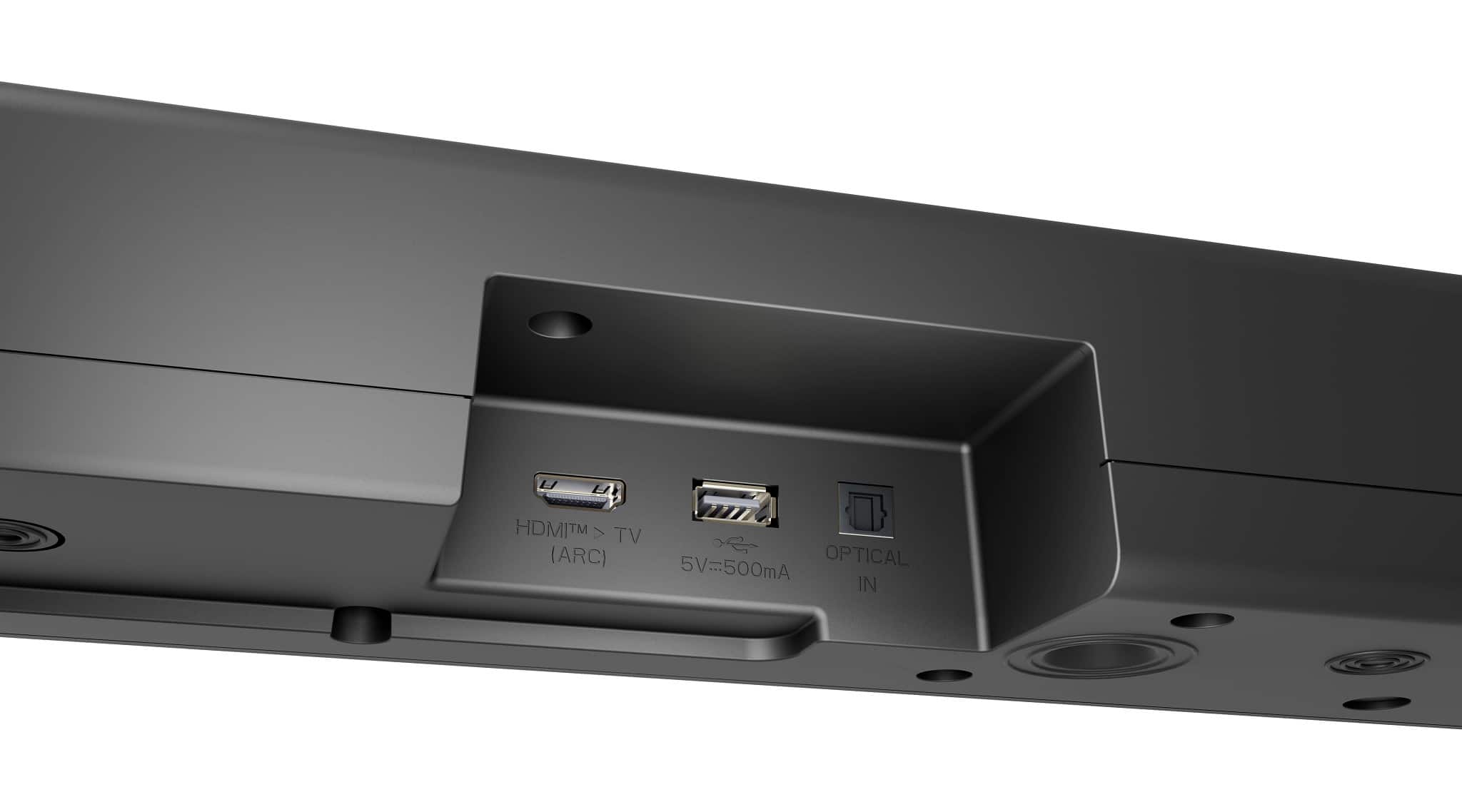
The LG S60TR supports HDMI ARC (Audio Return Channel) for connecting to your TV. If you plan to use HDMI ARC and your TV doesn't already have an HDMI cable connected for ARC, you will need to purchase one separately, as it is not included with this sound bar.
2. Are the mounts for attaching the sound bar to the TV compatible only with LG TVs?
The included wall mount brackets are designed for wall-mounting the sound bar, not for directly attaching it to a TV. If you’re referring to sound bar mounting kits that attach directly to the TV, these are third-party accessories and are generally universal, designed to fit most TV and sound bar brands, including LG.
3. Where can I purchase sound bar mounts?
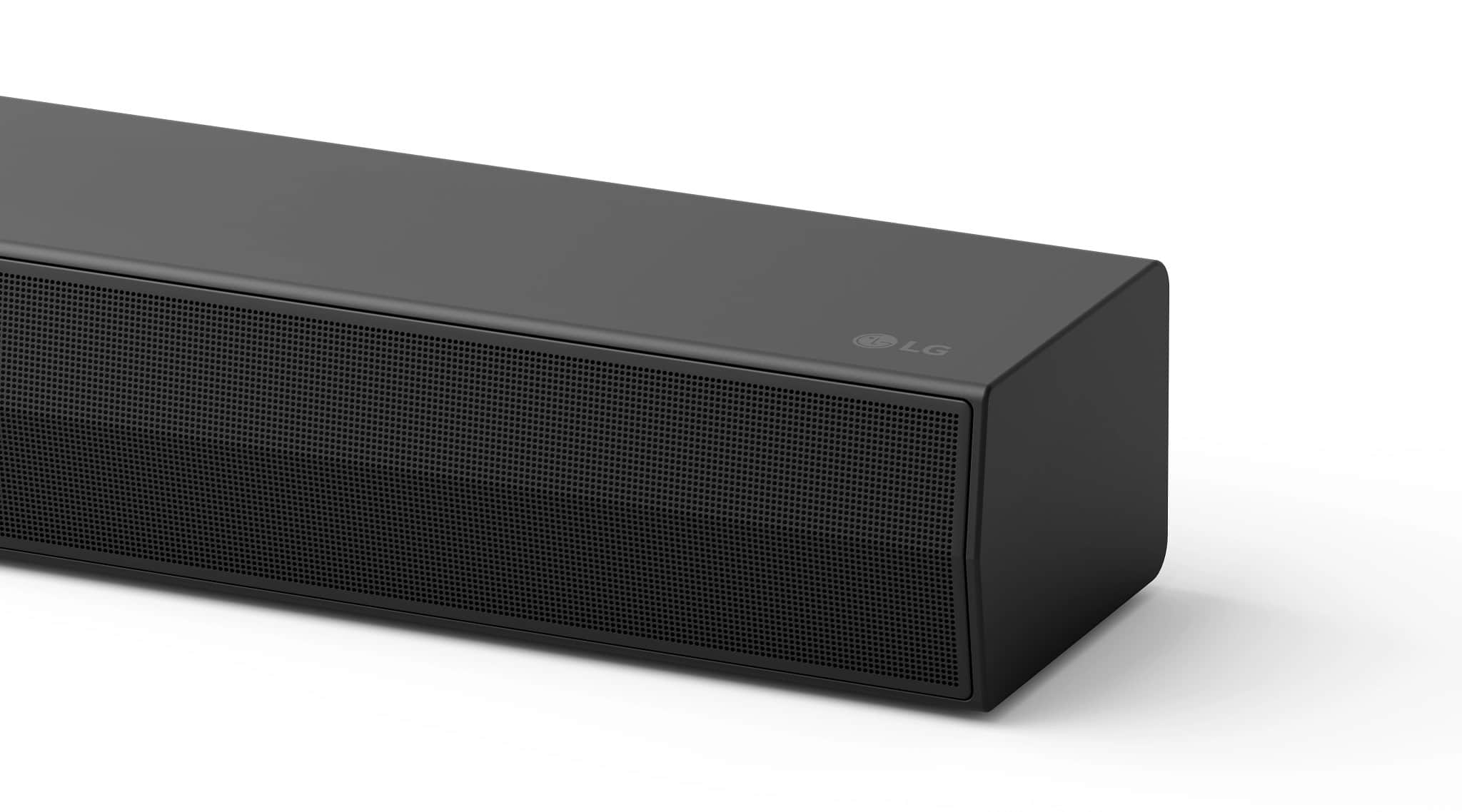
You can find sound bar mounts online or at electronics stores such as Amazon, Best Buy, or Walmart. When purchasing, make sure the mounts are compatible with both your TV size and the sound bar's dimensions (33.5" x 2.5" x 3.5") for a secure fit.
https://www.lg.com/us/sound-bars/lg-s60tr-sound-bar#pdp_specs
If you'd like additional guidance on setup or purchasing accessories, feel free to reach out to us via social media @LGUSSupport.
—Renzo
A:AnswerHello there! The LG S60TR soundbar supports 4K pass-through. It is equipped with HDMI ports that allow the pass-through of 4K content, ensuring compatibility with 4K UHD sources.
https://www.lg.com/us/sound-bars/lg-s60tr-sound-bar#pdp_specs
This means that if you connect a 4K device (such as a 4K Blu-ray player or streaming device) to the soundbar, it can transmit the 4K signal to your TV without any reduction in quality.
Let us know if you need further details! —Renzo
A:AnswerHello there! Thank you for reaching out. We understand your situation and would be happy to assist.
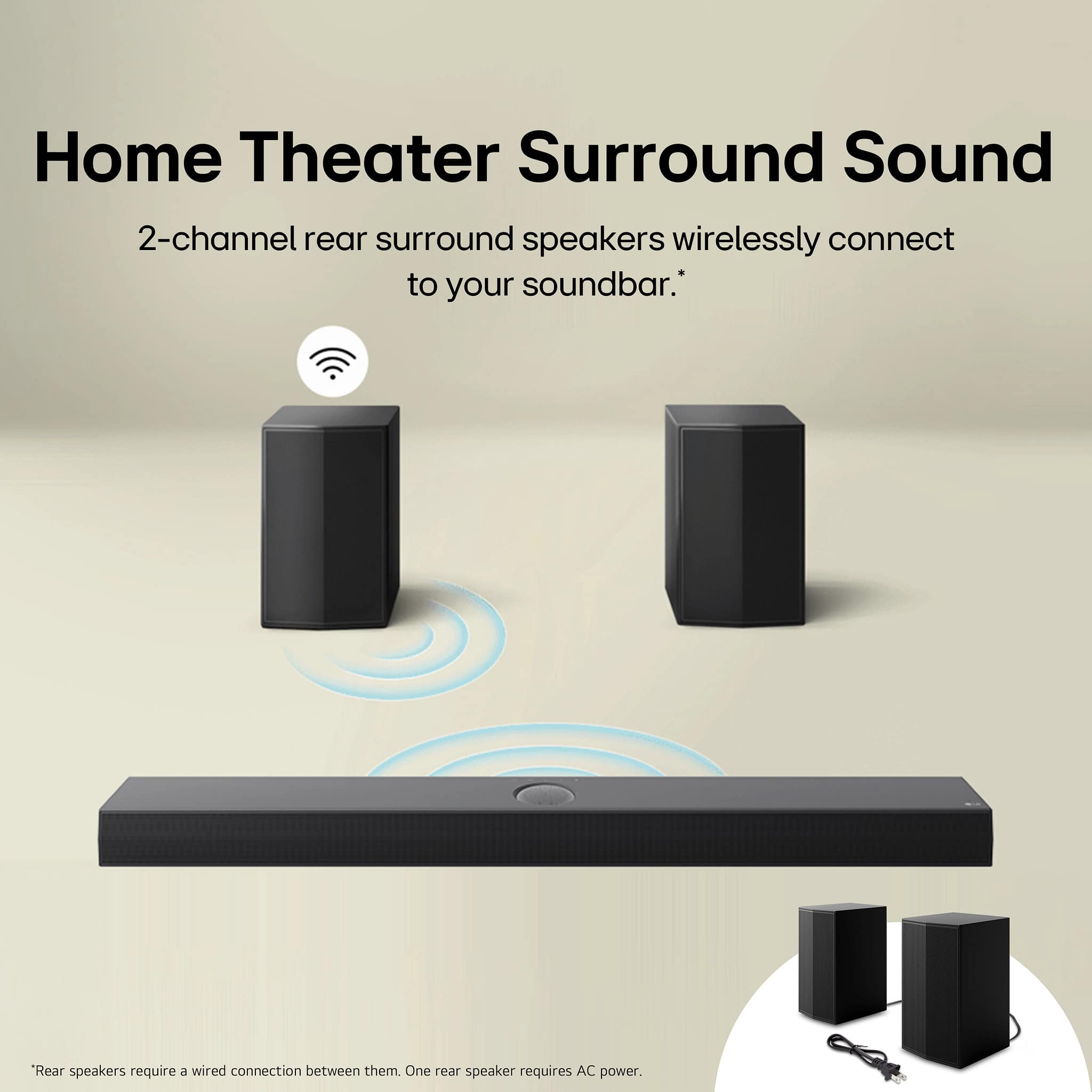
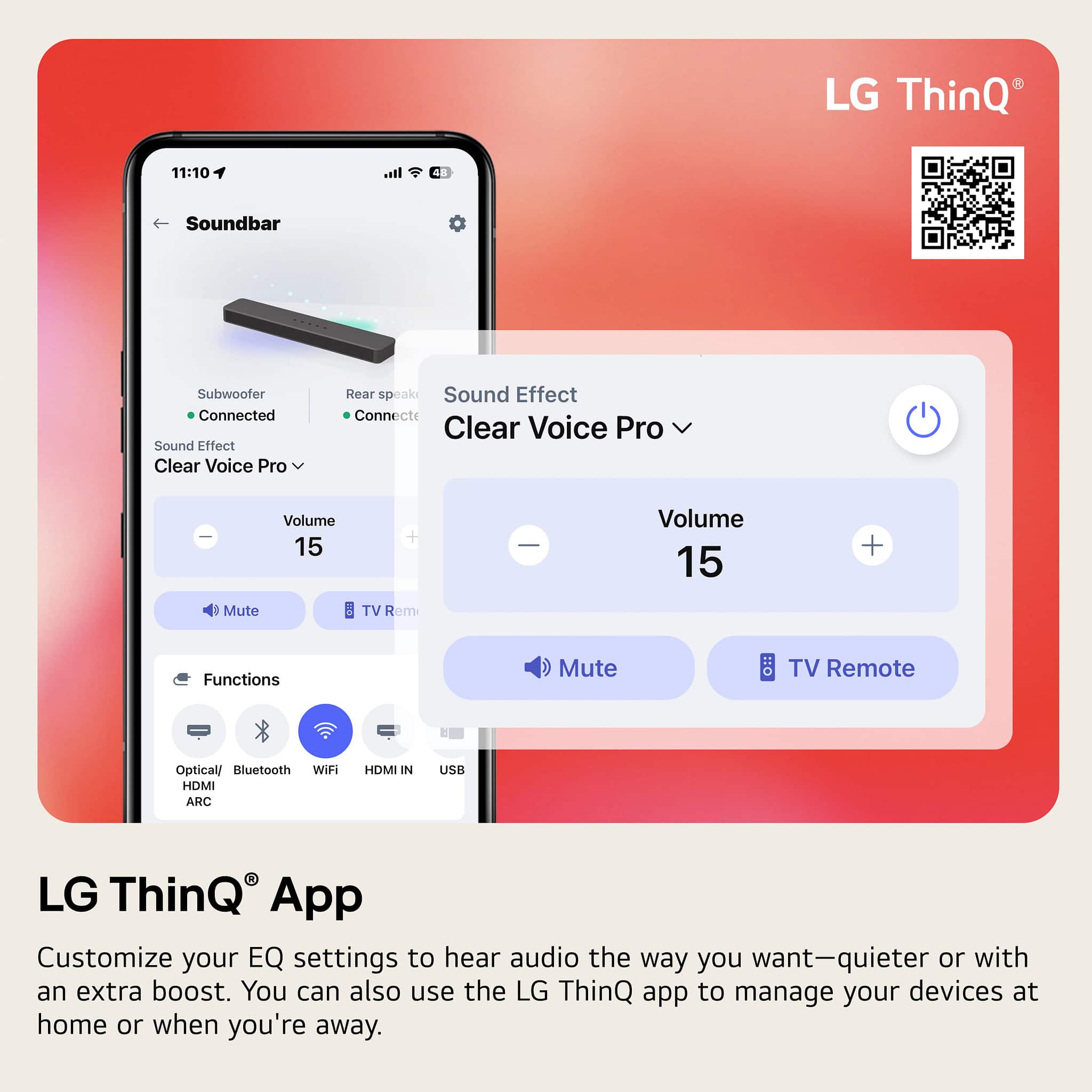
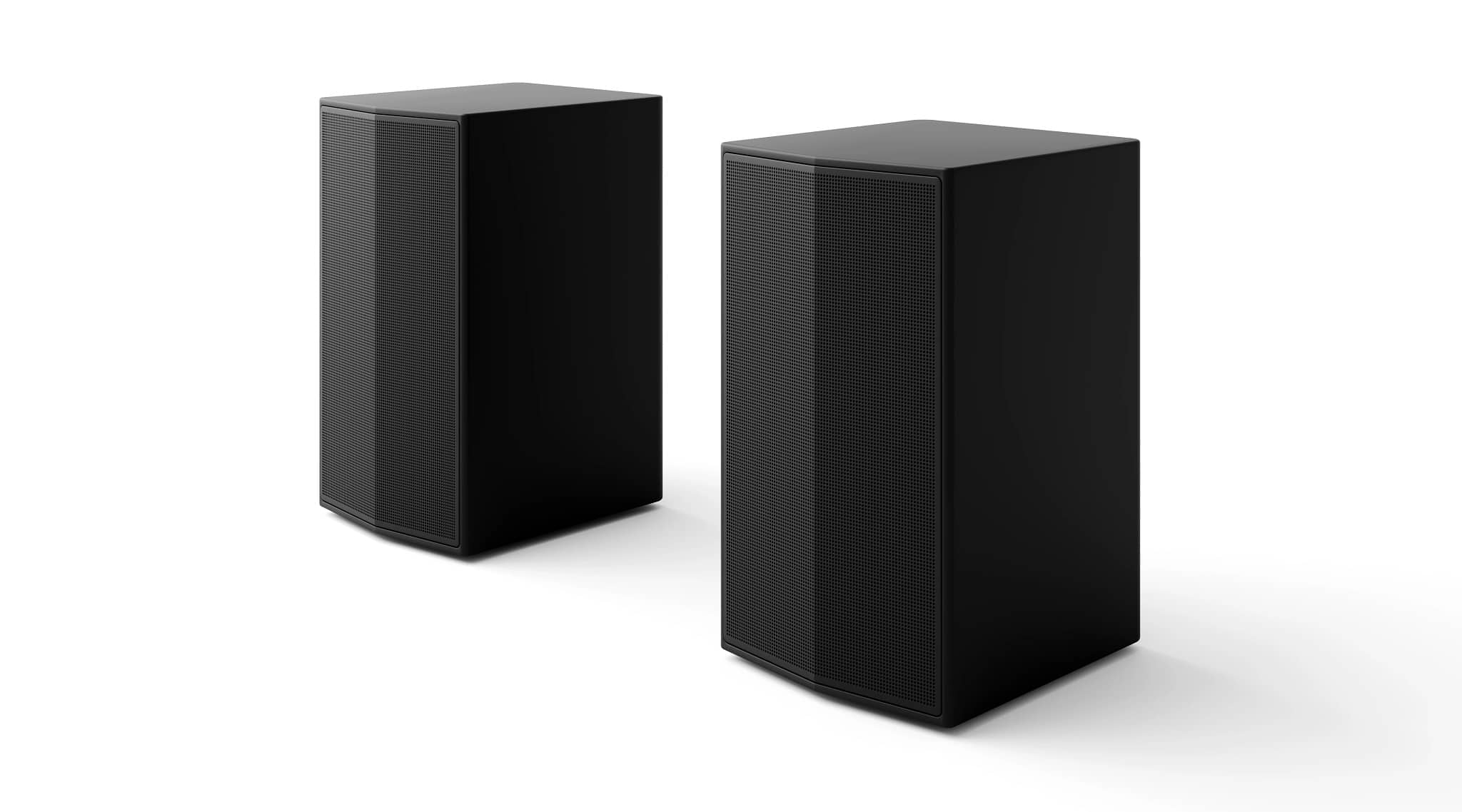
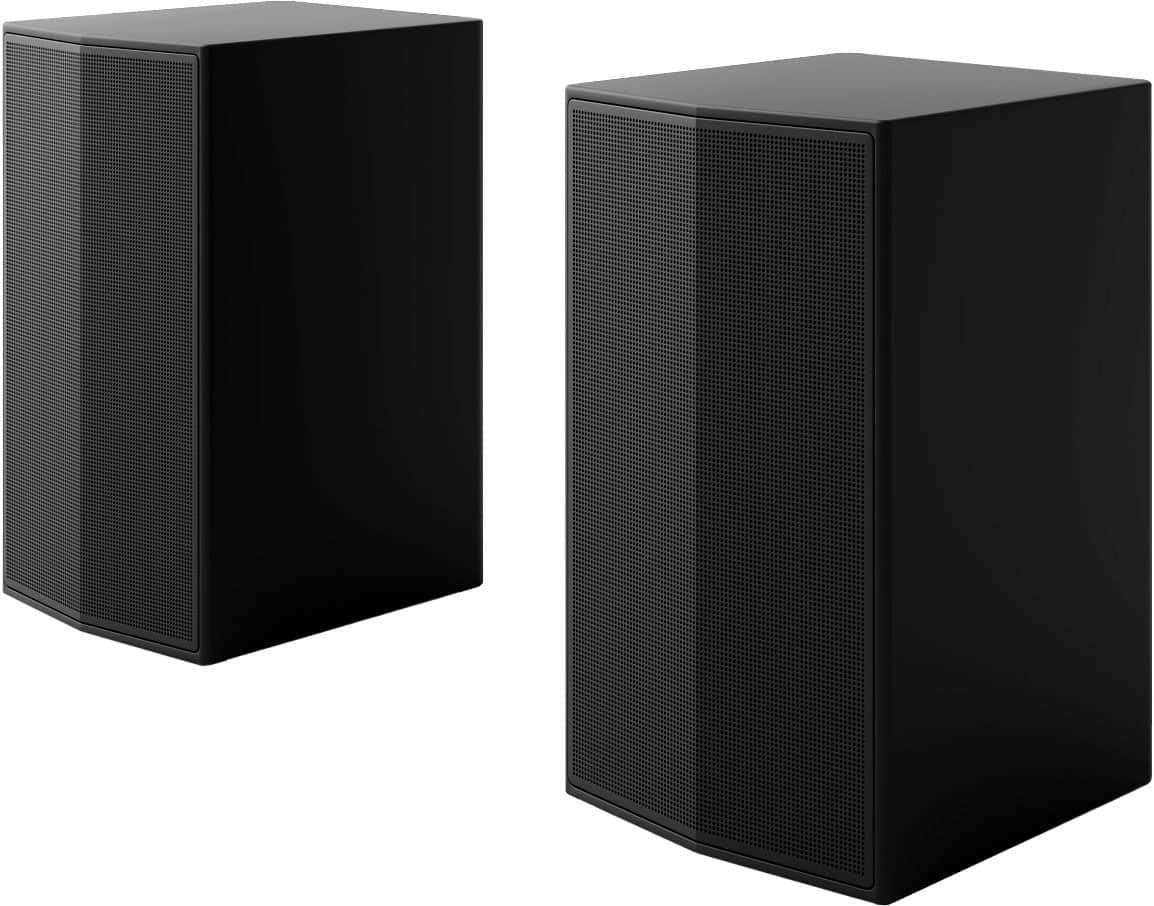
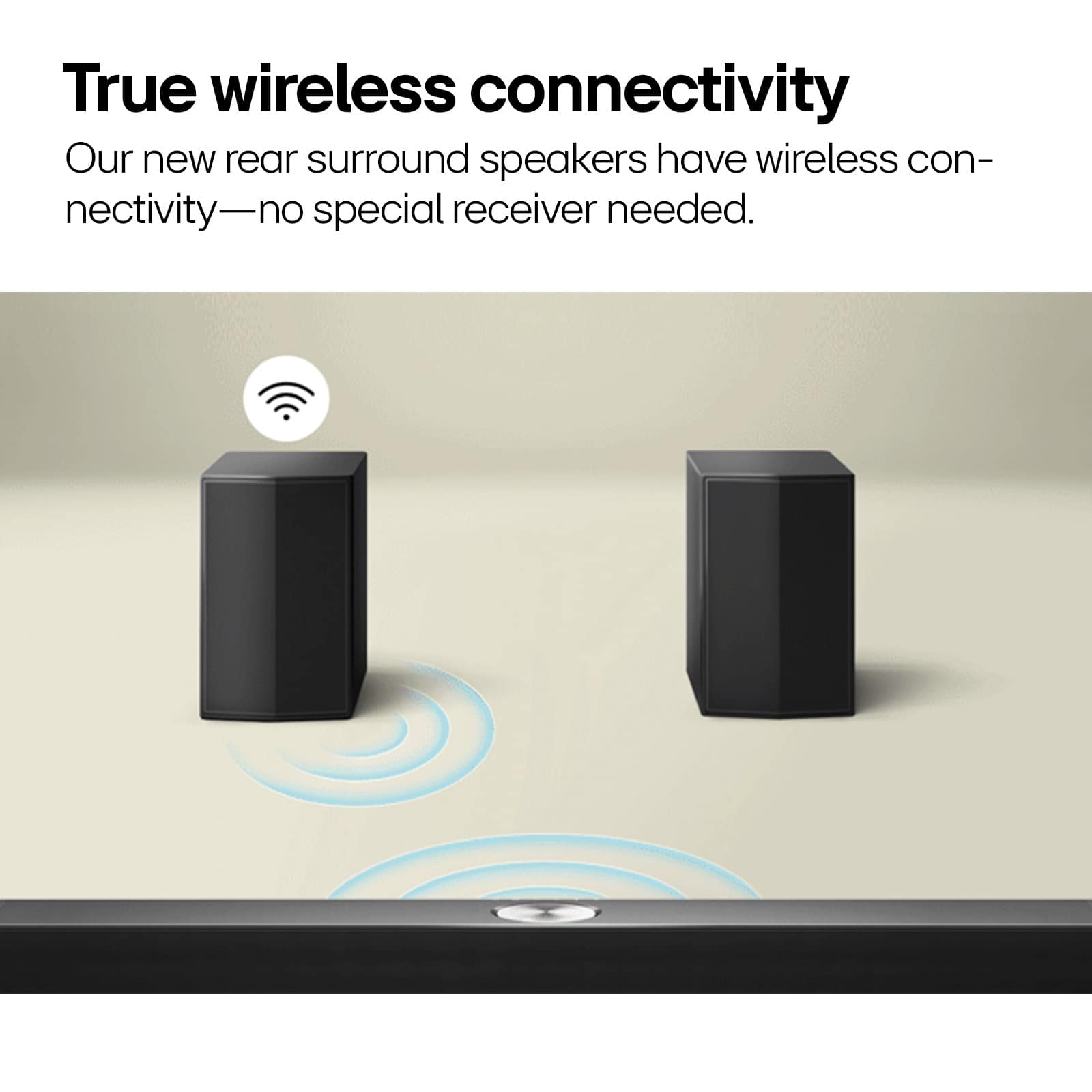
The LG S60TR soundbar does feature rear speakers for surround sound, but the voices are routed through the front channels by default for clarity and balance. There isn't a specific feature that allows you to direct the voices to come out of the rear speakers alone. However, you can adjust the sound settings to customize the EQ, which may help enhance the audio experience.
You can also experiment with the sound modes such as "Clear Voice" to enhance dialogue, or try the "Surround" sound setting to improve audio depth.
https://www.lg.com/us/sound-bars/lg-s60tr-sound-bar#pdp_specs
Please send us a private message on Social Media @LGUSSupport, and our team will be more than happy to explore additional options or provide more detailed guidance.
We appreciate your patience. —Renzo

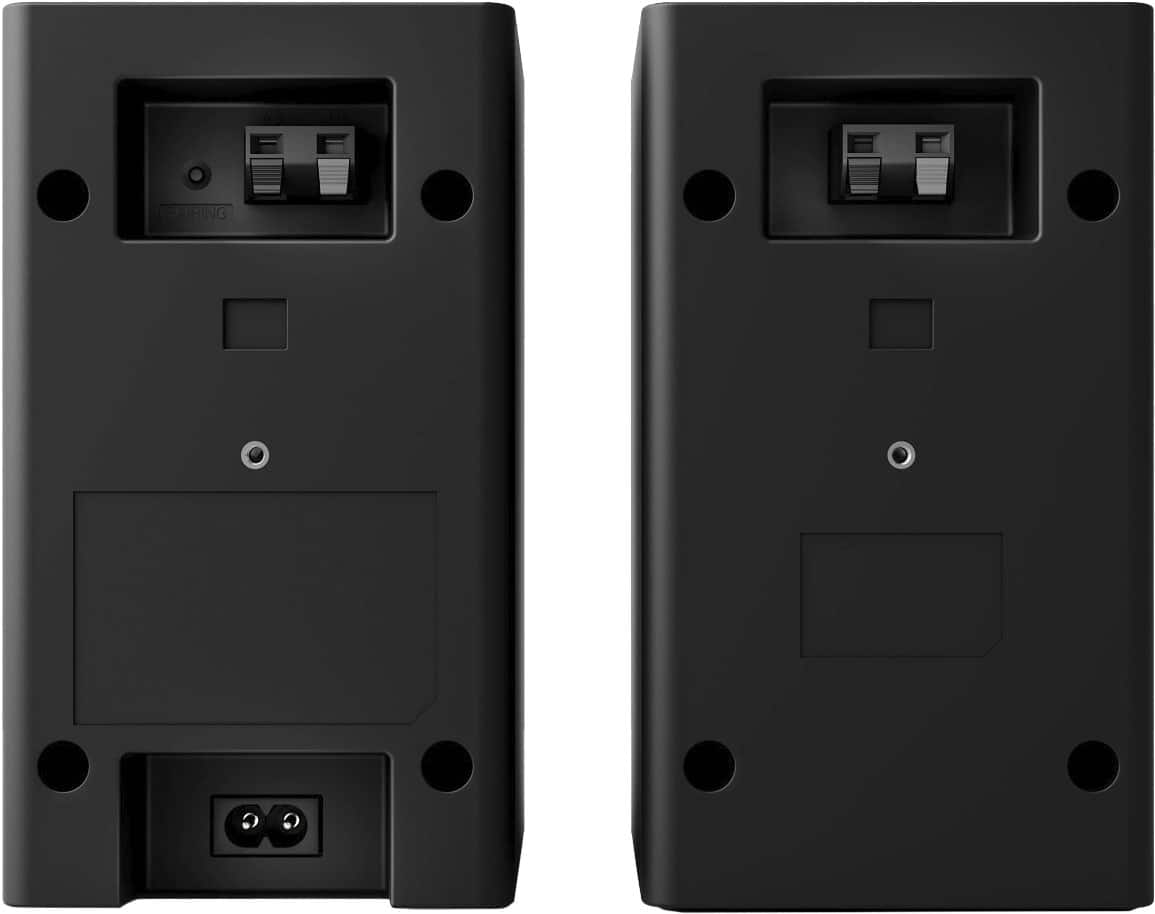
A:AnswerHello there. Thank you for sharing your experience with us. We understand that the rear speakers of your 2-month-old S60TR soundbar have suddenly stopped working, even though they are correctly wired, the green light is on, and they have been paired again with the subwoofer.

To assist you further, we recommend trying the following troubleshooting step: unplug the soundbar from the power source and disconnect the rear speakers. Wait for about 1 minute before reconnecting everything. This can sometimes help reset the connection and resolve any temporary issues.
Please send us a private message on Social Media @LGUSSupport, and our team will be more than happy to explore additional solutions with you. We appreciate your patience and look forward to resolving this for you.
—Renzo