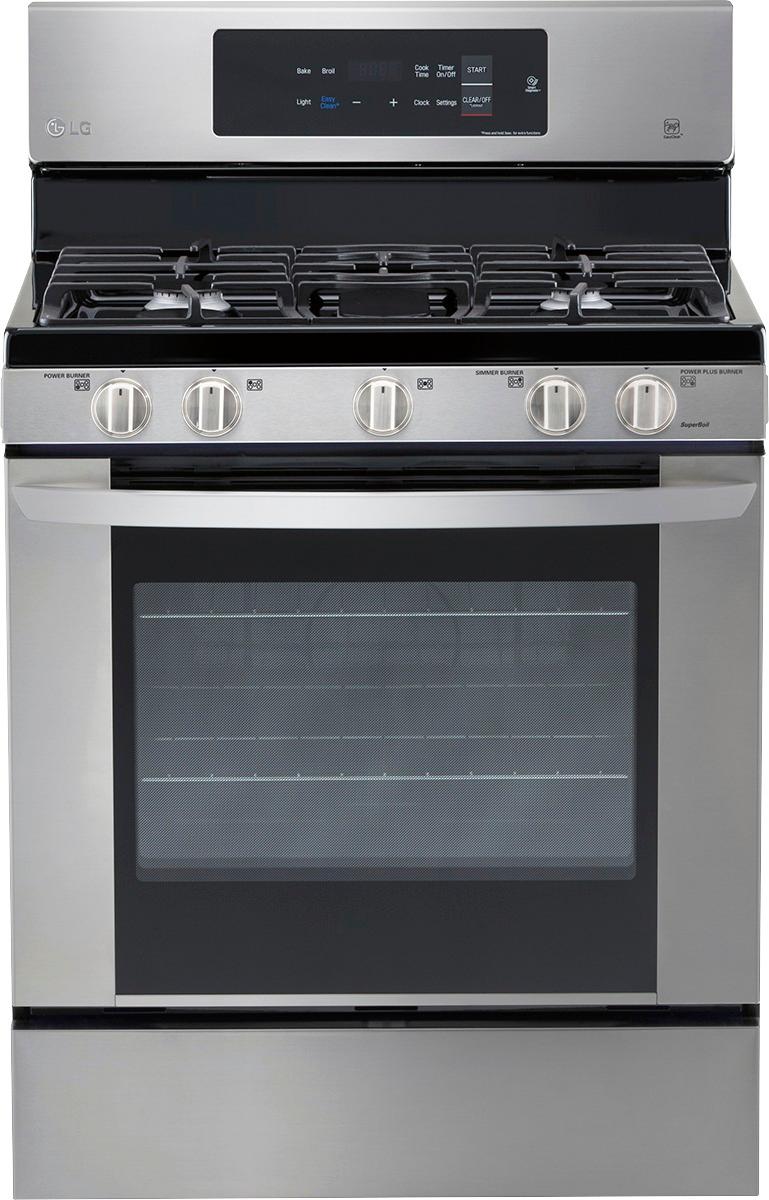
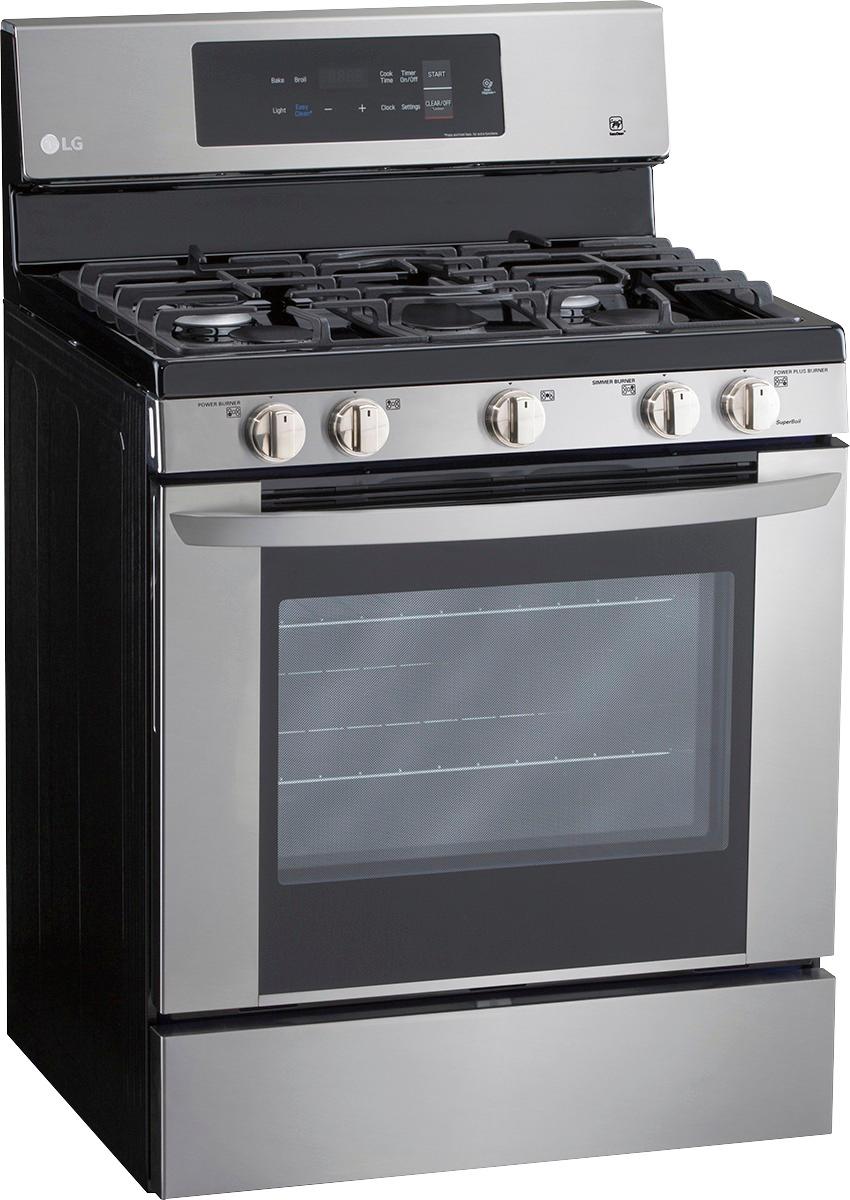
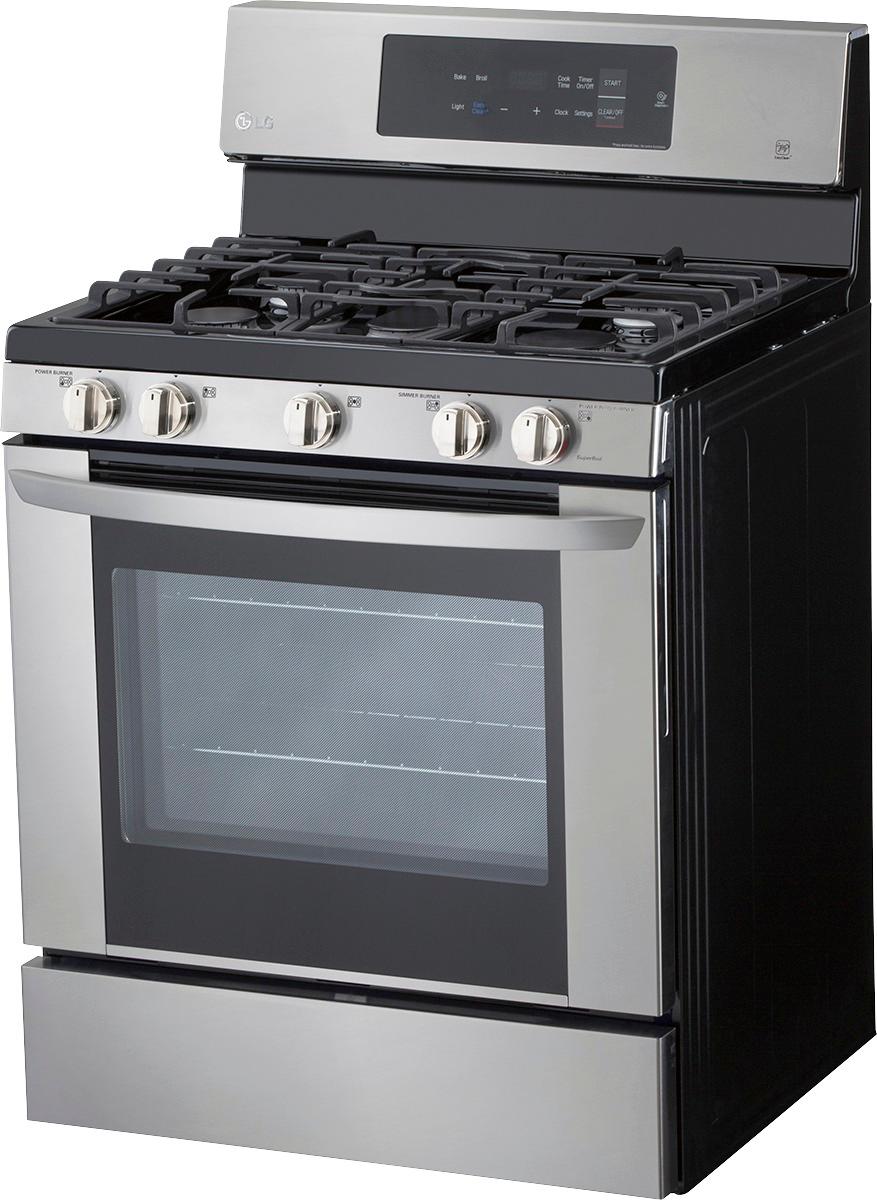
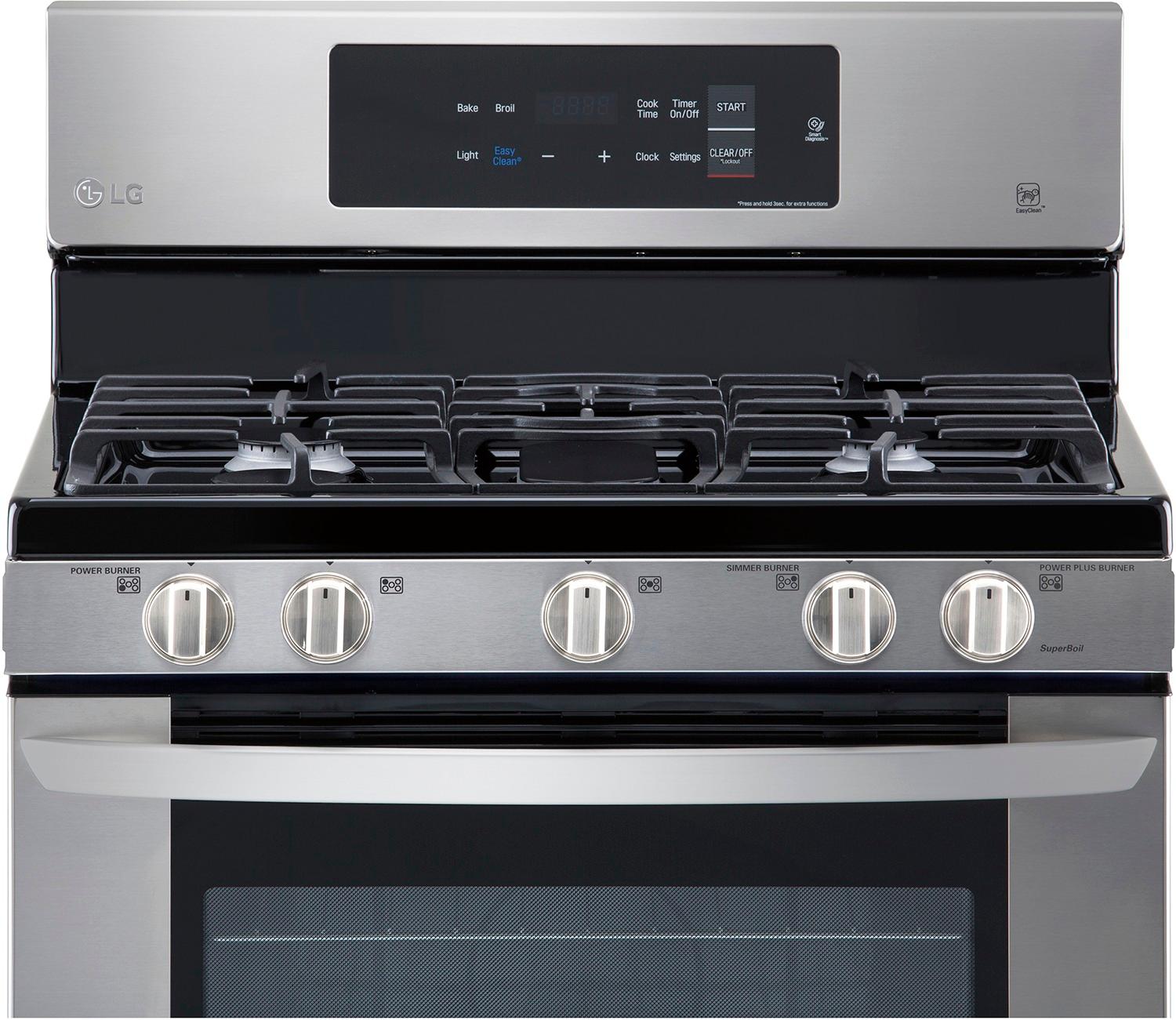
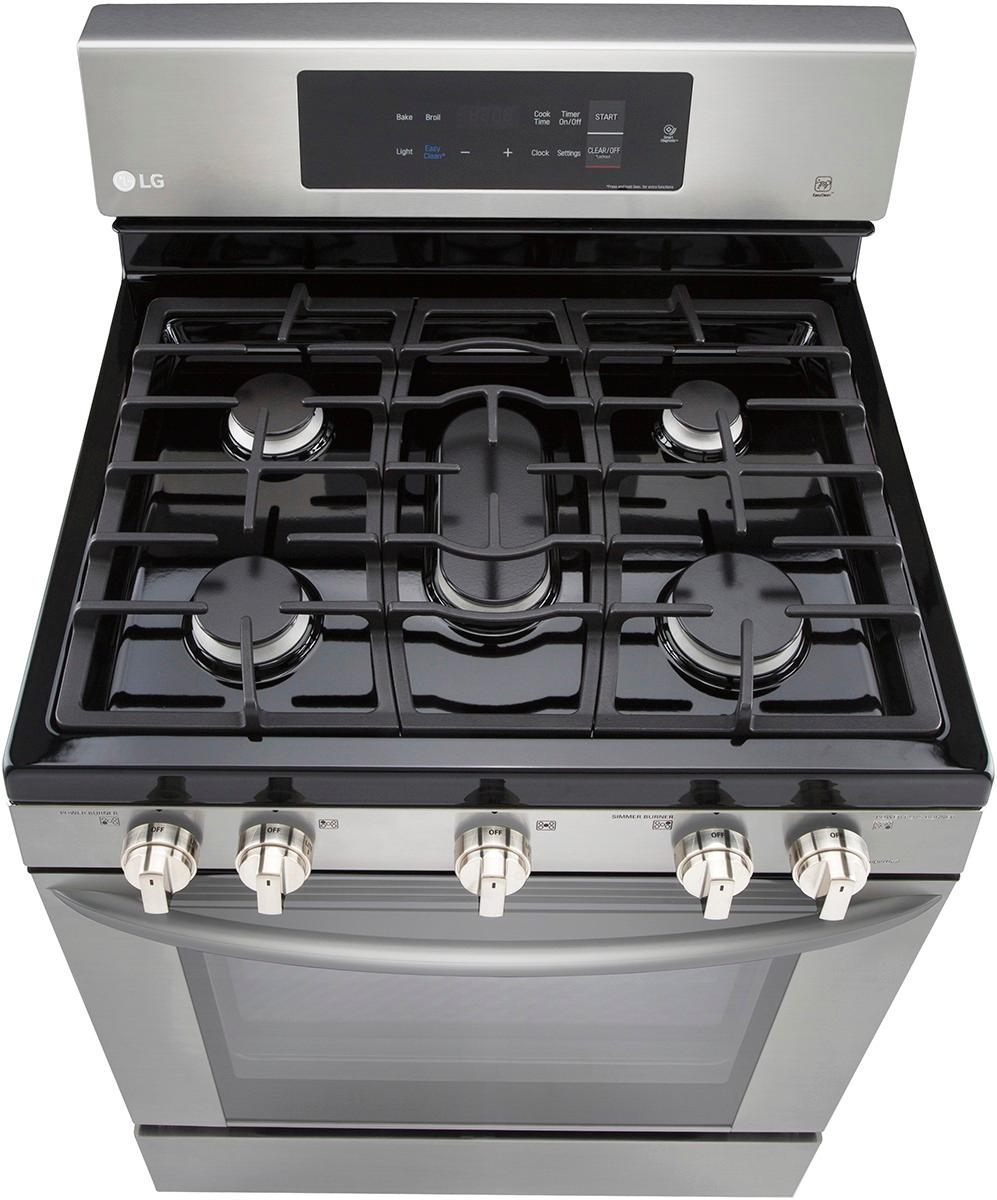
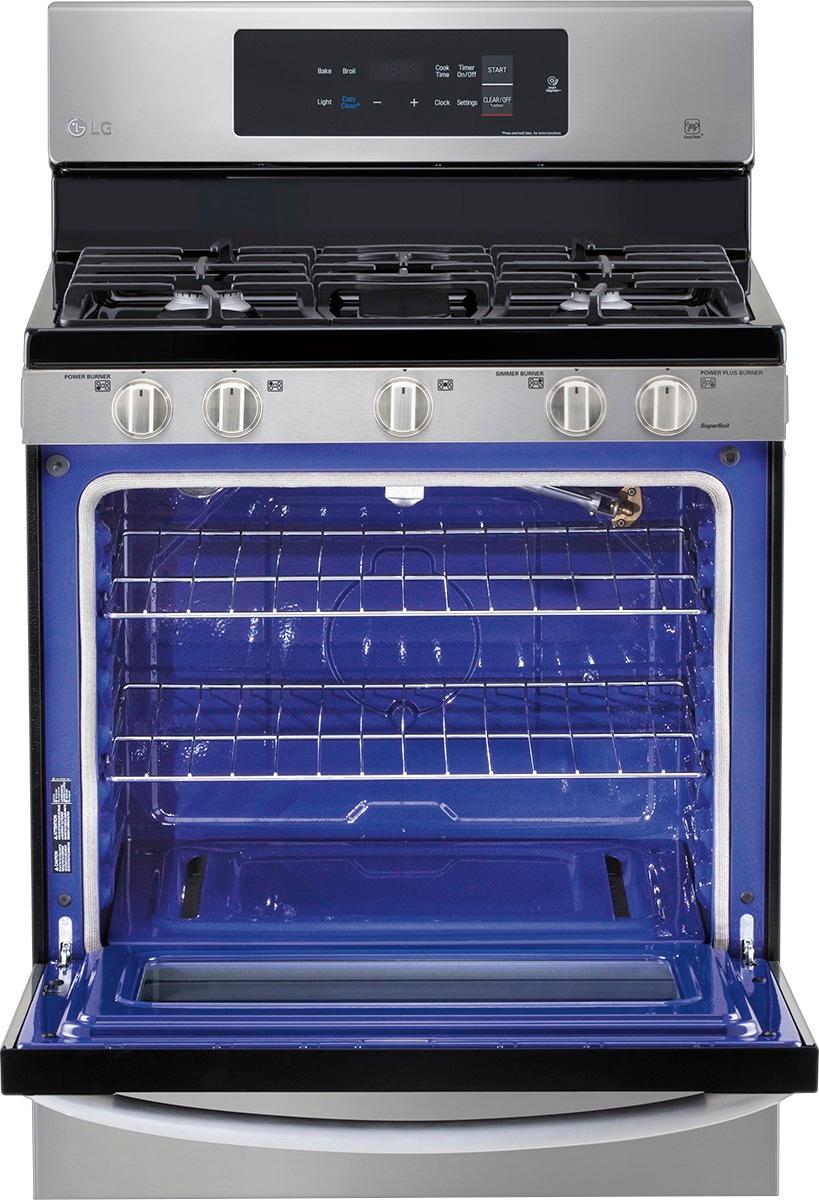
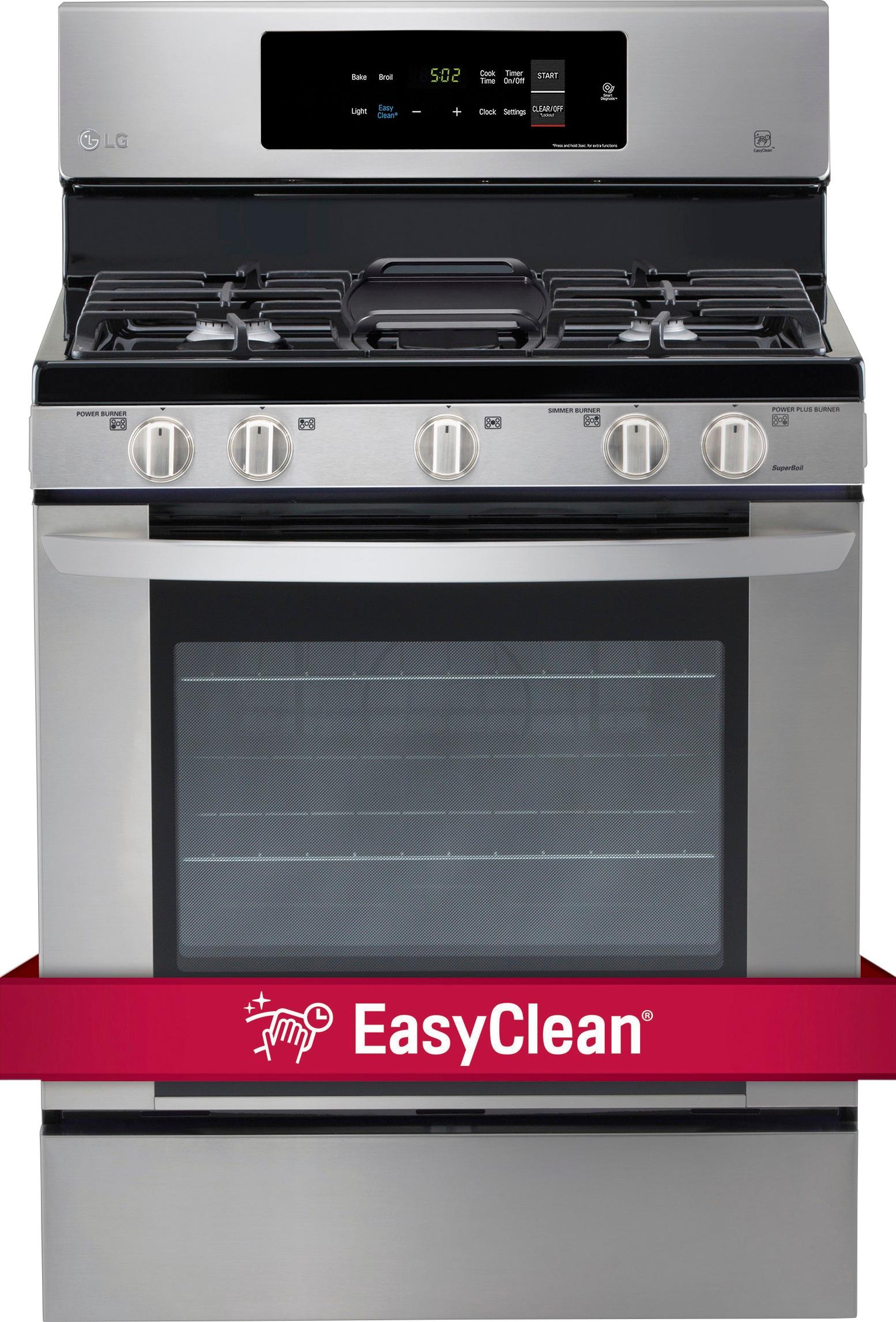
A:Answer To select the temperature for the Bake cycle on the LG - 5.4 Cu. Ft. Freestanding Gas Range - Stainless steel, Model # LRE3061ST, Press Bake. 350° appears in the display and BAKE flashes. Select the oven temperature by pressing pr pressing and holding the + or - buttons. Pressing the - button decreases the temperature and pressing the + button increases the temperature. Press Start to accept the temperature change. As the oven preheats, the temperature is displayed and rises in 5-degree increments. Once the oven reaches the set temperature, a tone sounds and the oven light blinks on and off. You can find these instructions on page 31 of your owner's manual for the range oven...^IFV