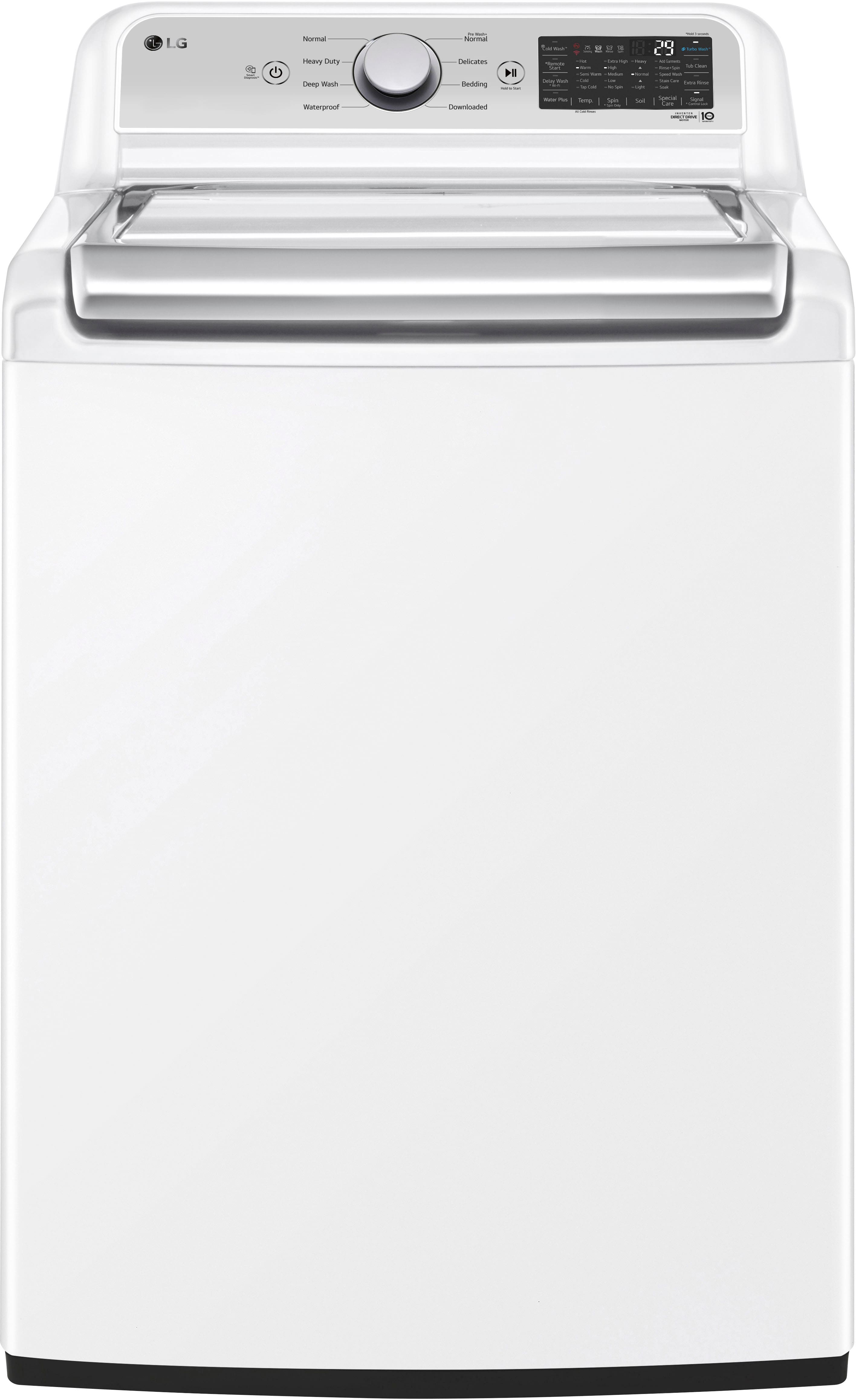
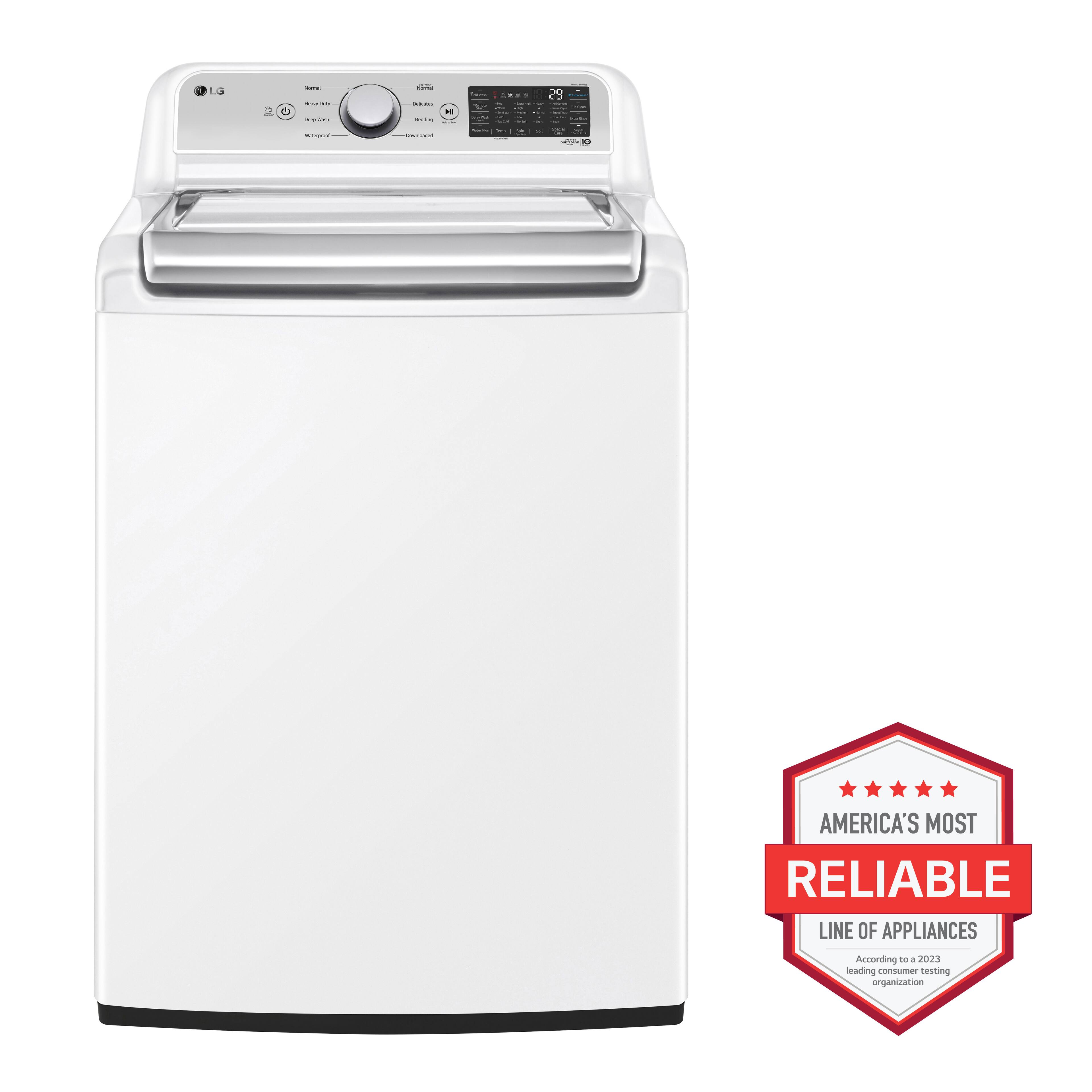
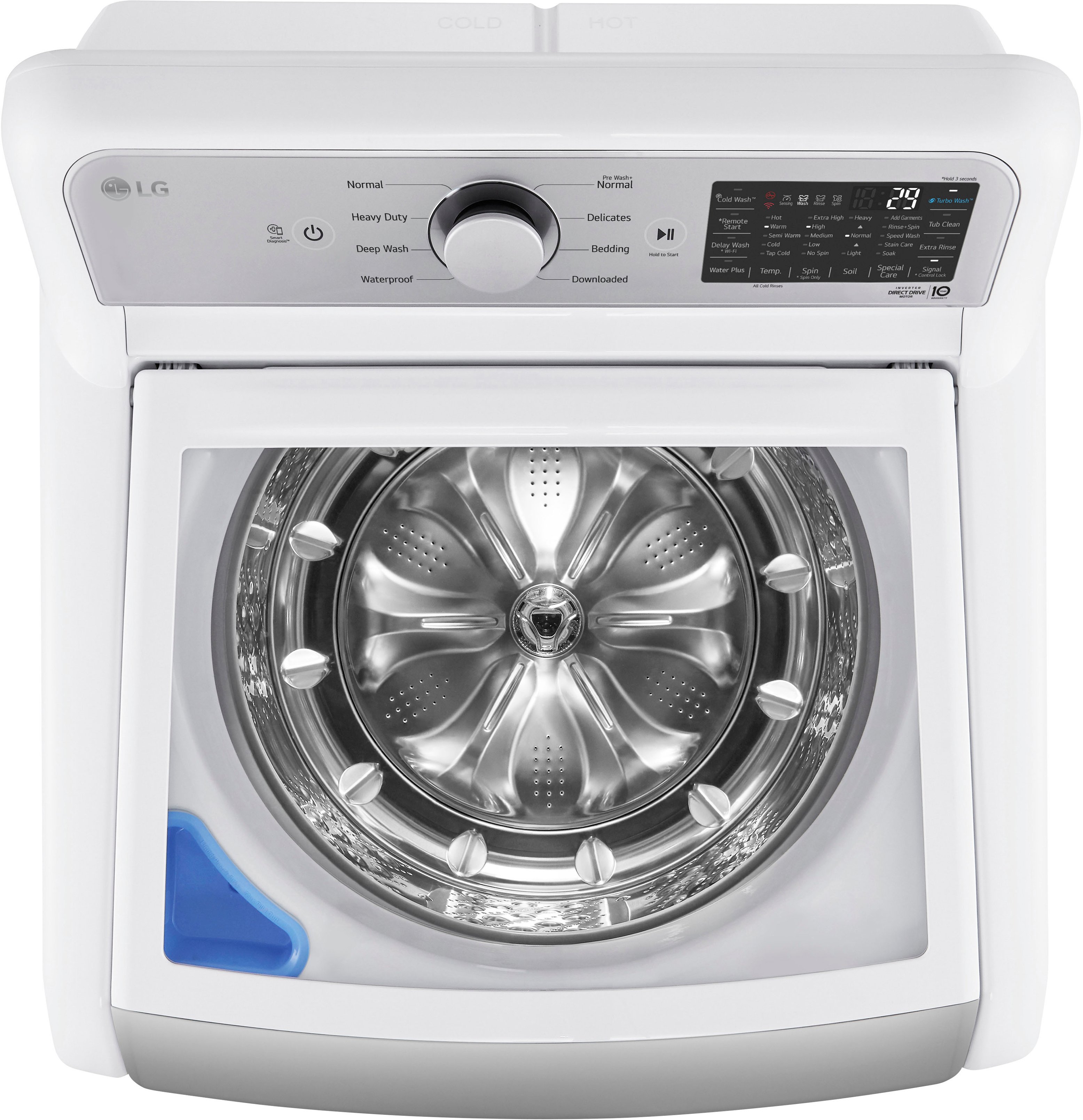
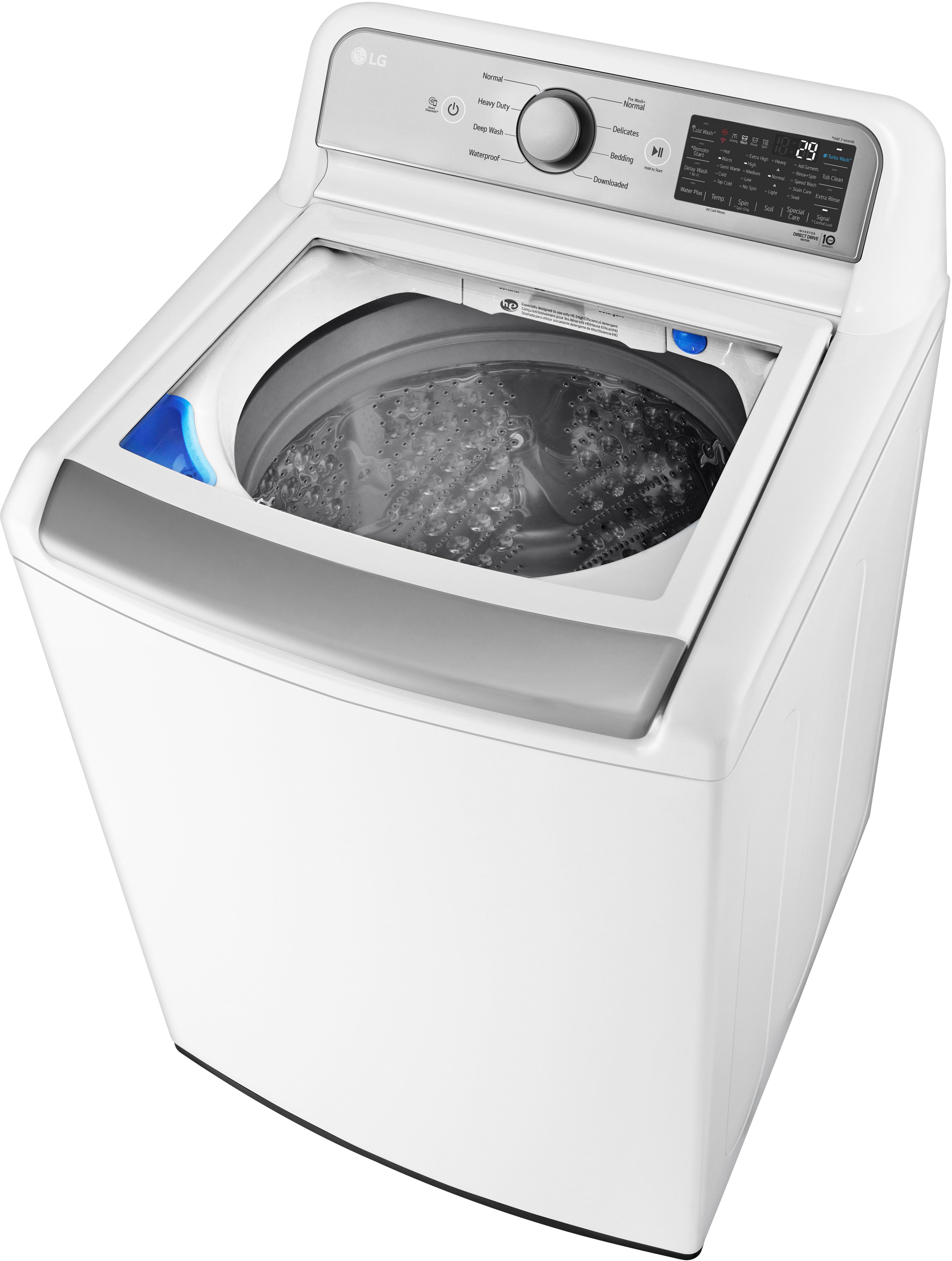
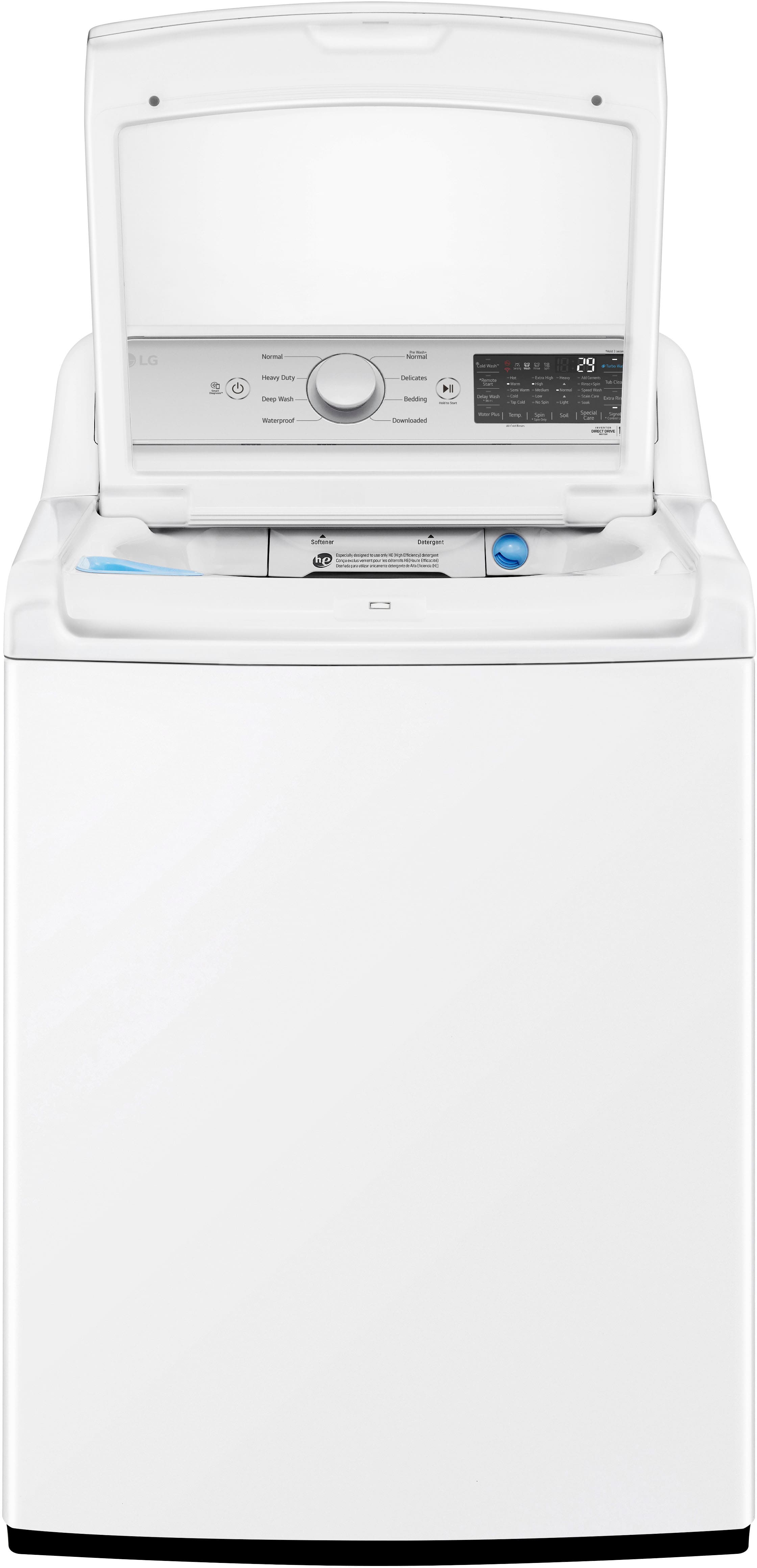
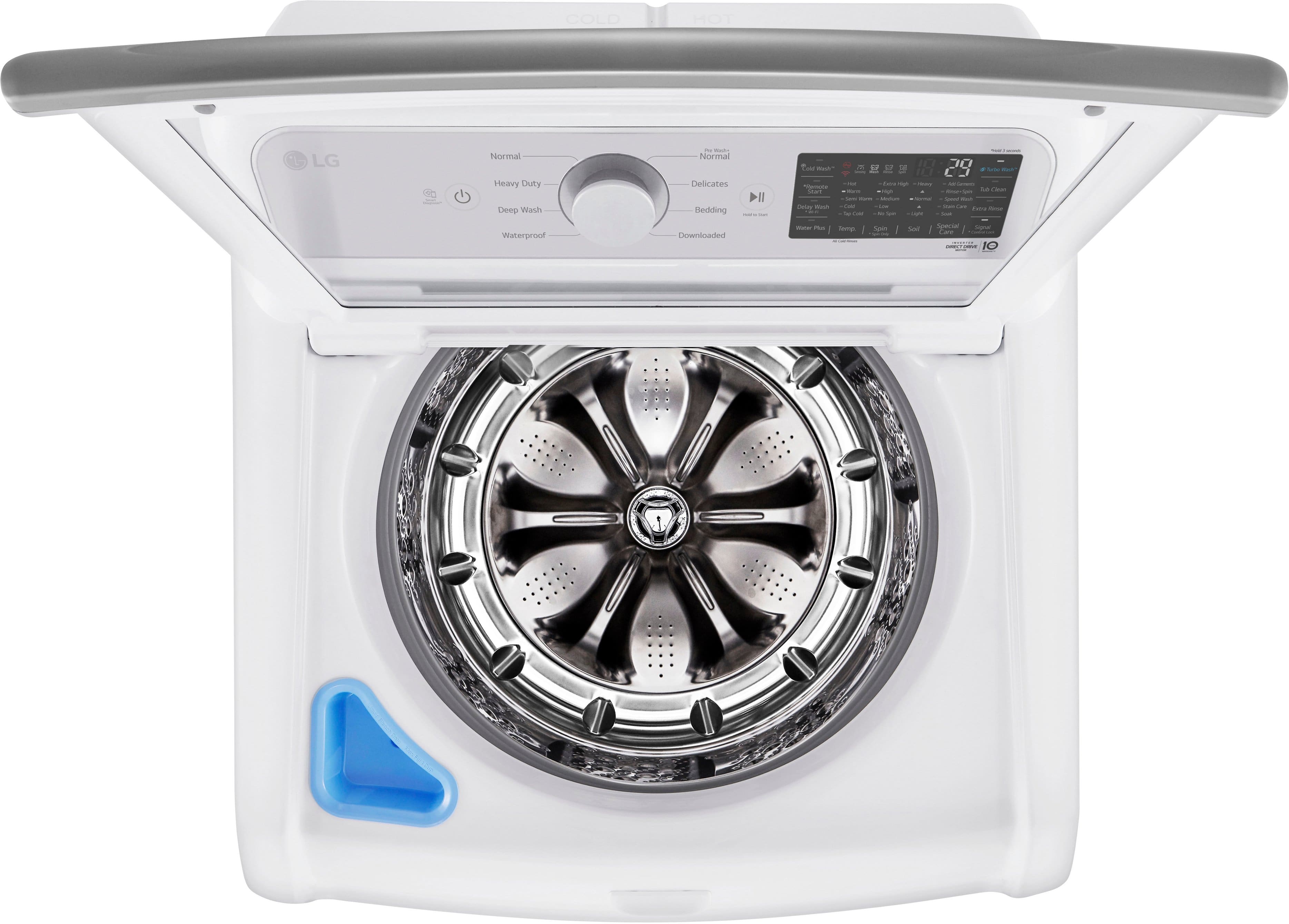
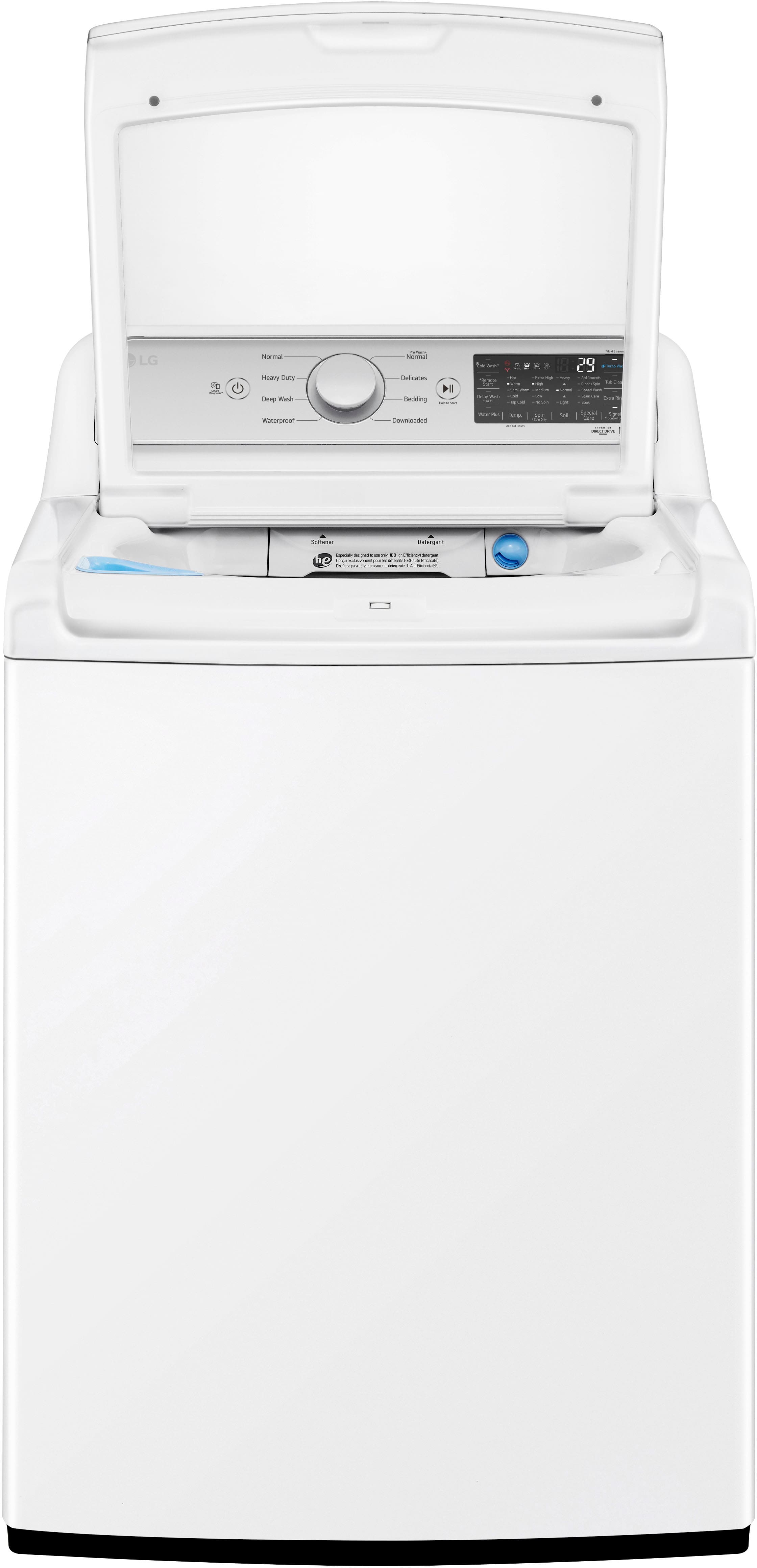
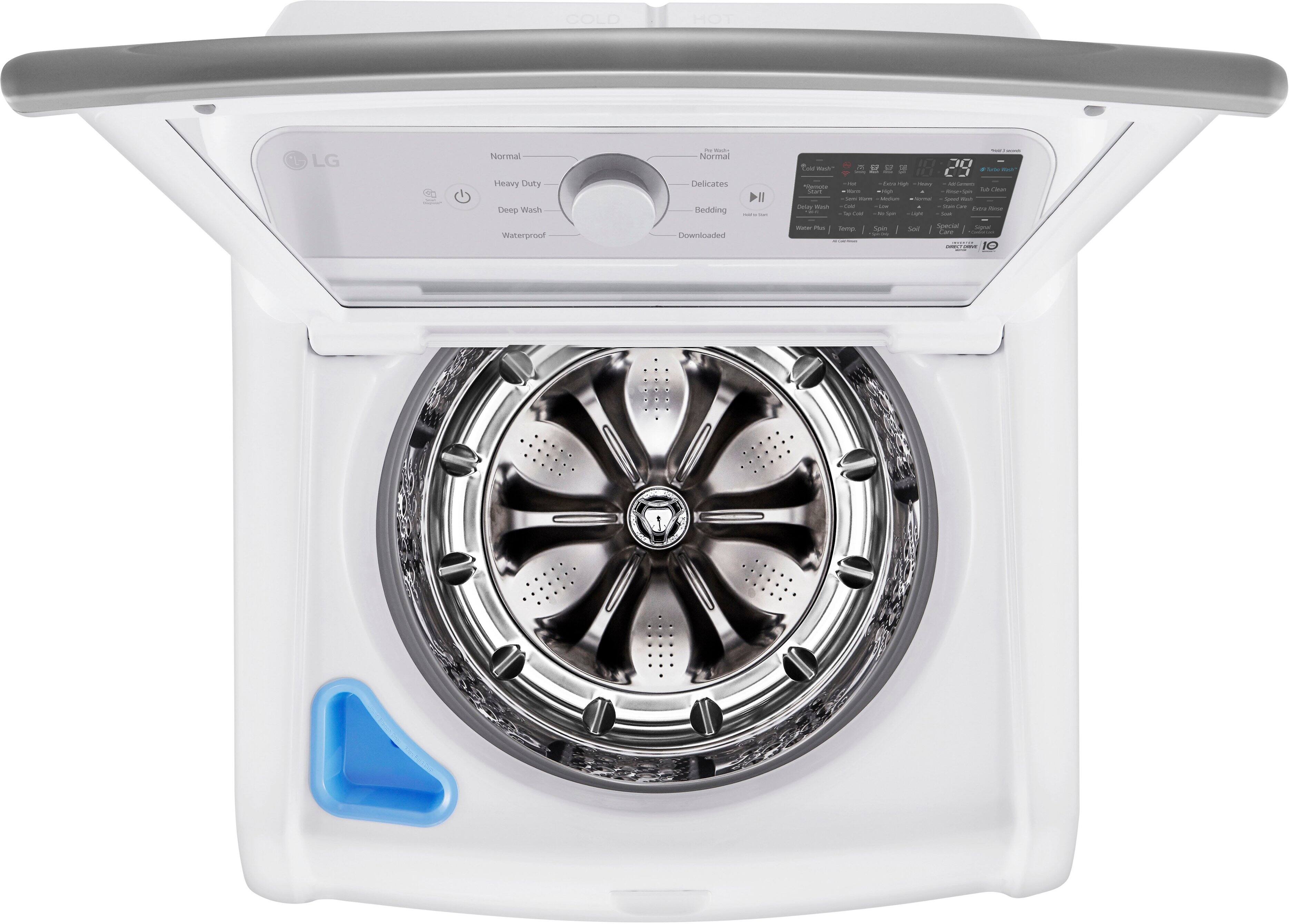
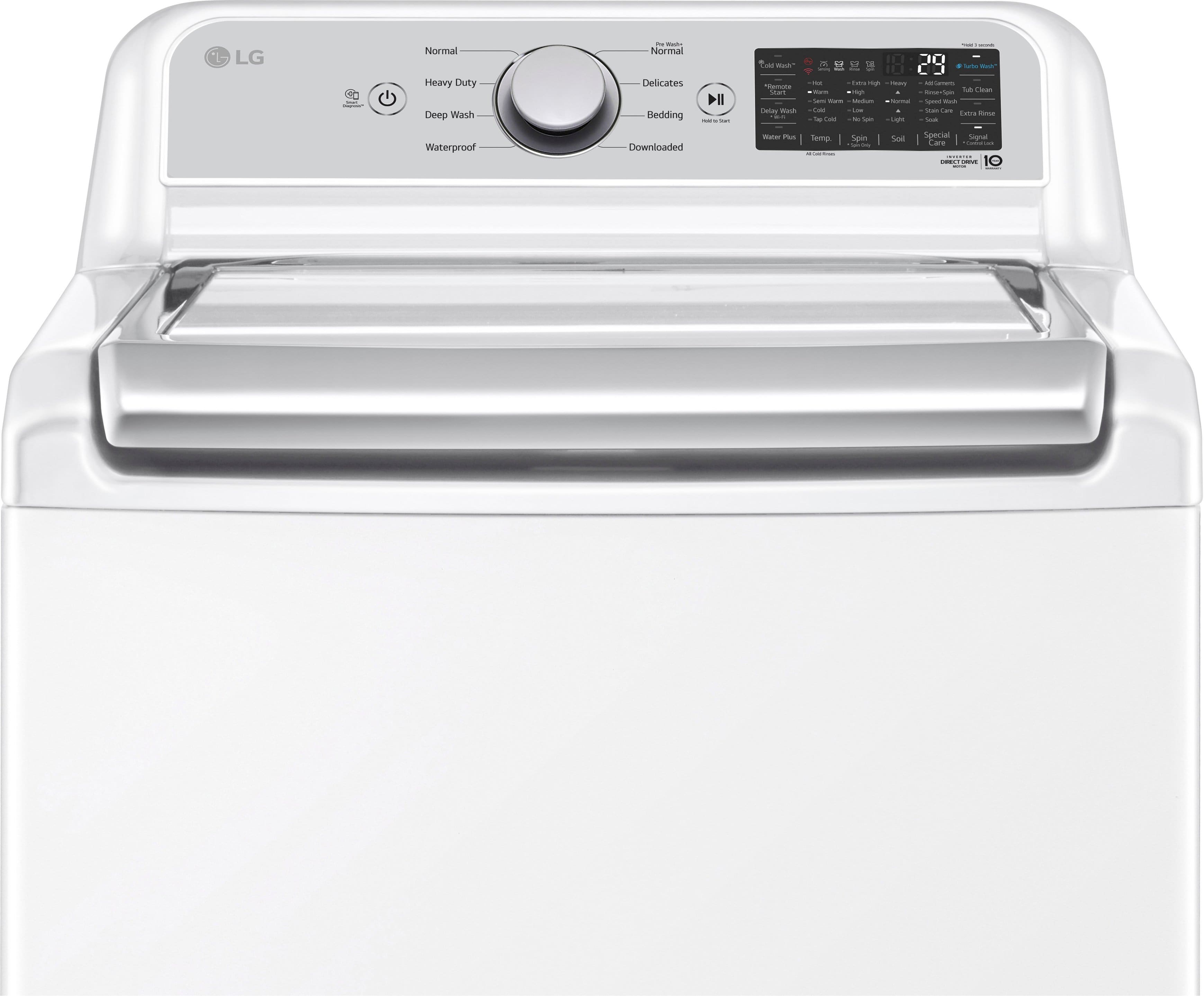
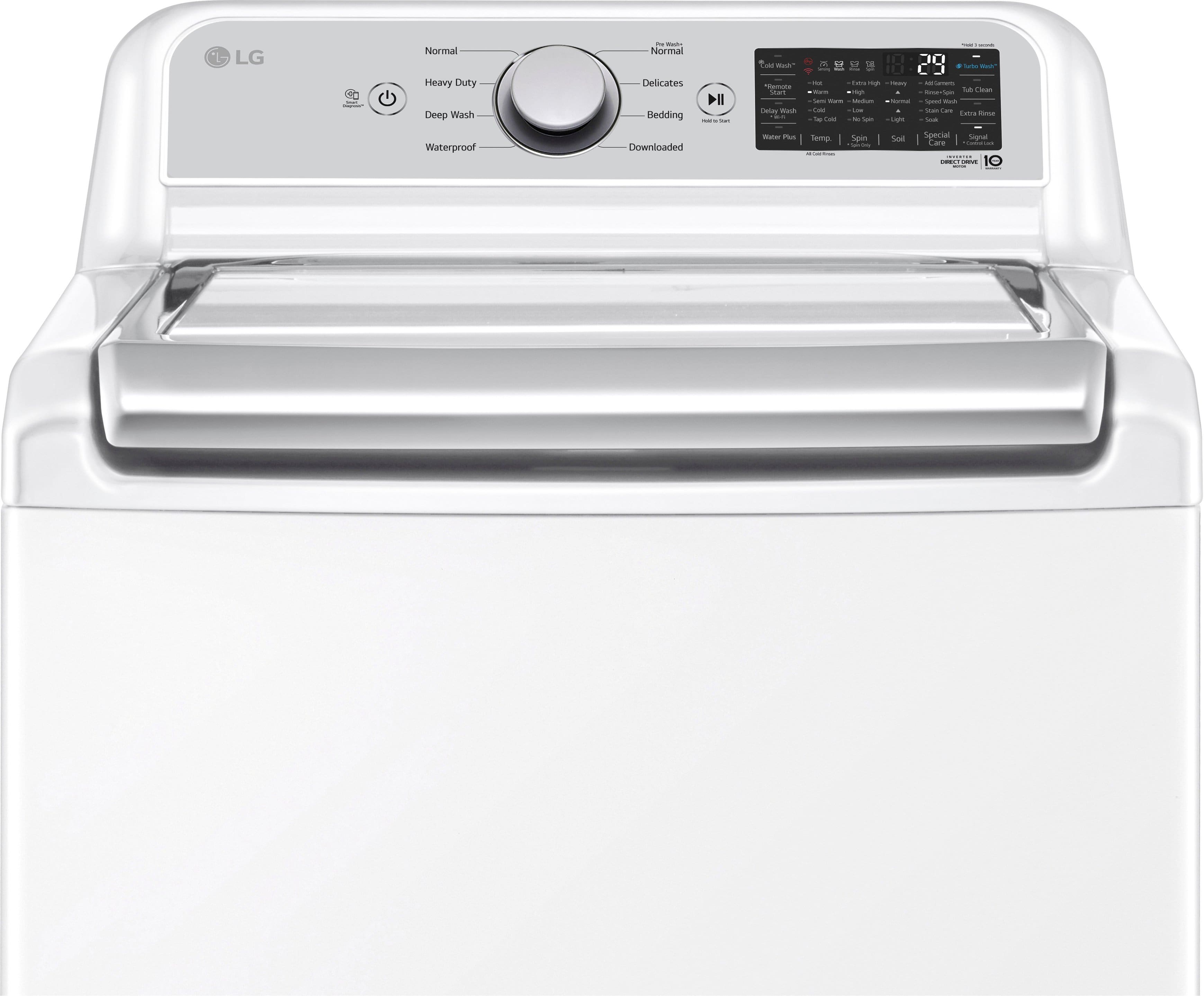
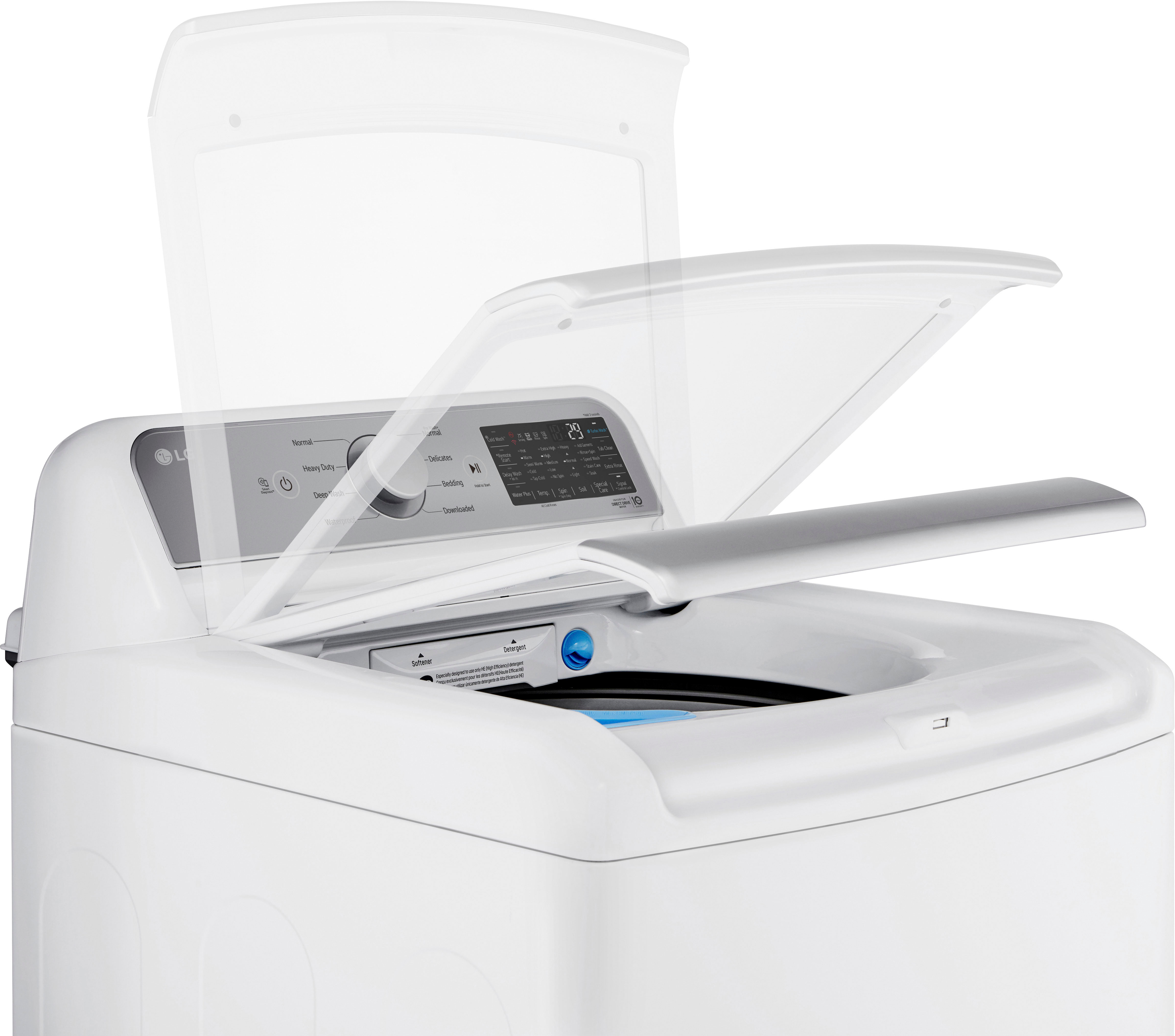
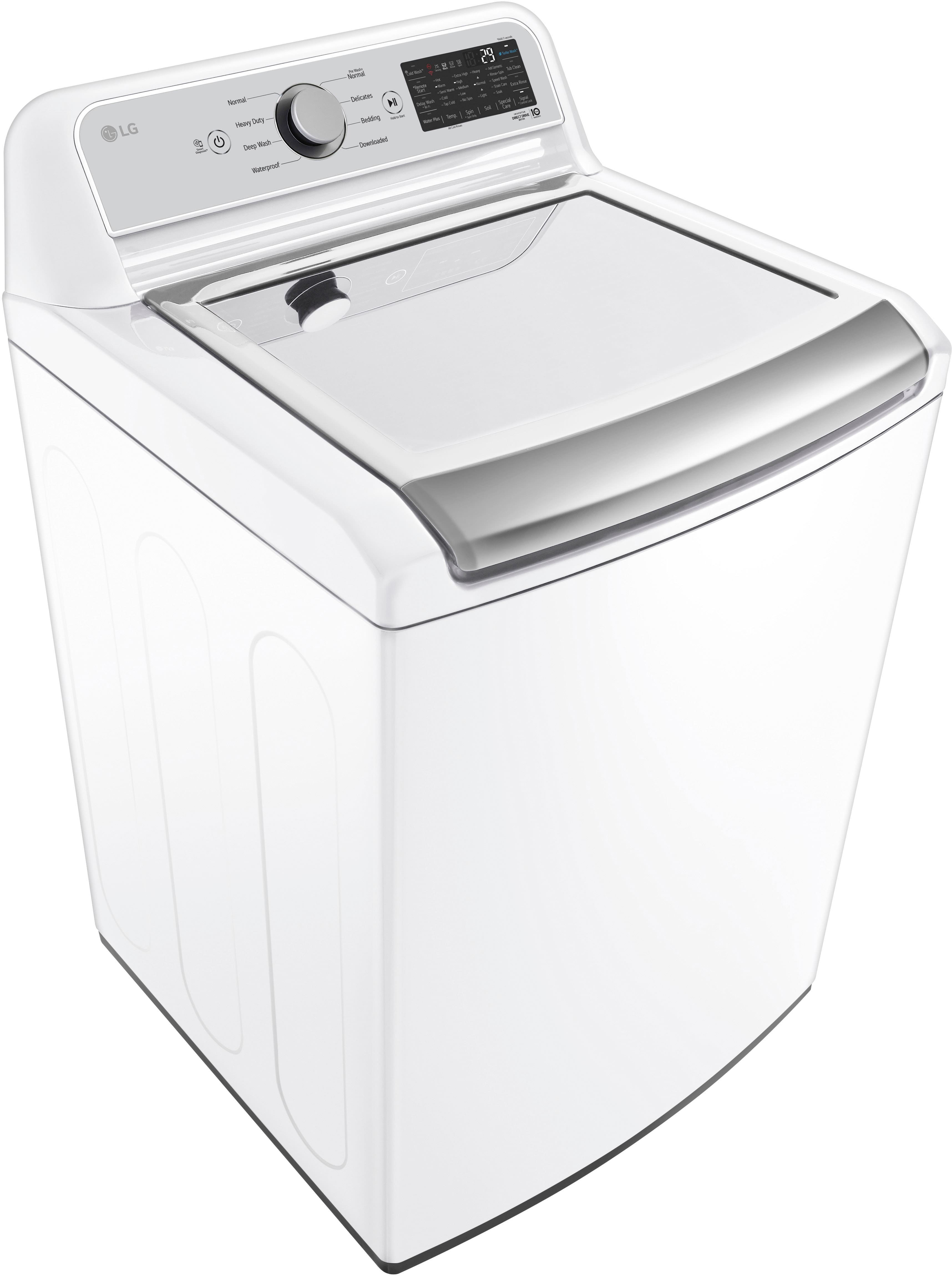
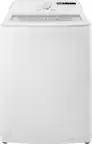
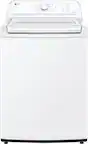
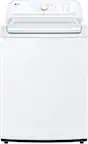
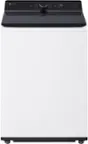
A:Answer Thank you for your interest in the LG Washer. To select the Cold Wash option on the LG WT7400CW top load washer, follow these easy steps:
Turn on the washer and choose your wash cycle.
Press the "Temp" button until "Tap Cold" appears on the control panel.
Alternatively, you can select "ColdWash" by pressing the "Options" button until it lights up.
Tips:
The ColdWash option is great for small loads and may slightly increase wash and rinse times for better performance.
If you don’t see the Cold Wash option right away, pause the cycle after starting it, then change the temperature or options.
You can customize temperature settings for most cycles, except the Delicates cycle, which defaults to Tap Cold.
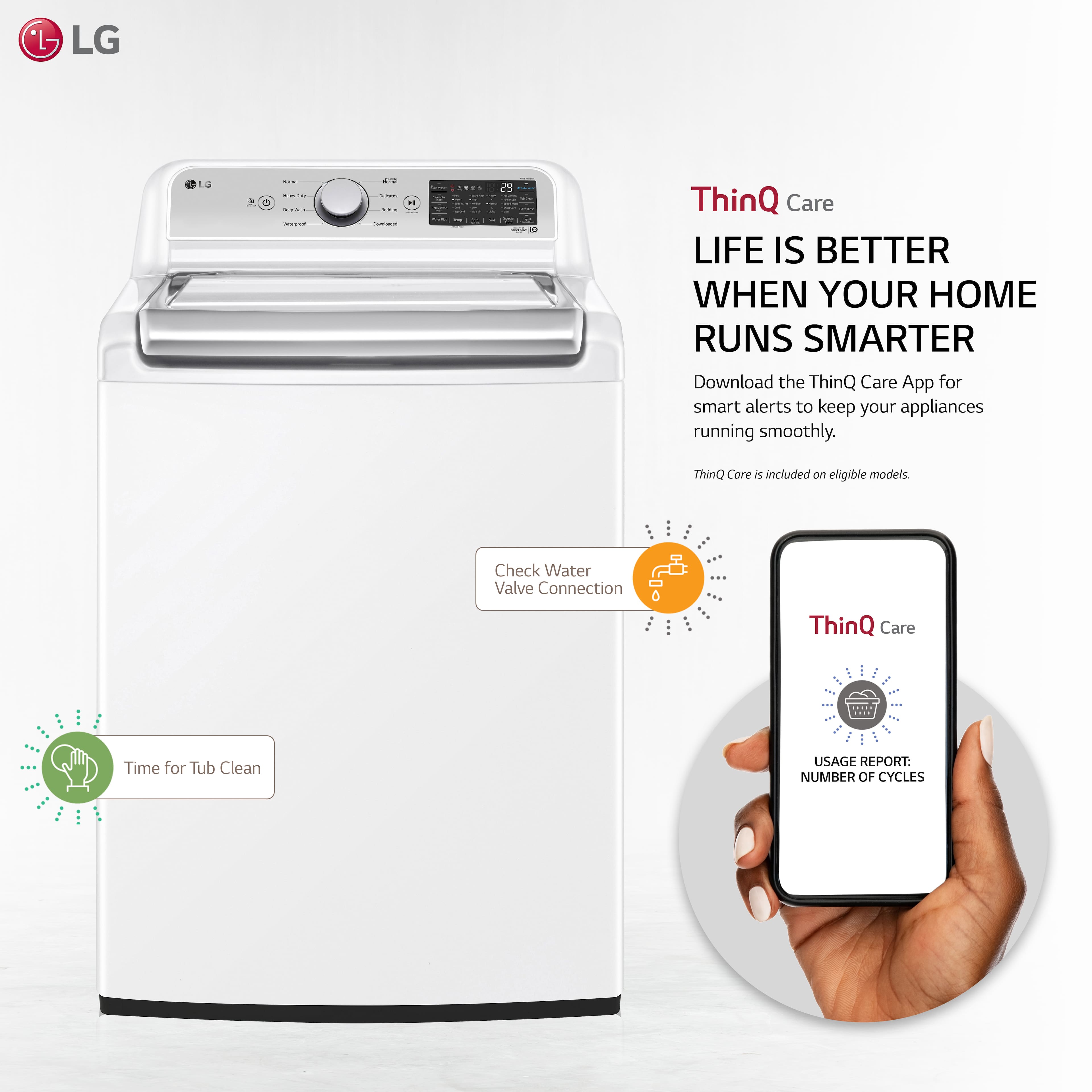
Use the LG ThinQ app on your smartphone to create and download custom cycles for more control over temperature settings.
You can download its owner's manual through this link for more information: https://www.lg.com/us/support/product/lg-WT7400CW.ABWEUUS. For additional assistance, please reach out to us on social media @LGUSSupport so we can help you further. ^Cris