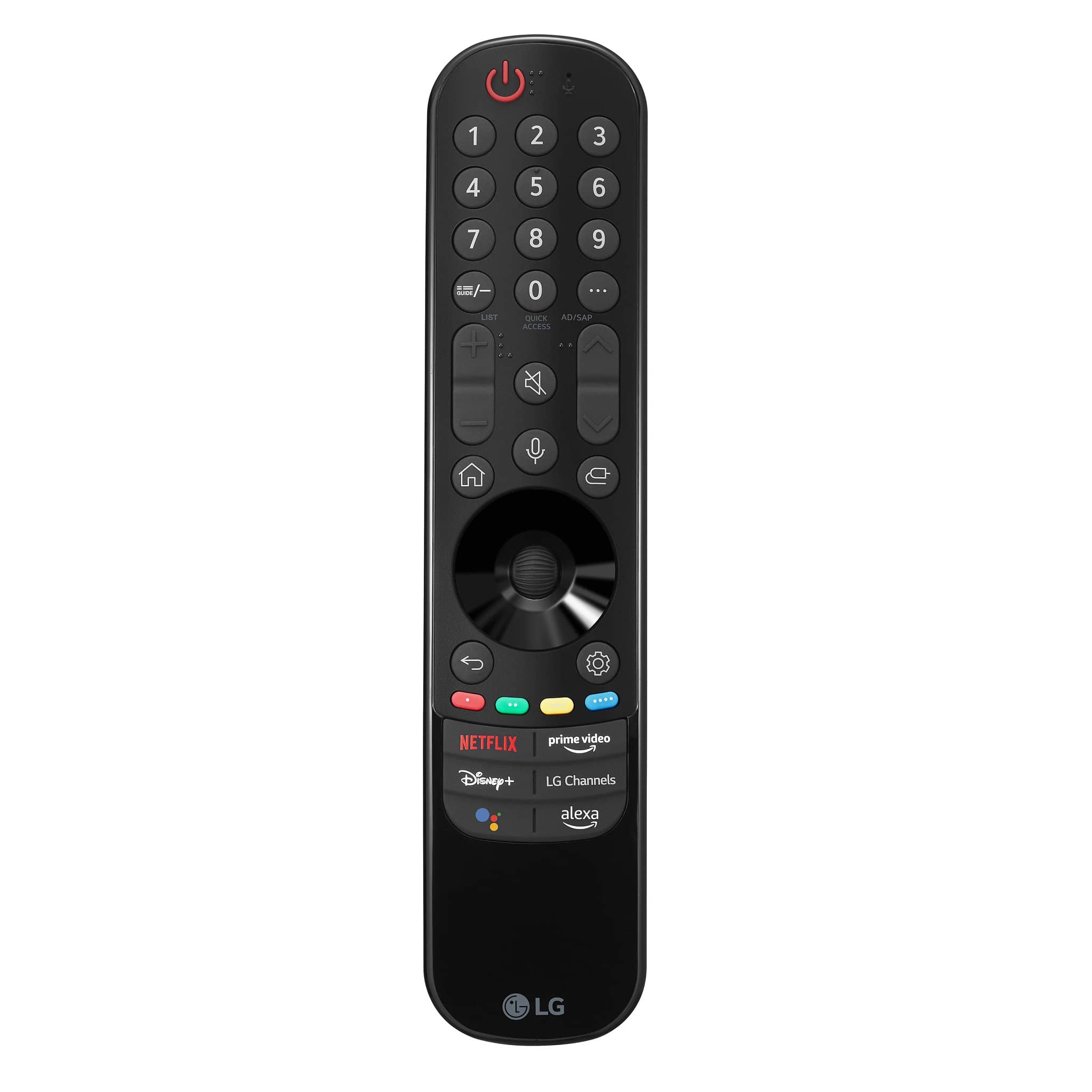
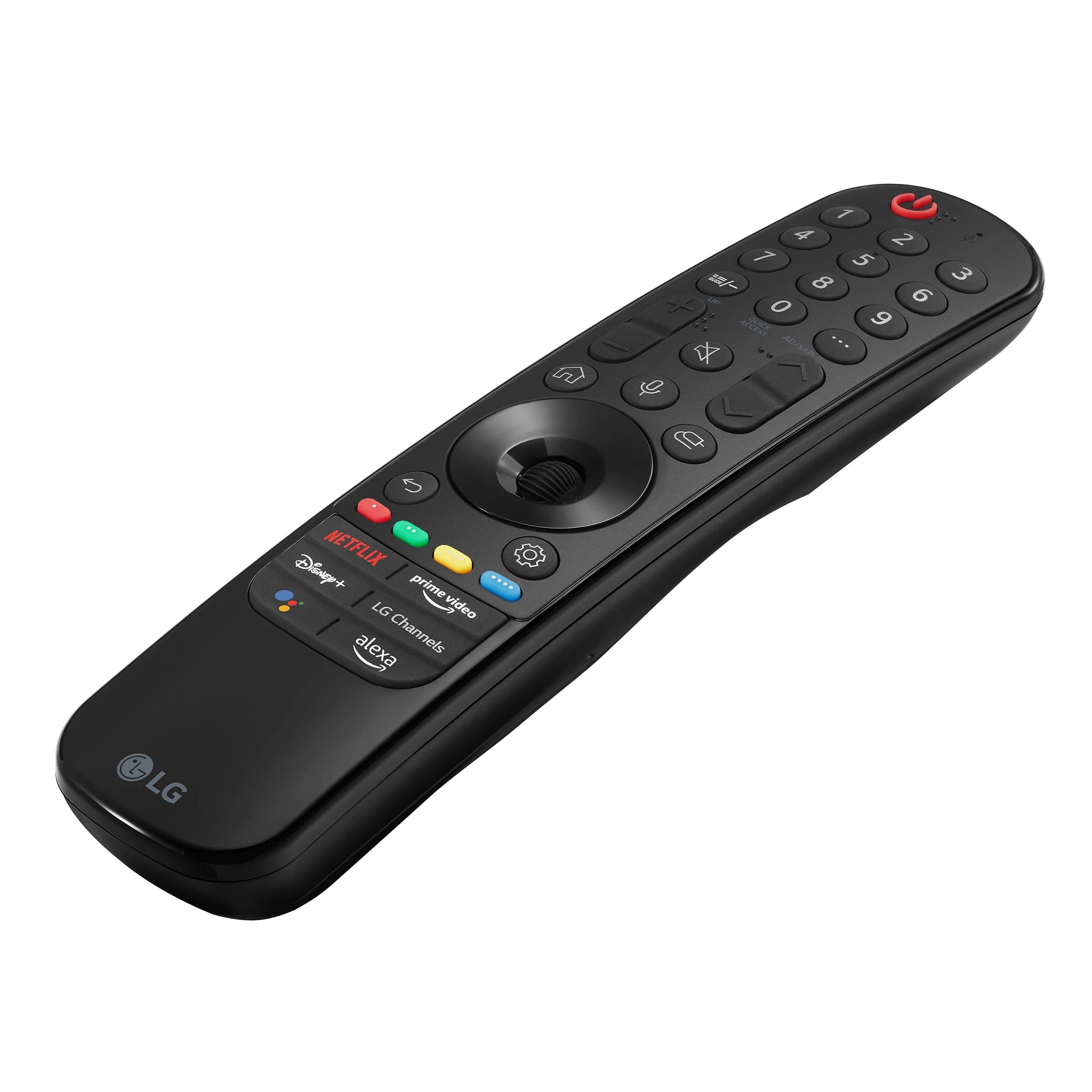
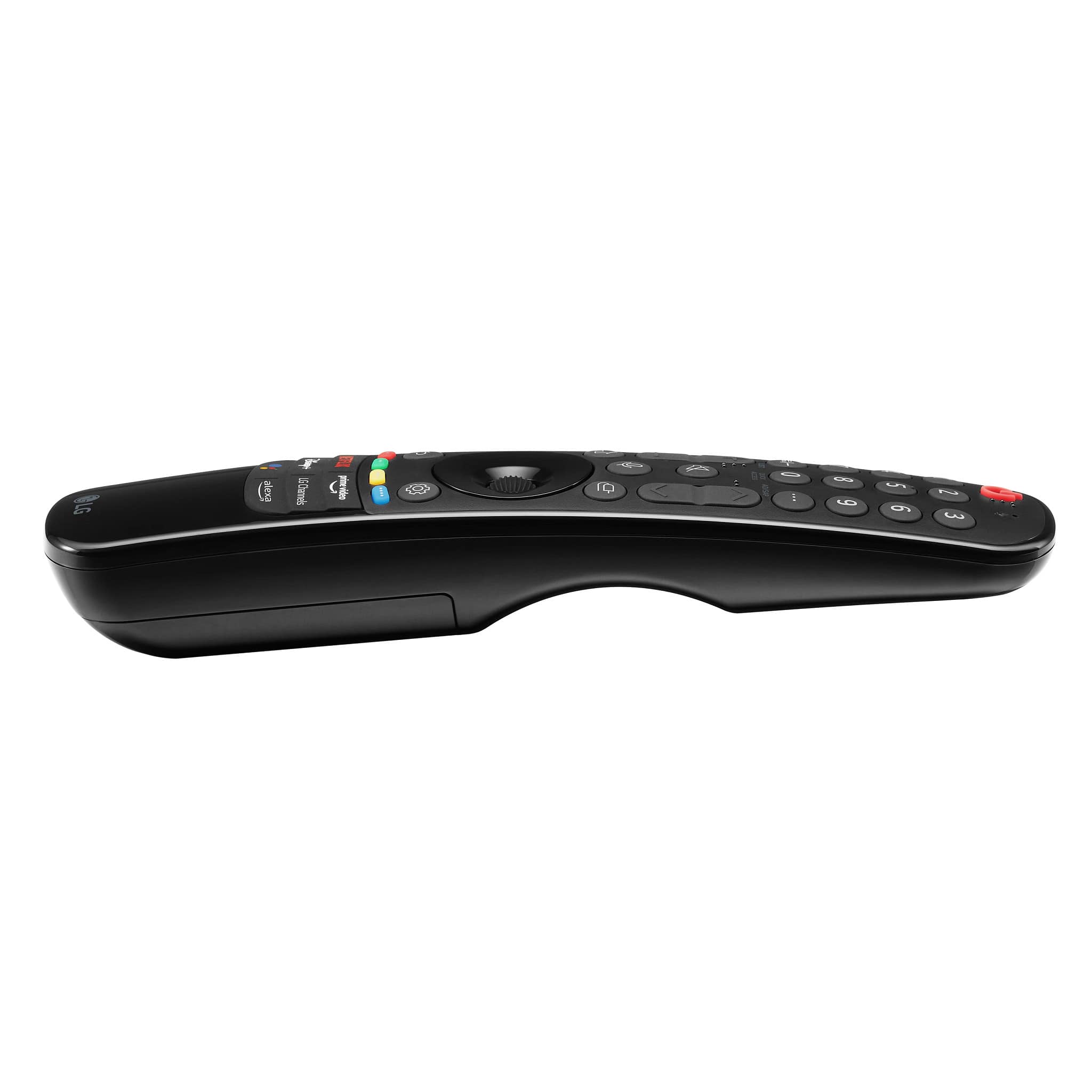
A:Answer On my LG "magic" (not so much) remote, there is a row of buttons below the number buttons. Push the right button, labeled "AD/SAP". It brings up an on-screen menu. At the bottom of that menu are the fast forward, fast back, pause, play, and record buttons.
BTW, push this same "AD/SAP" button. On the left side is a column of options. Use the pointer to click on "menu". It brings up the choices guide, saved, on demand, search, apps, and the settings icon.