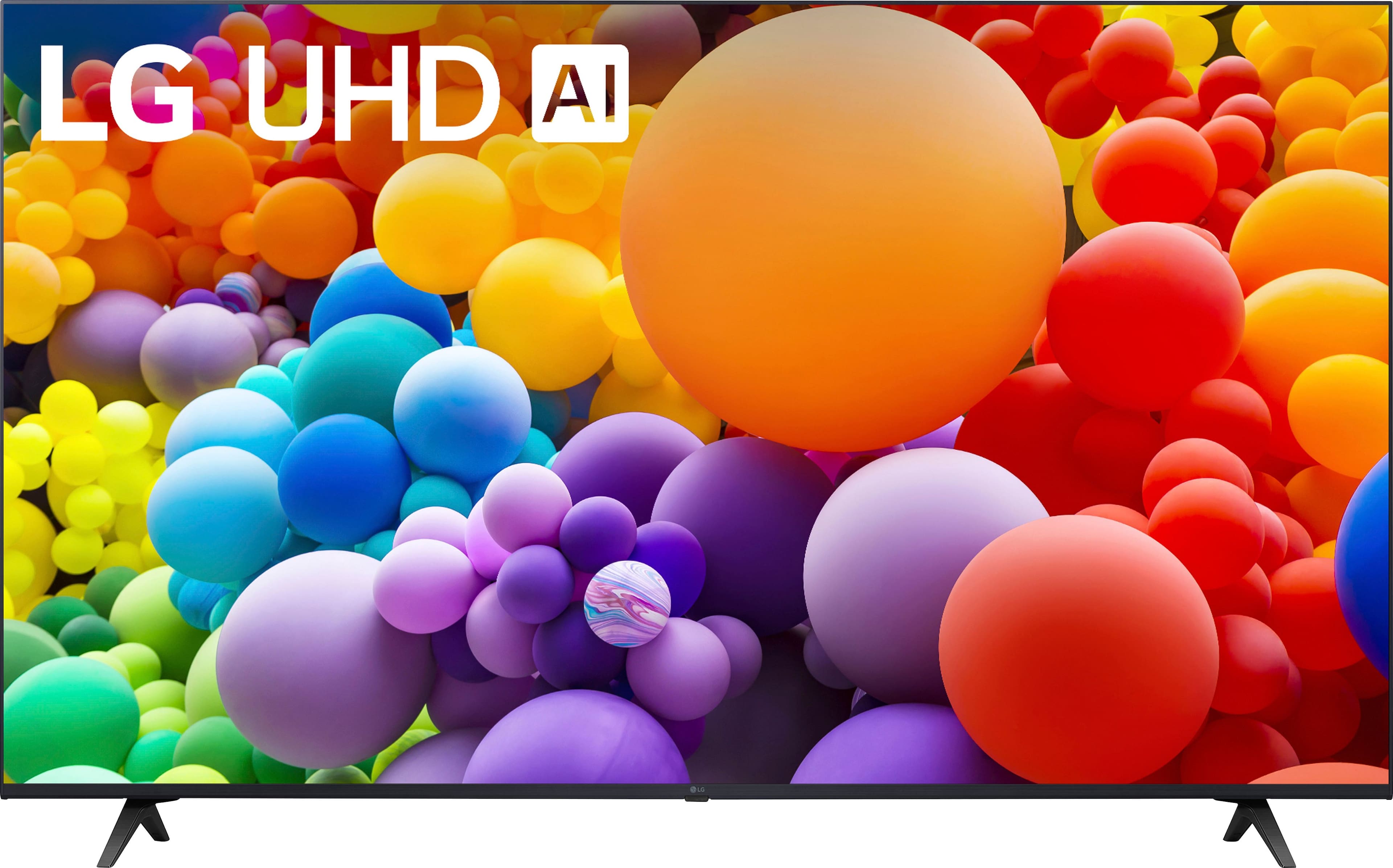
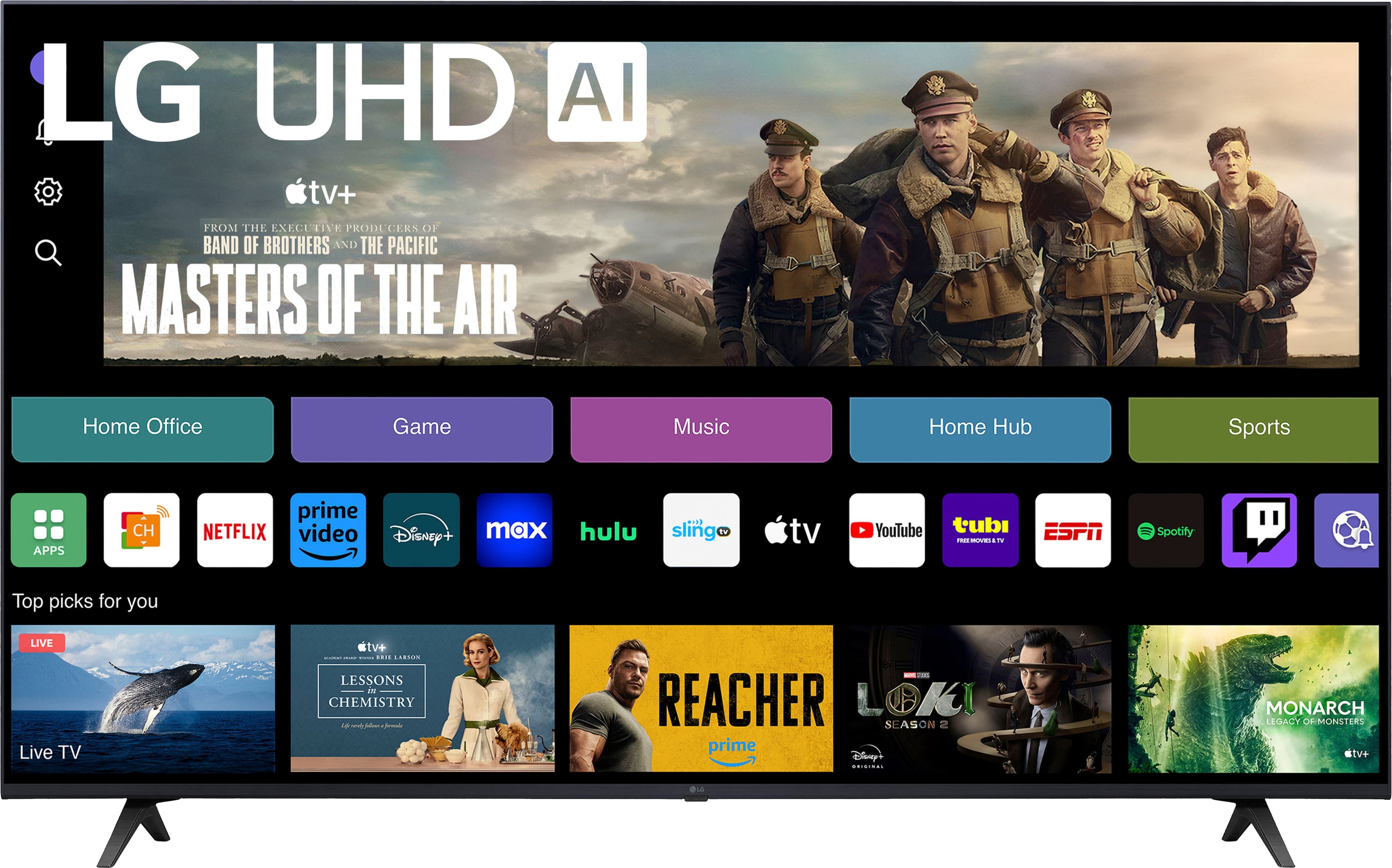
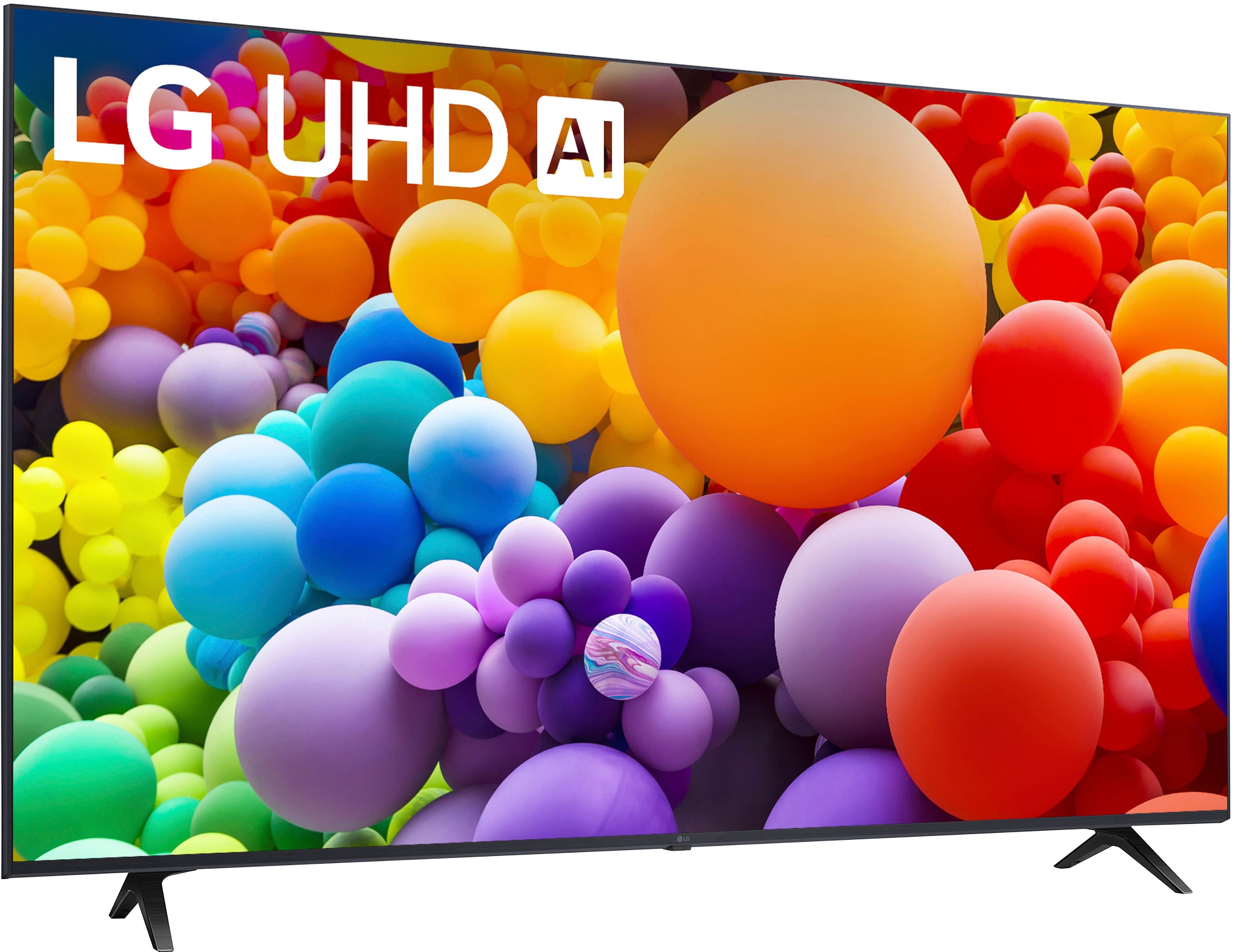
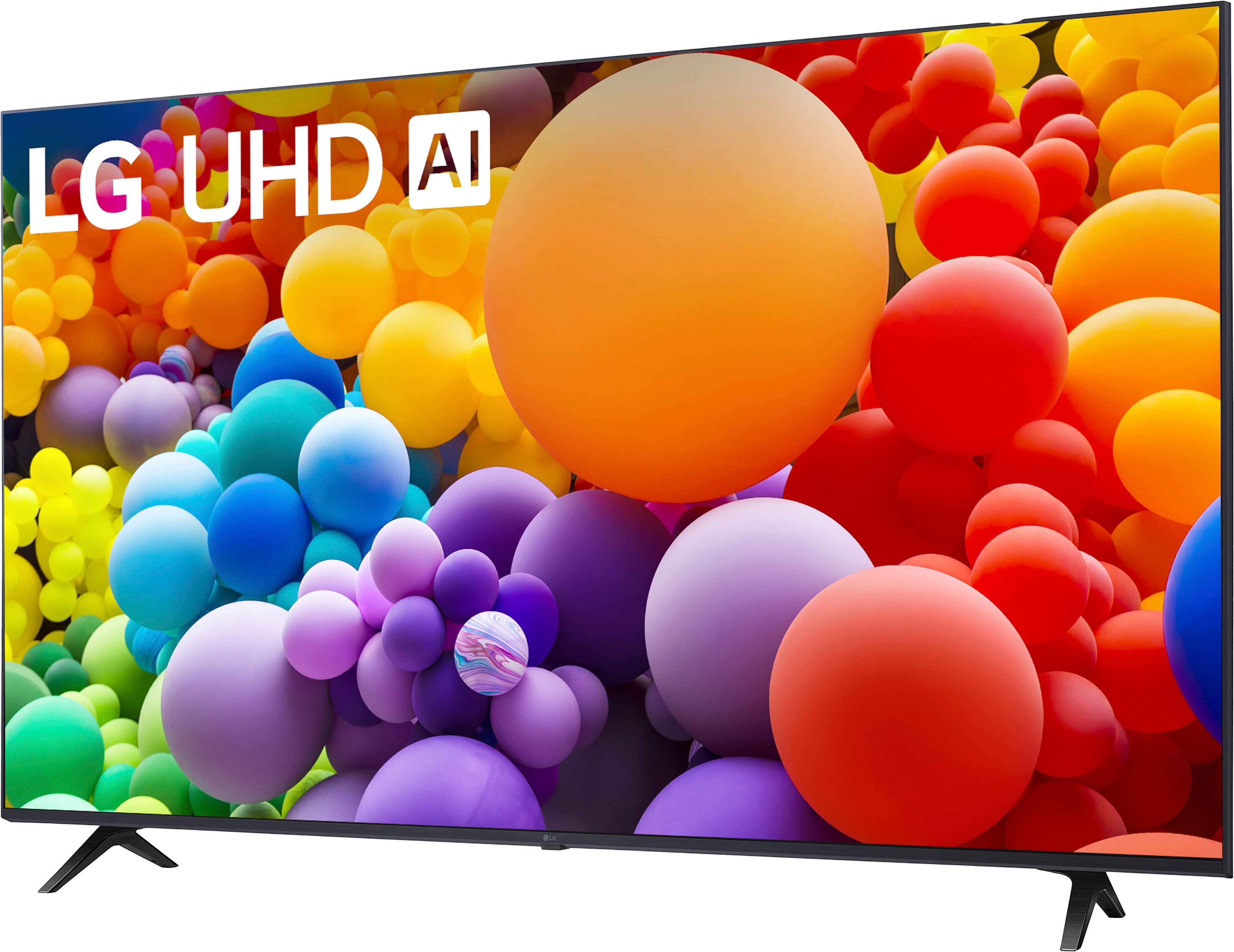
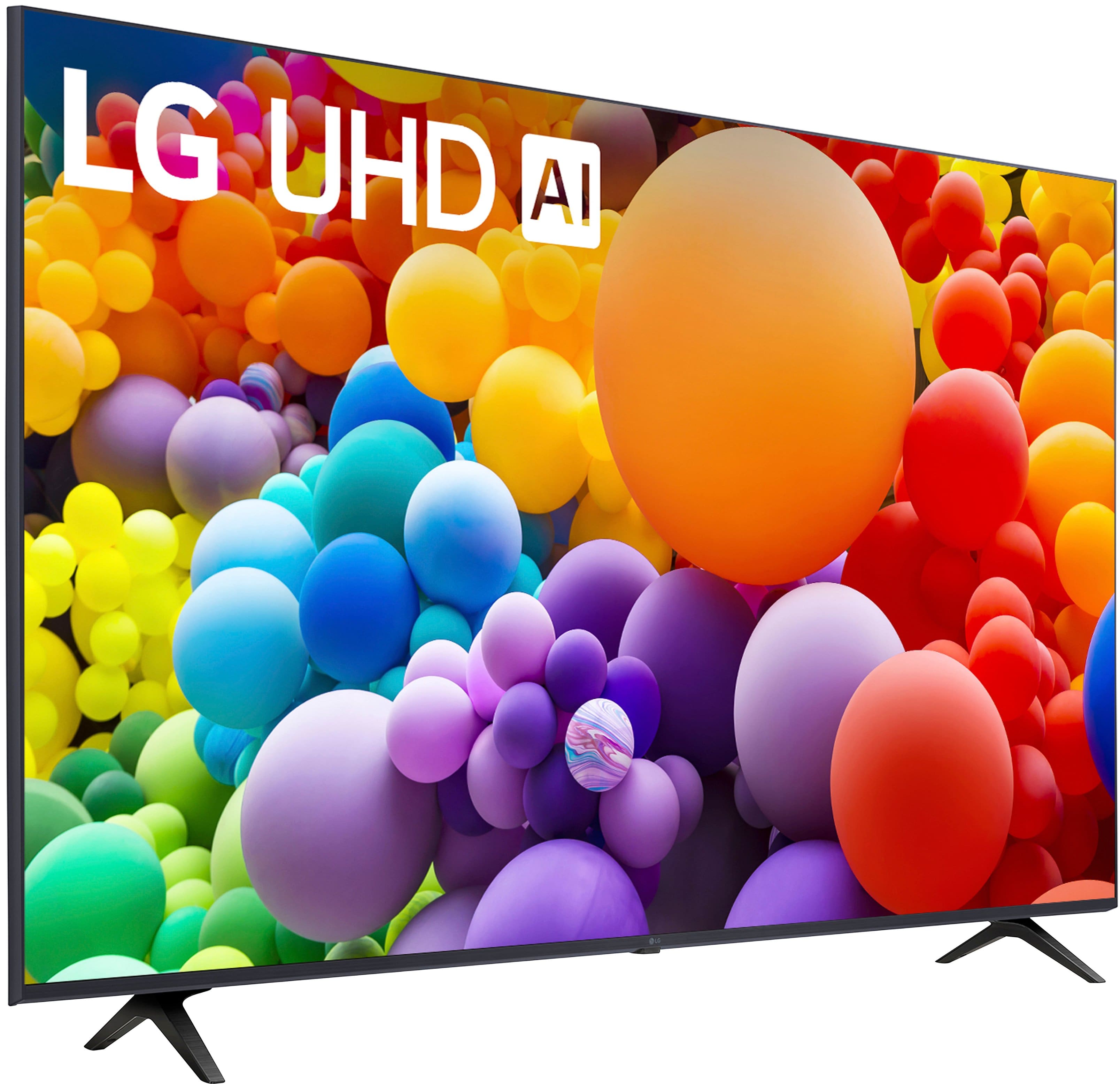
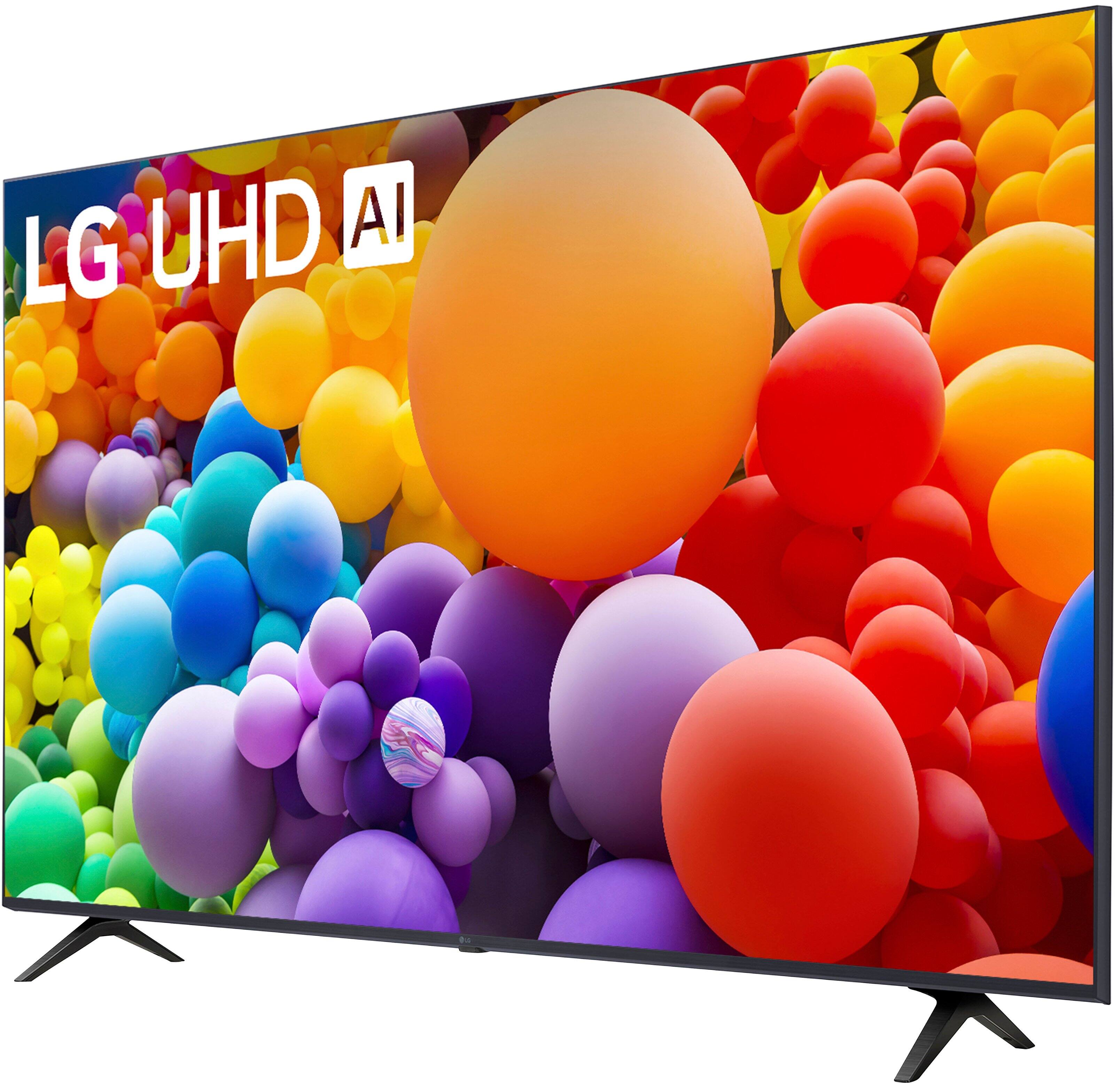
A:AnswerHi there, Jacqui. Thank you for your question regarding your LG TV, model 50UT7570PUB. We understand you have an inquiry about the installation of your new television.
Typically, installation is considered a separate service and is not included with the purchase of the TV. We recommend that you check with the retailer from whom you purchased the television, as they usually offer installation services that can be scheduled. They will be able to provide you with the details regarding availability and any associated costs.
https://www.bestbuy.com/product/lg-50-class-ut75-series-led-4k-uhd-smart-webos-tv-2024/JJ8VPZQZZT
If you have any further questions about its features, please send us a private message on Social Media @LGUSSupport, and our team will be more than happy to assist you. —Renzo
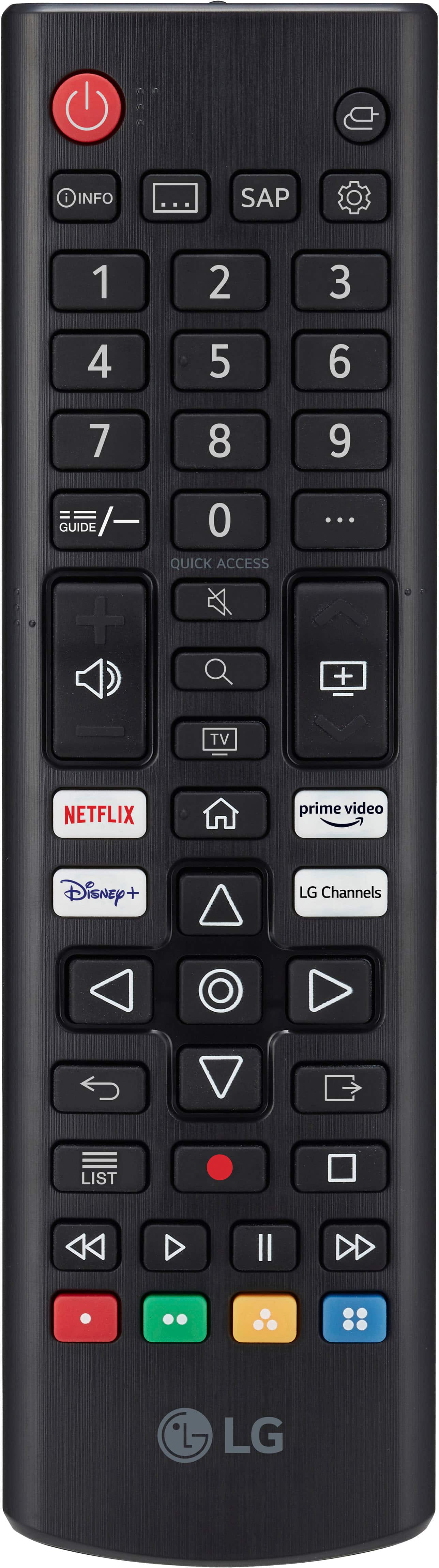
A:AnswerThe LG 50” Class UT75 Series LED 4K UHD Smart webOS TV (2024), Model # 50UT7570PUB, supports Intelligent Voice Recognition, and you can issue voice commands to the TV with an LG Magic Remote (Model # MR24GN) which has to be purchased separately.
To use the voice command feature, you have to press and hold the microphone button on the remote, speak into the microphone, and release the button when finished speaking. This hands-free control makes it easy to navigate and enjoy your favorite shows and movies on YouTube TV...^Ivan.
A:AnswerHi there, Hoop. We understand your inquiry about your LG 50UT7570PUB 50″ Class UT75 Series TV’s stand leg spread. The distance between the outer edges of the two feet is 38.9 inches, so you’ll want a TV console or furniture surface at least that wide to support the unit securely.
As a helpful troubleshooting step, we recommend placing the TV (with its feet installed) on a level surface and using a tape measure to confirm that your stand or entertainment center offers at least 39 inches of uninterrupted width—this ensures both stability and proper airflow around the base.
https://www.bestbuy.com/site/lg-50-class-ut75-series-led-4k-uhd-smart-webos-tv-2024/6578195.p?skuId=6578195
If you have any questions about installation or need personalized guidance to find the ideal setup for your space, please send us a private message on social media @LGUSSupport and our team will be more than happy to explore possible solutions with you. We appreciate your patience and look forward to helping you get your 50UT7570PUB set up safely and beautifully.
—Renzo
A:AnswerThe LG 50” Class UT75 Series LED 4K UHD Smart webOS TV (2024), Model # 50UT7570PUB has a Limited Manufacturer's Warranty of One (1) year for Parts and Labor from the date of original purchase...^Ivan.
A:AnswerThe LG 50” Class UT75 Series LED 4K UHD Smart webOS TV (2024), Model # 50UT7570PUB does not support 3D.
The reason you cannot find 3D TVs in your searches is because TV manufacturers stopped making 3D TVs in 2016 and LG was one of the last two companies to offer 3D TVs in 2016. No TV manufacturer has offered 3D TVs since...^Ivan.
A:AnswerThe specifications on Best Buy's product detail page for the LG 50” Class UT75 Series LED 4K UHD Smart webOS TV (2024), Model # 50UT7570PUB list 10.1 inches for 'Product Depth With Stand'.
That is the depth of the stand legs for the TV.
The stand legs have a width of 38.9"...^Ivan.
A:AnswerHello there, Todd. Thank you for sharing your question with us about your LG 50UT7570PUB 4K UHD TV. We understand your situation and are happy to help you set up a true surround‑sound experience.
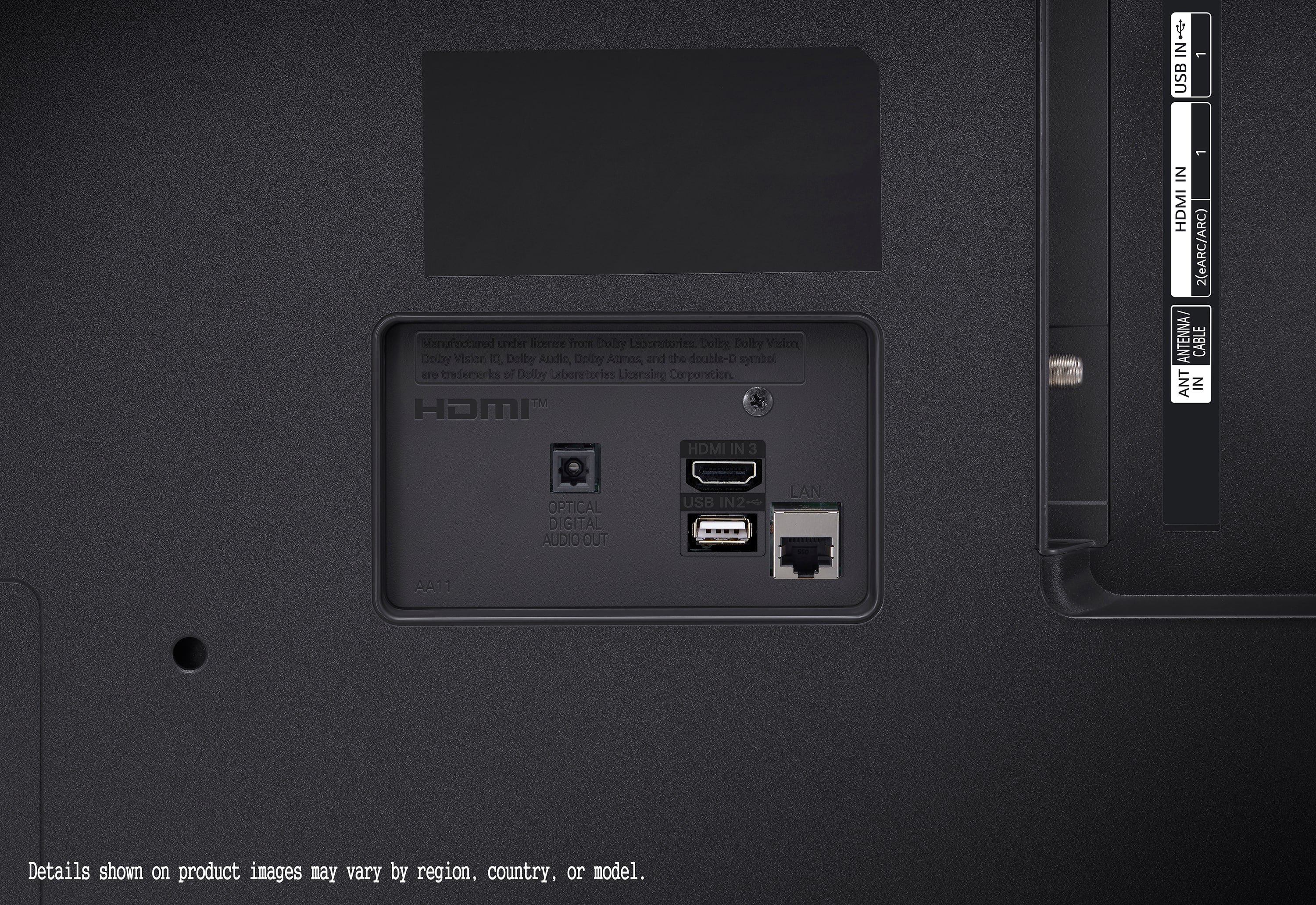
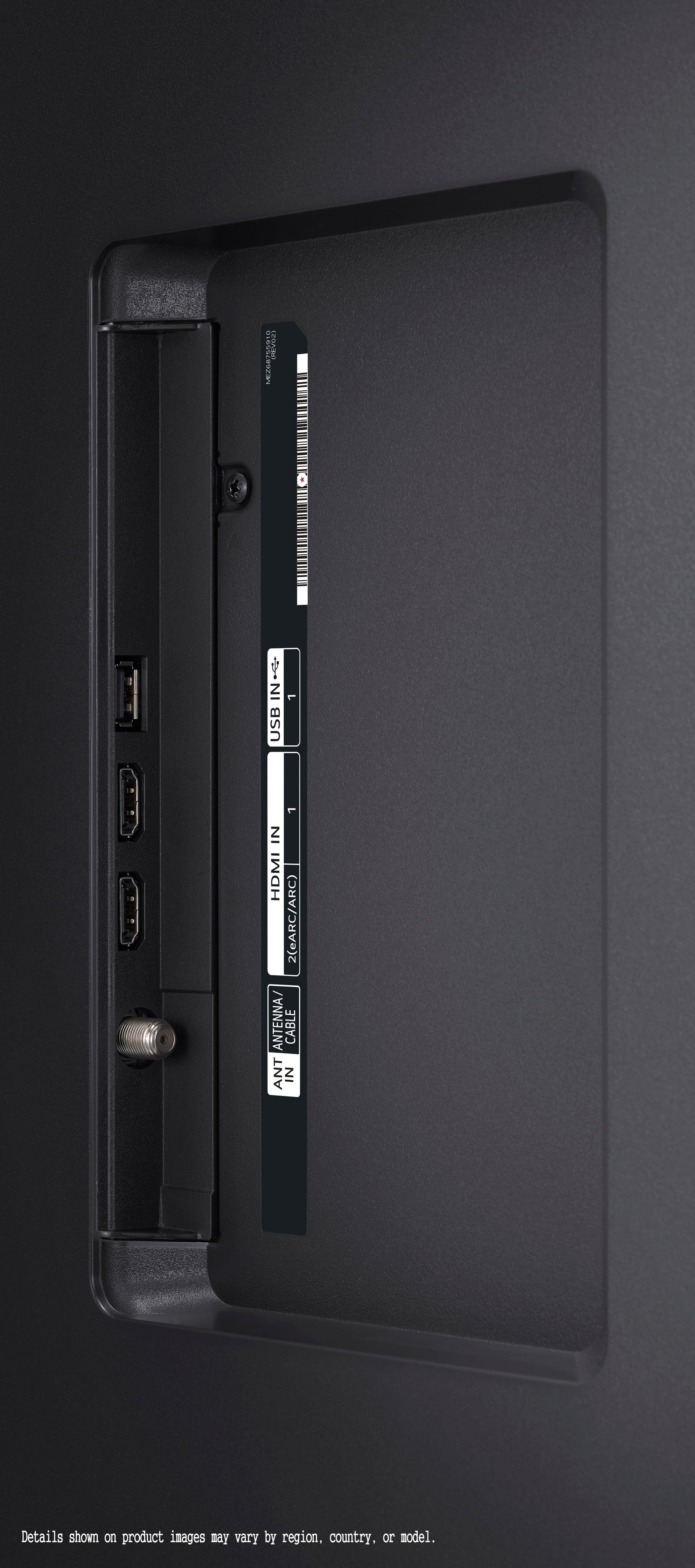
Your TV supports eARC (Enhanced Audio Return Channel) on HDMI 2, as well as Bluetooth® Surround Ready, so you have two simple options:
Wired Surround via eARC
Connect your AV receiver or soundbar system’s HDMI OUT (ARC/eARC) port to the TV’s HDMI IN (eARC) port using a High Speed HDMI cable (with Ethernet).
On your TV, go to Settings → Sound → Sound Out, select HDMI ARC/eARC, then enable SImPLINK (HDMI CEC) if you want control through your Magic Remote.
Start your receiver or soundbar, and the TV audio will pass through in full Dolby Digital or DTS formats for your surround speakers.
Wireless Rear Speakers via Bluetooth Surround Ready
Pair compatible LG wireless rear speaker kits or Soundbar & Surround Speaker Bundles:
Go to Settings → Sound → Sound Out → BT Surround.
Put your LG rear speaker module into pairing mode and select it on the TV to create a 5.1 wireless setup without extra cables.
One helpful troubleshooting step:
If you don’t hear surround audio after setup, first verify in Settings → Sound → Additional Settings → Digital Sound Out that it’s set to Auto or Pass‑Through rather than PCM. This ensures multichannel formats flow correctly to your receiver or wireless speakers.
https://www.lg.com/us/tvs/lg-50ut7570pub-4k-uhd-tv#pdp_specs
We’re here to guide you through every step. Please send us a private message on social media @LGUSSupport and our team will be more than happy to explore any additional tips or solutions. —Renzo
A:AnswerThe W x H x D dimensions for the carton that the LG 50-inch Class UHD Series 4K UHD TV with webOS 24, Model # 50UT7570PUB comes in are 49.4" x 29.9" x 5.0" with a weight of 25.4 lbs...^Ivan.