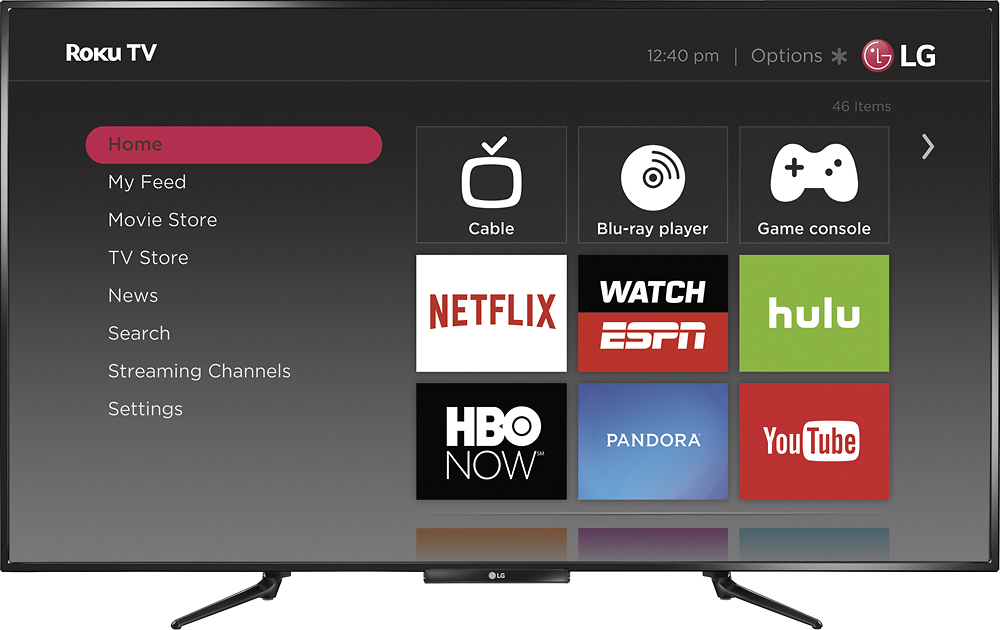
A:AnswerIt is a streaming device. Meaning you can watch Netflix, Youtube, go on Facebook, etc on the device. It is displaced on the Tv screen. You can also display whats on your Smartphone to your tv screen.
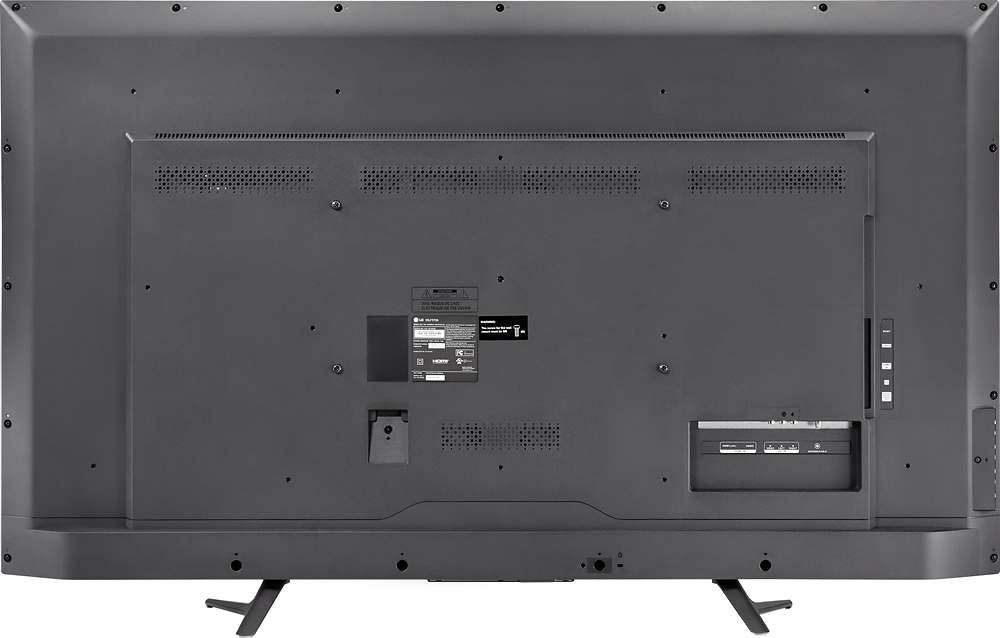
A:AnswerYes, theres several. You just have to shop around to find what you're looking for. I installed a Gear 37"-55" Full motion wall mount for this TV.
A:AnswerYou can check available apps on Roku.com & The Tv has a build in connector. You can stream Netflix, Youtube, etc. Theres also an app called Stream Roku where you can go on any website & if has a video, it can be displayed on the screen.
A:AnswerYou have to use the cable box remote, but you can buy a universal remote that will control ROKU functions, or setup you android phone or tablet to manage everything.
A:AnswerYou click on the 'home' button. Then scroll to the left with the left arrow on the remote. There you will be able to go up/down on a few options. One is settings. Click on setting & there you go. You can also change a few screen settings with he * (astrid) button on the remote.