4th of July Appliances Sale.Free delivery. Ends 7/8. Terms apply.Shop now

Main Content

Questions & Answers

Page Showing 21-23 of 23 questions
  • QuestionBesides cost, what are the differences between A, B & C2 55" OLED? What am I getting with the newer model and what am I losing with the older model?

    Asked by Anonymous.

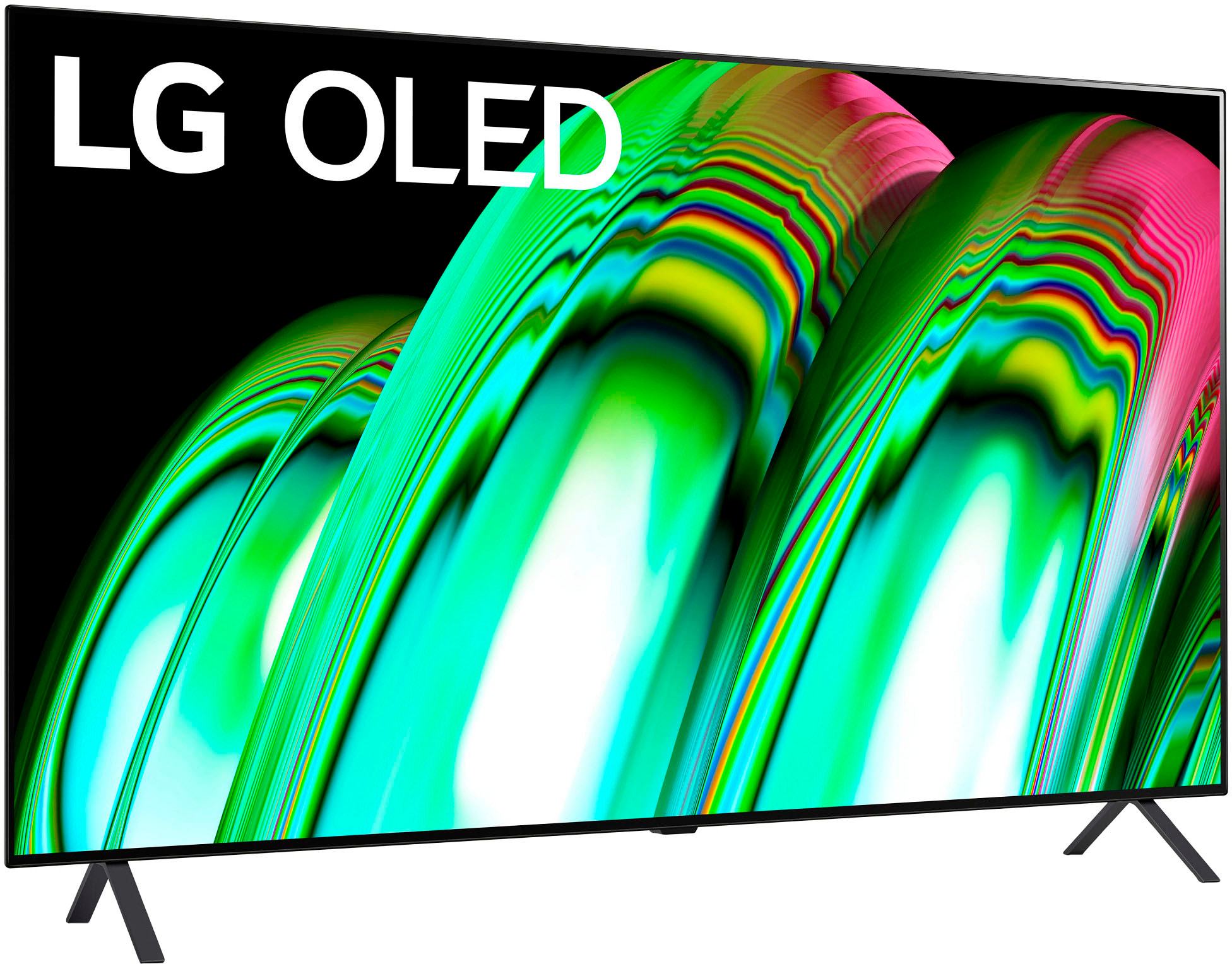
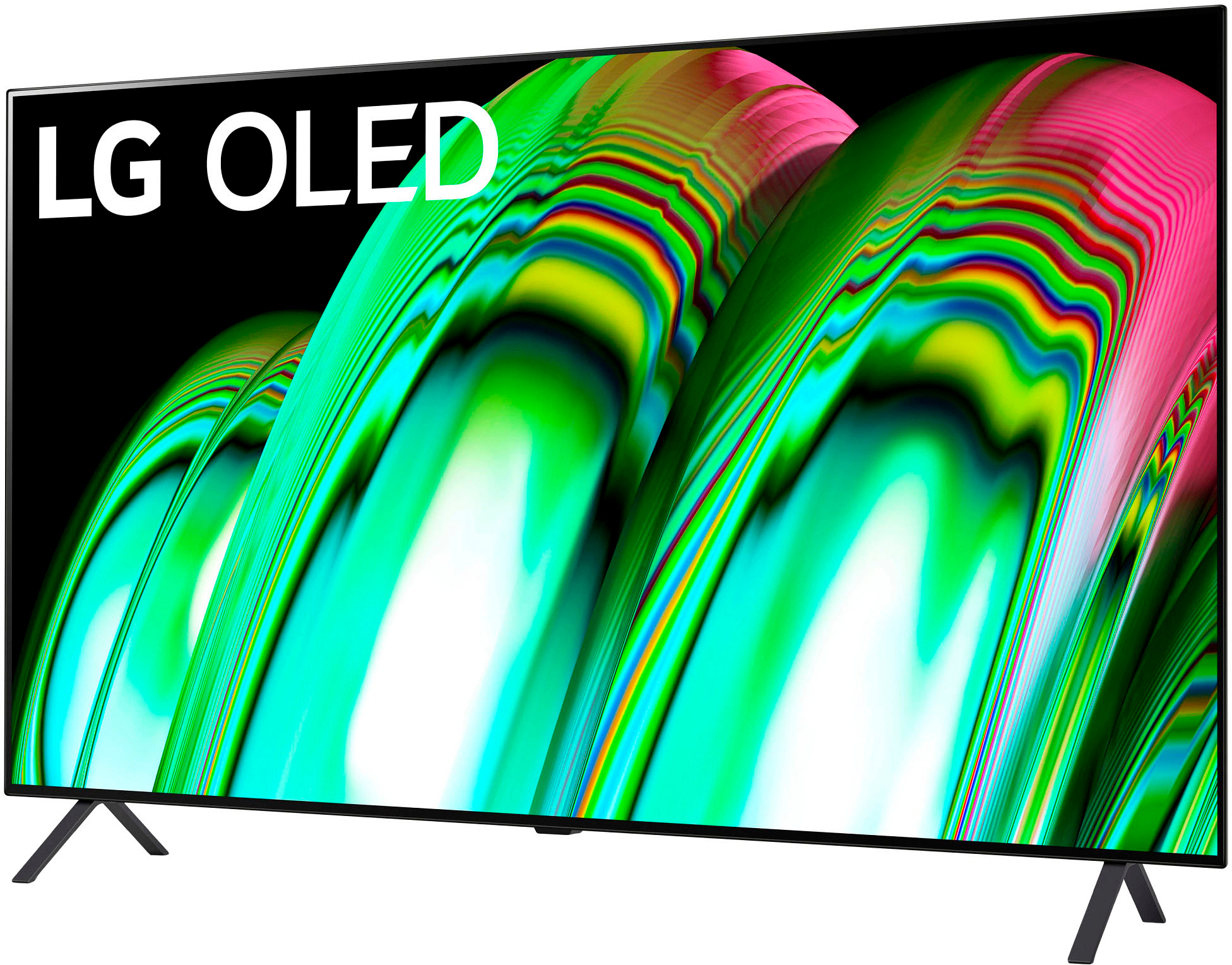
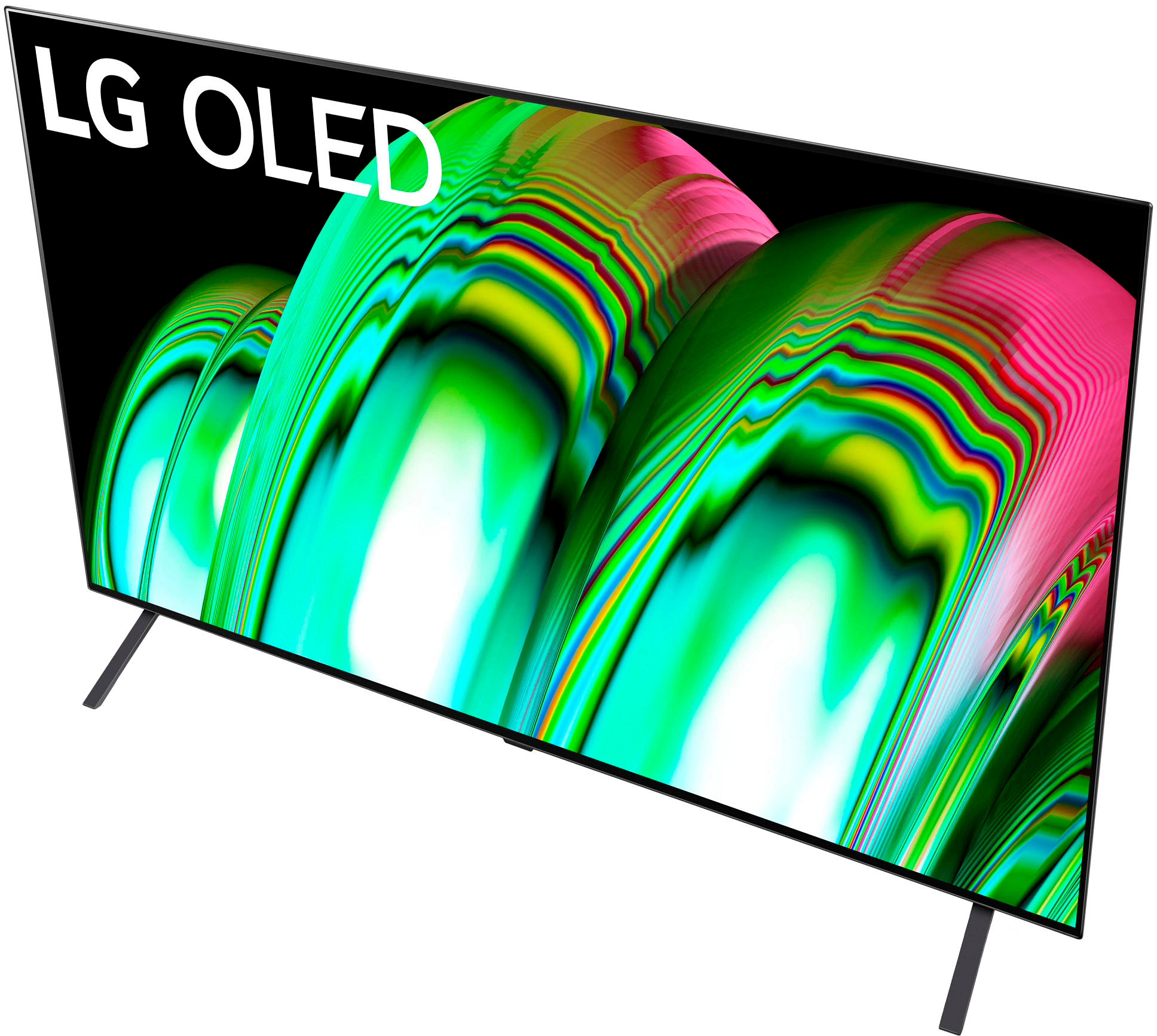
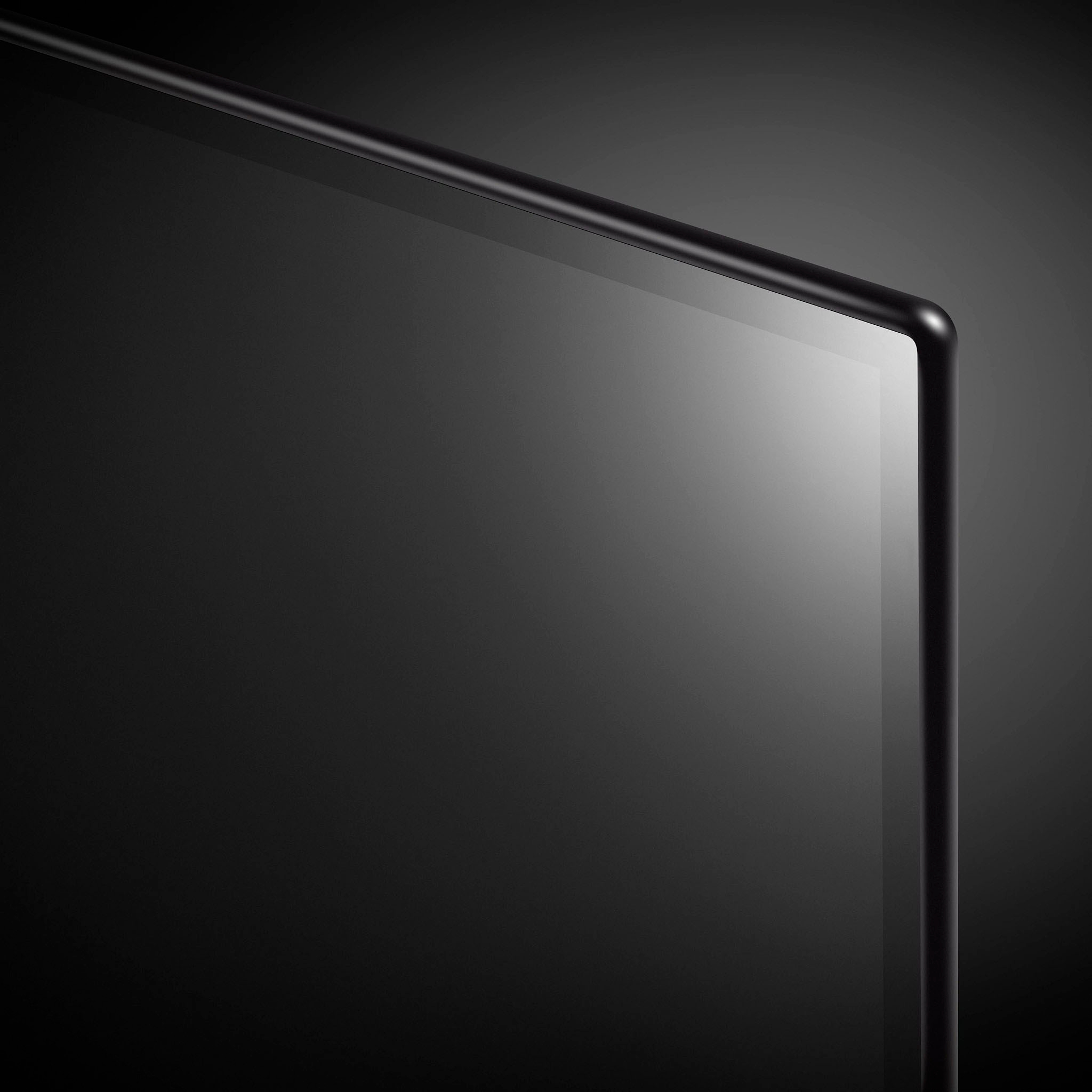
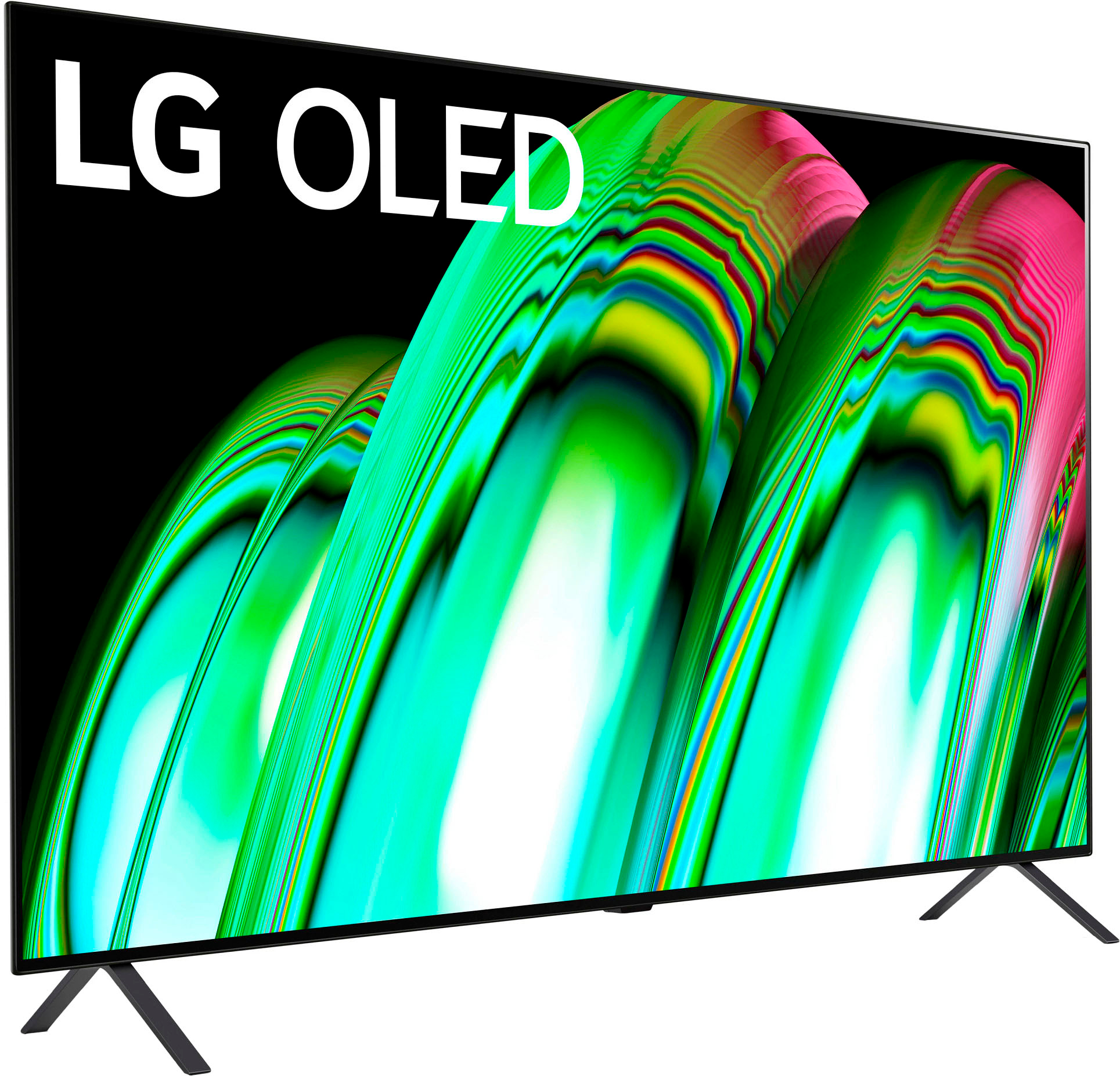
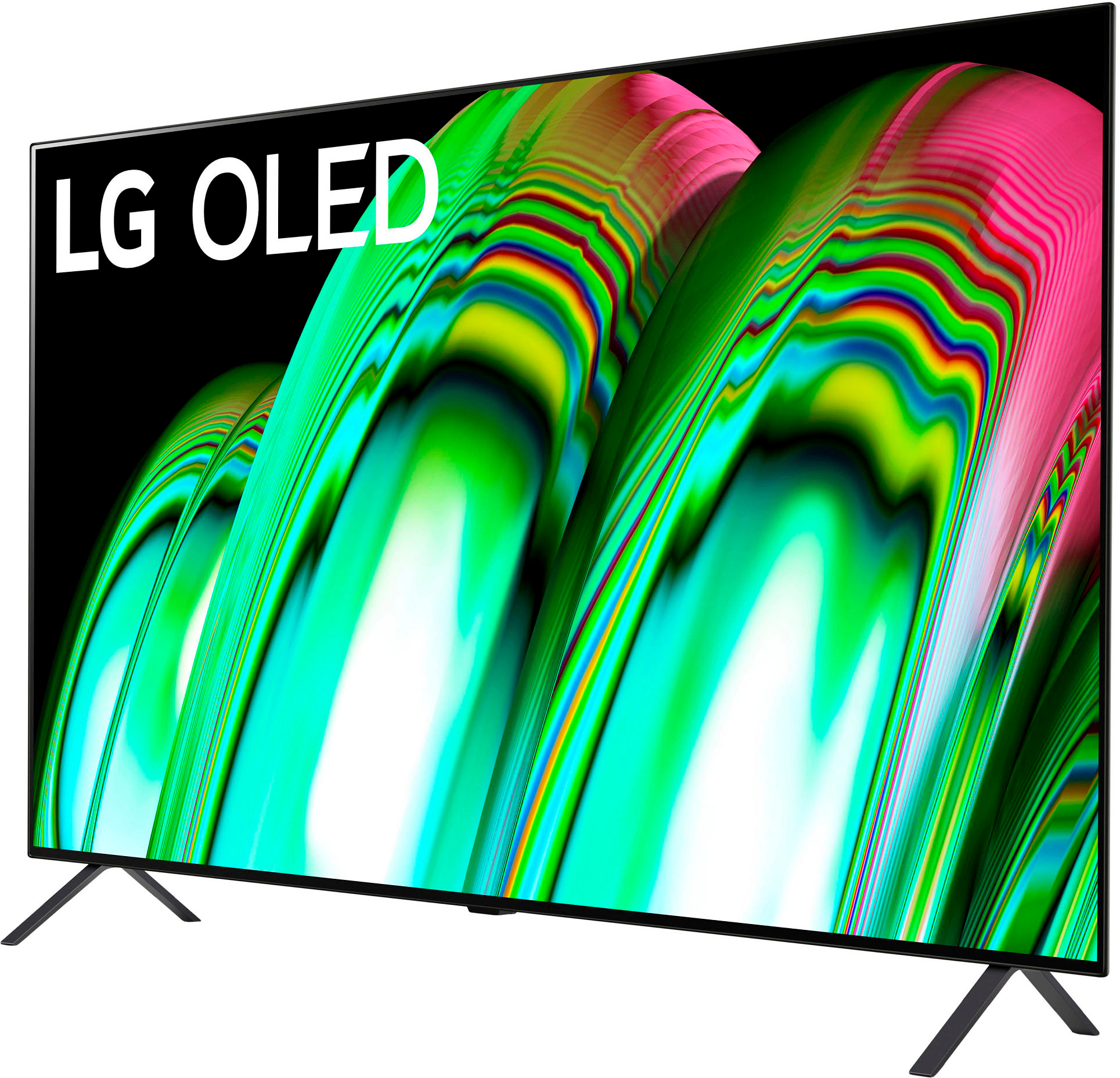
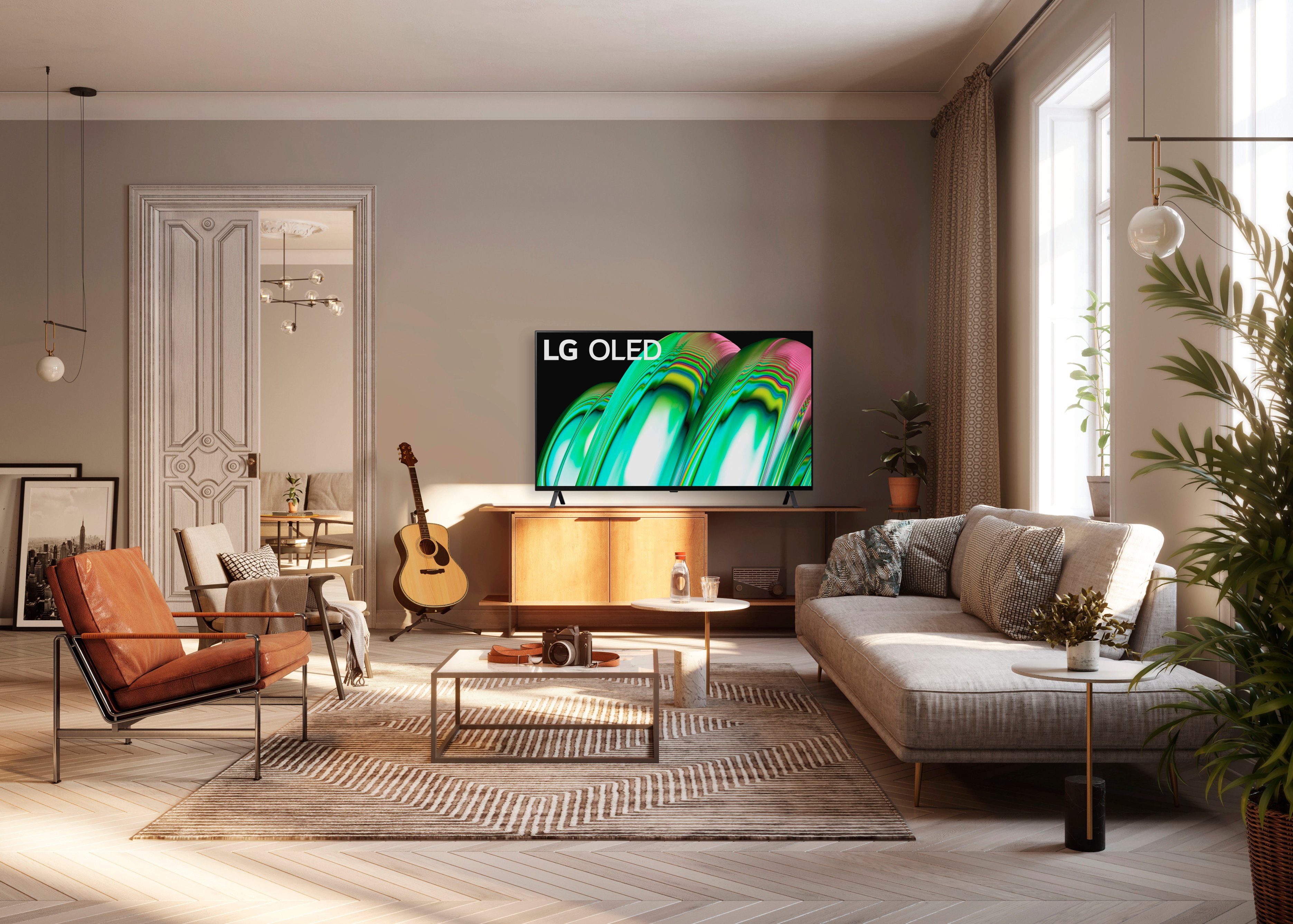
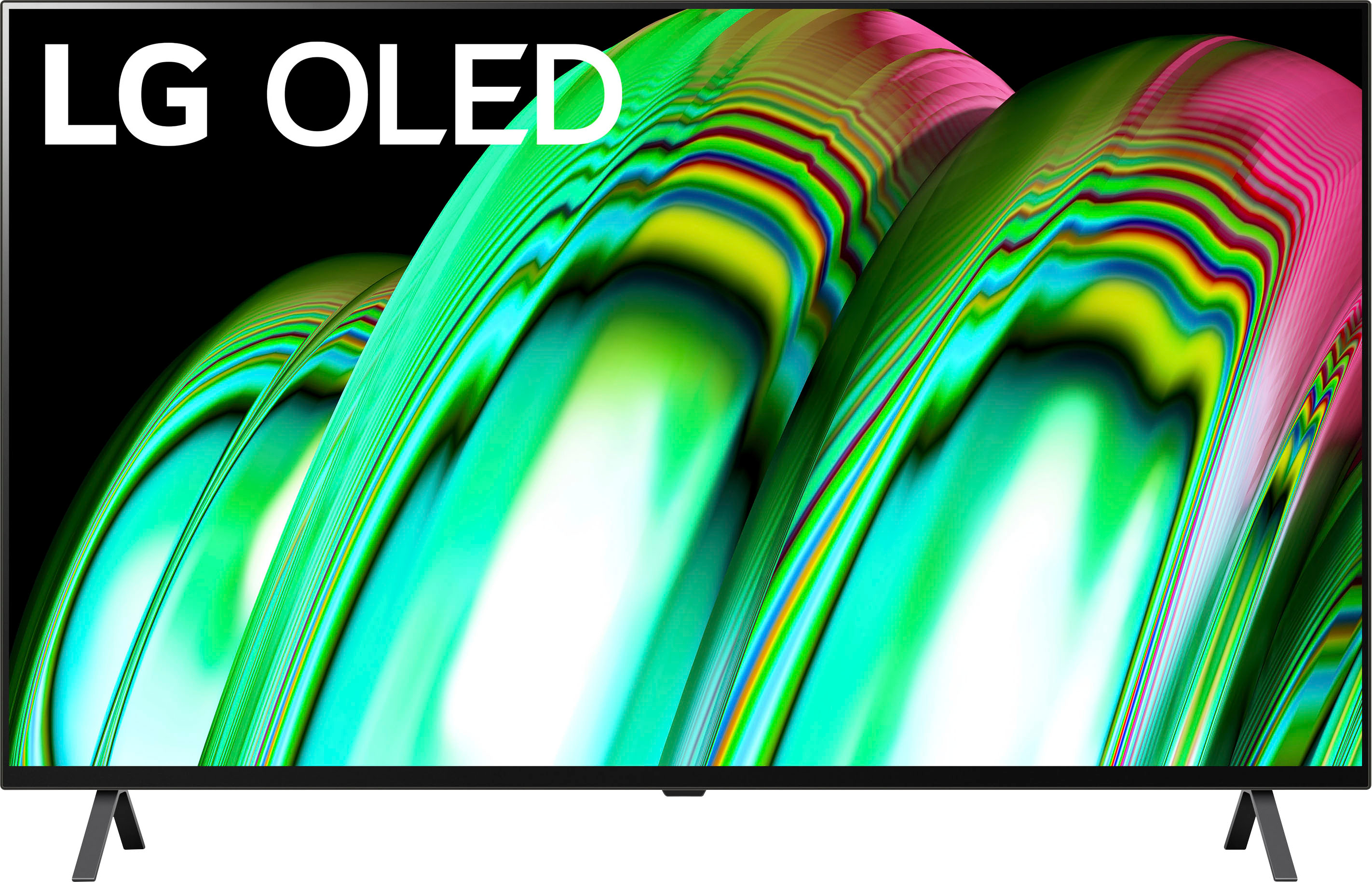
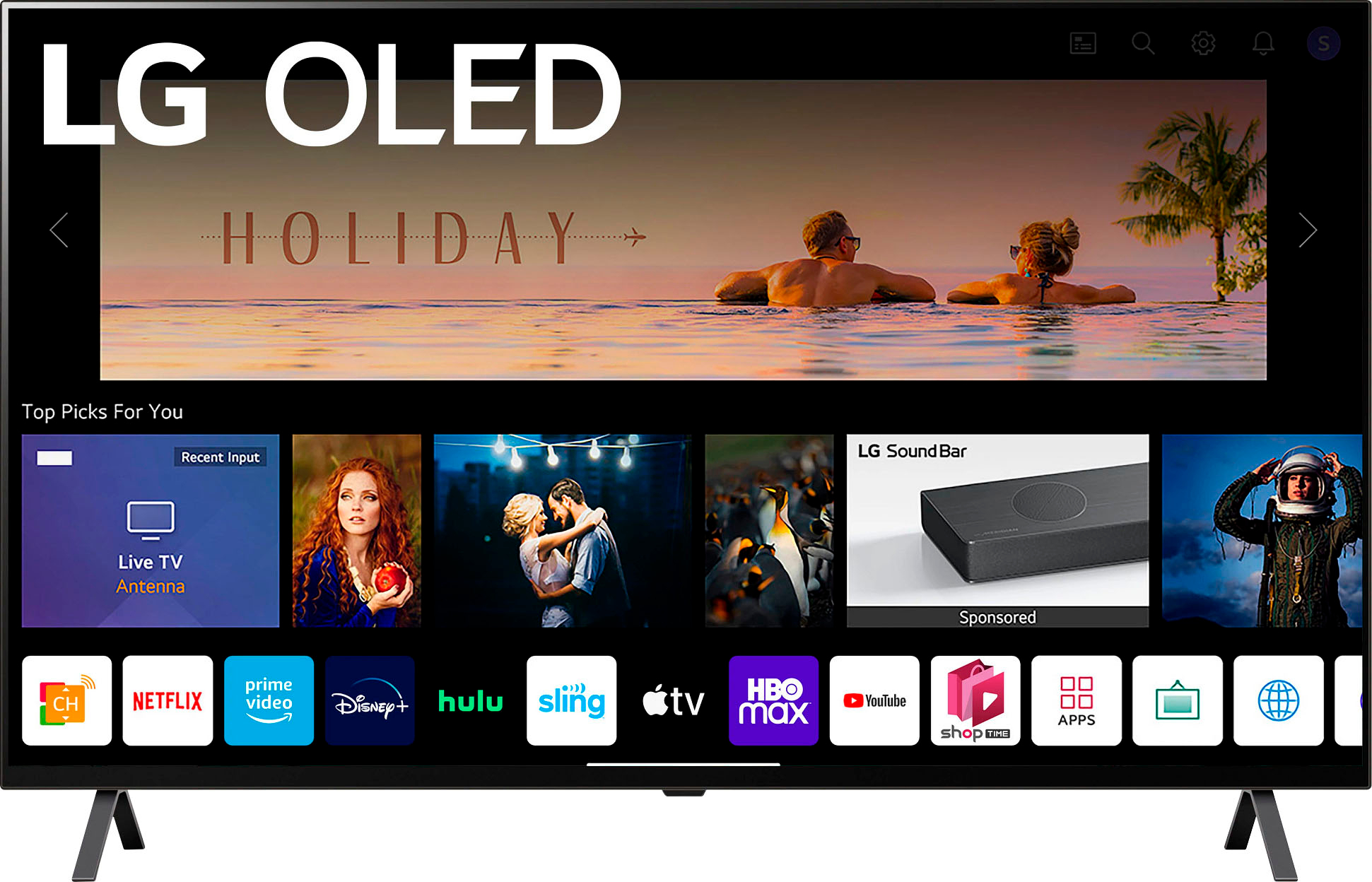
    • Answer Hello, OLED55C2PUA- The Award-Winning¹ LG OLED C2 Is Better Than Ever. The versatile LG OLED C Series has gotten even more impressive with brighter colors, a new, more advanced processor and a sleeker, slimmer beze OLED55A1PUA -Home Cinema Experience-- Get breathtaking picture and audio that makes you feel like you're in the action with Cinema HDR, Dolby Vision IQ & Dolby Atmos. See movies exactly how directors intended with Filmmaker Mode. Infinite Contrast You've never seen infinite contrast like this. Perfect black makes it possible. Scenes are more natural. Clarity is revealed in everything you watch. It's a small detail that makes a big difference to movies, shows, sports and games. The LG B1 OLED is an excellent TV overall. It performs best for watching movies in dark rooms because it has a near-infinite contrast ratio with perfect blacks. The C1 gets brighter, but the difference isn't very noticeable. The C1 also has a wider refresh rate range because it has low frame rate compensation that allows the VRR to drop below 40Hz, which the B1 doesn't have. ^Vanessa
      Answered by LG Digital Customer Care

  • QuestionWhat is the size of streaming app storage? Can you delete any of the preloaded apps that you don’t use?

    Asked by Espanaloco.

    • Answer Hi, there.You can delete an app. ^Vanessa

      Answered by LG Digital Customer Care

  • QuestionCan you disable Alexa & google assistant?

    Asked by Pat.

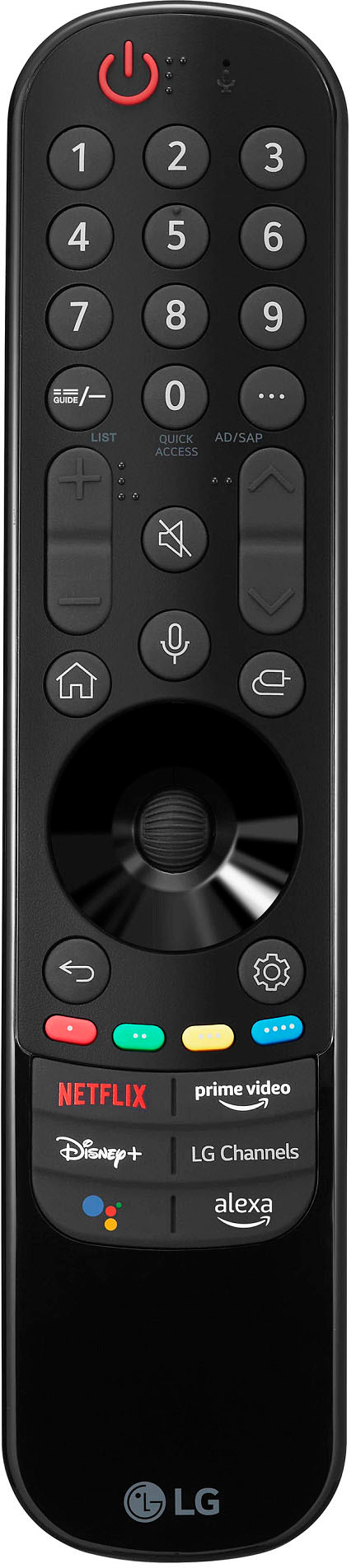
    • Answer I don’t think this question was asked the right way and so the answers are misleading. Maybe I’m wrong. But the issue I have is NOT that I need to “not accept” the voice recognition terms and conditions. The issue I have is that I do not want the TV to respond - AT ALL - when it hears a wake word. I have Echo and Google Home devices throughout my home. THEY respond when I ask for them. But even though I have revoked my acceptance of the terms and conditions for voice recognition, every time the TV hears a wake word it lights up and tells me I must accept the voice recognition terms and contiditions to use it. I don’t want the TV to respond AT ALL. There should be a setting in there that says “don’t listen for any wake words.” If I need Alexa to tell me the weather forecast, an Echo will do that perfectly well. I don’t ask my echo to stream Netflix. I don’t need my TV to be a bad version of an Echo Show. That’s the real problem to my mind. The designers just can’t believe that anyone would want to use Alexa or Google but not have it on the TV. I pity the family that actually has a child named Alexa. So the answer to THAT question is “No, you can’t stop that behavior as of July 2023.” This one point will guide my future buying habits.

      Answered by RobertAllen