A:AnswerHi there, Jack! Thank you for sharing your question to us
about the LG TV (OLED55B5PUA).
Yes, it can. The LG OLED55B5PUA includes features designed to show artwork, photos, or ambient backgrounds when the screen is idle. You can explore the full feature list and support details here:
https://www.bestbuy.com/product/lg-55-class-b5-series-oled-ai-4k-uhd-smart-webos-tv-2025/JJ8VPZTKH9.
If you need further assistance, feel free to send us an email at lgdigitalcare@lg.sprinklrsupport.com.
- Avril
A:AnswerHello there, Luddite! Thank you for sharing your question to us about theLG TV (OLED55B5PUA).
To enjoy smooth 4K streaming, most major streaming platforms recommend an internet speed of at least 25 Mbps. This helps ensure stable playback, crisp detail, and minimal buffering.
You can explore the full feature list and support details here: https://www.bestbuy.com/product/lg-55-class-b5-series-oled-ai-4k-uhd-smart-webos-tv-2025/JJ8VPZTKH9.
If you need further assistance, feel free to email us at lgdigitalcare@lg.sprinklrsupport.com.
- Avril
A:AnswerThe LG 55" Class B5 Series OLED AI 4K UHD Smart webOS TV (2025), Model # OLED55B5PUA, can be connected to external audio devices via its HDMI eARC (HDMI 2) port or its Optical Digital Audio Output, or paired with them via Bluetooth®.
It does not have the older analog stereo RCA (Red/White) barrel ports or a 3.5 mm Headphone jack for connection to external speakers...^Ivan.
A:AnswerHello there. Thank you for reaching out to us with your question. We understand your inquiry regarding the compatibility of the OLED55B5PUA with the Roku app.
The OLED55B5PUA operates on our advanced webOS platform, which includes a dedicated App Store where you can find a wide variety of streaming services. We are happy to share that you can download "The Roku Channel" app directly from the LG Content Store on your television. This application allows you to access a vast library of free, ad-supported movies, TV shows, and live news directly through your LG OLED's interface without the need for additional external hardware. To find it, simply navigate to the App Store on your home screen and use the search function to locate and install the app.
https://www.bestbuy.com/product/lg-55-class-b5-series-oled-ai-4k-uhd-smart-webos-tv-2025/JJ8VPZTKH9
If you have any further questions about navigating the App Store, managing your applications, or optimizing your smart TV features, please contact us on lgdigitalcare@lg.sprinklrsupport.com, and our team will be more than happy to assist you further through a private message. —Renzo
A:AnswerNeither the LG 55" Class B5 Series OLED AI 4K UHD Smart webOS TV (2025), Model # OLED55B5PUA, nor any of our 2024/2025 LG TVs have a built-in NEXTGEN (ATSC 3.0) tuner.
LG Electronics announced in September 2023 that it would not include NEXTGEN TV (ATSC 3.0) tuners in its 2024 TV lineup for the U.S. market due to higher, uncertain licensing fees, making it economically unviable for the 2024 lineup.
LG was a leading advocate of the technology, having included it since 2020, making this a significant setback for the adoption of ATSC 3.0 standards...^Ivan.
A:AnswerThe LG Magic Remote, Model # MR25GA, that comes with the LG - 55" Class B5 Series OLED AI 4K UHD Smart webOS TV (2025), Model # OLED55B5PUA, is the only remote that LG makes for the TV that will give you full functionality with the TV.
A standard LG remote control will work with the TV for basic functions (power, volume, channel, input).
However, it will lack the advanced features of the LG Magic Remote (pointing, scroll wheel, voice control).
Universal remotes will also work for basic functions, and you may want to inquire about programmable Logitech remotes from a retailer that sells them...^Ivan.
A:AnswerPlease clarify what an "accessory stand option" is!
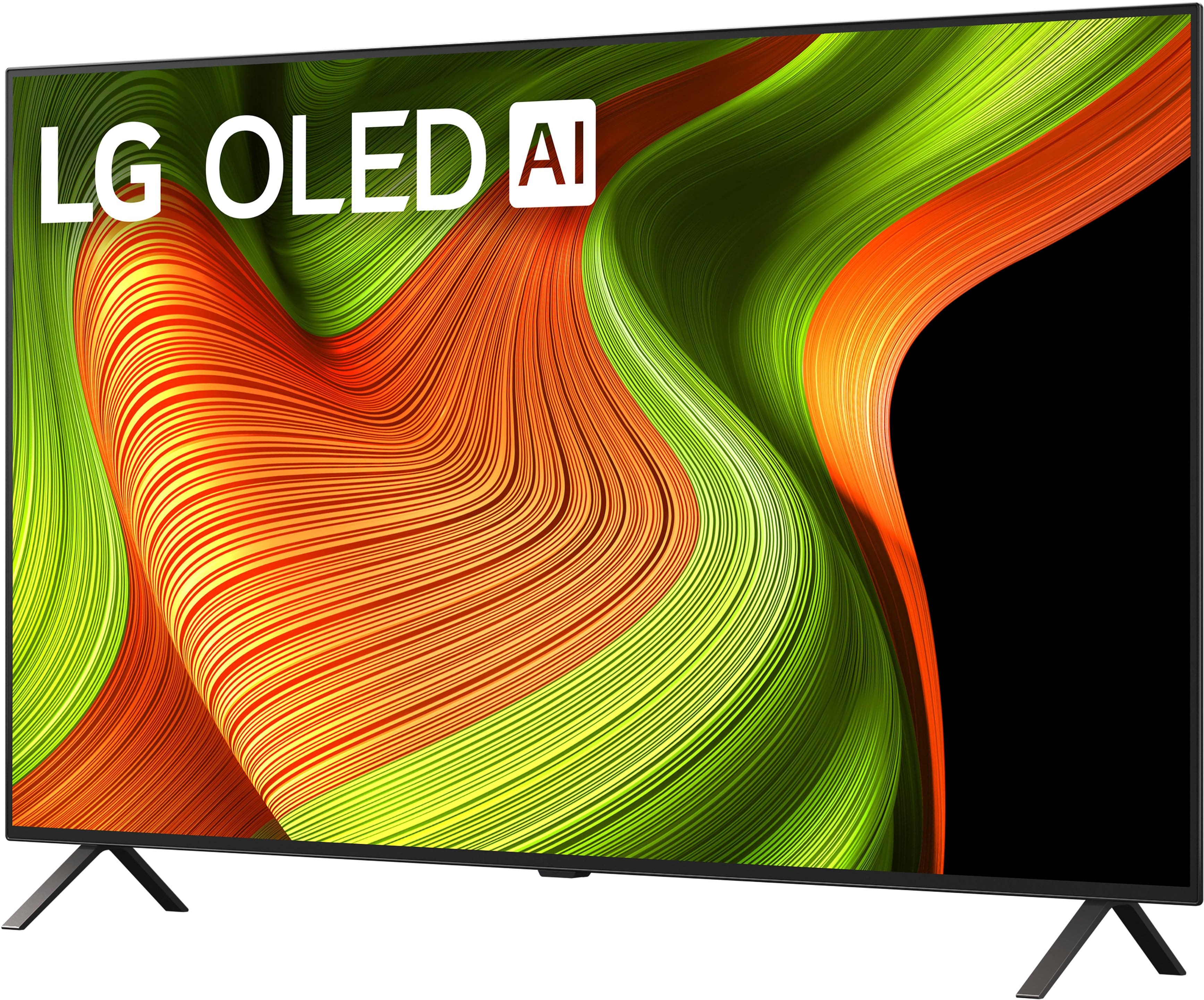
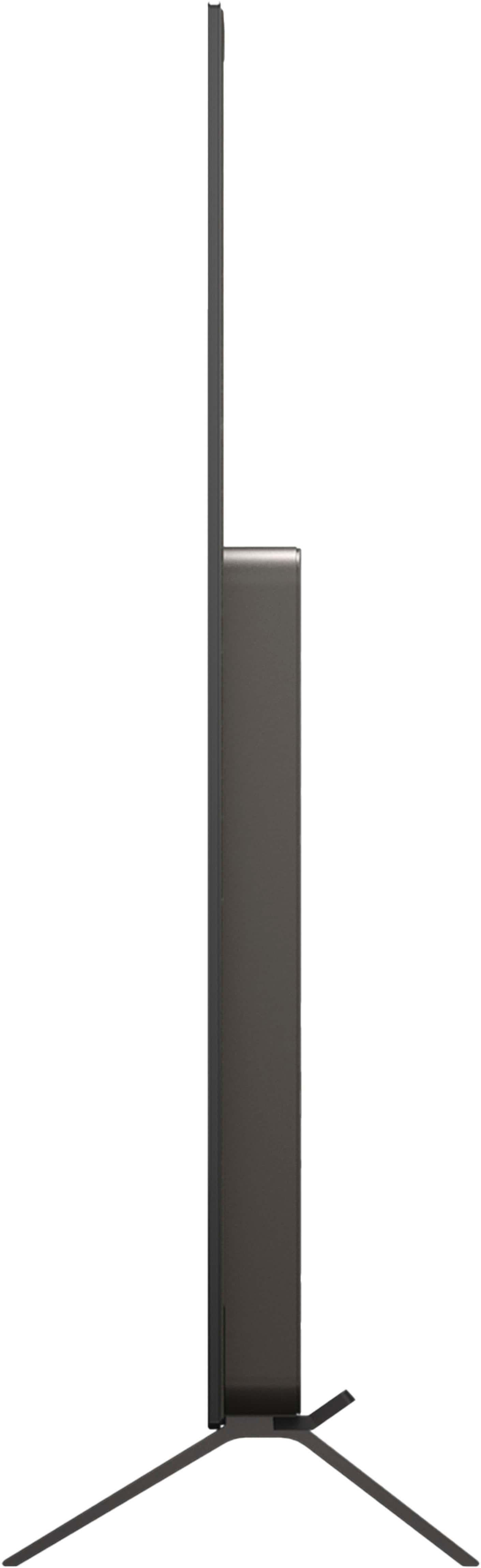
The stand legs shown in the images of the LG - 55" Class B5 Series OLED AI 4K UHD Smart webOS TV (2025), Model # OLED55B5PUA, are supplied with the TV, and we do not make any alternative stands for it...^Ivan.
A:AnswerHi there, BettyBoop. Thank you for reaching out to us regarding the LG OLED55B5PUA. We understand your inquiry regarding the compatibility of your Vizio model V51-H6 surround sound system with this TV.
Yes, the LG OLED55B5PUA will work with your Vizio sound system. According to the specifications, this TV features an HDMI eARC port (located at HDMI 3) and an Optical Digital Audio Out port, both of which are compatible with the standard connections found on the Vizio V51-H6. Additionally, the TV supports Bluetooth (v 5.3) if you wish to connect wirelessly.
https://www.bestbuy.com/product/lg-55-class-b5-series-oled-ai-4k-uhd-smart-webos-tv-2025/JJ8VPZTKH9
If you have any further questions about its features or connectivity, please contact us on lgdigitalcare@lg.sprinklrsupport.com, and our team will be more than happy to assist you. —Renzo
A:AnswerHello there. Thank you for sharing your experience with us. We understand your inquiry regarding the OLED55B5PUA and whether it features technology to protect the panel. We are happy to confirm that this model is equipped with our advanced OLED Care suite, which is designed to maintain the high-quality performance of your display. These features include Pixel Cleaning, which calibrates the pixels to keep the screen clear, and Screen Move, which subtly shifts the image at regular intervals. Additionally, the unit includes Logo Brightness Adjustment that automatically detects static logos on the screen and reduces their brightness to help prevent image retention. We understand how important it is to have these safeguards in place to ensure you enjoy the best possible viewing experience with your OLED technology.
https://www.bestbuy.com/product/lg-55-class-b5-series-oled-ai-4k-uhd-smart-webos-tv-2025/JJ8VPZTKH9
If you have any further questions about its features, please contact us on lgdigitalcare@lg.sprinklrsupport.com, and our team will be more than happy to assist you. —Renzo
A:AnswerHi there, Rich. Thank you for your inquiry about the OLED55B5PUA TV. We understand your question about the dimensions of the shipping box.
For the OLED55B5PUA, the packaging dimensions are 53.5" (Width) x 31.9" (Height) x 6.8" (Depth).
https://www.bestbuy.com/product/lg-55-class-b5-series-oled-ai-4k-uhd-smart-webos-tv-2025/JJ8VPZTKH9
If you have any further questions about its features, please contact us on lgdigitalcare@lg.sprinklrsupport.com, and our team will be more than happy to assist you. —Renzo
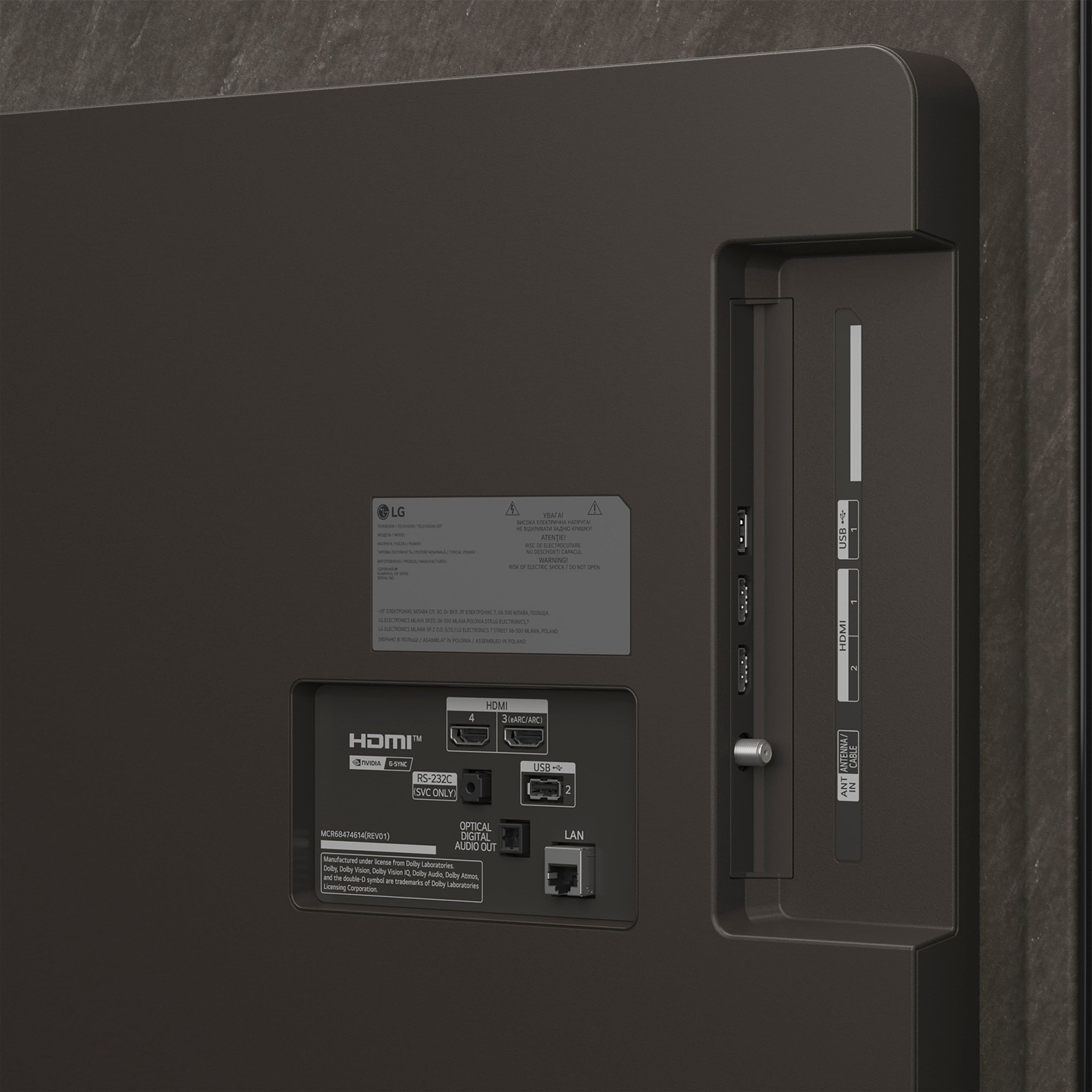
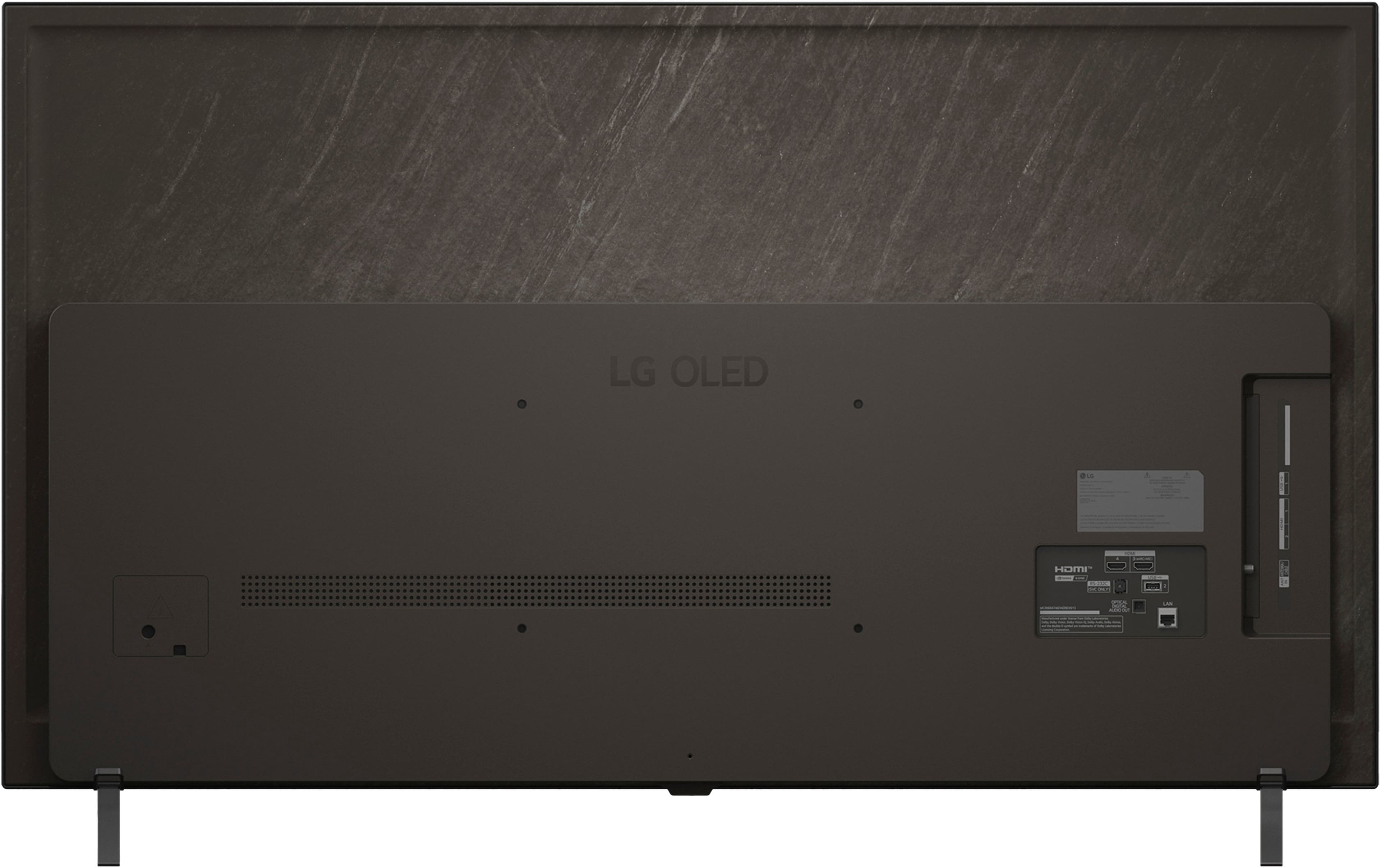
A:AnswerHello there. We understand your inquiry regarding the power input location for your LG OLED TV (Model: OLED55B5PUA). To assist with your wall-mounting plans, please be advised that on this model, the power cord connection is typically located on the left side of the back panel (when you are facing the back of the TV), while the HDMI and media ports are located on the right side. To ensure the most accurate placement for your electrical outlet, we recommend consulting the Quick Start Guide or the detailed dimension diagrams available on the LG Support website. Your feedback is important, and we'd like to assist you further.
https://www.bestbuy.com/product/lg-55-class-b5-series-oled-ai-4k-uhd-smart-webos-tv-2025/JJ8VPZTKH9
If you have any further questions about its features, please contact us on lgdigitalcare@lg.sprinklrsupport.com, and our team will be more than happy to assist you. —Renzo
A:AnswerHi there, Randy. We understand your inquiry about adding applications to your LG OLED55B5PUA TV. We appreciate you reaching out to us.
Yes, your LG OLED55B5PUA is a Smart TV running the webOS 25 Operating System and includes an App Store. This allows you to download and install a variety of available applications to enhance your viewing experience.
https://www.bestbuy.com/product/lg-55-class-b5-series-oled-ai-4k-uhd-smart-webos-tv-2025/JJ8VPZTKH9
If you have any further questions about finding or installing applications on your OLED55B5PUA, please send us a private message on Social Media @LGUSSupport, and our team will be more than happy to assist you. —Renzo
A:AnswerHi there. Thank you for reaching out to us. We understand your inquiry regarding the available applications on the LG OLED B5 Series TV (Model # OLED55B5PUA). To answer your question, this model features popular content partners including Netflix, Max, Disney+, YouTube, Prime Video, ESPN, Apple TV, and Sling TV. Additionally, it includes LG Channels, and you can access a wide variety of other apps via the App Store on webOS 25.
https://www.bestbuy.com/product/lg-55-class-b5-series-oled-ai-4k-uhd-smart-webos-tv-2025/JJ8VPZTKH9
If you have any further questions about its features, please send us a private message on Social Media @LGUSSupport, and our team will be more than happy to assist you. —Renzo
A:AnswerDifferent TV manufacturers have different names for Motion Interpolation, and what is listed as OLED Motion for Motion Enhancement Technology in Best Buy's specifications for the LG 55" Class B5 Series OLED AI 4K UHD Smart webOS TV (2025), Model # OLED55B5PUA, is not the same as TVs.Motion Interpolation on LG OLED It refers to the TV software that processes dynamic video, while Motion Interpolation, also known as TruMotion on LG TVs, is a feature that adjusts judder and blur to smooth the frame rate of video. Both features aim to enhance the viewing experience by reducing motion blur and improving the smoothness of moving images. However, they serve different purposes and are not interchangeable.
OLED Motion, which is a setting found under the TV's Game settings can make your video clearer by eliminating afterimages, whereas TruMotion is a setting that can be found in the Picture > Clarity settings and is suitable for the image quality of fast-moving pictures.
Within the TruMotion settings:
Off : Turns off the TruMotion.
Cinematic Movement : Adjusts the shaking of the motion on the screen to make it feel like you are in a movie theater.
Natural : Sets images with a lot of motions to look natural and clear.
Smooth Movement : Softens fast-moving pictures.
User Selection : Sets TruMotion manually.
De-Judder : Adjusts juddering on the screen.
De-Blur : Reduces the blurring effects of motion...^Ivan.
A:AnswerLike any other TV, the LG 55" Class B5 Series OLED AI 4K UHD Smart webOS TV (2025)
Model # OLED55B5PUA, has a settings menu where you can find settings for Brightness, Color, or Clarity, and in the settings you will find Panel Brightness that controls the level of screen brightness by adjusting the backlight, and the OLED Pixel Brightness that adjusts the display brightness by varying the brightness of the OLED panel.
Depending on the Energy Saving (Auto/Maximum), you may not be able to adjust the OLED Pixel Brightness.
In this case, navigate to Settings > All Settings > General > Energy Saving > Energy Saving Step and set it to Off or Minimum.
Black Level adjusts the brightness of dark areas of the screen. The closer it is to 100, the lighter the screen becomes.
Auto Dynamic Contrast corrects the difference between the bright and dark areas of the screen for optimal results, depending on the brightness of the picture.
When Dynamic Tone Mapping is set to On, is suitable for contrast settings based on the image brightness of the HDR content.
You will also find other settings like Peak Brightness, Expression Enhancer, and Auto Dynamic Contrast,
In the Sound settings on the TV, the Automatic Volume Adjustment, when set to On, will automatically adjust the volume to a suitable level for each content you watch to help you enjoy watching more comfortably.
This setting only applies to internal speakers of the device or LG Soundbars that support the TV Sound Mode Share.
Keep in mind that there is a Commercial Advertisement Loudness Mitigation (CALM) Act, where the FCC's regulations for volume control in commercials are primarily governed by the Commercial Advertisement Loudness Mitigation (CALM) Act. This act requires that TV commercials be broadcast at a volume level consistent with the program material they accompany. The CALM Act mandates that all "multichannel video programming" distributors implement the Advanced Television Systems Committee's (ATSC) A/85 Recommended Practice to measure and control the audio loudness of digital programming, including commercials.
The CALM Act applies to TV commercials and does not extend to radio commercials or those aired on the internet or via streaming services. It is important to note that the CALM Act does not address loudness differences between programs or channels on a given station or MVPD, focusing solely on the differences between commercials and the programs they accompany.
The enforcement of the CALM Act relies on consumer complaints, with the FCC focusing on patterns or trends of complaints rather than individual complaints...^Ivan.
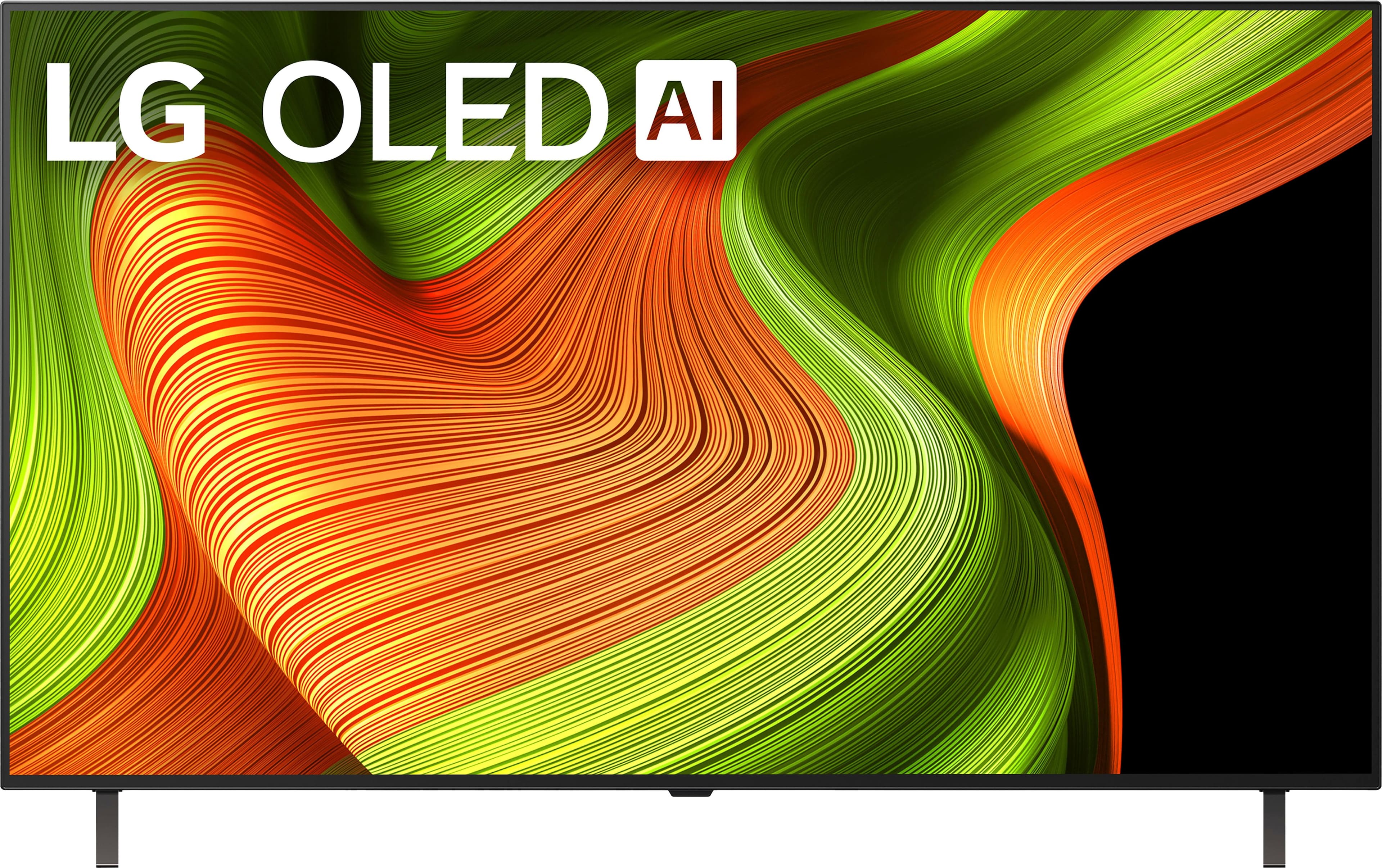
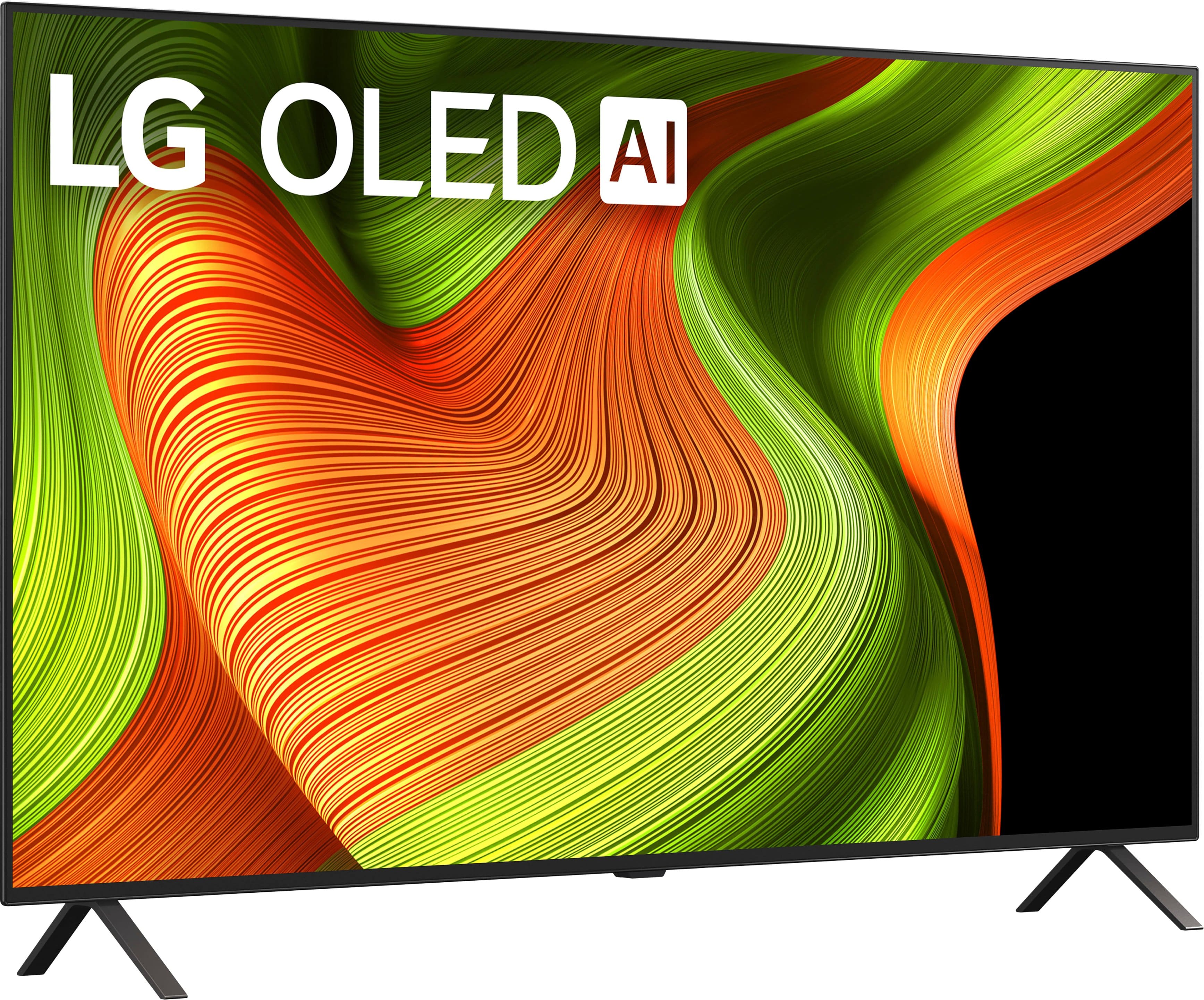
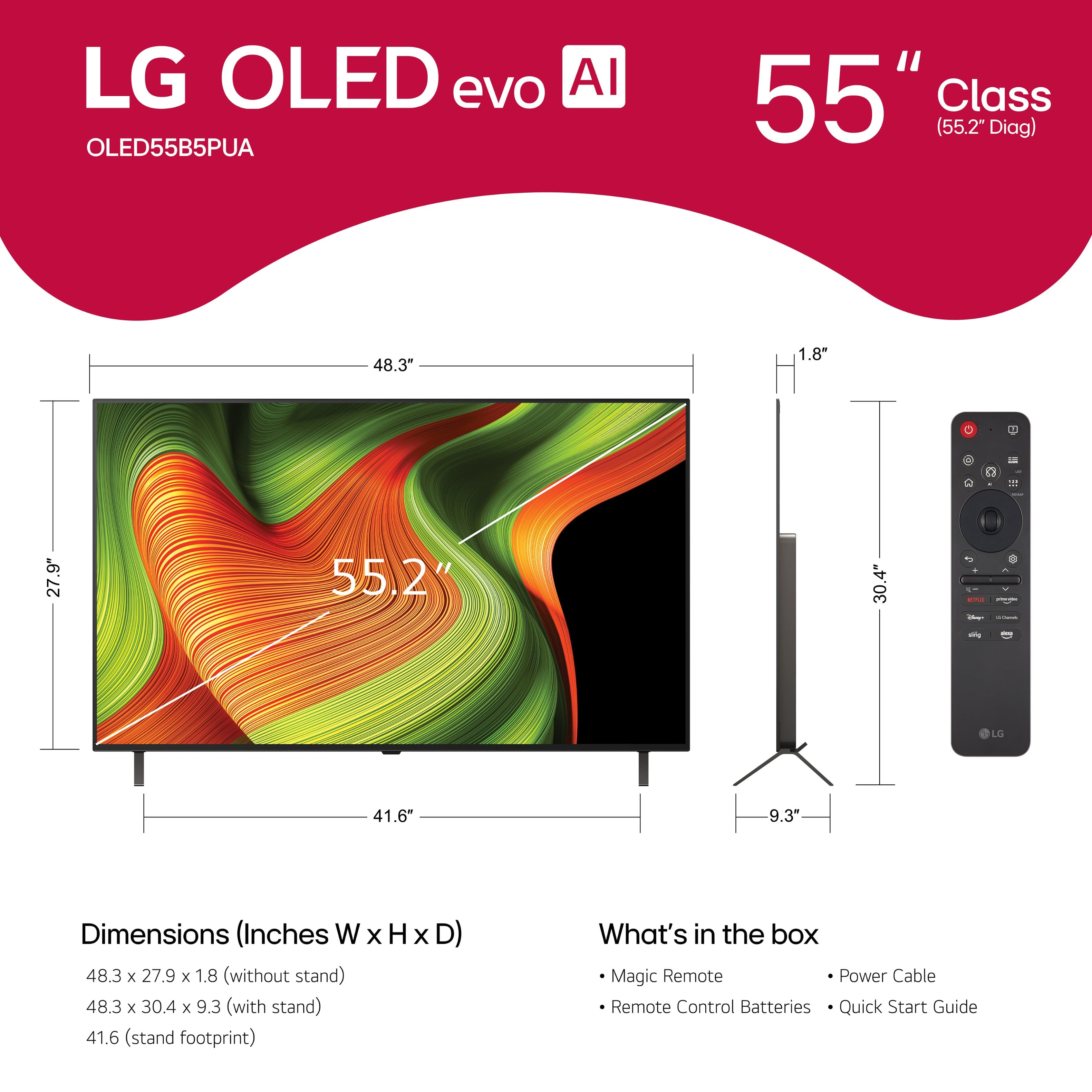

. Independently Tested for Quality and Workmanship CheckPlus: 100 % Color Volume to DCI-P3 oi PSSEANE Intertek [www.IntertekCheck.com](http://www.IntertekCheck.com). 100% Color Fidelity and '100% Color Volume to DCI-P3' applies to 2025 OLED TVs. *LG OLED Display is verified by UL for Perfect Color measured to IDMS 11.5 Ring-light Reflection standards. *100% Color Volume is defined as the performance of display which is equal or greater than the size of DCI-P3 standard color volume as verified independently by Intertek. *The LG OLED Panel is certified by Intertek for 100% Color Fidelity, measured to IDMS 11.5 Ring-light Reflection standards.](https://pisces.bbystatic.com/image2/BestBuy_US/images/products/3661ed5e-8d92-47a9-baef-65aa6eb5dcb9.jpg)