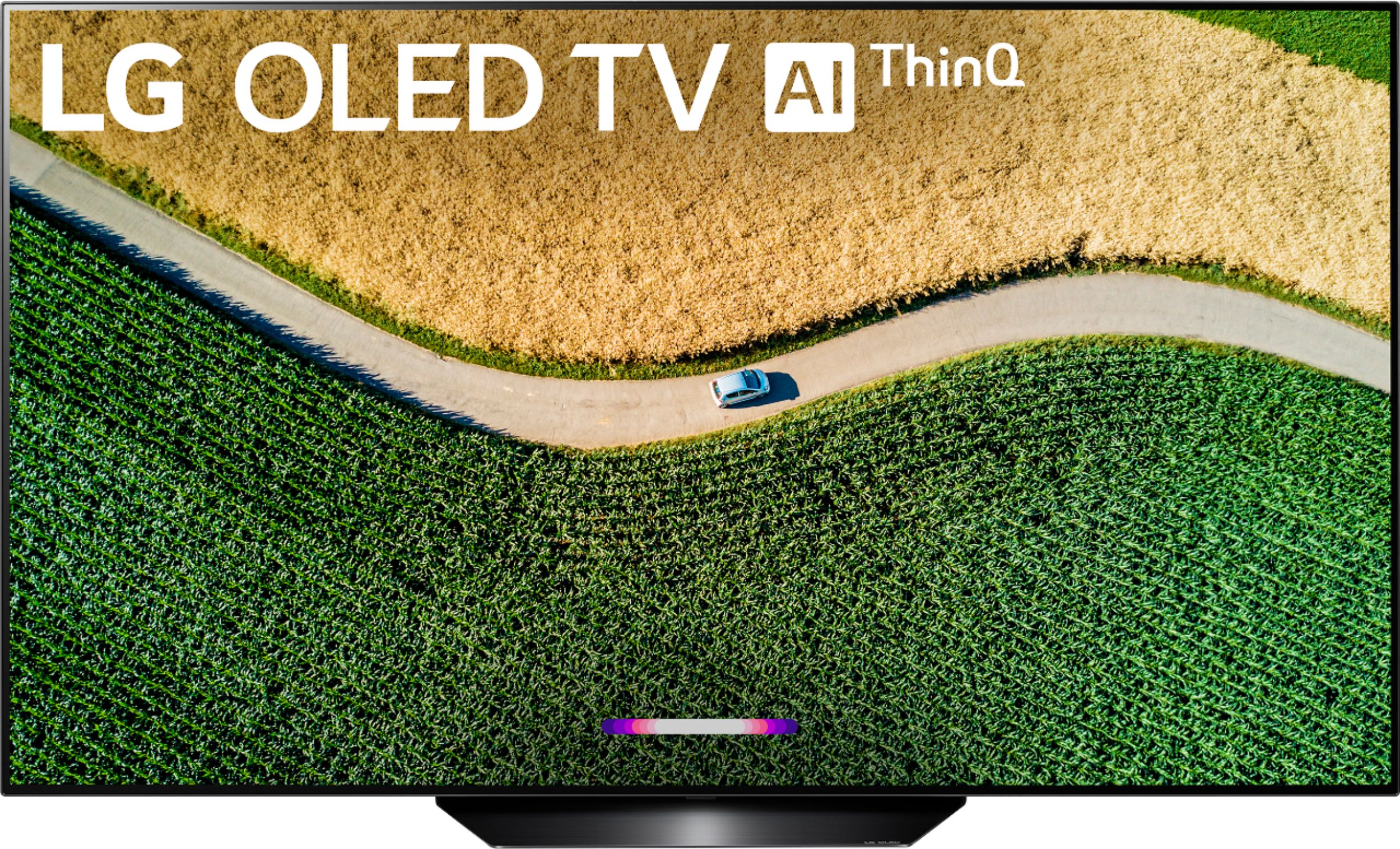
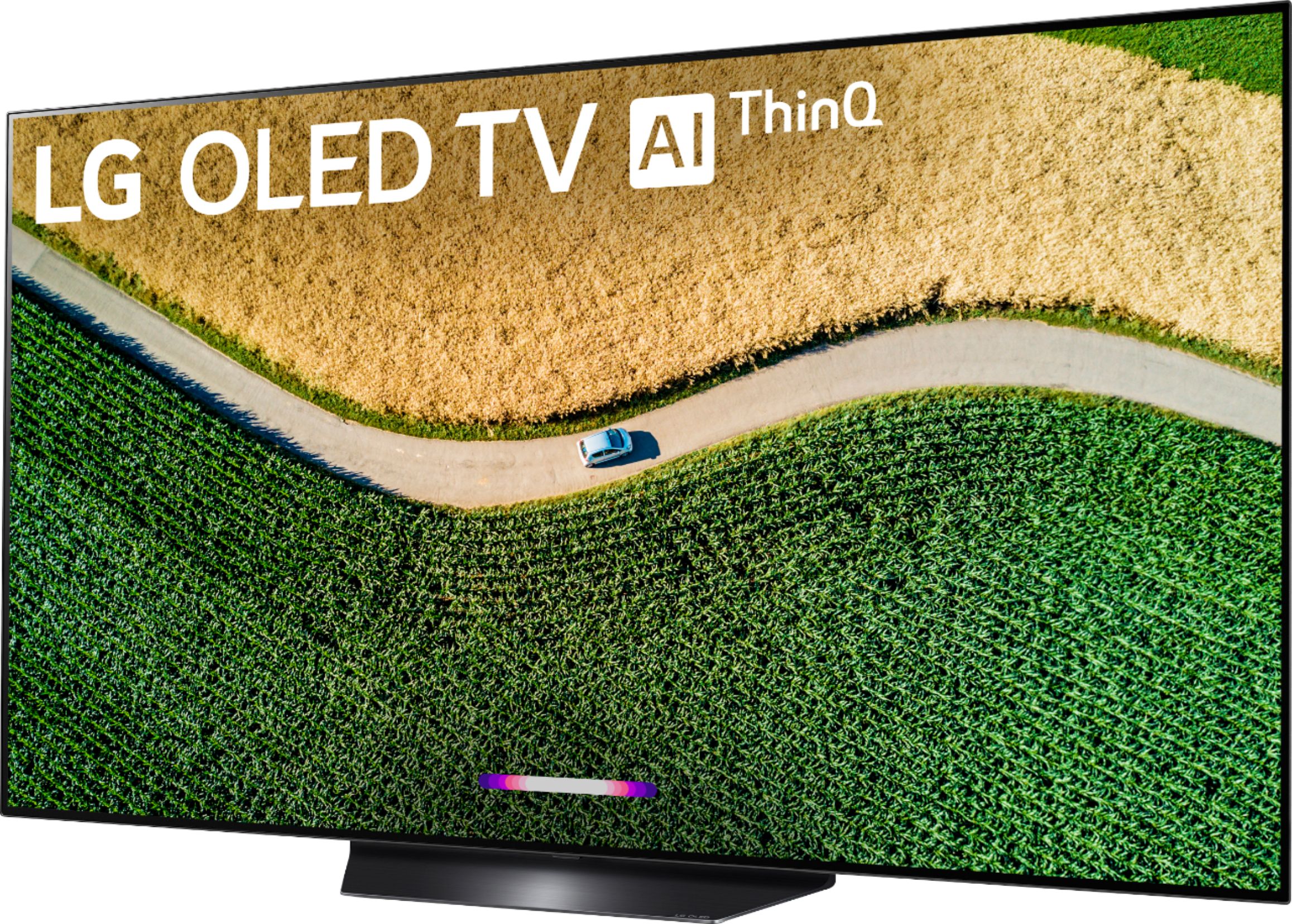
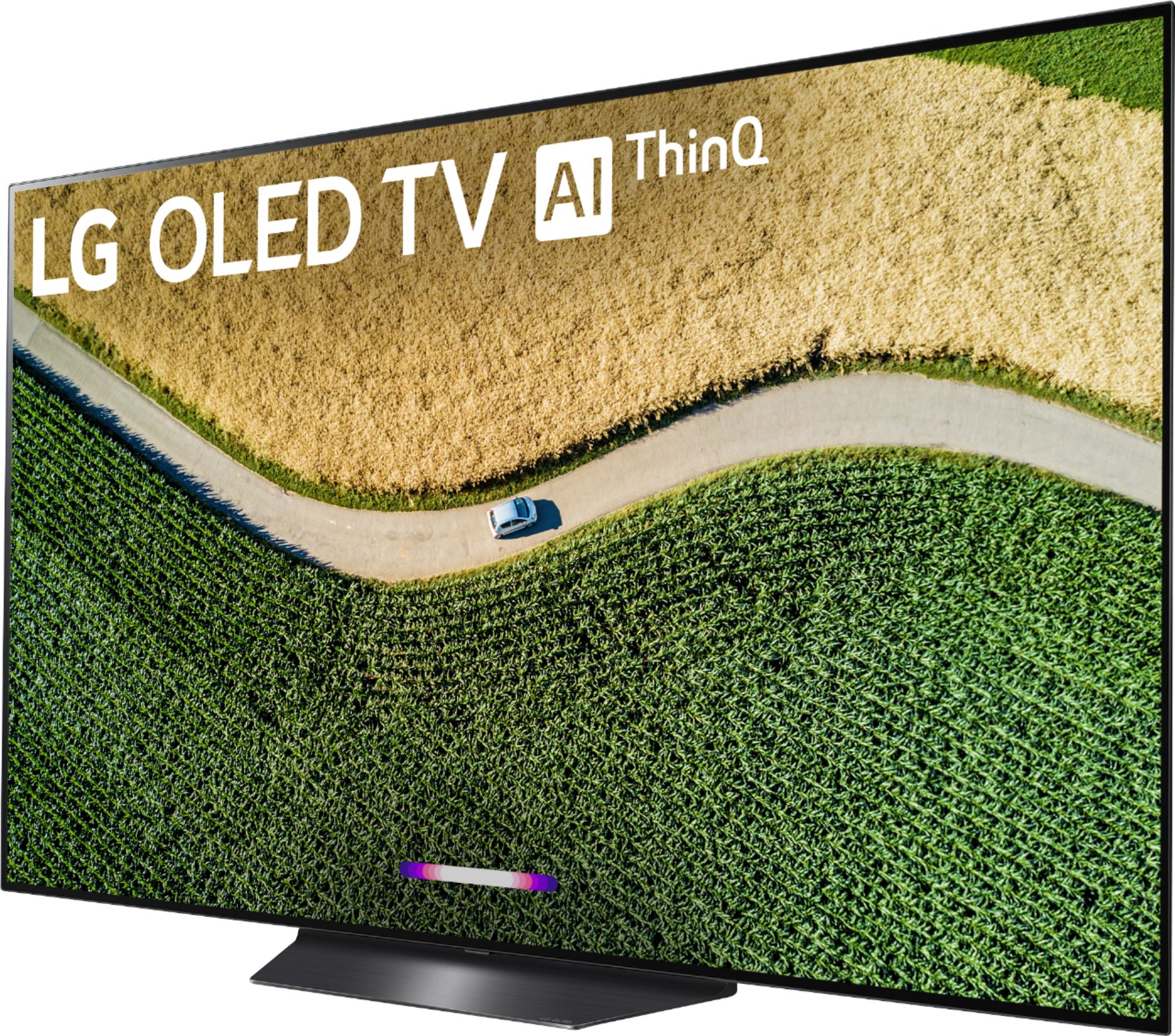
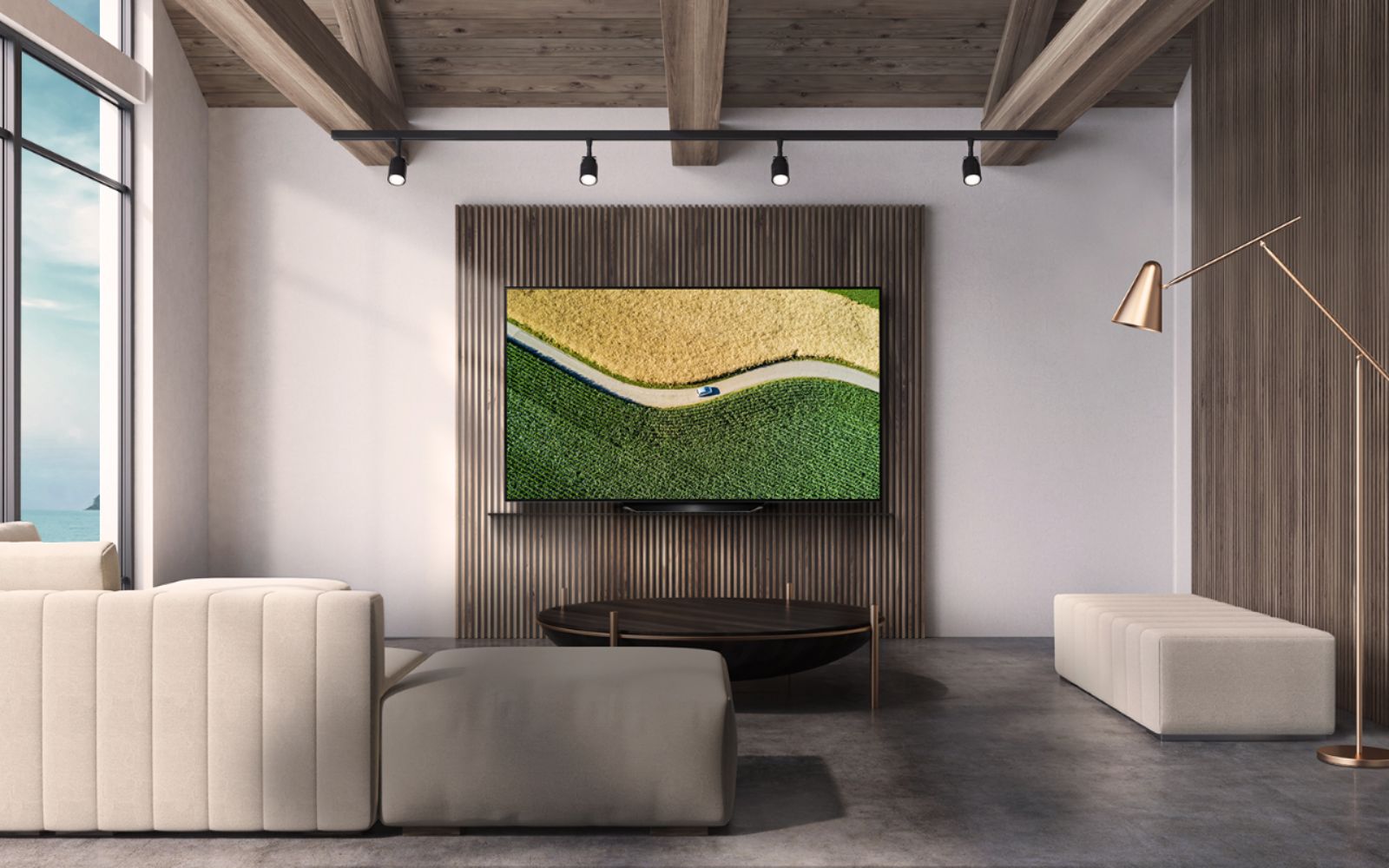
A:AnswerThe screen measures 55" diagonally. The W x H x D dimensions for the LG B9 55 inch Class 4K Smart OLED TV w/AI ThinQ® (54.6'' Diag), Model # OLED55B9PUA with the stand are 48.4" x 29.2" x 9.7" and they are 48.4" x 27.7" x 1.8" without the stand. ^CP
A:AnswerHi Thomas. Burn-in and image retention are possible on virtually any display. However, with an LG OLED TV, any risk of burn-in or image retention have been addressed through the use of technology that not only helps protect against damage to the screen, but features self-healing properties so that any short-term image retention that may occur is quickly rectified. It is rare for an average TV consumer to create an environment that could result in burn-in. Most cases of burn-in in televisions is a result of static images or on-screen elements displaying on the screen uninterrupted for many hours or days at a time – with brightness typically at peak levels. So, it is possible to create image retention in almost any display if one really tries hard enough. And even if image retention does occur from extreme usage, it can usually be mitigated within a short period of time by turning the display off for a while, and watching a few hours of varying content (such as your standard TV watching and channel-surfing). In the OLED Panel Settings for the LG B9 55 inch Class 4K Smart OLED TV w/AI ThinQ® (54.6'' Diag), Model # OLED55B9PUA is the Pixel Refresher that calibrates any issues that may arise on the screen when your TV has been turned on for a long time. Calibration takes more than an hour and can be set to start when the TV is turned off (Start Once TV is Off) or started immediately with Start Now where the TV turns off immediately. After the Pixel Refresher is done, the TV will automatically turn back on. The second feature is the Screen Shift feature which moves the screen slightly at regular intervals to prevent image sticking on the display. The third feature is the Logo Luminance Adjustment that adjusts the luminance of static images such as logos within content to correct potential picture quality issues...^IFV
A:AnswerBurn in would be permanent image retention on the screen. So if you watch one channel for many hours that has a logo in one place (like CNN and others) then it could show up even after you change channels. Experts say for most tv watchers that switch their channels regularly, this shouldn't be a problem. LCD tvs do not seem to have this problem, but their picture quality over all is not as good.
A:AnswerYou can stream HBO through the Amazon Prime Video or Hulu apps or from other external media streaming devices connected to the LG B9 55 inch Class 4K Smart OLED TV w/AI ThinQ® (54.6'' Diag), Model # OLED55B9PUA. Streaming HBO is not a problem on LG TVs, it's just that the HBO app is not available for download or installation from the LG Content Store on LG TVs...^IFV
A:AnswerBack with the 7 series that I have now the B and C only difference was that the C series had built-in speakers that were better and would output Dolby Atmos while the B series did so through a receiver/soundbar and the stands were different. The current ones the B series has a slower processor/chip in it while the C series has a better processor/ chip that can handle things like gaming better. Not a huge thing as I have the B9 and couldn't be happier.
A:AnswerThe W x H x D dimensions for the LG B9 55 inch Class 4K Smart OLED TV w/AI ThinQ® (54.6'' Diag), Model # OLED55B9PUA with the stand are 48.4" x 29.2" x 9.7" and they are 48.4" x 27.7" x 1.8" without the stand. ^CP
A:AnswerThe LG B9 55 inch Class 4K Smart OLED TV w/AI ThinQ® (54.6'' Diag), Model # OLED55B9PUA has a width of 48.4" and the 65" has a width of 57"...^IFV
A:AnswerThe supported Wi-Fi® in the LG B9 55 inch Class 4K Smart OLED TV w/AI ThinQ® (54.6'' Diag), Model # OLED55B9PUA is an IEEE 802.11a/b/g/n/ac module thatr has a frequency range of 2400 to 2483.5 MHz, 5150 to 5725 MHz, and 5725 to 5850 MHz. To stream 4K content, different streaming services claim different minimum requirements, but generally you should be able to stream 4K content from any provider (Netflix, iTunes, Amazon Video, etc.) as long as you have at least 25 Mbps WiFi (down)...^IFV
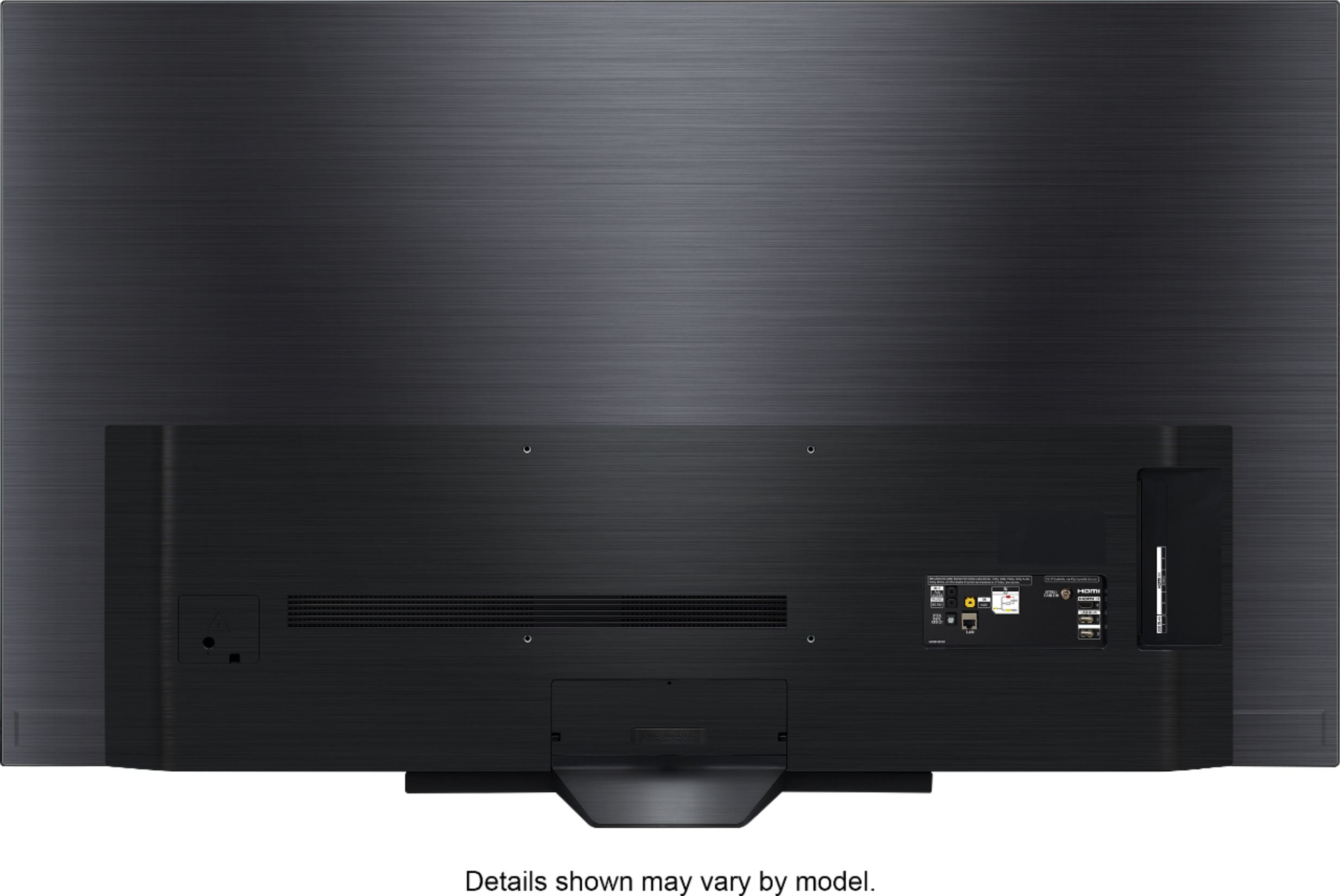
A:AnswerThe metric measurement for the VESA Standard screws that will fit into the VESA Wall Mount bolt holes on the LG B9 55 inch Class 4K Smart OLED TV w/AI ThinQ® (54.6'' Diag), Model # OLED55B9PUA have a width of 6mm (M6) The length will depend on the depth (i.e. how thick) the Wall Mount you use is. For example, the compatible LG Wall Mount for this TV is the LG EZ Slim Wall Mount, Model # OTW420B which requires four M6 x L18 (i.e width of 6mm & a length of 18mm) but also supplies you with four M6 x L35 Guide Spacer screws along with 3 sets of guide spacers. VESA compliant Wall Mounts come with two or three sets of screws with spacers for mounting the TV as long as the Wall Mount is VESA compliant and also supports the VESA Wall Mount Pattern on the TV ( 300 x 200mm)...^IFV
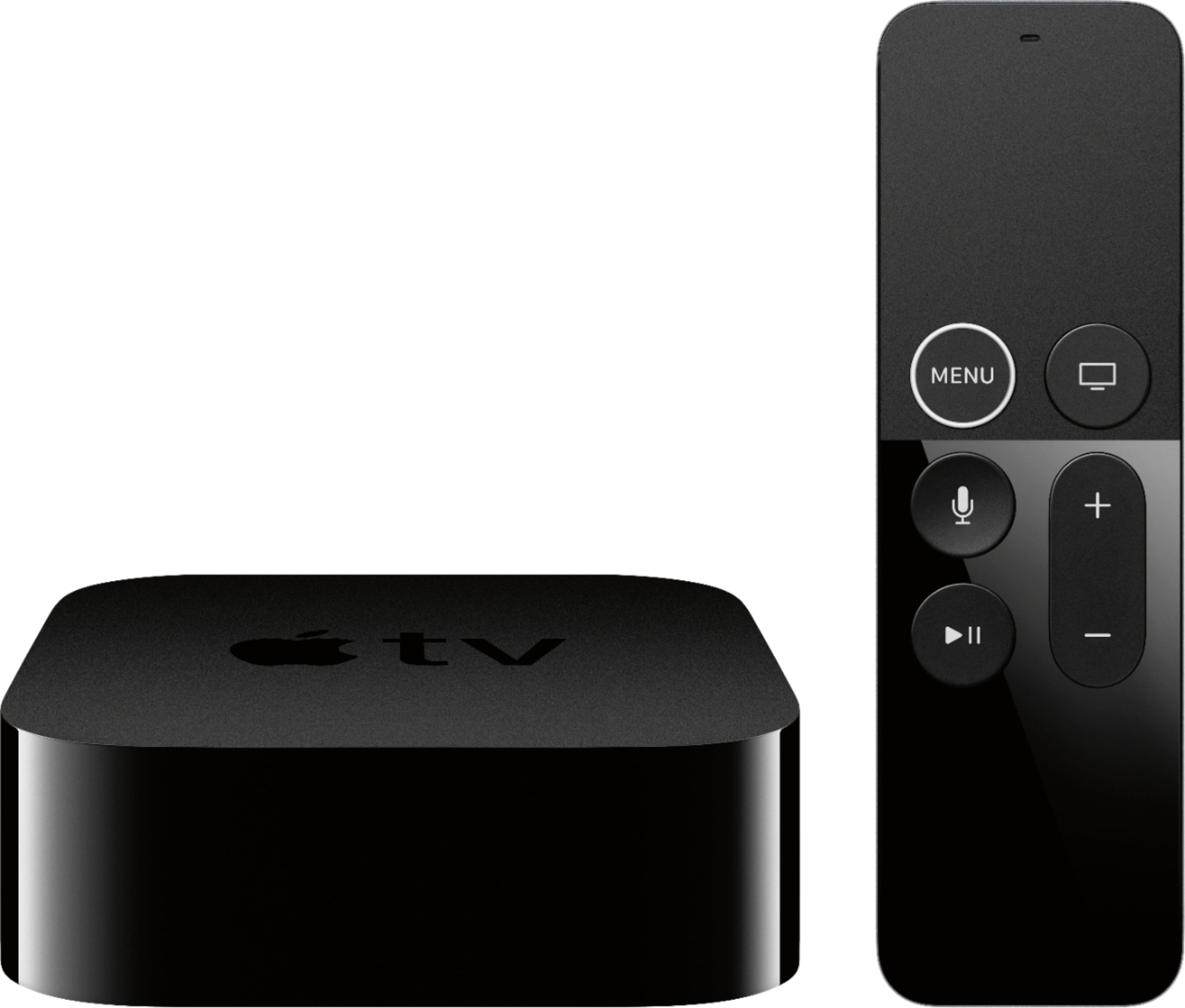
A:AnswerNot that I have seen yet. But friends have told me to get the Apple TV unit due to cooling problems if you steam your TV for long periods of time, I don't know how many hours but I am not going to take the chance.
A:AnswerHello, this TV is manufactured for use in the USA and does require 120Vac for optimal operation, however, the TV can withstand up to 240Vac with an adapter if needed. ^CP