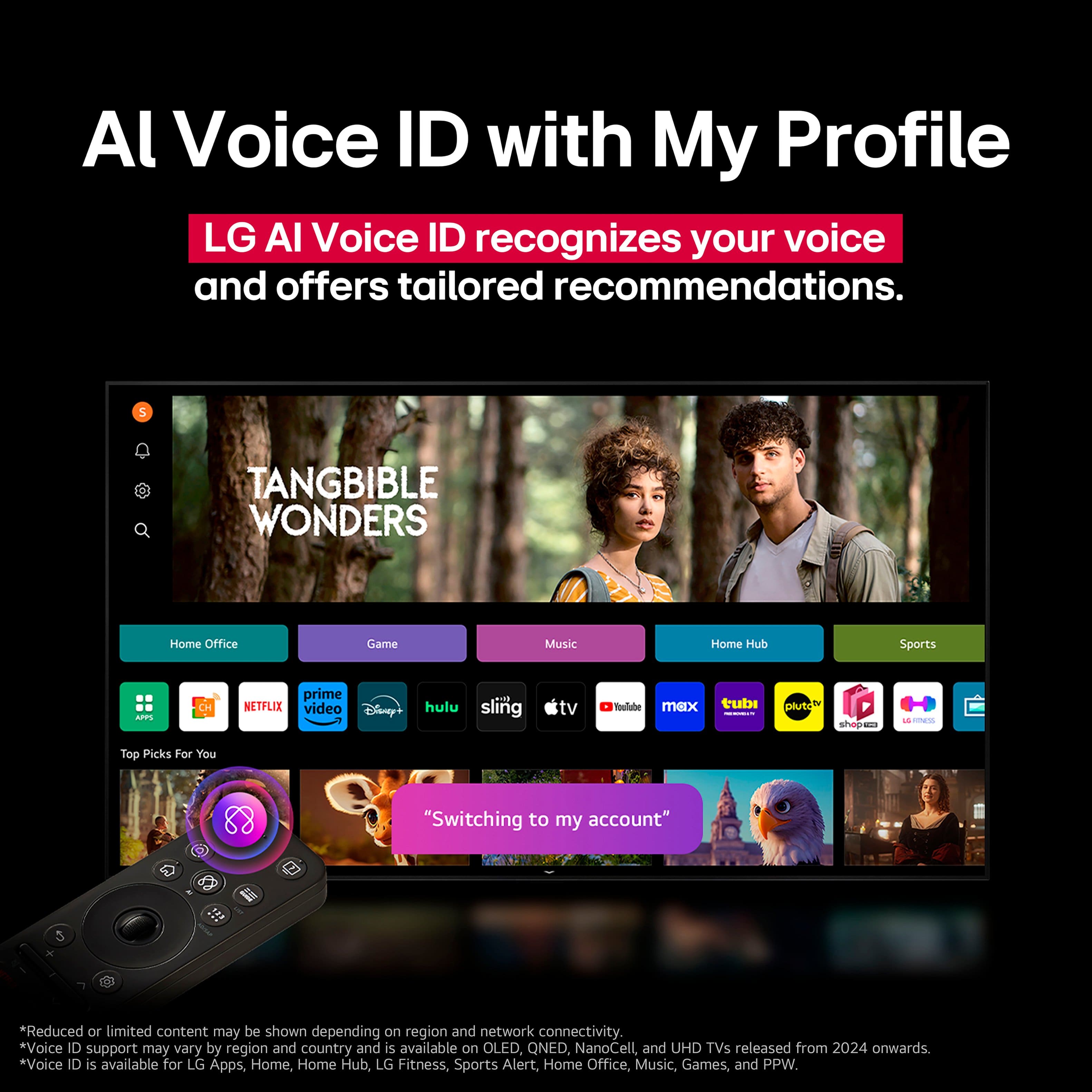
A:AnswerThe ViX app is not preinstalled on LG TVs, but it is compatible with the webOS TV Platform (i.e. Operating System) that TVs like the LG 55" Class C5 Series OLED evo AI 4K UHD Smart webOS TV (2025), Model # OLED55C5PUA runs on, so it can be downloaded and installed on the TV through the LG Content Store (App Store) feature on the TV's home screen...^Ivan.
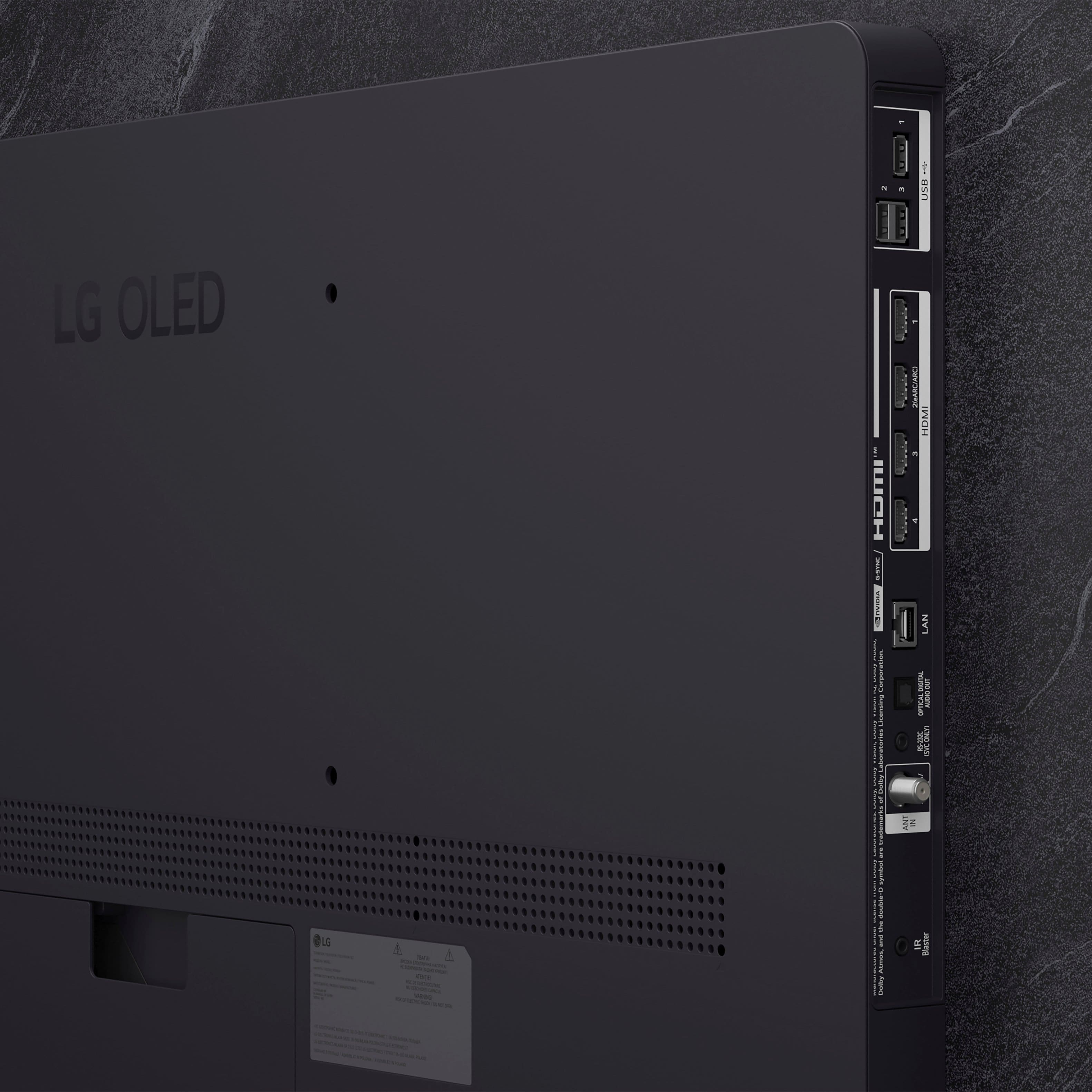
A:AnswerNo, it has an antenna input (same coax as cable) so if you have stations nearby you are in business. You will need an antenna, but I get by with a cheap rabbit ear. TV scans for local stations. Can use Blu-rays with a player.
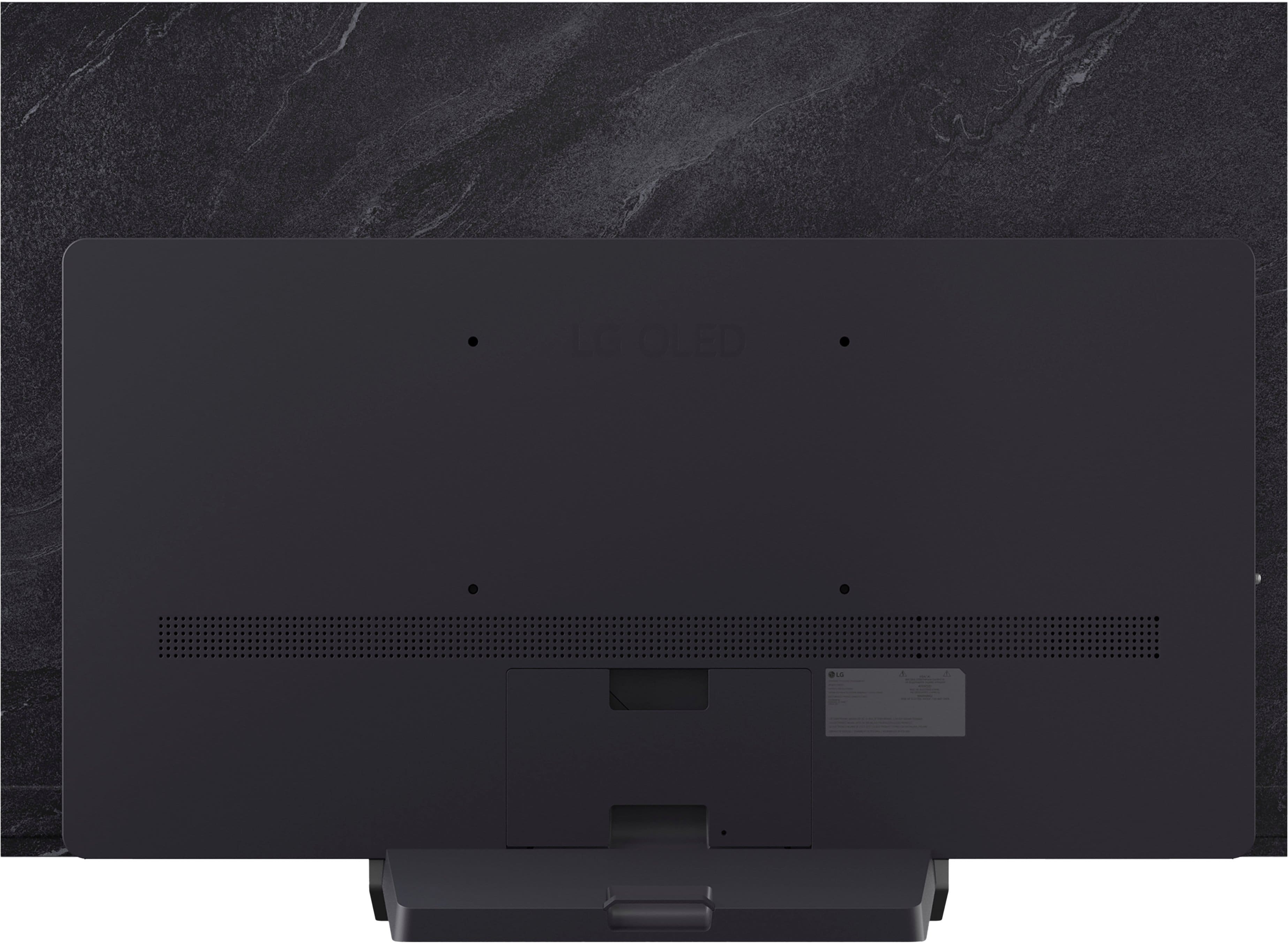
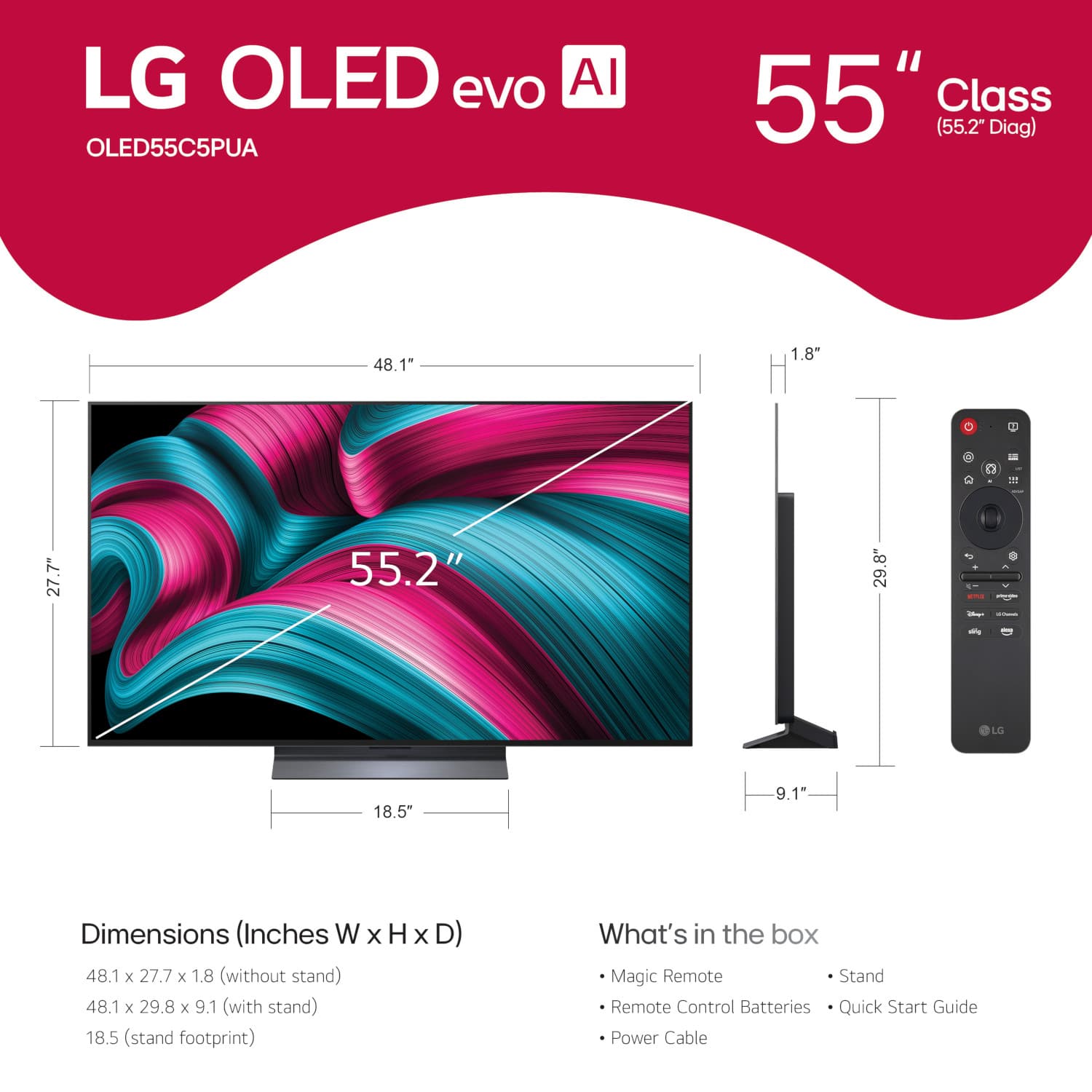
A:AnswerHi there. We understand your inquiry regarding the LG - 55" Class C5 Series OLED evo AI 4K UHD Smart webOS TV (2025). This model is indeed wall-mountable and is compatible with a 300 x 200 mm VESA mount pattern.
https://www.bestbuy.com/product/lg-55-class-c5-series-oled-evo-ai-4k-uhd-smart-webos-tv-2025/JJ8VPZTR8R
For further assistance and any specific concerns you may have, please contact us on lgdigitalcare@lg.sprinklrsupport.com. —Renzo
A:AnswerBluetooth technology works the same for any Bluetooth-enabled device, regardless of whether it is the LG 55" Class C5 Series OLED evo AI 4K UHD Smart webOS TV (2025) Model # OLED55C5PUA, or another device, and it does not continue to transmit when a product is completely off. If a device is off, Bluetooth will also be off. However, if it is in standby mode, Bluetooth may still be active, allowing for low-power communication...^Ivan.
A:AnswerThe LG 55" Class C5 Series OLED evo AI 4K UHD Smart webOS TV (2025)
Model # OLED55C5PUA currently has a savings of $400 (Original price is $1,999.99).
Please contact Best Buy's Support for inquires about if and when they will have other savings or promotions on the TV...^Ivan.
A:AnswerHello there, Barney. Thank you for sharing your experience with us regarding your LG OLED55C5PUA TV. We understand your inquiries about firmware updates and stand installation.
Regarding firmware and updates from LG, these consist of improvements to the TV's operating system (webOS), bug fixes, performance enhancements, and sometimes new features for various functionalities like picture processing, audio, and smart TV apps. While your TV will function for basic viewing without every single update, installing them is highly recommended to ensure optimal performance, stability, and access to the latest improvements and security patches. They are generally not necessary for the TV's initial basic operation, but they are crucial for maintaining its best possible performance over time.
As for attaching the TV to the stand, based on the Owner's manual page 4 to 6 for installation, it does require tools. Based on the owner's manual, you will typically need a "+" shaped screwdriver (manual or electric) for securing the screws that attach the stand to the TV. It is recommended to place the screen facing down on a cushioned table or flat surface to protect it from scratches during the process. The manual also advises having at least two people to move and install a large TV safely.
For Firmware firmware update and manual for model OLED55C5PUA - https://www.lg.com/us/support/product/lg-OLED55C5PUA.AUS)
Your feedback is important, and we'd like to assist you further if you have any other questions about your unit. Please send us a private message on Social Media @LGUSSupport and our team will be more than happy to explore possible solutions. We appreciate your patience. —Renzo
A:AnswerSmart TVs work without an internet connection. However, there are several limitations.
If you do not have Wi-Fi, then you cannot stream from the preinstalled apps on the 55-inch Class LG OLED evo AI C5 4K Smart TV 2025, Model # OLED55C5PUA or download additional compatible apps.
You will not be able to receive firmware updates, set up an account, or access features powered by the internet, such as streaming services
You can still use the TV without Wi-Fi and use the TV as a regular TV. You can connect it to an antenna, cable, or satellite to view free and subscription channels.
If you have a Blu-ray DVD Player, you can connect that to the TV or view content from a flash drive connected to the USB ports on the TV.
You can also connect the TV to using a mobile hotspot. Just like with a Wi-Fi network, you can access all your apps, download more apps, and stream your content using the mobile hotspot. However, mobile hotspot connections come with the limitation of consuming a lot of mobile data, especially when you stream HD videos...^Ivan.
A:AnswerThe LG 55-inch Class LG OLED evo AI C5 4K Smart TV 2025, Model # OLED55C5PUA is currently available for preorder through LG but we have not made any public announcements yet about specific dates for when it will be available other than an initial press release saying it should be available in March.
Retail stores will have different dates of availability in their stores and online so you will need to contact Best Buy's Customer Support to inquire about when it will be available online or in their stores...^Ivan.
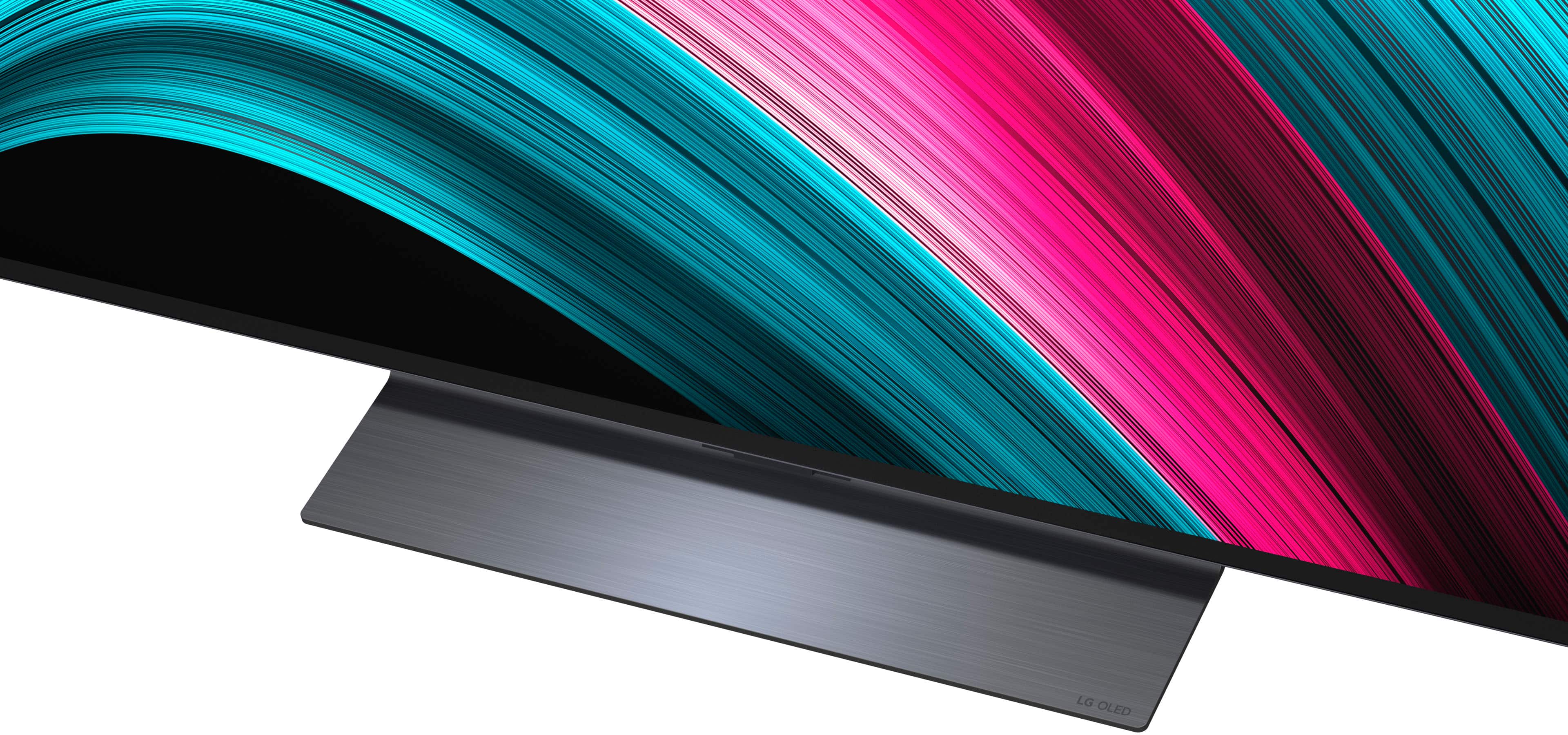
A:AnswerThe stand base for the LG 55" Class C5 Series OLED evo AI 4K UHD Smart webOS TV (2025), Model # OLED55C5PUA, does not come attached to the TV. You have to attach it when you unbox the TV, but even though it is removable, LG does not make a swivel base for the TV...^Ivan.
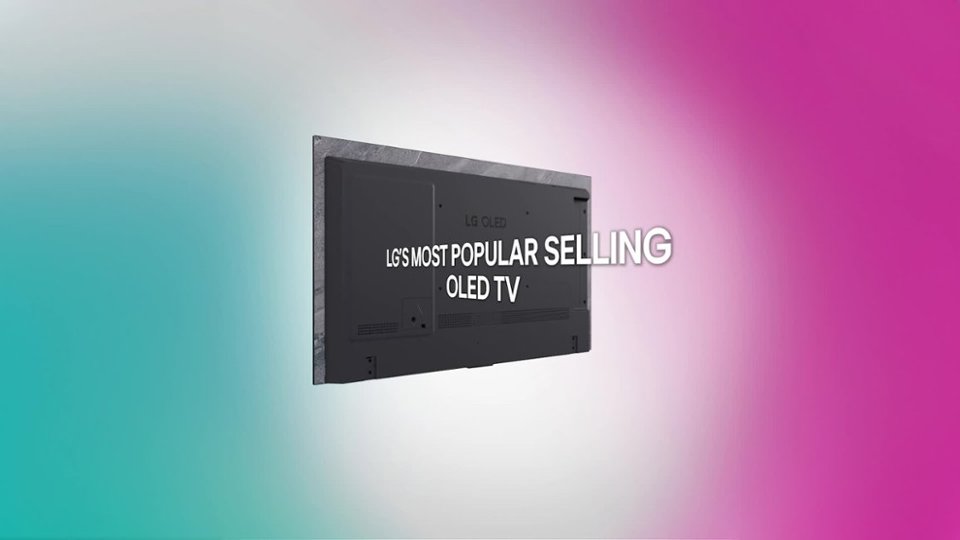
A:AnswerThe LG 55" Class C5 Series OLED evo AI 4K UHD Smart webOS TV (2025), Model # OLED55C5PUA, is a VESA compliant display with a 300 x 200mm (11.8" x 7.87") VESA Mount Pattern.
That means the VESA Mount holes on the back of the TV are 300 mm (11.8") apart horizontally and they are 200 mm (7.87") apart vertically.
The TV can be wall mounted with ANY VESA compliant wall mount, regardless of type, brand or manufacturer, that supports its VESA mount pattern as guaranteed by VESA compliance...^Ivan.
A:AnswerHi there. Thank you for your interest in the OLED55C5PUA. We understand your inquiry regarding internet compatibility and app availability. To answer your questions, yes, this TV works with Starlink internet as it connects via standard Wi-Fi or Ethernet. Additionally, yes, the Fubo app is available for download on our webOS platform, so you can certainly utilize the service on this unit.
https://www.bestbuy.com/product/lg-55-class-c5-series-oled-evo-ai-4k-uhd-smart-webos-tv-2025/JJ8VPZTR8R
If you have any further questions about its features, please send us a private message on Social Media @LGUSSupport, and our team will be more than happy to assist you. —Renzo
A:AnswerHello there, Kimber. Thank you for sharing your inquiry with us. We understand your inquiry regarding the connectivity and app compatibility of the OLED55C5PUA.
Regarding your question about Starlink, yes, this TV is compatible. It supports Wi-Fi 6E and has a standard Ethernet port, so it will connect to the internet provided by your Starlink system just like any other Wi-Fi or wired device.
Regarding Fubo, yes, it works with this service. The Fubo app is available for download through the TV's App Store (webOS 25), allowing you to stream content and utilize the promotion you observed.
https://www.bestbuy.com/product/lg-55-class-c5-series-oled-evo-ai-4k-uhd-smart-webos-tv-2025/JJ8VPZTR8R
If you have any further questions about its features or setup, please send us a private message on Social Media @LGUSSupport, and our team will be more than happy to assist you. —Renzo
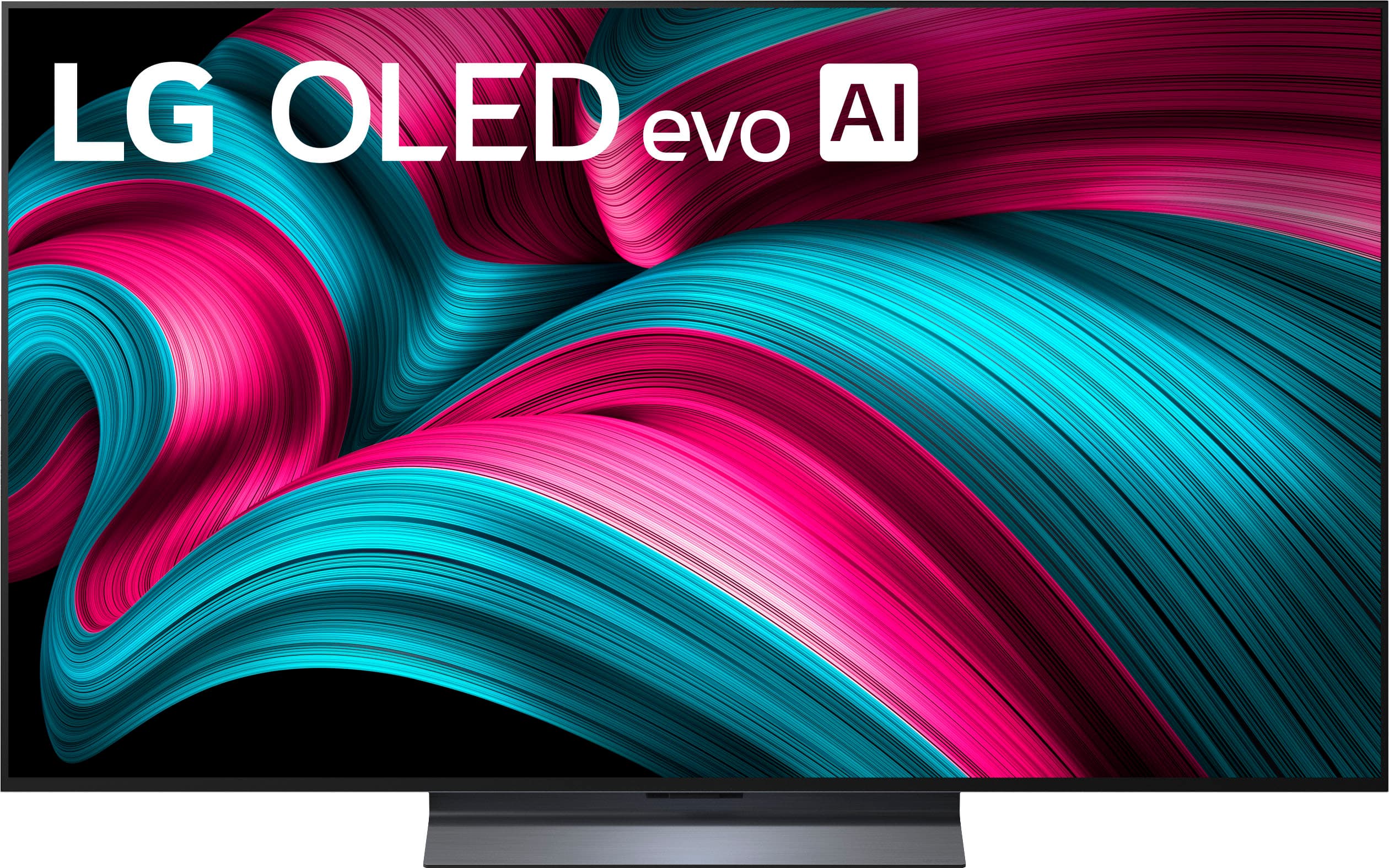
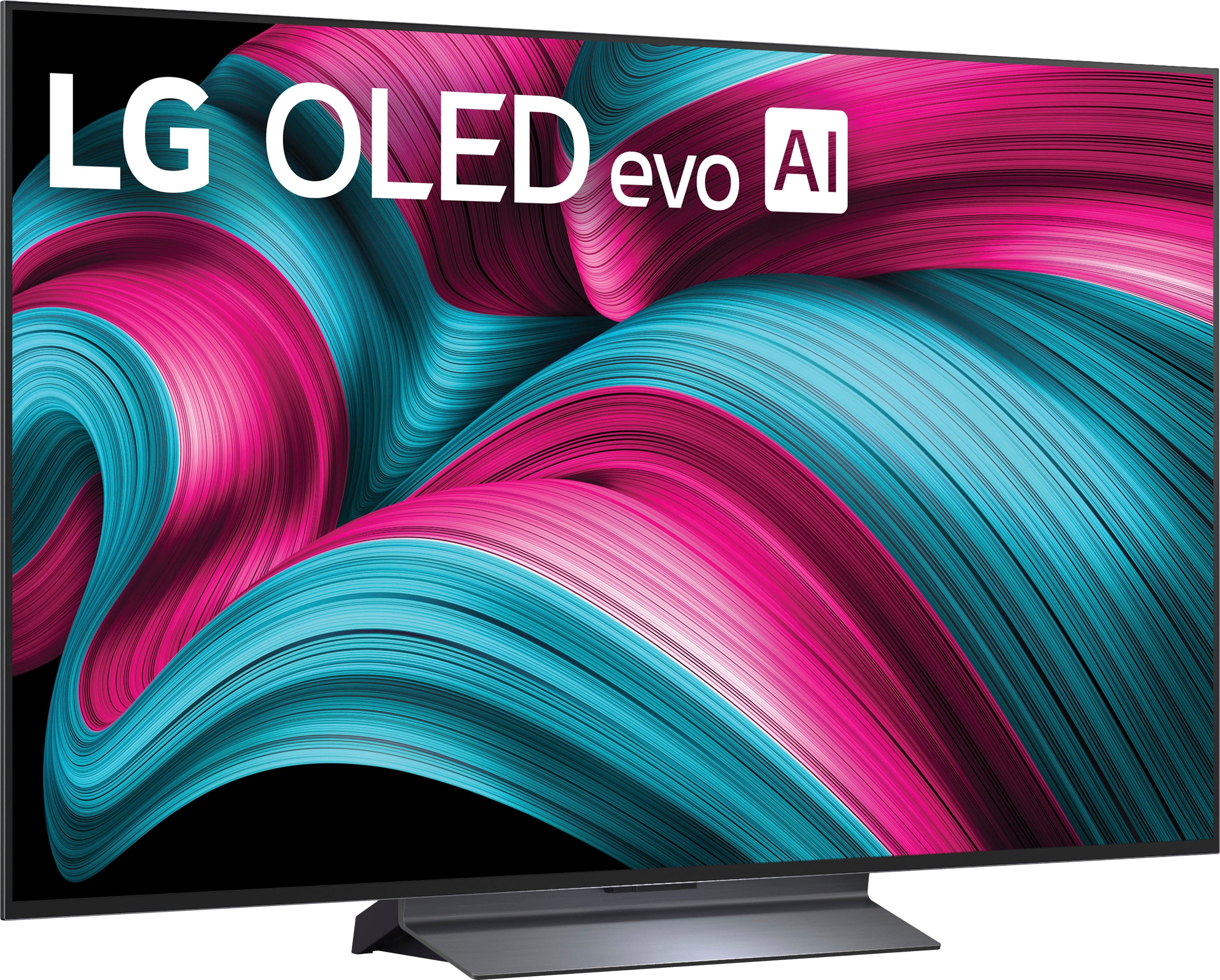
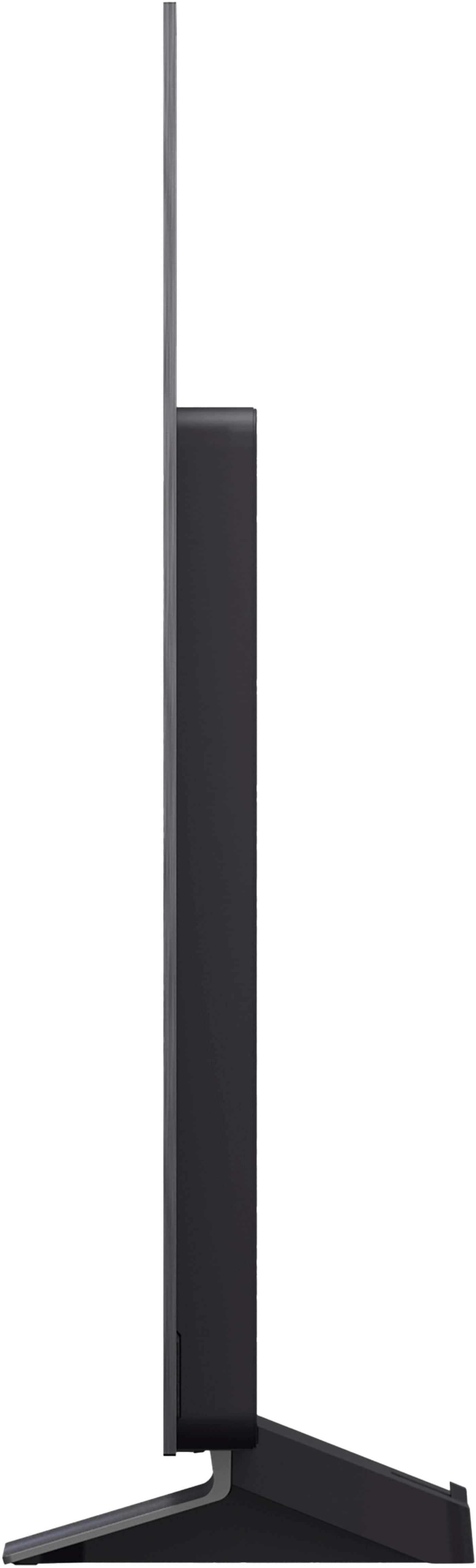
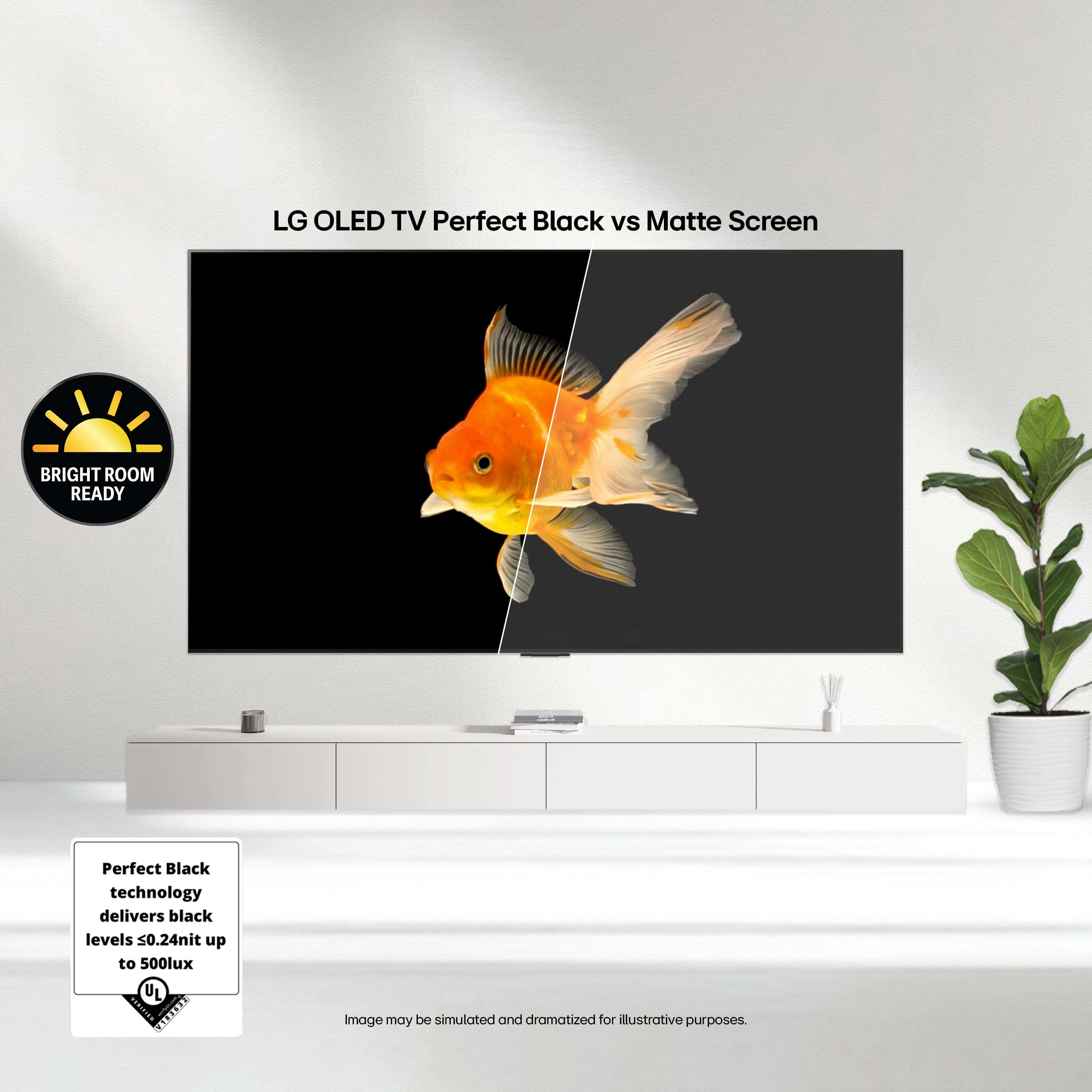

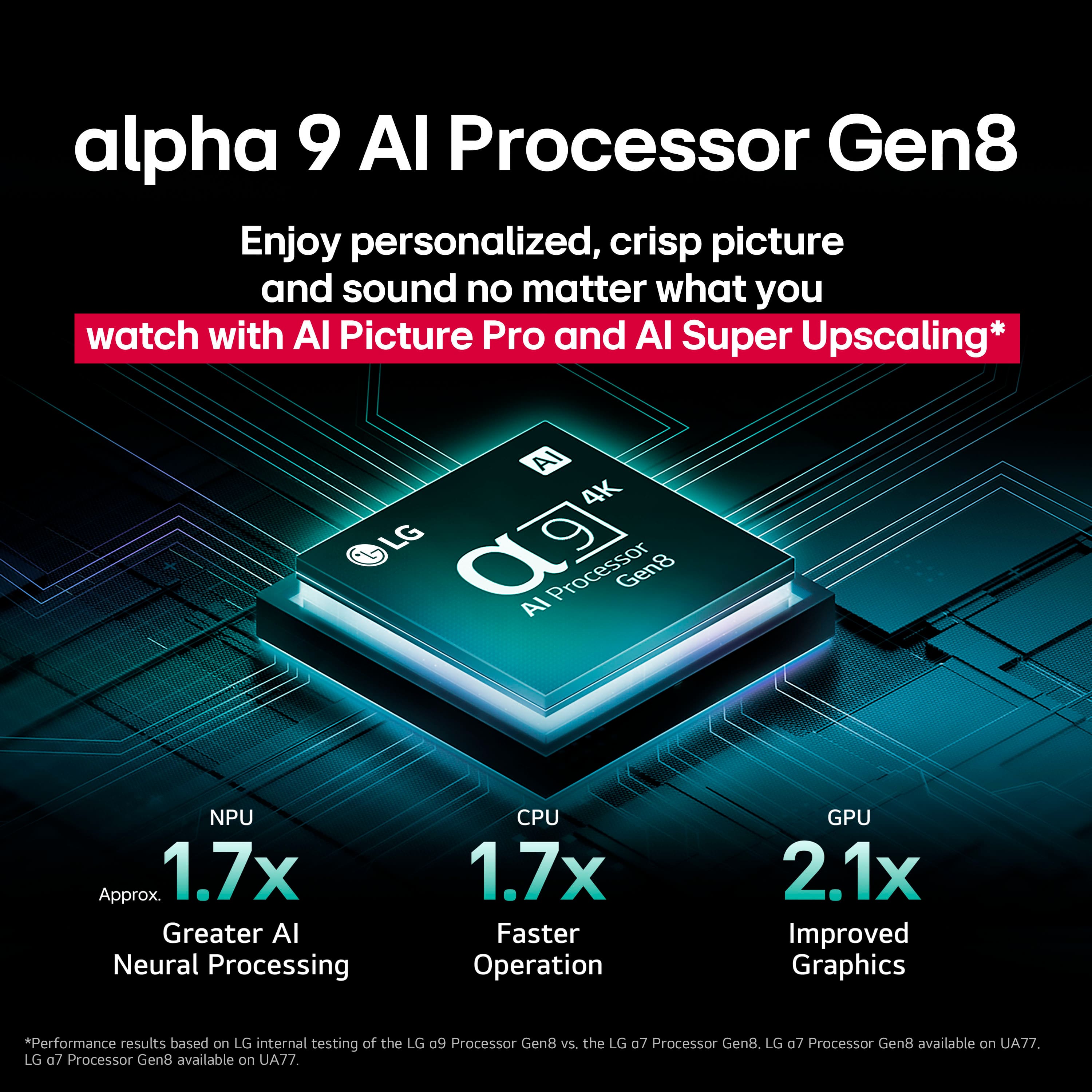
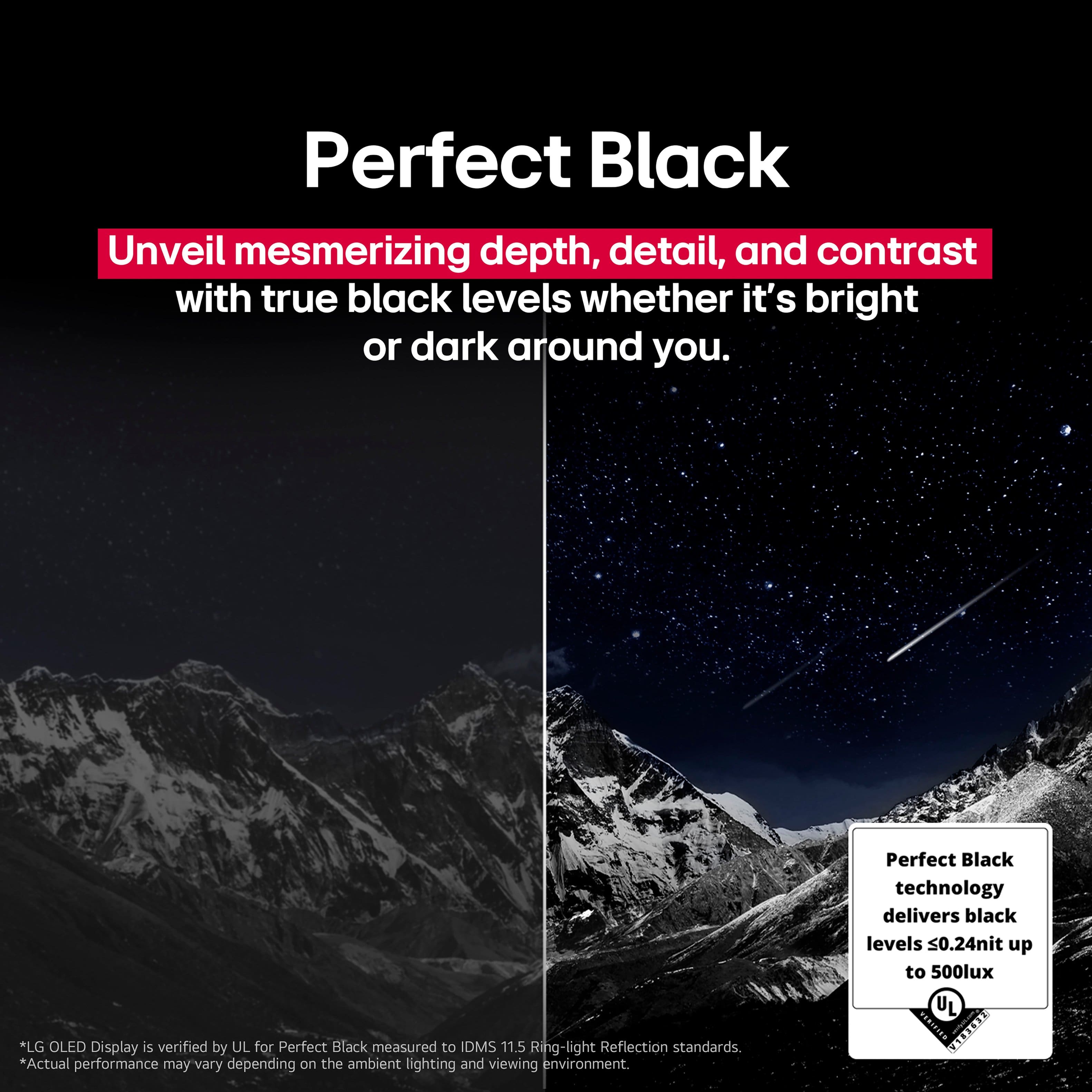
. Independently Tested for Quality and Workmanship CheckPlus: 100 % Color Volume to DCI-P3 oi PSSEANE Intertek [www.IntertekCheck.com](http://www.IntertekCheck.com). 100% Color Fidelity and '100% Color Volume to DCI-P3' applies to 2025 OLED TVs. *LG OLED Display is verified by UL for Perfect Color measured to IDMS 11.5 Ring-light Reflection standards. *100% Color Volume is defined as the performance of display which is equal or greater than the size of DCI-P3 standard color volume as verified independently by Intertek. *The LG OLED Panel is certified by Intertek for 100% Color Fidelity, measured to IDMS 11.5 Ring-light Reflection standards.](https://pisces.bbystatic.com/image2/BestBuy_US/images/products/3661ed5e-8d92-47a9-baef-65aa6eb5dcb9.jpg)