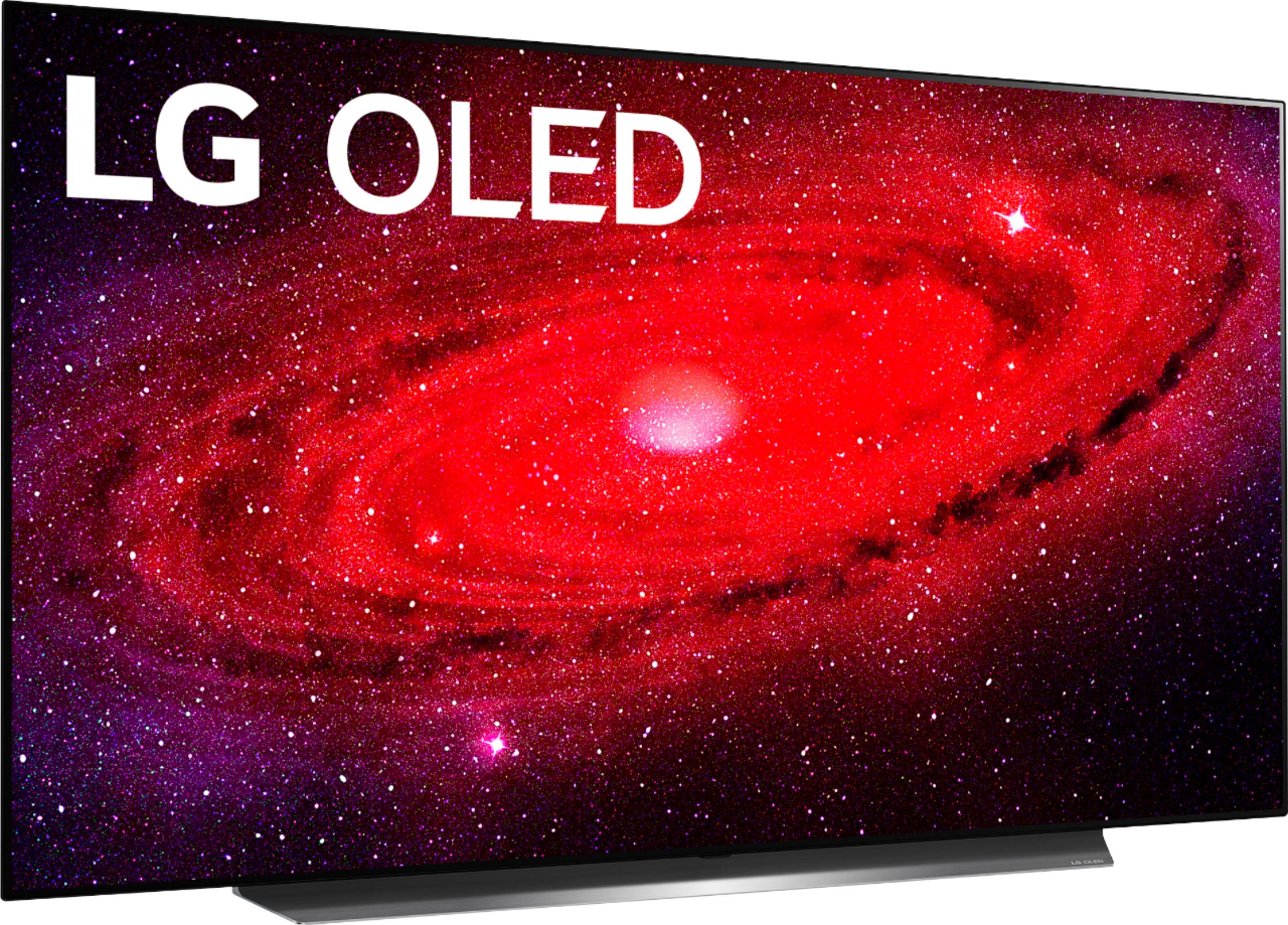
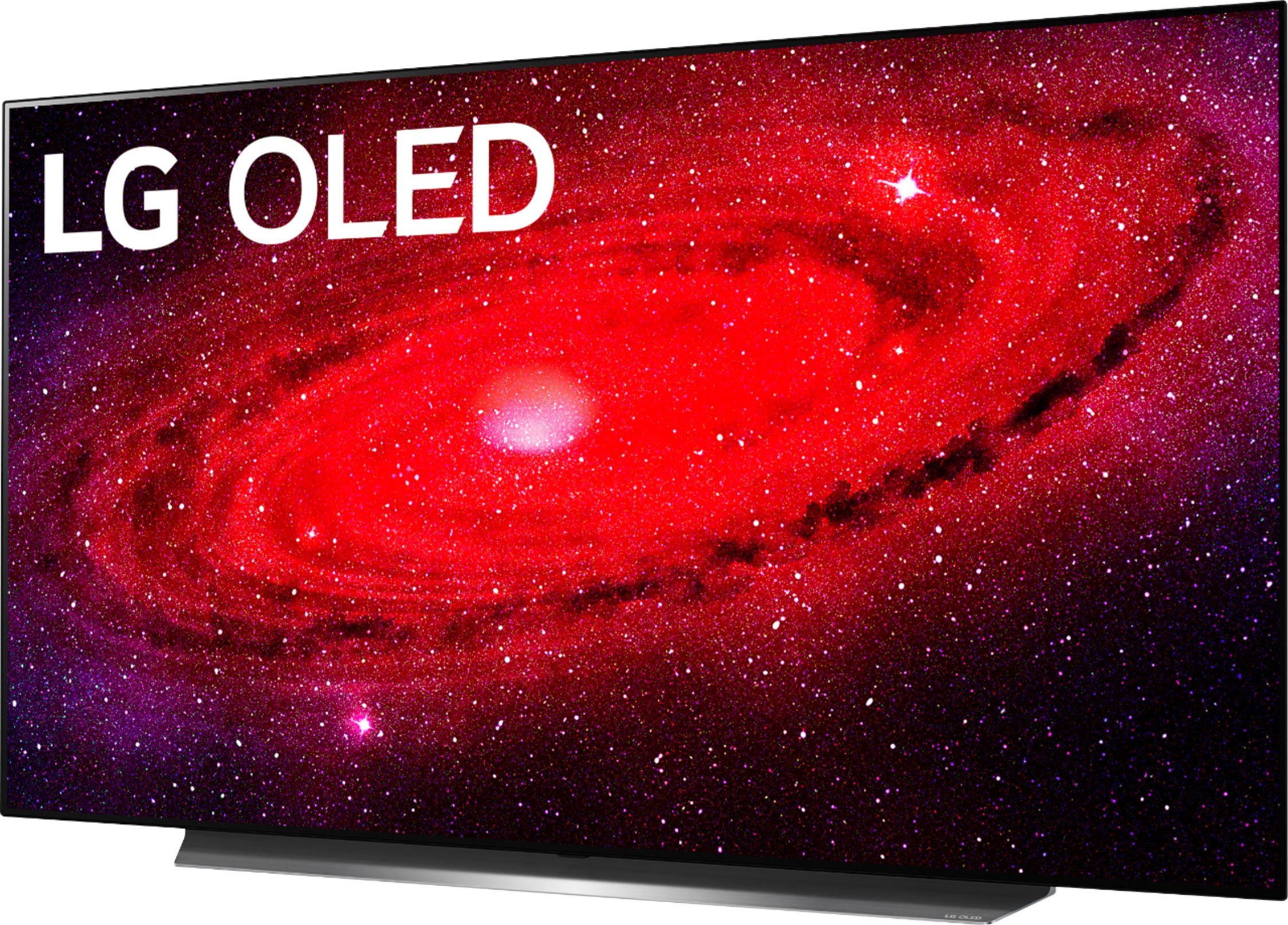
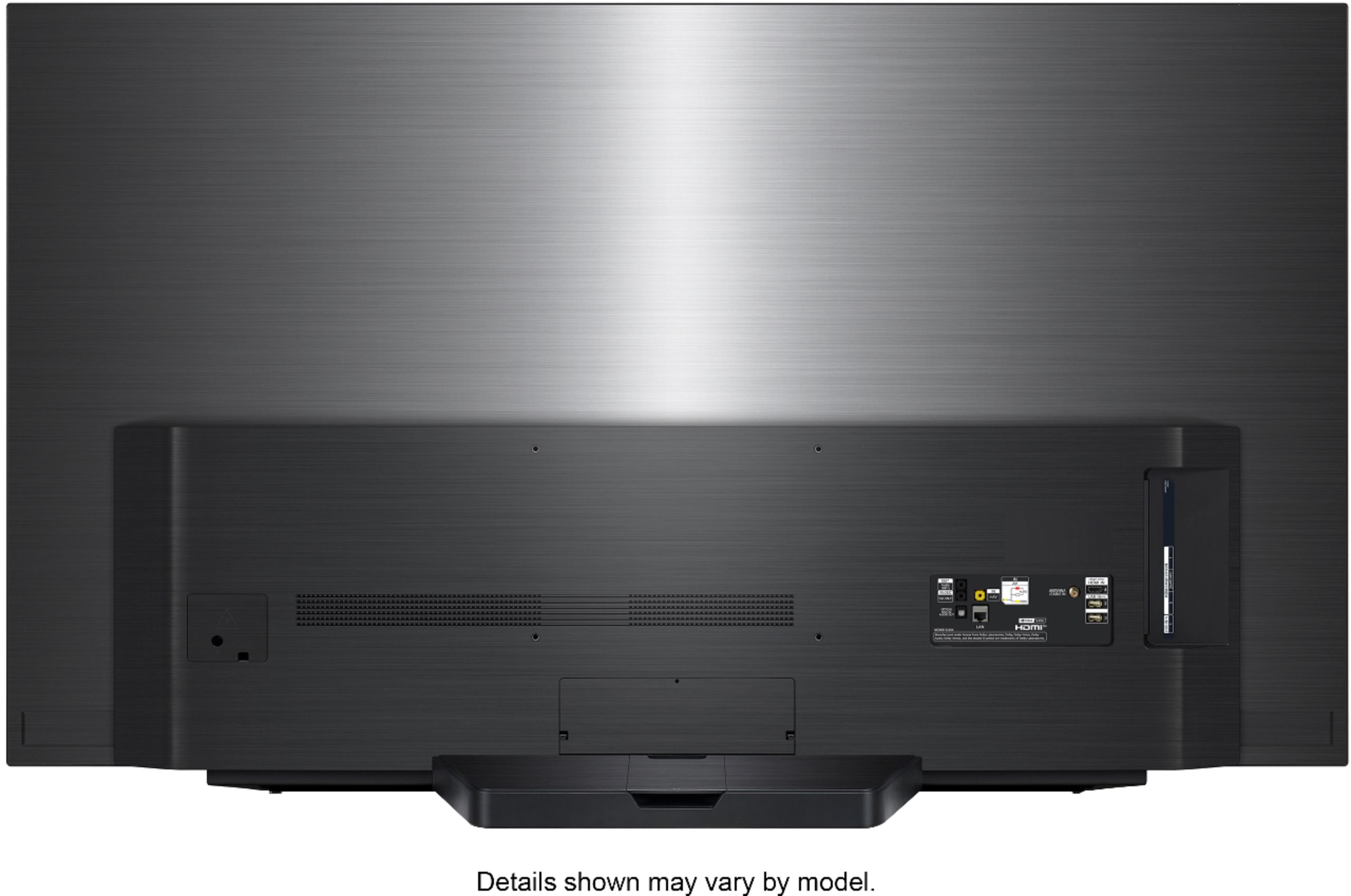
A:AnswerThe magic remote would use IR for the remote buttons and Bluetooth for the cursor. The IR sensor on the TV is in the center bottom of the TV under the standby light. ^ Jamal
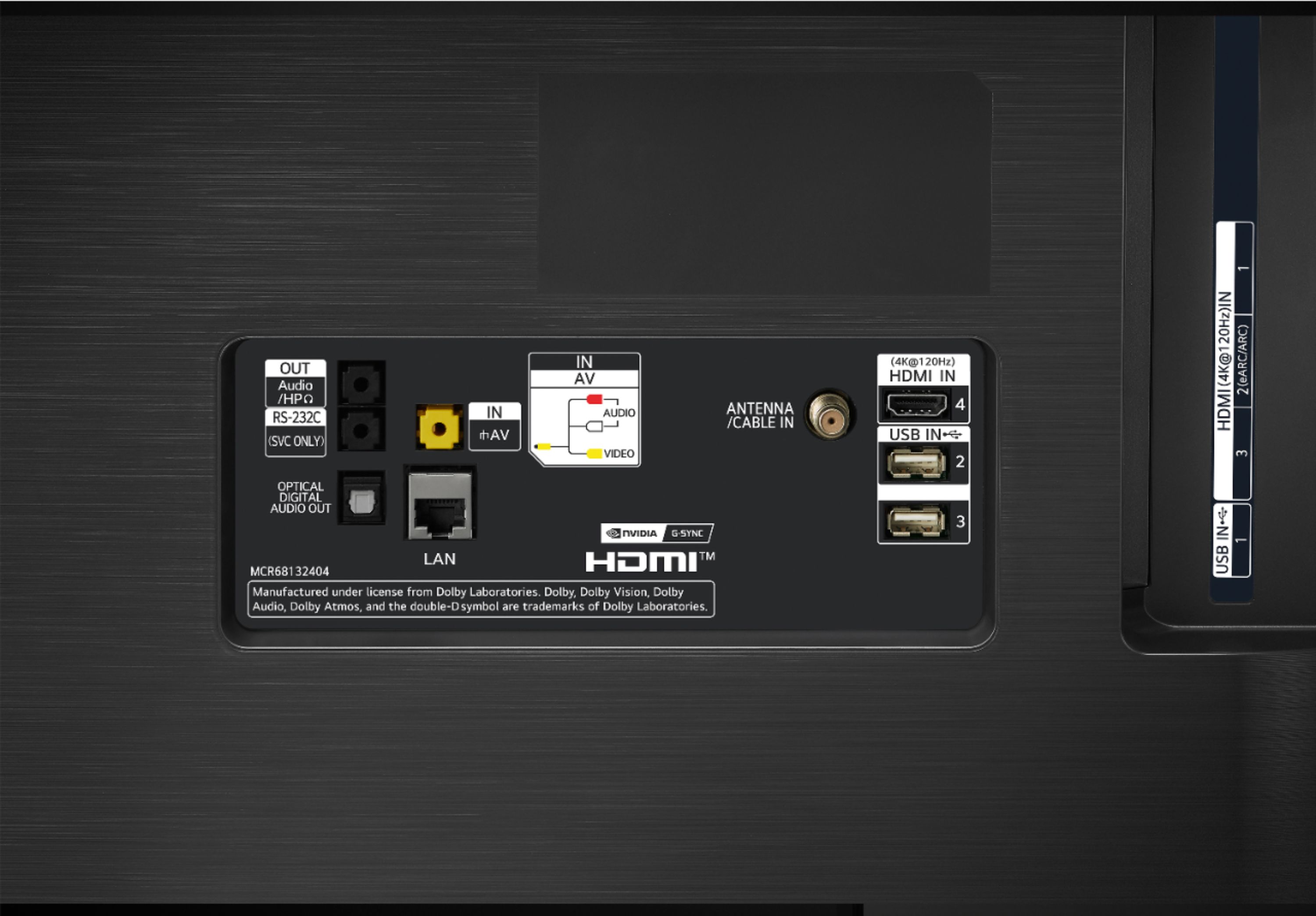
A:AnswerHow do you have your LG CX 55 inch Class 4K Smart OLED TV w/ AI ThinQ® (54.6'' Diag), Model # OLED55CXPUA connected to your Yamaha receiver? Have you adjusted the Sound Out settings in the Settings menu on the TV to output to the connection that you have your Yamaha receiver connected to?... ^IV
A:AnswerUnfortunately, I experienced it as well. I ended up going back to Samsung and they have made great changes. LG has this on/off problem all across the board which I found when I went looking for help with this problem and nothing I did stopped it. I have replaced 1 board but still didn't get it so unless I replace the other board, I won't know if it is fixable or not but it should never have happened yet it did and it has happened to many with just a look around the internet you will find out that LG has a huge problem with this on/off issue and it doesn't look like they are fixing it. I wouldn't recommend LG until they come out with a fix for this issue and I don't see that happening.
A:AnswerPlease seek recommendations/opinions in the LG Community Forum, https://lgcommunity.us.com. The LG Community Forum is a great resource for getting help from other LG customers. ^Daphane
A:AnswerAn HDMI ARC stands for Audio Return channel. The difference occurs on the receiver side. HDMI ARC can also send audio in reverse, from a TV into an external speaker or Soundbar, without having to attach a separate audio cable. ^Daphane
A:AnswerWell first off Roku does have HBO Max. My grandmother's TCL 6 series Roku mini LED has HBO Max. I have been pleading with the President Joseph of LG writing him and WarnerMedia the actual owner of HBO Max to get this on LG platform because it would be a triple WIN or everyone. It would be even more of a reason for people to buy LG TV's like OLED and introduce even more subscribers to HBO Max and would be a win for customers that get to watch these new movies on an LG OLED. I don't know why LG and WarnerMedia are leaving so much money and subscribers on the table. But it is a little barbaric in 2021 to have to connect a second device like an Xbox just to run an app through to your premium OLED. As far as Samsung they support the app but Samsung platform doesn't even support 4K HDR10 at the time of this posting. So when you watch these new movies you're not actually watching them in 4k even on the Neo QLEDs.. LG and WarnerMedia really need to sit down and negotiate getting this app on their platform. There is more losing not having it when there could be more winning for all having it
A:AnswerI encourage you to check out a wide variety of LG Bluetooth Surround Ready Sound bars that will pair perfectly with the OLED55CXPUA, https://www.lg.com/us/tvs/lg-oled55cxpua-oled-4k-tv. ^Daphane https://www.lg.com/us/sound-bars
A:AnswerPlease contact LG Customer Support by direct message via Twitter (@LGUSSupport) or Facebook Messenger (https://www.facebook.com/LGUSA/). Please be sure to provide your name, phone number, address, email, model/serial numbers, and date of purchase and we will be happy to assist you. We apologize for any inconvenience this has caused. ^Daphane
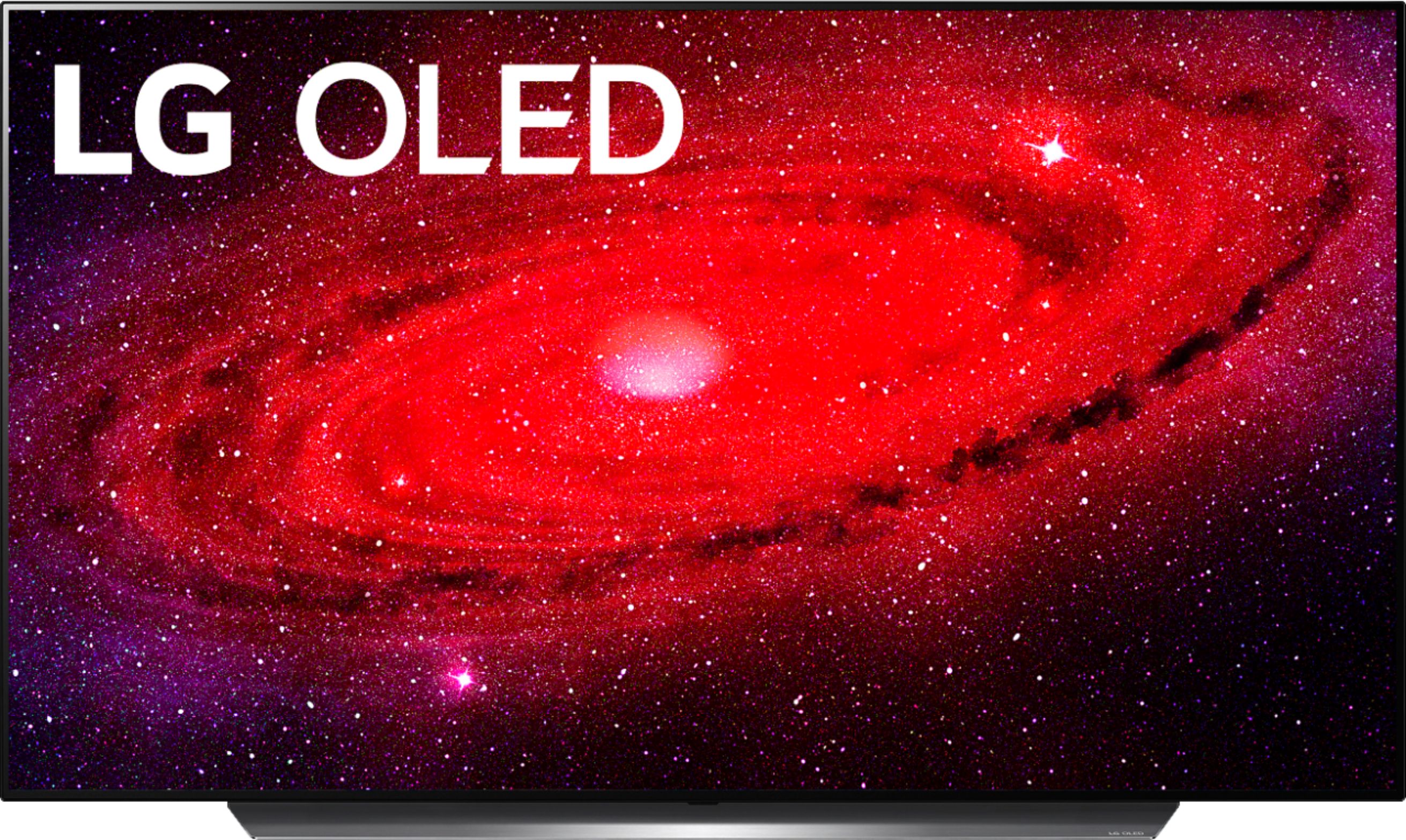
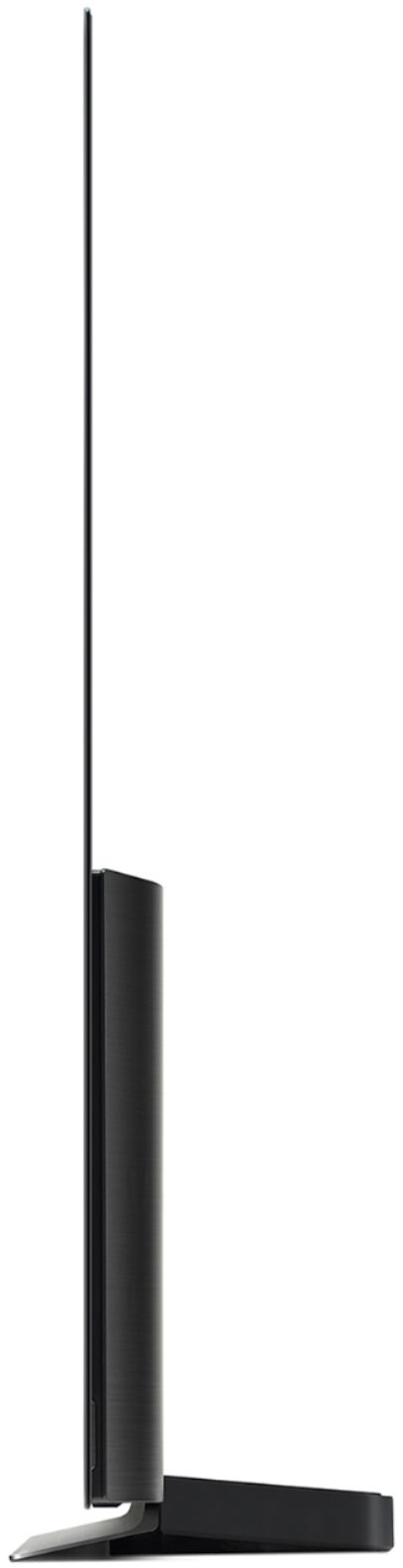
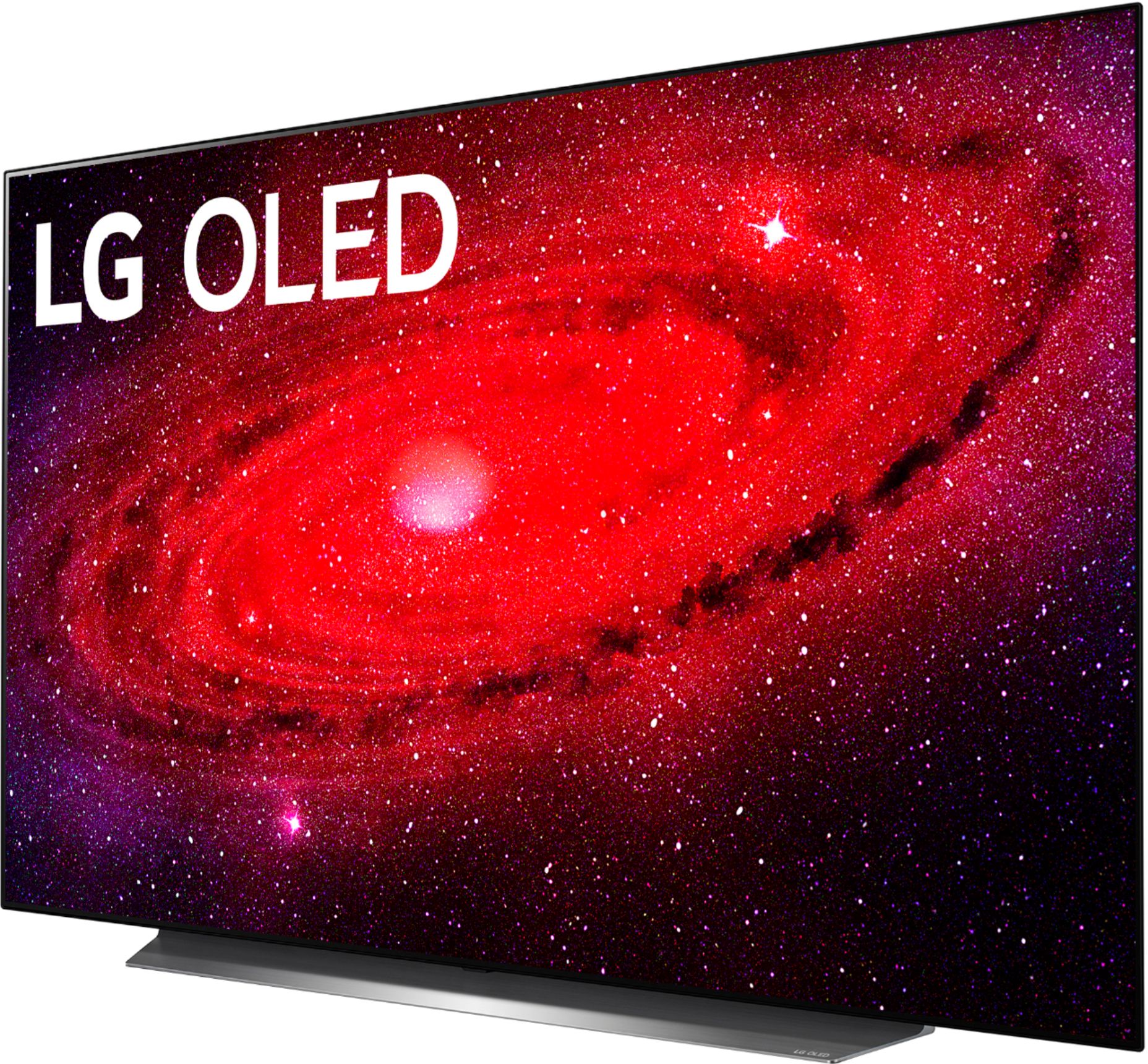
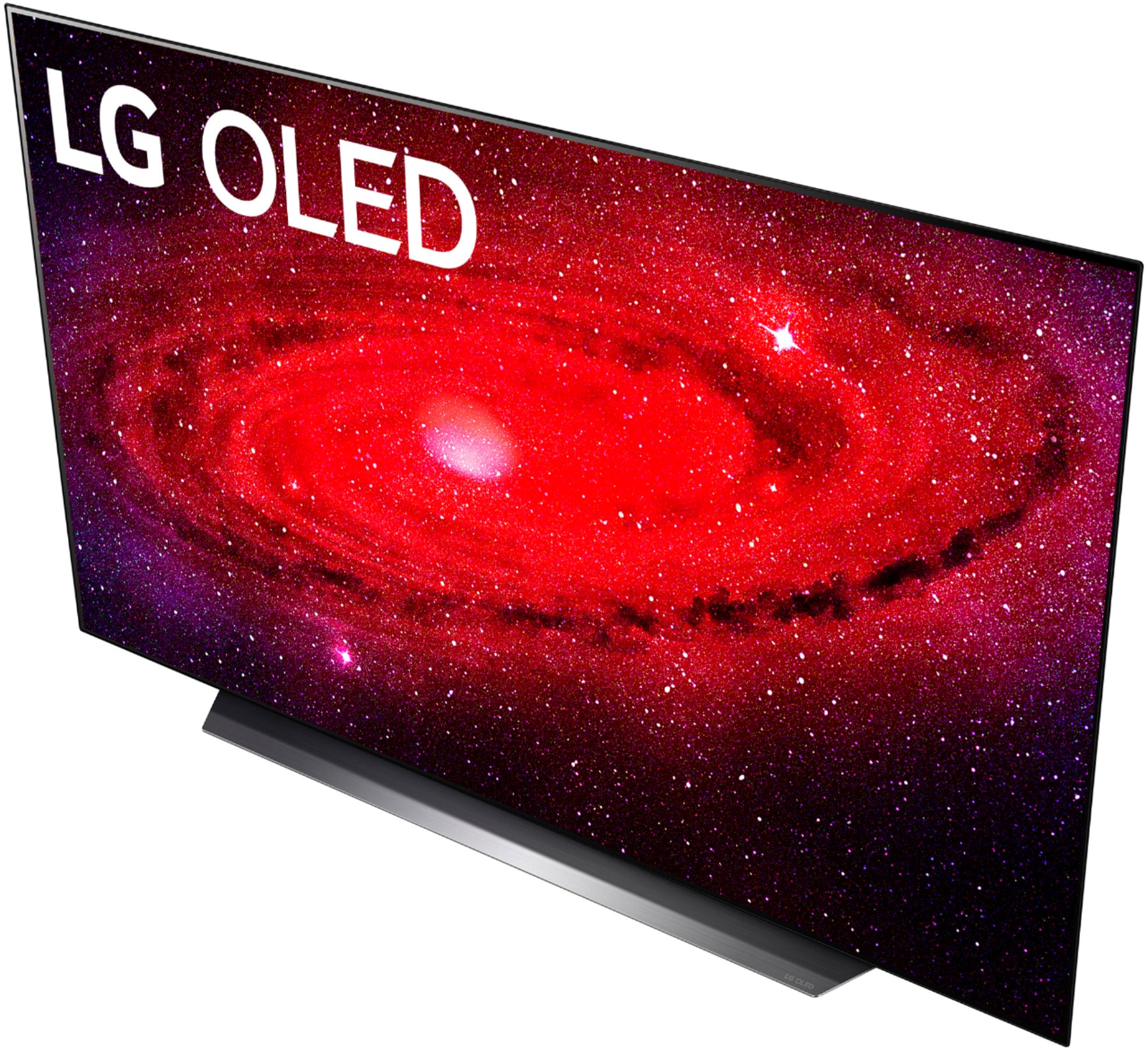
A:AnswerThe TV dimensions with the stand are 48.3" W x 29.1" H x 9.9" D, TV dimensions without the stand are 48.3" W x 27.8" H x 1.8" D and the stand width is 39.3". ^Daphane https://www.lg.com/us/tvs/lg-oled55cxpua-oled-4k-tv#pdp_spec
A:AnswerThe only differences between the LG CX 65 inch Class 4K Smart OLED TV w/ AI ThinQ® (64.5" Diag), Model # OLED55CXPUA and Model # OLED55CXAUA is that OLEDCX55AUA is a smaller, (W x H x D dimensions 48.3" x 27.8" x 1.8" versus 57.0" x 32.7" x 1.8") and it weighs less (41.7 lbs versus 52.9 lbs). The only other difference is the retailers through which either model is sold...^IFV
A:AnswerPlease scroll down Best Buy's product information page for the LG CX 55 inch Class 4K Smart OLED TV w/ AI ThinQ® (54.6'' Diag), Model # OLED55CXPUA and click on 'Specifications' between 'Overview' and 'Reviews'. A drop down page will open up & you can find all the measurements for the TV listed under 'Dimensions'...^IFV