A:AnswerPlease reach out to our support team via private message on Facebook @LGUSSupport and use #VOC in your first message to our social media support team or call at 800-243-0000. Also, be sure to provide your contact information, model/serial numbers and date of purchase. ^Daphane
A:AnswerI wouldn’t want to put anything other than a kitchen appliance next to a gas stove and the tv doesn’t emit a lot of heat such as an old plasma tv did before
A:AnswerI have not experienced this. CX model, correct? I've read people experiencing this with the BX. Im gaming on ps5 using the game picture setting and I have the dimming feature set to high and HDR on. Dimming should only kick on if the image is still for a few mins and goes off when I resume playing. The setting is under general -> OLED Screen Saver -> Logo Luminance Adjustment. My Energy Saving is on auto. I have pitch blacks with very bright whites all the time. No dimming unless I walk away for 5 mins and resuming takes a few seconds to turn off.
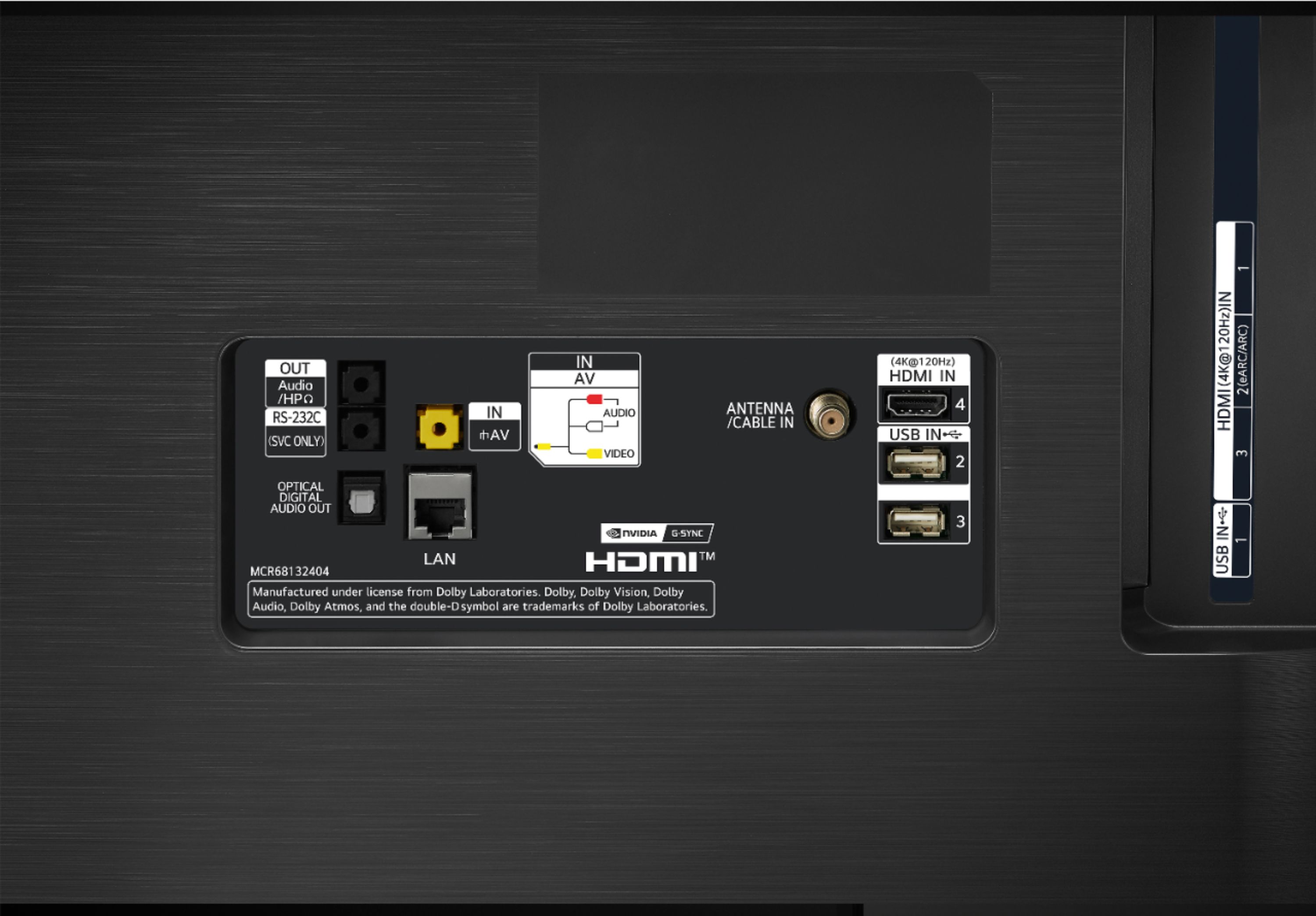
A:AnswerYou need to go to the audio settings in the TV to change the audio to ARC. Theres many audio settings with this TV so i suggest watching some YouTube videos to help.
A:AnswerI am sorry, I do not have knowledge to offer a helpful answer. Please reach out to our support team on Twitter via @LGUSSupport or on Facebook at https://www.facebook.com/LGUSA. You can also try the LG Community Forum; it is a great resource for getting help from other LG customers: https://lgcommunity.us.com. ^Daphane
A:Answerthe samsung tv works at 60hz only and the lg has a frequency of 120hz. oled technology is the best in screens so far. you will have better fluidity on the screen and it is quite thin
A:AnswerI tried this, and not saying that it can't be done, I wasn't able to. The closest I got to the remote on pc was with wifi screen mirroring. It let's you use the remote like a mouse.