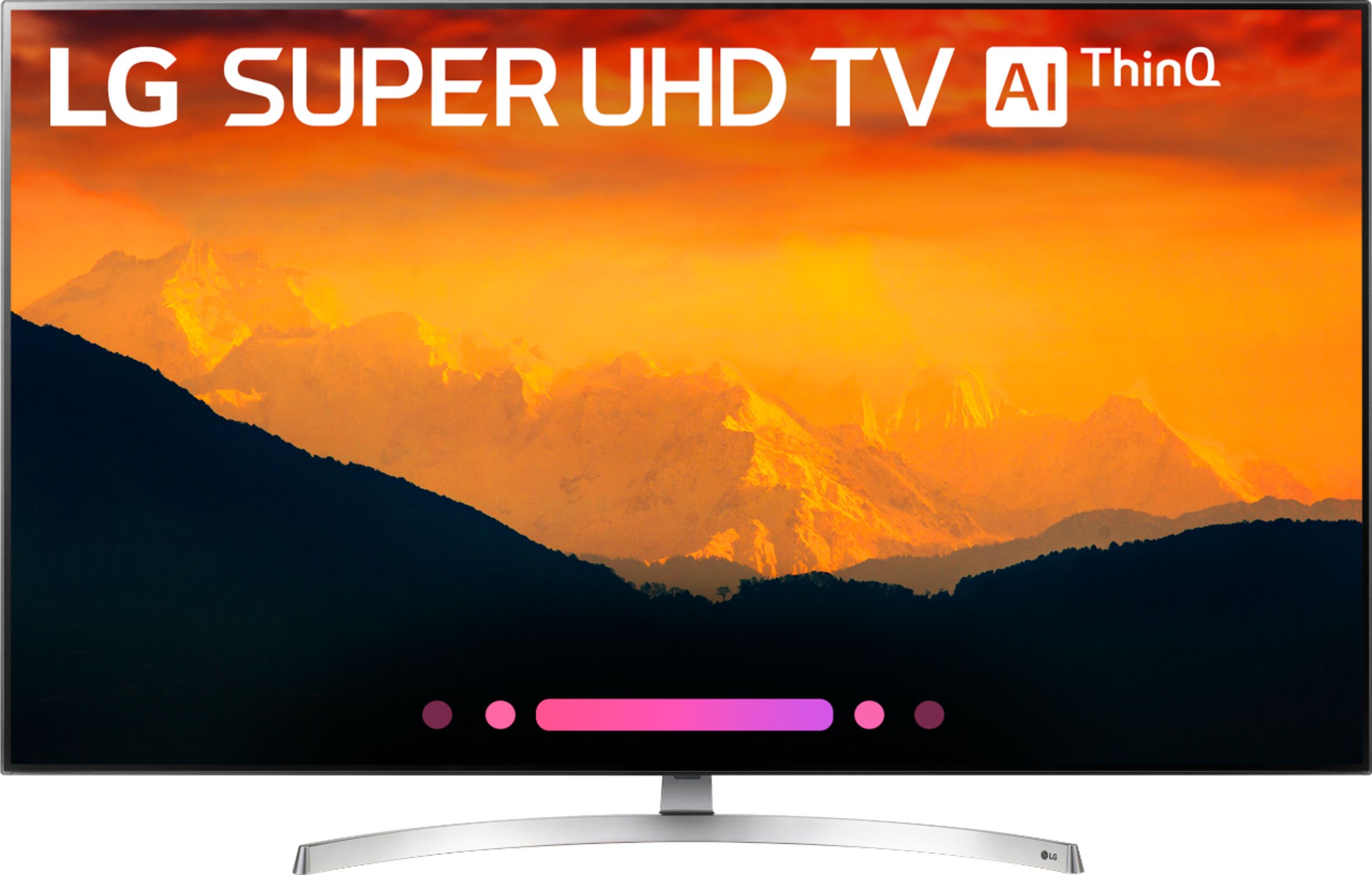
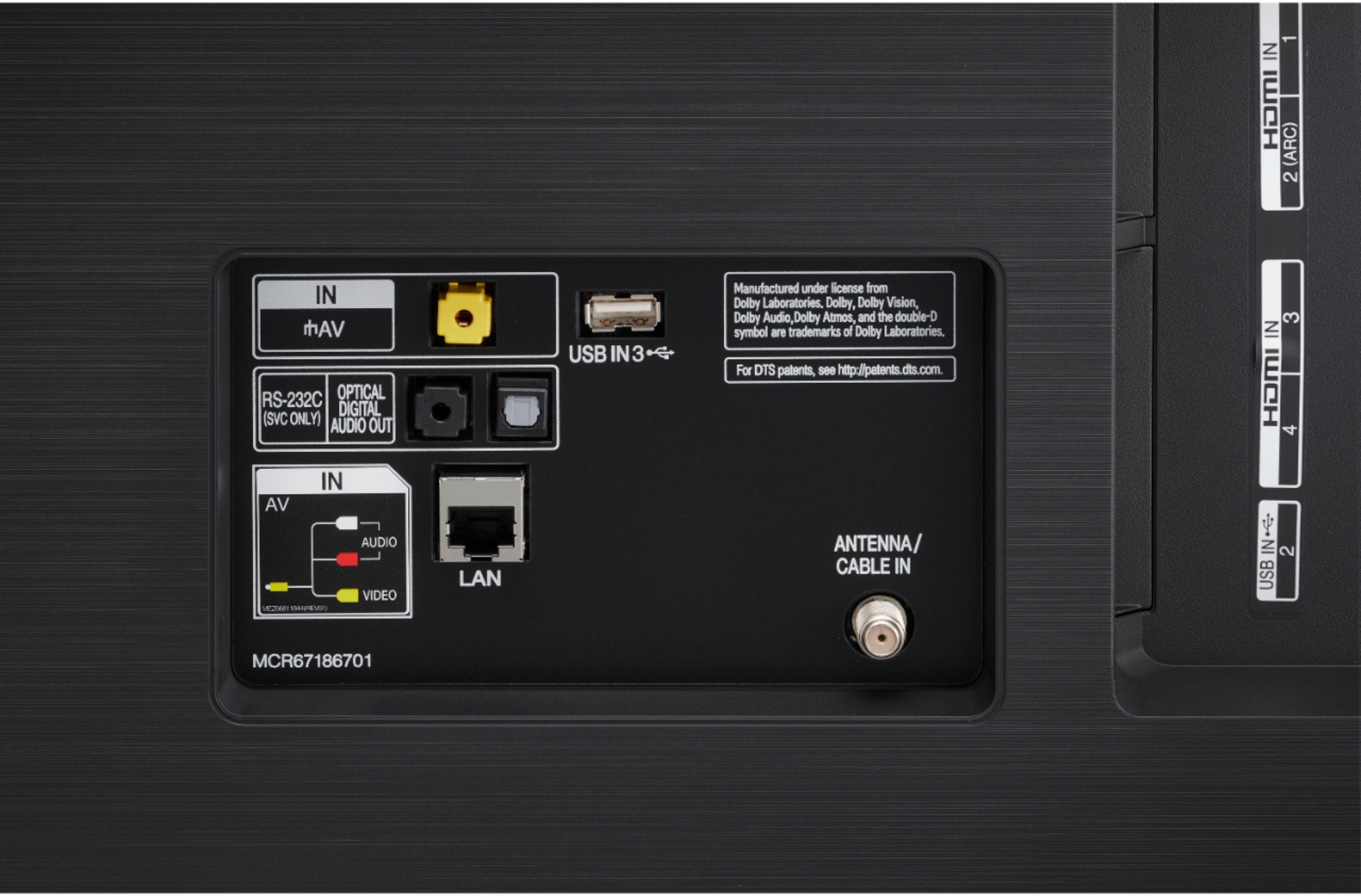
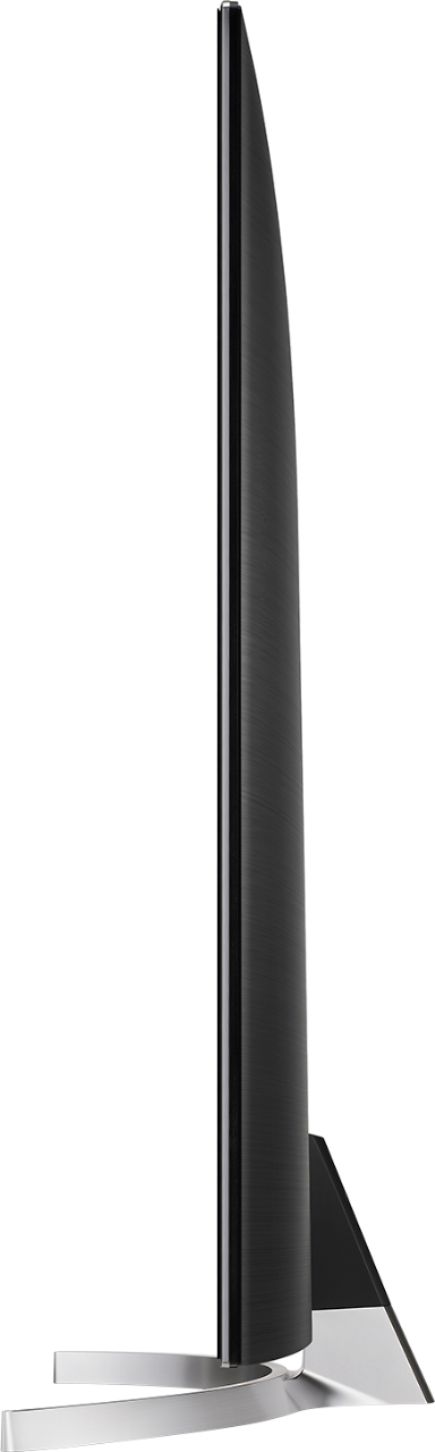
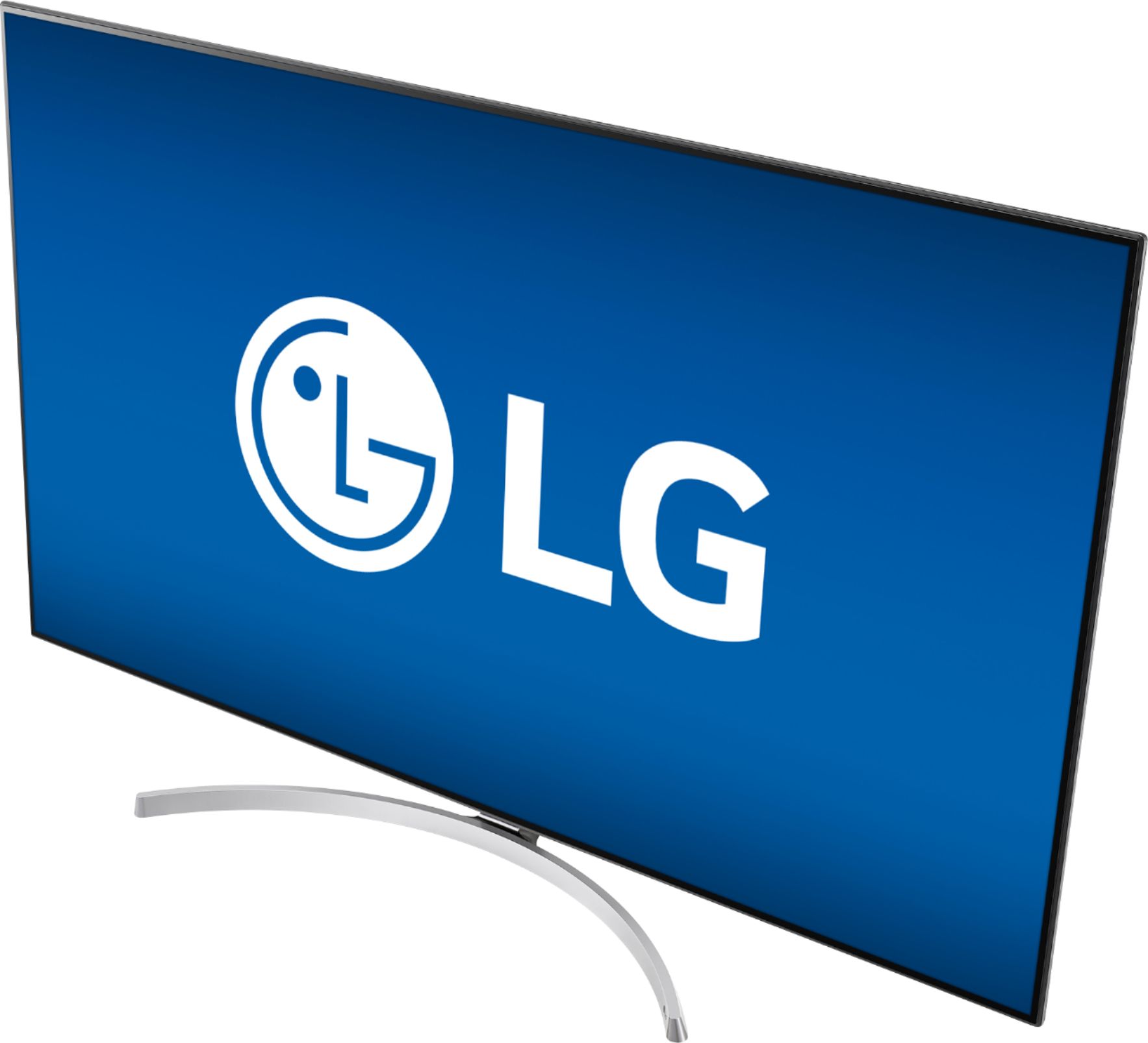
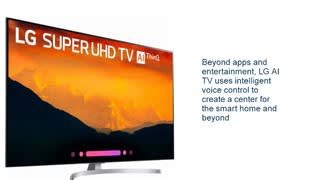
A:AnswerThe footprint for the LG SK9000PUA 4K HDR Smart LED AI SUPER UHD TV w/ ThinQ - 55" Class (54.6" Diag), Model # 55SK9000PUA is 32.4" x 9.8"...^IFV
A:AnswerWe would be happy to look into this problem getting your picture to fill the whole screen for you. Please take a moment, at your convenience, to contact us directly via Twitter @LGUSSupport or Facebook https://www.facebook.com/LGUSA/ or you can give us a call at 800-243-0000. ^CP
A:AnswerI have not explored the feature much but it does appear to have multi view and the TV receives updates to WebOS so it will be on whatever the current version is,
A:AnswerFor assistance connecting your TV to Alexa please refer to the following help article: https://www.lg.com/us/support/product-help/CT10000018-20150783600366-initial-setup For assistance with connecting your bluetooth headset please refer to the User Guide under Tour List Of Settings> Sound> Sound out: https://www.lg.com/us/support-product/lg-55SK9000PUA#manuals ^CP
A:AnswerThe 55SK9000PUA features 4K Cinema HDR which features a comprehensive support of major high dynamic range formats including Dolby Vision™ from the cinema, as well as HDR10 and HLG, both with LG’s advanced tone-mapping technology that provides scene-by-scene optimization. ^CP
A:AnswerWe use a full array LED backlight across the entire screen to reveal outstanding picture detail. This more precise local dimming control enhances the contrast and maintains deep black levels. ^CP
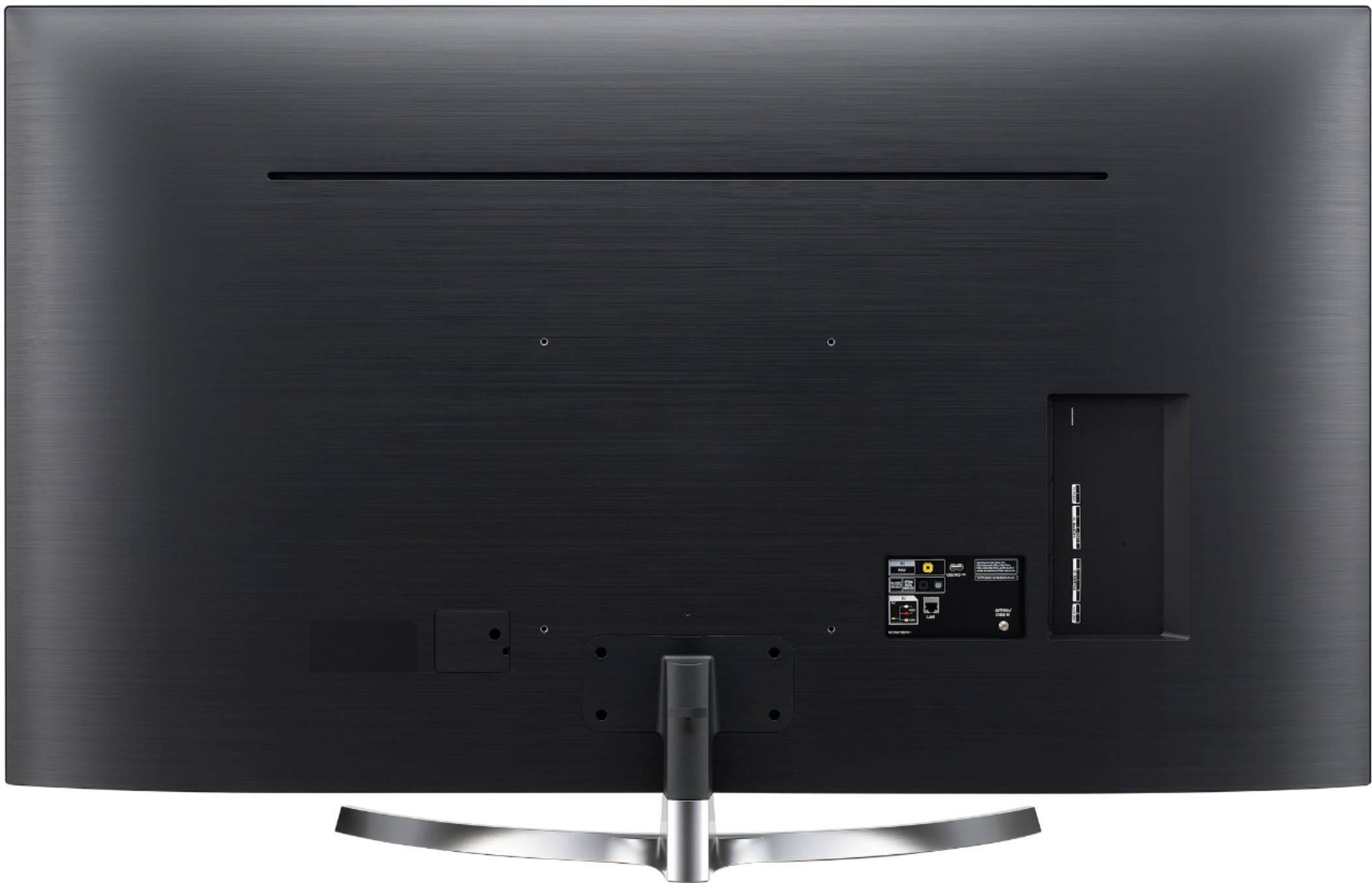
A:AnswerIt's compatible with VESA 300x300 wall mounts, the screws are M6. Here's a link to the Owner's Manual: http://gscs-b2c.lge.com/downloadFile?fileId=U58CXHYRTOakKE8QvbXUg
A:AnswerIt of course comes with a single stand. You can though not use the stand & mount it either to the wall or mount it to whatever is behind it (furniture, etc). That will require mounting hardware. You can also look for a third party stand that would again use the four mounting holes in back of TV. Google the TV model with the words stands or low profile stand. Hope this helps.