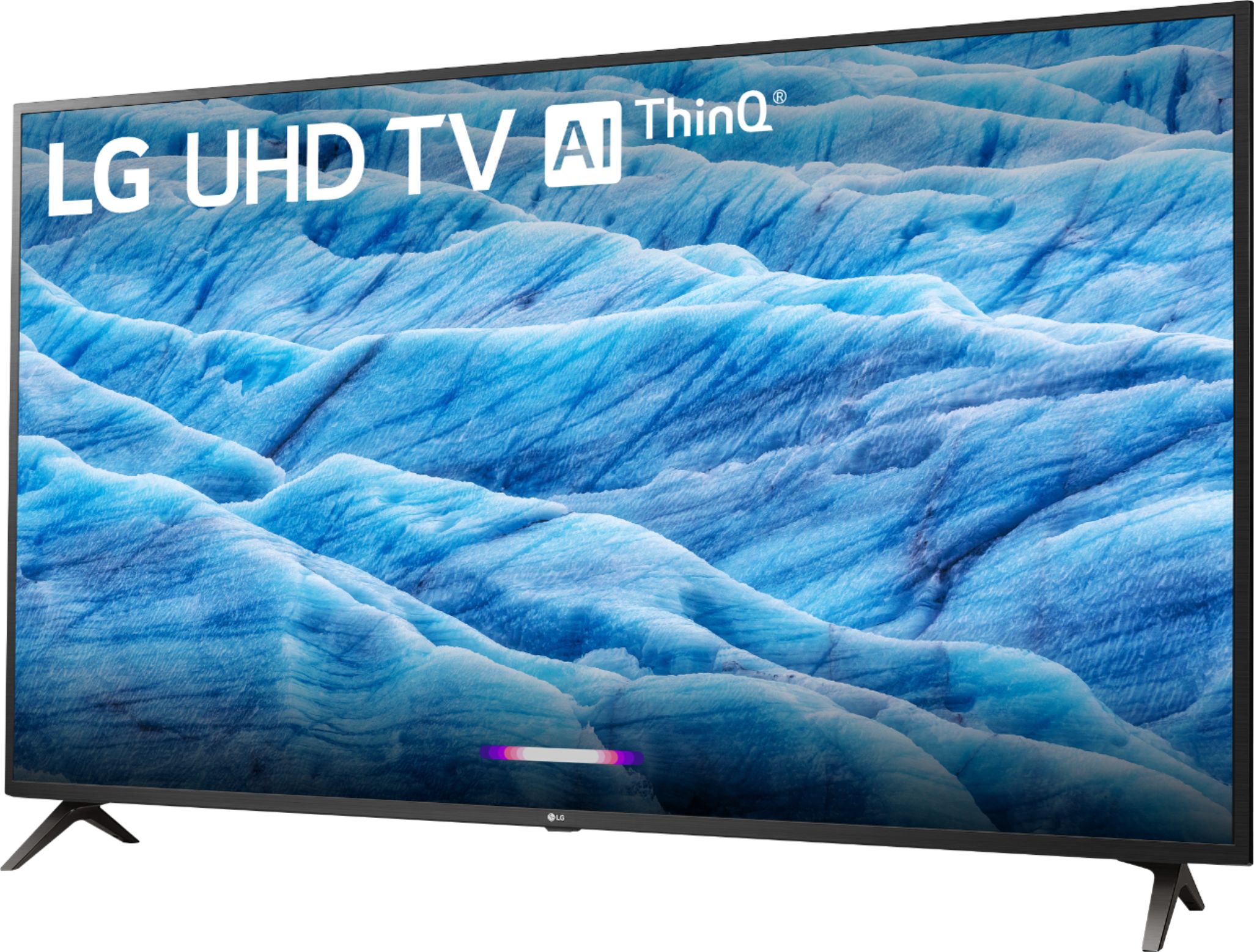
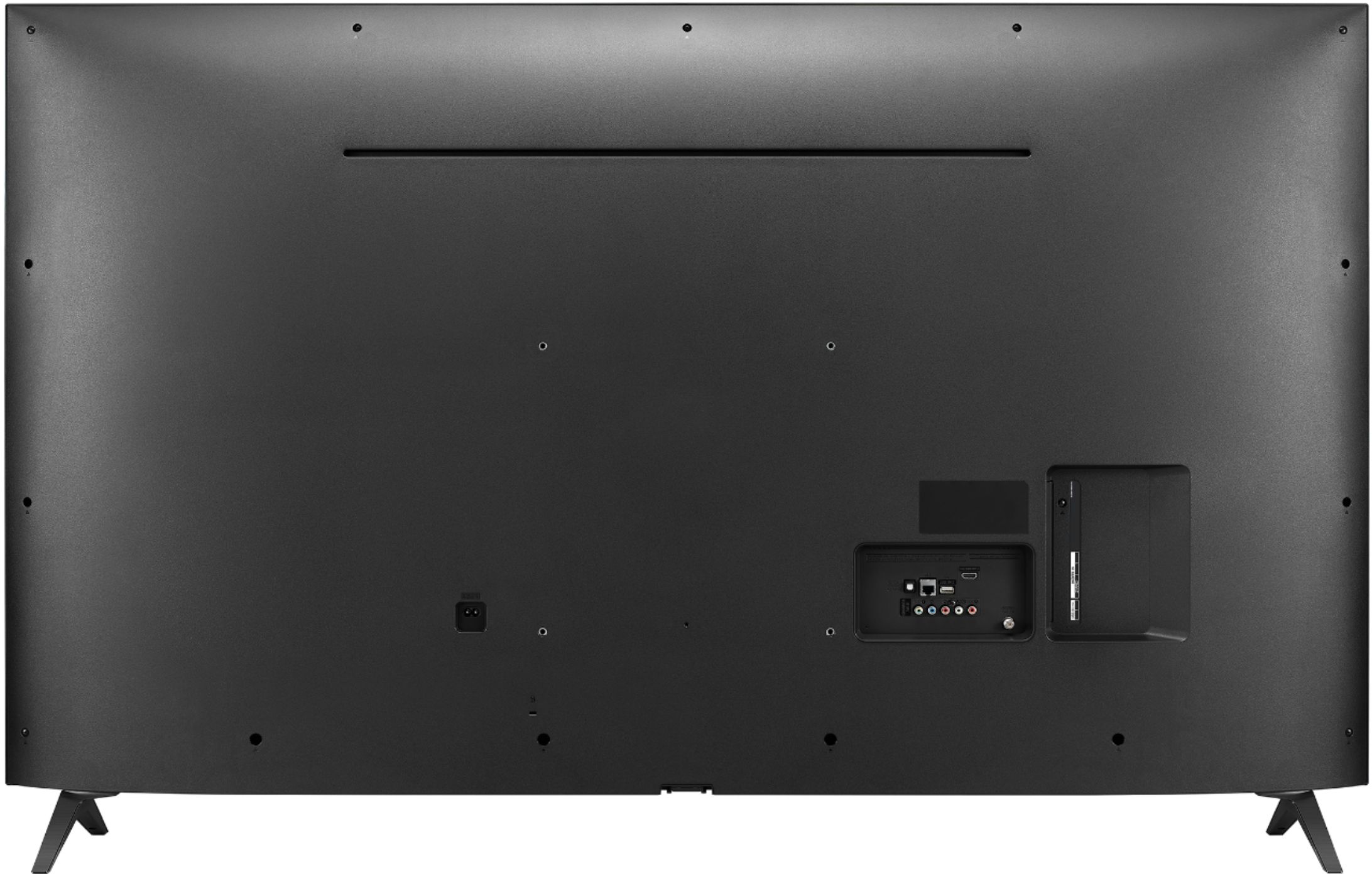
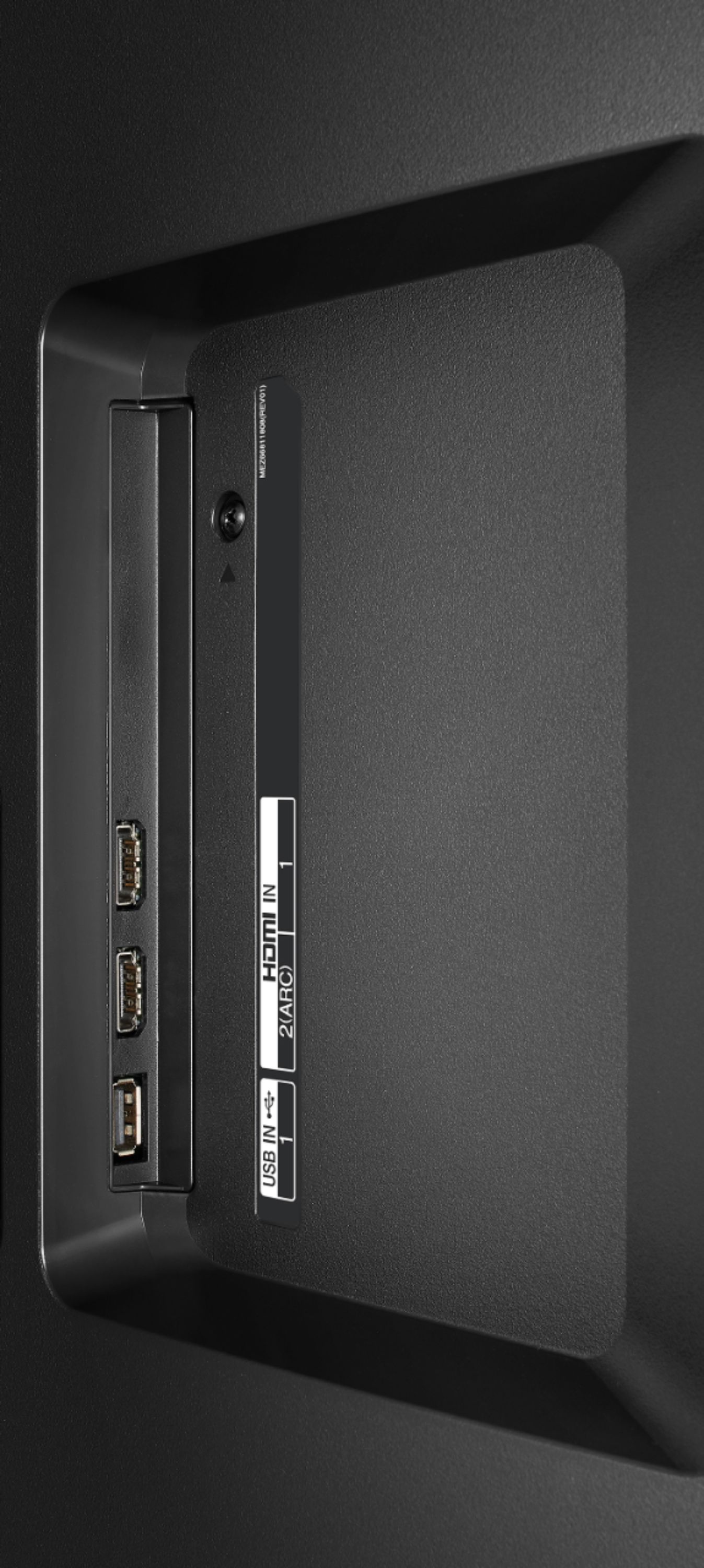
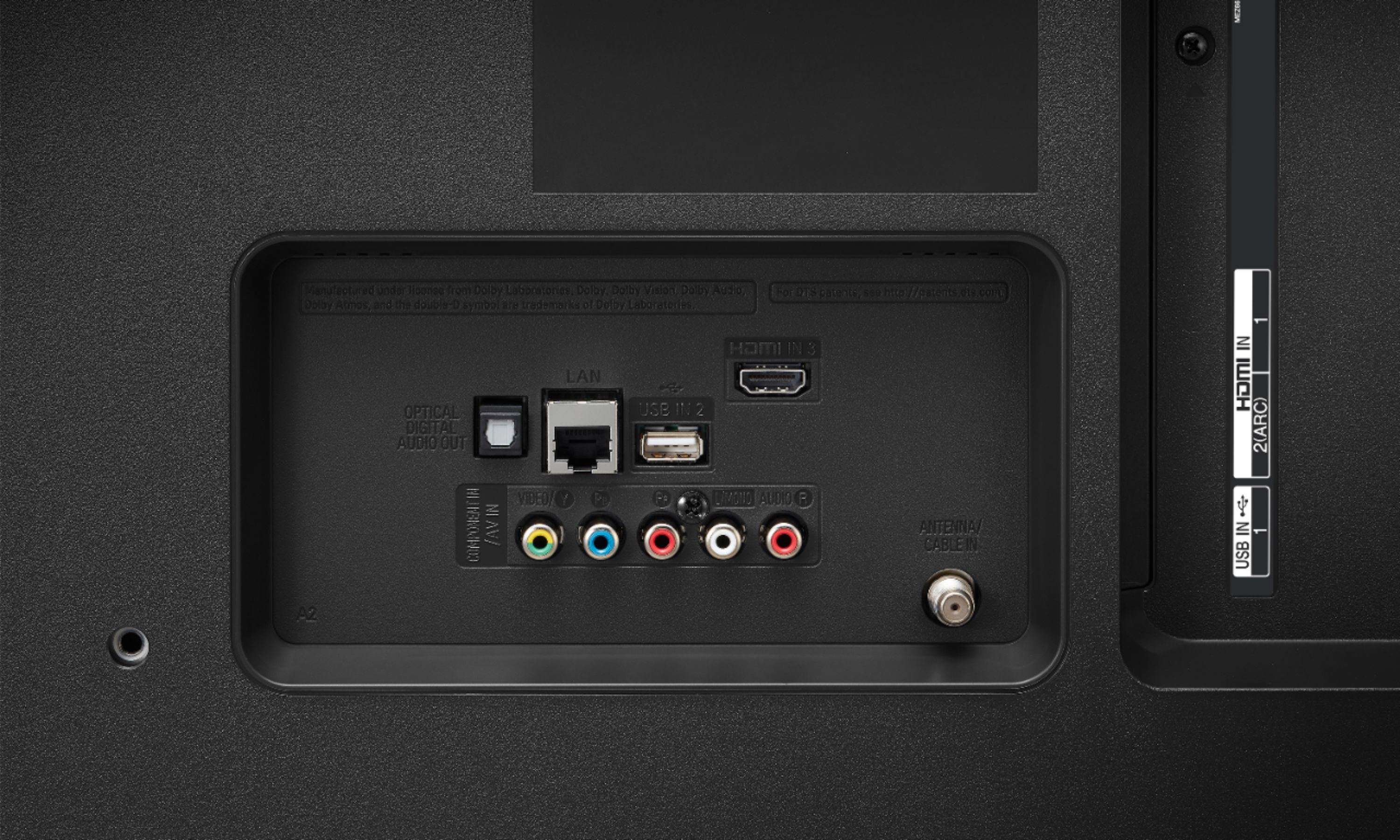
A:Answer Not sure. the smart remotes work on Bluetooth so if they all have the same device name - like Remote1, then both TV's will recognize both remotes simultaneously. The best test would be to take your remote back to the store and see if you can control their TV's with your remote. If the remotes are recognized by the TV's individually, then you could control them separately. With old remotes working on IR, you just had to be sure to point at the one you wanted from close enough that the second TV wasn't engaged by the signal.
If both TV's are controlled by both remotes, then the answer is still not necessarily. IF the first one is set to HDMI input from the computer, things like the channel buttons will be disabled on that one. If you press the Home button to switch apps on the 2nd TV, then the home button will allow you to take over the HDMI input on the 1st TV also. If you watch your curser, it runs around the screen really fast. The remote will engage whatever app the curser is on (on the first TV) when you get the curser on YouTube on the second one.
One last thing - if you get the second TV (or both) to YouTube, you could use the function of the power button on the first one to get back to HDMI input and go back to the computer that way. then the motions to change the YouTube videos won't work on the TV that is controlled by HDMI input. Hope that helps.