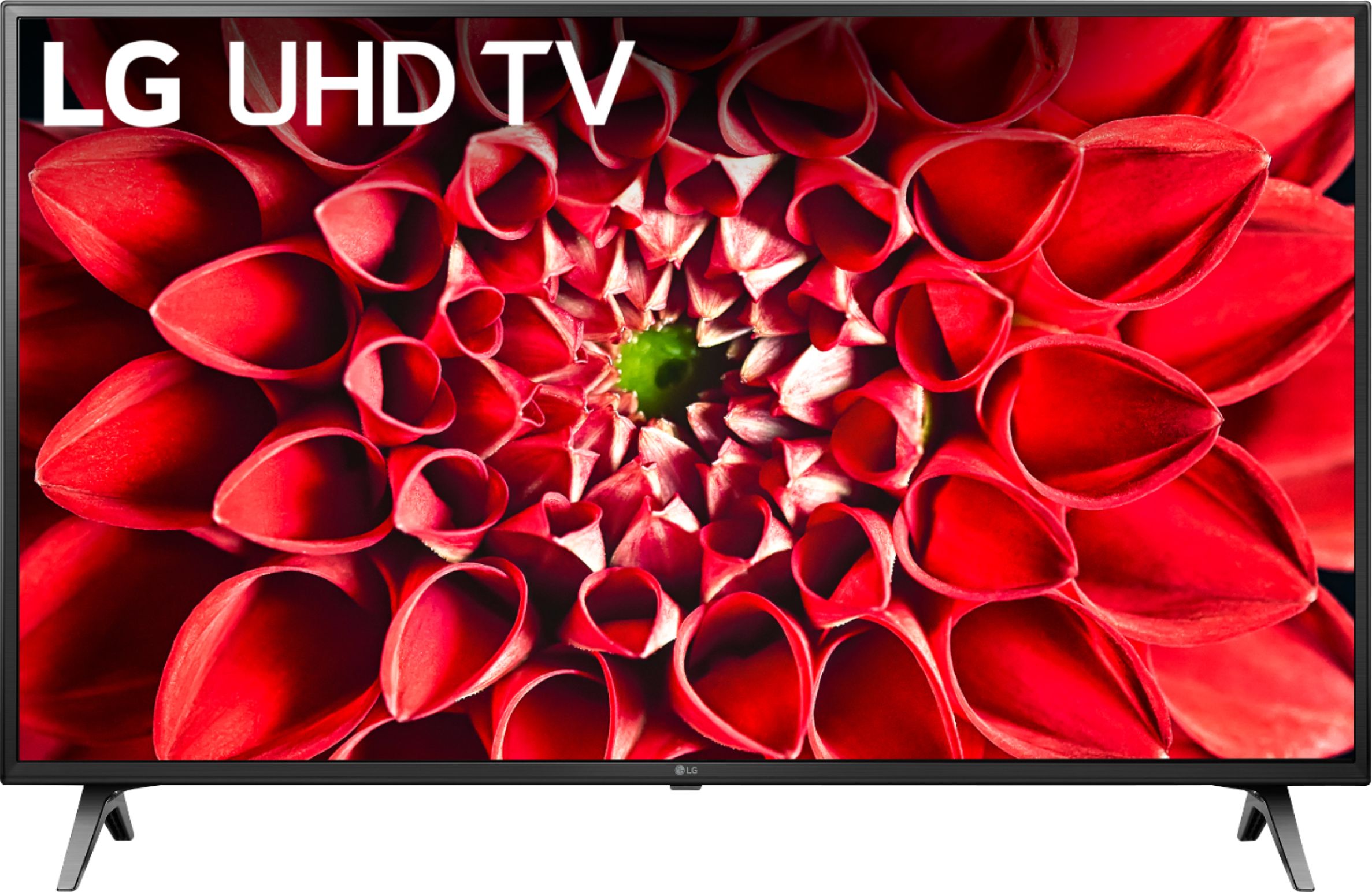
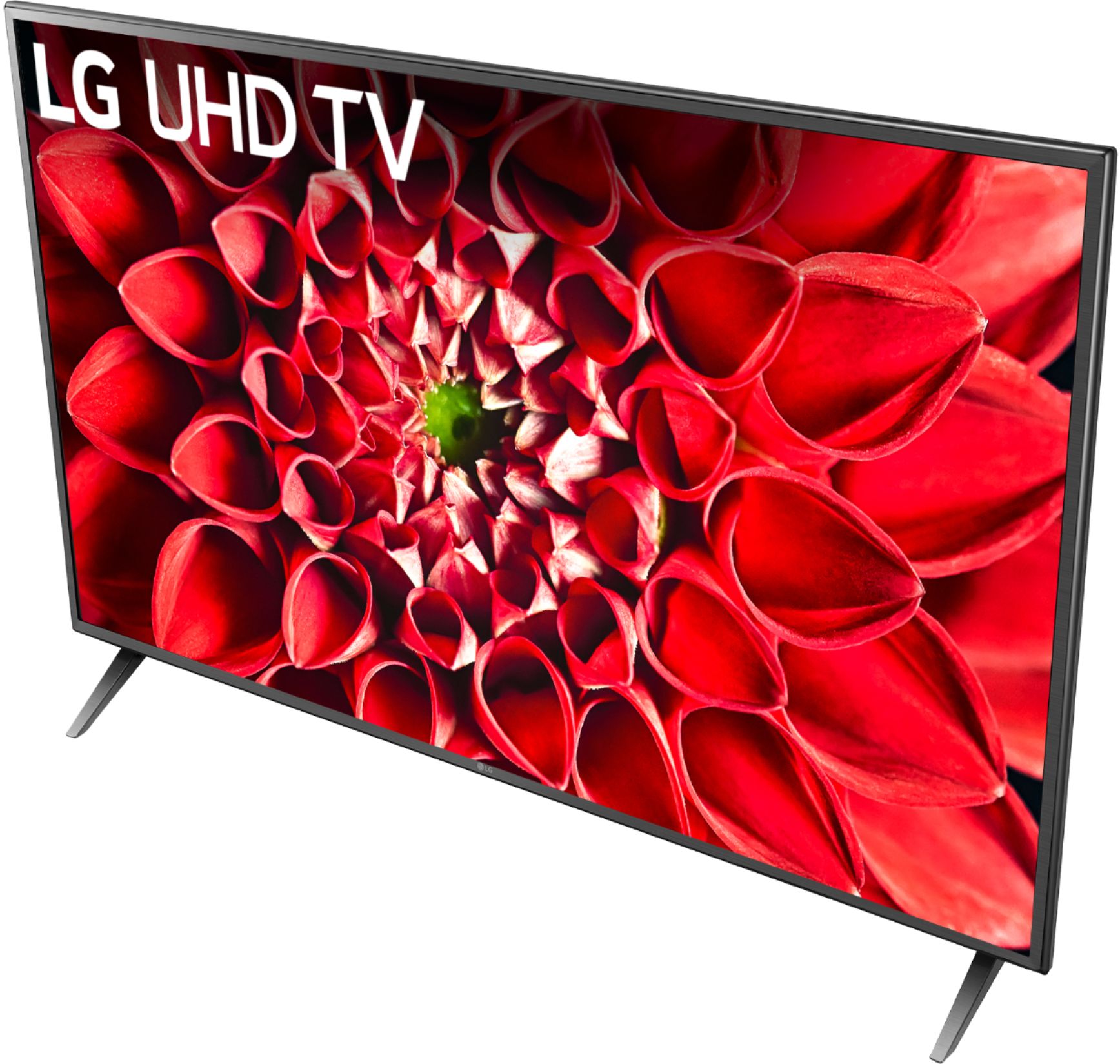
A:AnswerHi Claudia. Tablo is a compatible app that can be downloaded and installed on the LG UHD 70 Series 55 inch 4K HDR Smart LED TV, Model # 55UN7000PUB. You can launch the LG Content Store (App Store) feature from the TV's home screen and use it to search for the Tablo app from the LG Content Store and download and install it on the TV...^IFV
A:AnswerPlease browse available options at https://www.lg.com/us/uhd-4k-tvs. Review the specifications to see which unit will best meet your needs. I am sure you will find a TV at a price point that will meet your needs. ^Daphane
A:AnswerThe LG - 55" Class - UN7000 Series - 4K UHD TV - Smart - LED - with HDR, Model # 55UN7000PUB does not run on the Roku TV Platform. It runs on LG's webOS TV Platform...^IFV
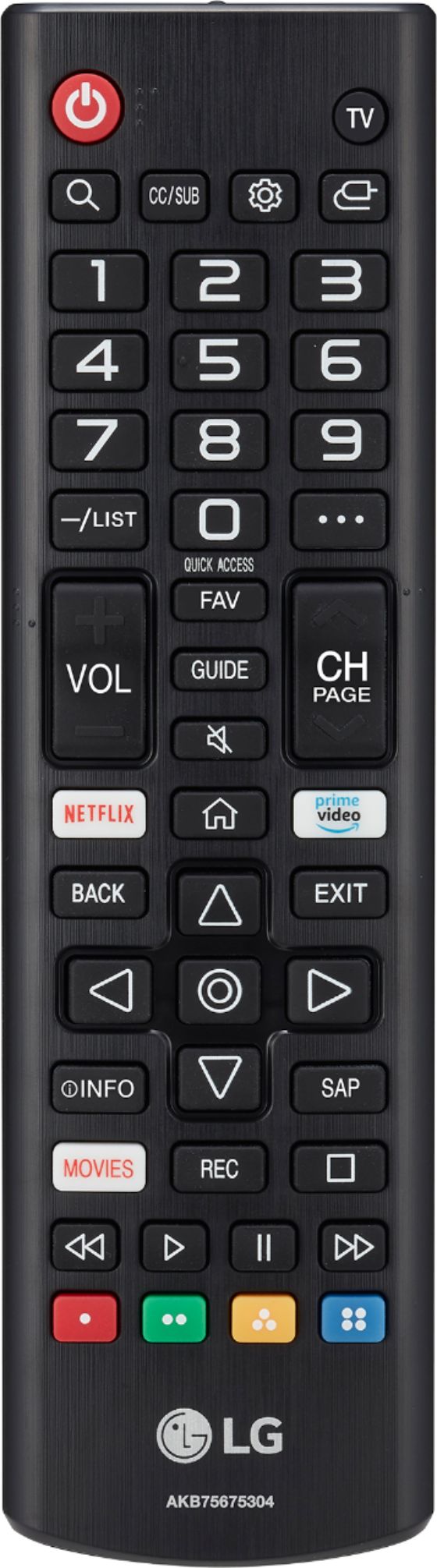
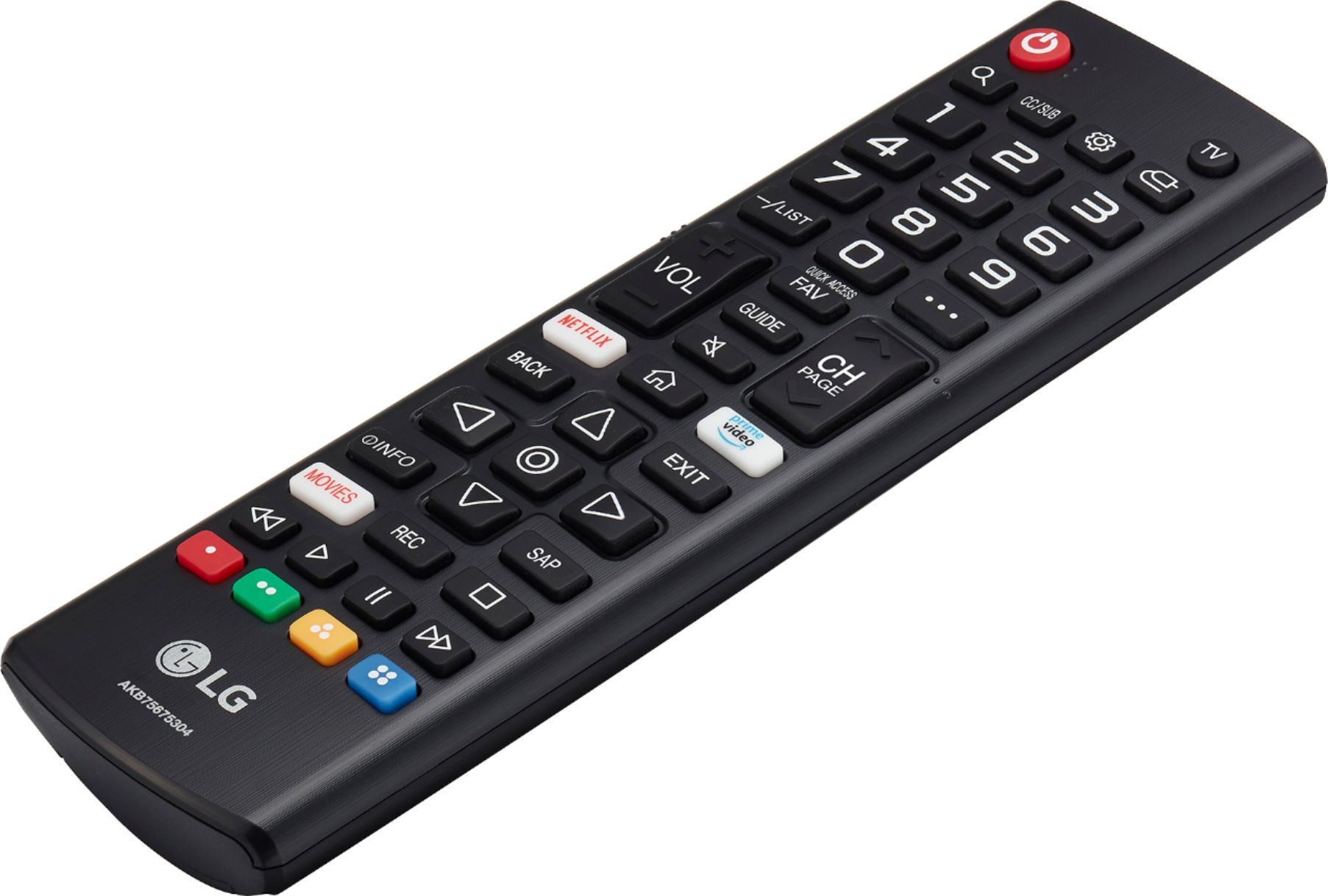
A:AnswerAdditional compatible apps can be downloaded and installed on the LG - 55" Class - UN7000 Series - 4K UHD TV - Smart - LED - with HDR, Model # 55UN7000PUB from the LG Content Store (App Store) The LG Content Store feature can be accessed from the home screen on the TV by pressing the home button on the remote control...^IFV
A:AnswerNot clear on what issues you are having. I'd like to see if we can offer assistance. Please contact LG Customer Support by direct message via Twitter (@LGUSSupport) or Facebook Messenger (https://www.facebook.com/LGUSA/). Please be sure to provide your contact information, model/serial numbers, and date of purchase so that we can answer any concerns or question you have. Thank you. ^Daphane
A:AnswerYou can connect wireless headphones via Wi-fi connectivity or connect a Bluetooth transmitter to the TV to use Bluetooth headphones. I cannot recommend a specific brand. You can try the LG Community Forum; it is a great resource for getting help from other LG customers: https://lgcommunity.us.com. ^Daphane
A:AnswerGreat scenes keep getting better with the benefits of HDR. HDR will automatically elevate the beauty of your favorite scenes. Active HDR supports a wide range of formats for scene-by-scene picture adjustment, including HDR10 and HLG. This TV also offers a Real 4K IPS Display with wide viewing angles and direct backlighting. ^Daphane
A:AnswerRegrettably, I offer a recommendation on the type of Bluetooth transmitter needed. The LG Community Forum is a great resource for getting help from other LG customers: https://lgcommunity.us.com. The TV offers Wi-fi connectivity, you can always connect via Wi-fi. Thank you. ^Daphane
A:AnswerThe Peloton app is not a compatible app that can be downloaded and installed on the LG UHD 70 Series 50 inch 4K Smart TV, Model # 50UN7000PUC, but you can use the Screen Share feature for the TV to display your smartphone or tablet's screen on the TV if you have the Peloton app installed on those devies and they are connected to the same Wi-Fi network as the TV...^IFV
A:AnswerI am sorry, LG TVs do not support Chromecast. We support similar functionality where consumers can view content from their phone or portable device via Miracast and Apple Airplay2. ^Daphane
A:AnswerHi Fitz. The Spectrum App is no a compatible app that is available on our webOS platform that you can download and install on the LG UHD 70 Series 55 inch 4K HDR Smart LED TV, Model # 55UN7000PUB or on our TVs...^IFV
A:AnswerI asked a question about LG - 55" Class UN7000 Series LED 4K UHD Smart webOS TV, but the answer provided is for refrigerator. Can you please answer my question?
A:AnswerThis TV has a webOS platform. Our webOS platform offers over 600 apps including streaming content and games - including over 180 free streaming channels via the LG Channels (on select models). Additional charges apply for some streaming services. For a complete listing of available apps, please visit: https://us.lgappstv.com/main/tvapp. You will need to connect a 3rd party device to access ROKU programming. ^Daphane