Refund Refresh 4-Day SaleEnds Monday. Limited quantities. No rainchecks.Shop now

Main Content

Questions & Answers

Clearance
$279.99
Save $70
Comp. Value: $349.99
Page Showing 61-80 of 83 questions
  • QuestionWhat LG sound bar will work with this tv? Also where can I find the full manuel? All I find is one that's about 7 pages long. And it just covers the warnings. Thanks

    Asked by KAAA.

    • Answer Anyone should work with no problem. The connections should be very simple . The manuel you should be able to find it online or stop by bestbuy and ask geek squad .

      Answered by Joey2011

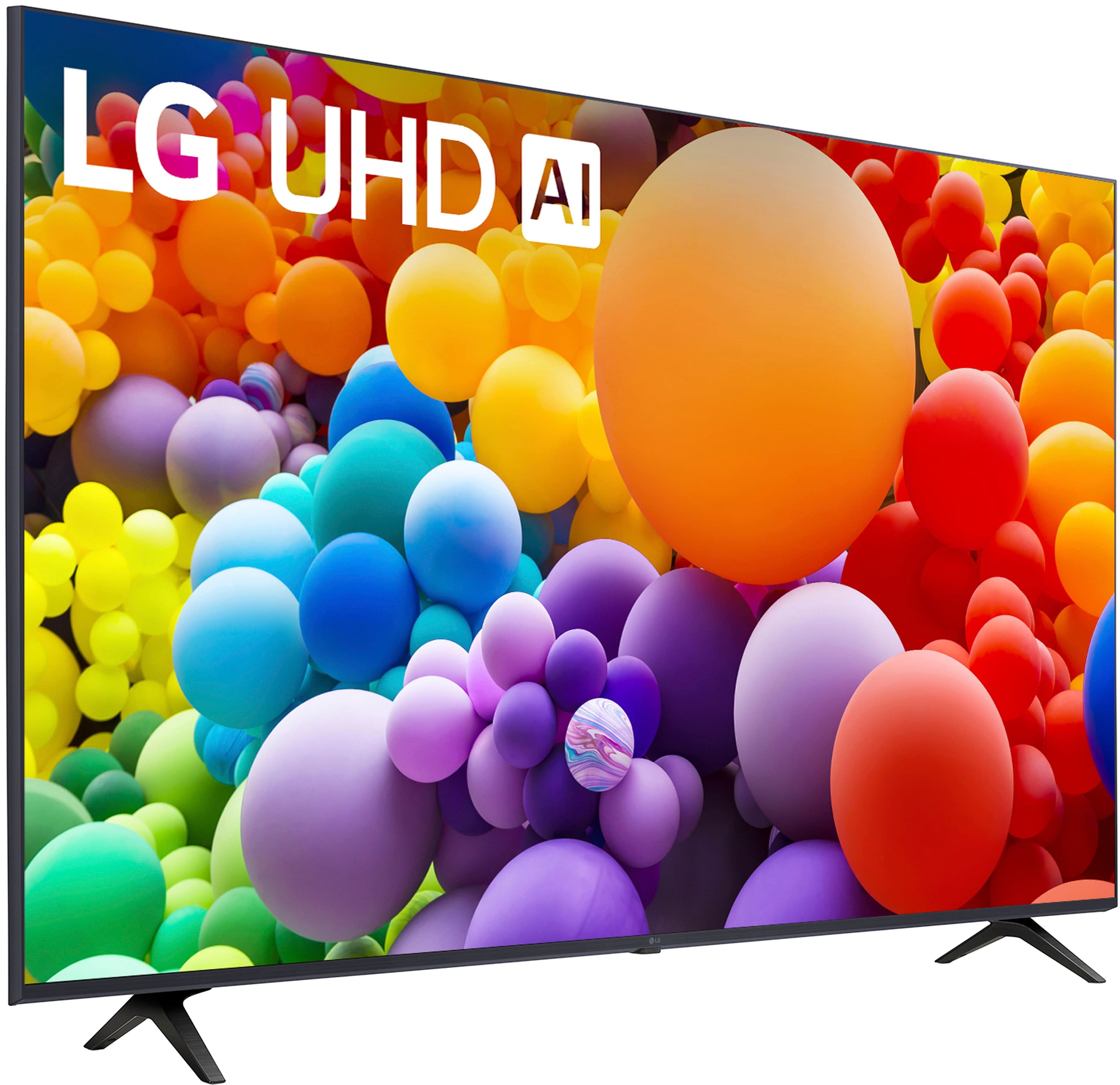
  • QuestionCan I set lg 75 series on stand without legs

    Asked by Buckeye.

    • Answer It’s not wide enough to stand without its feet.

      Answered by BrendaF

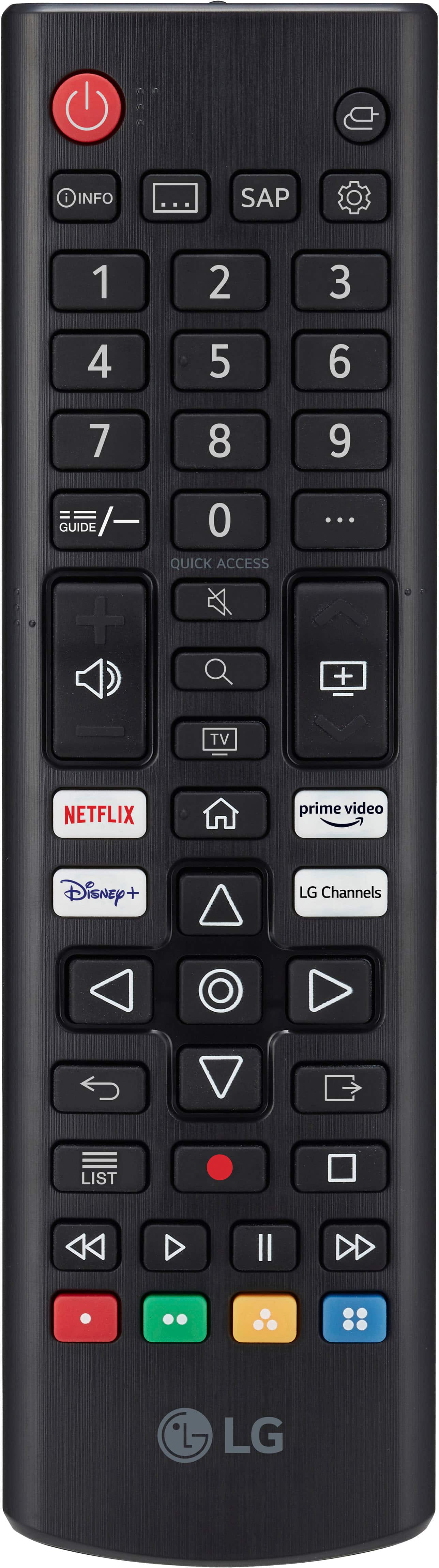
  • Questiondoes this model come with magic remote?? if it doesn't is it magic remote compatible?.

    Asked by eddie.

    • Answer It comes with a standard TV remote, not the magic TV remote, I’ve been having a struggle to find the magic remote for the 2024 model, because all I found is the 2023 remote. But the TV does have the capability to use a magic remote and is actually probably preferred

      Answered by Lily

  • QuestionCan I go to any website directly from this smartTV? (LG UT75 series LED 4k). Or I need to use my tablet to screen cast to tv? Does it have a built in web browser or any app that can be used for web browsing?

    Asked by Anonymous.

    • Answer Hi there, thank you for reaching out! We understand that you’re wondering if you can browse websites directly from your LG 55UT7570PUB TV. This model does have a built-in full web browser, allowing you to browse websites directly on the TV without the need for screen casting from a tablet. Additionally, it supports webOS 24, which offers access to streaming apps like Netflix, Disney+, YouTube, and more. https://www.lg.com/us/tvs/lg-55ut7570pub-4k-uhd-tv#pdp_specs For an even more convenient browsing experience, you can also use the Magic Remote (sold separately) to navigate more easily. If you need further guidance on how to use the browser or any specific features, please feel free to send us a private message on Social Media @LGUSSupport, and we'll be happy to assist! —Renzo
      Answered by LG Digital Customer Care

  • QuestionI'm unable to get the subtitles to work even though I turned them on

    Asked by Cath.

    • Answer Hi there, Cath. Thank you for reaching out regarding the subtitle issue with your 55UT7570PUB TV. We understand how important it is to have subtitles working properly. To troubleshoot, please ensure that the subtitles are enabled in the settings by pressing the additional answer button on your remote and navigating to Settings → General → Accessibility → and making sure Closed Caption is set to On. Additionally, check the specific app or channel you’re using, as some content may not support subtitles even if they are enabled on your TV. You may access this link related to your concern: https://www.lg.com/us/support/help-library/lg-tv-how-to-enable-closed-captioning--20153163621897. If you’ve tried these steps and are still experiencing issues, please send us a private message on Social Media @LGUSSupport, and we’ll be happy to assist you further. We appreciate your patience and look forward to helping you! —Avril

      Answered by LG Digital Customer Care

  • QuestionSet a remote control has numbers to select channels

    Asked by Ea.

    • Answer Hello there! Thank you for reaching out to us. We understand that you’re looking to use the remote control to select channels on your LG model 55UT7570PUB TV. To set up and use your remote control for selecting channels, please follow these steps: Turn On the TV: Make sure your TV is powered on. Access the Remote Control: Use the remote control that came with your TV. Locate the Channel Number Buttons: On the remote control, you should find number buttons (0-9). These are typically located in the center or lower section of the remote. Direct Channel Selection: To select a channel, simply press the number buttons corresponding to the channel you wish to watch. For example, to select channel 7, press the '7' button. For channel 25, press '2' and '5' consecutively. Channel Up/Down: Alternatively, you can use the ‘Channel Up’ and ‘Channel Down’ buttons to scroll through channels one by one. If you have any further questions or need additional assistance, please send us a private message on Social Media @LGUSSupport. Our team will be more than happy to assist you further. We appreciate your patience. —Renzo

      Answered by LG Digital Customer Care

  • QuestionDoes this tv have a variable refresh rate, VRR? Does it have auto latent imageing?

    Asked by Ray.

    • Answer no

      Answered by ScottC

  • QuestionWhat does it take to get waited on-I was there for over 20 minutes for someone to help me. Two different people were called and no one-so I left without buying a TV

    Asked by Char.

    • Answer Smile and be of good cheer.

      Answered by JerryG

  • QuestionWill this Insignia Model:NS-RMT8D21 SKU:6495830 work for everything on this TV like it says ? Or will certain things not work 100% or correctly? Because strangely I can’t seem to find the LG remote that was recommend on here..Have a $25 reward to use.

    Asked by Sorzy63.

    • Answer To LG Digital Customer Care, the model number for this and my TV, 55UT7570PUB does not show up in the list of model numbers for that remote. However being a 2024 TV, it does show and is listed for the LGMR24GA remote. If they allow the included image, please refer to it to verify.

      Answered by Sorzy63

  • QuestionI have a sound bar and want it to work for LGtv channels and my Direct TV channels. How do I do that?

    Asked by Tricia.

    • Answer depends on your soundbar make. I have a LG soundbar and my TV saw it on device selection on the bar. If your soundbar has BT you can try connecting it that way. Set the bar to BT and go into the TV menu to select sound output.

      Answered by KevinG

  • QuestionHow do I add pbs app that I pay subscription for.

    Asked by Tricia.

    • Answer Use an Amazon firestick

      Answered by Anonymous

  • Questionis a 55ut75 have a glare proof screen

    Asked by Anonymous.

    • Answer Not especially glare proof.

      Answered by JayMak

  • QuestionCan this tv screen flip to Vertical?

    Asked by bluebird.

    • Answer no

      Answered by ScottC

  • QuestionThis tv thinq is like qled. !!

    Asked by Seve.

    • Answer Thank you for reaching us regarding LG Smart webOS TV. No, the LG 55UT7570PUB is an LED Smart TV with a sharp 4K UHD resolution. It's important to note that it is not a QLED TV. Key Features: • Display Technology: LED • Resolution: 4K (2160p) • HDR Support: Yes, it supports HDR10 and Hybrid Log-Gamma (HLG) for better picture quality. • Processor: Powered by the α5 AI Processor Gen 7, enhancing brightness, sound, and detail. • Smart Features: Operates on webOS 24, giving you access to multiple streaming services and LG Channels. You can download its owner's manual through this link for more information: https://www.lg.com/us/support/product/lg-55UT7570PUB.AUSQ. For additional assistance, please reach out to us on social media @LGUSSupport so we can help you further. ^Cris

      Answered by LG Digital Customer Care

  • QuestionHow to remove ladies voice?

    Asked by Anonymous.

    • Answer Thank you for reaching us regarding LG Smart webOS TV. To turn off the ladies' voice or audio guidance on your LG 55UT7570PUB TV: 1. Press the Settings button on your remote. 2. Go to All Settings. 3. Select Accessibility. 4. Turn off Audio Guidance (or Audio Description). You can download its owner's manual through this link for more information: https://www.lg.com/us/support/product/lg-55UT7570PUB.AUSQ. For additional assistance, please reach out to us on social media @LGUSSupport so we can help you further. ^Cris

      Answered by LG Digital Customer Care

  • QuestionDoes it have a remote control to change channels, Like from channel 4 to 12

    Asked by Roy.

    • Answer yes

      Answered by ScottC

  • QuestionWhat streaming services are included ?

    Asked by RogerT.

    • Answer If included you mean free only lg tv. If you mean avalable. I currently have 8 different streaming apps. I dont know of any you cant get. Ive not had an issue. Apple+ althe way to philo. Disney. Paramount+ max. Etc

      Answered by AndreaB

  • Questiondoes this tv work with direct tv

    Asked by Anonymous.

    • Answer Dont know but im sure it does. They all do now

      Answered by AndreaB

  • QuestionIs the 55" UT 75 model an IPS or VA panel?

    Asked by Buss.

    • Answer Our LG 55” Class UT75 Series LED 4K UHD Smart webOS TV (2024), Model # 55UT7570PUB TVs are a mix of VA, IPS, and ADS panels...^Ivan.

      Answered by LG Digital Customer Care

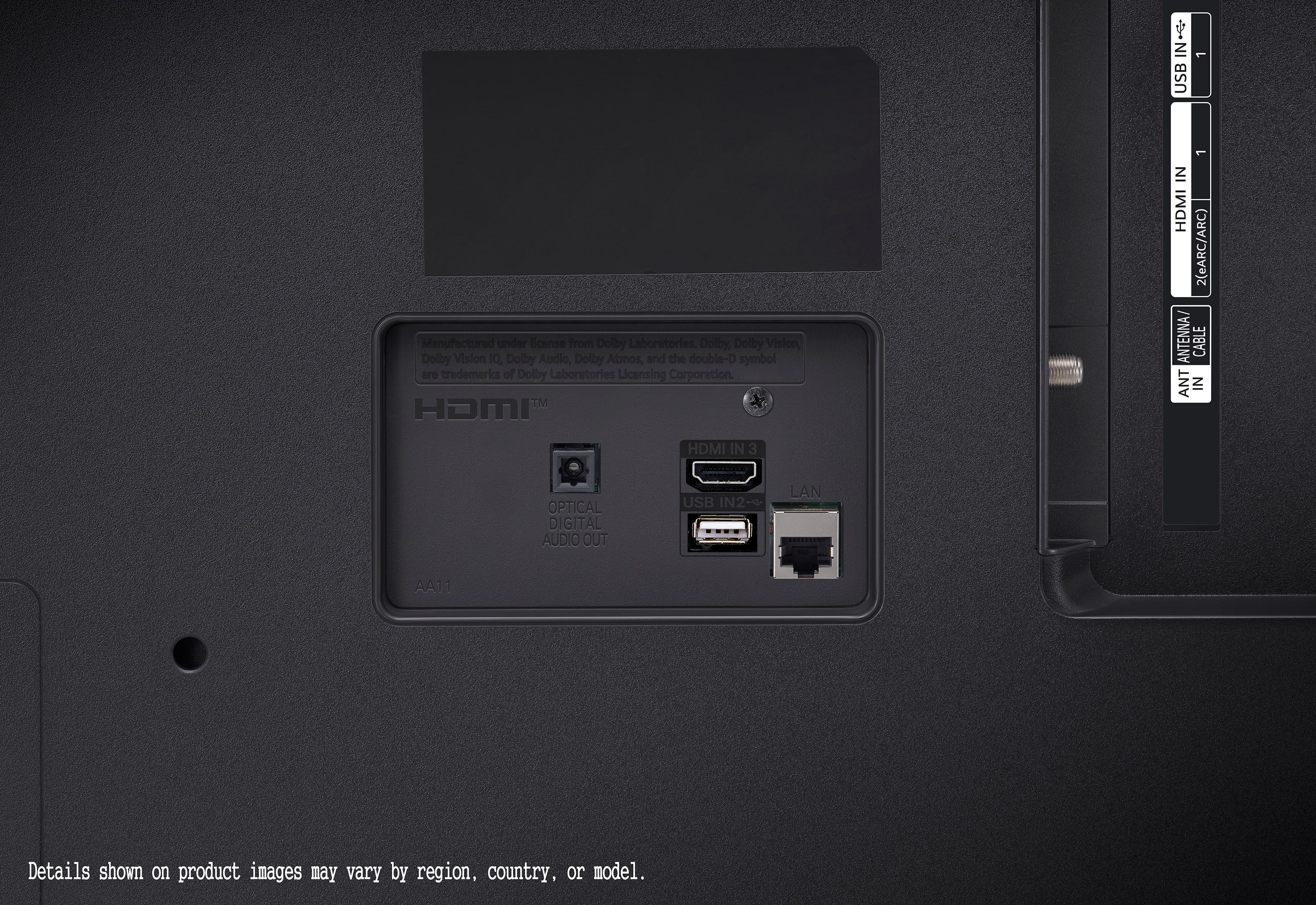
  • QuestionHow many gigabytes does this tv have

    Asked by Queenie46.

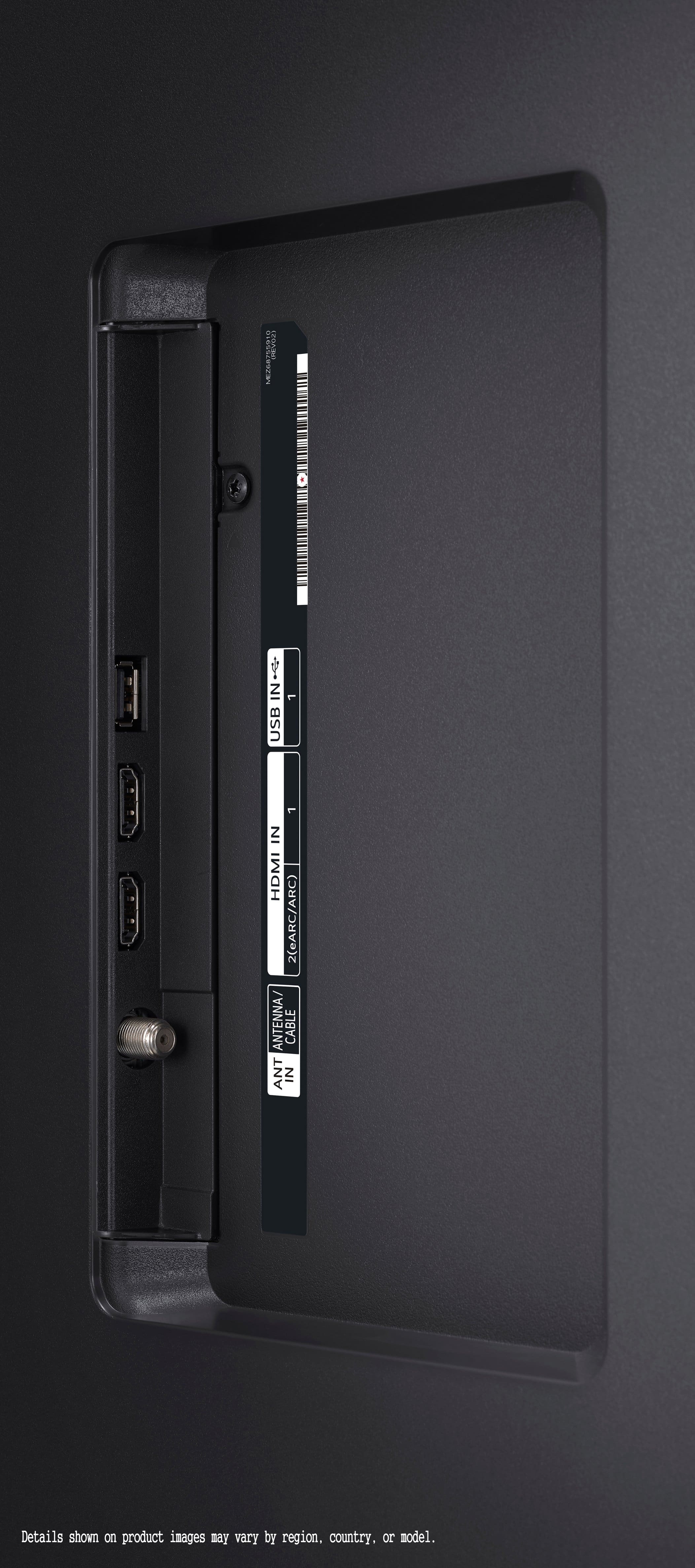
    • Answer Hi there, Queenie46. We understand your inquiry about your LG 55UT7570PUB. This model does not include a traditional internal hard drive or sizable user-accessible storage in gigabytes. Instead, it relies on cloud-based services and streaming apps, while offering two USB-A ports for external drives or flash drives to play or record content. Troubleshooting Step If you encounter an “insufficient memory” message when installing or updating apps on your TV, navigate to Settings > All Settings > General > System > Manage Apps, then select the app and clear its cache. This frees up the TV’s limited onboard flash memory and can resolve installation or performance issues. https://www.bestbuy.com/site/lg-55-class-ut75-series-led-4k-uhd-smart-webos-tv-2024/6578186.p?skuId=6578186 For more tips or if you’d like personalized assistance, please send us a private message on social media at @LGUSSupport, and our team will be more than happy to explore possible solutions with you. We appreciate your patience and look forward to helping you get the most out of your 55UT7570PUB. —Renzo

      Answered by LG Digital Customer Care