
Main Content

Questions & Answers

$399.99
Save $100
The comparable value is $499.99
Deal ends in 3:35:40
Page Showing 1-20 of 25 questions
  • QuestionWhat is the refresh rate of this TV?

    • Answer The refresh rate of this TV is 60Hz.
    This question and answer was generated by AI based on customer and product data.
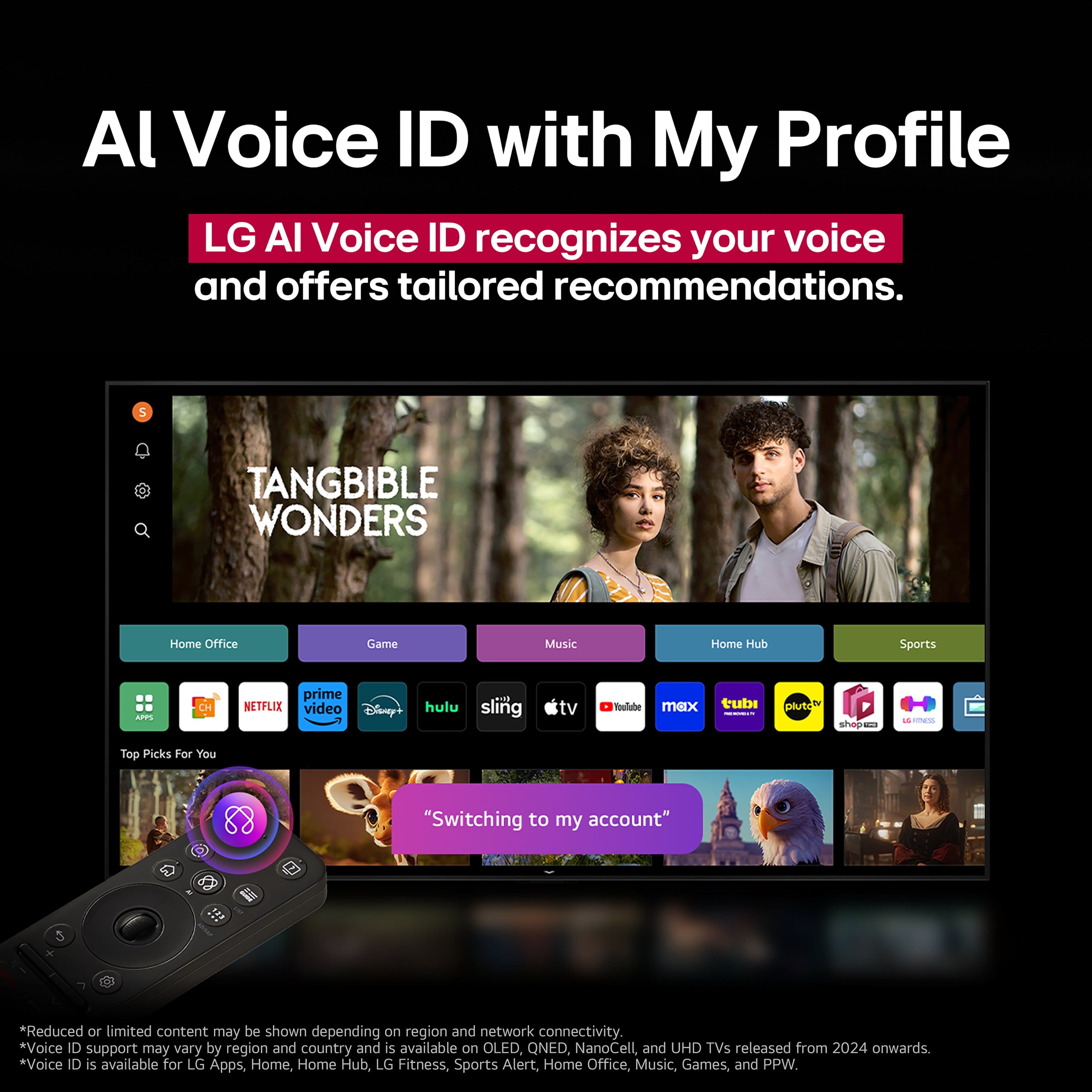
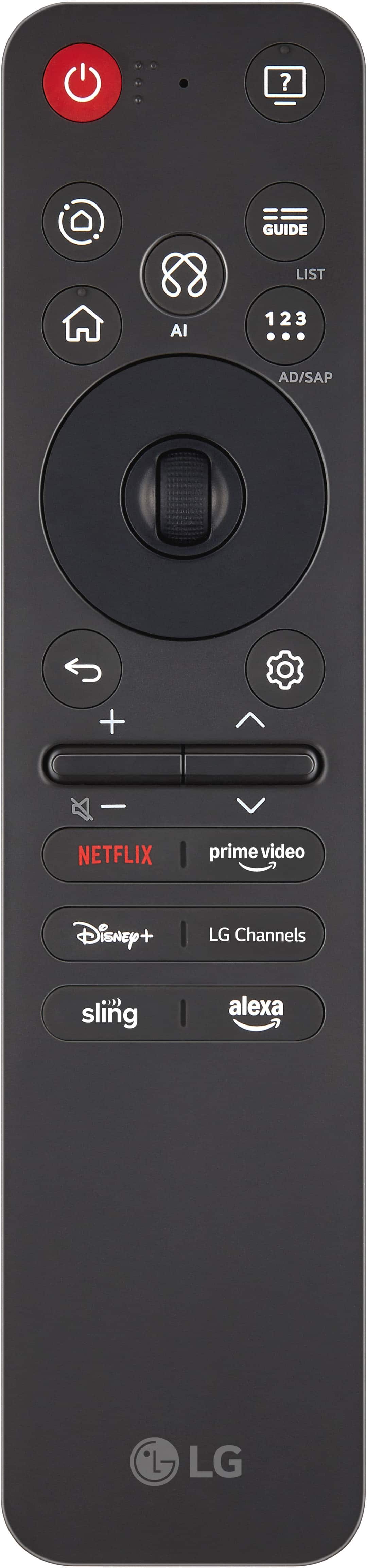
  • QuestionDoes this TV work with voice assistants?

    • Answer Yes, this TV works with Amazon Alexa voice assistant.
    This question and answer was generated by AI based on customer and product data.
  • QuestionIs the screen mirroring feature available on this TV?

    • Answer Yes, the screen mirroring feature is available on this TV.
    This question and answer was generated by AI based on customer and product data.

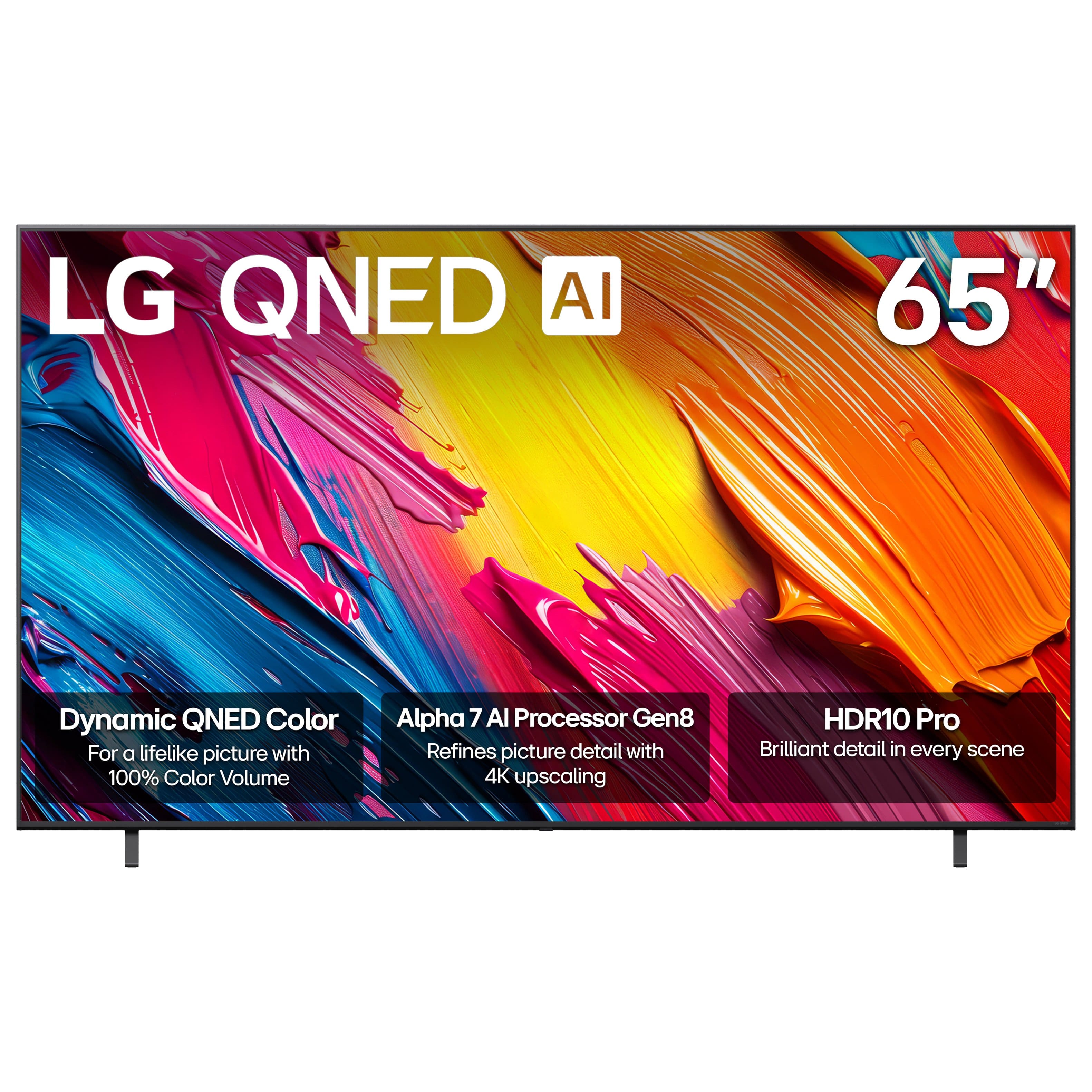
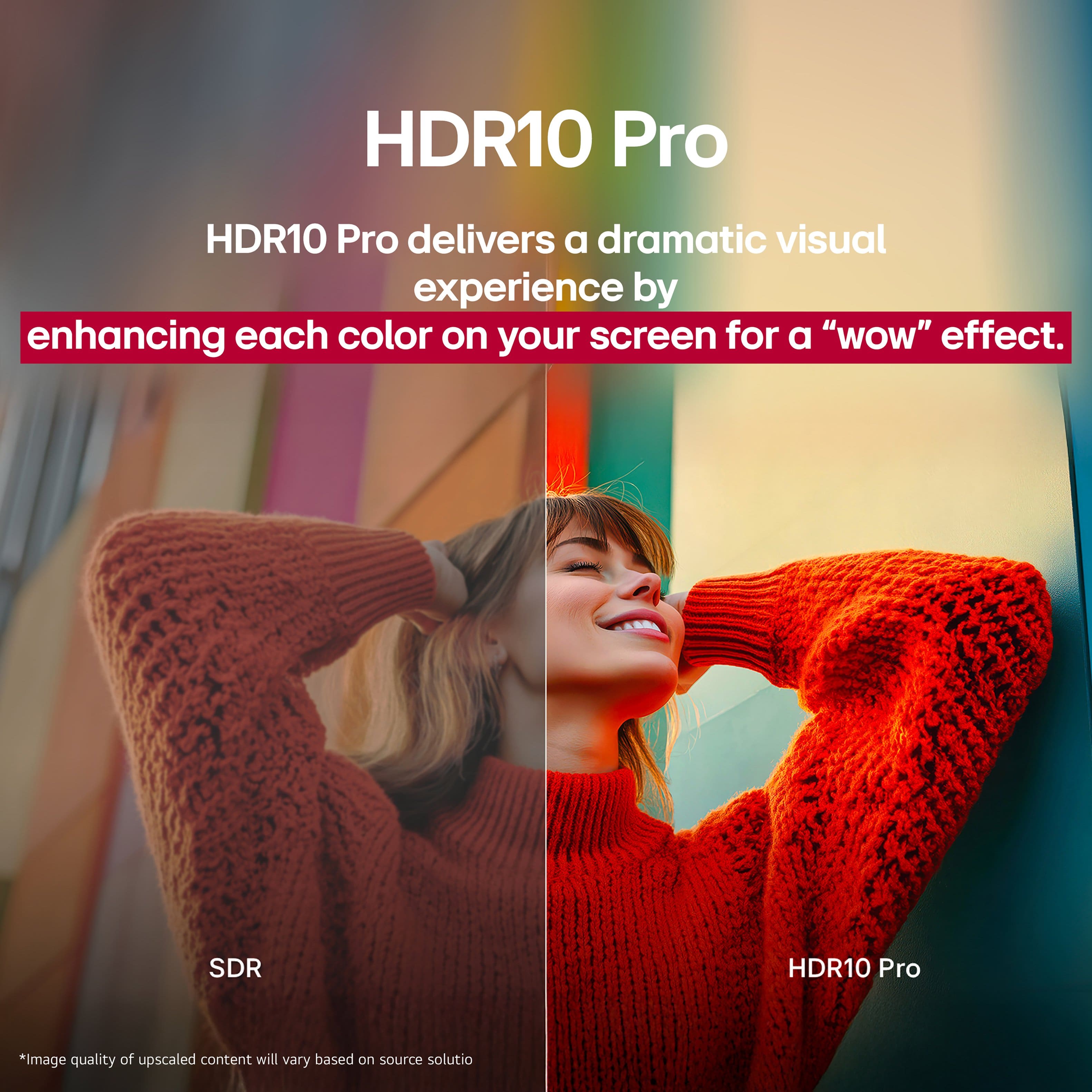
  • QuestionDoes this TV support HDR?

    • Answer Yes, this TV supports High Dynamic Range (HDR).
    This question and answer was generated by AI based on customer and product data.
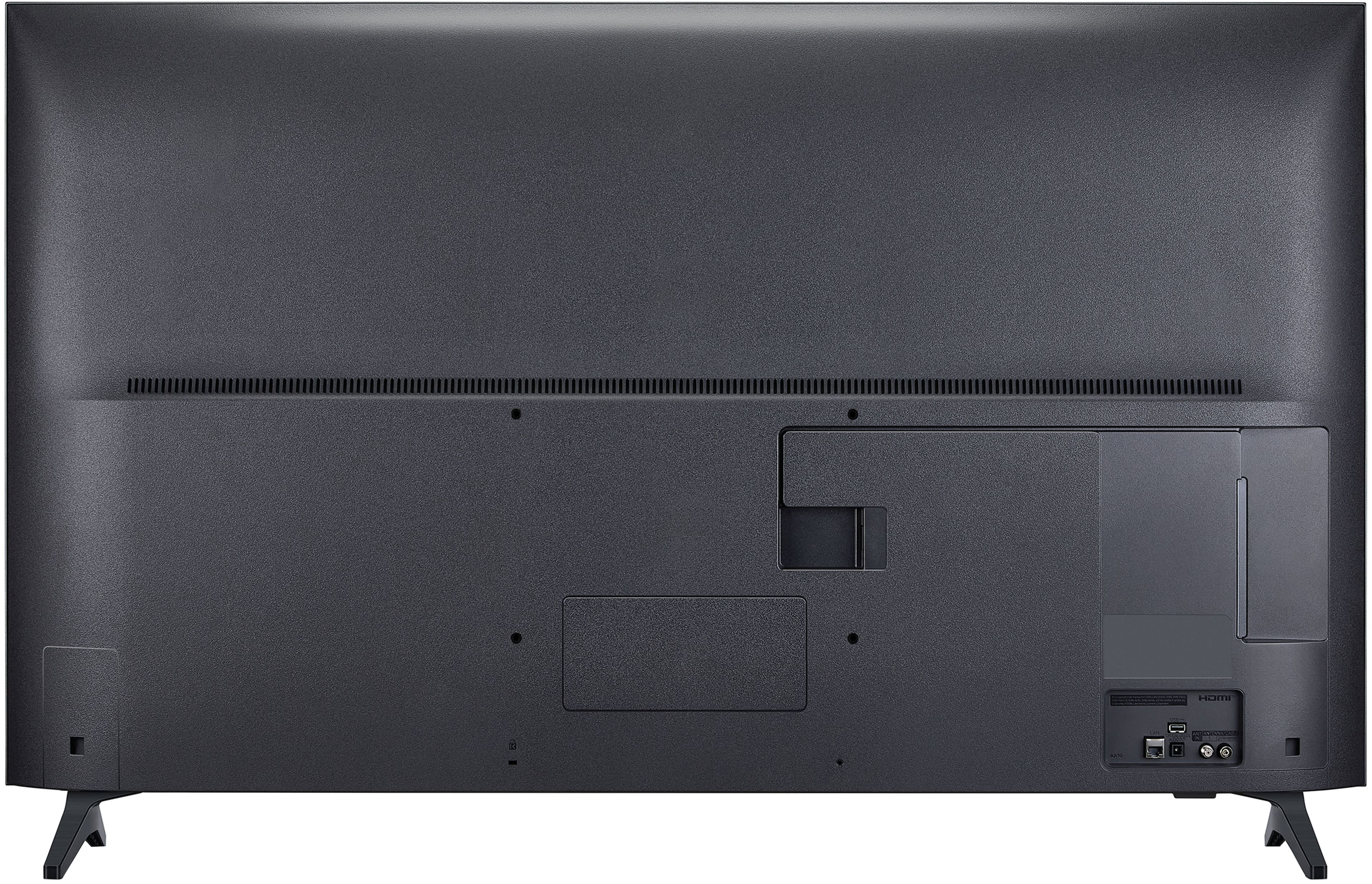
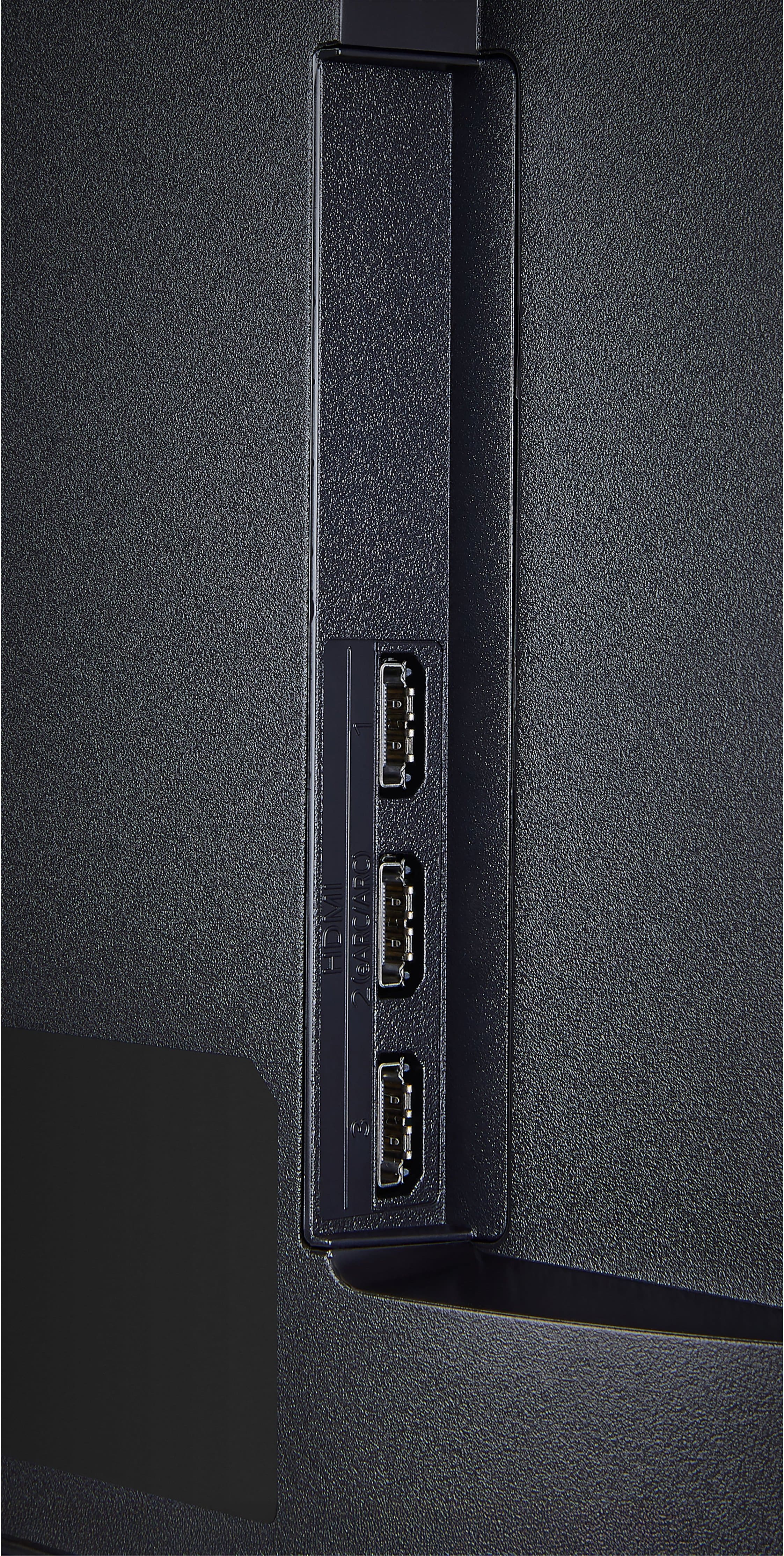
  • QuestionHow many HDMI inputs does the TV have?

    • Answer The TV has three HDMI inputs in total.
    This question and answer was generated by AI based on customer and product data.
  • QuestionDoes this TV have built in speakers?

    • Answer Yes, this TV has built-in speakers.
    This question and answer was generated by AI based on customer and product data.

  • QuestionCan I share content from my mobile to this TV?

    • Answer Yes, you can share content from mobile to this TV.
    This question and answer was generated by AI based on customer and product data.

  • QuestionWhy a slow 60HZ Refresh rate in 2025? All need to be 120HZ Refresh rate.

    Asked by Alan.

    • Answer While higher refresh rates like 120 Hz or even 240 Hz are available, they are typically found on premium TVs that offer additional features and higher-quality motion handling. For most viewers, a 60 Hz TV provides a satisfactory viewing experience, especially for traditional TV shows and movies produced at 24 frames per second (fps), which can feel artificial or too smooth. With 60Hz, manufacturers can deliver a smooth picture without needing expensive components. This makes it a cost-effective option for various consumers, contributing to its widespread adoption. The reason TVs are still primarily 60 Hz is due to the balance between performance and cost. At the time of color TV's introduction, 60 Hz was chosen to match the frequency of AC electricity during the Blck and White days. This choice has been maintained over the years, contributing to its widespread adoption. However, for those who engage in fast-paced content like sports or action-packed movies, a higher refresh rate can be beneficial. If you are watching content up to 60FPS on your 120Hz TV, the image won’t be any different than it would be on a 60Hz TV. And since that makes for the majority of content, many find 120Hz unnecessary for TVs. An exception to this would be watching native 24 FPS content from a media source such as Blu-ray. If you just want to watch movies and TV shows, 120Hz is really not necessary. In case you’re sensitive to 24p judder, make sure that the TV has a feature that can fix it. Ultimately, 60Hz TVs are designed for the average viewer who enjoys regular TV programming without the need for the smoothest experience possible. For typical usage scenarios, this refresh rate strikes a practical balance, providing good quality at a reasonable price point. So, if you're shopping for a TV for regular viewing and don't need the bells and whistles of higher refresh rates, a 60Hz model could be all you need. It's tried, tested, and reliable, making it a solid choice for many households...^Ivan.

      Answered by LG Digital Customer Care

  • QuestionIs it Bluetooth or wireless?

    Asked by DashiaW.

    • Answer Wireless

      Answered by SherryD

  • QuestionWhy does this TV constantly drop the WiFi connection? We have to unplug the TV and plug it back in to get it to connect. I see on YouTube that this is a common problem. Is there a long term solution?

    Asked by Sharon.

    • Answer We regret to read that your LG - 65" Class 70A Series QNED AI 4K UHD Smart webOS TV (2025), Model # 65QNED70AUA, constantly drops its Wi-Fi connection. You are correct, dropping Wi-Fi is a very common issue for smart TVs, regardless of brand or manufacturer, often caused by weak signals, router distance, physical obstructions (like walls), or outdated firmware. The issue frequently stems from interference from other electronics, such as microwaves or cordless phones. TVs often have weaker Wi-Fi antennas than phones or laptops, making them susceptible to poor connectivity if far from the router, and too many devices on the network can cause drops. You can restart the router and TV, update the TV's software, or use a 2.4 GHz connection instead of 5 GHz (which has better range) to resolve the issue. If possible, using an Ethernet cable is the most reliable connection...^Ivan.

      Answered by LG Digital Customer Care

  • QuestionIs this TV going to have a clear picture in a very bright room? Not a lot of glare etc...

    Asked by Brightroom.

    • Answer Hi, there! Thank you for sharing your question to us about the LG TV (65QNED70AUA). The LG 65QNED70AUA features a semi‑gloss (matte) screen finish, which helps manage reflections from typical indoor lighting. It offers decent reflection handling, so everyday ambient light is generally well‑managed. Direct light from windows or strong overhead sources may still be visible on the screen, but many customers find it performs comfortably in brighter living spaces. You can explore the full feature list and support details here: https://www.bestbuy.com/product/lg-65-class-70a-series-qned-ai-4k-uhd-smart-webos-tv-2025/JJ8VPZWRR8. If you need further assistance, feel free to email us at lgdigitalcare@lg.sprinklrsupport.com. - Avril

      Answered by LG Digital Customer Care

  • QuestionHow many hdmi ports

    Asked by Zuki.

    • Answer Hi there, Zuki! Thank you for sharing your question to us about the LG TV (65QNED70AUA). This model includes three HDMI ports, giving you flexibility to connect devices like streaming boxes, gaming consoles, and Blu‑ray players. You can explore the full feature list and support details here: https://www.bestbuy.com/product/lg-65-class-70a-series-qned-ai-4k-uhd-smart-webos-tv-2025/JJ8VPZWRR8. If you need further assistance, feel free to send us an email at lgdigitalcare@lg.sprinklrsupport.com. - Avril

      Answered by LG Digital Customer Care

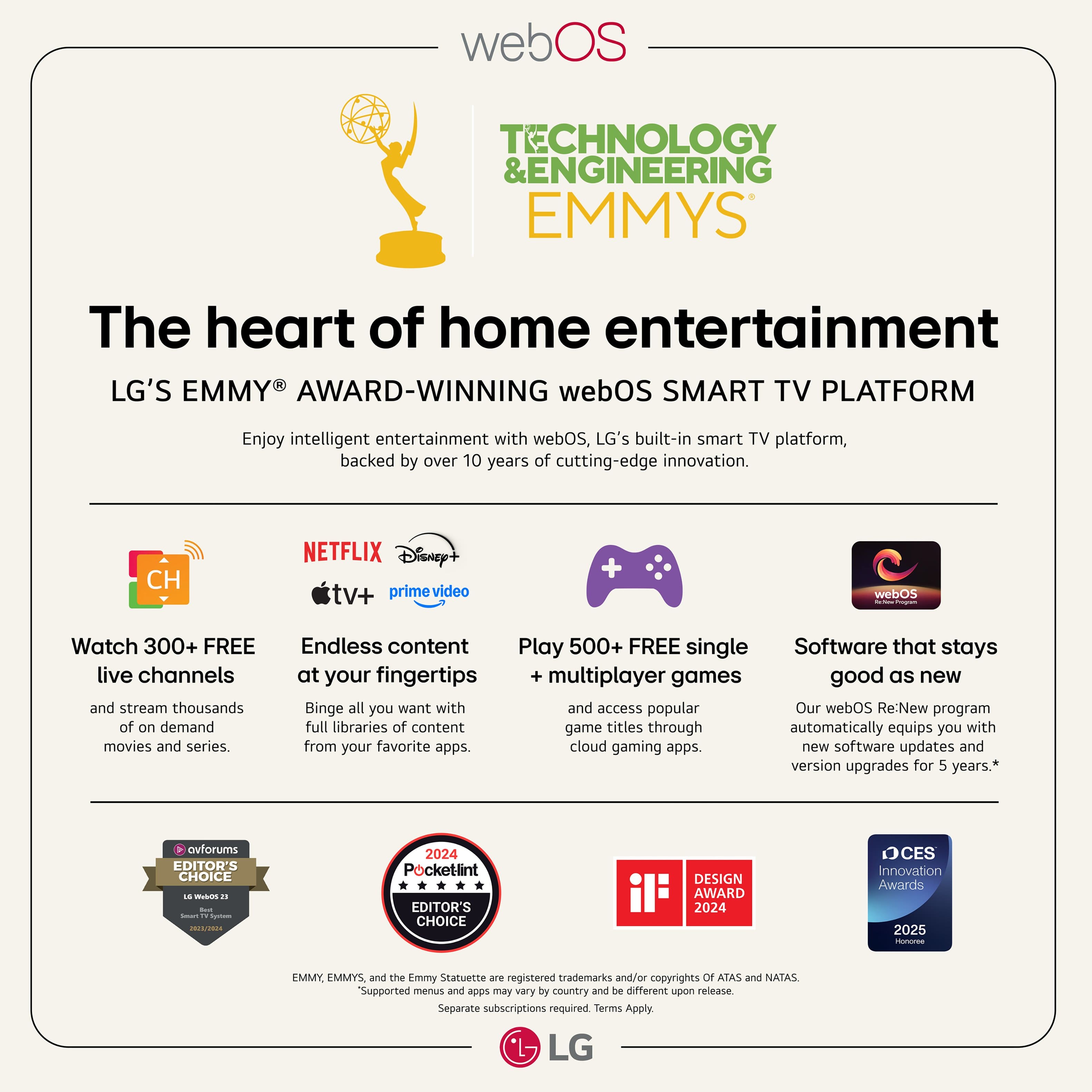
  • QuestionDoes it come with YouTube tv app already installed?

    Asked by TC.

    • Answer Yes

      Answered by LEOSMANISL

  • QuestionDoes this tv come with local Chanel’s to view without streaming app

    Asked by Anonymous.

    • Answer Hi, there! Thanks for reaching out about the LG TV (65QNED70AUA). It’s great that you’re checking into how the TV handles local channels, and we're glad to share that this model can display local over‑the‑air channels, but you’ll need to connect an HD antenna to the TV’s RF/antenna input. Once connected, you can run the Channel Scan feature to pick up available local broadcasts without using any streaming apps. You can explore the full feature list and support details here: https://www.bestbuy.com/product/lg-65-class-70a-series-qned-ai-4k-uhd-smart-webos-tv-2025/JJ8VPZWRR8. If you need further assistance, feel free to email us at lgdigitalcare@lg.sprinklrsupport.com. - Avril

      Answered by LG Digital Customer Care

  • Questionwill vizio sound bar work with this tv

    Asked by talltexan.

    • Answer Si

      Answered by LEOSMANISL

  • QuestionHow far apart are the stands on this TV

    Asked by CG.

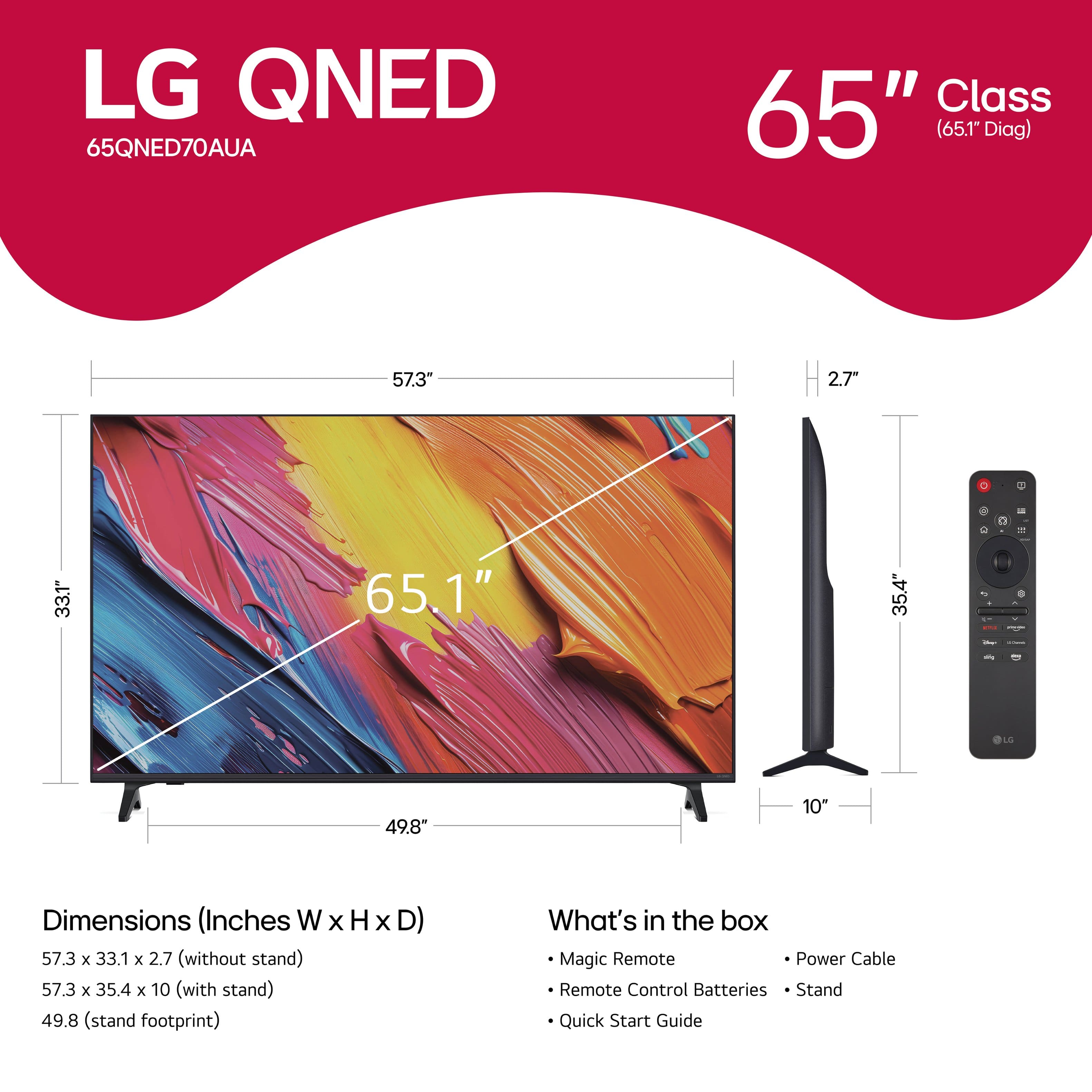
    • Answer If you click on the third thumbnail image from the top, to the left of the main image for the LG 65" Class 70A Series QNED AI 4K UHD Smart webOS TV (2025), Model # 65QNED70AUA, on the page that opens it shows 49.8" (Stand Width), and if you click on 'Specifications' and scroll down to 'Dimensions' it also lists the stand width...^Ivan.

      Answered by LG Digital Customer Care

  • QuestionDoes this TV have an input for a wireless headset component? Also if itt has headset do you have to always go in each time and do Bluetooth to connect the headphones?

    Asked by BruceD.

    • Answer Hello there, Drooker. Thanks for reaching out about your LG TV (65QNED70AUA). It’s great that you’re exploring the audio options on your TV, Your model supports Bluetooth audio, which means you can connect compatible wireless headsets without needing a physical headset jack. You can find more details on supported features here: https://www.bestbuy.com/product/lg-65-class-70a-series-qned-ai-4k-uhd-smart-webos-tv-2025/JJ8VPZWRR8. When it comes to reconnecting your Bluetooth headphones, once they’ve been paired the first time, the TV will typically recognize them again as long as the headset is powered on and in range. If you’d like us to take a closer look or walk through your specific setup, feel free to email us at lgdigitalcare@lg.sprinklrsupport.com for further assistance. - Avril

      Answered by LG Digital Customer Care

  • QuestionDoes it come with Hulu?

    Asked by Difor.

    • Answer I think it does

      Answered by WalterT

  • QuestionDoes this have PIP? Thanks.

    Asked by Chris.

    • Answer LG's Multi View is a webOS feature that allows users to display two different content sources simultaneously on one screen. It supports layouts like Side-by-Side (SBS) or Picture-in-Picture (PiP), combining HDMI inputs, YouTube, web browsing, or screen sharing. This feature is NOT supported on the LG 65" Class 70A Series QNED AI 4K UHD Smart webOS TV (2025), Model # 65QNED70AUA...^Ivan.

      Answered by LG Digital Customer Care

  • QuestionDoes this LG tv have the Room to Room share app?

    Asked by Dj.

    • Answer Yes, it does*

      Answered by LGDREAMSCREEN