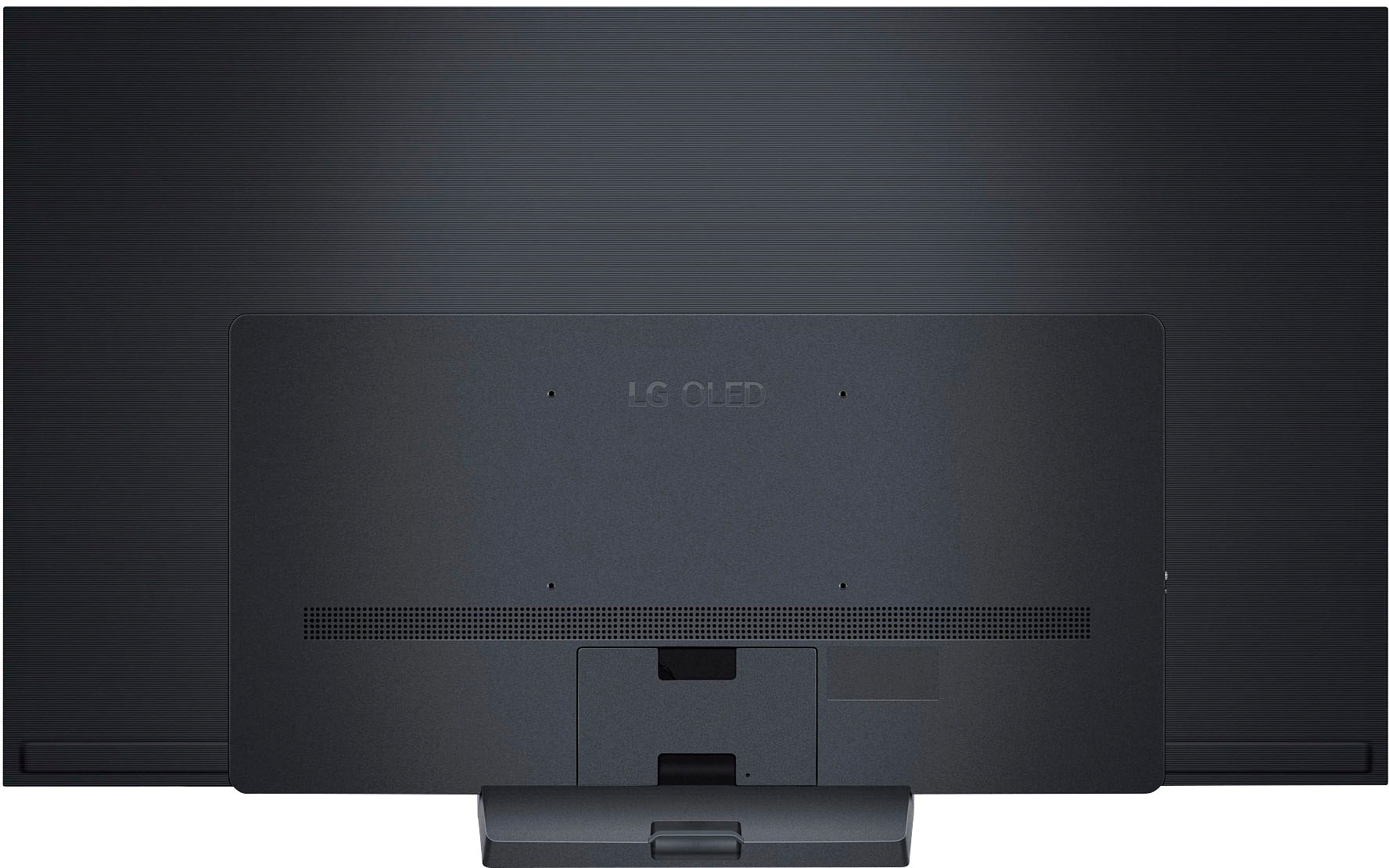
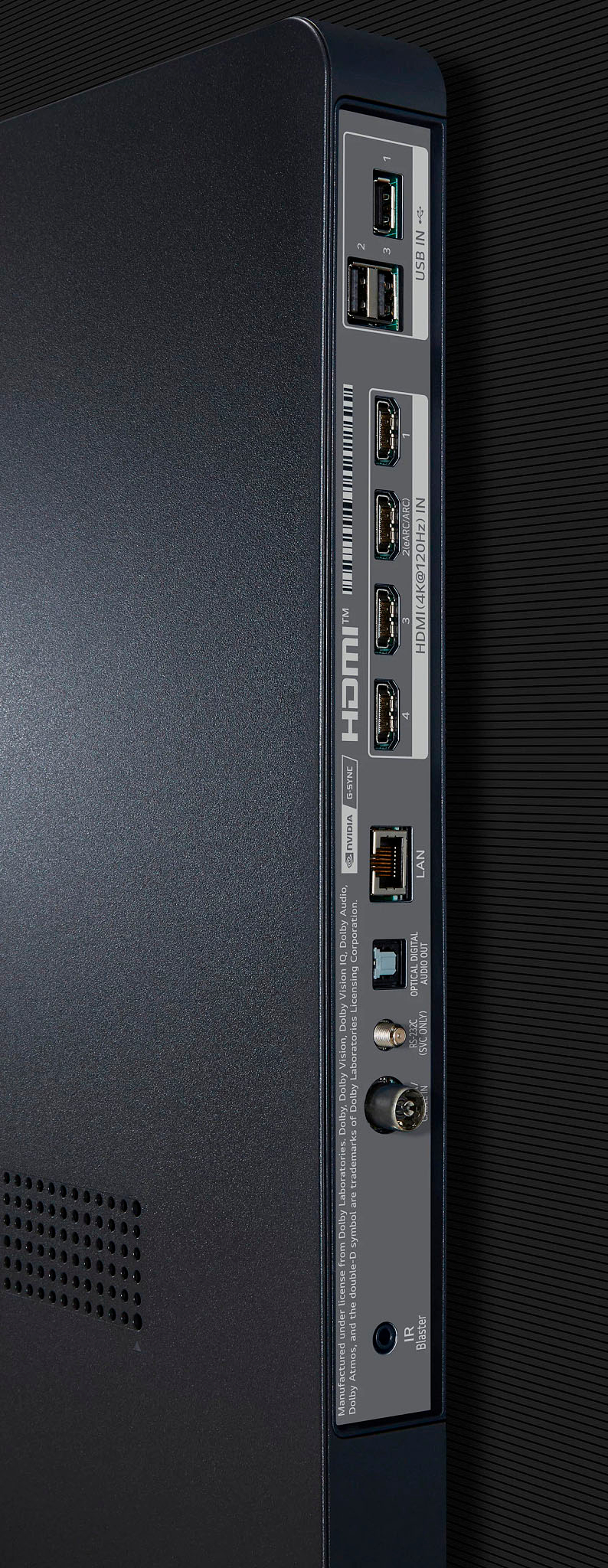
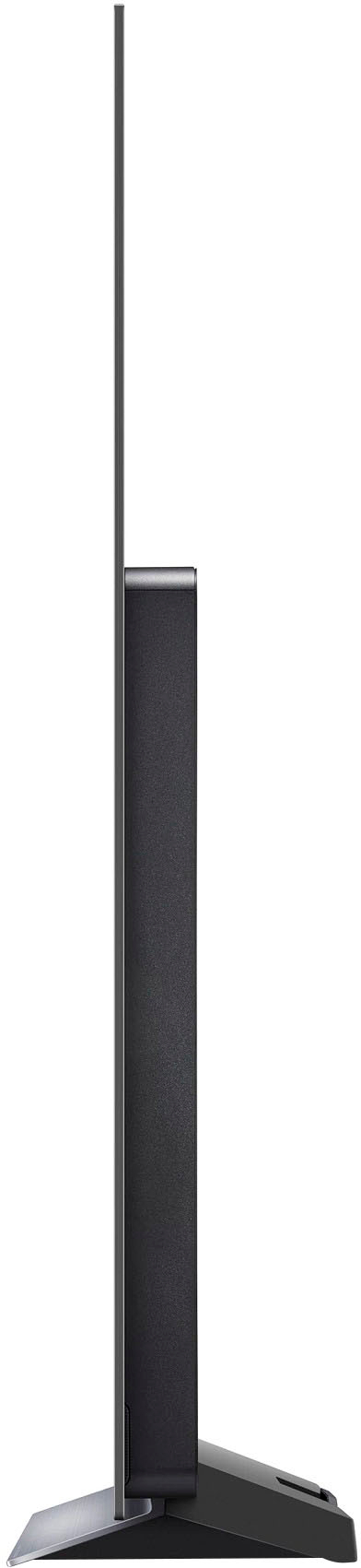
A:AnswerHi there. Vesa Standard 300mm x 200mm. r for a wall mount that supports the VESA standard used by your TV model. Carefully attach the wall mount bracket at the rear of the TV.
Install the wall mount bracket on a solid wall perpendicular to the floor. ^Vanessa
A:AnswerWe would be happy to help you with your case, however we need to move to a platform that supports back and forth messaging. Please send us a private message on Facebook or Twitter using @LGUSSupport and include #VOC, your contact info and we will doing everything in our power to expedite a resolution for you. Thank you. ^Venette
A:AnswerLet us help you with that! Please send us a private message on Facebook or Twitter using @LGUSSupport and include #VOC, your contact info and we can expedite a resolution for you. Thank you. ^Venette
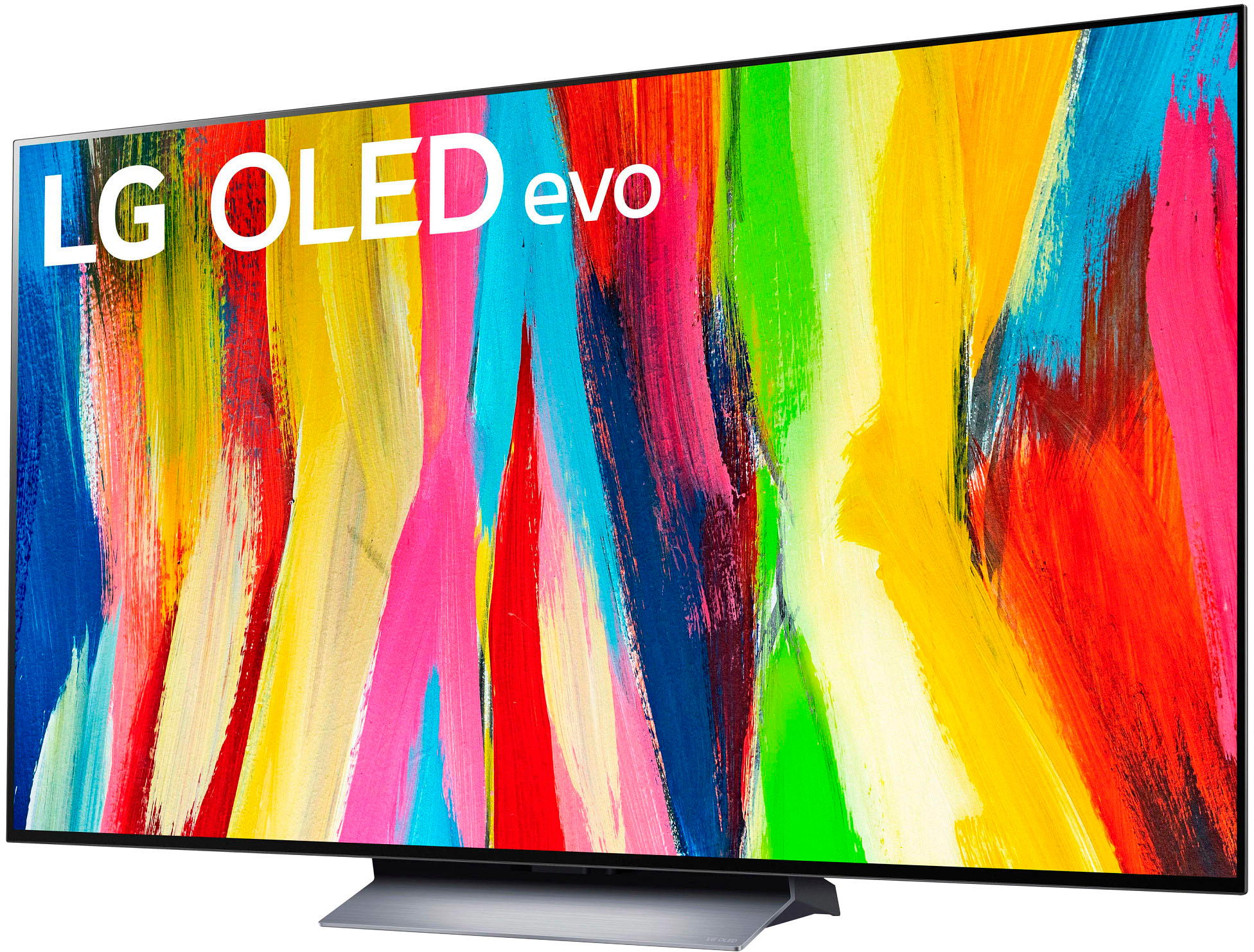
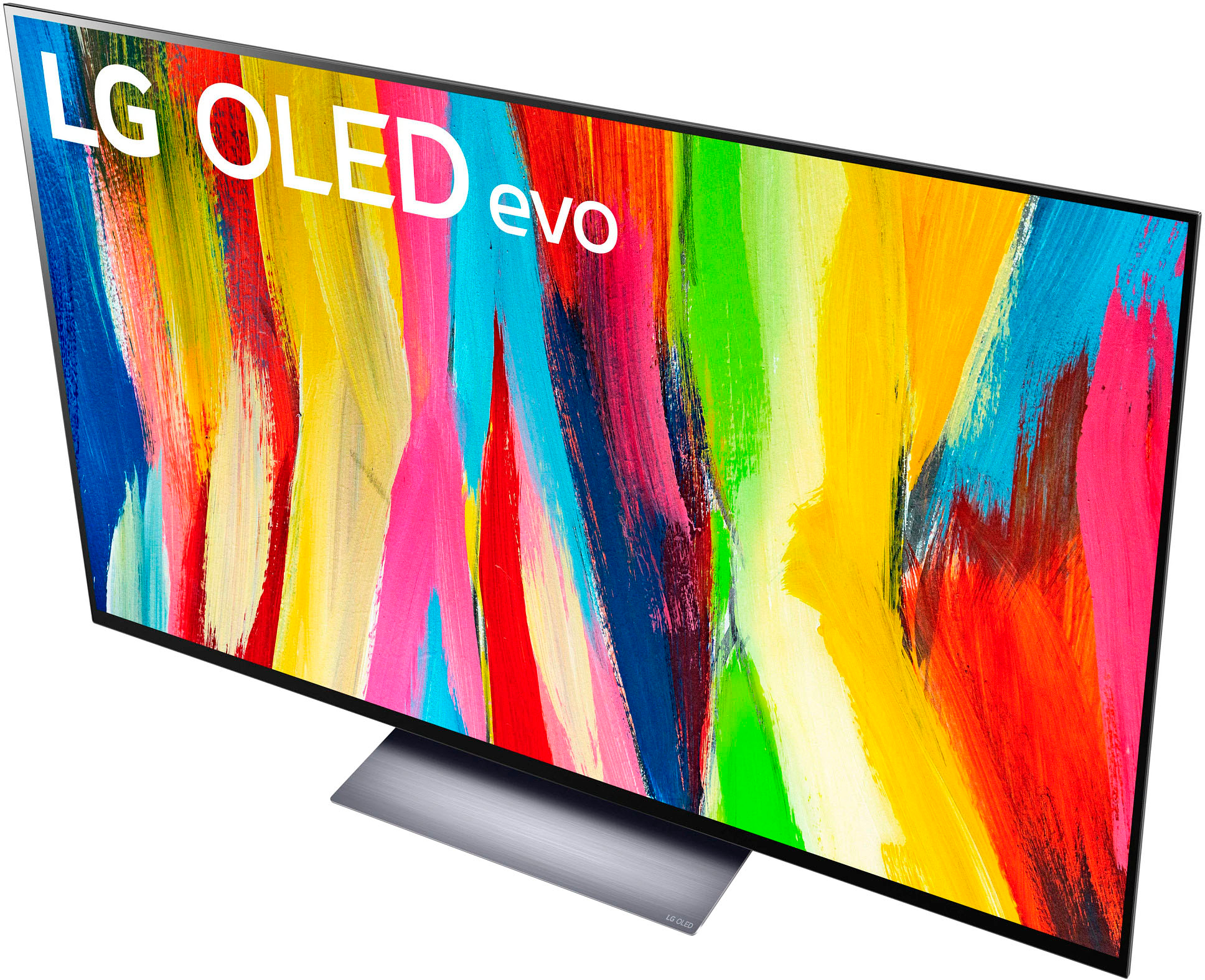
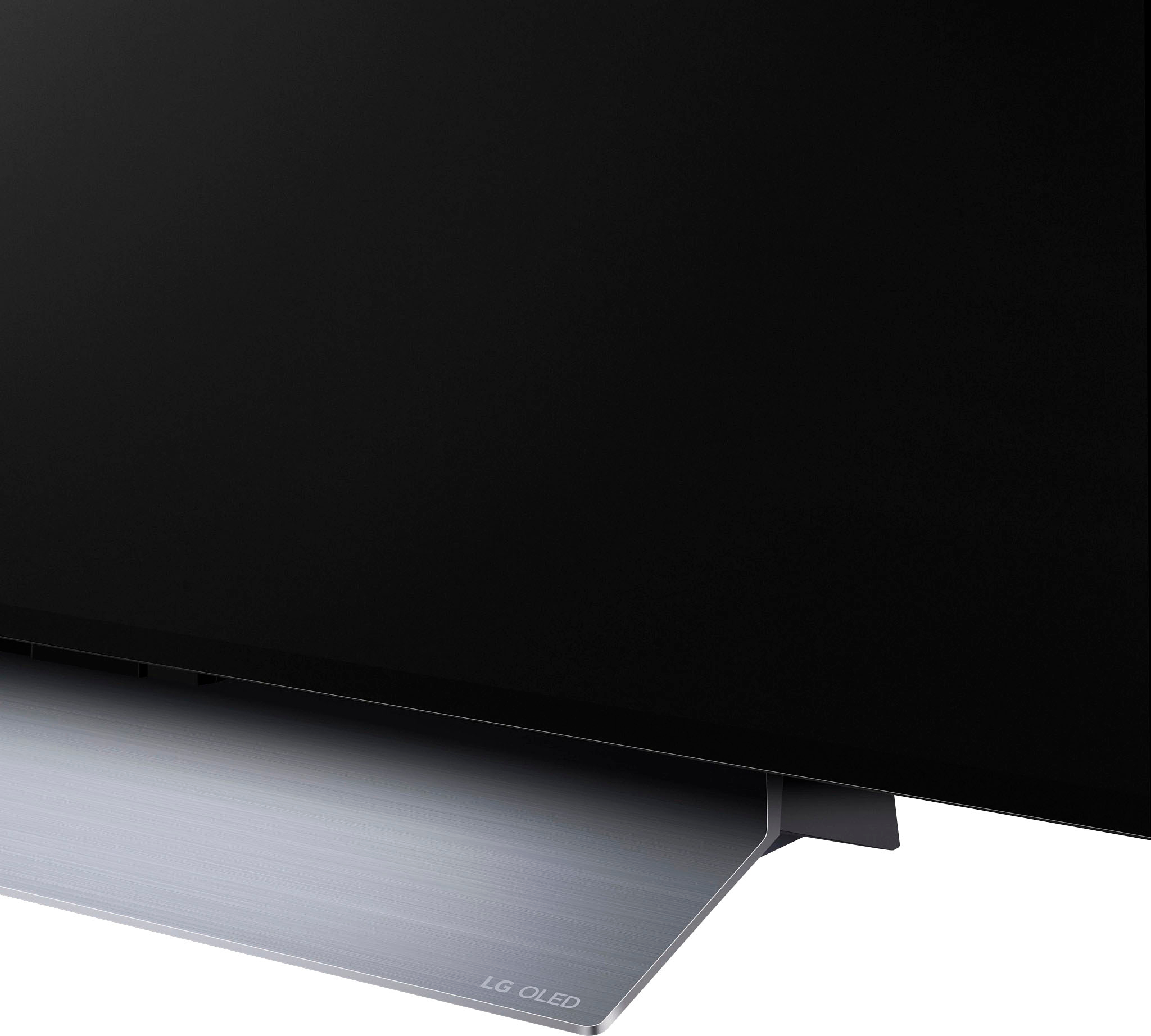
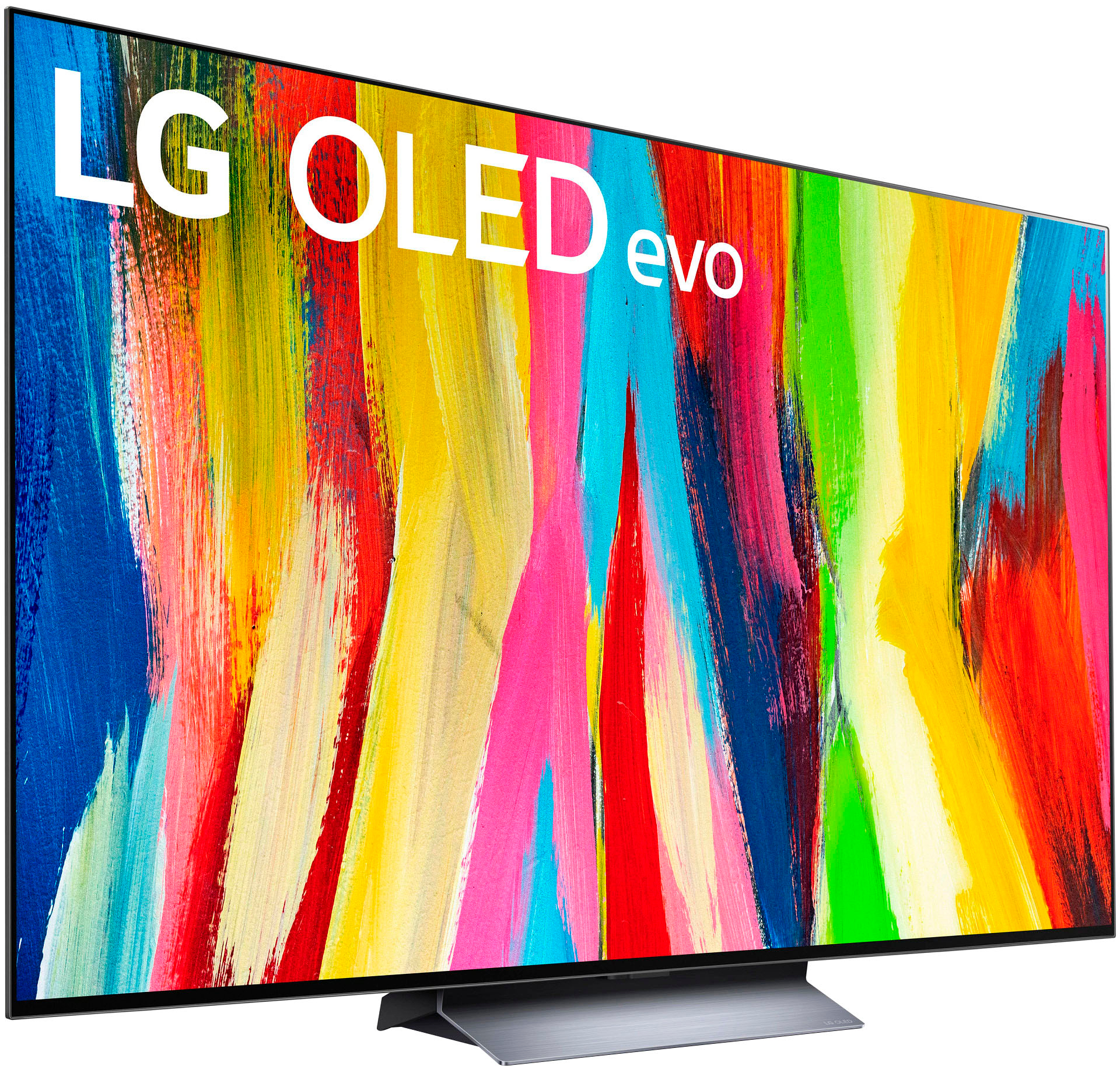
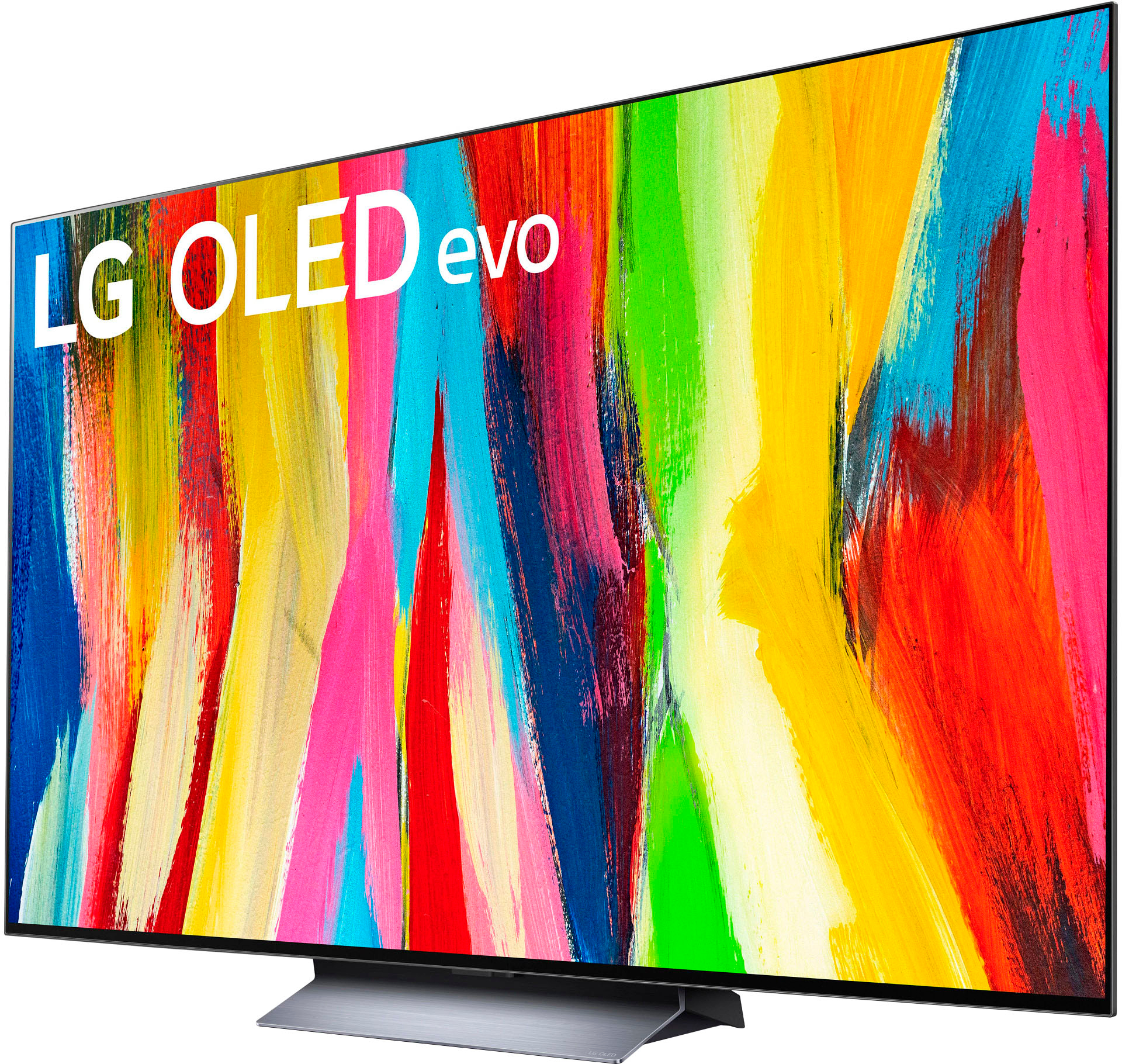
A:AnswerThe included stand is not on the sides. It does support VESA mounts (just make sure you get the right size for TV) if you want to wall mount or see if you can find a different stand that will work.
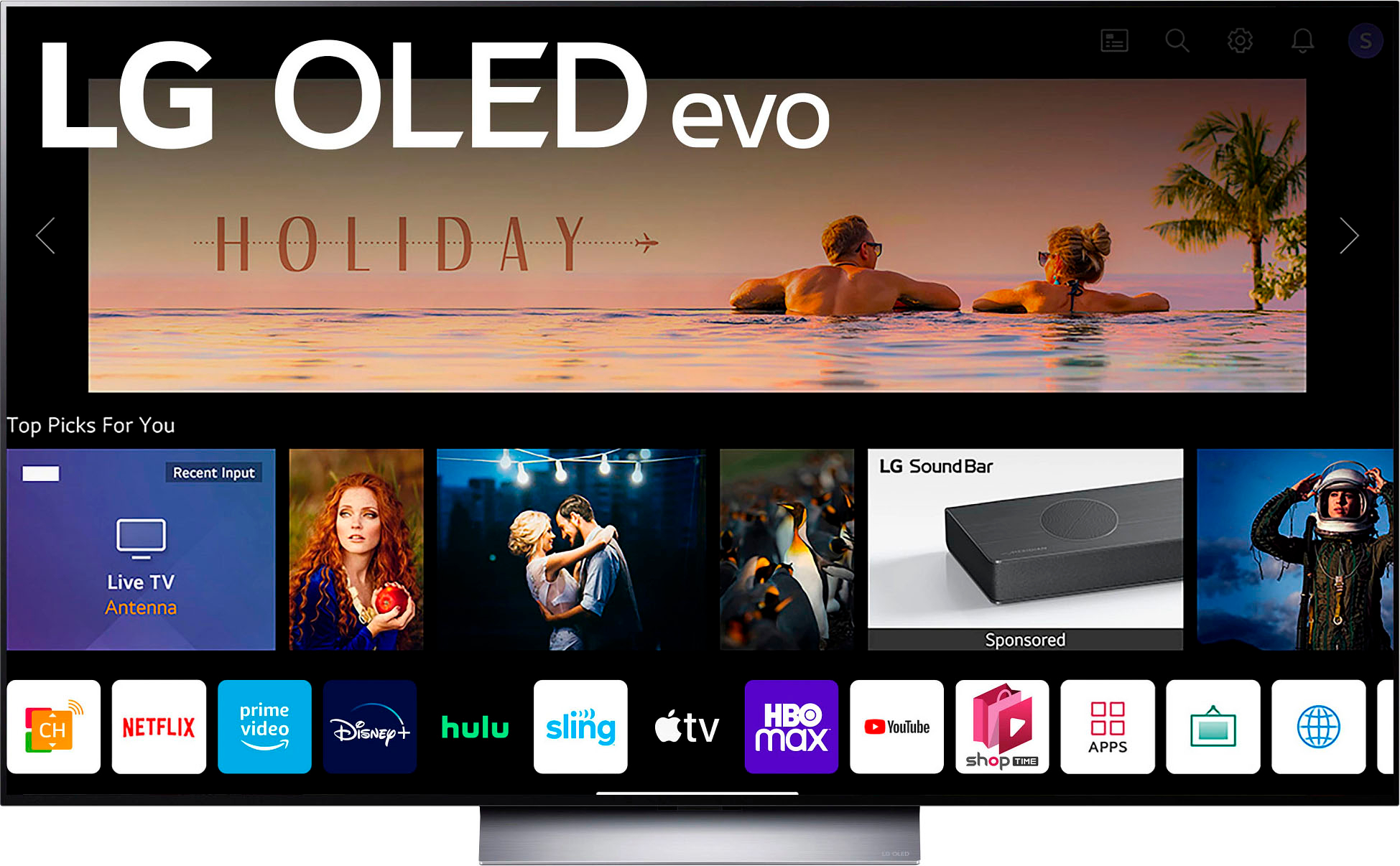
A:AnswerNo, this app is not available for this particular TV model- OLED65C2PUA. For future reference, to check what apps are available for a TV model, visit the following page: https://us.lgappstv.com/main/appSearch. Simply enter in your country and enter in the model number. ^Chris