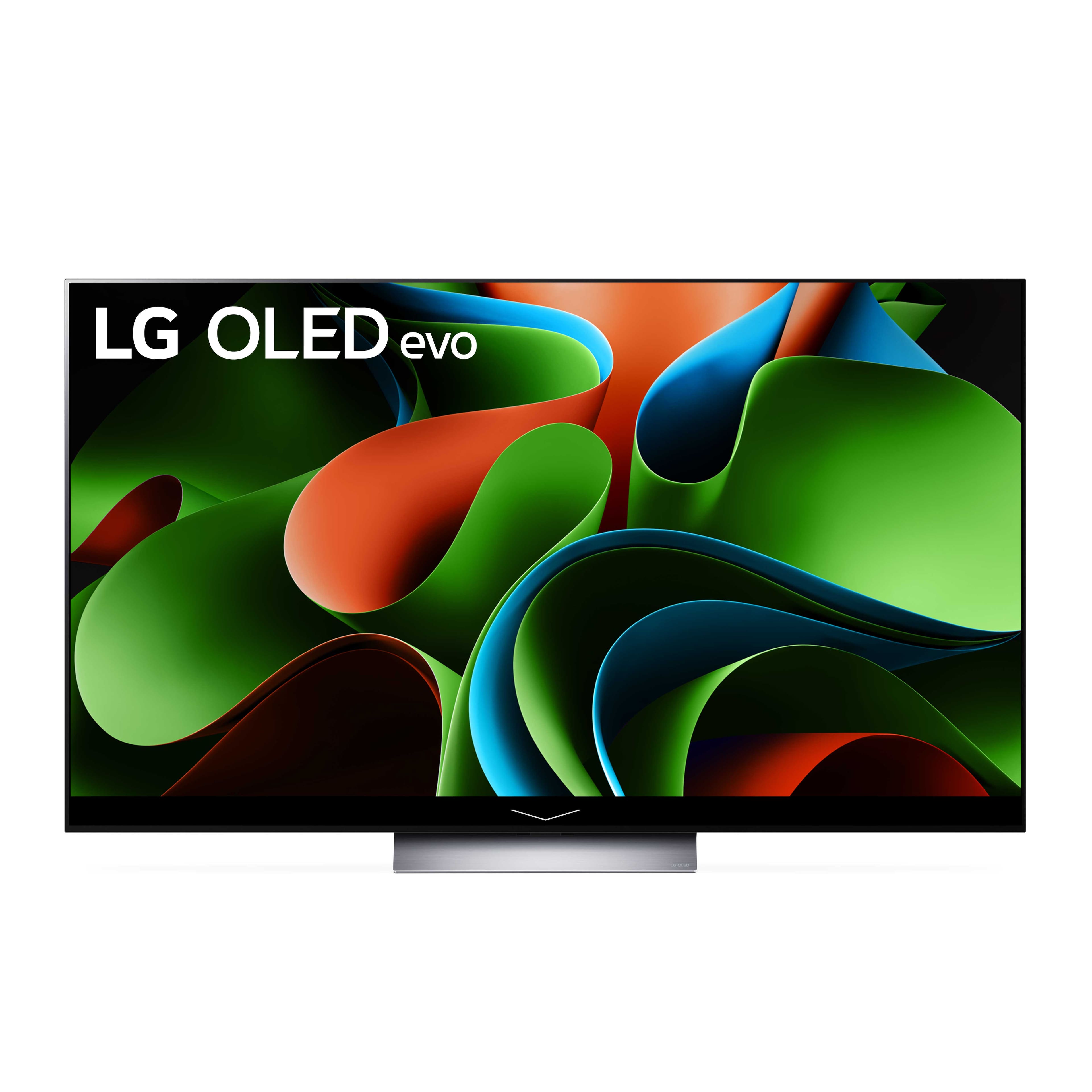
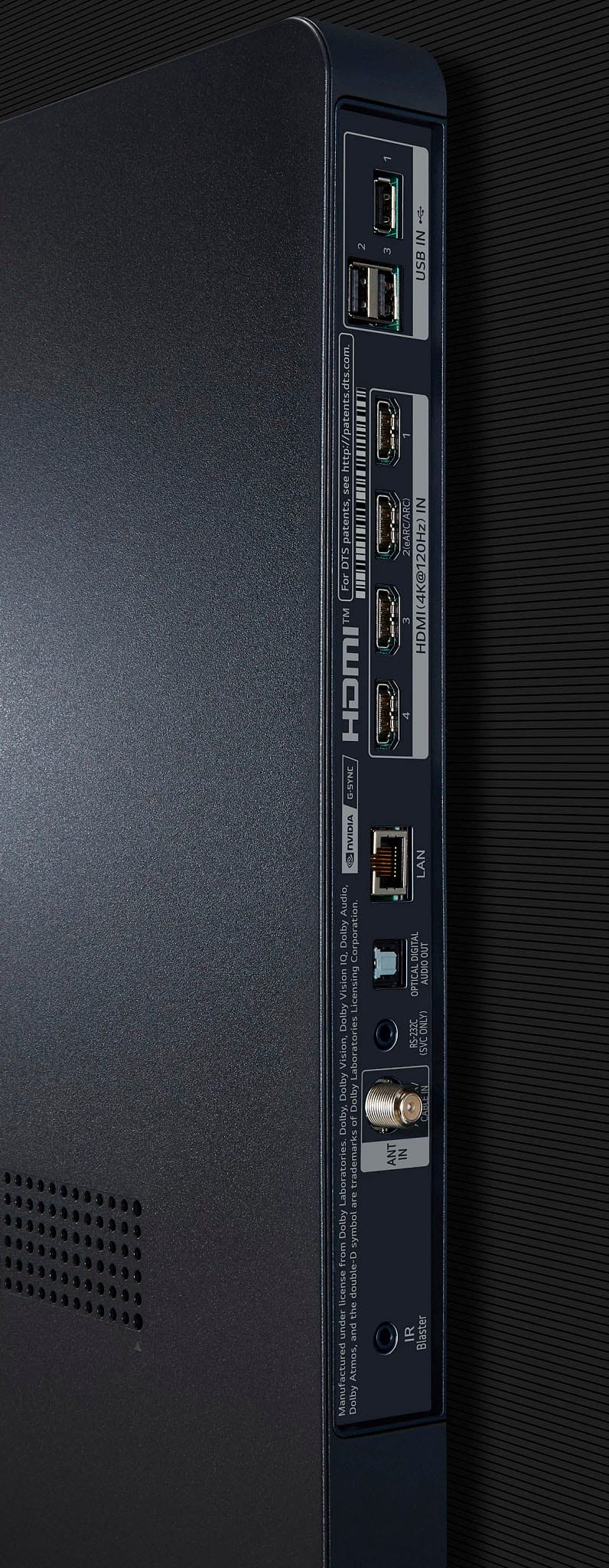
A:Answer Thank you for your interest in the LG OLED (OLED65C3PUA) model. Having trouble with your LG TV unexpectedly switching inputs? Here are some simple solutions to address the issue:
Disable Quick Start Mode
Move Wireless Infrared Devices Away
Turn off "Auto Device Detection"
Check HDMI CEC Settings
Reset the TV
These steps can help resolve input switching problems caused by glitchy apps, remote control interference, outdated firmware, or enabled Quick Start mode on your LG TV, like the LG OLED65C3PUA model. You can download its owner's manual through this link for more information: https://www.lg.com/us/support/product/lg-OLED65C3PUA.AUS. ^Cris