Questions & Answers
- Model:
- OLED65C5PUA
- |
- SKU:
- 10872740
Q: Questionhow does the remote work
Asked by marc.
- A:Answer The LG Magic Remote, Model # MR25GA, is the remote that comes with the LG - 65" Class C5 Series OLED evo AI 4K UHD Smart webOS TV (2025), Model: OLED65C5PUA. To see how the remote works, you would need to review its manual, which can be found on its support page on the company site at https://www.lg.com/us/support/product/lg-MR25GA.AUS?tab=1 ...^Ivan.
Answered by LG Digital Customer Care
Q: QuestionCan two pairs of wireless headphones connect to the Bluetooth?
Asked by Fran.
- A:Answer Hello there, Fran. Thank you for reaching out to us. We understand your inquiry regarding the Bluetooth capabilities of the OLED65C5PUA. Yes, this model allows you to connect two pairs of Bluetooth headphones simultaneously through the Sound settings. https://www.bestbuy.com/product/lg-65-class-c5-series-oled-evo-ai-4k-uhd-smart-webos-tv-2025/JJ8VPZTRG6 If you have any further questions about its features, please contact us on [email protected], and our team will be more than happy to assist you. —Renzo
Answered by LG Digital Customer Care
Q: QuestionWhat is compatible keyboard to use to search the net and apps ?
Asked by jim.
- A:Answer Home button
Answered by Louis
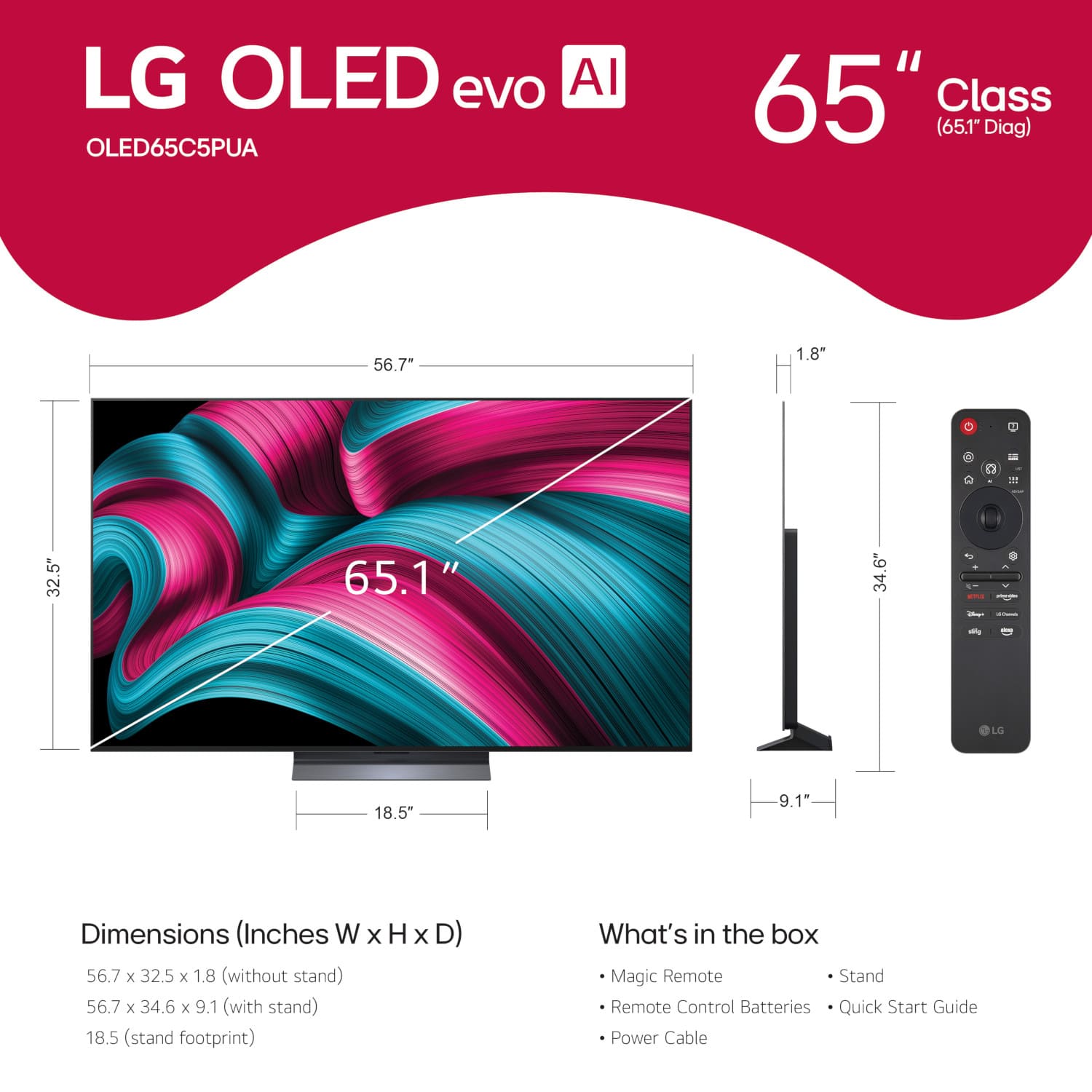
Q: QuestionWhat is the length and width of the TV?
Asked by Anonymous.
- A:Answer The W x H x D dimensions for this LG - 65" Class C5 Series OLED evo AI 4K UHD Smart webOS TV (2025), Model # OLED65C5PUA, are 56.7" x 32.5" x 1.8" (Click on 'Specifications' and scroll down to 'Dimensions')...^Ivan.
Answered by LG Digital Customer Care
Q: QuestionHow much is delivery & setup? zip code 32174
Asked by Exit2.
- A:Answer What type of setup are you inquiring about for the LG 65" Class C5 Series OLED evo AI 4K UHD Smart webOS TV (2025), Model # OLED65C5PUA? Best Buy's popular add-on services include Smart TV Configuration & Setup, where they'll adjust the TV settings, connect to your Wi-Fi, and provide a demo; Specialized Surfaces, which can be added for mounting onto non-drywall surfaces, like brick or stone; Soundbar Setup & Mounting, where they'll mount your soundbar on a wall and connect it to your TV and Wi-Fi; or Soundbar Setup, where they'll place your soundbar on furniture and connect it to your TV and Wi-Fi. If you just need them to unbox and place your TV on a stand, choose Basic TV Unboxing & Assembly. If the store shown in the upper right corner next to the shopping cart that your current page is set for on Best Buy is not in your ZIP code, you can click on that, then click on 'Find Another Store', and enter your ZIP code into the 'Search by ZIP, City, or State' field on the pop-up page then click 'Update' to change the store to one of the listed stores that is in your area or closest to you, then click on Menu > TV & Home Theater > TV & Home Theater Services Price List, to get pricing on the available setup services...^Ivan.
Answered by LG Digital Customer Care
Q: QuestionI am an older adult and this is all new to me. Is there a manual available to help me learn my way around? So far I have not been able to understand and get the Aurocast to work. I need help in a big way! Thanks!
Asked by Bill.
- A:Answer Allow me to suggest you check on YouTube .Just type in your model number in YouTube search plus Aurocast and you will likely find some how to videos ,to guide you on getting Aurocast to work .
Answered by TLD55
Q: QuestioncAN i USE MY bose SOUND BAR WITH THIS TV
Asked by MIKE.
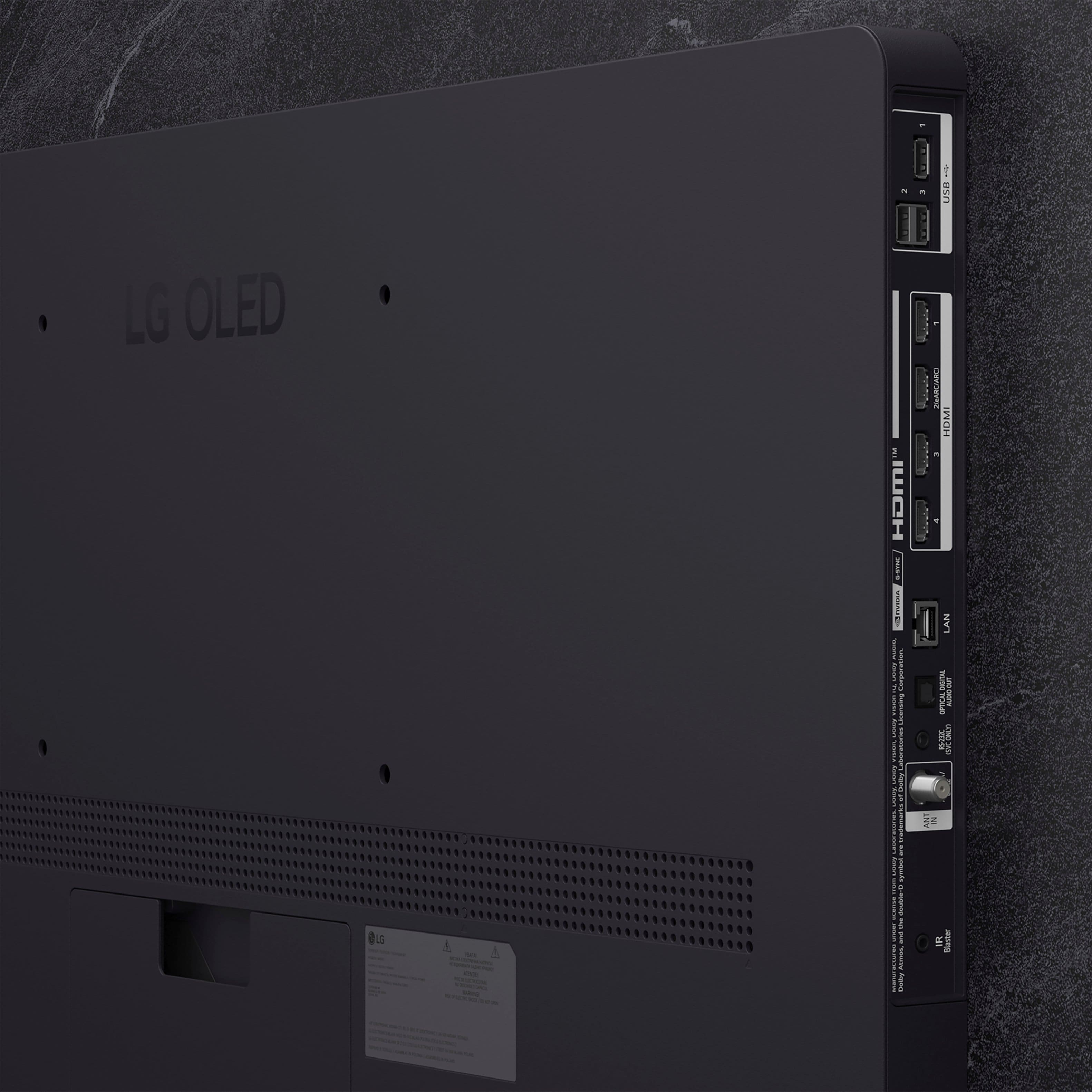
- A:Answer What connectivity does your Bose soundbar have? Almost any soundbar can be used with any brand of TV, as they are designed to be universally compatible using standard connections like HDMI ARC/eARC, Optical, or Bluetooth, although matching brands can provide exclusive, integrated features. Provided it has the appropriate connectivity, a soundbar can be connected to the LG 65" Class C5 Series OLED evo AI 4K UHD Smart webOS TV (2025), Model # OLED65C5PUA, in one of three ways. The TV is a Bluetooth-enabled TV (Bluetooth® ver. 5.3), so it can be paired via Bluetooth with a soundbar that supports Bluetooth. It features an HDMI eARC port (HDMI 2) that can be connected to an HDMI ARC/eARC port on a soundbar, and it features an Optical Digital Audio Output that can be connected to an Optical Digital Audio Input on a soundbar...^Ivan.
Answered by LG Digital Customer Care
Q: QuestionWhat does delivery include? What is the charge to unbox and set up the tv on to a stand(cabinet) and move the old tv to the garage?
Asked by Anonymous.
- A:Answer Best Buy's standard TV delivery (typically for TVs 51" and larger) includes scheduled, in-home delivery to the room of your choice, provided it is up to three floors up or accessible by elevator. Drivers will bring the boxed TV inside but will not unbox it unless a specific "Basic Setup" service is purchased, or if it is part of a special promotion. A specific time frame is provided for the delivery, and the delivery team will bring the TV into the specific room you choose. The TV will not be removed from the box, and the stand/legs will not be attached without extra fees or specialized services. Installing the TV on a wall requires a separate installation service. The team does not take away the cardboard box. If you select Best Buy's TV Basic Unboxing & Assembly, you can add it to have the team unbox the TV, attach the stand, and plug it in. For an extra fee, Best Buy's haul-away service can remove and recycle an old TV...^Ivan.
Answered by LG Digital Customer Care
Q: QuestionWAAT WATTS ARE THE SPEAKERS??
Asked by TONI.
- A:Answer The speakers are under 10 watts and you will most likely need a soundbar to compensate for poor sound performance.
Answered by UCFKnightsFan82
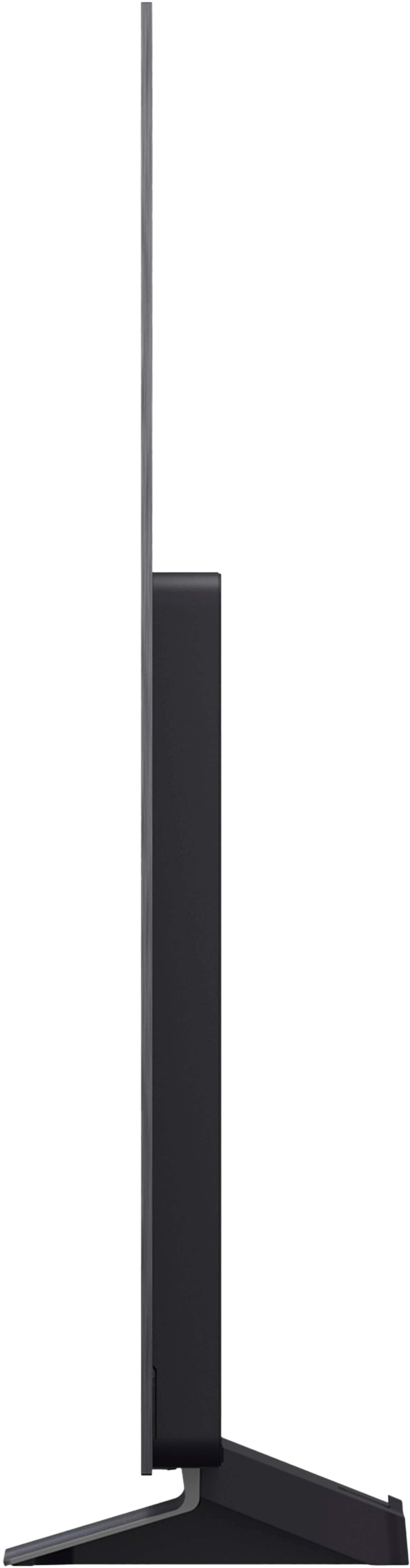
Q: QuestionIf you place this TV on a stand, does the base swivel two different angles?
Asked by GoGreen91.
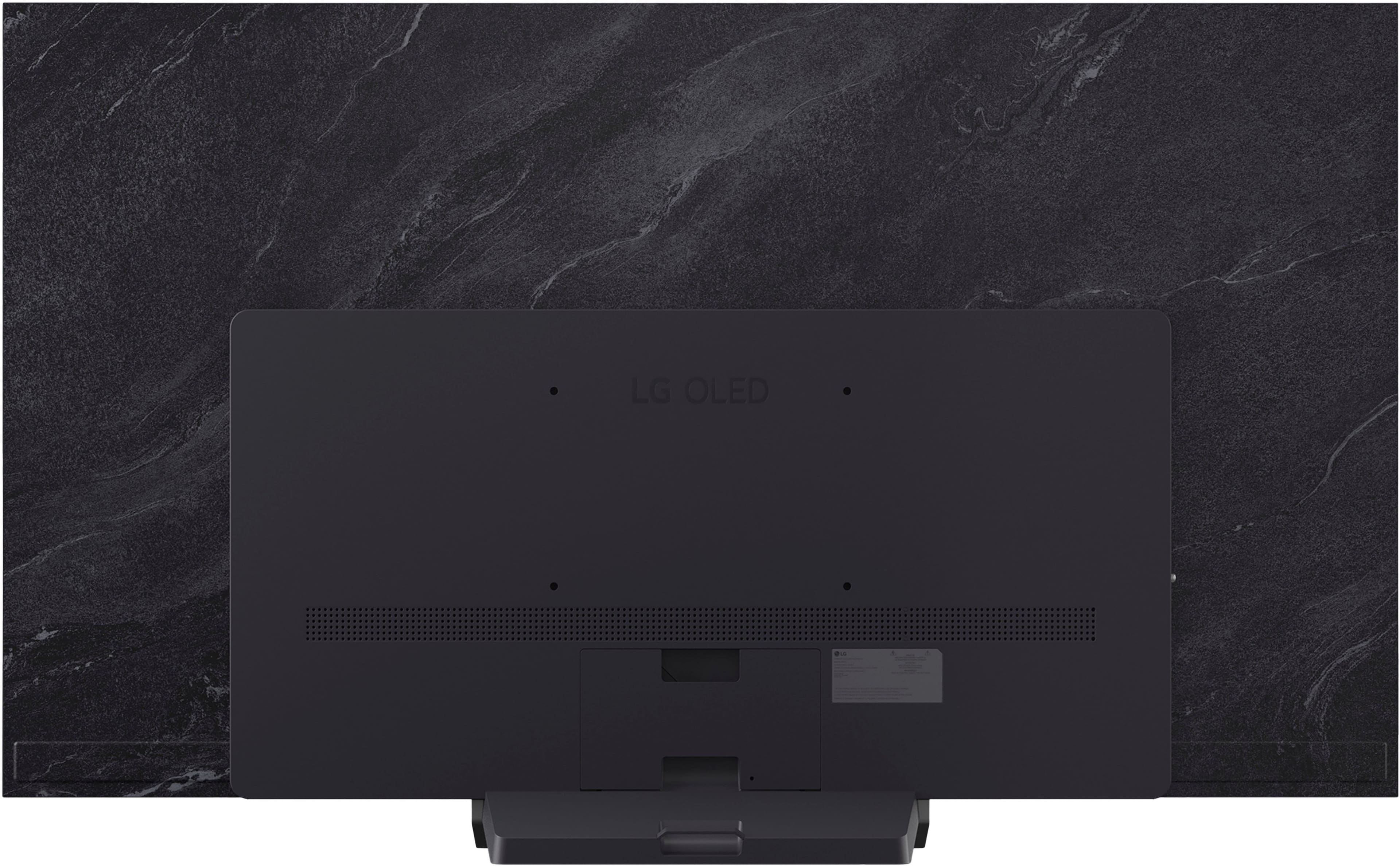
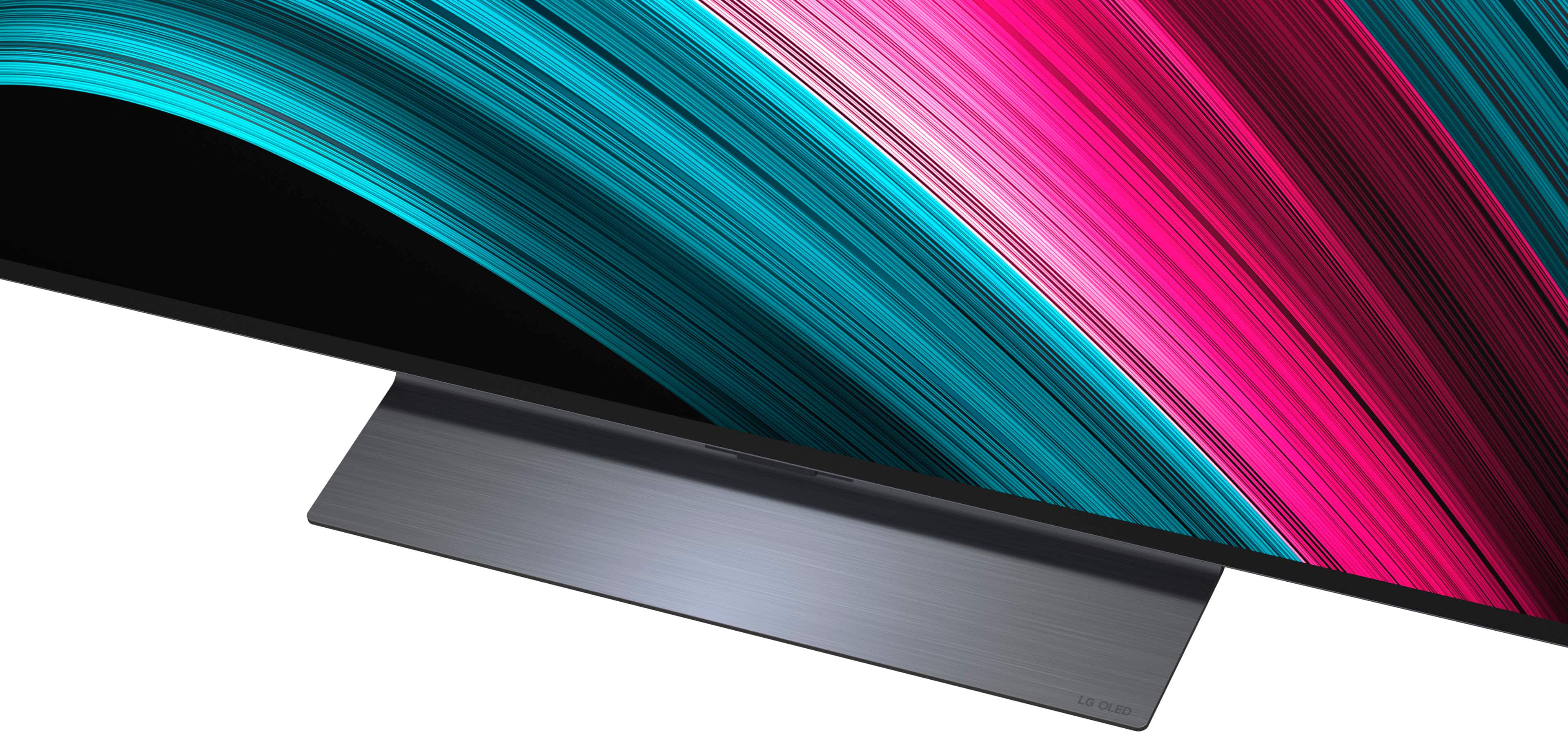
- A:Answer No ,the base I have that comes standard with this TV ,does not swivel .
Answered by TLD55
Q: Questionhow many hours can you continually watch this tv and avoid burn in ? does the same apply to the 55" screen?
Asked by avoidburnin.
- A:Answer The LG - 65" Class C5 Series OLED evo AI 4K UHD Smart webOS TV (2025), Model # OLED65C5PUA, and the OLED55C5PUA both use the same LG OLED evo panel, which uses advanced materials (often involving deuterium) that allow the pixels to run brighter while reducing the risk of burn-in. The issue is not how many hours you can continuously watch the TV to avoid burn-in. Burn-in occurs due to the uneven, premature aging of organic light-emitting diodes (pixels) that have been subjected to static images for prolonged periods at high brightness. So if you are not watching static images (like channel logos or taskbars) that are displayed for prolonged periods, especially at high brightness levels, you will not get burn-in, and if you watch a lot of varied content, without long-lasting, static pictures, you are less likely to experience burn-in. Lower the brightness and contrast settings on the TV. Higher settings can accelerate the degradation of OLED pixels. If you are using an OLED screen for prolonged periods, turn it off or change the content regularly to give the pixels a break, enable integrated features that are designed to mitigate burn-in, like pixel shifting or screen dimming, or the LG OLED logo luminance adjustment (or "Adjust Logo Brightness") which is a protective feature found in the OLED Panel Care menu (Settings > General > OLED Care) that dims static on-screen elements (logos, banners, HUDs) to prevent permanent image retention. It offers "Off," "Low," and "High" settings, with "High" providing the most aggressive protection. Lower the brightness and contrast settings on your device. Higher settings can accelerate the degradation of OLED pixels...^Ivan.
Answered by LG Digital Customer Care
Q: Questionwhat is the manufacturer warranty?
Asked by warranty.
- A:Answer The LG - 65" Class C5 Series OLED evo AI 4K UHD Smart webOS TV (2025), Model # OLED65C5PUA, comes with a Limited Manufacturer's Warranty of One (1) year from the date of original retail purchase for Parts and Labor (internal/functional parts only). Should your LG OLED Television (“Product”) fail due to a defect in materials or workmanship under normal and proper use, during the warranty period set above, LG Electronics (“LG”) will, at its discretion, repair or replace the Product. This limited warranty is valid only to the original retail purchaser of the Product and applies only when purchased lawfully and used within the United States, including U.S. Territories. Replacement products and parts are warranted for the remaining portion of the original warranty period or ninety (90) days, whichever is greater. • Replacement products and parts may be new, reconditioned, refurbished, or otherwise factory remanufactured. • Replaced product or part(s) will be the property of LG. • LG does not provide repair/replacement/refund services in the regions outside of the United States and its territories...^Ivan.
Answered by LG Digital Customer Care
Q: QuestionThis TV stinks. It regularly will not connect to the internet. Portable device do connect to its my internet connection. I’ve had it for 6 months! How are you gonna fix this??
Asked by Aflo.
- A:Answer Portable devices (phones, tablets, laptops) often connect to the internet more reliably than smart TVs because they possess superior wireless hardware, better antenna placement, and more advanced network software. The LG - 65" Class C5 Series OLED evo AI 4K UHD Smart webOS TV (2025) Model # OLED65C5PUA, like any other TV, regardless of brand or manufacturer, is often placed against walls or inside entertainment centers, which can block or weaken the Wi-Fi signal before it reaches the TV’s antenna, and unlike a phone, which you can move to get better reception, a TV is stationary, meaning it cannot easily escape from "dead zones". Smart TVs may struggle with network management compared to smartphones, which are designed to handle rapid, constant internet switching. Frequently restarting the TV or clearing its network cache can resolve software-related connection issues. Some electronic devices may cause Wi-Fi interference even though they aren't designed to broadcast wirelessly. If you're using an excessive number of electronic devices, you may experience diminished Wi-Fi performance. In that case, check to see if your other devices are causing the interference. However, your TV is still under warranty, so you can contact our Customer Support on social media (Twitter, Facebook, Instagram, YouTube etc.) using our handle @LGUSSUPPORT to make arrangements for a service repair and have a service technician check the TV...^Ivan.
Answered by LG Digital Customer Care
Q: QuestionDoes the TV tilt forward in its stand?
Asked by Wondering.
- A:Answer No it doesnt
Answered by Bazza
Q: QuestionBesides size, is there any differences between the 55 in lgoled55c5pua and the 65in oled65g4sub
Asked by Anonymous.
- A:Answer The LG G series like the 65" you asked about is a premium tv with faster cpu, slightly better color, and comes with a in-house warranty where the LG C series does not come with warranty, has slightly lower quality oled screen, slightly slower cpu.
Answered by ChrisA
Q: QuestionDo you give military discount
Asked by Joe.
- A:Answer Unfortunately, Best Buy does not offer a military discount. Otherwise, I definitely would of used it myself!
Answered by roboto17
Q: QuestionIs it easy to add lg 70 5.1 surround sound system to this tv also can you have 2remotes for one tv
Asked by Joe.
- A:Answer Yes and yes to both your questions....5.1, 3.1 , any modern surround sound system is easy to connect ( most being plug and play) and yes you can have multiple remotes!
Answered by ChrisA
Q: QuestionWhat apps are pre installed
Asked by Anonymous.
- A:Answer Preinstalled apps on the LG - 65" Class C5 Series OLED evo AI 4K UHD Smart webOS TV (2025) Model # OLED65C5PUA, and on LG TVs running on our webOS TV Platform will have the same preinstalled apps. For a full listing of the preinstalled apps on our TVs, please visit https://us.lgappstv.com/main, where you will find them listed under TV Apps...^Ivan.
Answered by LG Digital Customer Care


. Independently Tested for Quality and Workmanship CheckPlus: 100 % Color Volume to DCI-P3 oi PSSEANE Intertek [www.IntertekCheck.com](http://www.IntertekCheck.com). 100% Color Fidelity and '100% Color Volume to DCI-P3' applies to 2025 OLED TVs. *LG OLED Display is verified by UL for Perfect Color measured to IDMS 11.5 Ring-light Reflection standards. *100% Color Volume is defined as the performance of display which is equal or greater than the size of DCI-P3 standard color volume as verified independently by Intertek. *The LG OLED Panel is certified by Intertek for 100% Color Fidelity, measured to IDMS 11.5 Ring-light Reflection standards.](https://pisces.bbystatic.com/image2/BestBuy_US/images/products/3661ed5e-8d92-47a9-baef-65aa6eb5dcb9.jpg;maxHeight=54;maxWidth=54;format=webp)