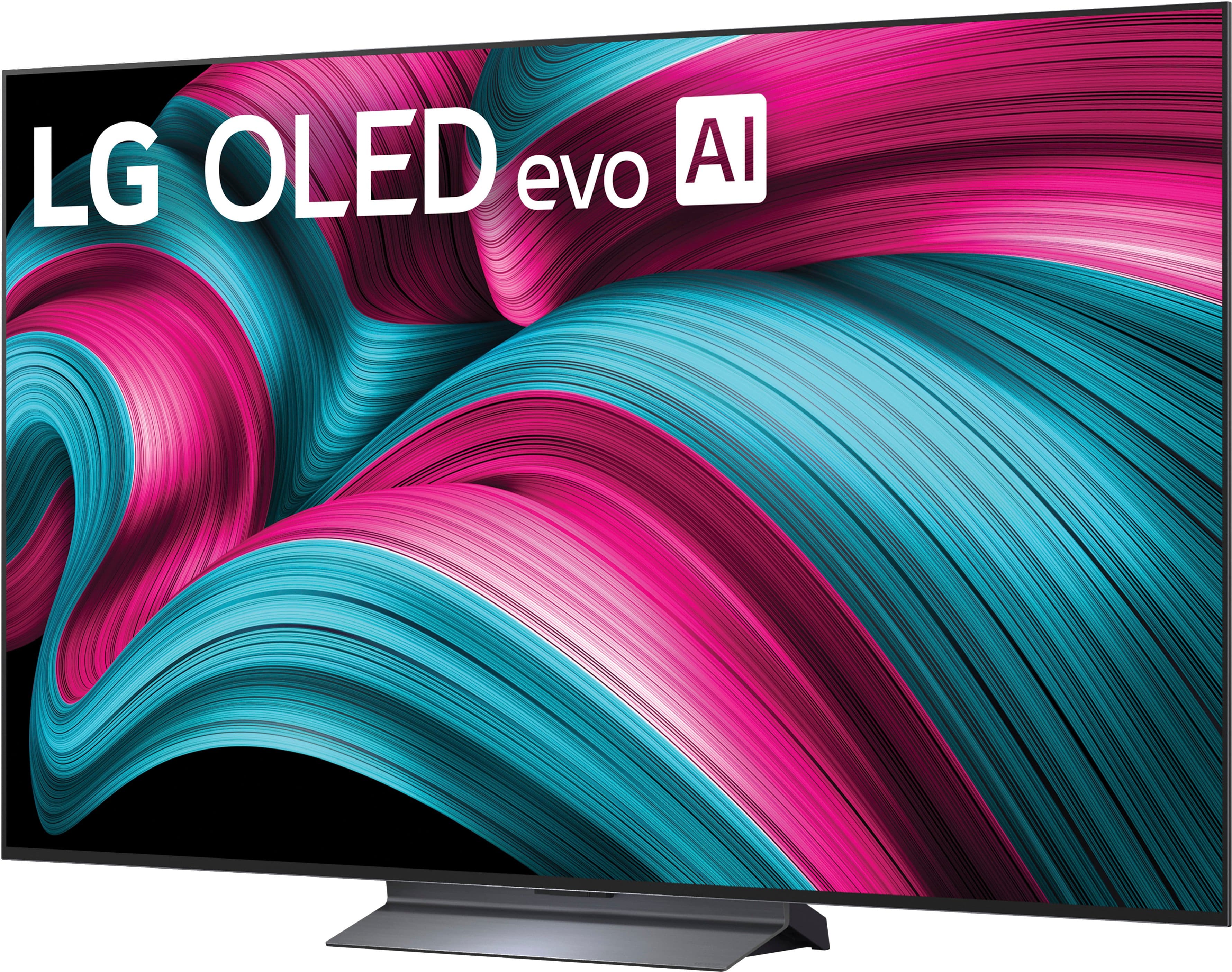
A:AnswerThe LG 65" Class C5 Series OLED evo AI 4K UHD Smart webOS TV (2025), Model # OLED65C5PUA, has a Limited Manufacturer's Warranty of One (1) year from the date of original retail purchase for Parts and Labor (internal/functional parts only)...^Ivan.
A:AnswerHi there. Thank you for reaching out to us with your inquiry about the OLED65C5PUA model. We understand your inquiry about connecting a VIZIO sound bar to your LG OLED TV.
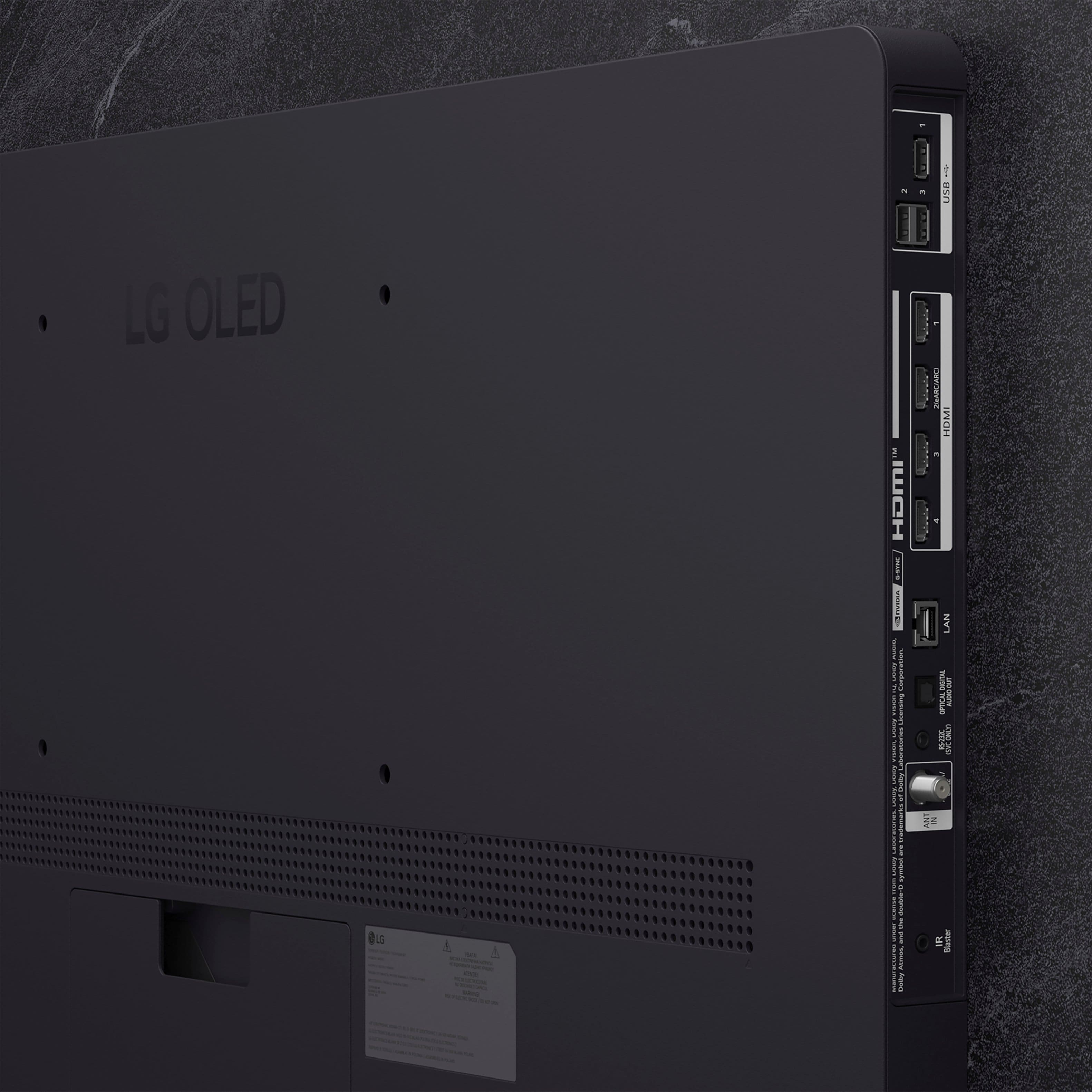
Yes, your LG OLED65C5PUA TV is compatible with a VIZIO sound bar, as we include universal connectivity options that work with most external audio devices. You have three main connection options available on your TV to connect any brand of sound bar:
HDMI eARC: The best option for high-quality audio. You can connect your VIZIO sound bar to the TV's HDMI 2 port, which supports eARC (Enhanced Audio Return Channel), using an HDMI cable. This connection allows for the best audio formats and lets you use the TV remote to control the sound bar volume.
Optical Digital Audio Out (SPDIF): A very reliable wired connection. You can use an optical cable to connect the sound bar to the TV's SPDIF (Optical Digital Audio Out) port.
Bluetooth: For a wireless connection, you can pair the sound bar using the TV's Bluetooth v5.3 capability.
https://www.bestbuy.com/product/lg-65-class-c5-series-oled-evo-ai-4k-uhd-smart-webos-tv-2025/JJ8VPZTRG6
For assistance with setting up the connection or for any further questions about its features, please send us a private message on Social Media @LGUSSupport, and our team will be more than happy to assist you.
—Renzo
A:AnswerNeither the LG - 65" Class C5 Series OLED evo AI 4K UHD Smart webOS TV (2025), Model # OLED65C5PUA, nor any of our TVs have a DisplayPort.
Most TVs do not include DisplayPort, as the industry has largely standardized on HDMI for connections. While a few manufacturers have released models with DisplayPort to cater to the gaming market, it remains a rare feature in televisions...^Ivan.
A:AnswerApple TV is a preinstalled app on the LG 65" Class C5 Series OLED evo AI 4K UHD Smart webOS TV (2025), Model # OLED65C5PUA, and the Apple TV + app can also be downloaded and installed on the TV through the LG Content Store (App Store).
The TV supports Apple AirPlay 2, with which allows you to display the content (i.e. mirror) from your iPhone, iPad, or Apple computer directly onto your TV screen, whether you're watching videos, playing games, or sharing photos...^Ivan.
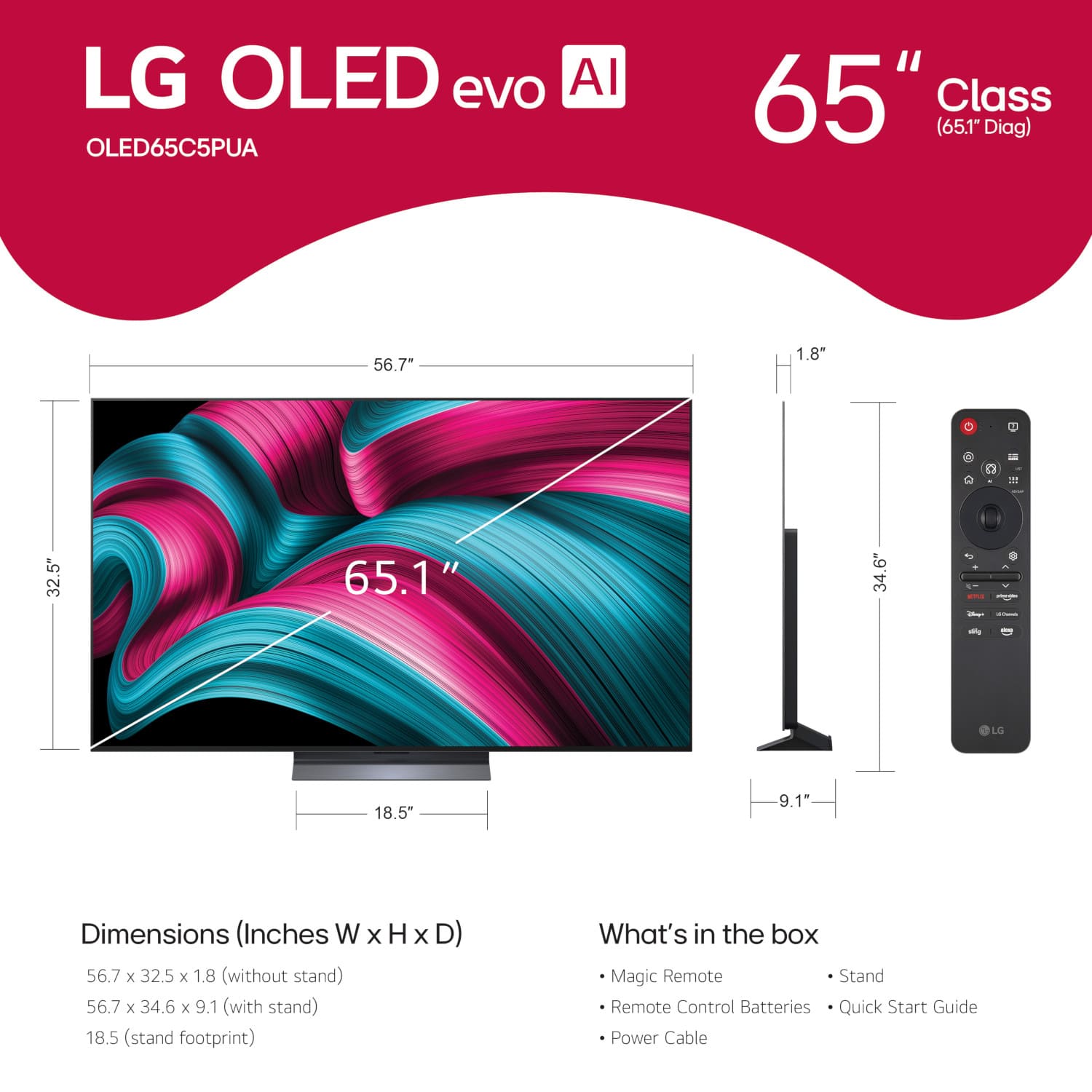
A:AnswerHello there. We understand your inquiry about the packaging dimensions for the LG OLED65C5PUA TV. The box dimensions are 65.4 inches in width, 38.2 inches in height, and 7.9 inches in depth. We understand your inquiry, and we'd like to assist you further. Please send us a private message on Social Media @LGUSSupport and our team will be more than happy to explore possible solutions.
https://www.bestbuy.com/product/lg-65-class-c5-series-oled-evo-ai-4k-uhd-smart-webos-tv-2025/JJ8VPZTRG6
We appreciate your patience. —Renzo
A:AnswerWhat connectivity does the Bose Soundbar in question have?
The LG 65" Class C5 Series OLED evo AI 4K UHD Smart webOS TV (2025), Model # OLED65C5PUA, can be connected to a soundbar in one of three ways.
It is a Bluetooth-enabled TV (Bluetooh® ver. 5.3), so it can be paired wirelessly with a Bluetooth-enabled soundbar.
It features an HDMI eARC port (HDMI 2), which can be connected to an HDMI ARC/eARC port on a soundbar, and it features an Optical Digital Audio Output that can be connected to an Optical Digital Audio Input on a soundbar...^Ivan.
A:AnswerTubi is available on the LG 65" Class C5 Series OLED evo AI 4K UHD Smart webOS TV (2025)
Model # OLED65C5PUA, and you can also access it by saying “Tubi” into the LG Magic Remote that is included with the TV...^Ivan.
A:AnswerNo, you likely do not need an external streaming device like a Fire Stick to access discovery+ on your LG OLED TV, as the discovery+ app is available for download directly on LG Smart TVs. You can find and install the app from the LG Content Store on your TV's webOS platform to stream the service.
A:AnswerYes, this LG Smart OLED TV has a built-in recording feature, often called "Time Machine Recording," that allows you to record shows. To use it, you must connect a compatible USB storage device (like a USB hard drive or flash drive), format it for the TV, and then you can start recording live broadcasts through the TV's menus or by pressing the REC button on your remote.
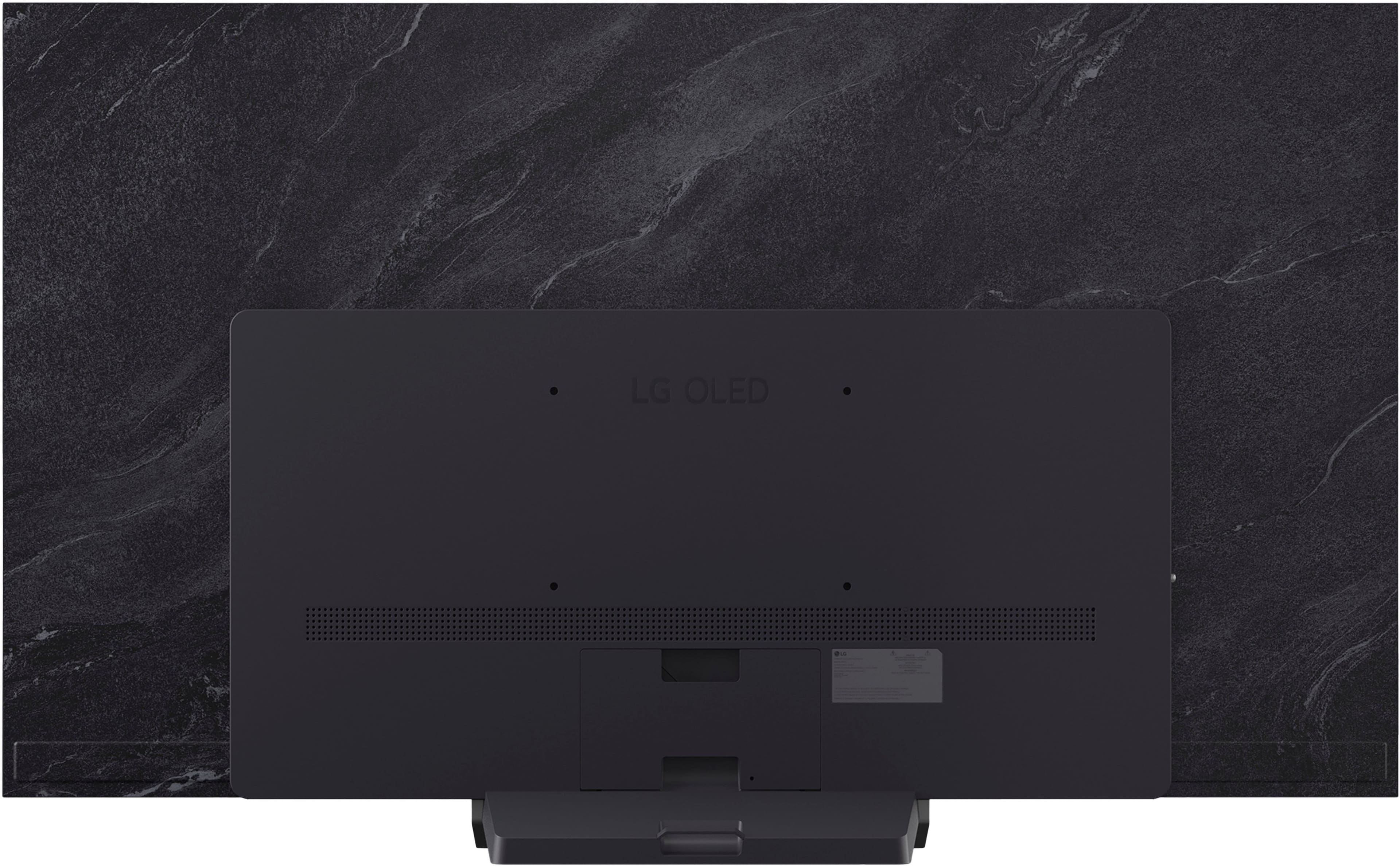
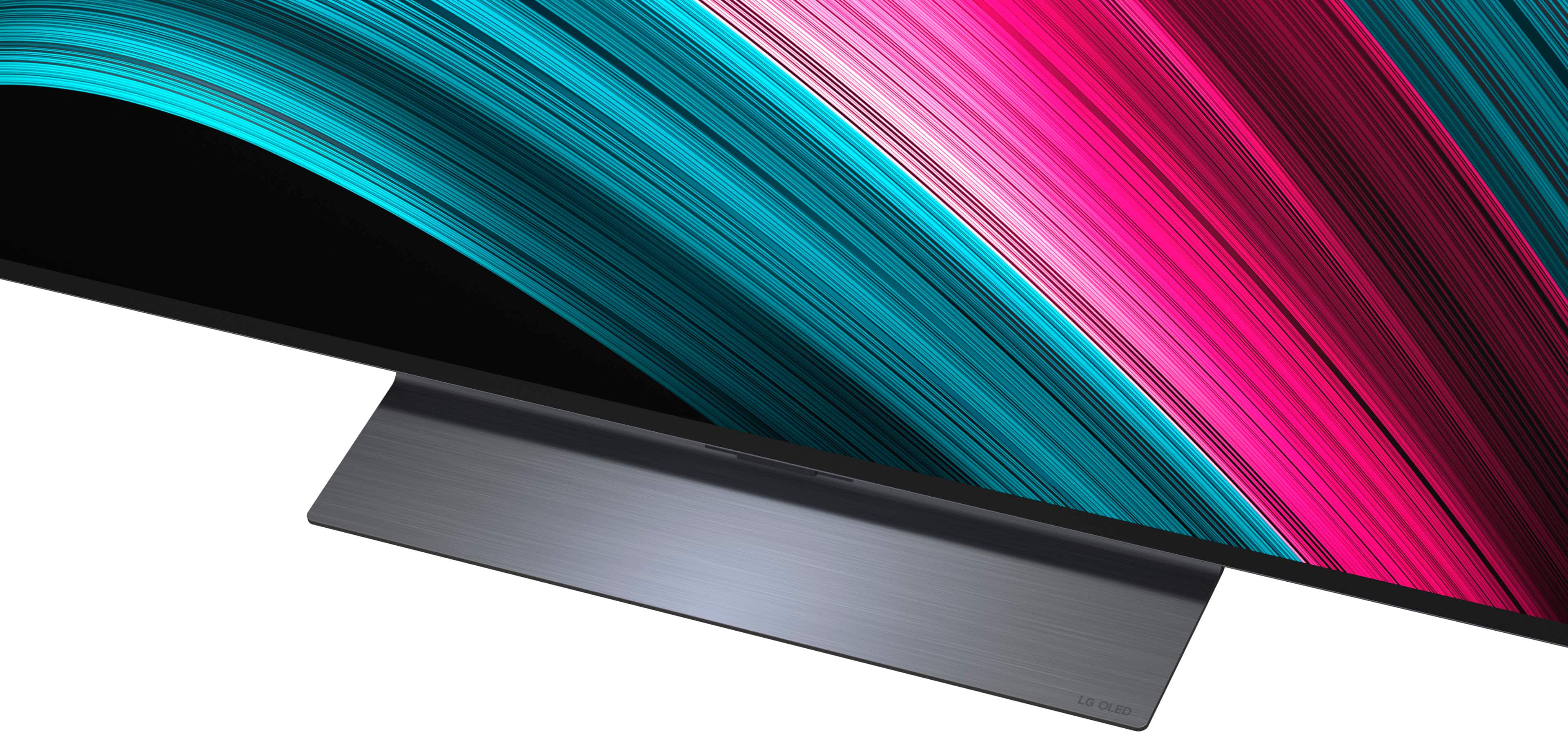
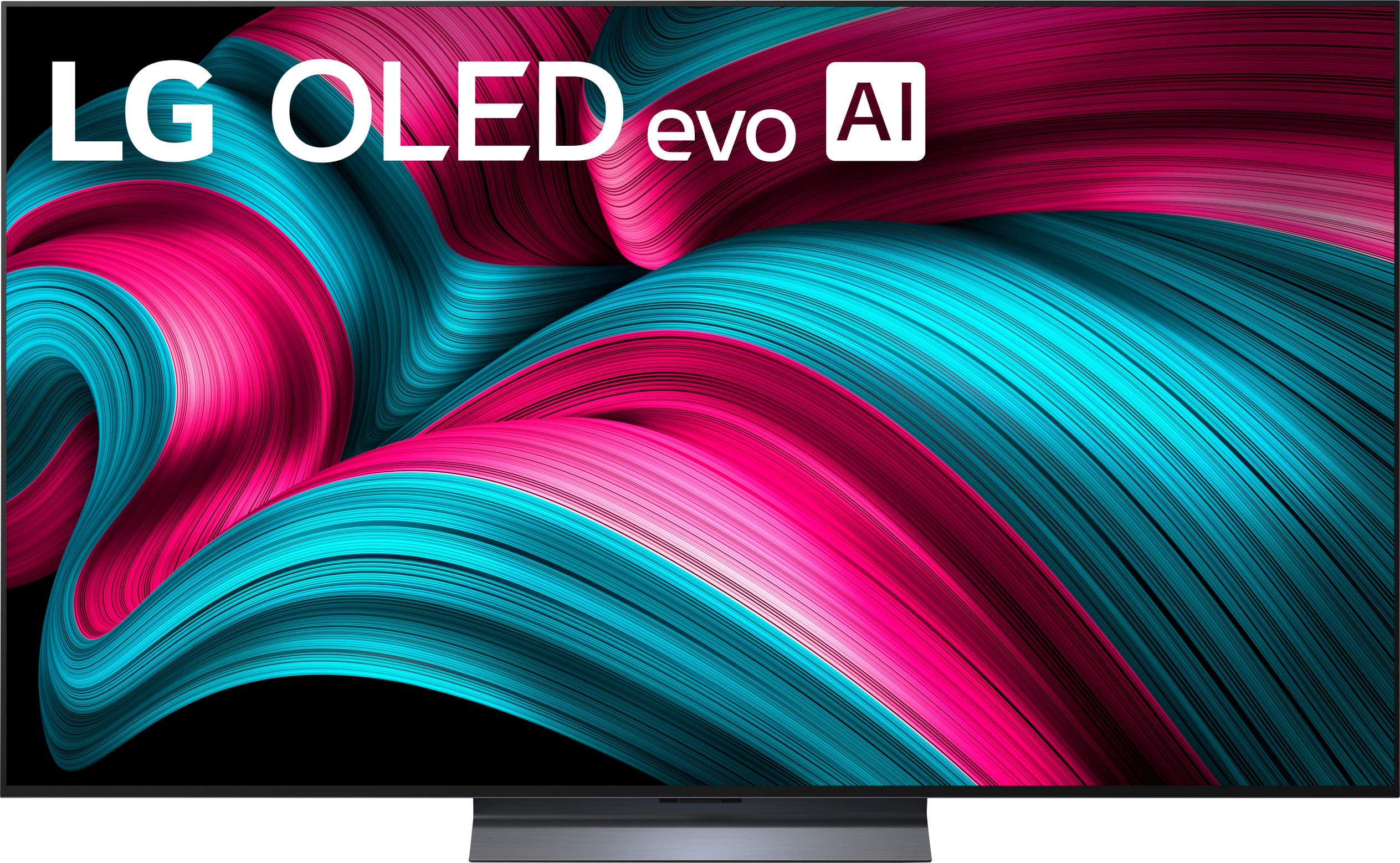
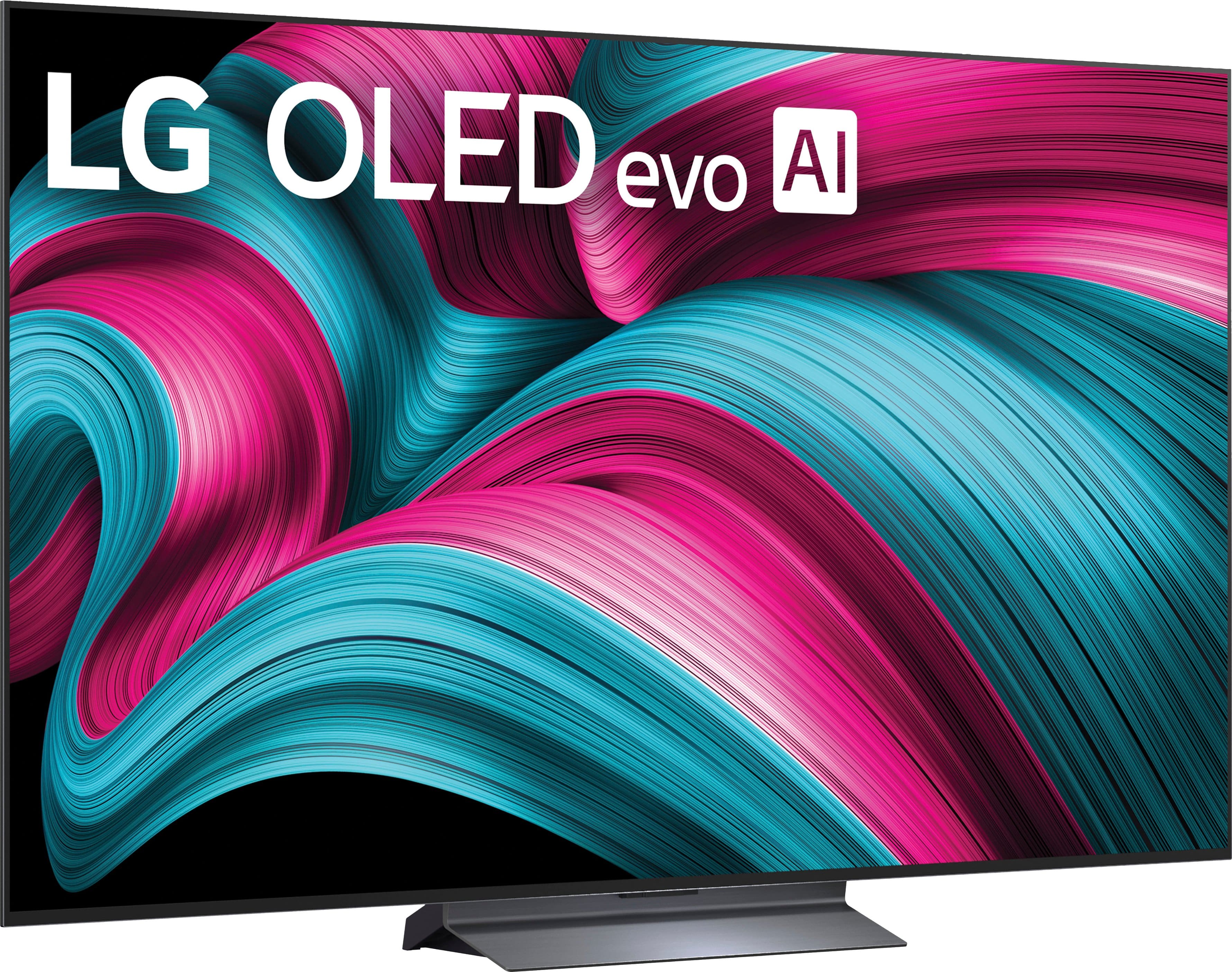
A:AnswerYes, most LG C5 TVs include a pedestal stand, but the 42-inch model comes with two widely spaced feet instead of the central stand found on larger sizes. The stand is an included accessory that needs to be attached to the TV after unboxing.
A:AnswerBoth the LG C4 and LG C5 support 4K resolution at a 144Hz refresh rate across all four of their HDMI 2.1 ports. The ports on both TVs offer the full bandwidth and features of HDMI 2.1, including VRR (Variable Refresh Rate), AMD FreeSync Premium, and NVIDIA G-Sync. The LG C5 is not running at 120Hz, but rather matches the 144Hz capability of the C4 model for gaming.
A:AnswerYes, many LG OLED TVs can search for content using voice commands through their built-in AI voice assistants and the Magic Remote. You can find and play specific movies or shows, search across various streaming apps like YouTube and Netflix, and use natural language to filter search results by actors or genres.




. Independently Tested for Quality and Workmanship CheckPlus: 100 % Color Volume to DCI-P3 oi PSSEANE Intertek [www.IntertekCheck.com](http://www.IntertekCheck.com). 100% Color Fidelity and '100% Color Volume to DCI-P3' applies to 2025 OLED TVs. *LG OLED Display is verified by UL for Perfect Color measured to IDMS 11.5 Ring-light Reflection standards. *100% Color Volume is defined as the performance of display which is equal or greater than the size of DCI-P3 standard color volume as verified independently by Intertek. *The LG OLED Panel is certified by Intertek for 100% Color Fidelity, measured to IDMS 11.5 Ring-light Reflection standards.](https://pisces.bbystatic.com/image2/BestBuy_US/images/products/3661ed5e-8d92-47a9-baef-65aa6eb5dcb9.jpg)