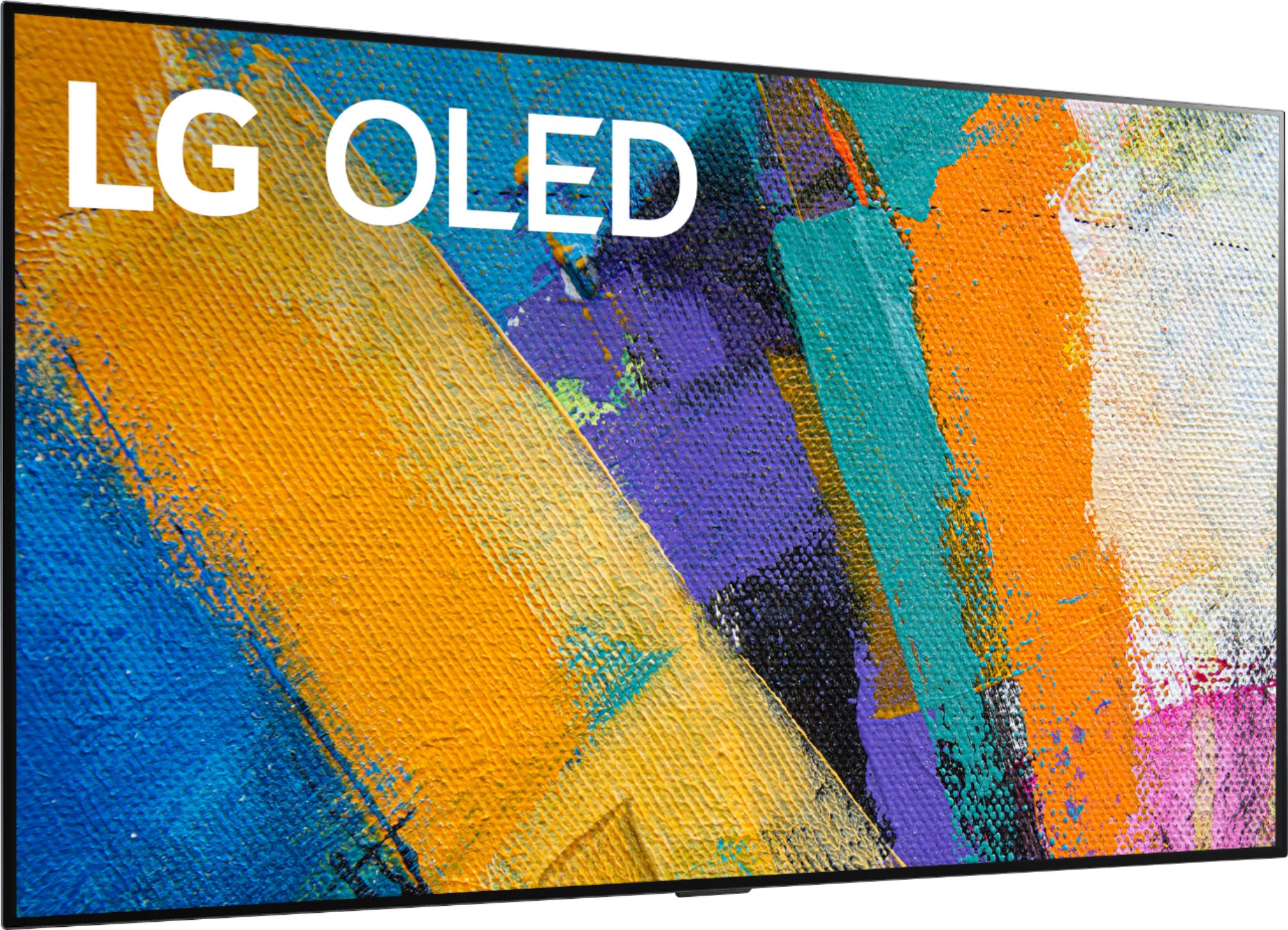
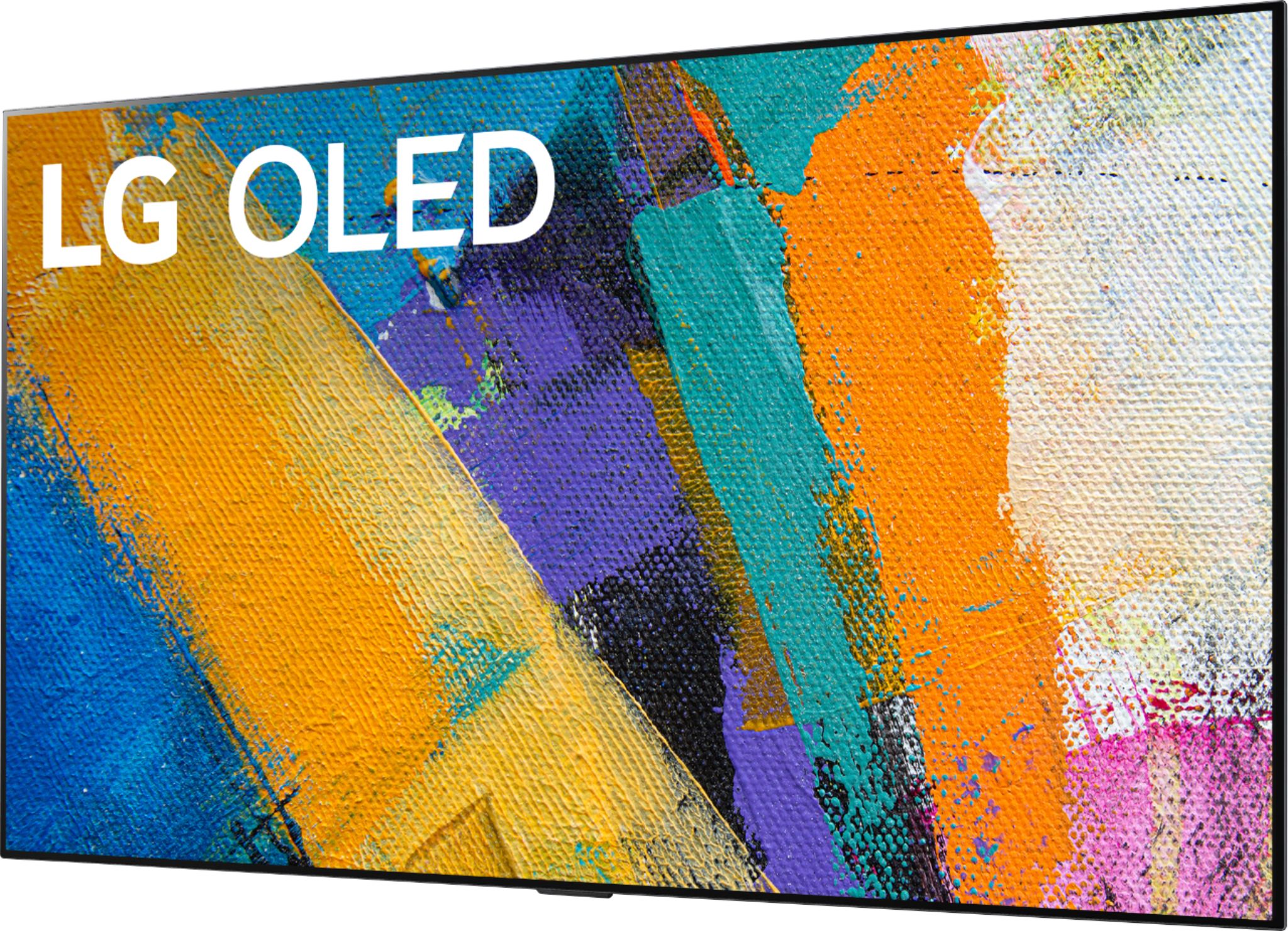
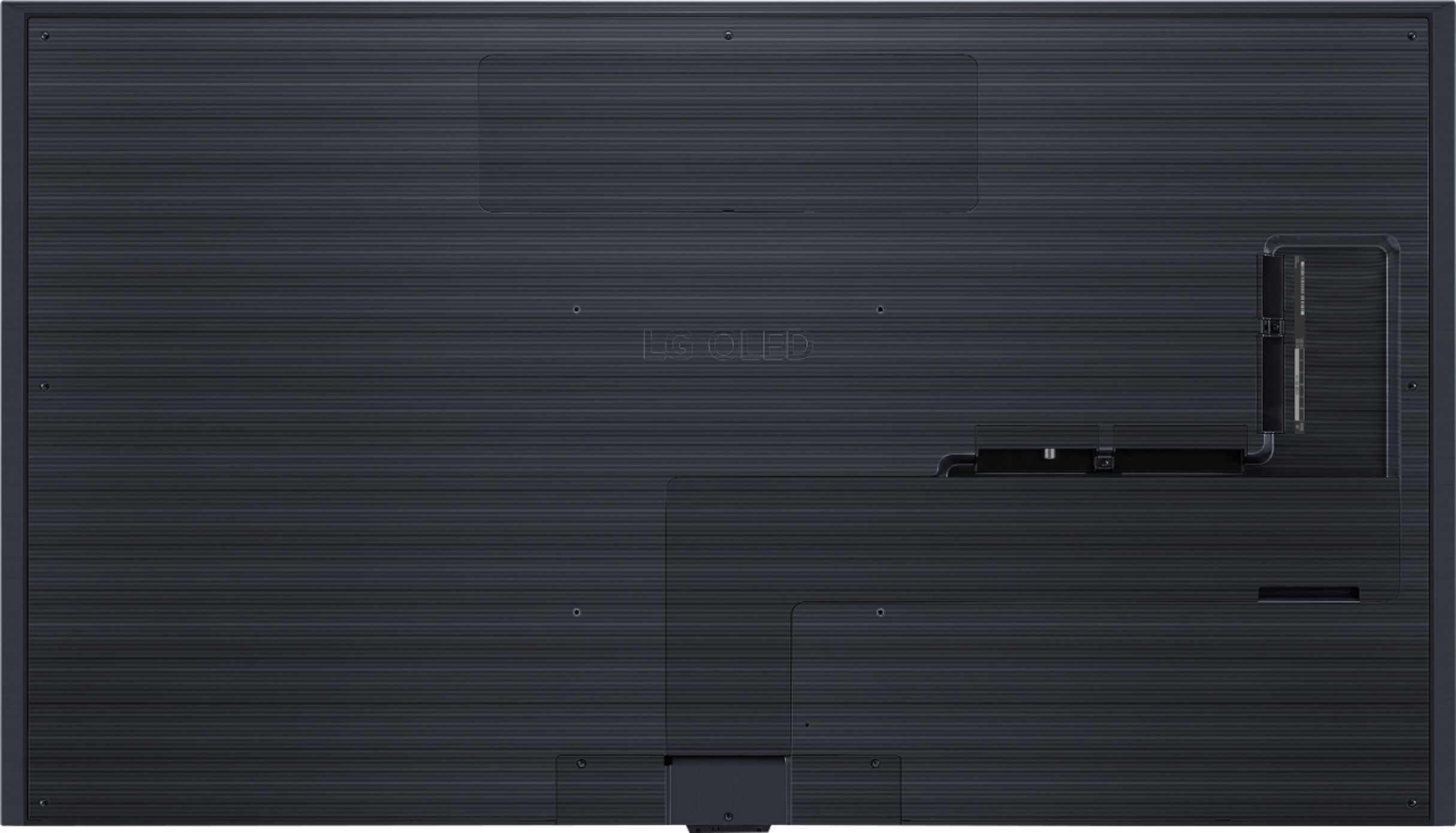
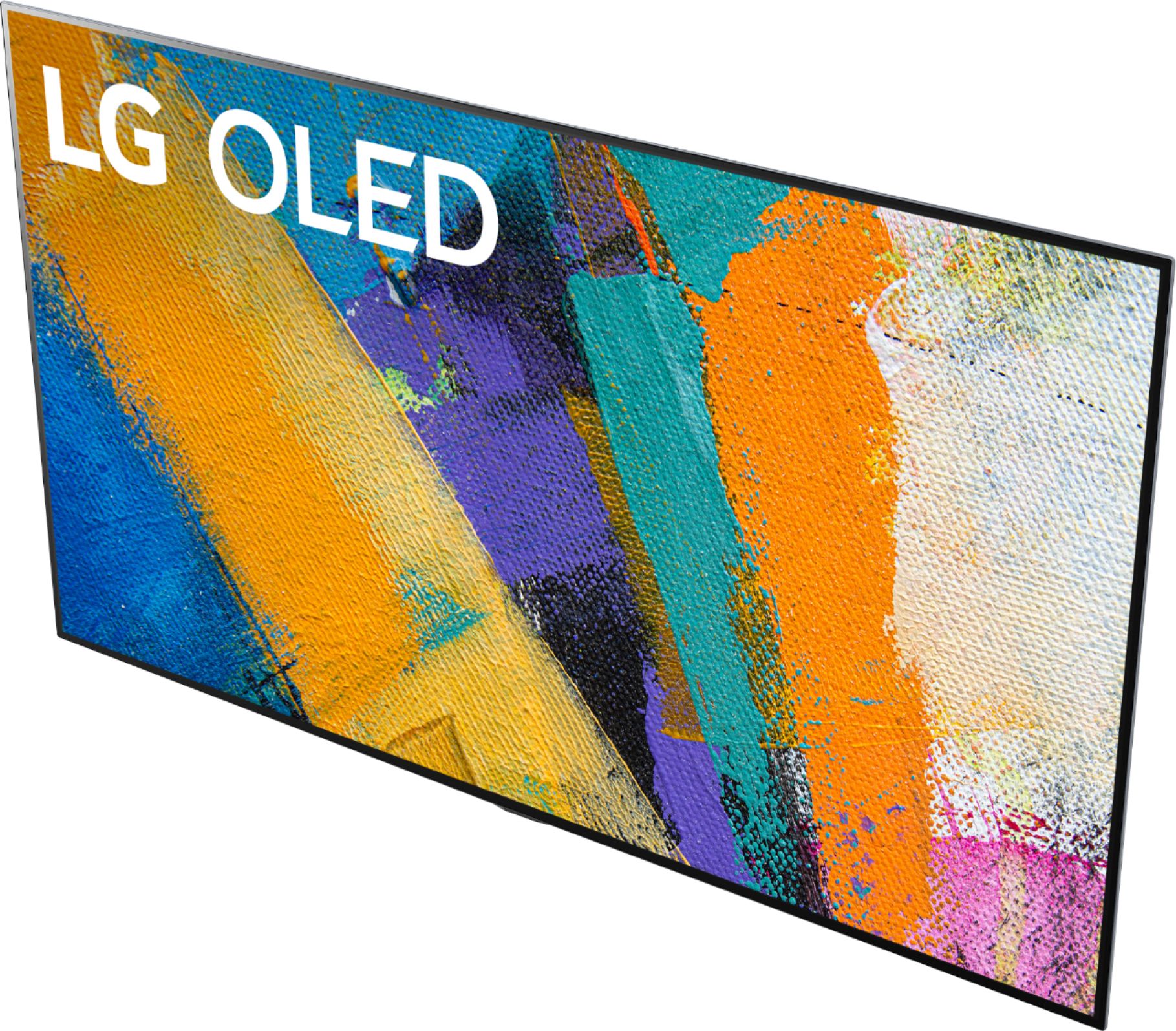
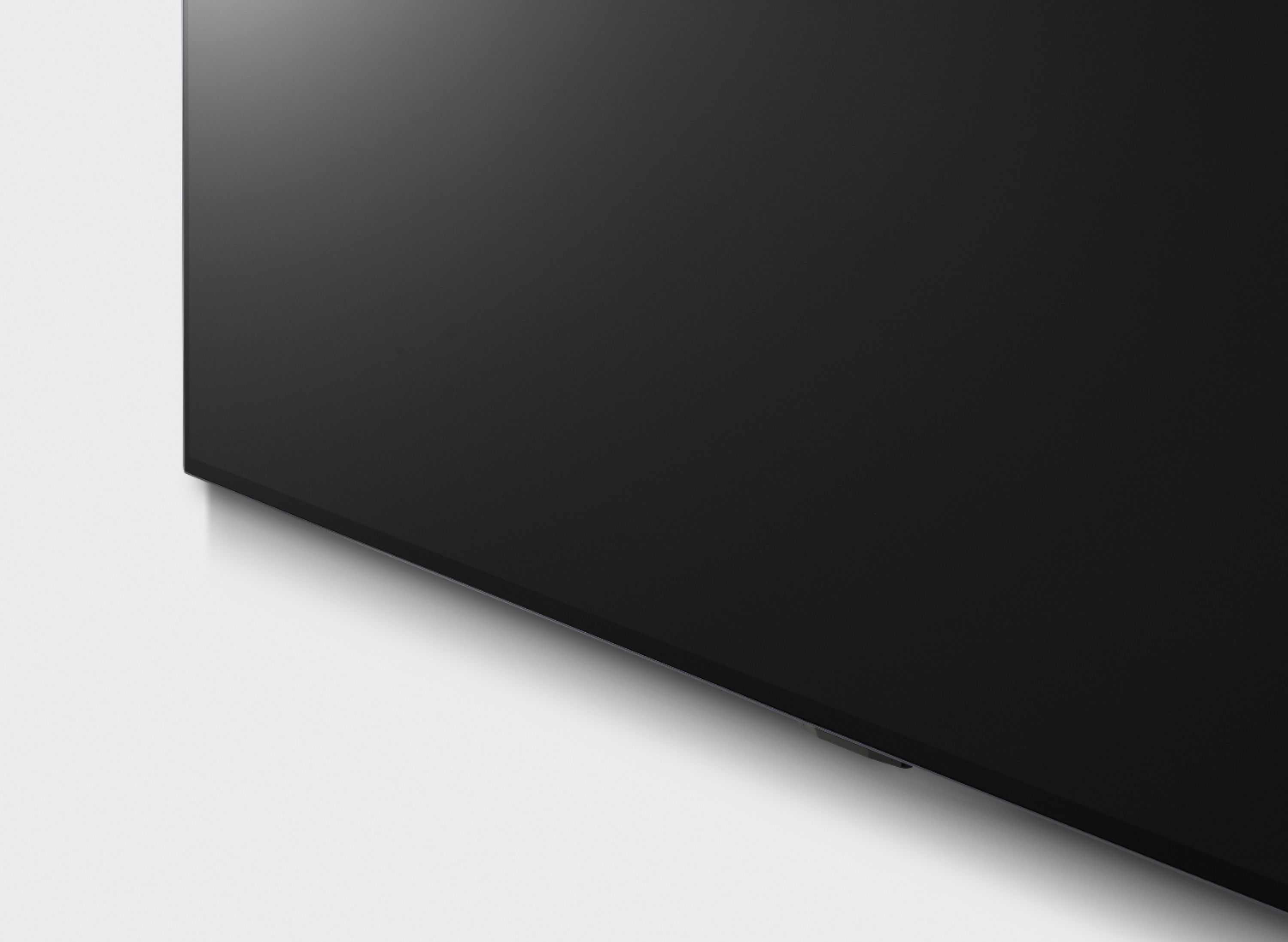
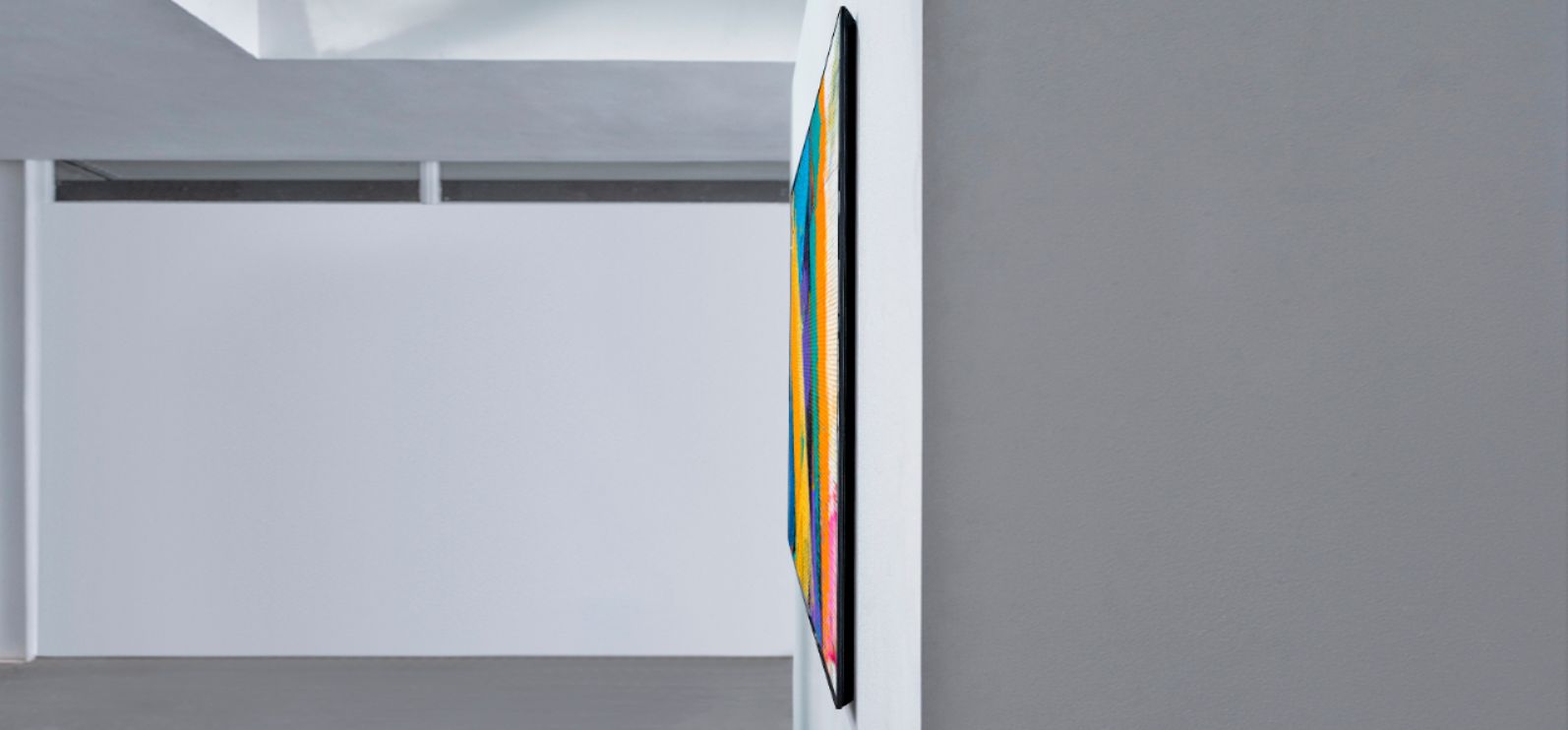
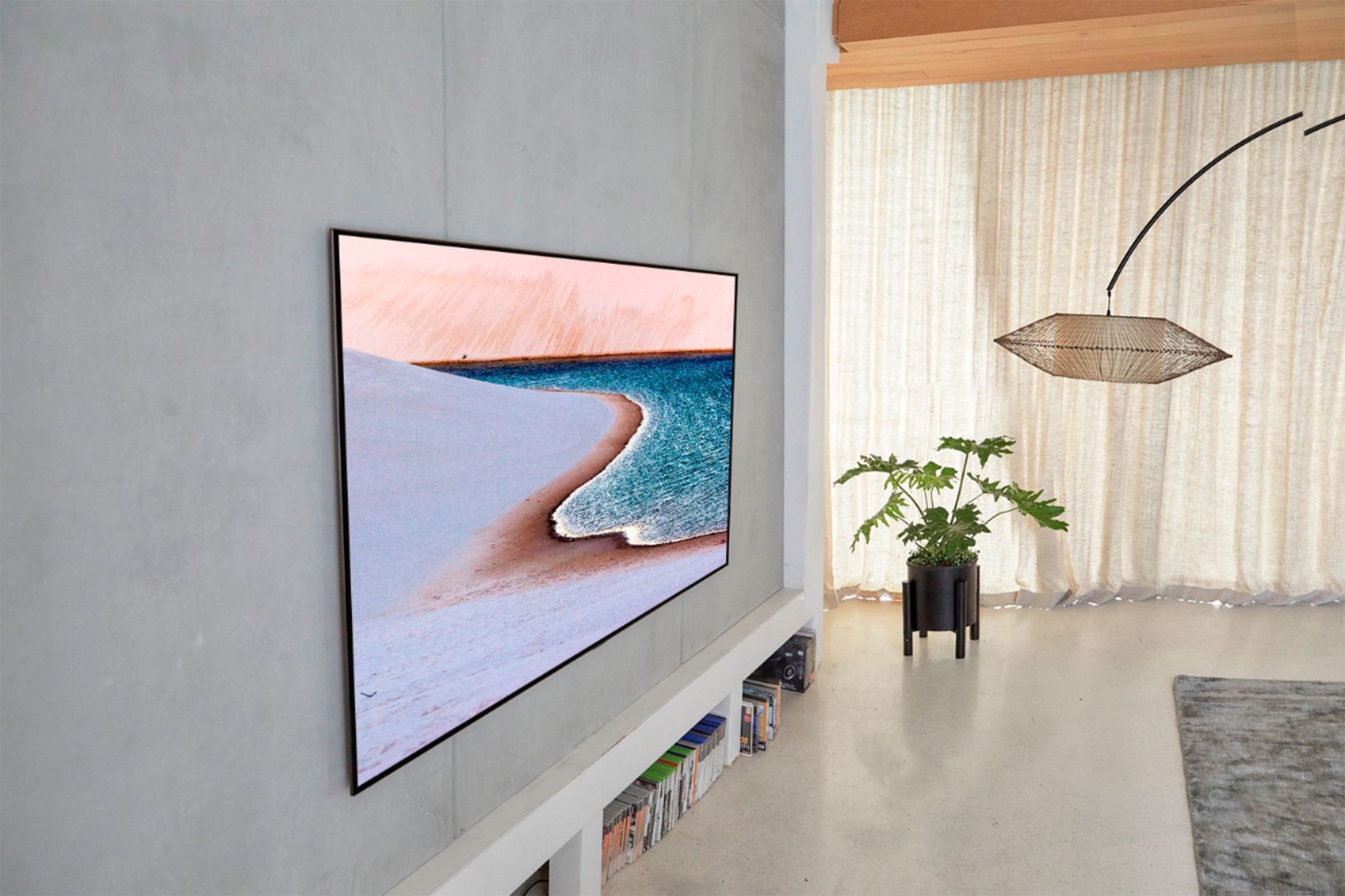
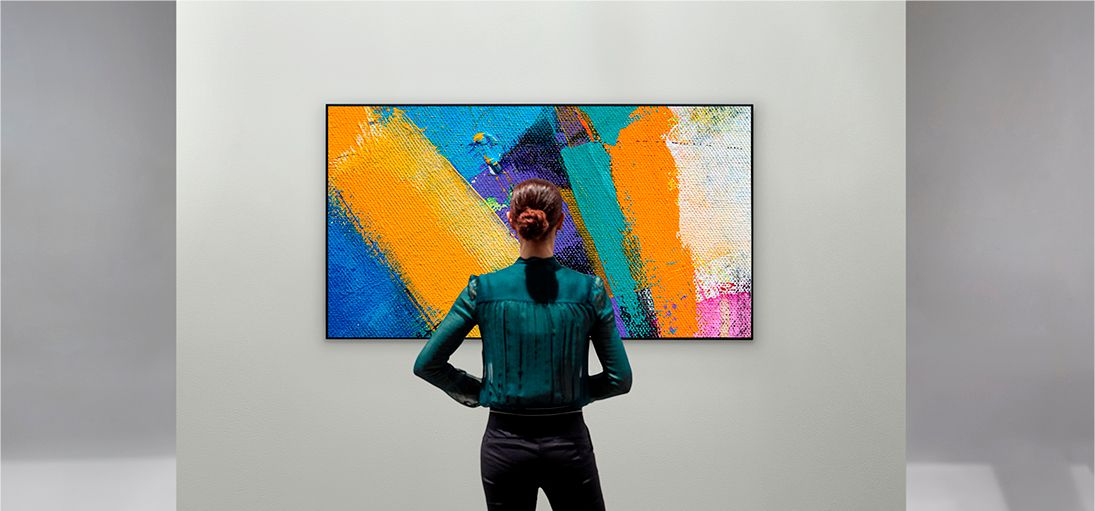
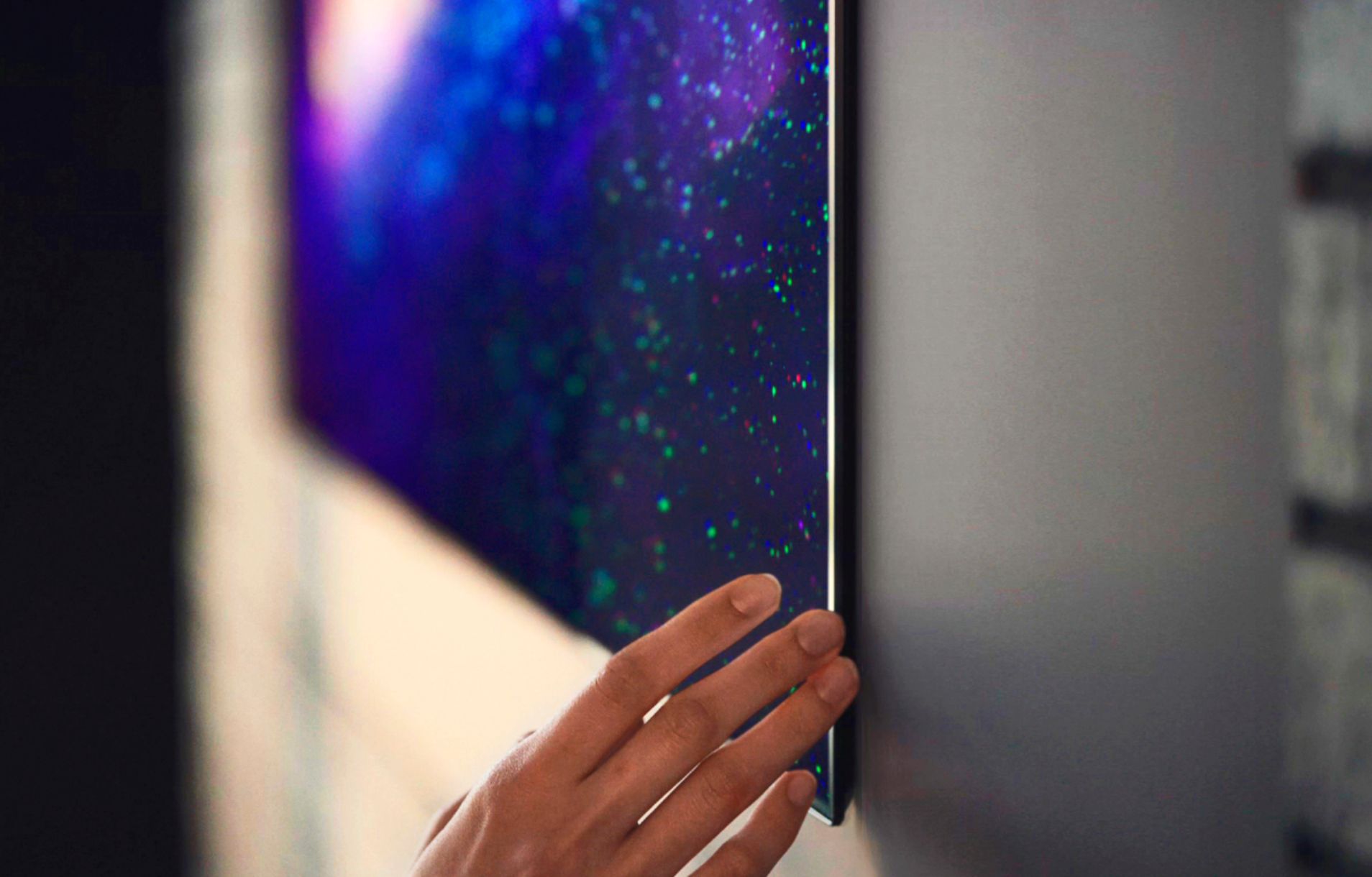
A:AnswerIt would be a good choice over the c10 only if you plan on wall mounting and routing cables in the wall. I preferred the minimalistic look on the wall (with almost no gap) over the legs on a stand or a significant wall gap. A friend of mine has the c10 65 (he purchased it the same week I did the g10 65) and the picture is very close to identical. Hope this helps.
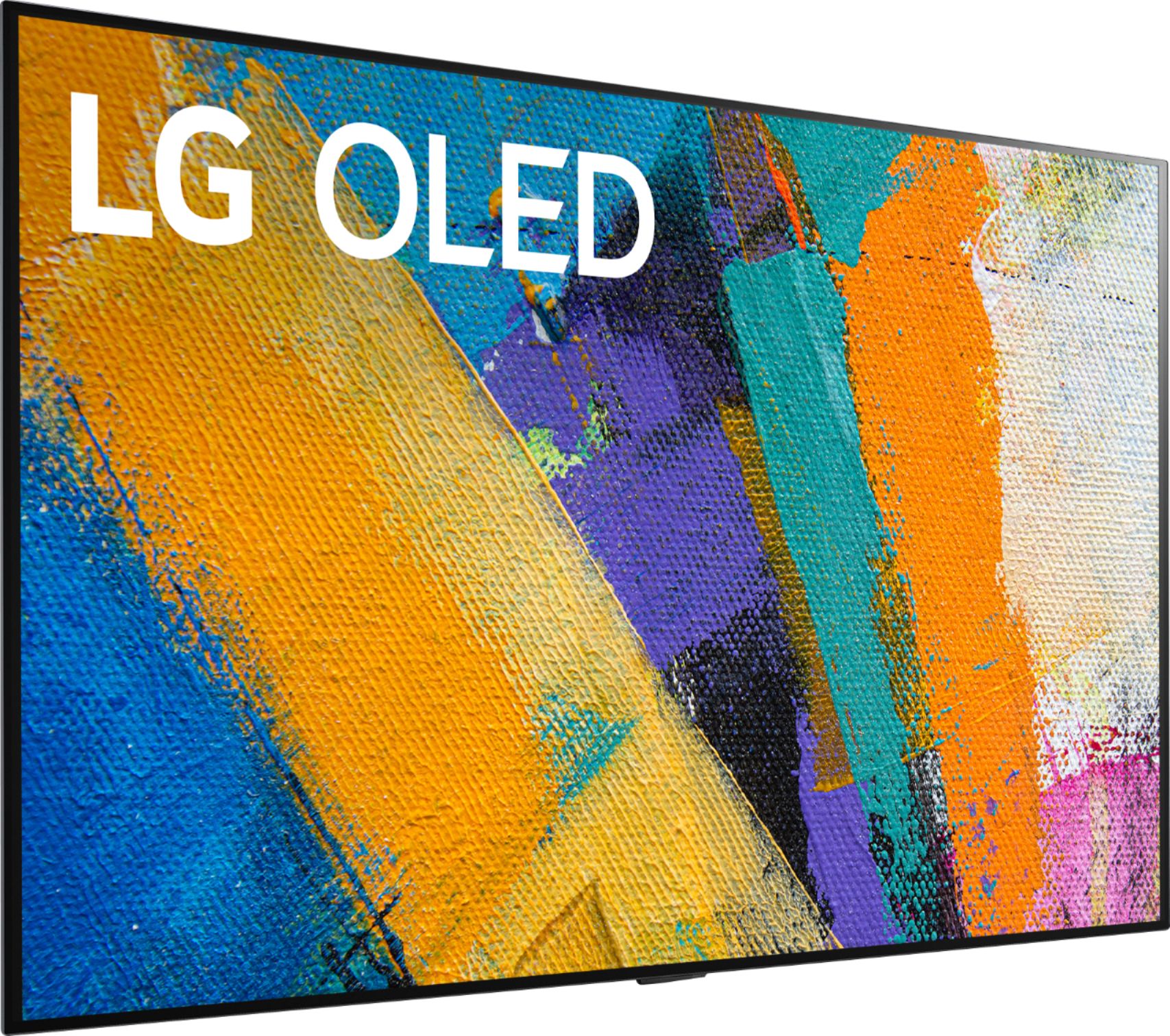
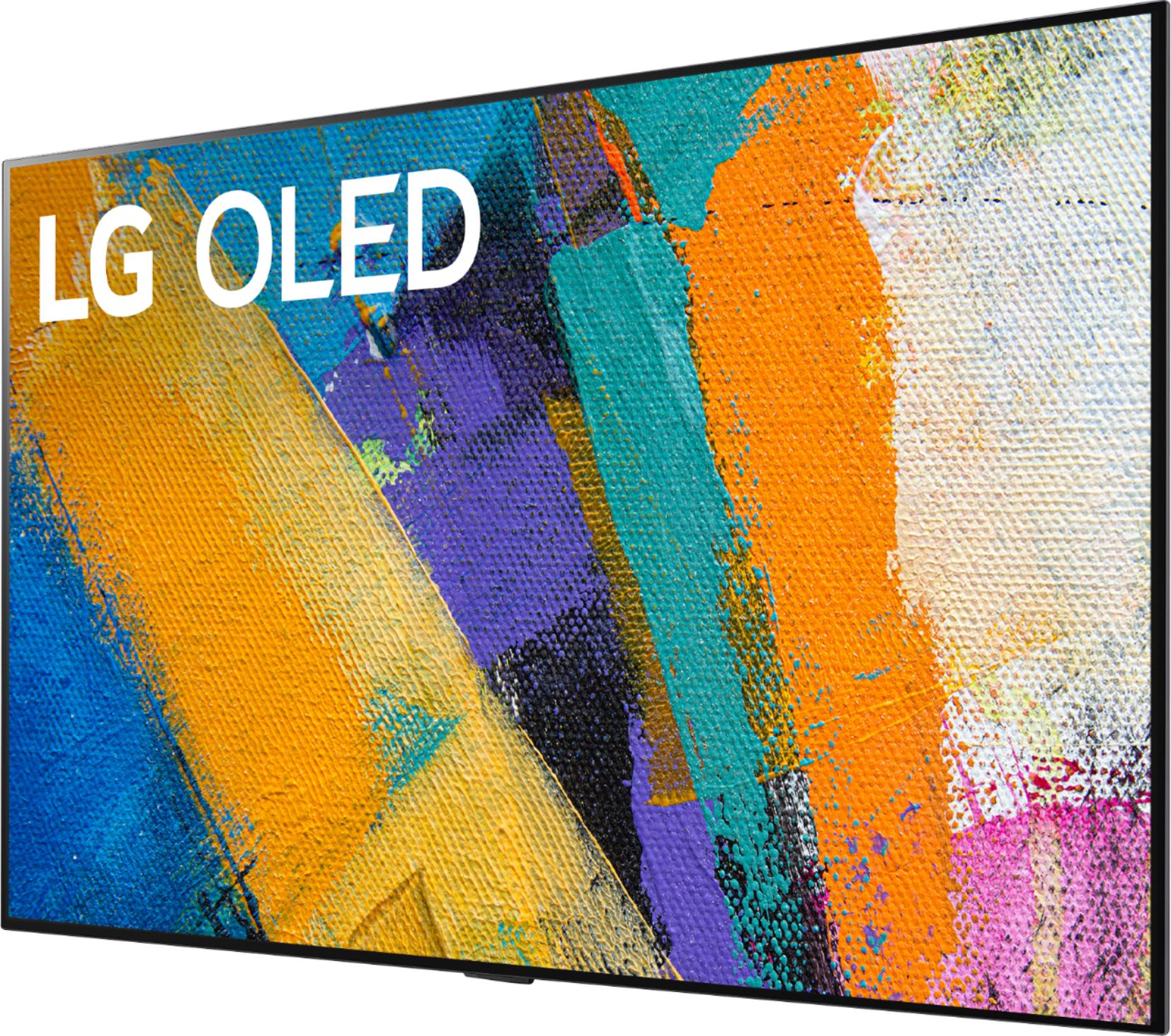
A:AnswerWhen the stand legs, Part # AN-GXDV65 for the LG GX 65 inch Class with Gallery Design 4K Smart OLED TV w/AI ThinQ® (64.5'' Diag), Model # OLED65GXPUA are attached, they have a width of 54" (outer edge-to-edge measurement)...^IFV
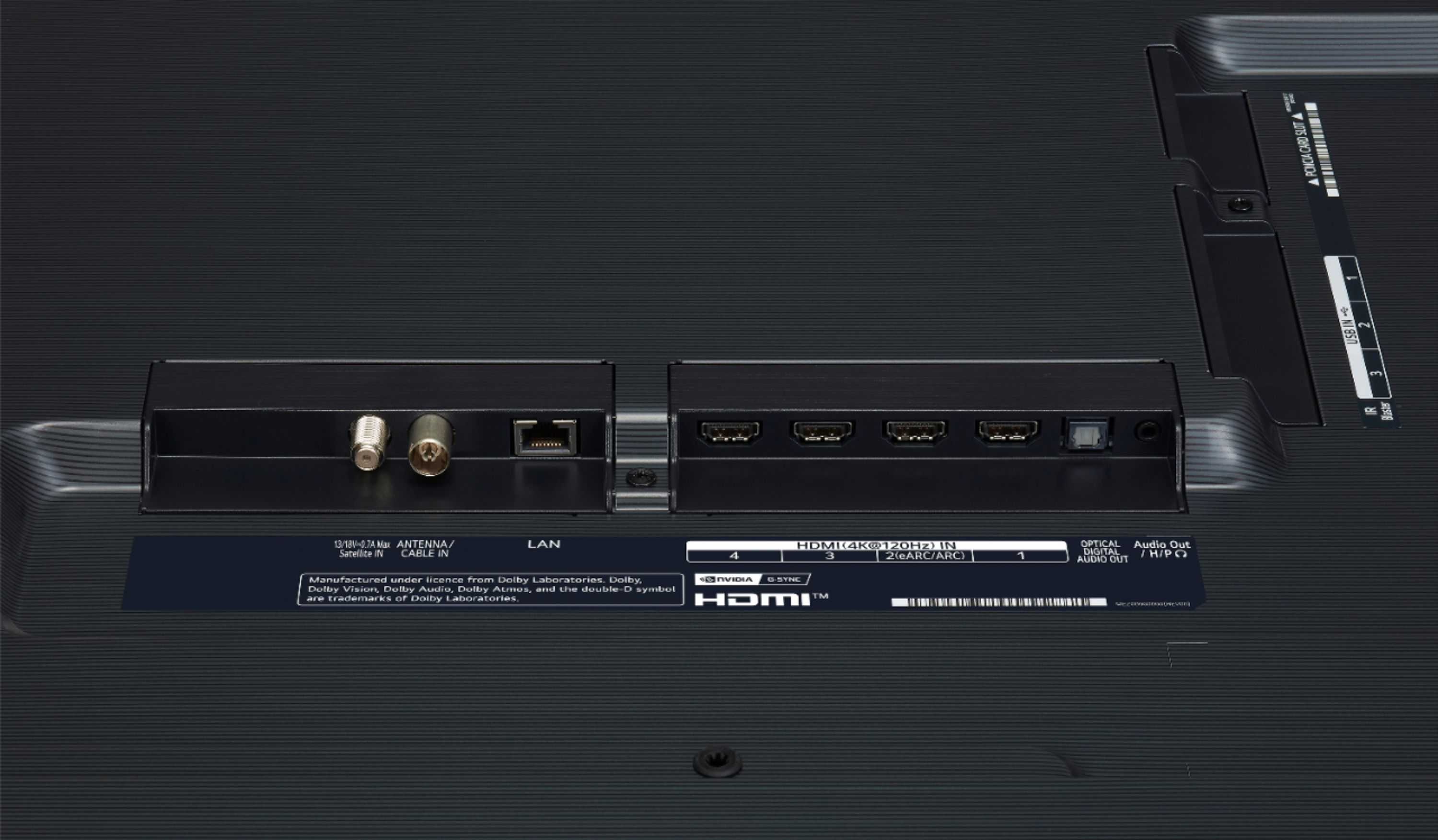
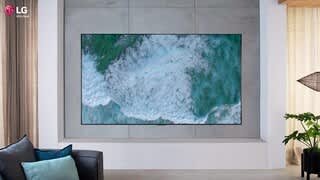
A:AnswerYes, the power outlet can be positioned behind the TV by using a recessed box that can accommodate the power cord and other cables for hooking up source components to provide beautiful installation with no visible cables. For best results, we recommend consulting with an installation and electrical professional.
A:AnswerThe LG GX 77 inch Class with Gallery Design 4K Smart OLED TV w/AI ThinQ® (76.7'' Diag), Model # OLED77GXPUA has a VESA Wall Mount Interface Patter of 300 x 300 mm. We currently do not have the full specifications on it yet, but any VESA Compliant Full Motion Wall Mount that supports the TV's VESA Wall Mount Interface Pattern of 300 x 300 mm will work. Our LG EZ Slim Wall Mount for 2019 LG OLED, NanoCell and UHD TVs, Model # OLW480B supports this pattern and is also a Full Motion Wall Mount that can be used to mount the TV...^IFV
A:AnswerPlease contact LG Customer Support by direct message via Twitter (@LGUSSupport) or Facebook Messenger (https://www.facebook.com/LGUSA/). Thank you. ^DLI
A:AnswerI had this issue too. I fixed it by doing this. Go to the settings menu (push the settings button for several seconds). Go to general tab, then additional settings. Turn Off “quick start+”. This solved the problem for me immediately. It was very annoying. Now it is working perfectly.