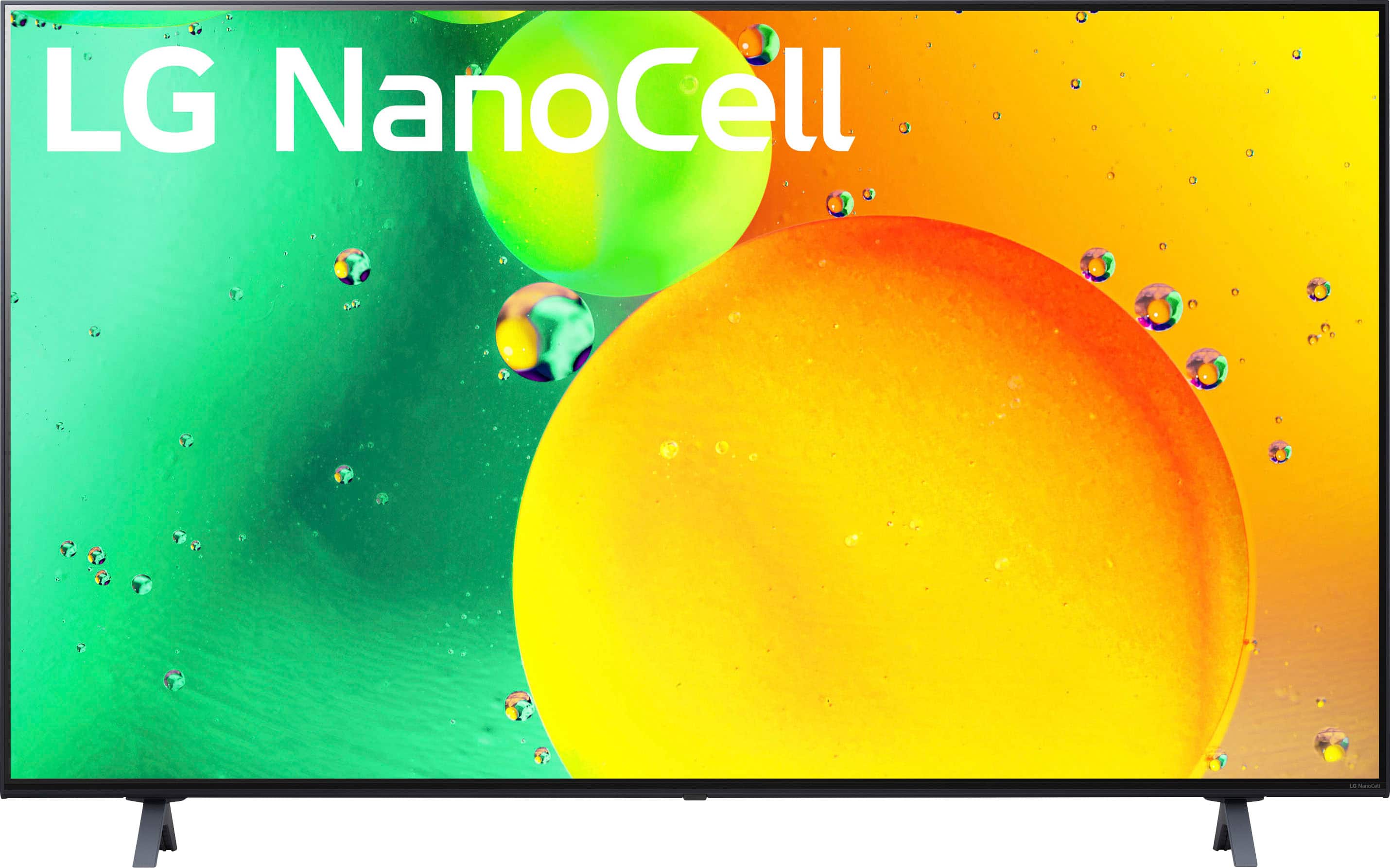
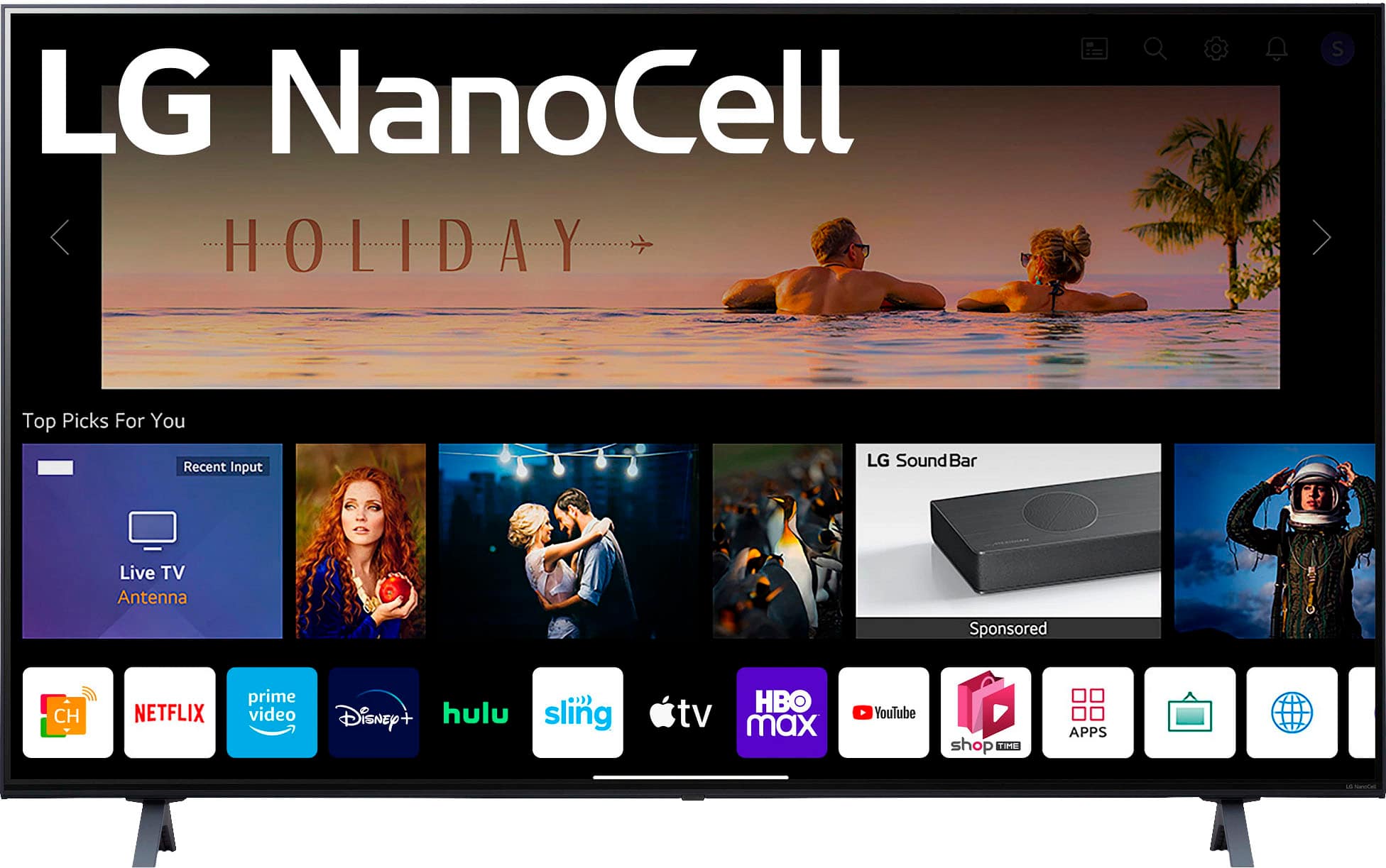
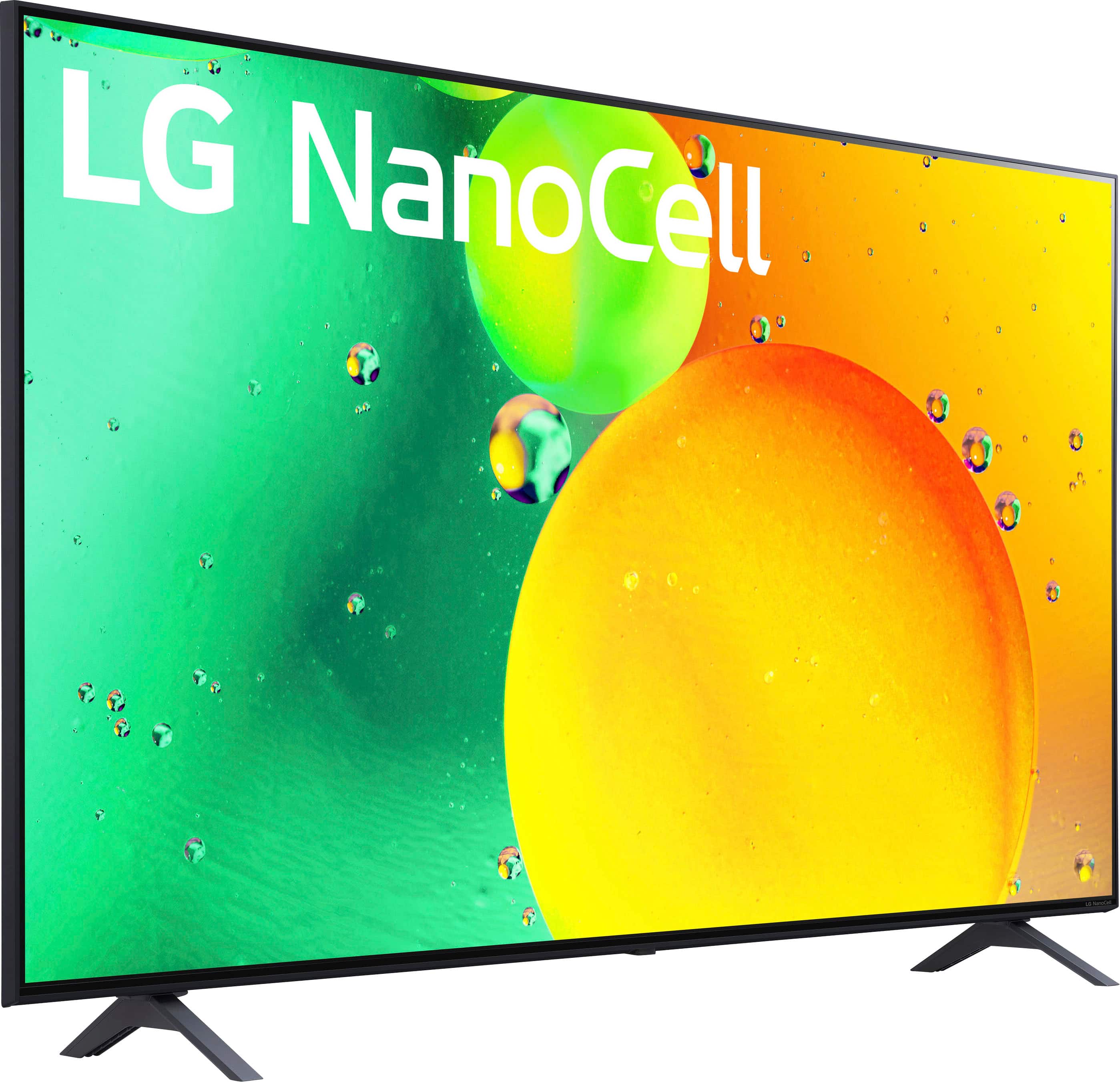
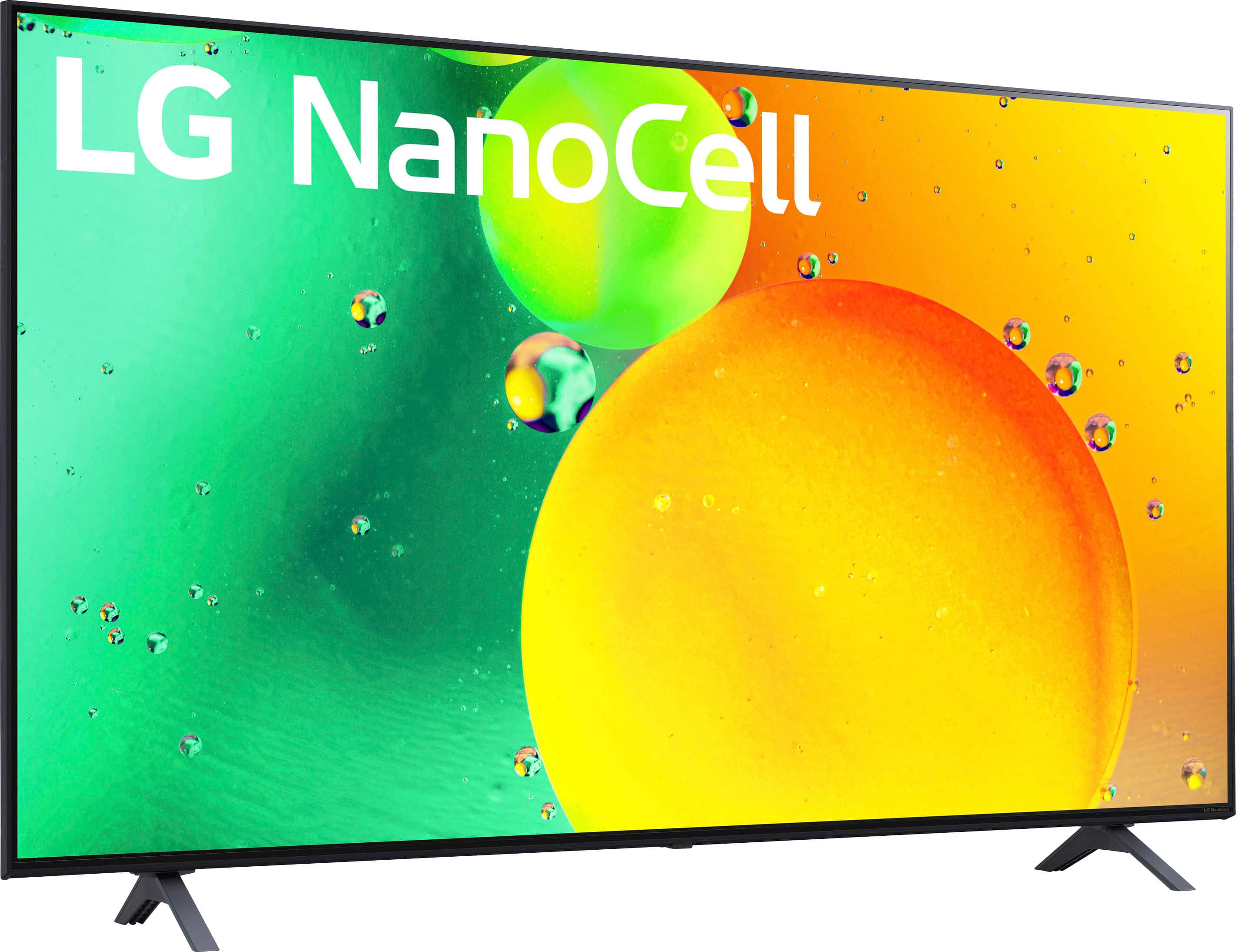
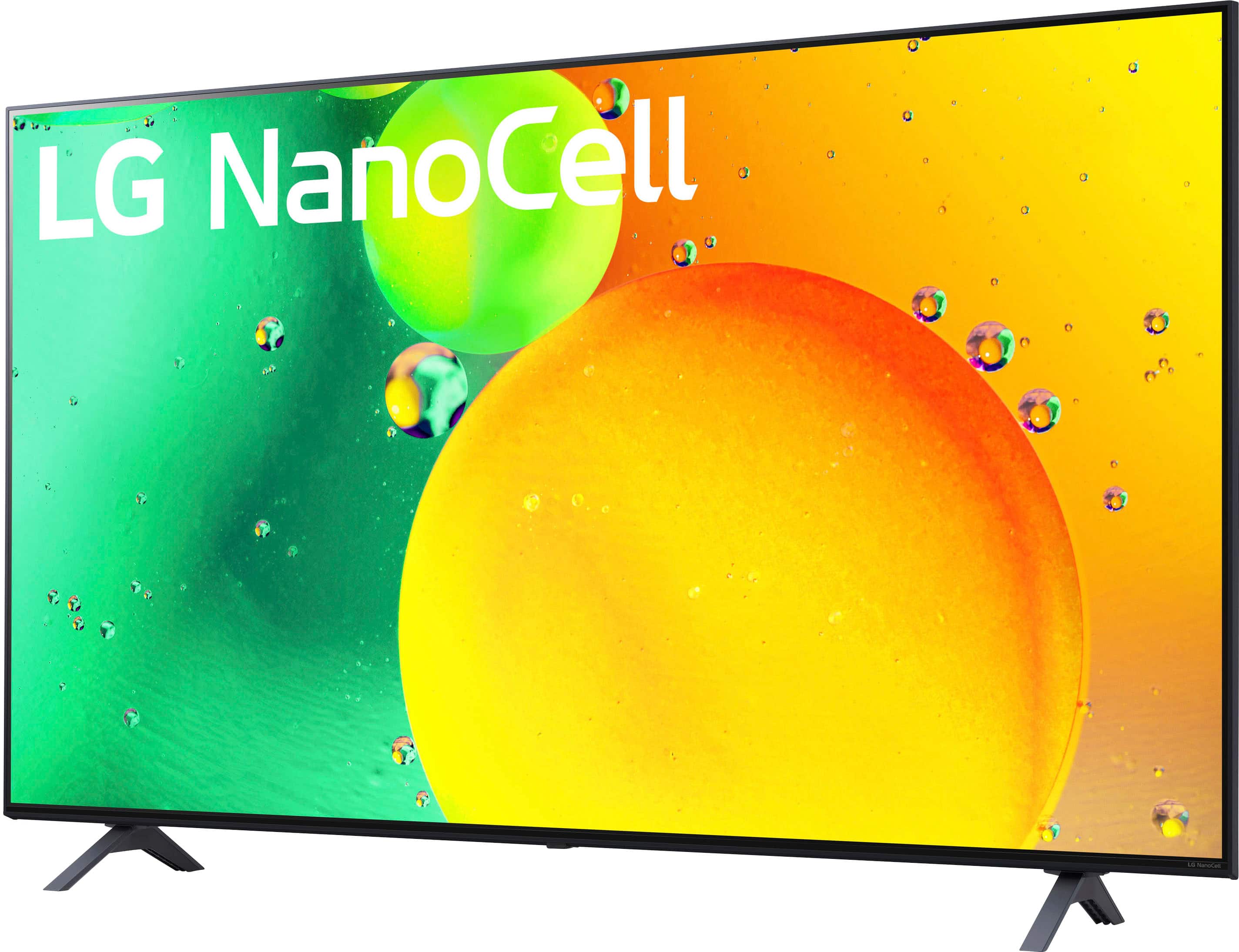
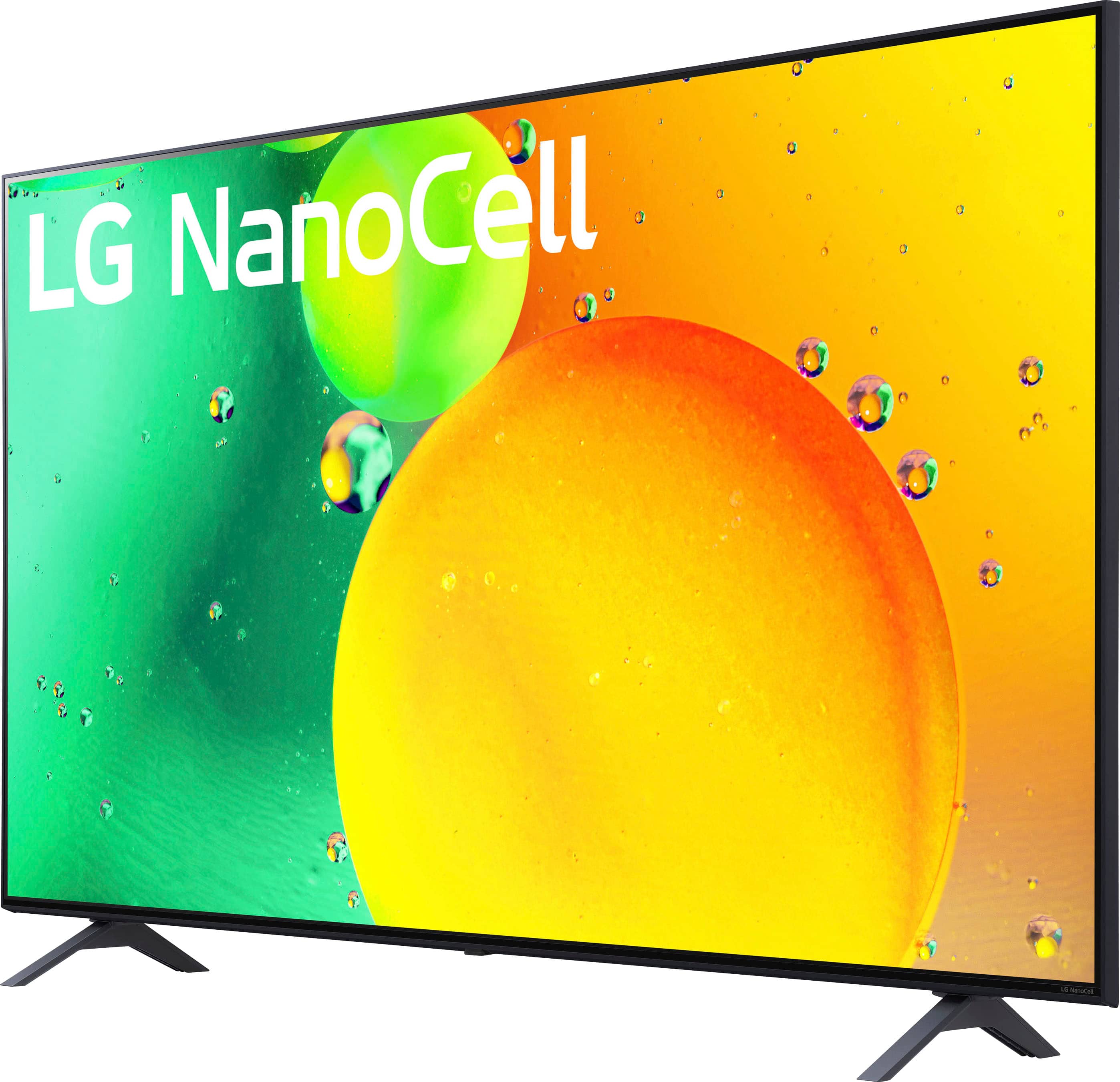
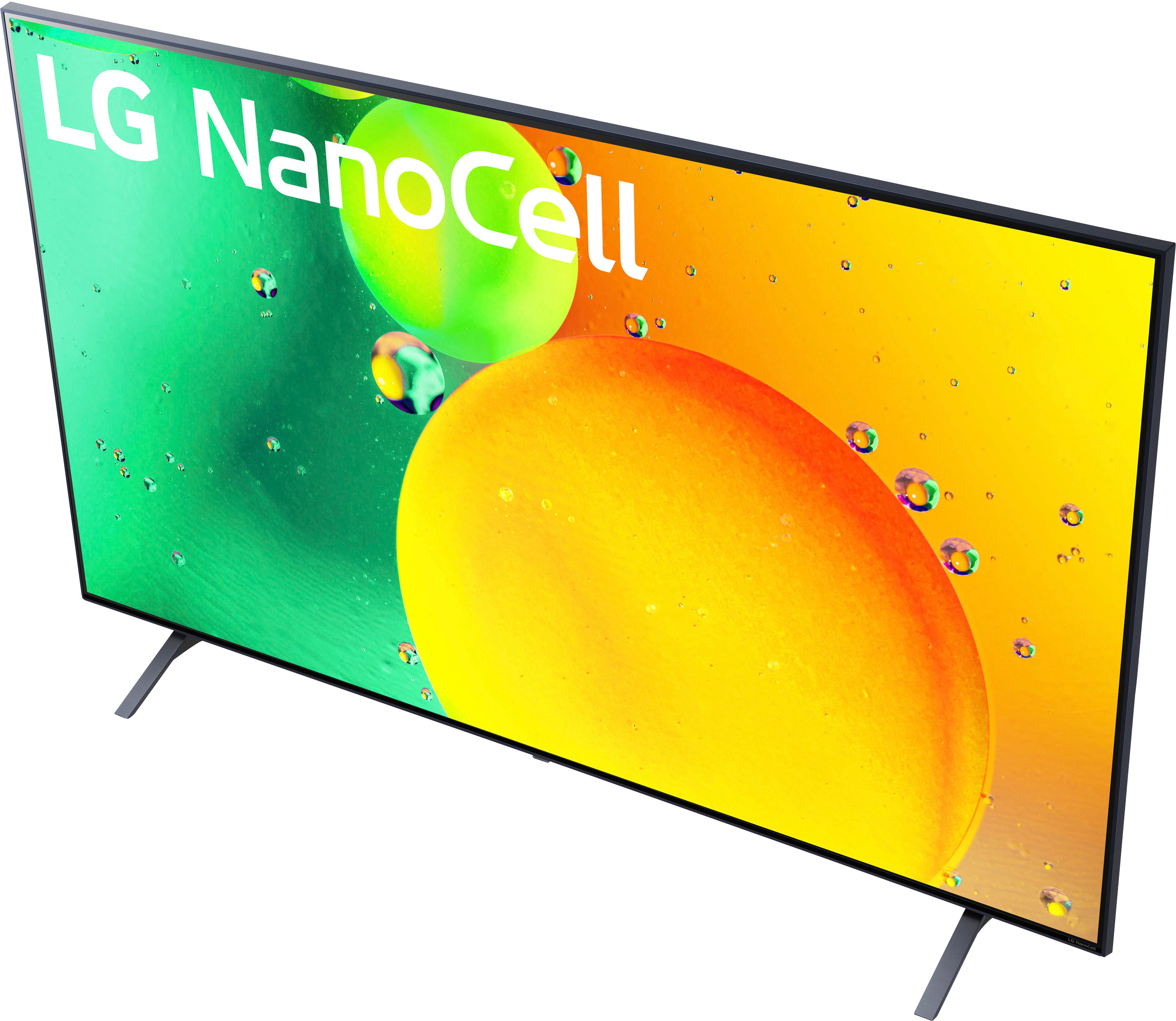
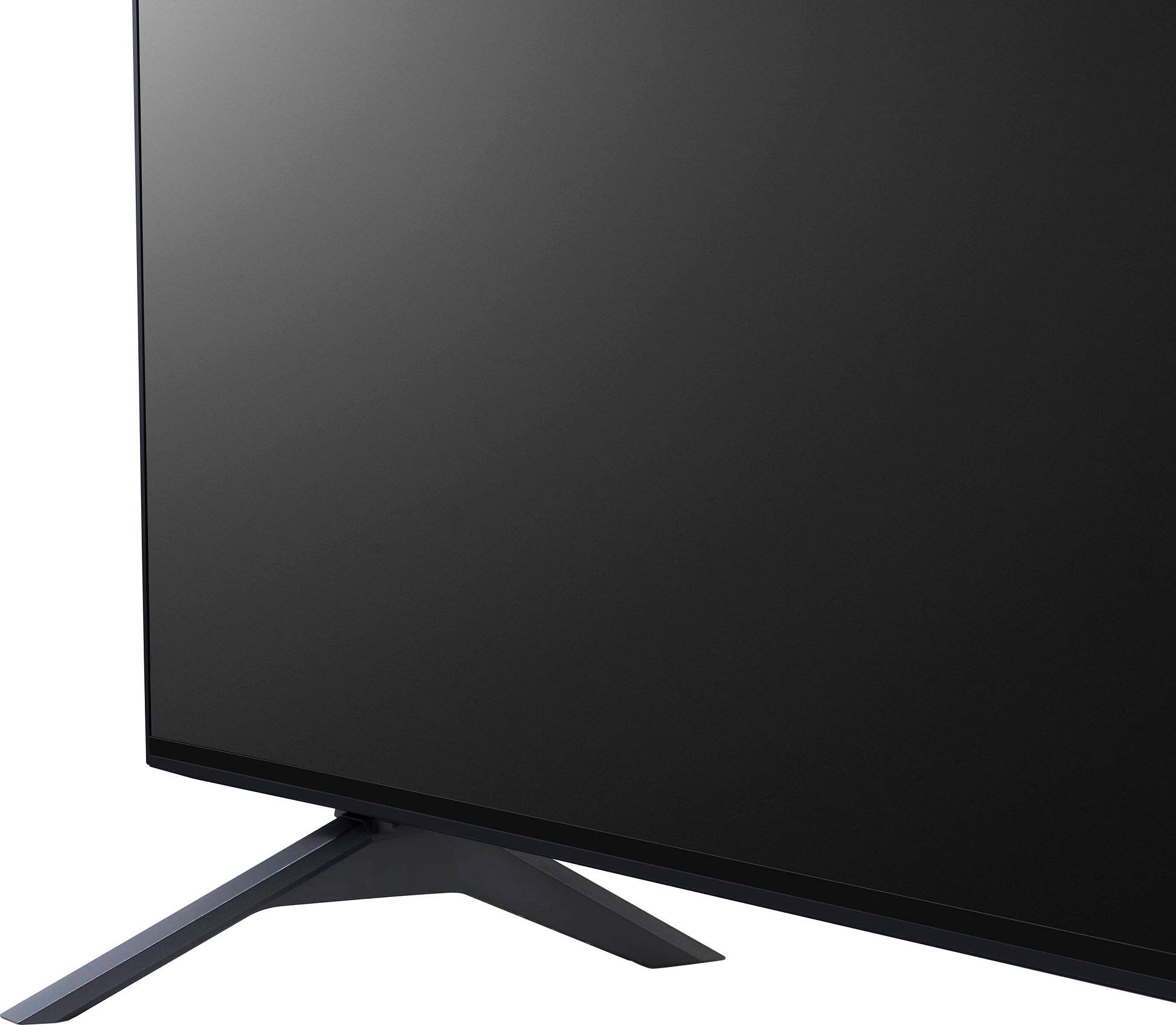
A:AnswerThe LG 65" Class NanoCell 75UQA Series LED 4K UHD Smart webOS TV (2022) Model # 65NANO75UQA is not a dual voltage TV. It has a 120V, 50/60Hz power requirement.
It cannot be used in Europe with just an adapter and no voltage converter, but it also features three built-in tuners (an ATSC tuner, an NTSC tuner, and a QAM tuner), that are incompatible with the DVB- T/T2 television broadcast standards and DVB-C cable standards used in Europe...^Ivan.
A:AnswerHello, Bri.
The LG 65-inch Class NANO75 UQA series LED 4K UHD Smart webOS 22 w/ ThinQ AI TV, Model # 65NANO75UQA, has a native 60 Hz refresh rate...^Ivan.
A:AnswerHi there, Coach! Thank you for your review and for reaching out with your question about Disney+ on the 65NANO75UQA TV. We understand how important it is to have access to your favorite streaming services. While the Disney+ app might not show up in your initial app list, you can easily download it from the LG Content Store. Just navigate to the Home screen, open the LG Content Store, and search for Disney+. Once installed, you’ll be able to access and enjoy all the Disney+ content on your LG NanoCell TV. You may access this link related to your concern: https://www.lg.com/us/support/help-library/lg-tv-how-to-download-smart-apps--20153174119431.
If you have any further questions or need help with the installation, feel free to send us a private message on social media @LGUSSupport. We’re happy to assist you further!
Thank you for choosing LG, and we appreciate your patience.
—Avril
A:AnswerHi there, Ron! Thank you for your question about the 65NANO75UQA TV. Yes, this model does support Closed Captioning. To enable it, simply press the additional answer button on the remote and select [All Settings] → [General] → [Accessibility] → [Closed Caption] → [On]. If you need any further assistance or have more questions, please feel free to send us a private message on Social Media @LGUSSupport, and we’ll be happy to help. We appreciate your feedback!
—Avril
A:AnswerThank you for reaching us regarding LG Smart webOS TV. Yes, the LG 65NANO75UQA TV allows you to browse the web and watch videos, including YouTube. This model runs on the webOS platform, which provides access to various streaming apps and a built-in web browser. You can download its owner's manual through this link for more information: https://www.lg.com/us/support/product/lg-65NANO75UQA.AUS. For additional assistance, please reach out to us on social media @LGUSSupport so we can help you further. ^Cris
A:AnswerThe LG 65" Class NanoCell 75UQA Series LED 4K UHD Smart webOS TV (2022), Model # 65NANO75UQA does not have a Dolby® Sound System.
It has a 2.0 Channel Down-Firing Speaker System...^Ivan.
A:AnswerHello there. Thank you for sharing your experience with us. We understand your inquiry about the LG 65NANO75UQA TV and the number of apps you can add.
This TV runs on the webOS platform, which supports a wide variety of apps. There isn't a specific maximum number of apps listed, but you can download many apps from the LG Content Store, including popular streaming services like Netflix, YouTube, and Prime Video. The available apps are subject to the storage capacity and software updates.
https://www.bestbuy.com/site/lg-65-class-nanocell-75uqa-series-led-4k-uhd-smart-webos-tv-2022/6501917.p?skuId=6501917
If you need assistance with adding or managing apps, feel free to send us a private message on Social Media @LGUSSupport, and our team will be happy to guide you further. We appreciate your patience. —Renzo
A:AnswerThe LG 65" Class NanoCell 75UQA Series LED 4K UHD Smart webOS TV (2022), Model # 65NANO75UQA does not support 3D.
TV Manufacturers stopped making 3D TVs in 2016...^Ivan.
A:AnswerHello there, Ash. Thank you for sharing your experience with us. We understand your inquiry regarding the 65NANO75UQA 65″ Class NanoCell 75UQA Series LED 4K UHD Smart webOS TV (2022) and whether it is compatible with RCA cables.
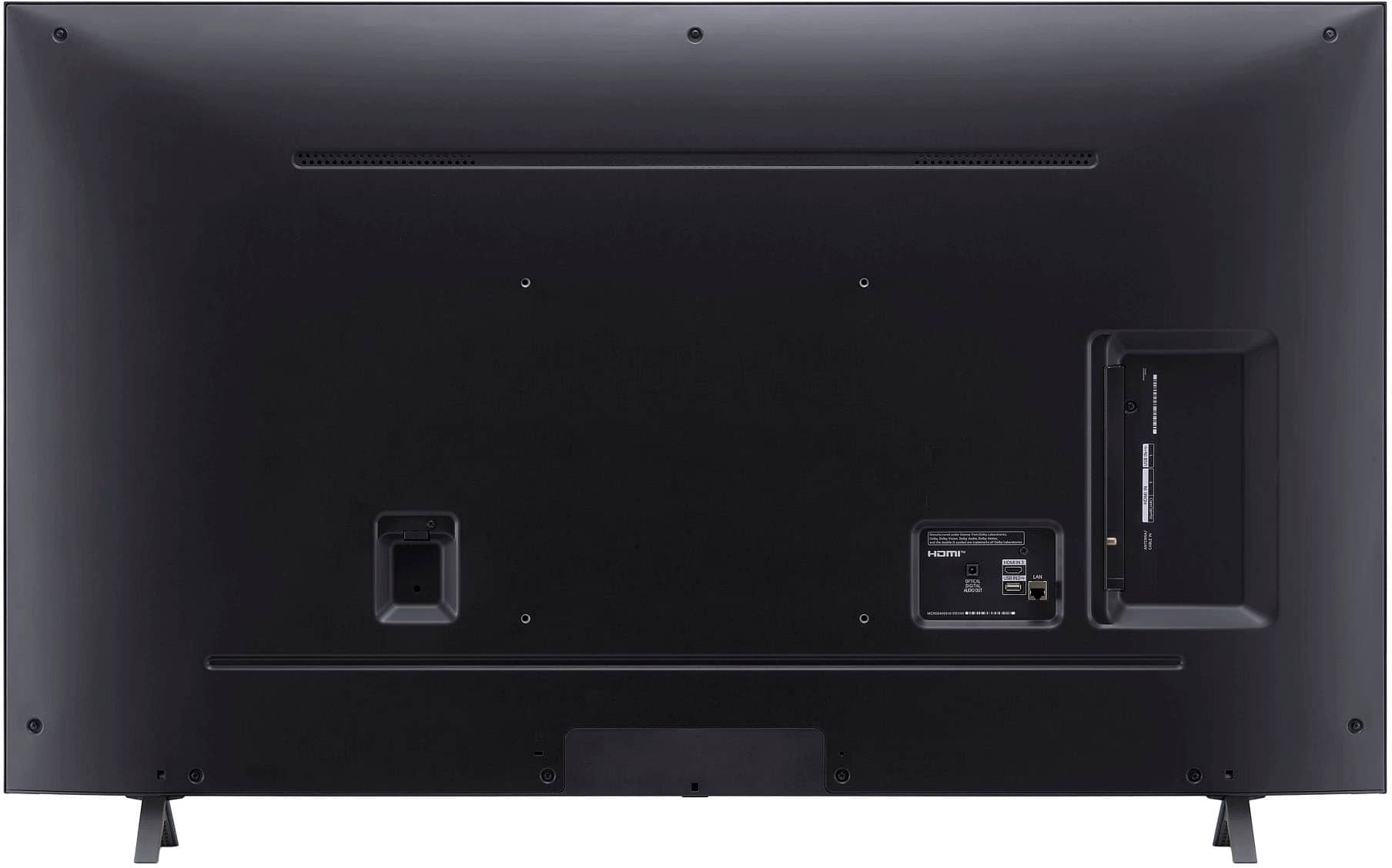
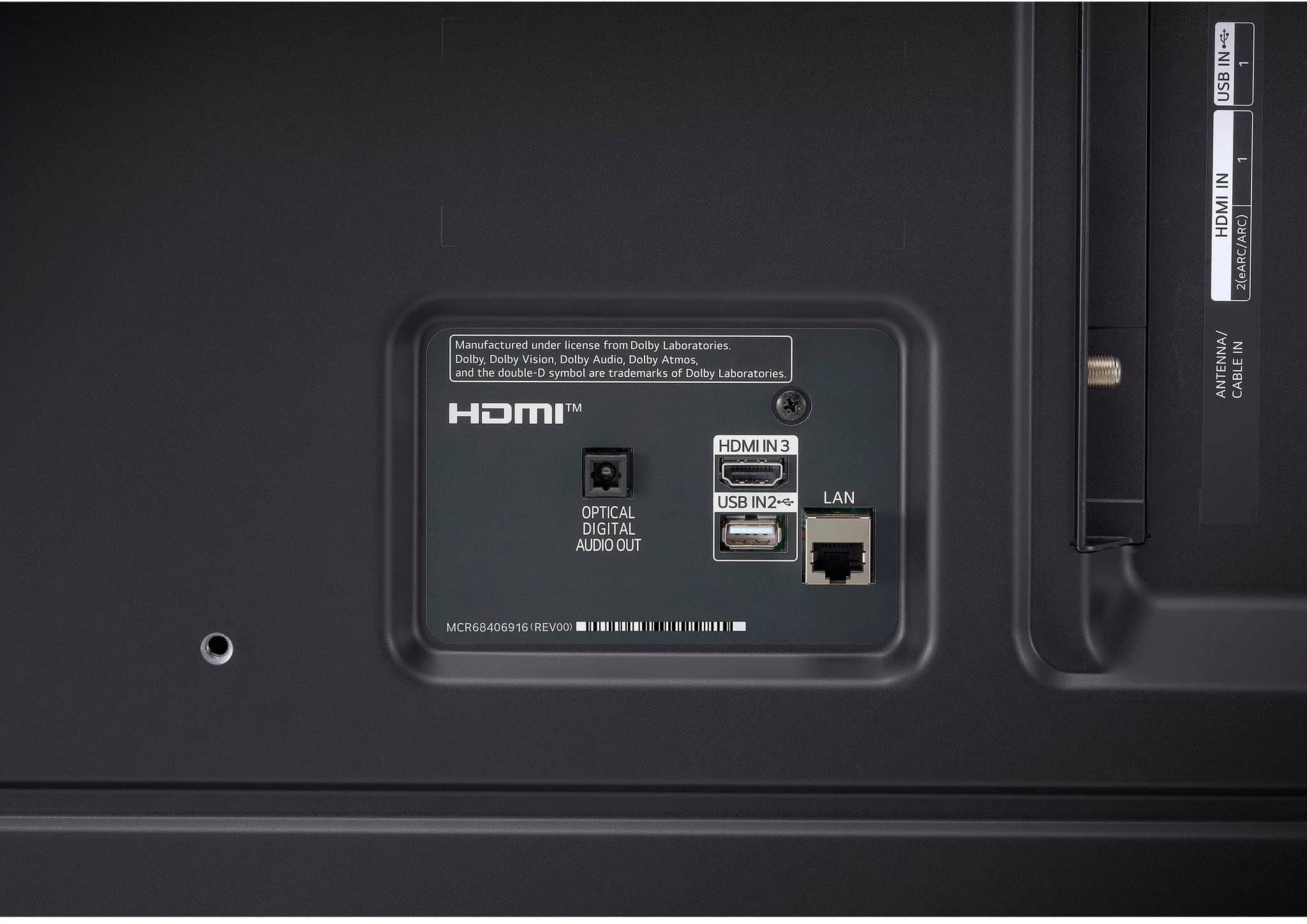
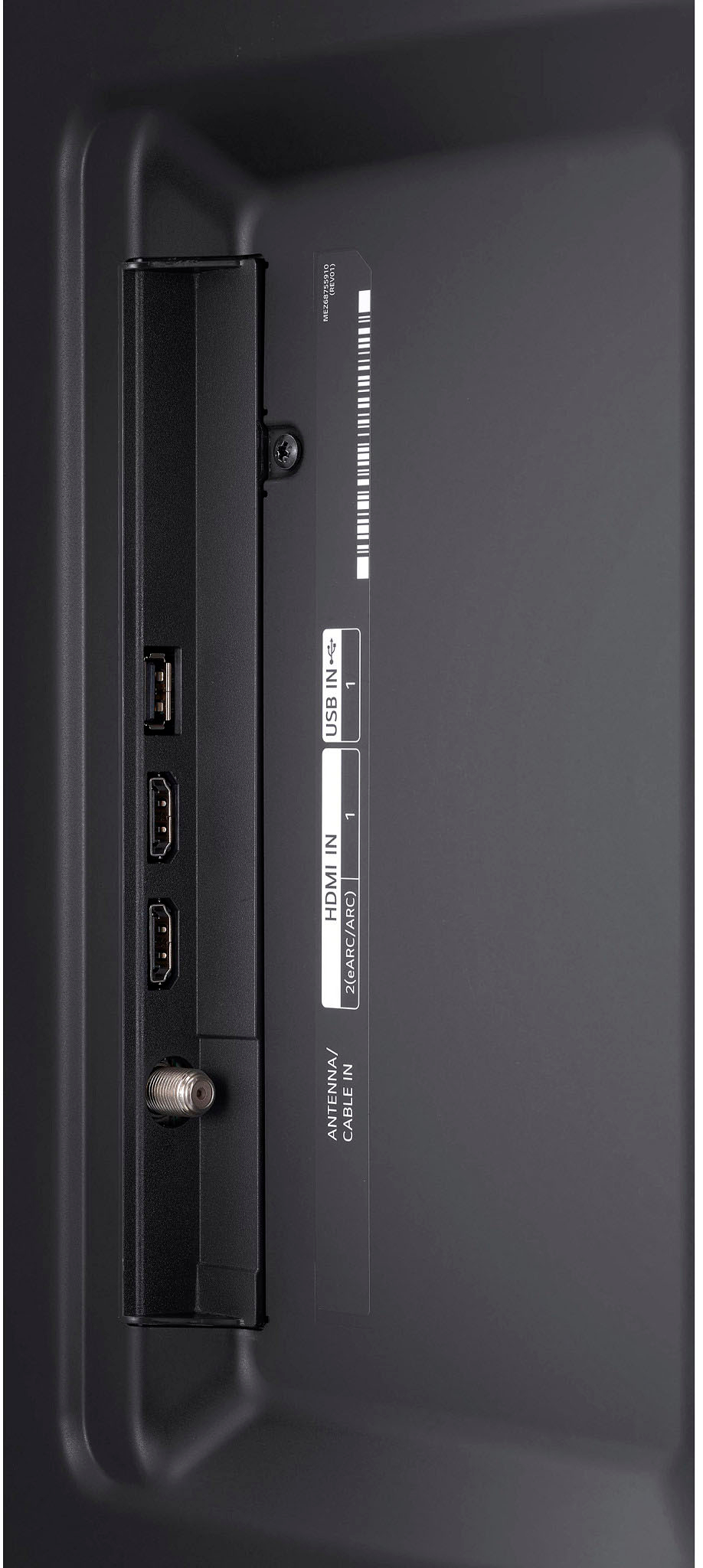
The 65NANO75UQA comes equipped with three HDMI 2.0 ports, one RF antenna input, one optical digital audio out, and two USB-A ports. It does not include dedicated RCA (composite) A/V jacks (the traditional red, white, and yellow inputs) . Therefore, if you have a device that outputs audio/video via RCA cables only, you will need to use an external composite-to-HDMI converter.
As a first troubleshooting step, try the following:
Obtain a Composite (RCA) → HDMI Converter: Purchase a small, passive converter box that accepts RCA inputs (red/white for audio, yellow for video) and spits out an HDMI signal.
Connect Your RCA Device to the Converter: Plug your source device’s RCA cables into the matching color‐coded ports on the converter.
Connect the Converter to the TV via HDMI: Using a High-Speed HDMI cable, connect from the converter’s HDMI output to any available HDMI port on your 65NANO75UQA.
Switch the TV Input to HDMI: On your Magic Remote, press the Home button, navigate to the correct HDMI input (e.g., HDMI 1 or HDMI 2), and confirm you see the RCA‐sourced video. If you encounter no picture or audio, power off both devices, reseat all cables, and power back on.
If the converter is powered (many require USB or a 5 V power adapter), be sure it’s receiving power as indicated by a small LED on the converter box—lack of power often causes a blank screen. If you still do not see any signal after verifying the converter is powered and cables are seated correctly, try a different HDMI cable or test the converter with another HDMI display to isolate whether the issue is with the converter or the TV’s HDMI port.
https://www.bestbuy.com/site/lg-65-class-nanocell-75uqa-series-led-4k-uhd-smart-webos-tv-2022/6501917.p?skuId=6501917
If you continue to experience any difficulty setting this up—such as no signal, distorted video, or missing audio—please send us a private message on social media @LGUSSupport. Our team will be happy to explore additional troubleshooting steps or recommend compatible adapter models so you can enjoy your legacy RCA-based device on your 65NANO75UQA. We appreciate your patience and look forward to helping you get everything connected seamlessly. —Renzo
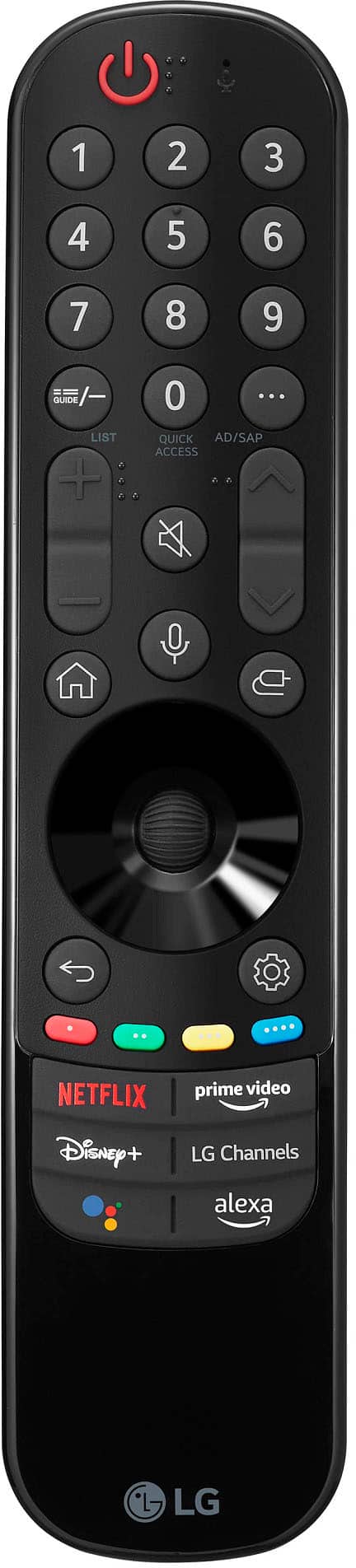
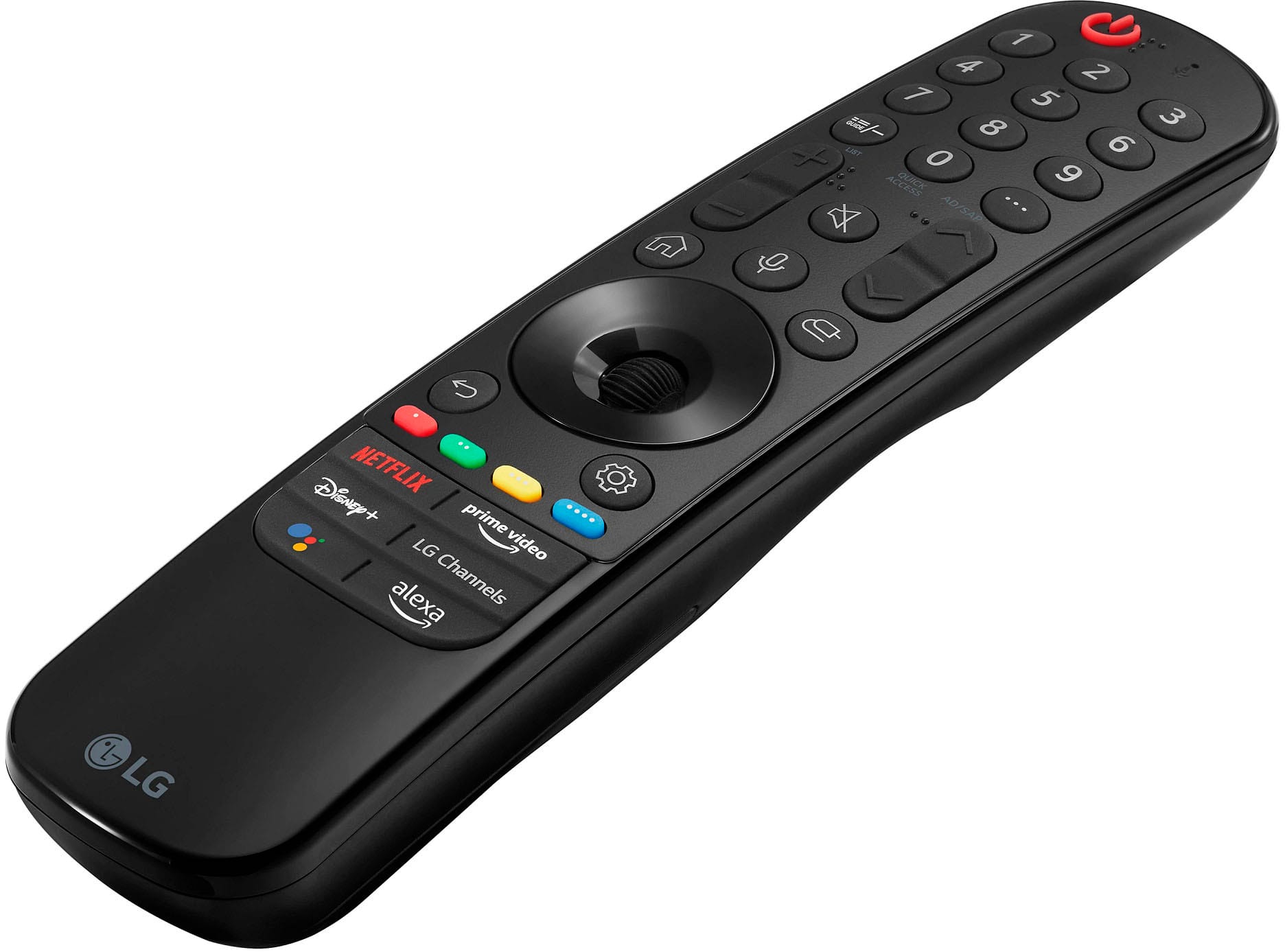
A:AnswerYou can order an extra LG 2022 Magic Remote w/ Magic Tap (NFC), Model # MR22GN that comes as an included accessory with the LG 65" Class NanoCell 75UQA Series LED 4K UHD Smart webOS TV (2022), Model # 65NANO75UQA directly from its product detail page on the company site.
The remote is currently out of stock, but you can submit your ZIP code and email address using the 'Notify Me' button on its product detail page on the company site so you can be alerted as soon as it is back in stock...^Ivan.
A:AnswerThe LG 65" Class NanoCell 75UQA Series LED 4K UHD Smart webOS TV (2022), Model # 65NANO75UQA is a VESA-compliant display with a 300 x 300 mm VESA Mount Pattern.
VESA-compliance guarantees that any VESA-compliant wall mount, regradless of type, brand or manufacturer that supports the TV's VESA Mount Pattern can be used to mount the TV...^Ivan.