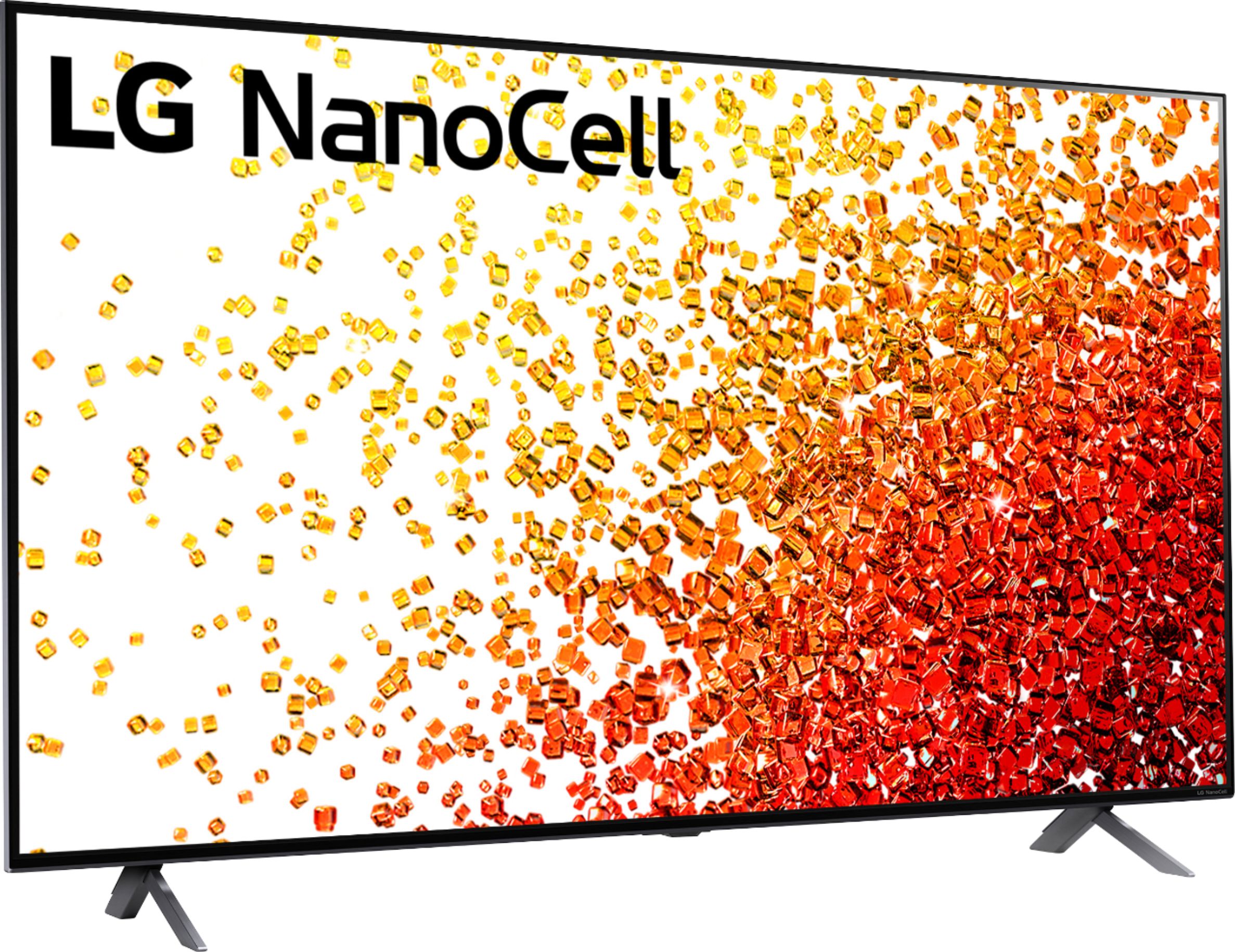
A:AnswerThe TV is spectacular for a LED tv, the reason they mention what you have stated is due to the amazing full array Leds that only produce light were it's needed so in the dark blacks are black but can leak abit of light through in the areas lit up but that's nothing noticeable tbh and it's the best it's going to get without buying an oled tv. Ignore what there saying trust me it's a great tv.
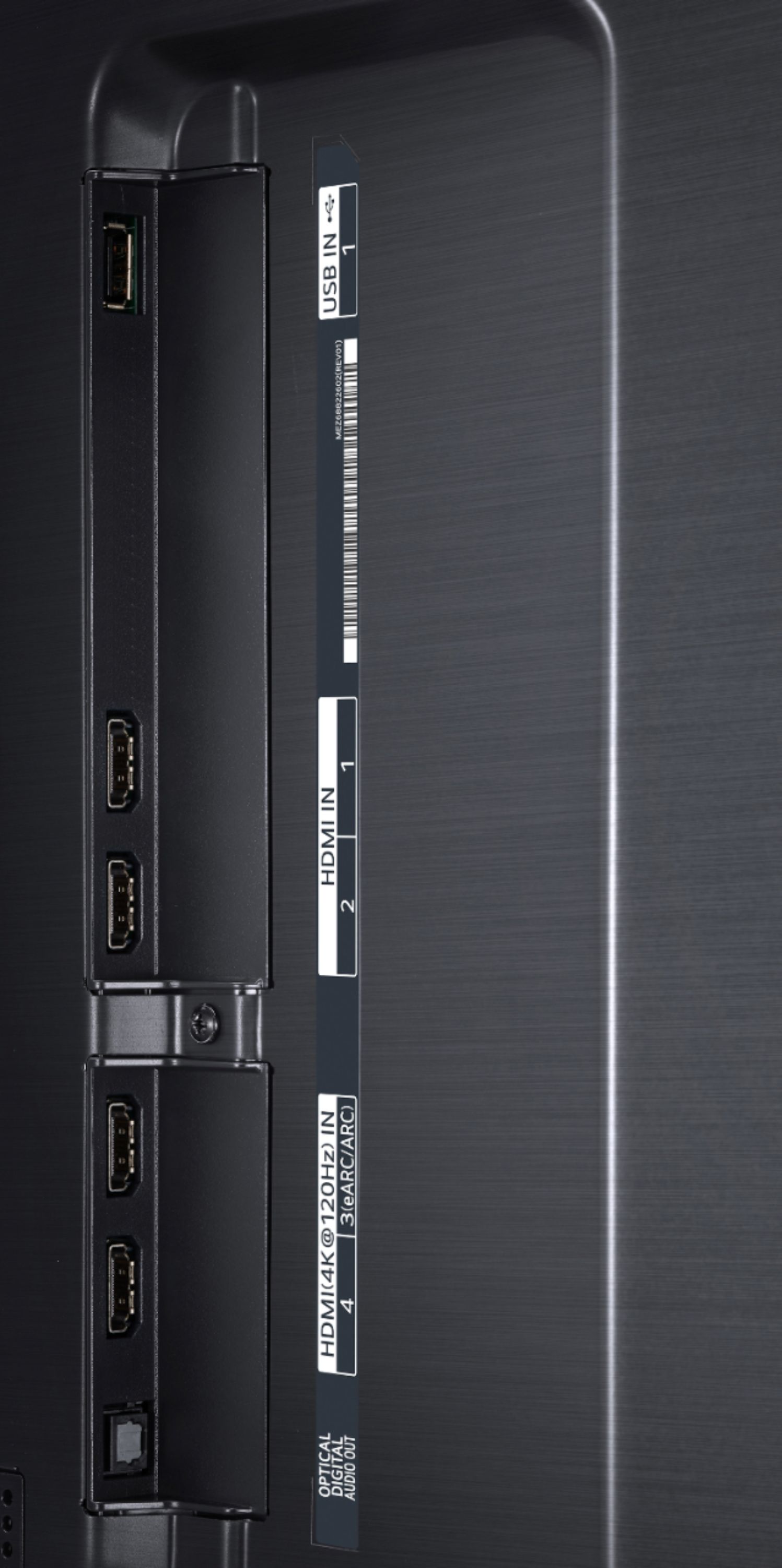
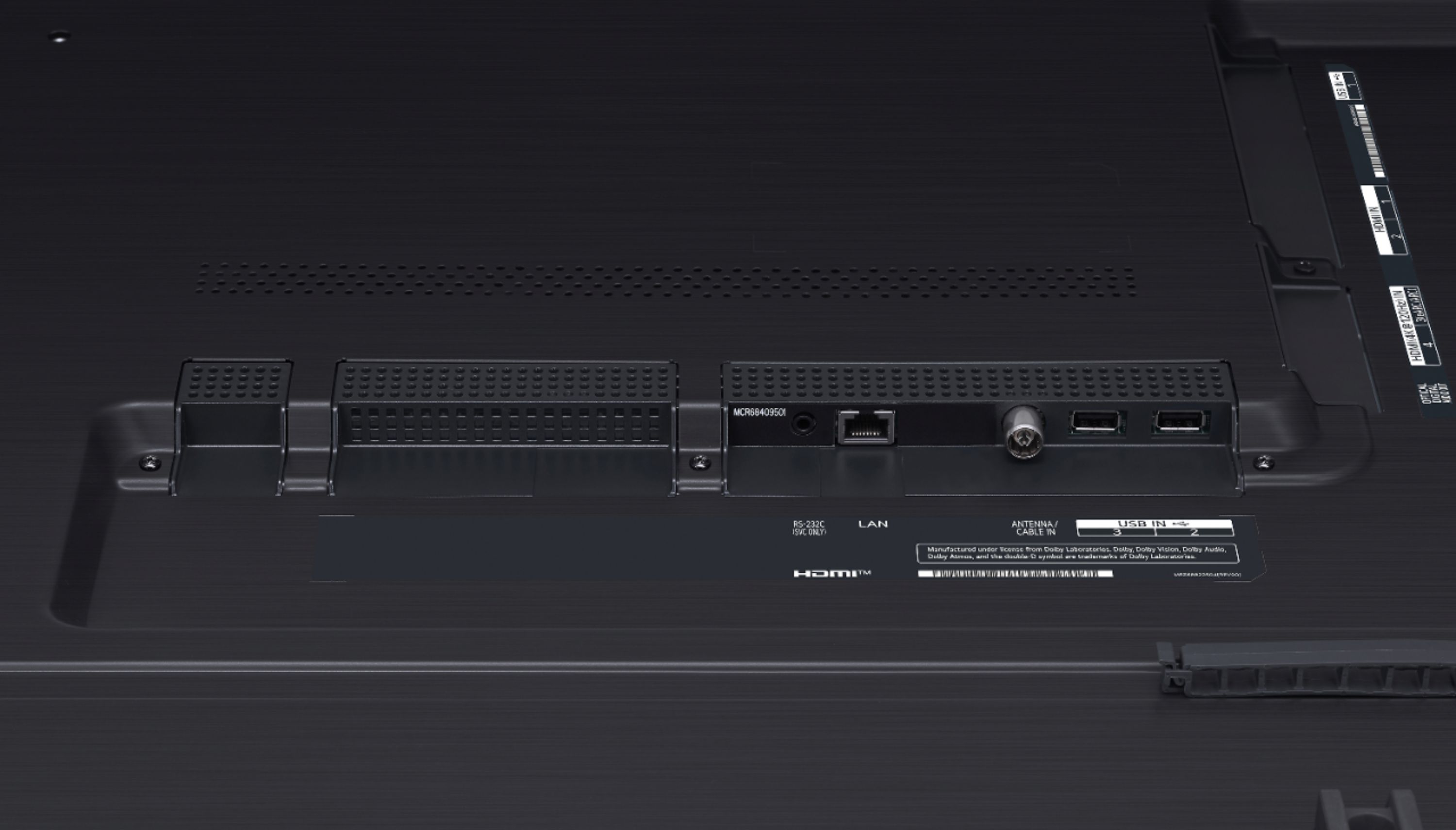
A:AnswerAll 4 HDMI ports will support playing 4K video at the highest quality without any difference between them. The advantages of the HDMI 2.1 features on ports 3 & 4 mainly pertain to gaming, such as support for higher speed gaming content (4K120), ALLM & VRR.
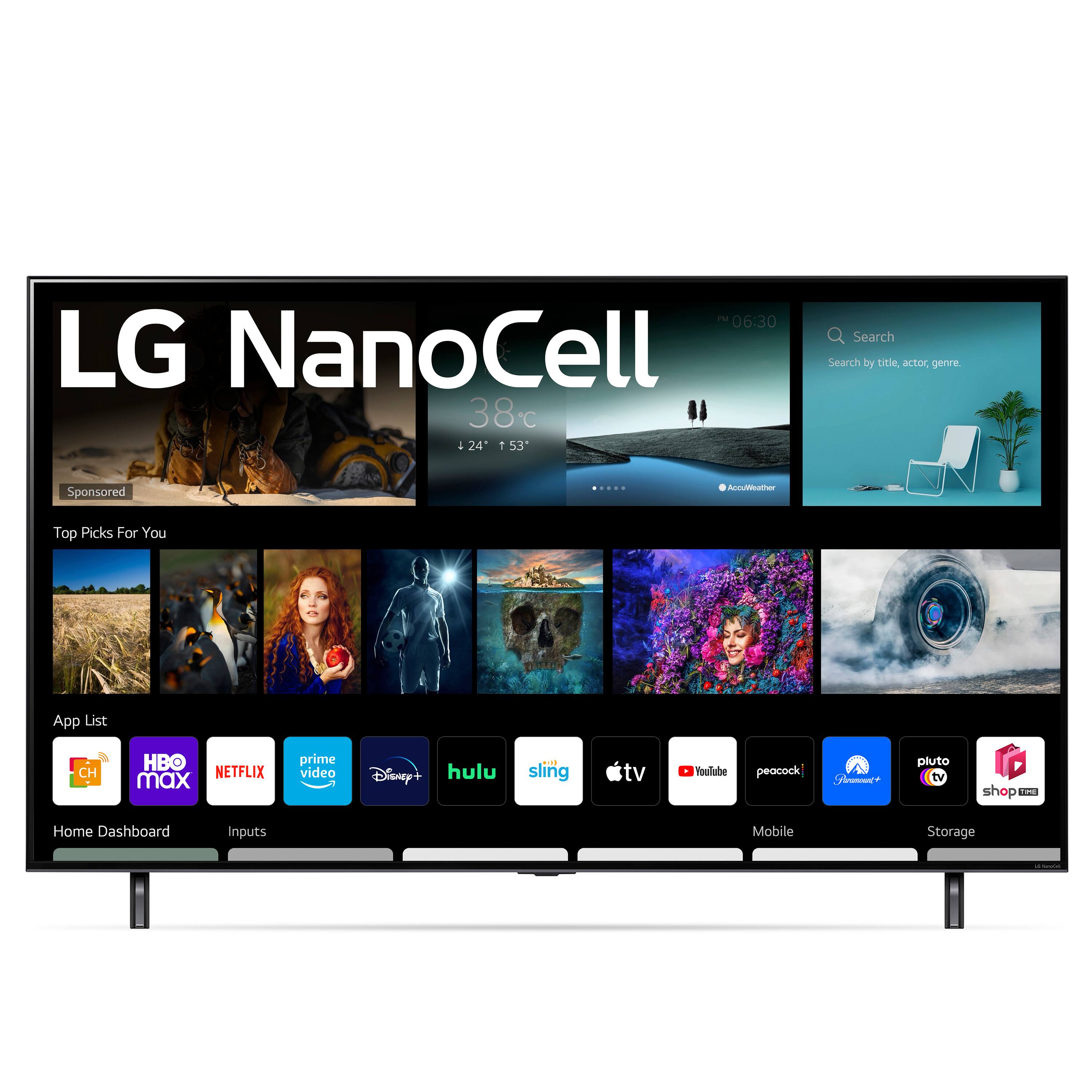
A:AnswerHello, please try to check if it is available in Content Store. Press the Home button on the Remote control. Select the LG Content Store from the home page. Then choose the app you want to download to go to its dedicated screen. For a complete listing of available apps, please visit: https://us.lgappstv.com/main/tvapp. For further assistance, please reach out to our support team via private message on Facebook @LGUSSupport and use #VOC in your first message to our social media support team or call at 800-243-0000. ^Venette
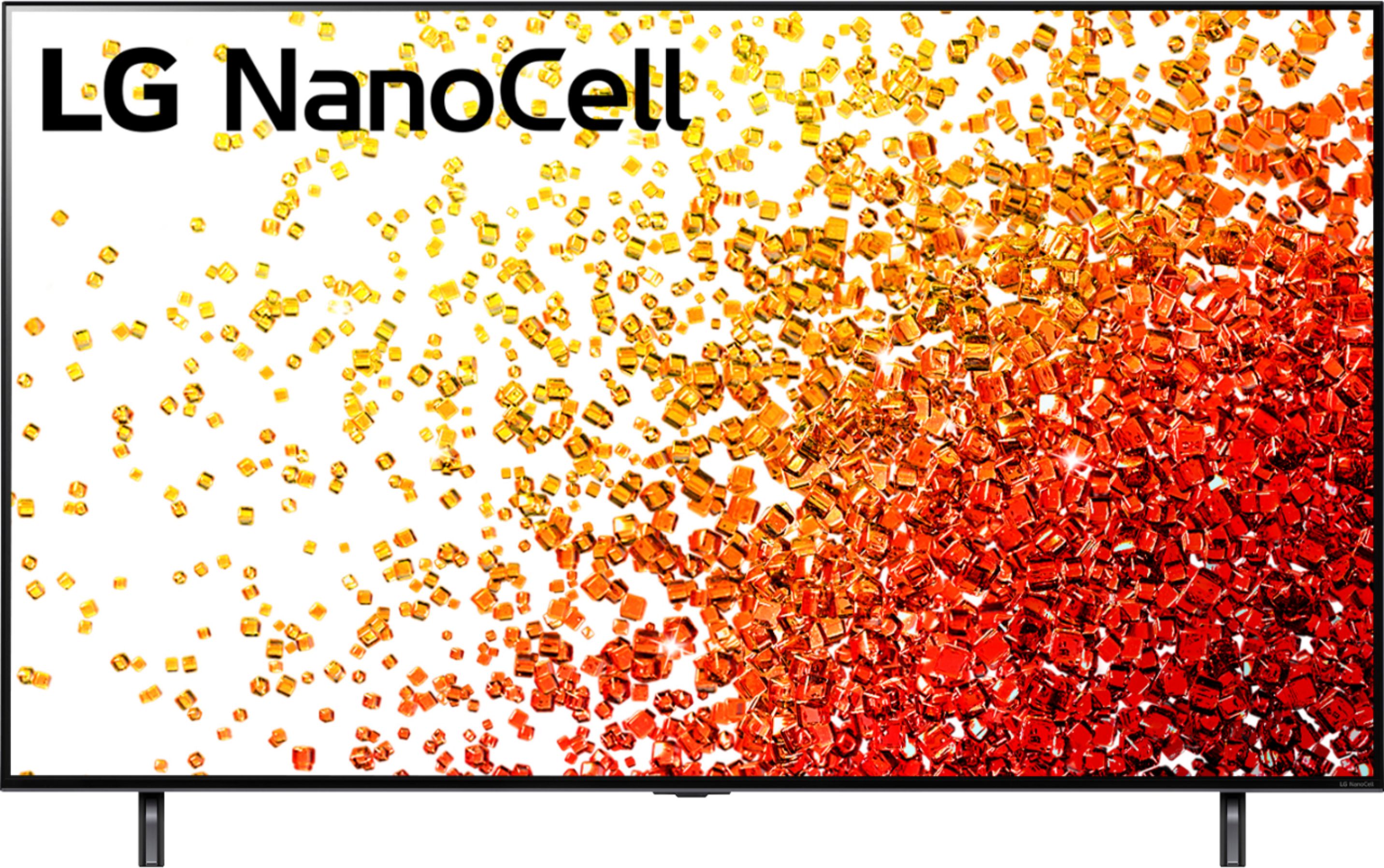
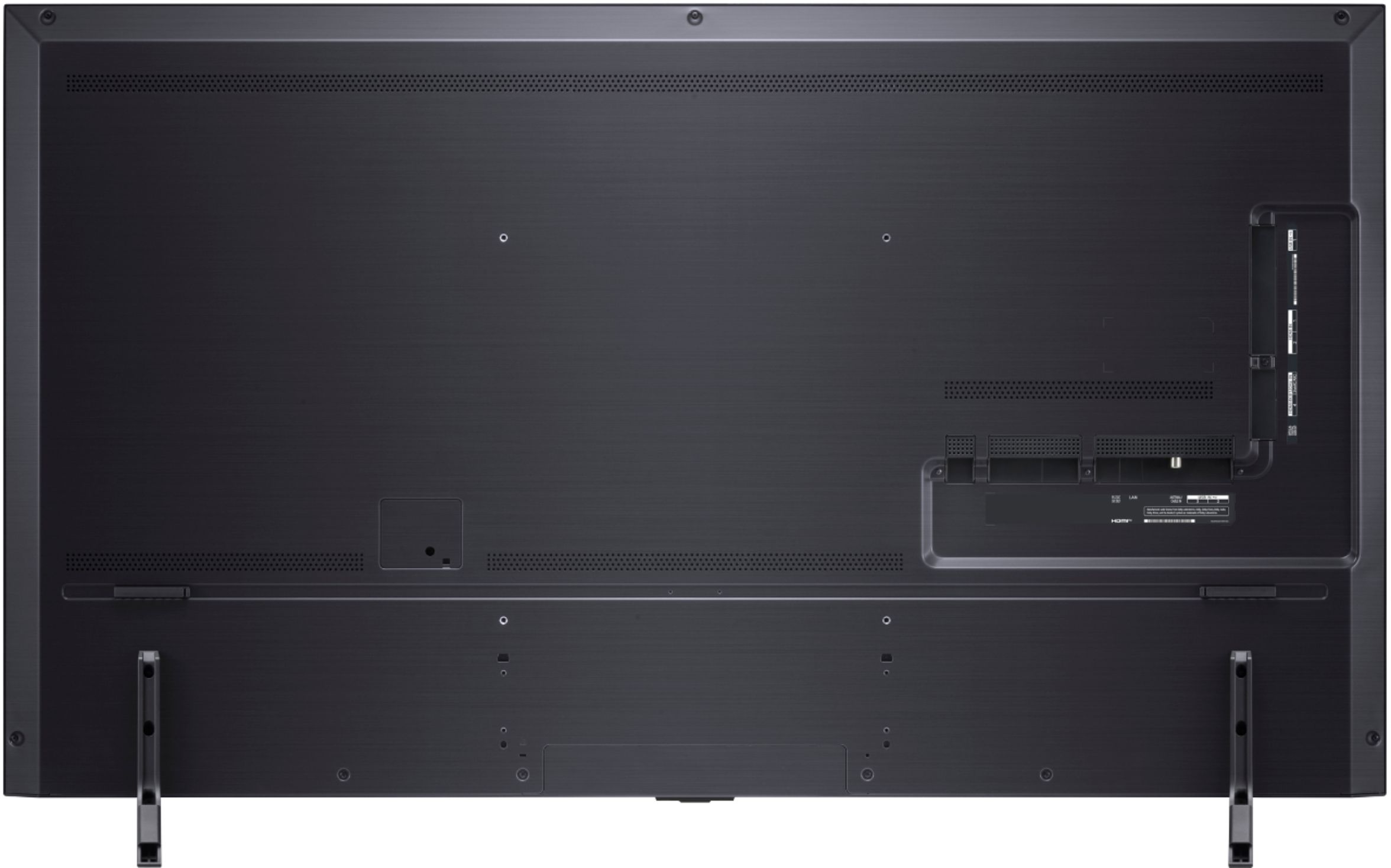
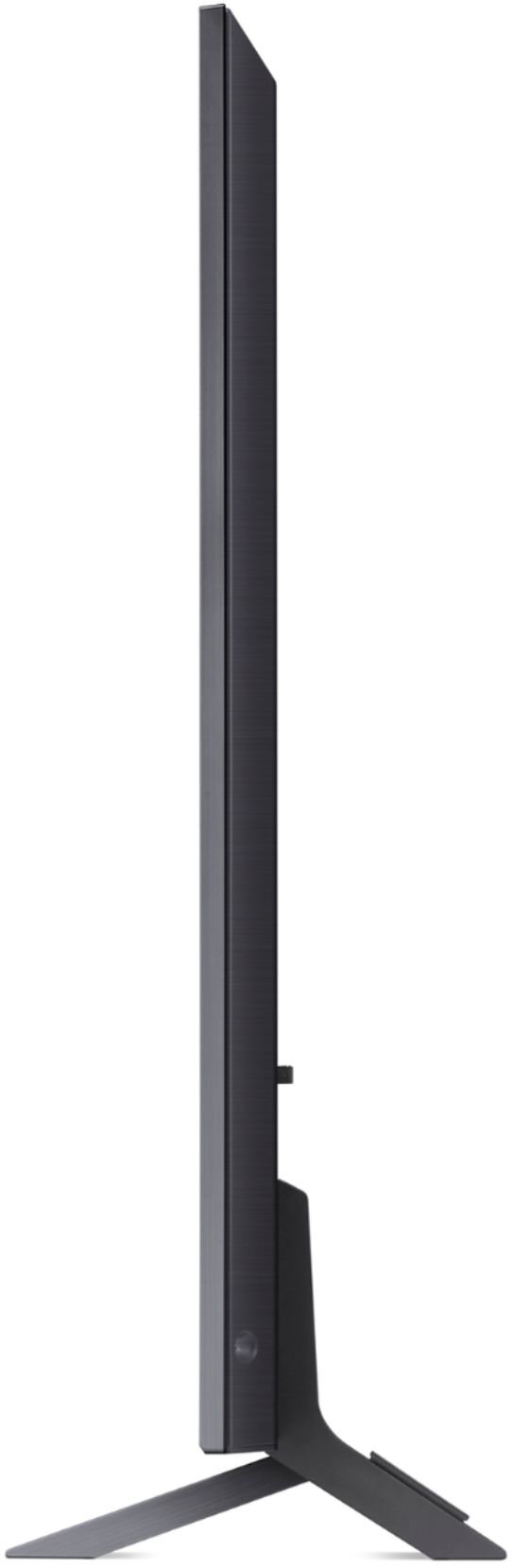
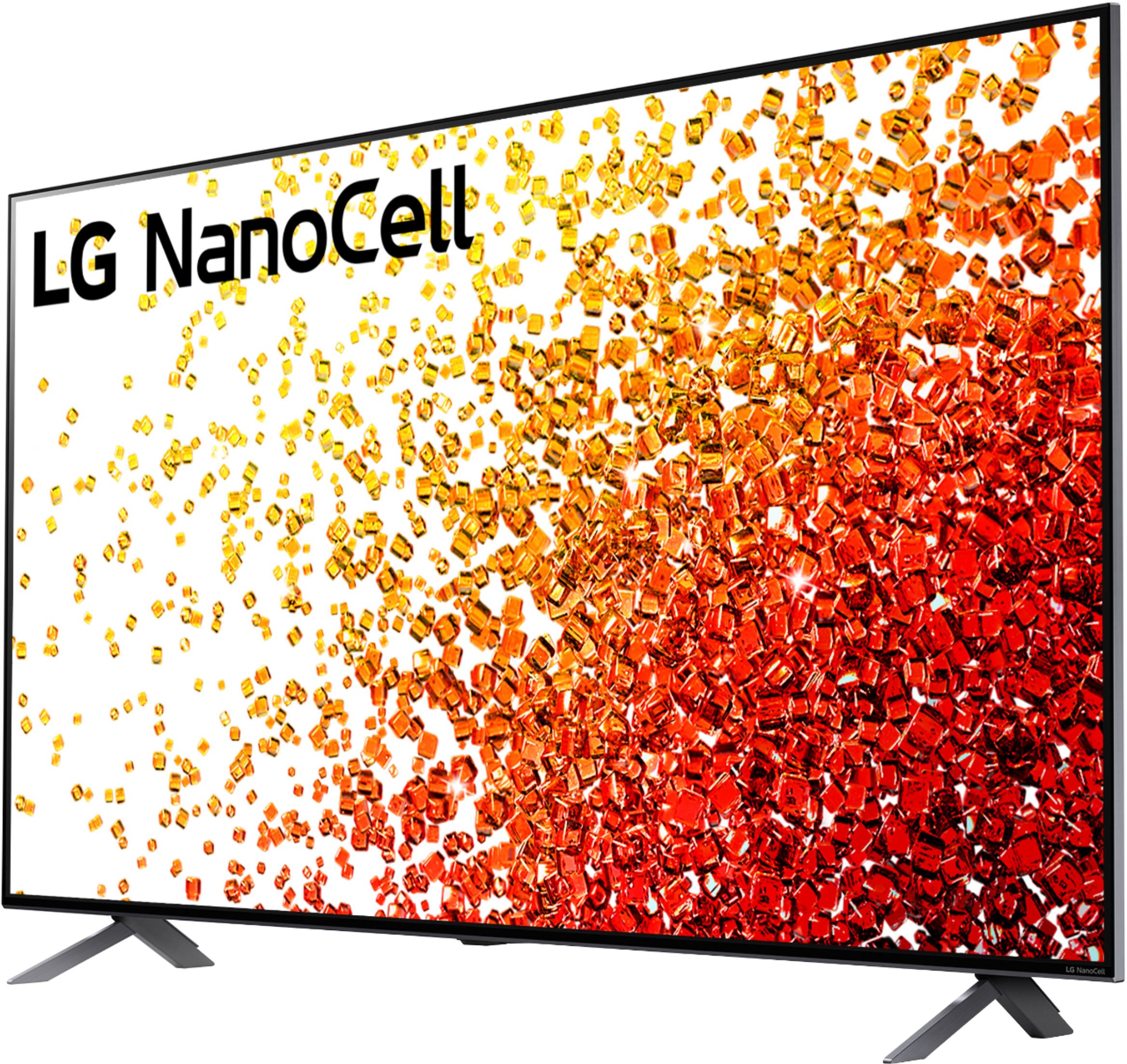
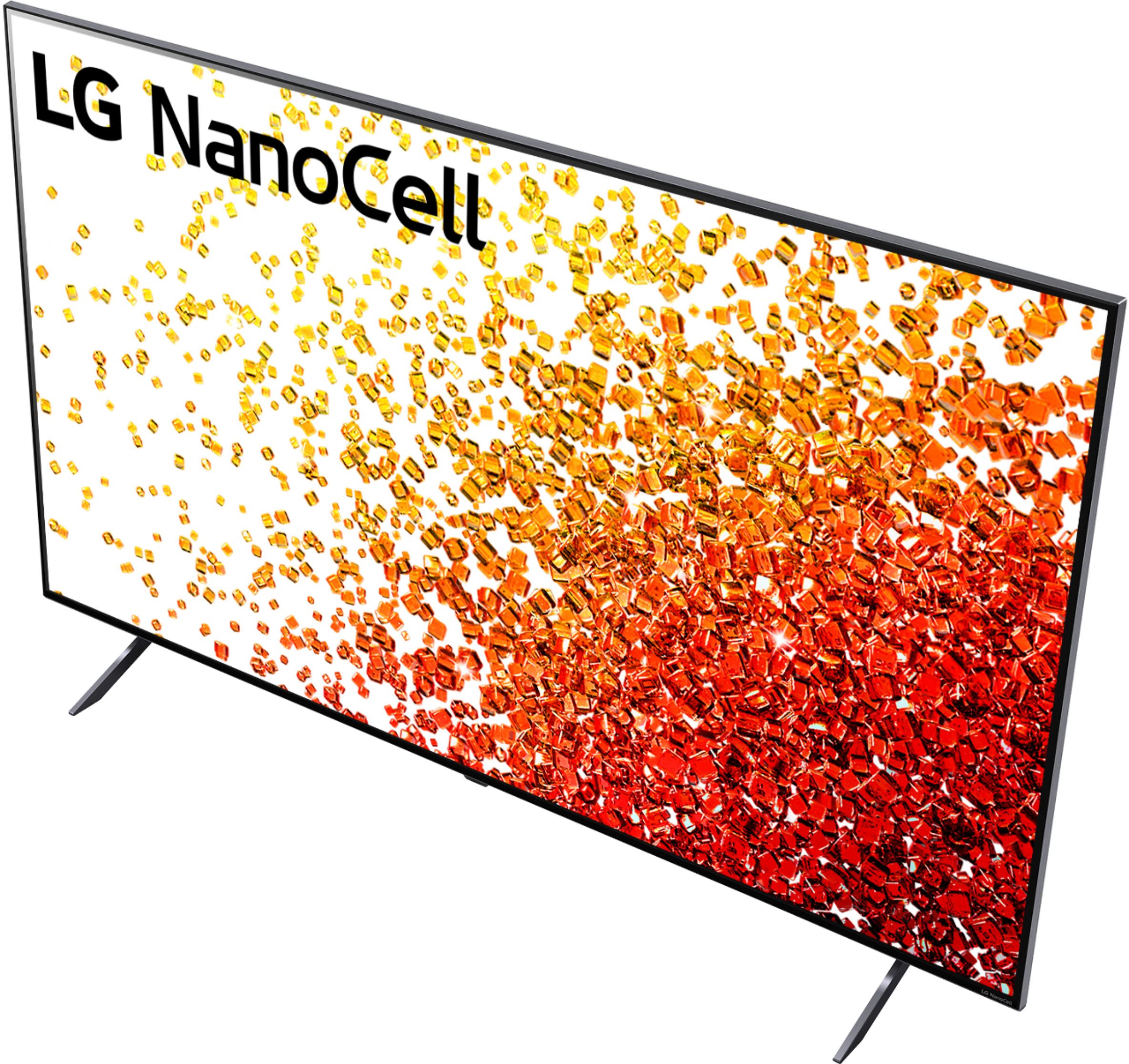
A:AnswerBoth models are similar to each other in most of the specifications as they both support 4k UHD (3840x2160) resolution and HDR. The key differences is that the NANO91 does have a higher speaker power rating of 40W vs. 20W on the NANO90. And the AV1 video format on the NANO91 is has a higher bit rate capable of 8k@60p, and 4k@120p versus just the 4k@60p on the NANO90. The TV stands are different, one stand in the middle of the TV on the NANO91, and two leg stands on opposite ends of the TV on the NANO90. I hope that you found this information helpful on selecting your TV. Thanks for choosing LG. ^Jennifer
A:AnswerWont harm the tv. It will be backwards compatible to 60hZ. Not all devices support 120hz. So get a splitter and save your 120hz ports. 1 way to find out if it does support 120hz. Xfinity doesnt would be nice however to see the game more smooth. The gamemode setting does help get less latency.
A:AnswerYou can have more than 1 device if your device has a master on it. You can mix the sound to your choosing if you have the right bar or reciever to do so. It will support 2 devices running at once.