A:AnswerI have had the same problem. No help from LG other than suggesting that I update software. I know it’s not the internet cause I have 3 other tv’s that work flawlessly.
A:AnswerHi there! There's no ESPN+ app for LG Smart TVs, so you must connect another device capable of streaming ESPN Plus. For example, you can hook up your computer to your TV with an HDMI cable and stream ESPN+ in a web browser. ~Rita
A:AnswerIf it's an open box you want to do all you can to protect the screen so that should lay flat screen facing up and strapped but not too tightly as to stress the front screen. If you have purchased an unopened Nano Smart TV then standing upright is best but please do strap it in or if in your car wedge it in place as not to have your set move while in transport mode.
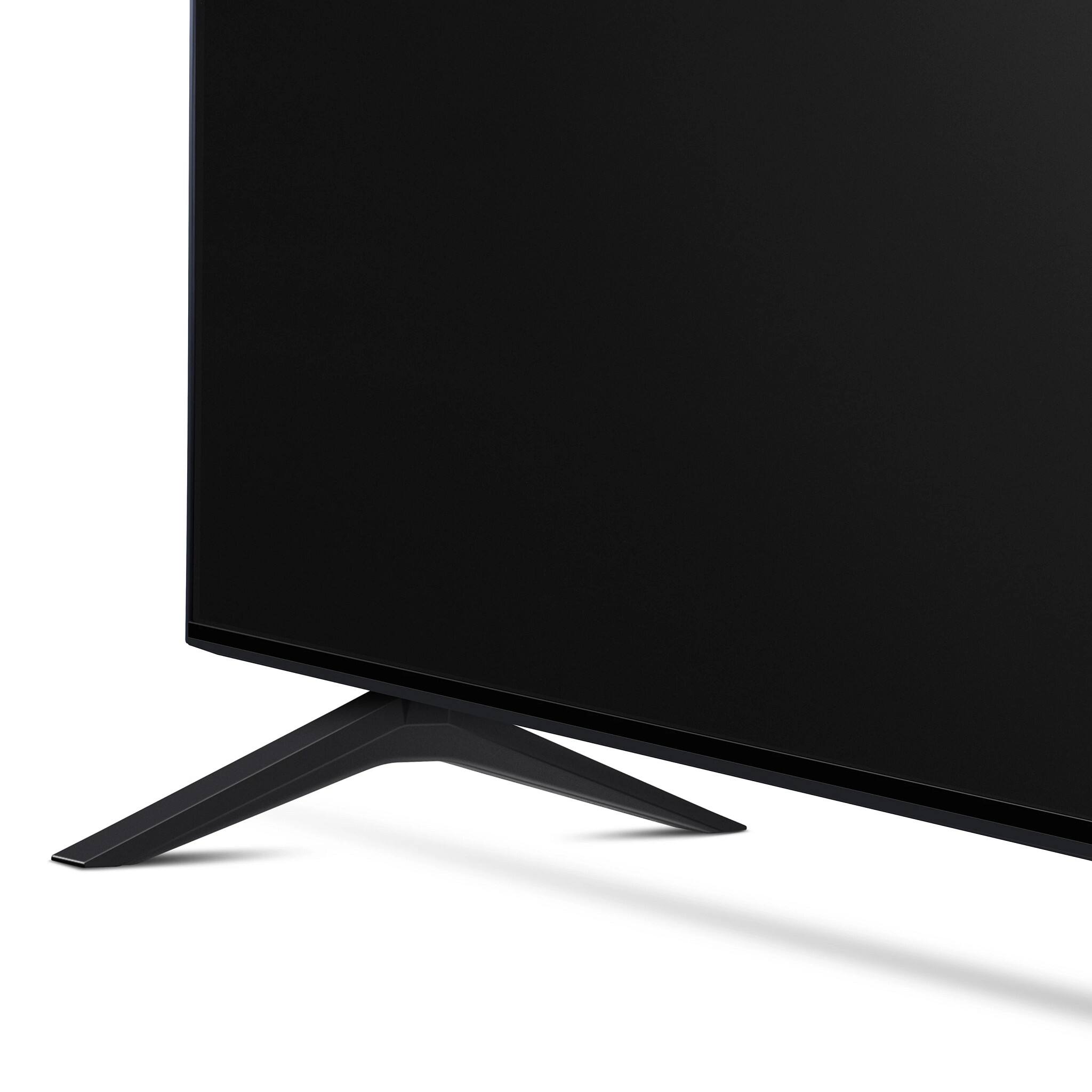
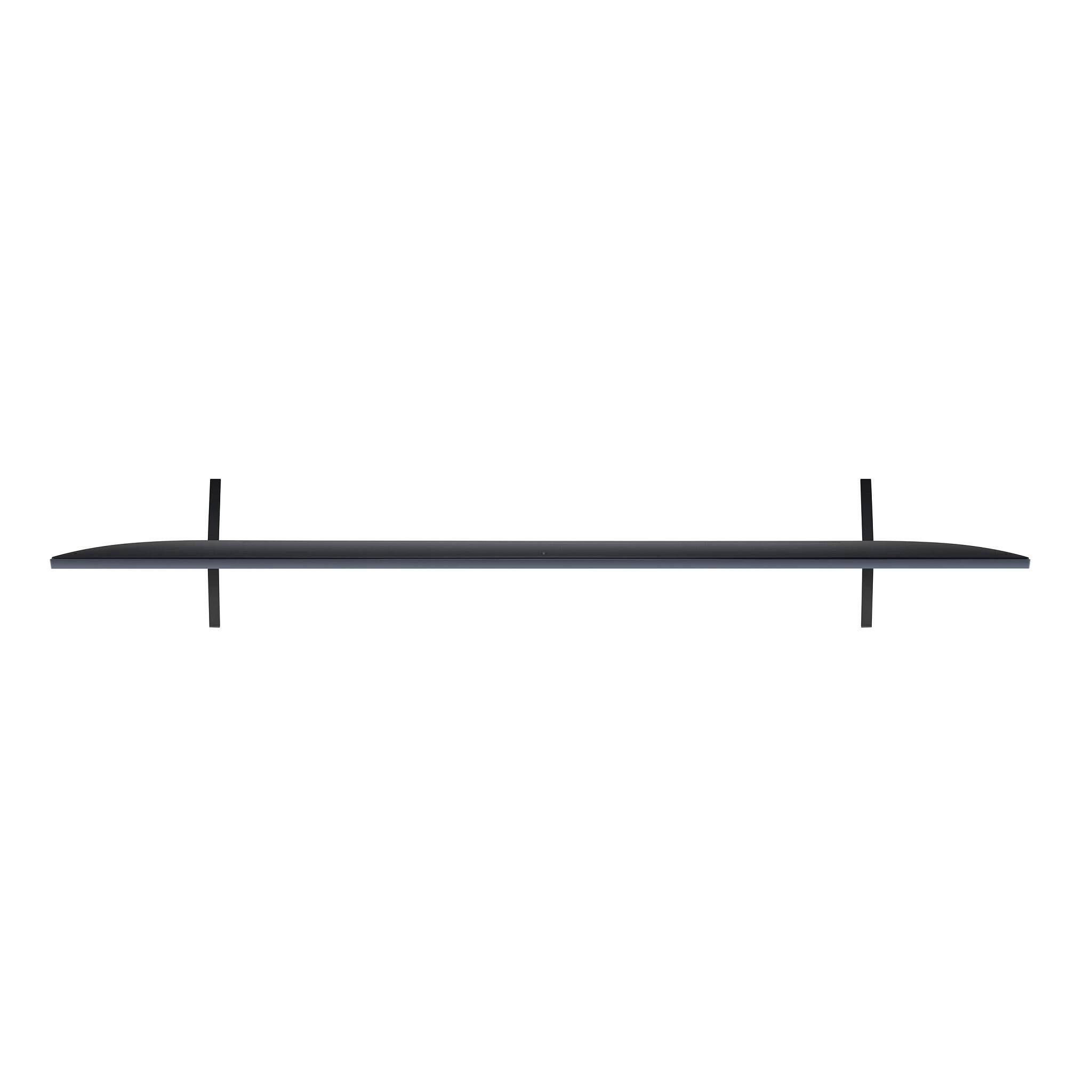
A:AnswerWell the full TV width is only 57”. I’m not currently using the stand since I have a wall mount but it seems to measure about 50” between the stand mounting holes. So you should be fine.
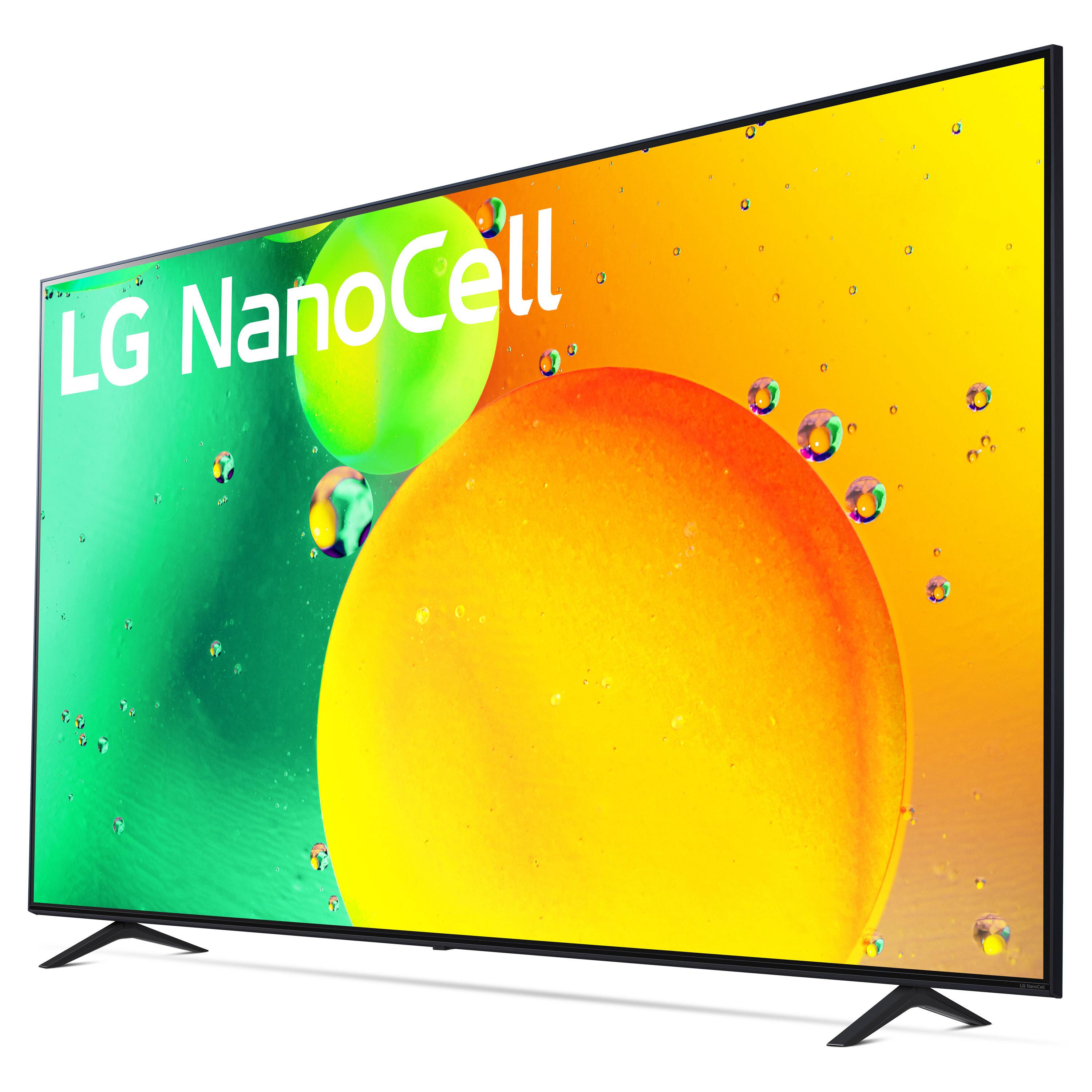
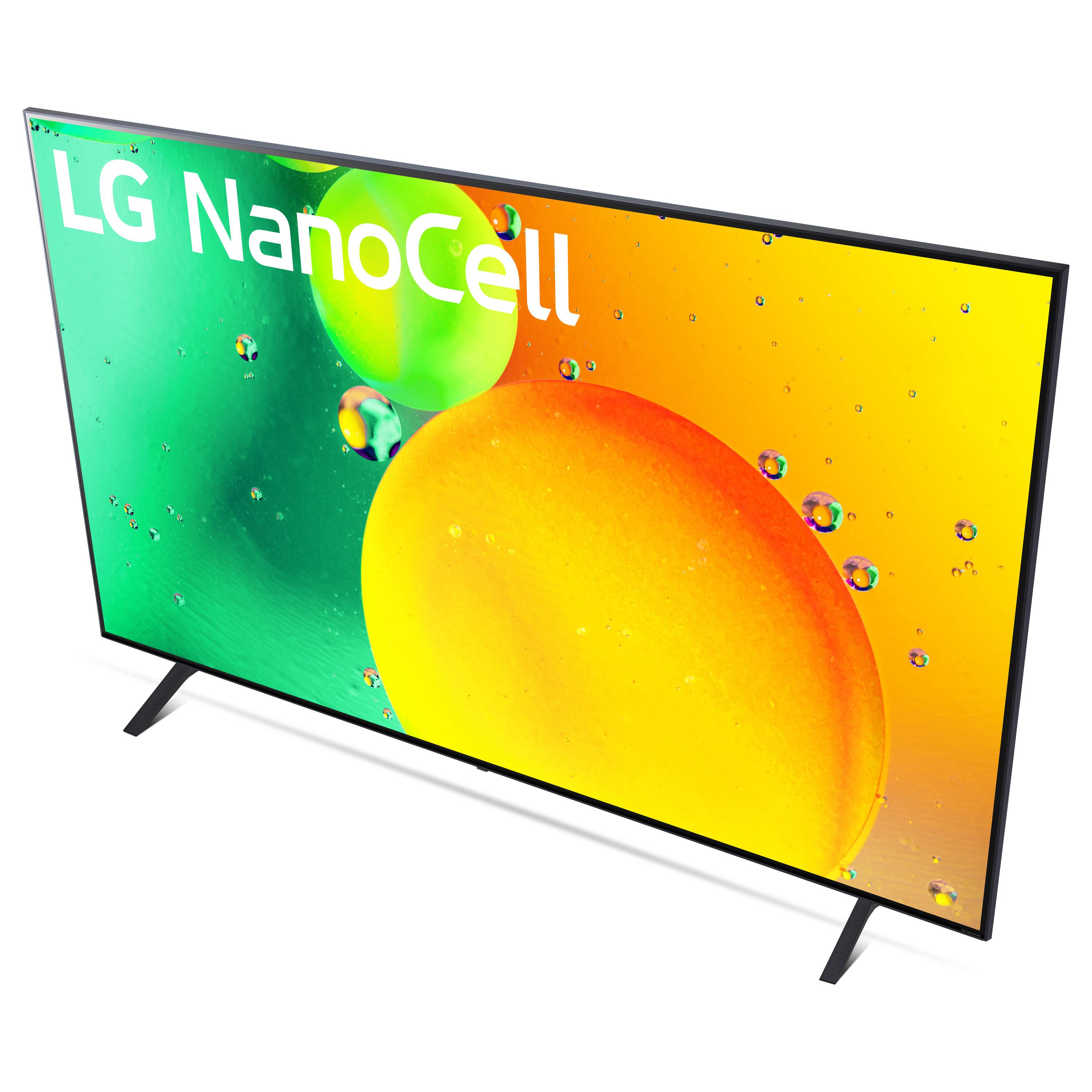
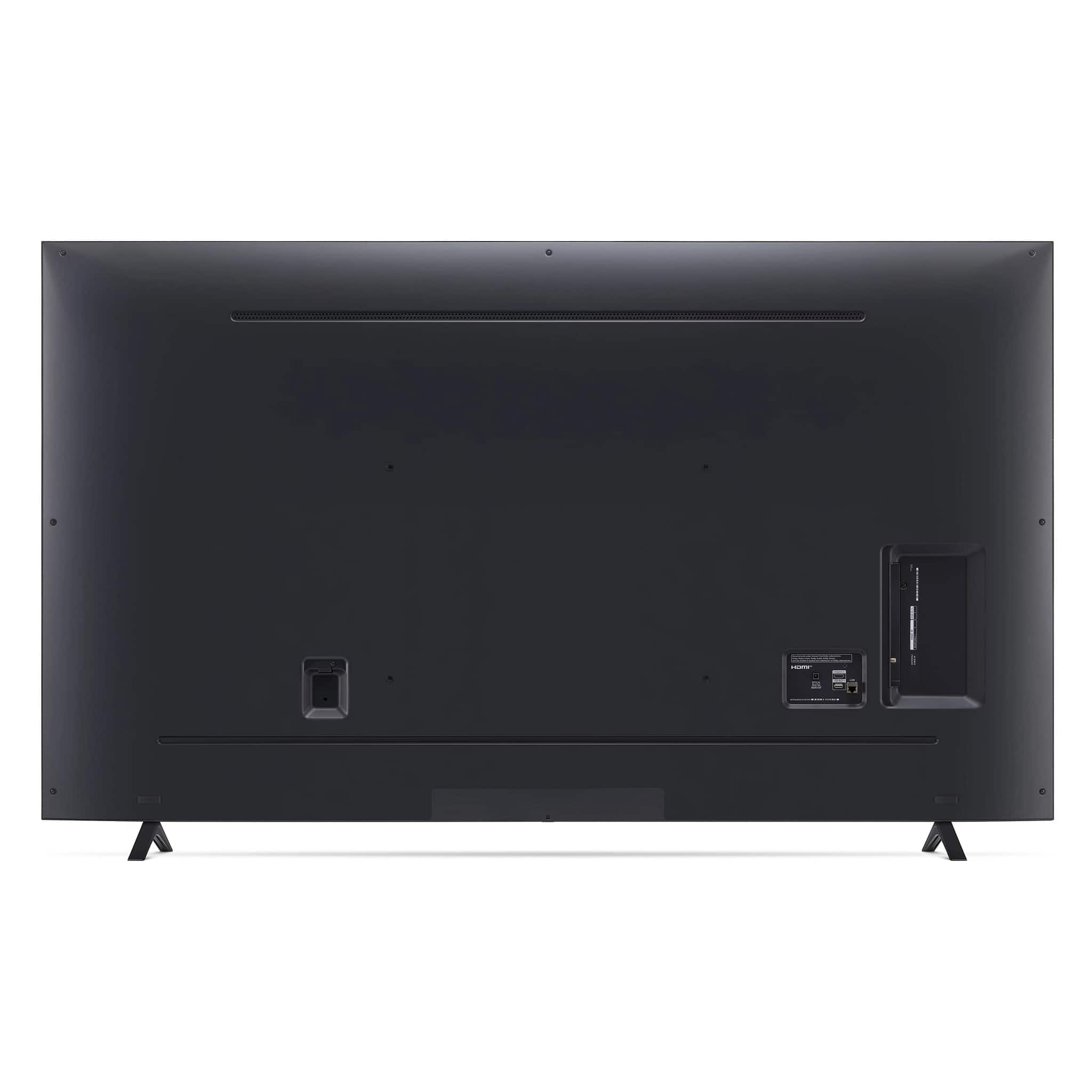
A:AnswerHi Rich, we do not have any TVs that have a VESA Mount Pattern of 500 x 340. The LG 70 Inch Class NANO75 UQA series LED 4K UHD Smart webOS 22 w/ ThinQ AI TV, Model # 70NANO75UQA has a VESA Mount Pattern of 400 x 400 mm as listed in its specifications. The top row of VESA mount holes are 285 mm (11.22") from the top of the panel and the bottom row of VESA mount holes are 277 mm (10.91") from the bottom of the panel...^Ivan