A:AnswerYes, Paramount+ app is in the LG Content Store (App Store). For a complete listing of available apps, please visit: https://us.lgappstv.com/main/tvapp. ^Daphane
A:AnswerPlease reach out to our support team via private message on Facebook @LGUSSupport and use #VOC in your first message to our social media support team or call at 800-243-0000. Also, be sure to provide your contact information, model/serial numbers and date of purchase. ^Daphane
A:AnswerYou cannot. Amazingly, this TV does not come with Bluetooth. I would not have purchased had I known this and it’s not listed easily in the specs. I had to dig need in other reviews to learn this.
A:AnswerHBO Max is not currently available on LG’s webOS platform. You will need to connect a 3rd party device to access HBO Max. ^Daphane UPDATE: HBO Max is now available in the LG Content Store and is accessible to TVs with a webOS4.0/4.5/5.0/6.0. ^Daphane
A:AnswerYes, Netflix app is in the LG Content Store (App Store). For a complete listing of available apps, please visit: https://us.lgappstv.com/main/tvapp. ^Daphane
A:AnswerPlease reach out to our support team via private message on Facebook @LGUSSupport or call at 800-243-0000. Please be sure to provide your contact information, model/serial numbers and date of purchase. ^Daphane
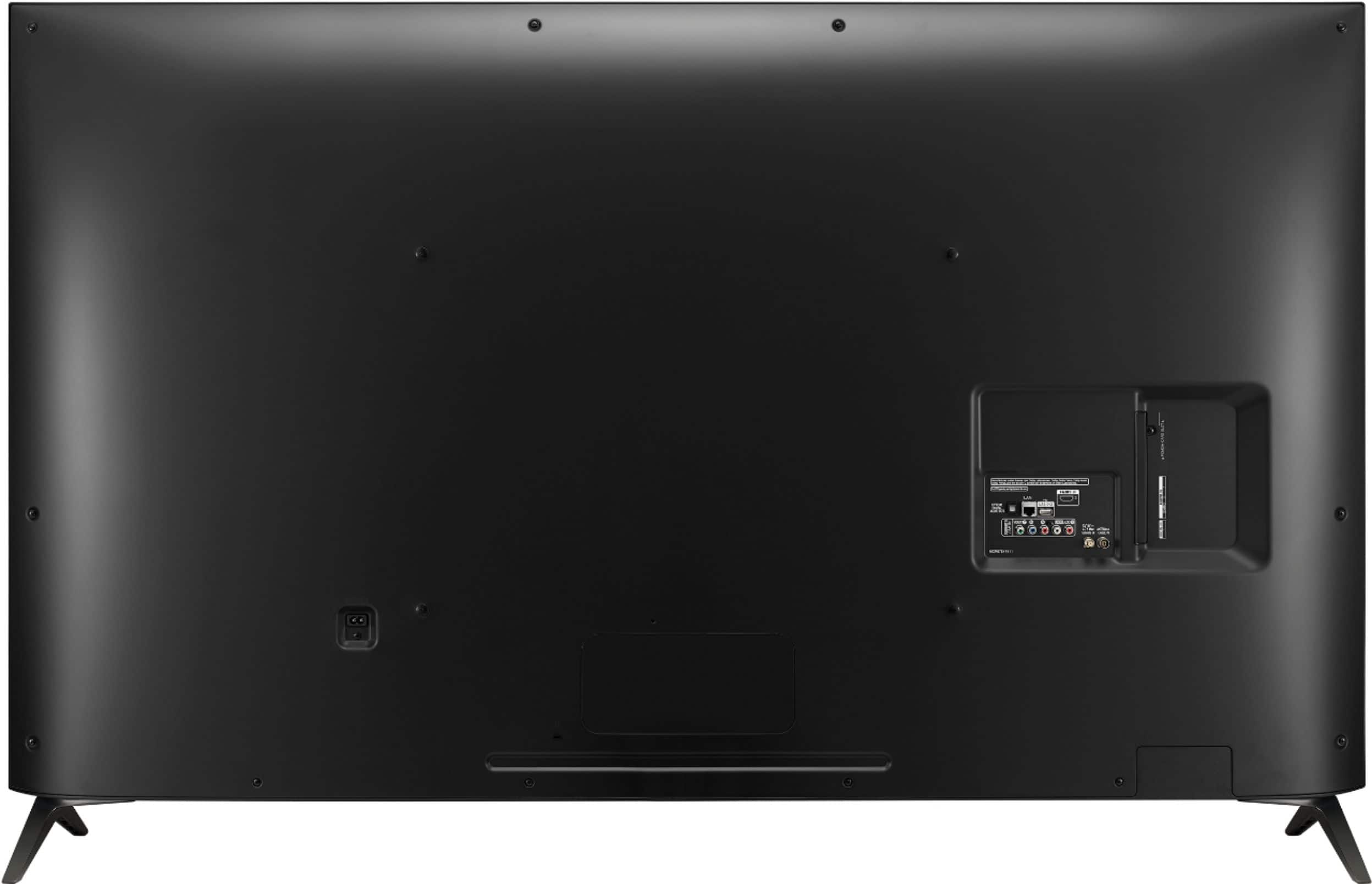
A:AnswerThe power cord attached in the back of the TV. Please reach out to our support team via private message on Facebook @LGUSSupport and use #VOC in your first message to our social media support team or call at 800-243-0000 to verify. Also, be sure to provide your contact information, model/serial numbers and date of purchase. ^Daphane
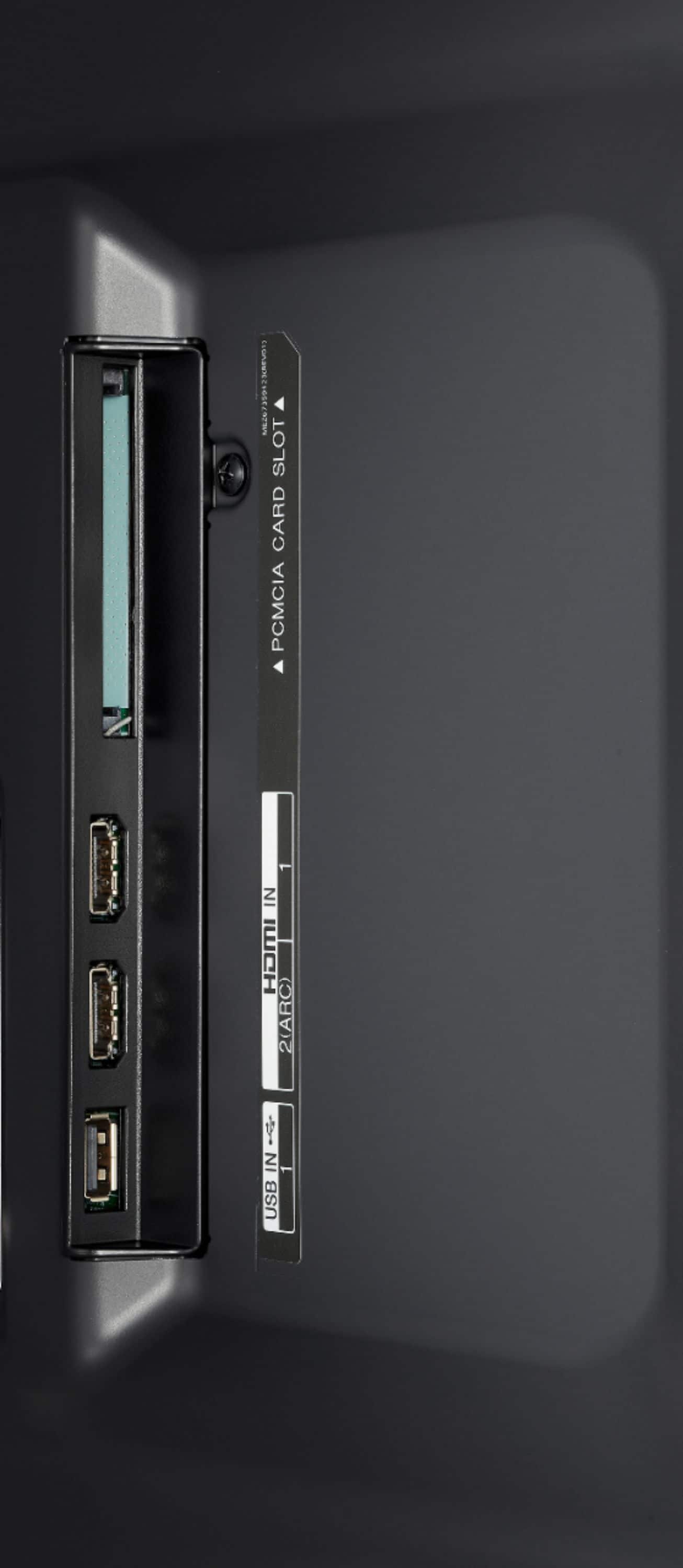
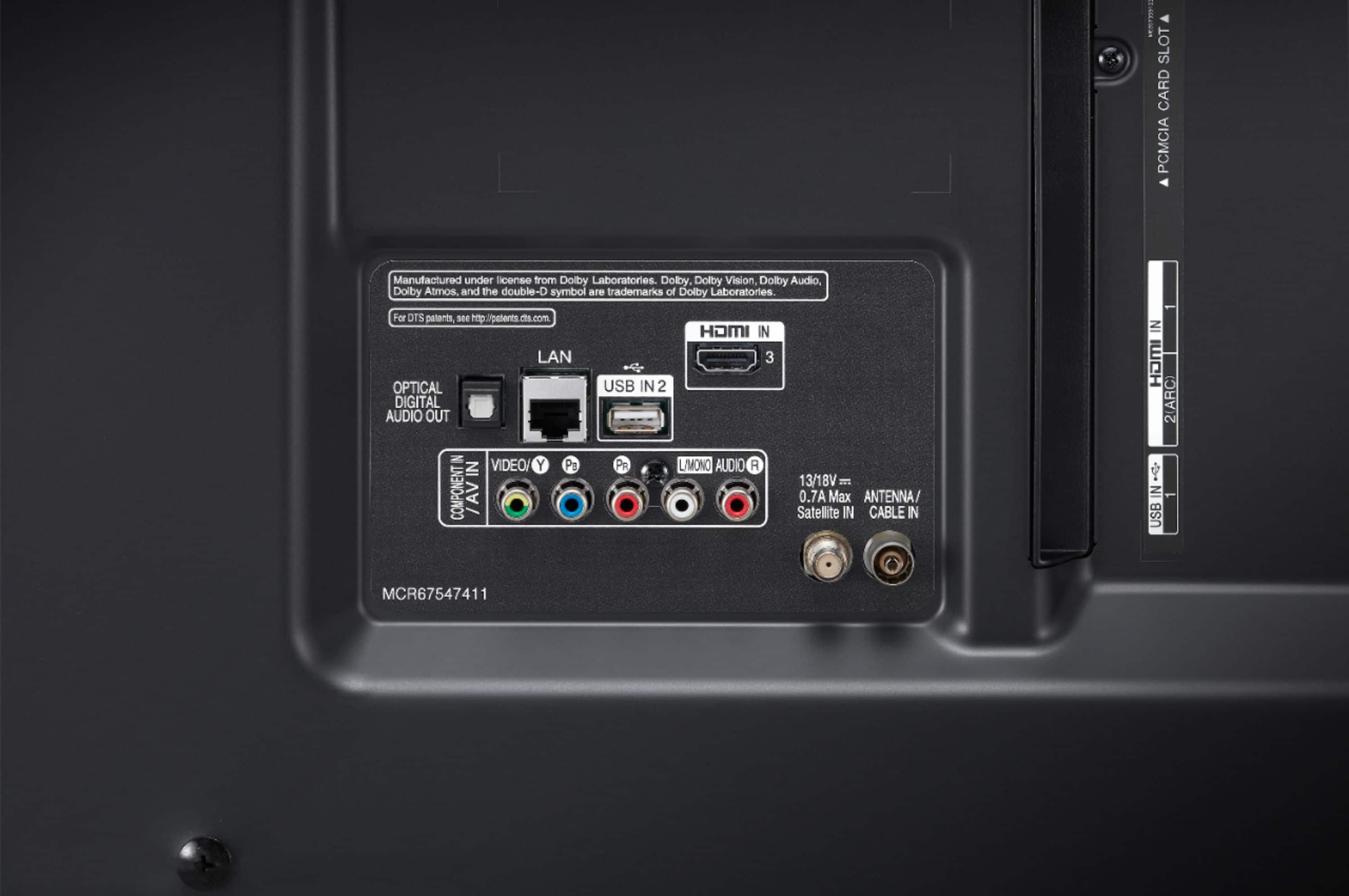
A:AnswerNo, but is does have optical audio out, RCA jacks, and HDMI ARC; these audio outputs should support almost any audio external system you have. I am a novice, however, and you may need more of an audiophile's answer.