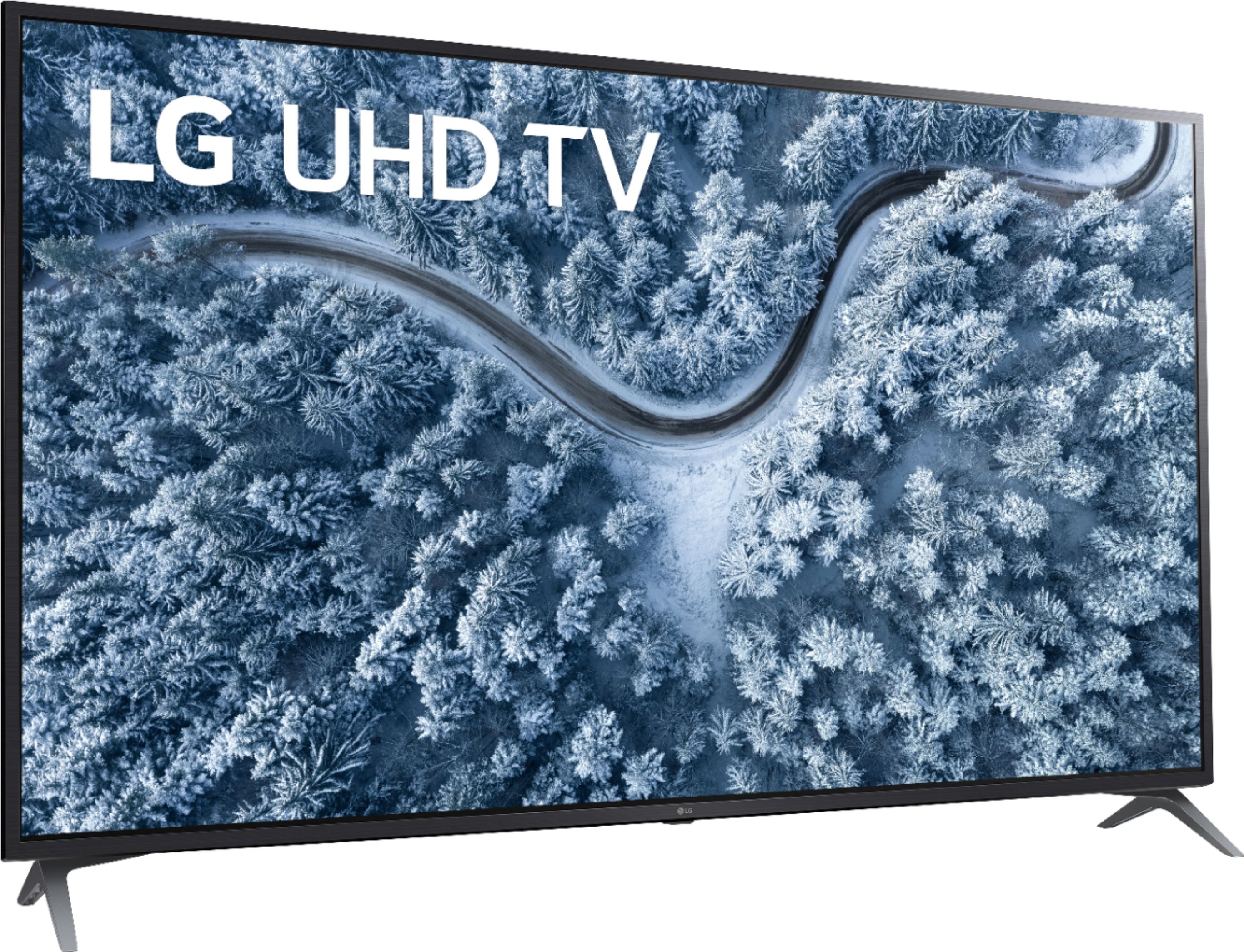
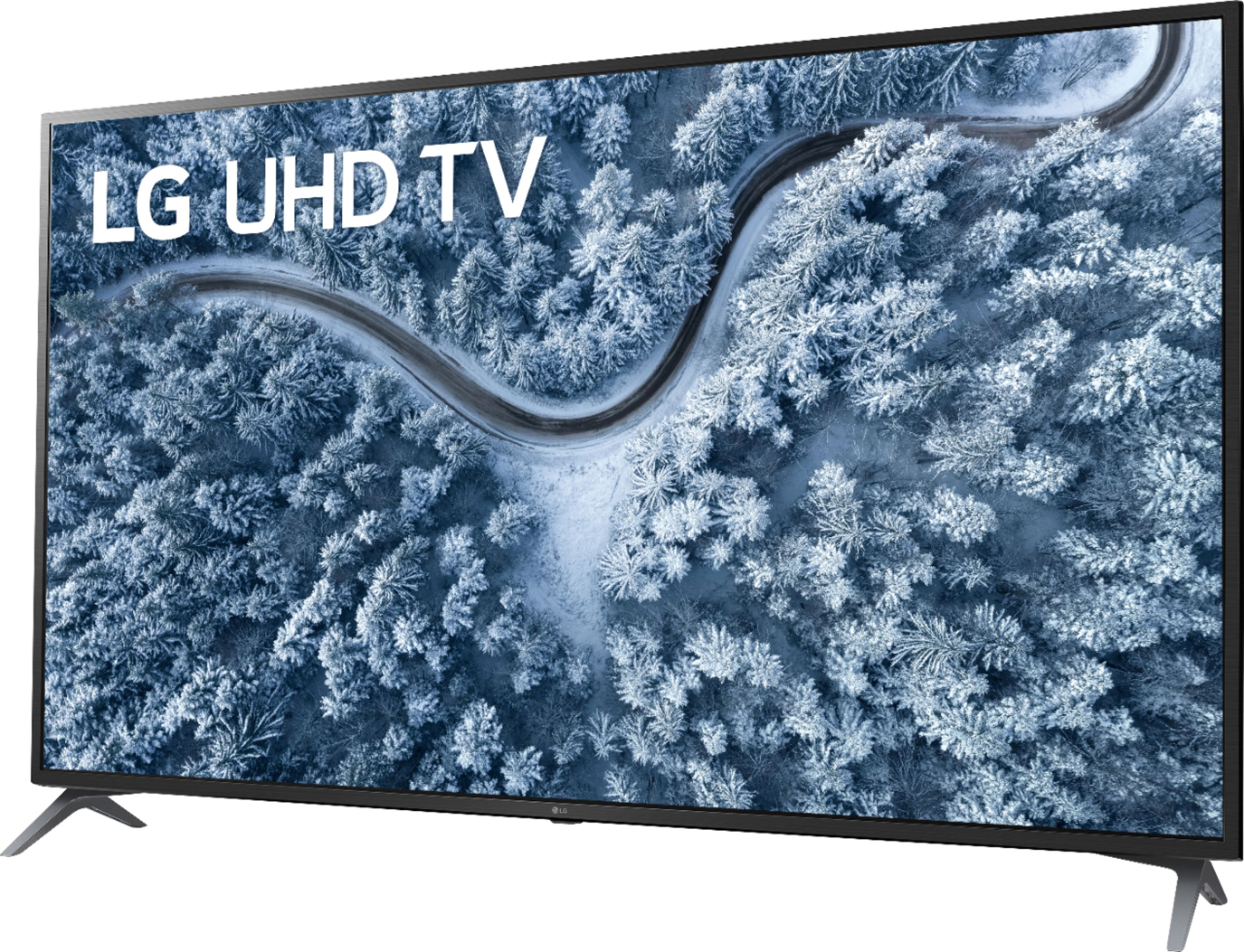
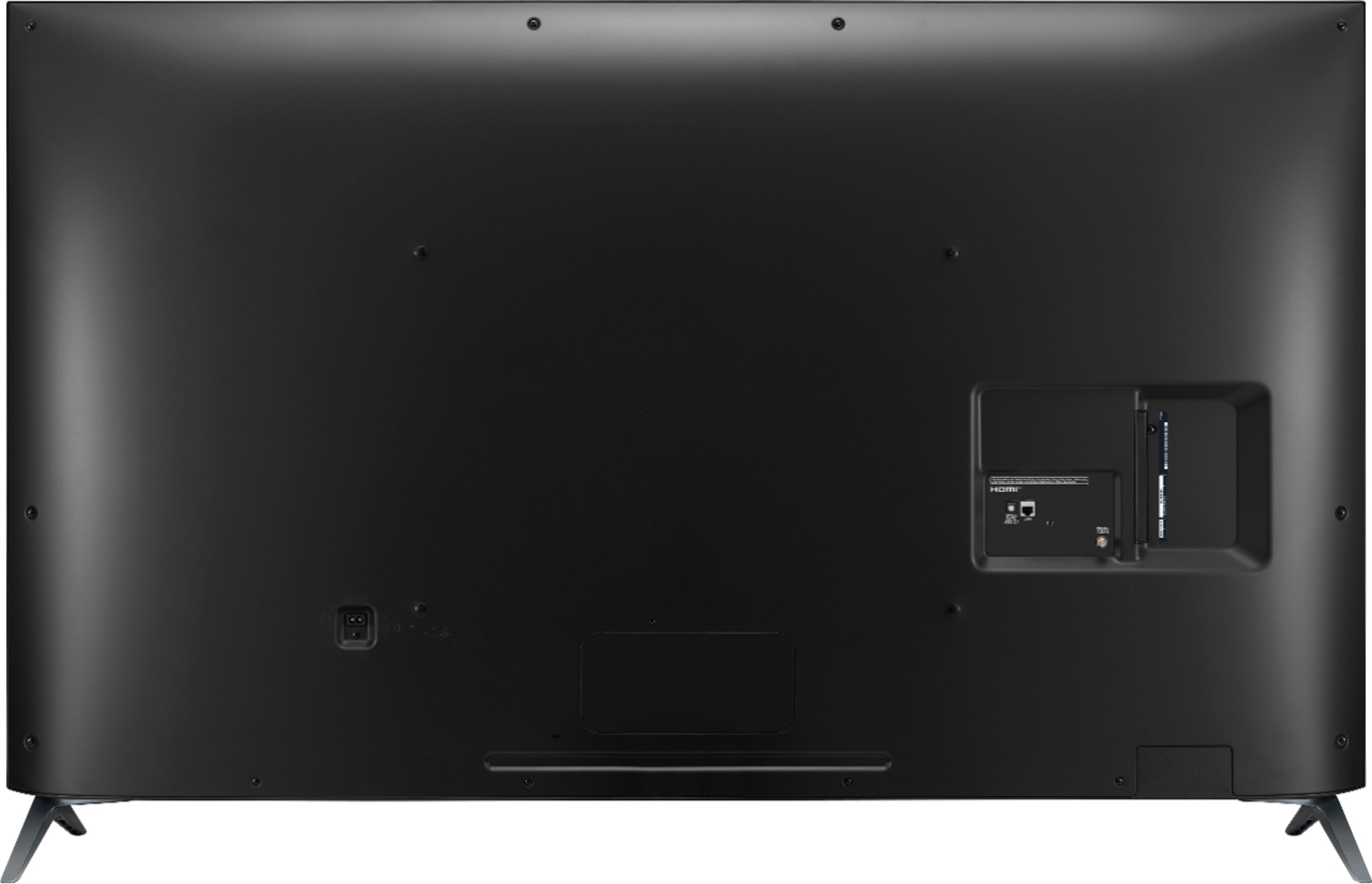
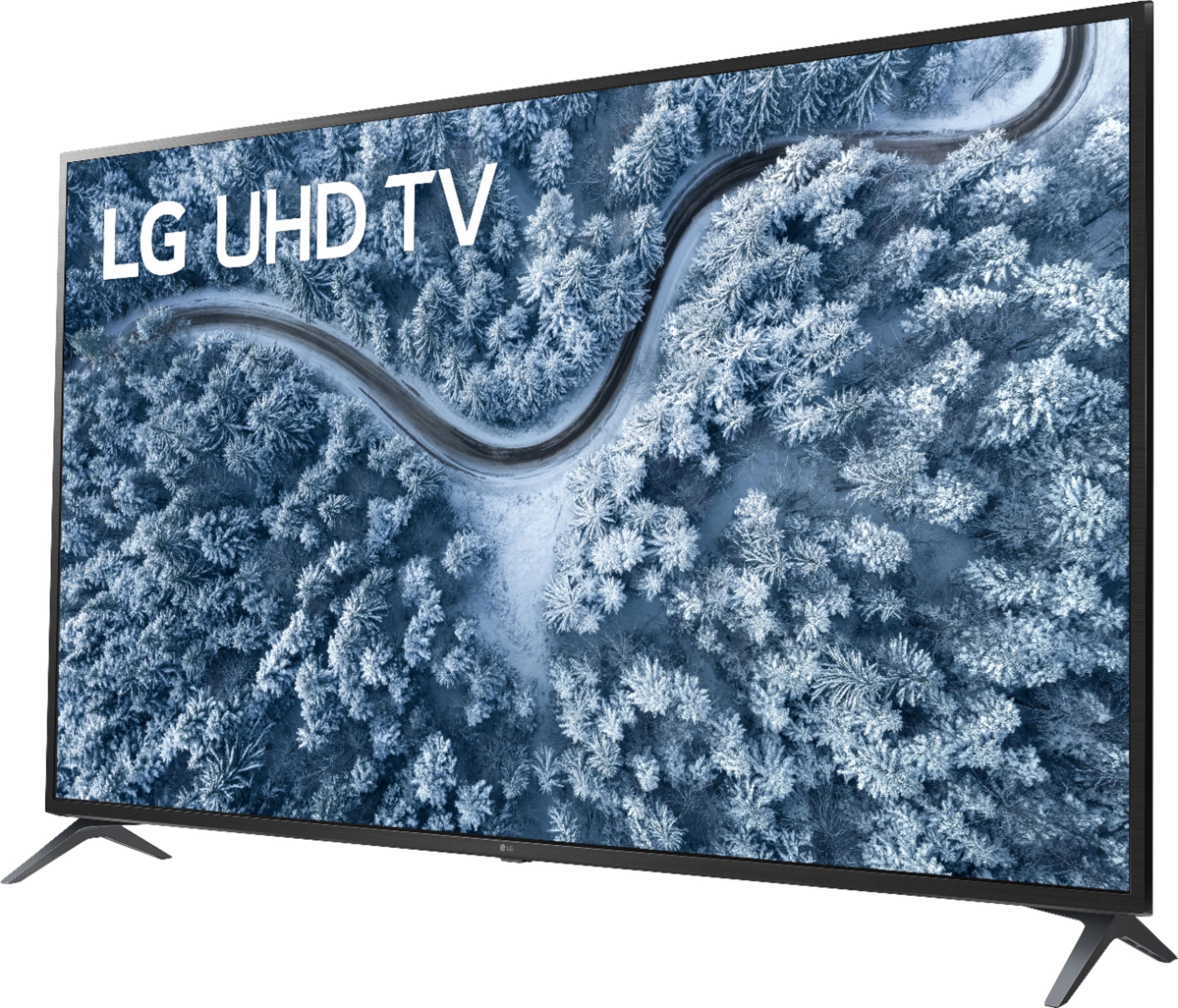
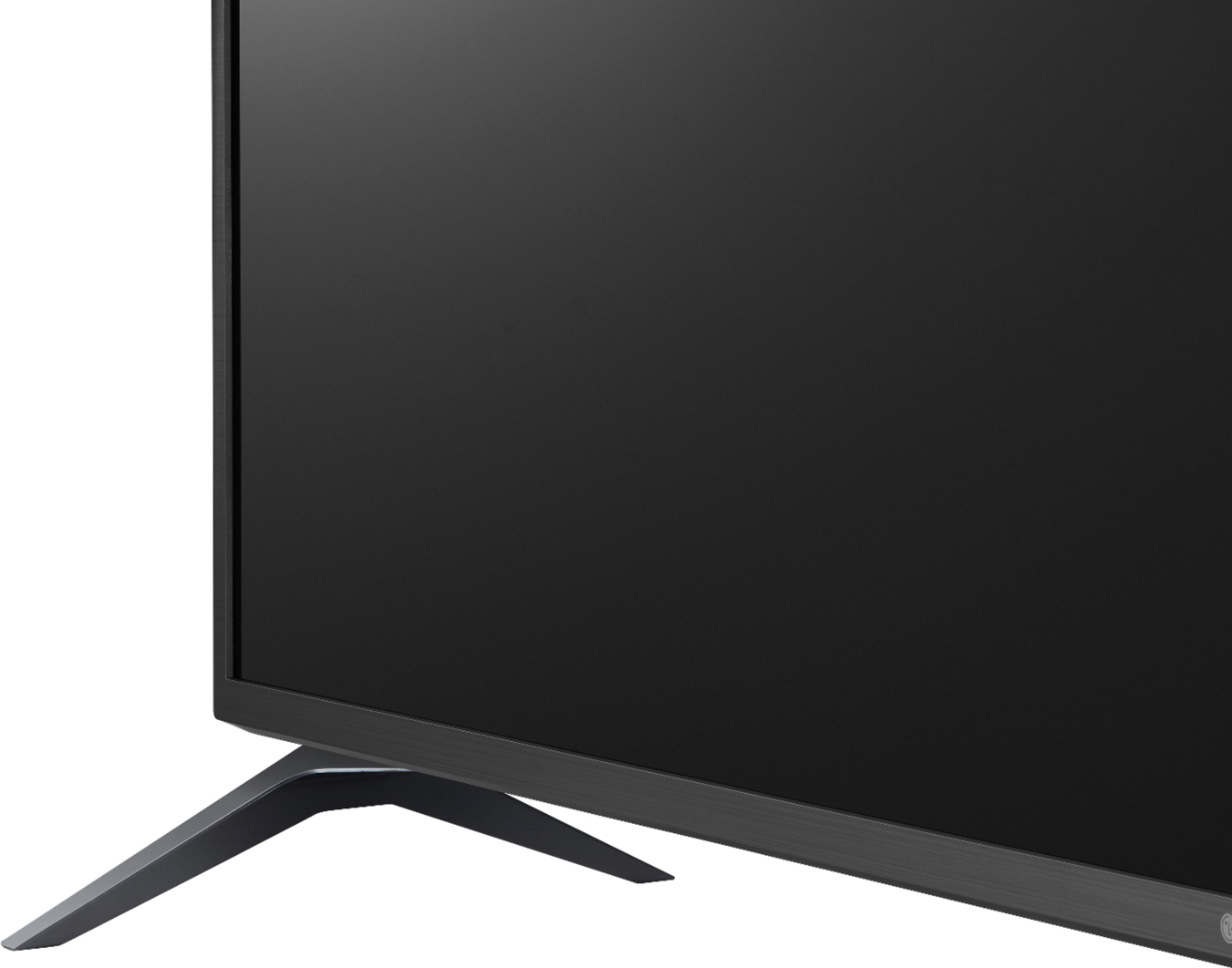
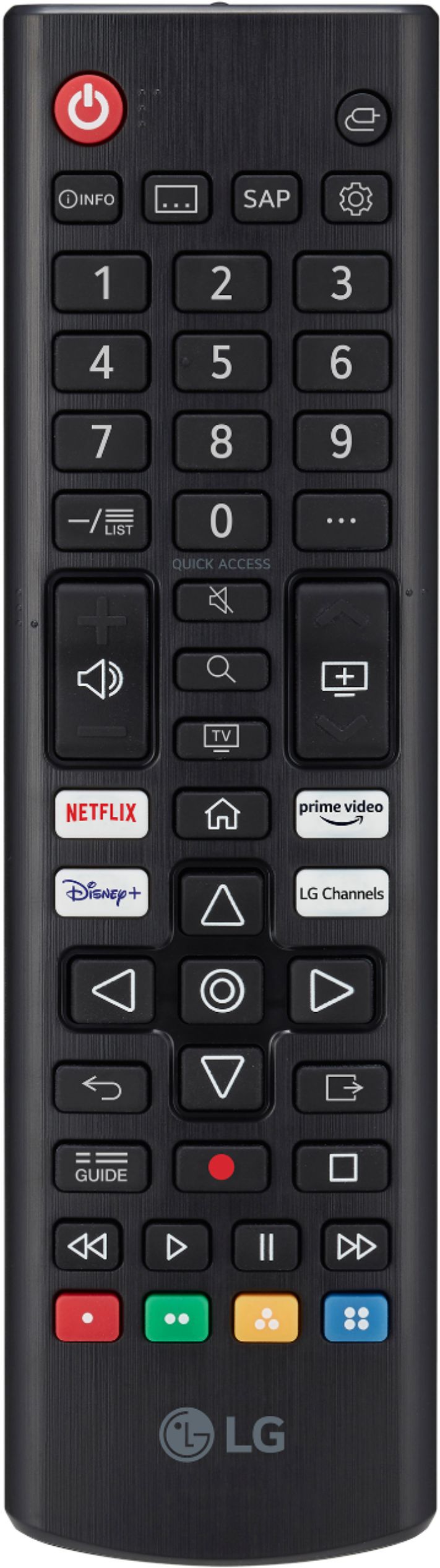
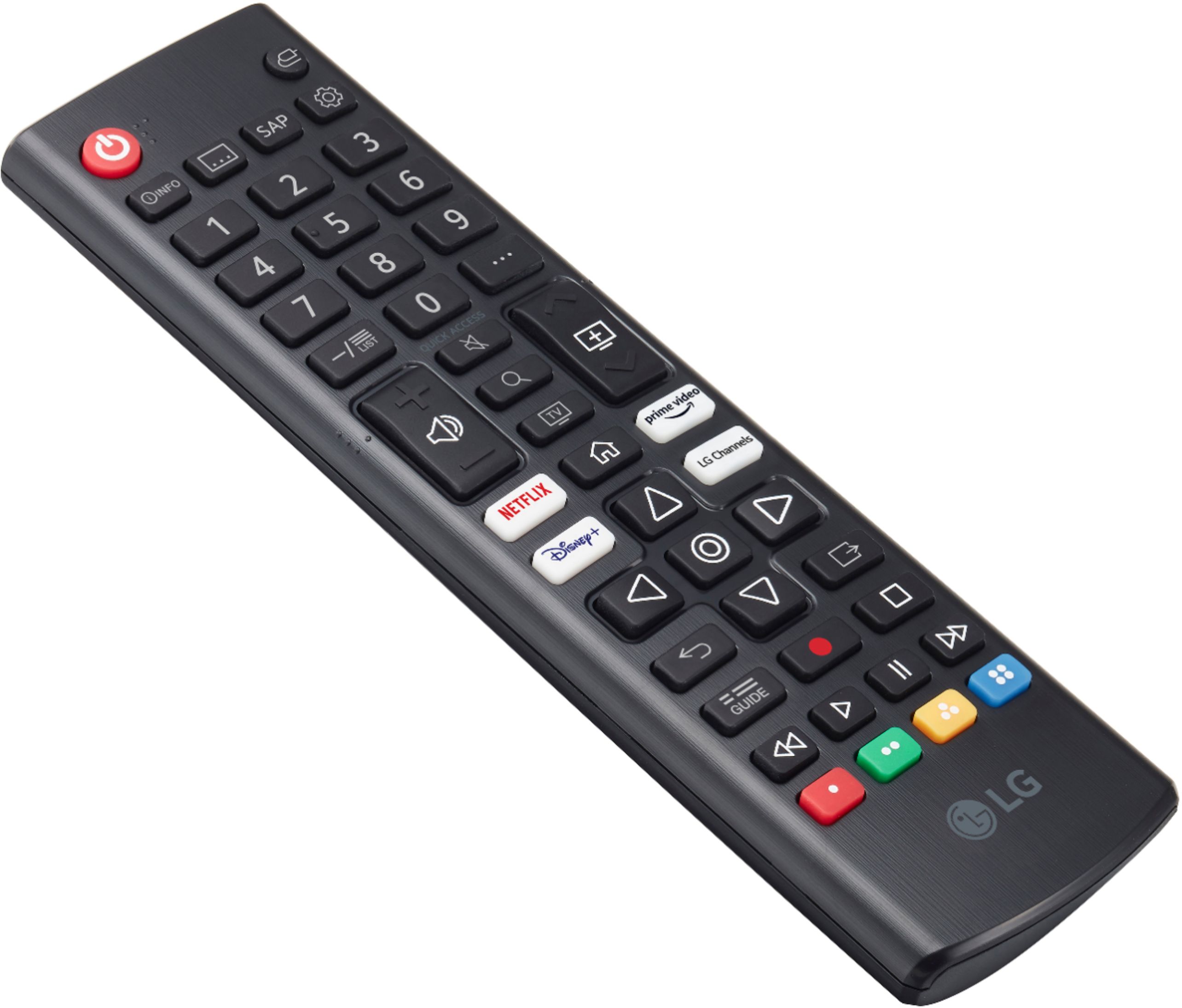
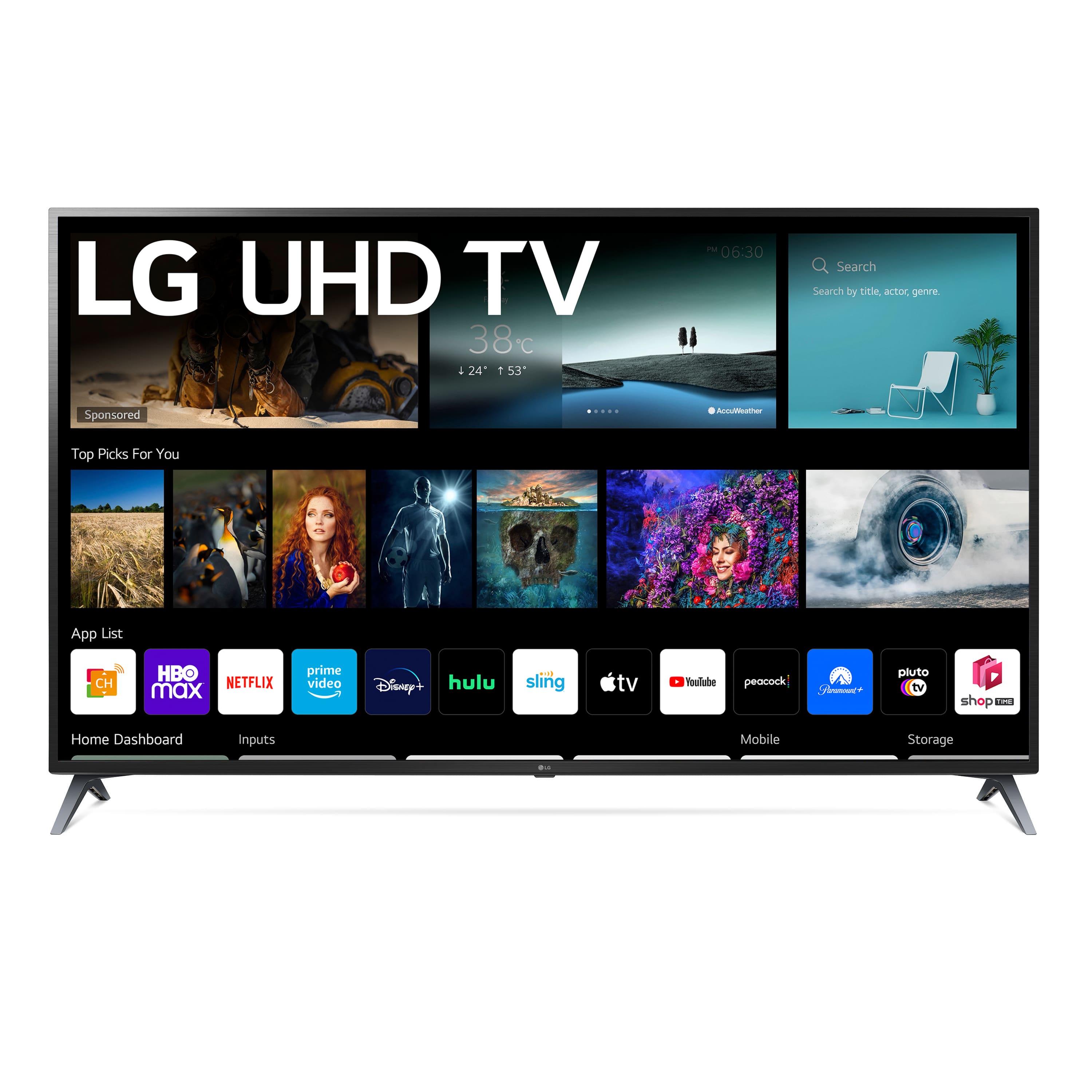
A:Answer Assuming you asked the question on the right model, yes... sort of. There is a power button on the underside below the LG emblem at the center of the bottom border. If you press it in and quickly release it while the TV is on, you will get a menu (it may show instructions to do it again, if so, do it again immediately.) Press and release the button until input is highlighted, then press and hold the button until it shows the inputs available. It will only show inputs that currently have something being fed to it, so if the device you are trying to use is turned off, you are not likely to see it. Press and release until yours is highlighted, then press and hold to switch to it. Input should be the first one after the power symbol.