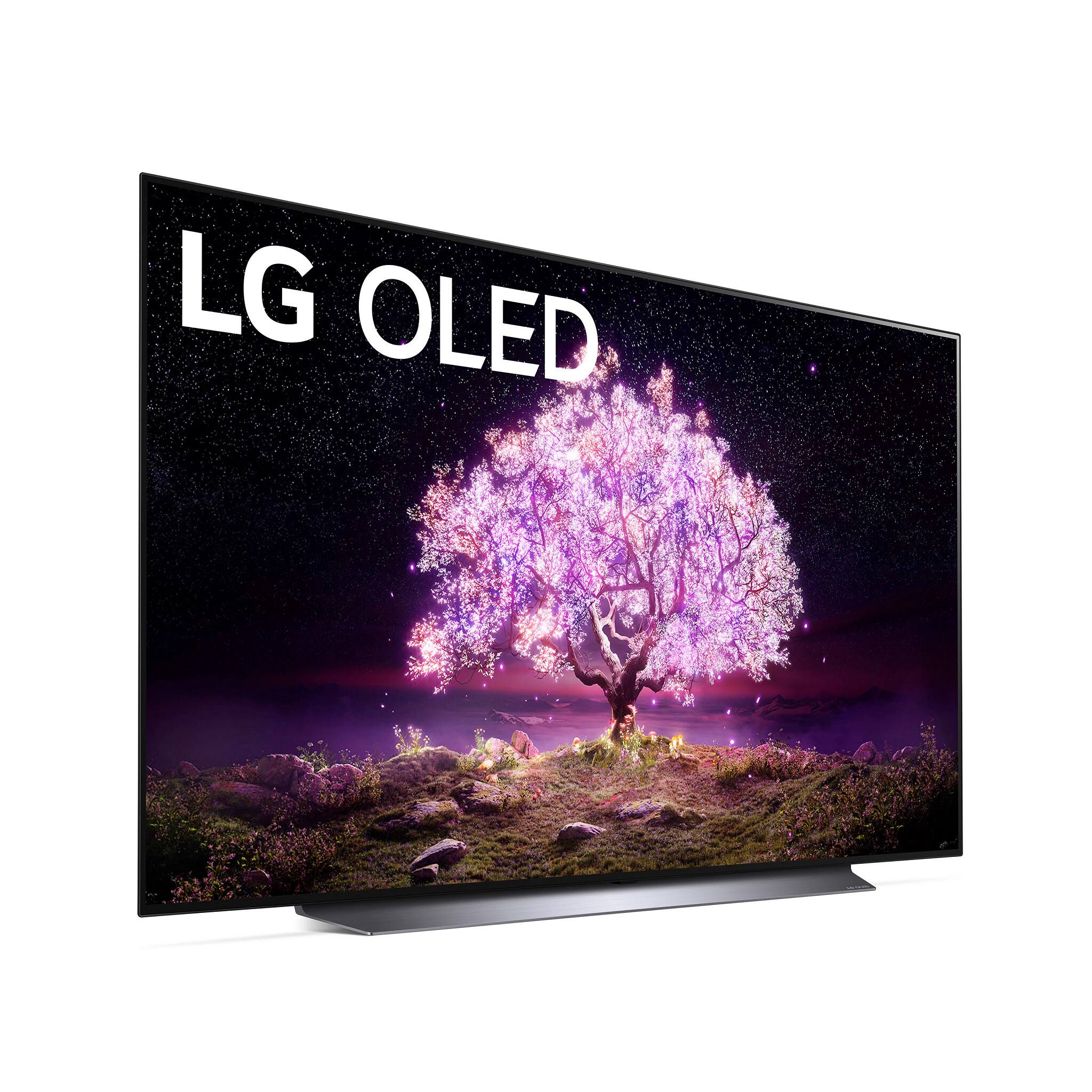
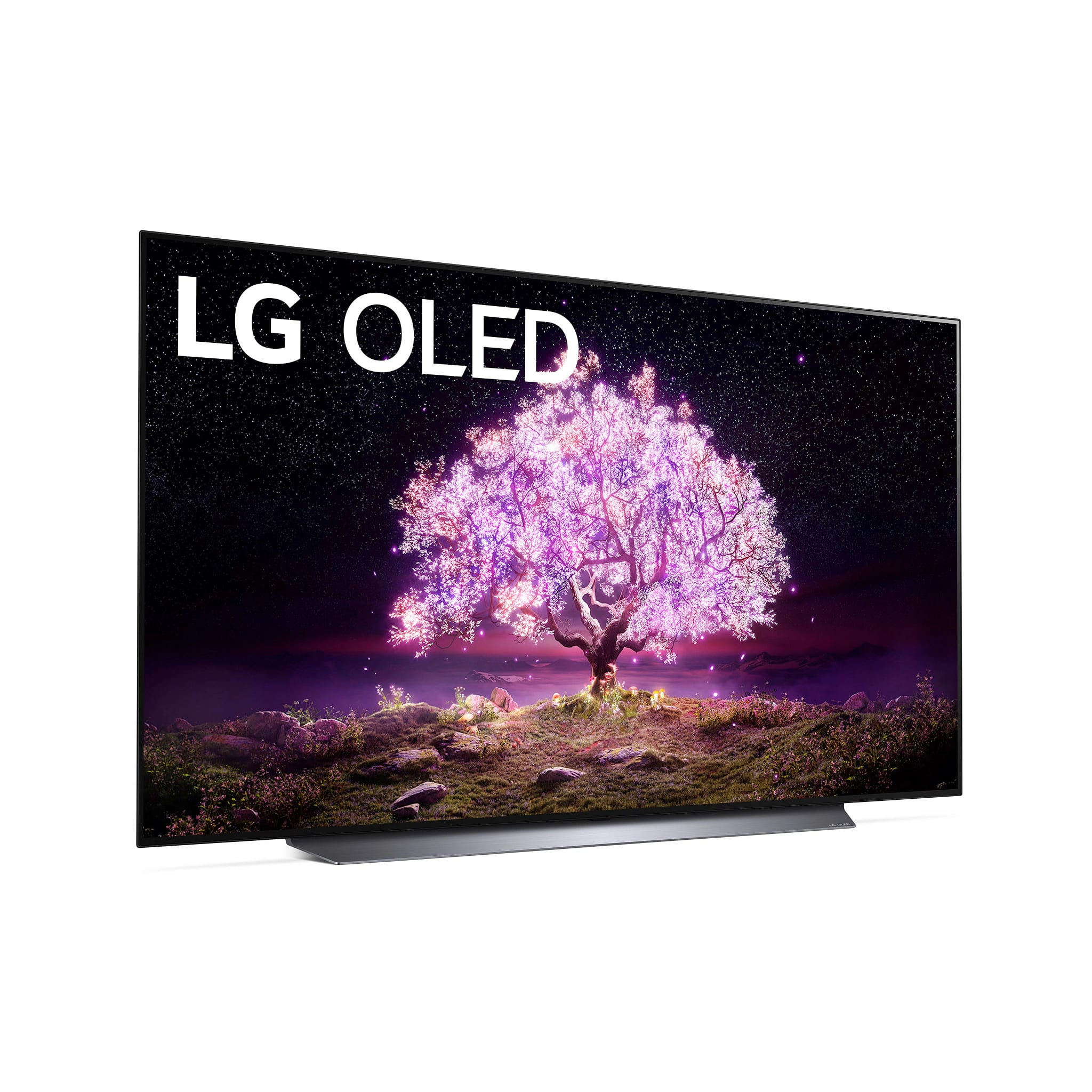
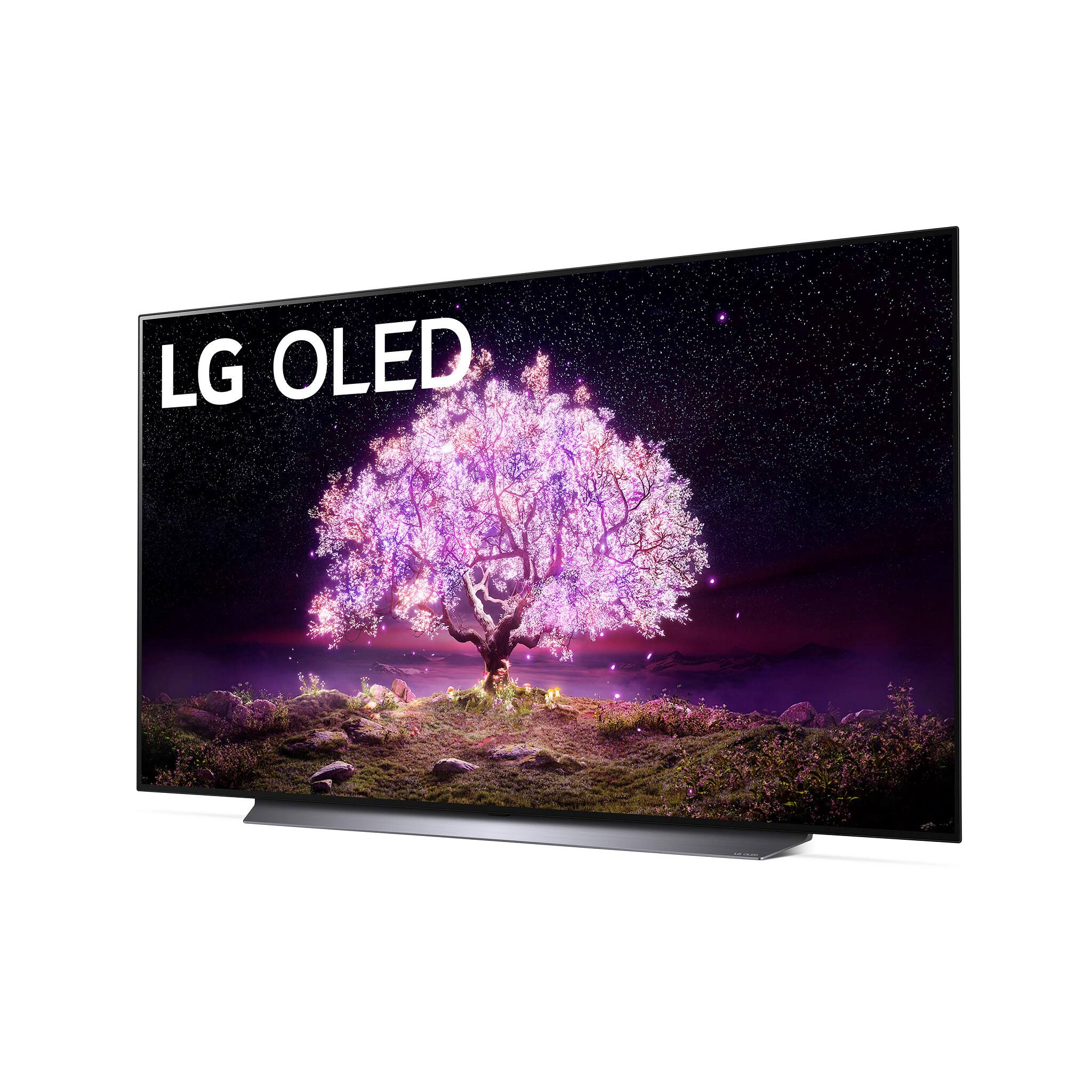
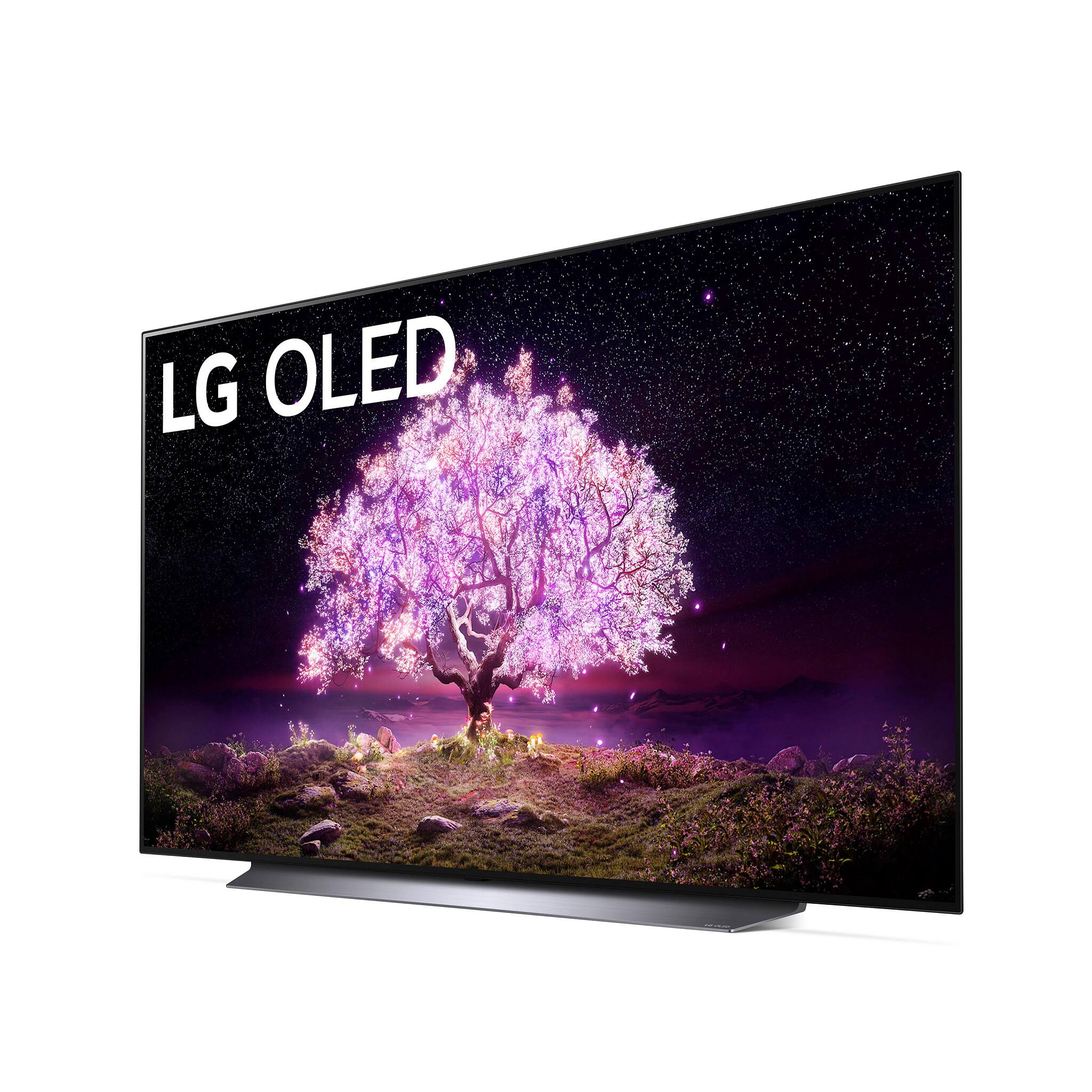
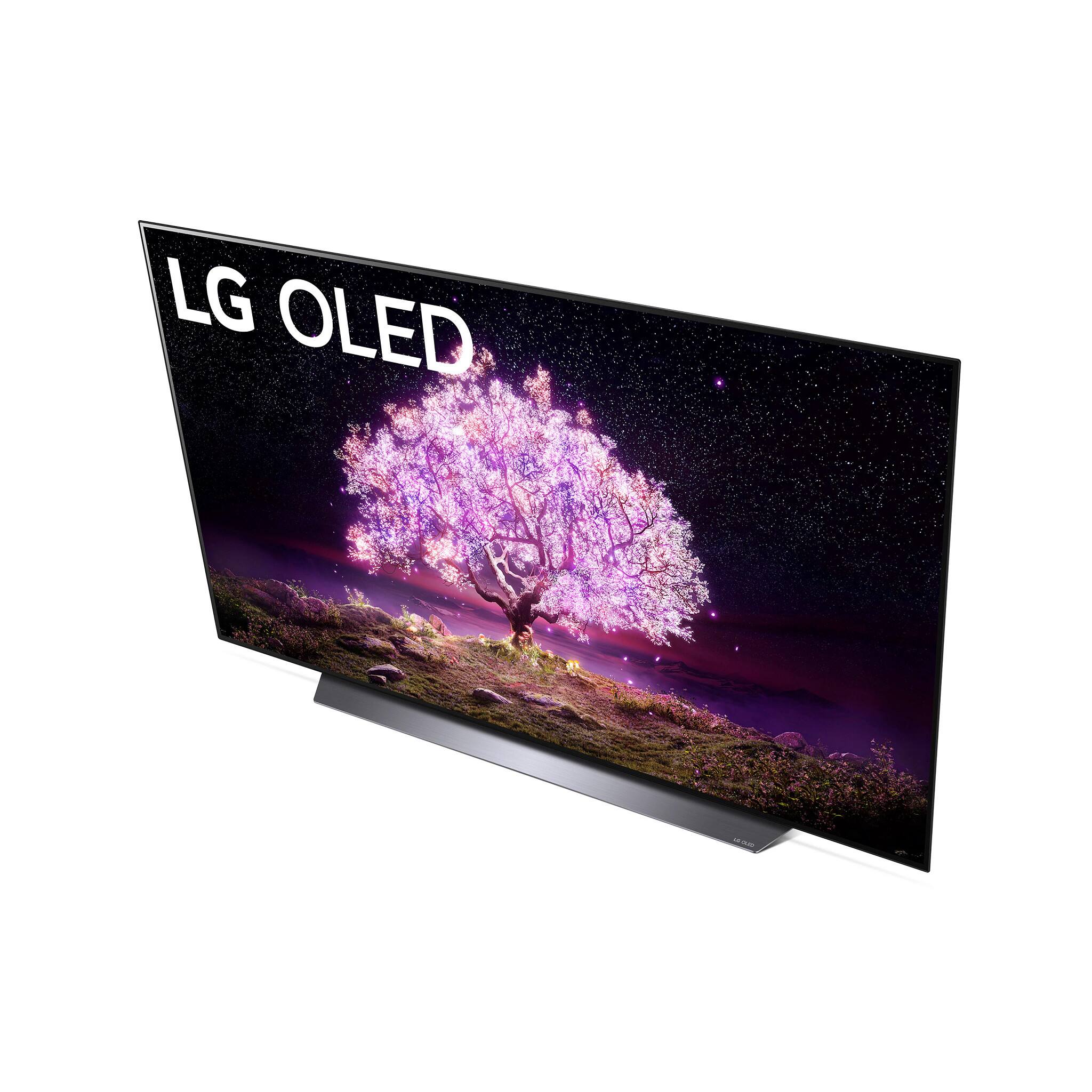
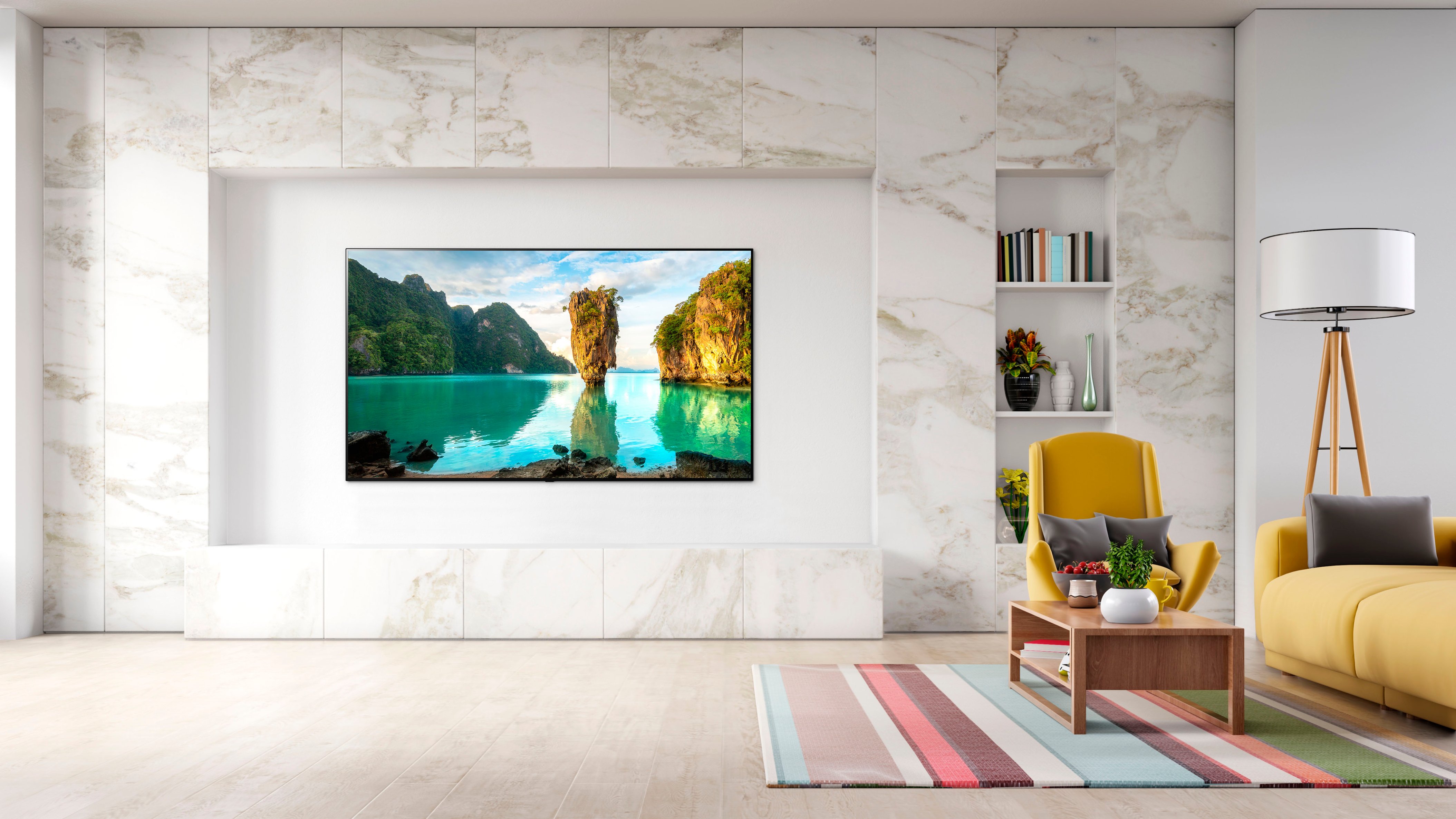
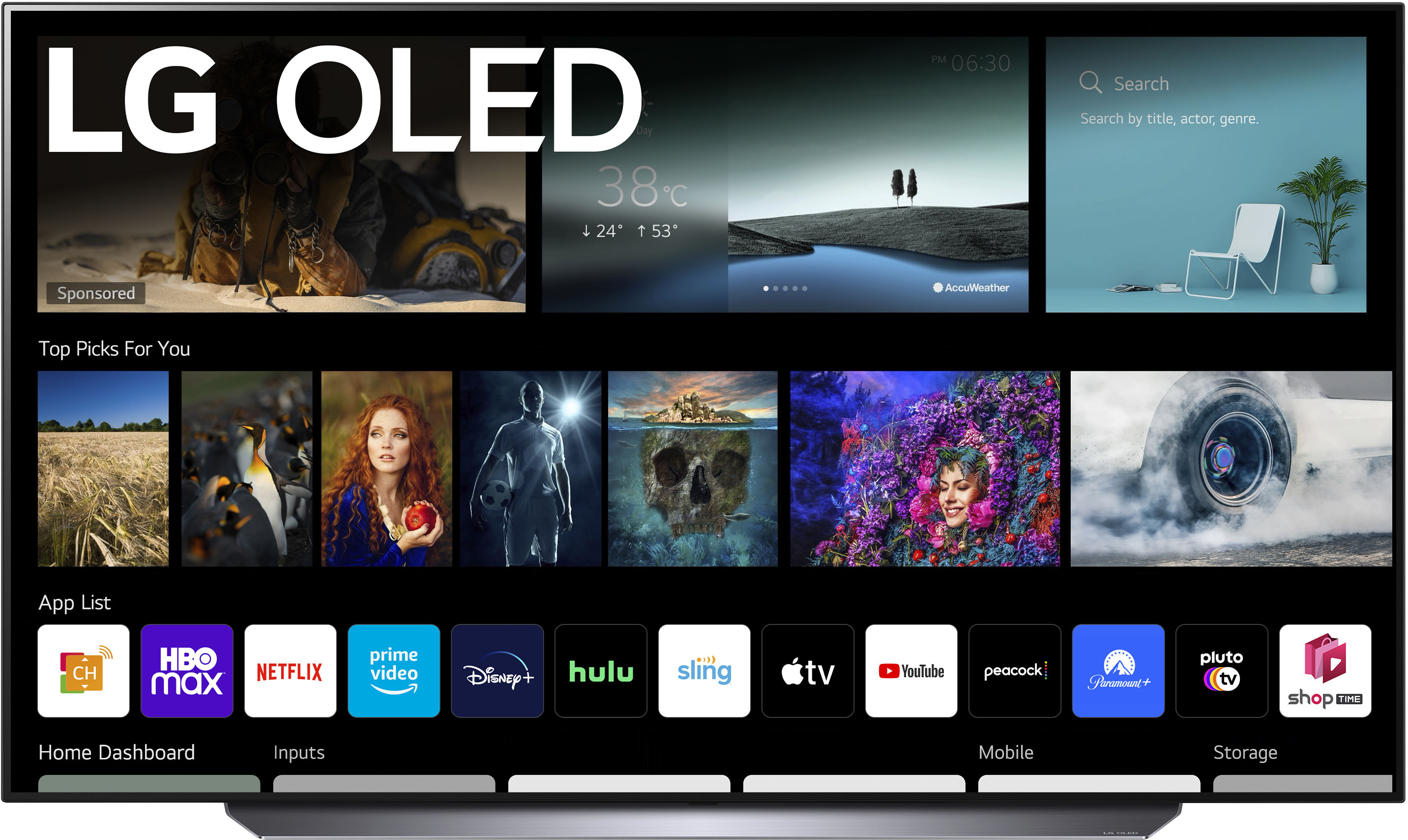
A:Answeryes, it is the 2021 verson of the highly successful LG OLED line of TVs. No signiifcant upgrades from 2020 version.. I have had it installed for a month and the picture is fabulous.
A:AnswerYes Bluetooth headphones will work. It is no different than connecting a sound bar, keyboard, cellular device etc. via Bluetooth. The television also has a feature to output sound from the internal speakers and a connected BT device simultaneously.
A:AnswerThat I do not know for sure BUT I do not see why not! If you were to go into the store and try the demo unit you could find out. The TV will show you a list of all available devices to connect to. You must know how to put your earplugs in pairing mode. I think there’s a good chance it will.
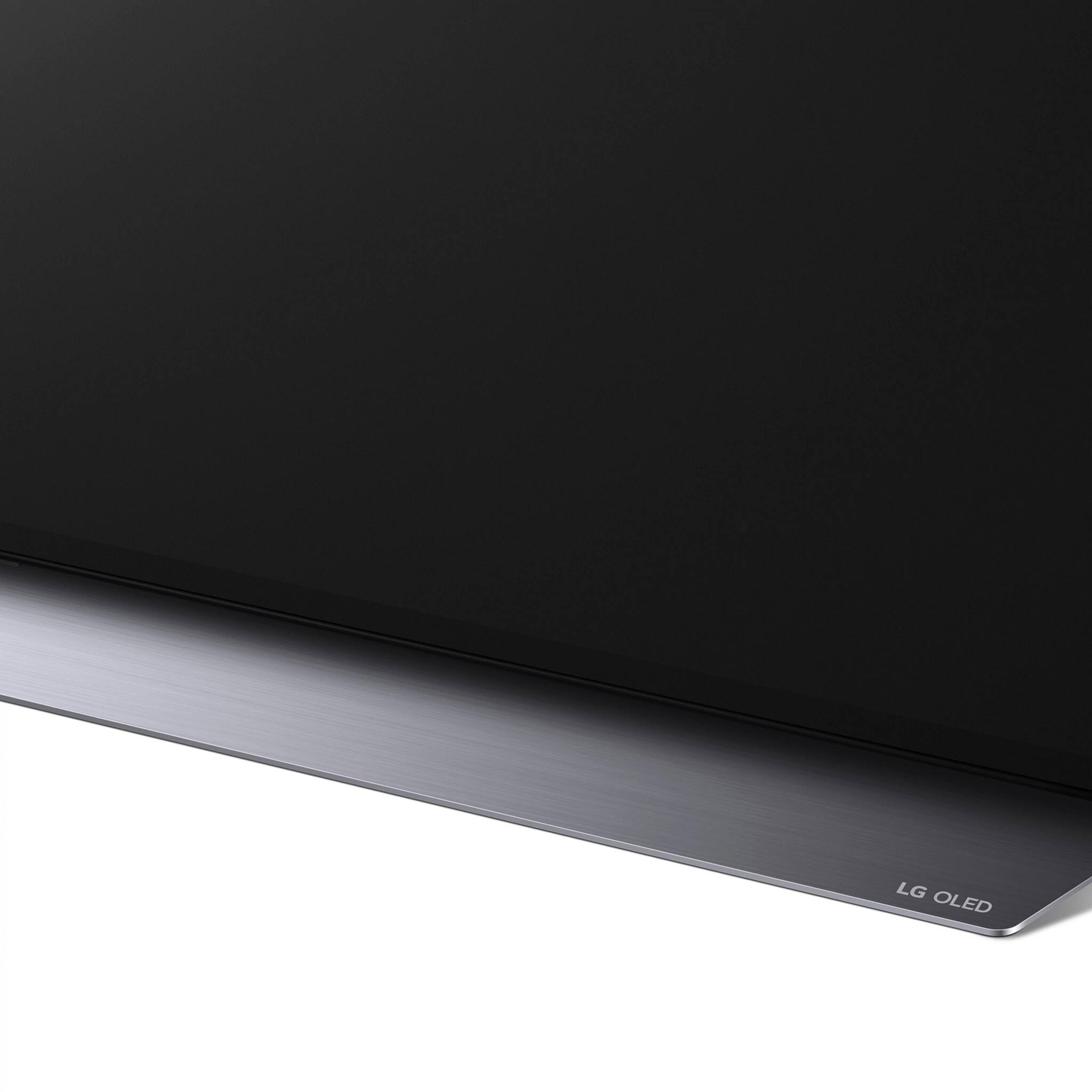
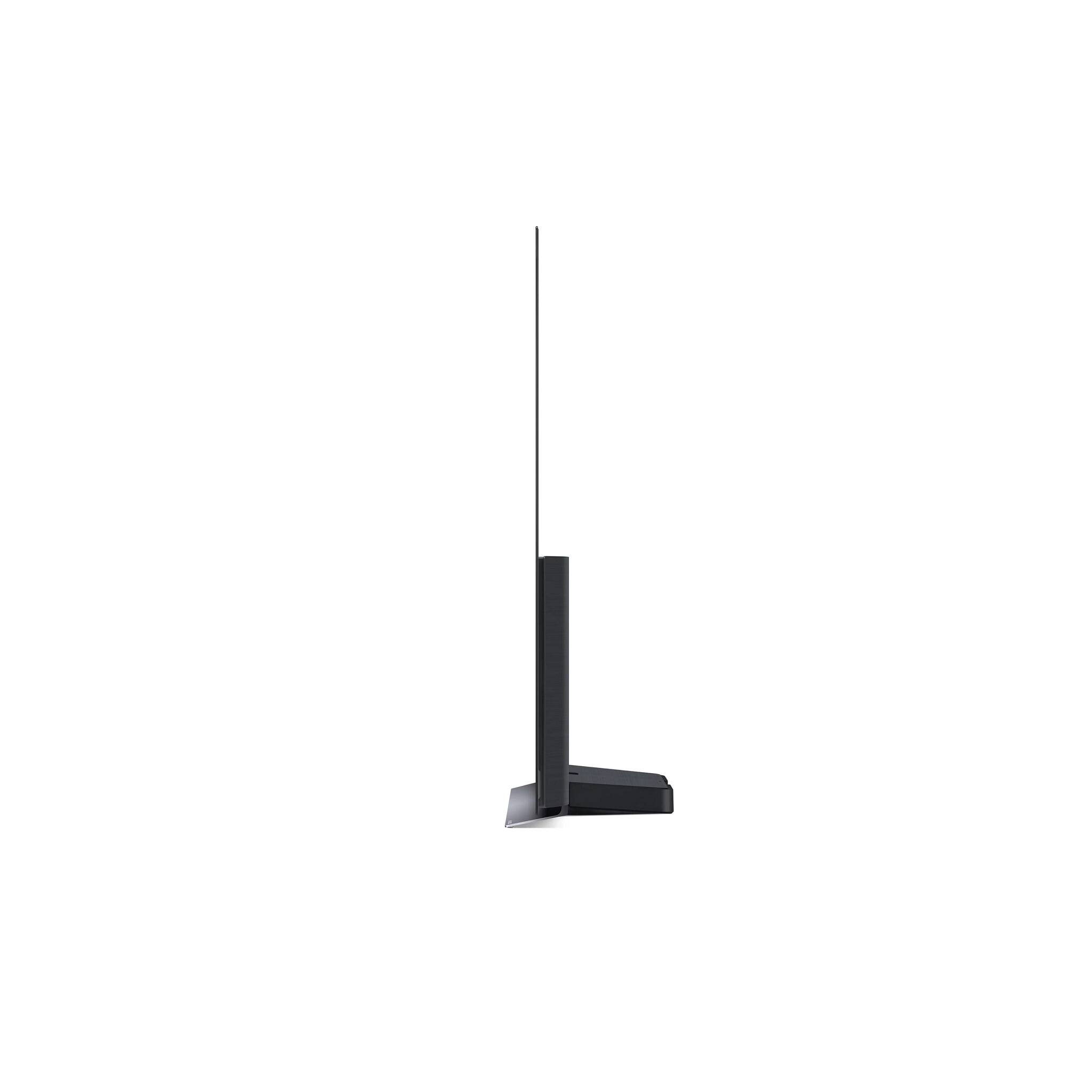
A:AnswerThe tv stand lifts the bottom edge of the tv is about 1.75” above console whre the tv sits. I’m not sure where the sensor is for the remote but there isn’t much clearance between console and screen. A sound bar of even 2” will block part of the picture.
A:AnswerYou can pipe to at least one Bluetooth but I don’t think it d be worth it. Speakers and sou;d on this set are greatly enhanced with many different sound effects settings easily switched (ciname, sports, games, etc). But if you do not use internal speakers than these get disabled.
I did side by side comparing my LG sound bar w/woofer to TV speakers. Not a lot of difference. I would consider selling my sound bar, it was that close.
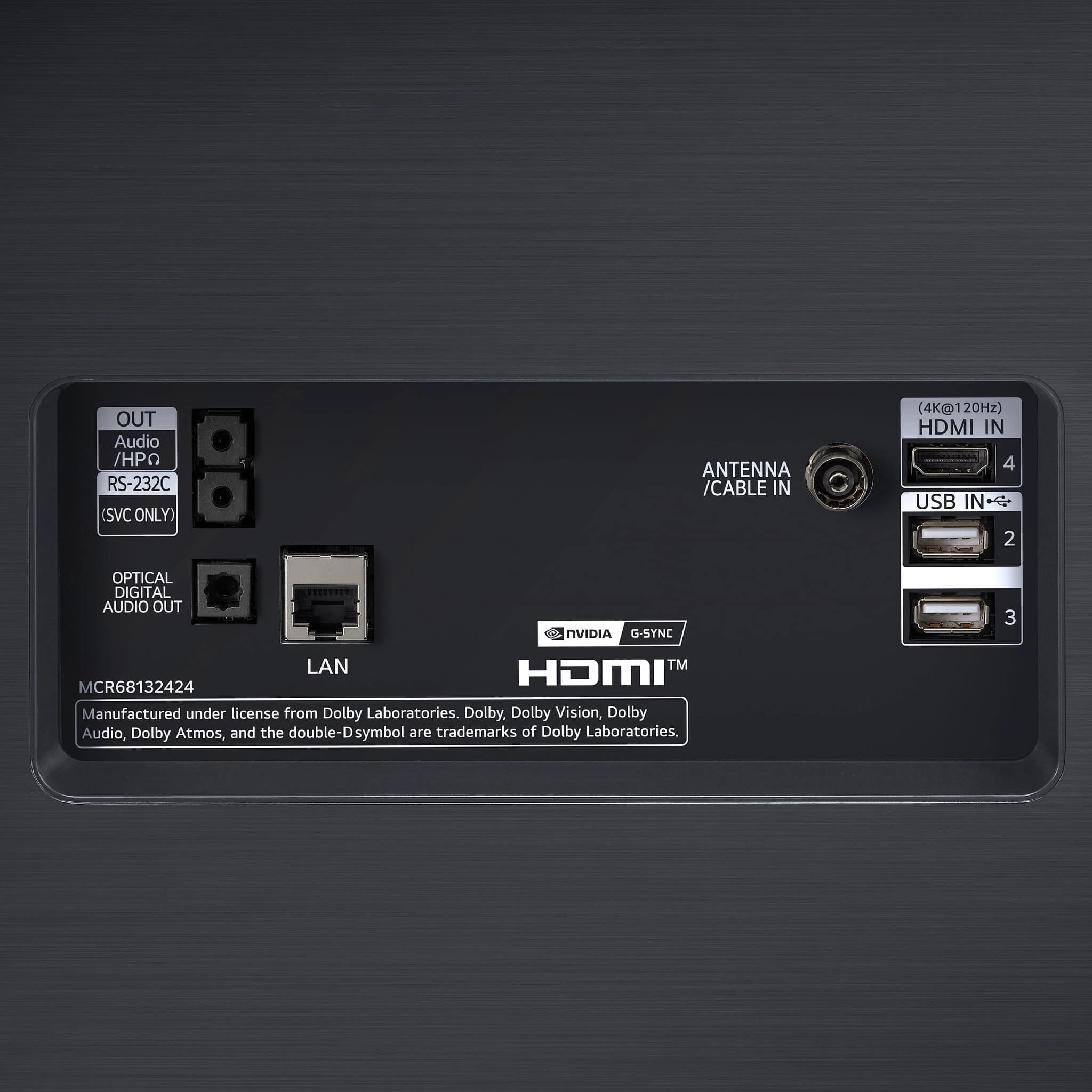
A:AnswerThis TV is G-SYNC Compatible. G-sync compatibility is the same as just G-sync. I cannot confirm compatibility of a specific graphics card. You will need to contact the manufacturer of the card. ^Daphane
A:AnswerYes, you can set it up to turn on to the a specific default input. Please reach out to our support team via private message on Facebook @LGUSSupport and use #VOC in your first message to our social media support team or call at 800-243-0000. Also, be sure to provide your contact information, model/serial numbers and date of purchase. ^Daphane