A:AnswerThe size of the screws for mounting are M6. The length of the screws is determined by the thickness (depth) of the Wall Mount that you use. ^Daphane
A:AnswerYes, YouTube TV app is in the LG Content Store. For a complete listing of available apps, please visit: https://us.lgappstv.com/main/tvapp. ^Daphane
A:AnswerThat $1300 savings for the LG CX 77 inch Class 4K Smart OLED TV w/ AI ThinQ® (76.7'' Diag), Model # OLED77CXPUA started on 10/05/2020 and will end on 10/12/2020...^IFV
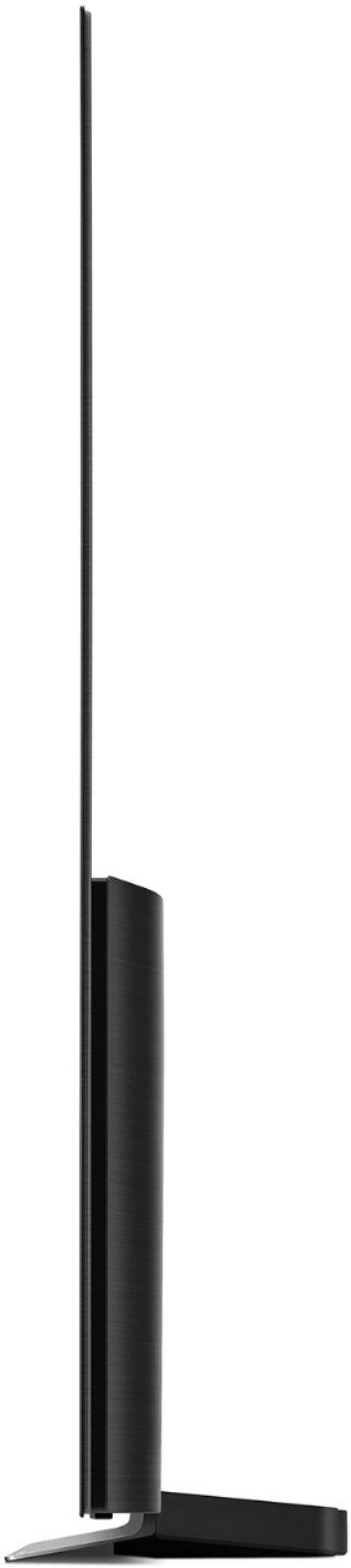
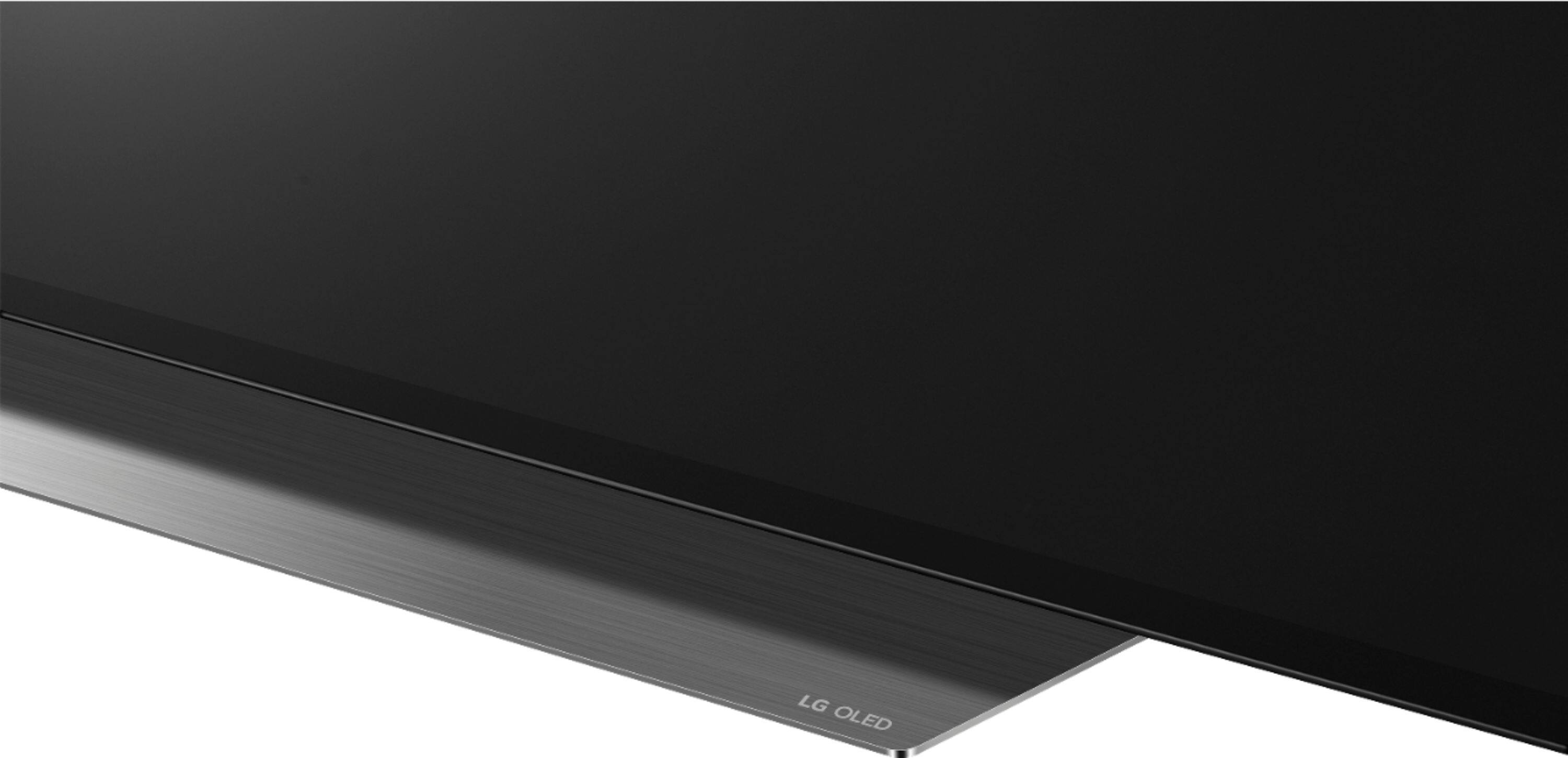
A:AnswerIf you are measuring 1.5" from vertical then the TV is leaning too much. Review the (very poor) instruction diagram of how to install the stand pieces and possibly try again. The two stand pieces will create somewhat of an upside-down "V" shape when attached correctly.
A:AnswerI am sorry, I do not have that specification. The LG Community Forum is a great resource for getting help from other LG customers: https://lgcommunity.us.com. Thank you. ^Daphane
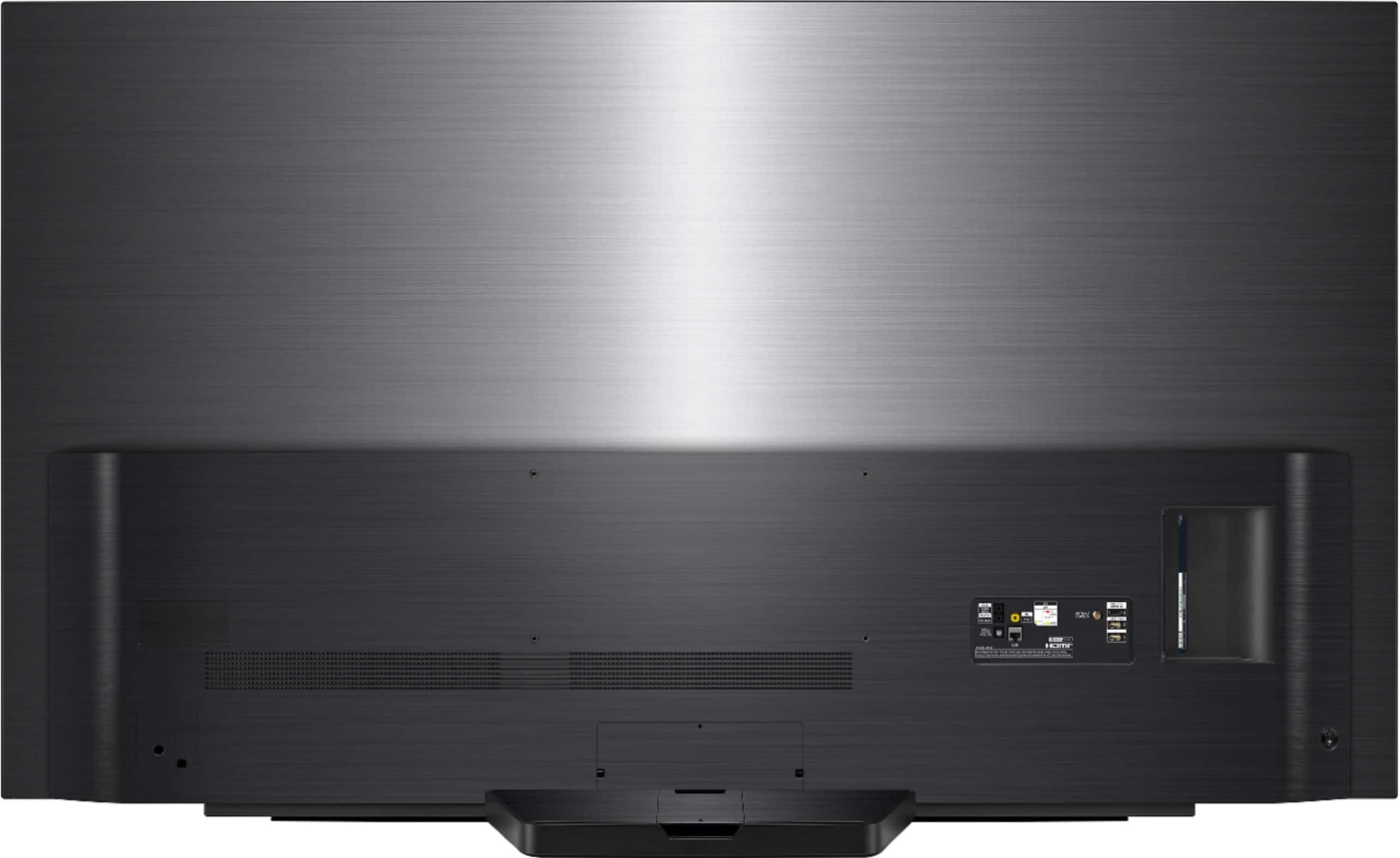
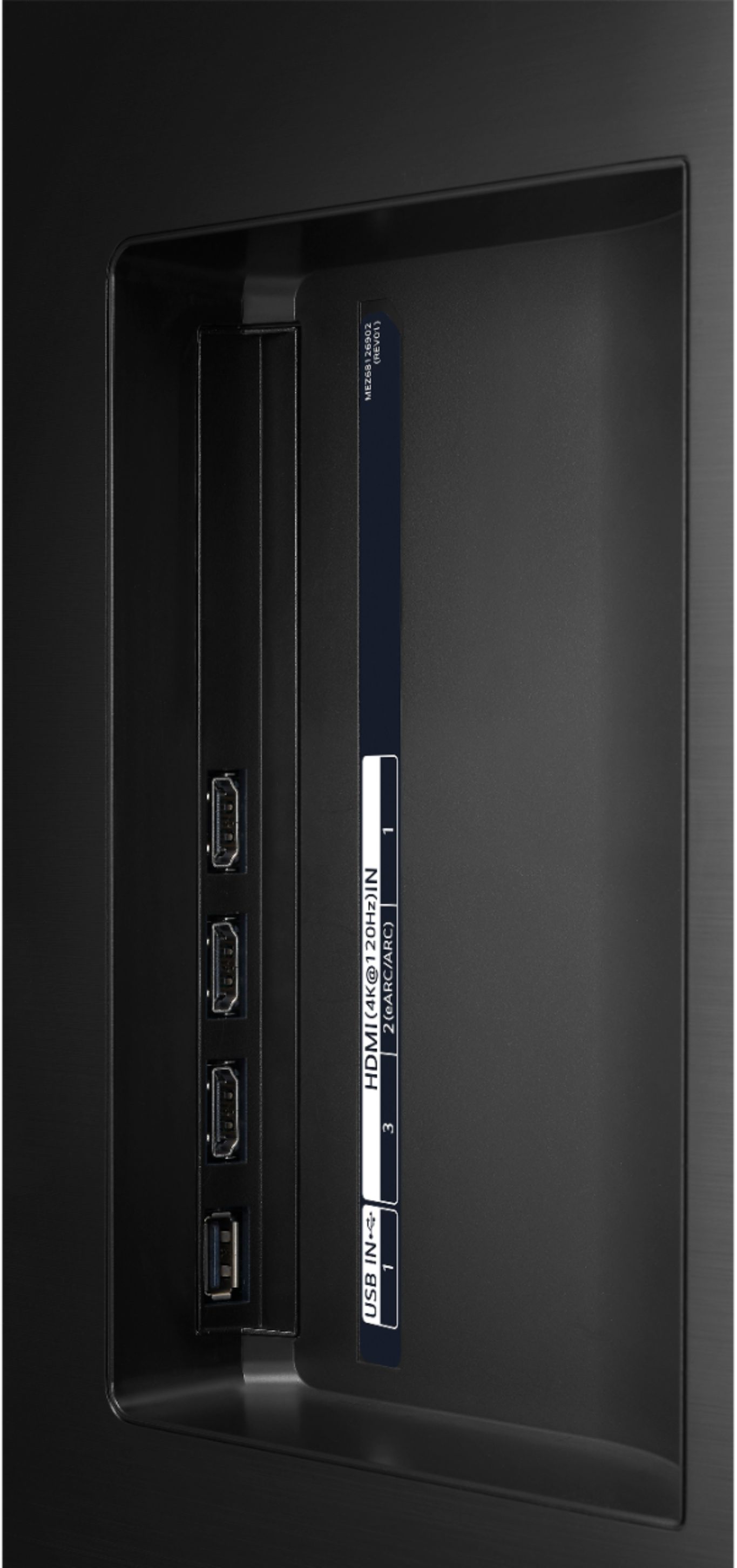
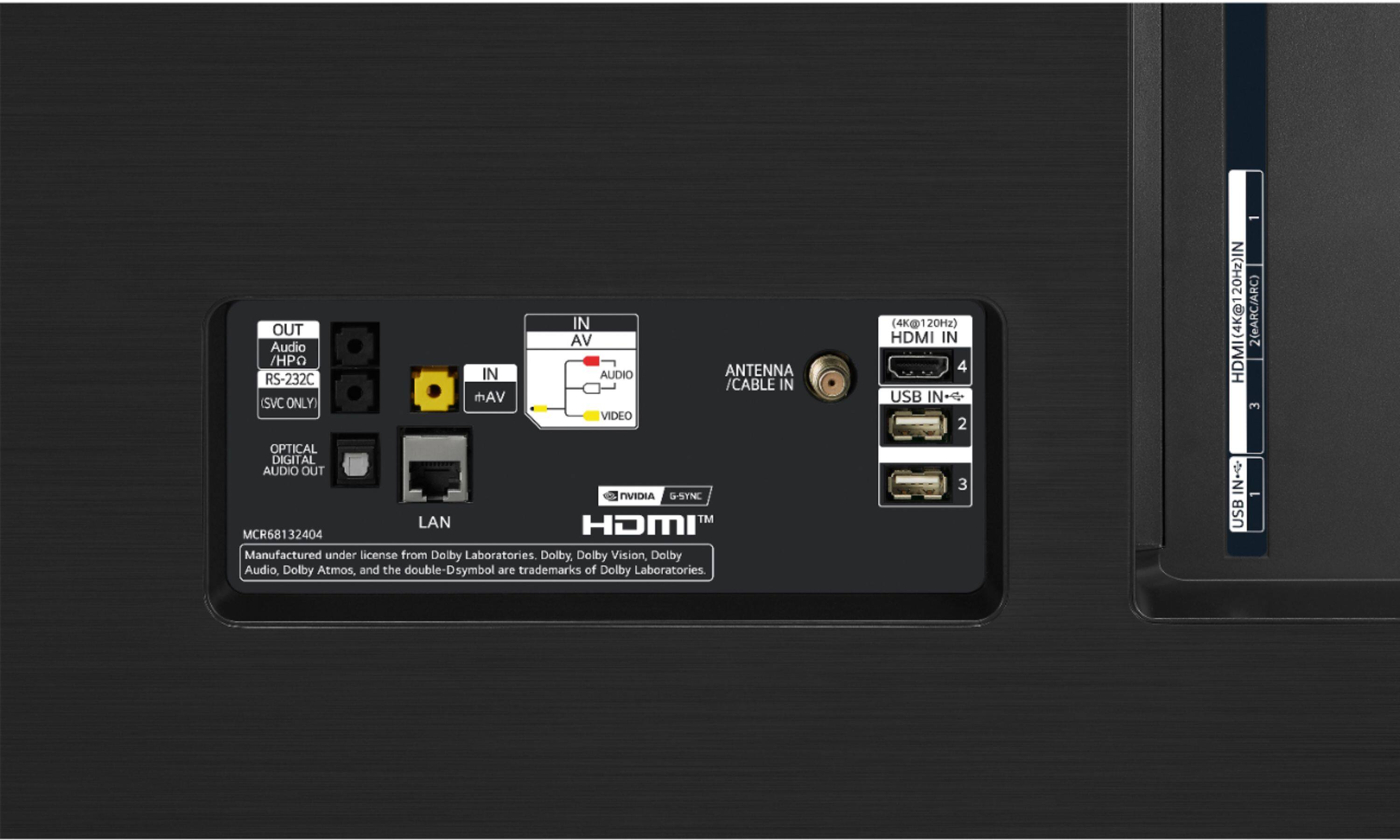
A:AnswerFirst the bottom line: With our newly acquired LG OLED77CXPUA we needed to provide two listeners with independent volume control through headsets while allowing the TV speakers to also function at its own volume. The solution we found was two pair of Sennheiser HDR 175 headsets which will both simultaneously link to the Sennheiser transmitter TR 175. This TR175 is then plugged into the Audio Headphone Out jack on the back of the LG TV. Then we used the TV setting for Sound Output “Wired Headphones + Internal TV Speakers”. Boom…TV speakers ON, two wireless headsets ON, all three happy campers with independent volume control. (No, I have no vested interest in, or affiliation with, either LG or Sennheiser.)
This is the URL to the LG on-line manual which describes these features on this TV.
kr.eguide.lgappstv.com/manual/w20_mr2/atsc/Apps/w5.0_mr2_u03/u_enga/settings.html
Unfortunately, I believe that it is not possible to achieve this arrangement using Bluetooth devices for a couple of reasons.
First, although the TV will pair to two Bluetooth headsets it will only allow an output to one at a time and I could find no workaround…. perhaps someone has more experience.
Second, if you select Sound Out to Bluetooth then the Internal TV Speakers are turned OFF. LG’s Sound Out options list does not include a Bluetooth + Internal TV Speakers.
You can try the Sound Out as Bluetooth Surround + Internal TV Speakers and both a single Bluetooth headset and the TV speakers will function, but the Bluetooth audio is not synchronized and the volume setting of the two is coupled. (There is an Audio Delay feature, but it only increased the Bluetooth headset delay. Similarly, there is a Surround Level adjustment, but this is just an offset between the speakers and headset and therefore does not allow for independent volume control.) This Bluetooth Surround + Internal Speakers mode is really intended to couple up to two LG Bluetooth surround speakers as presented in their list for Dual Connection Support List…LG-PK5…etc.