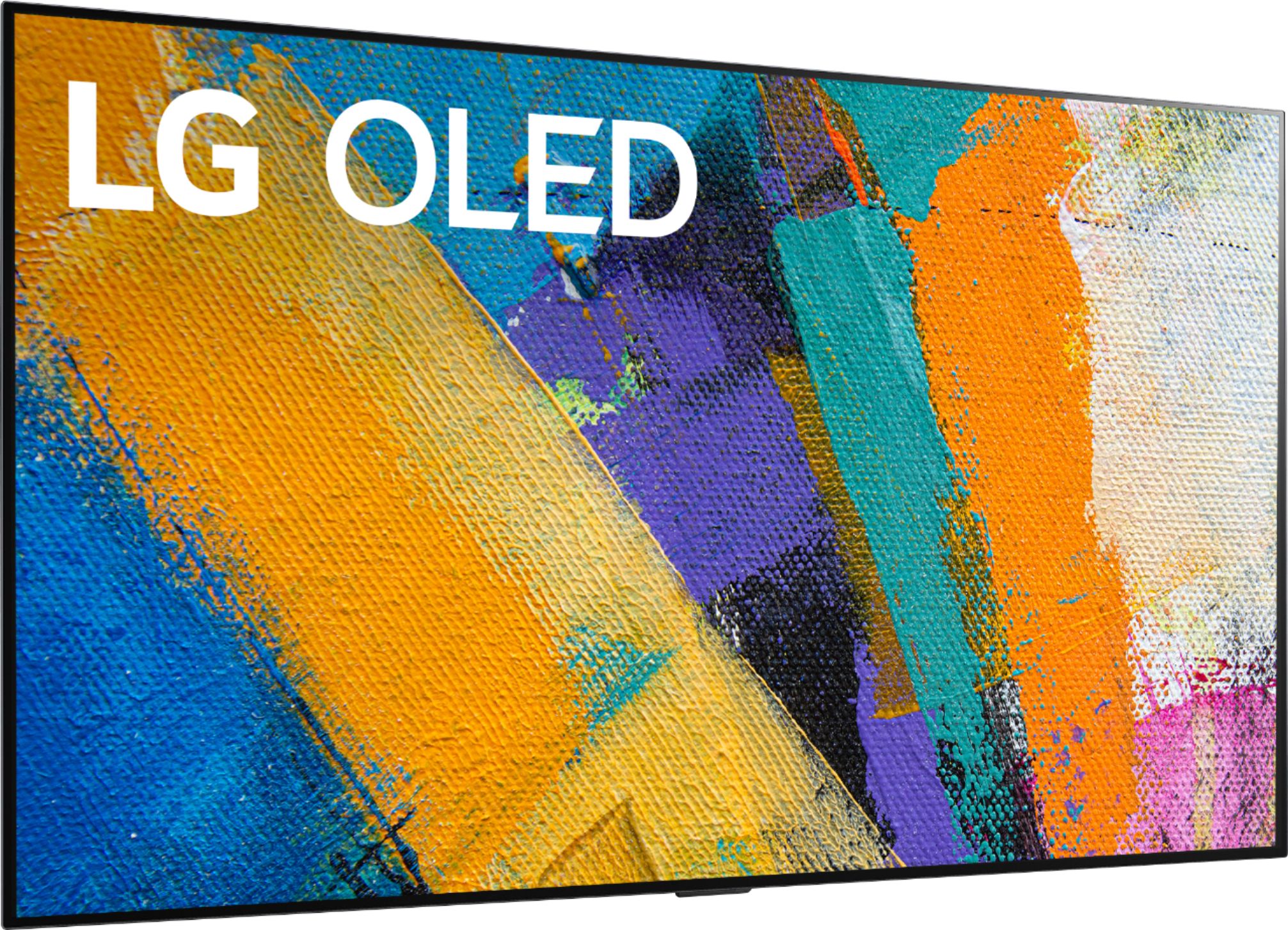
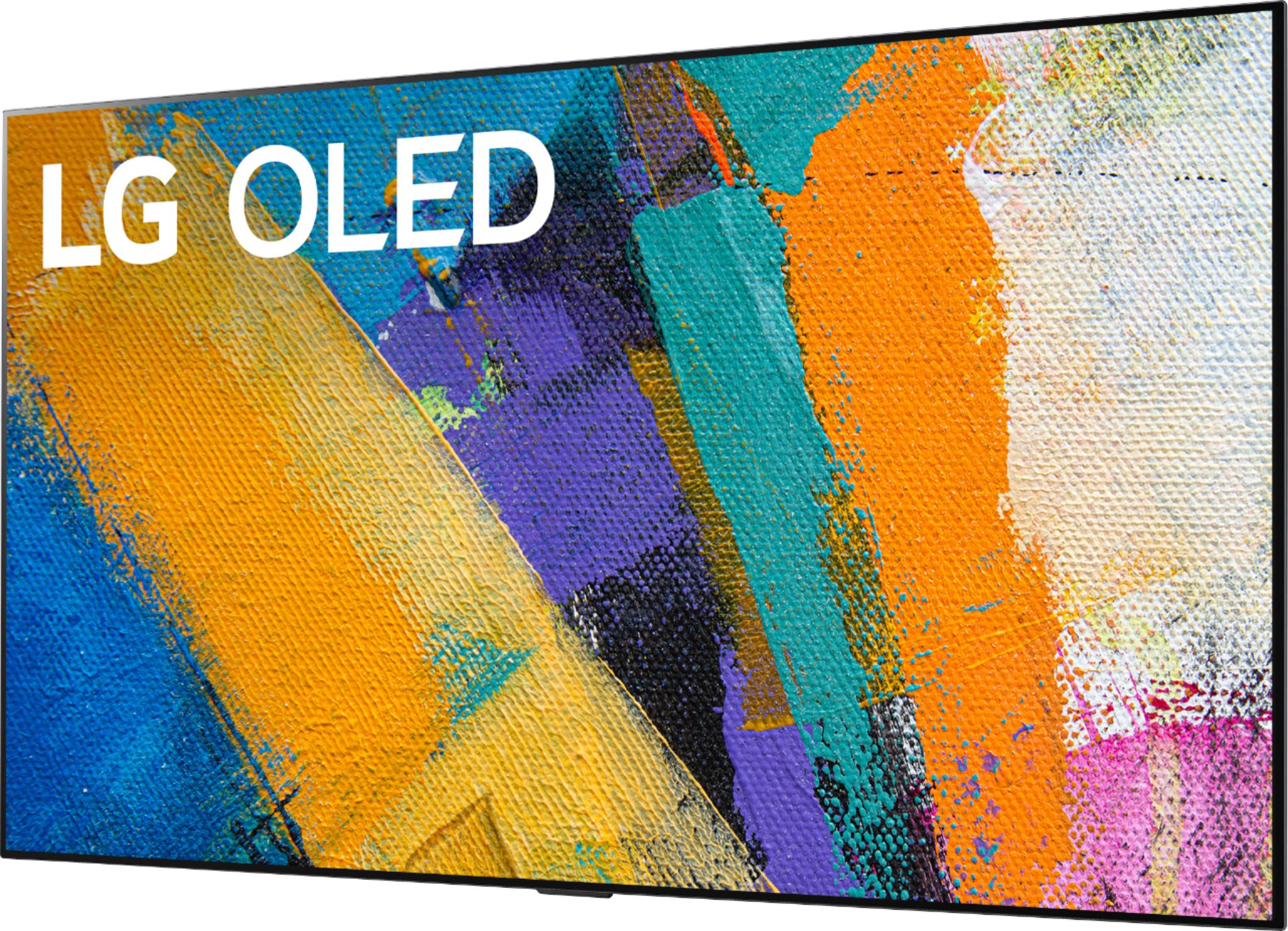
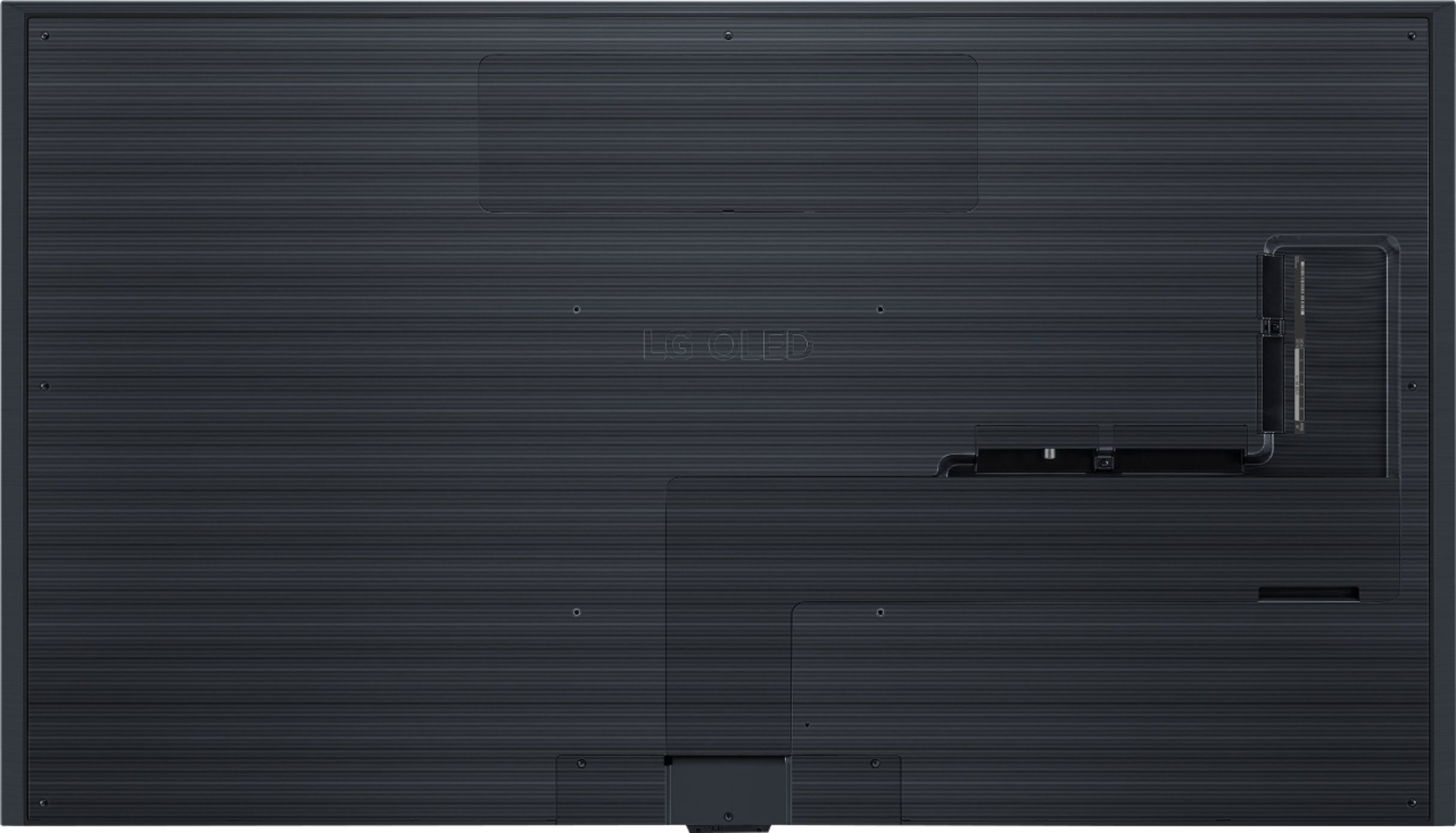
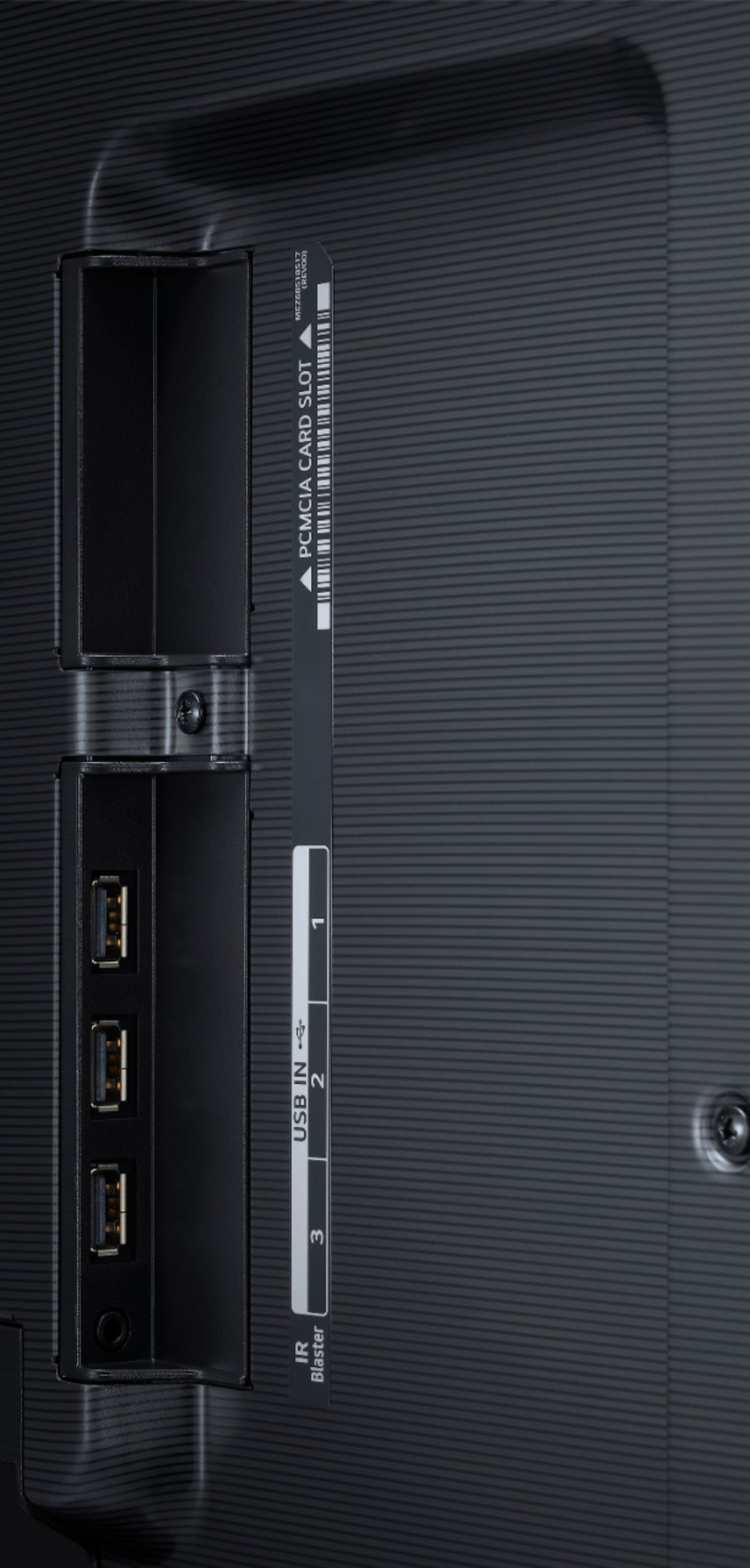
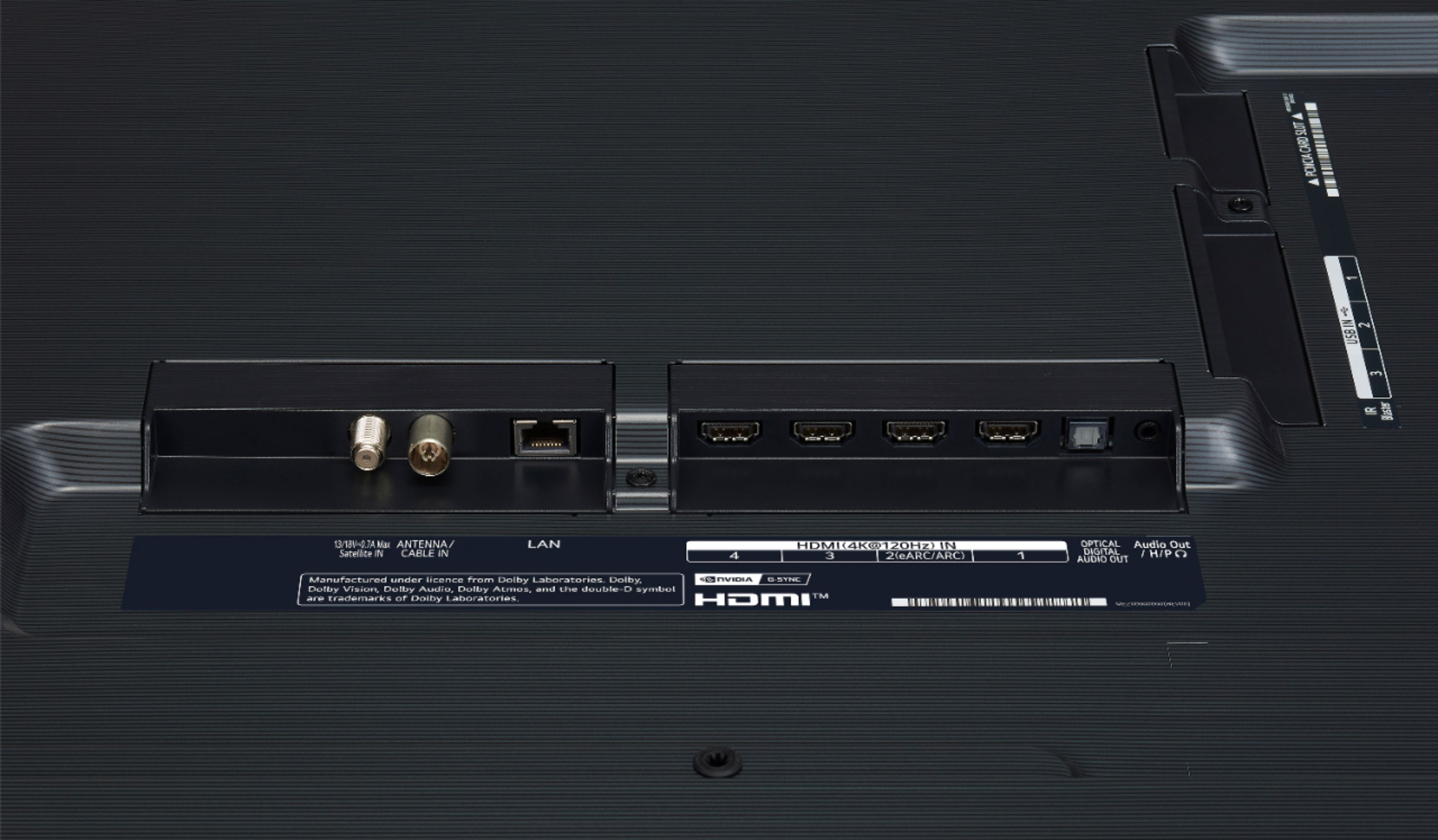
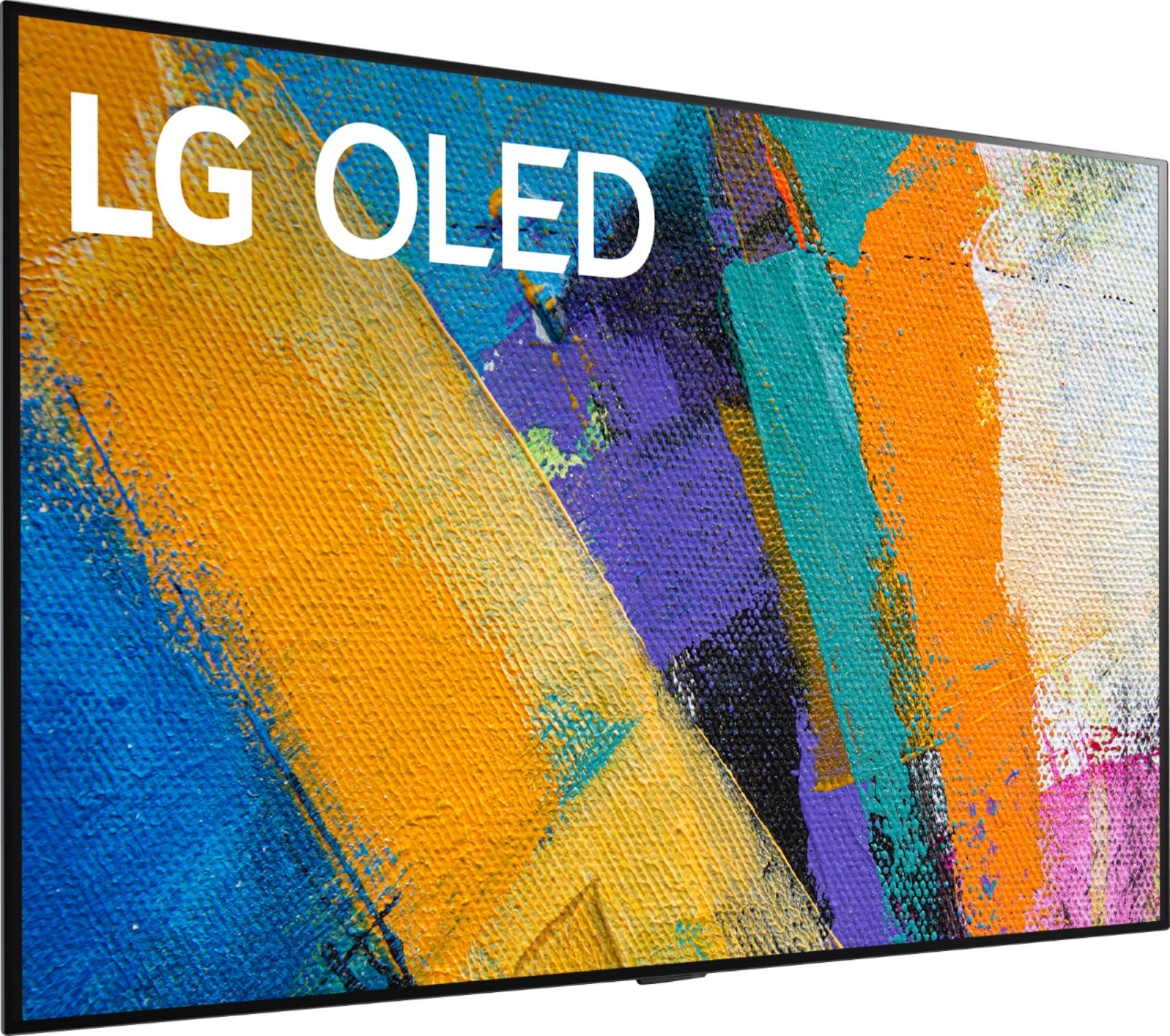
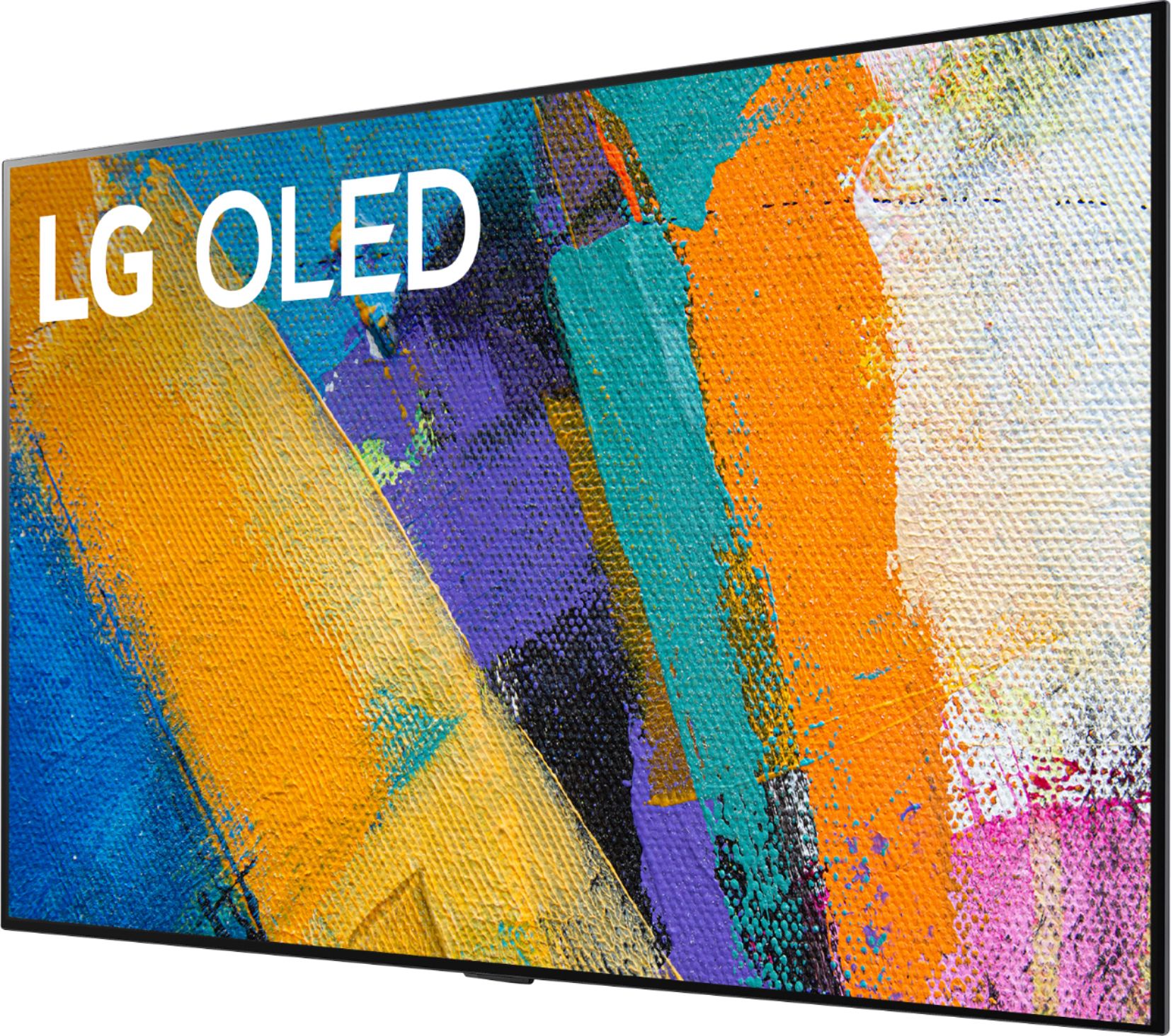
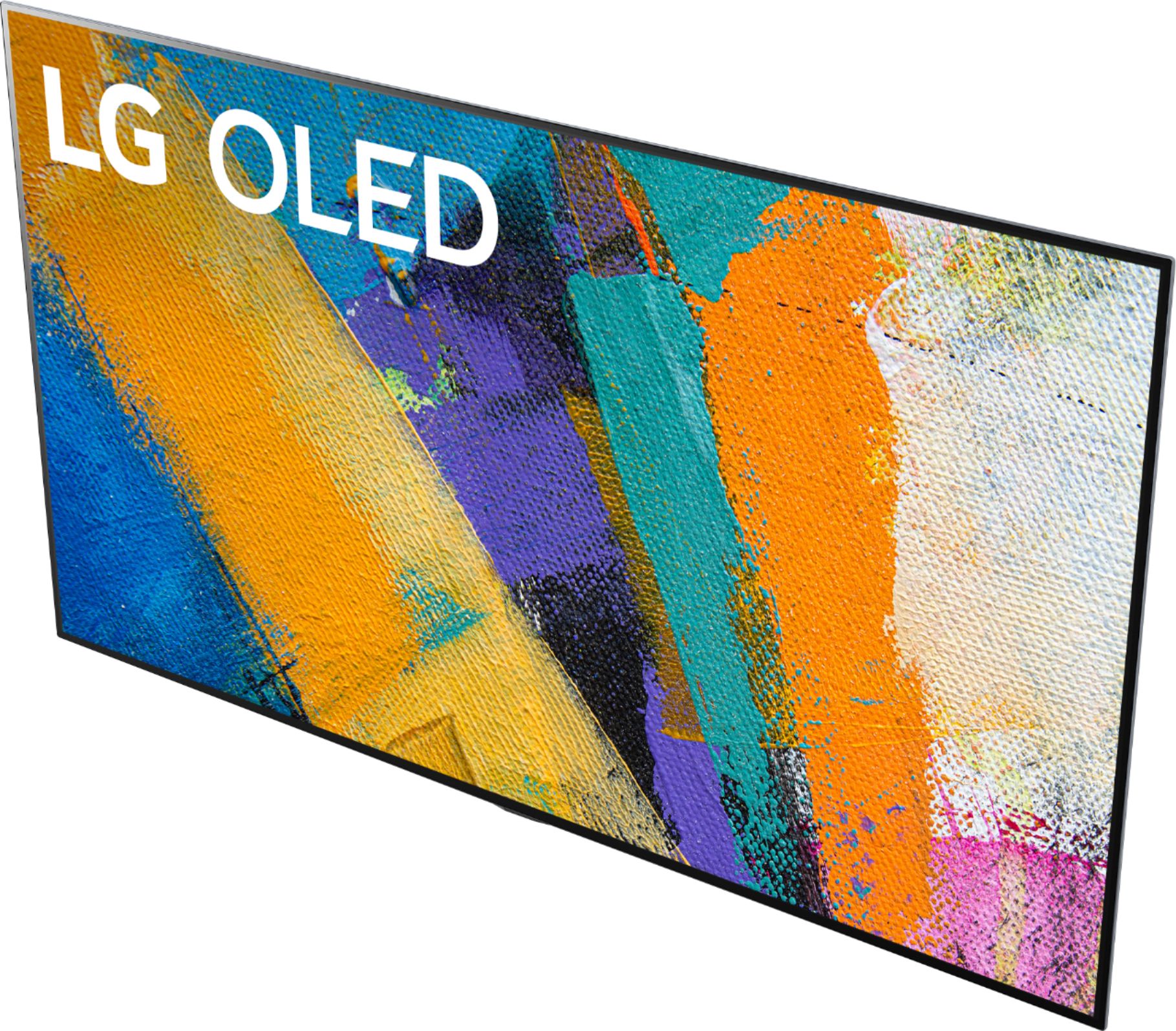
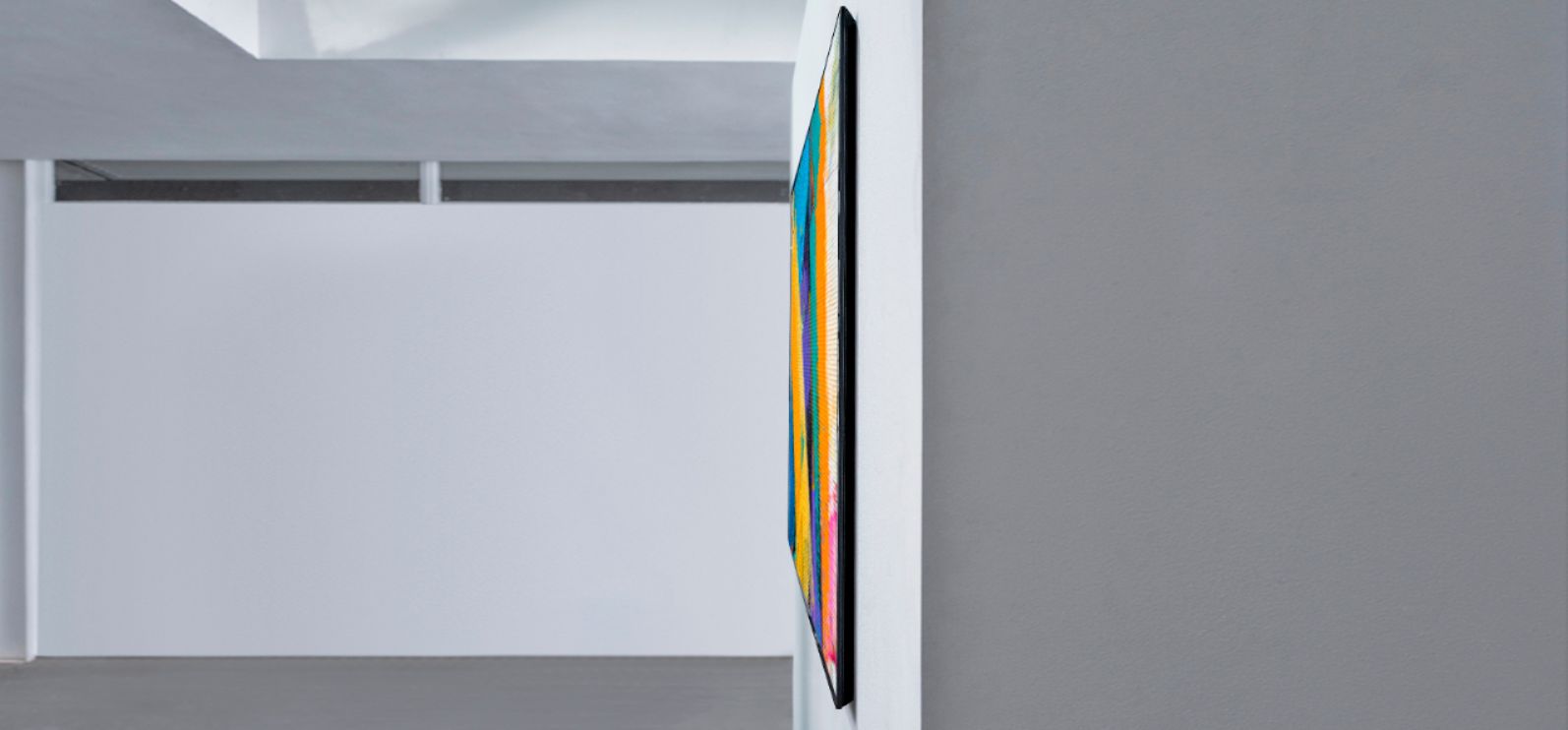
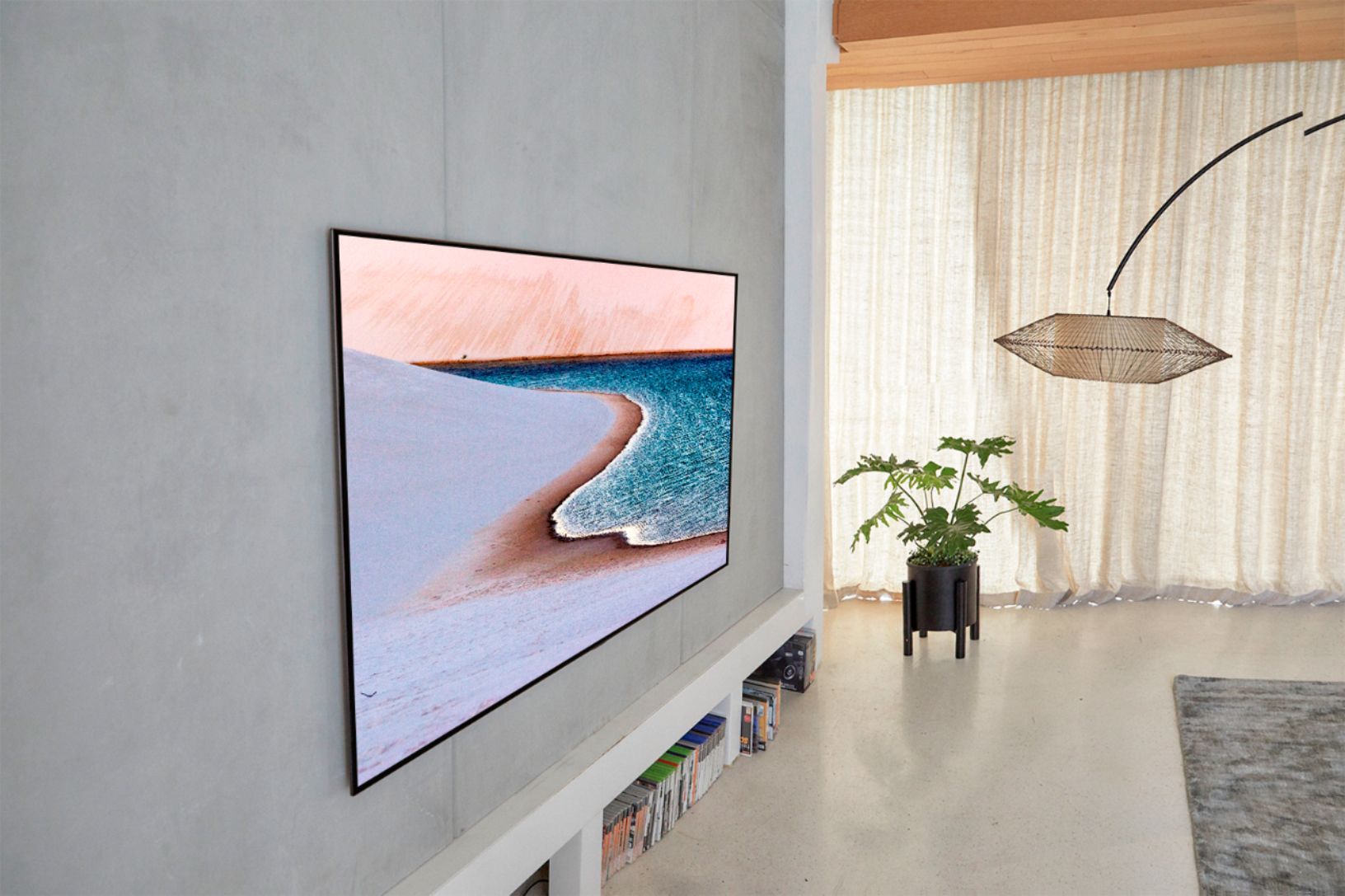
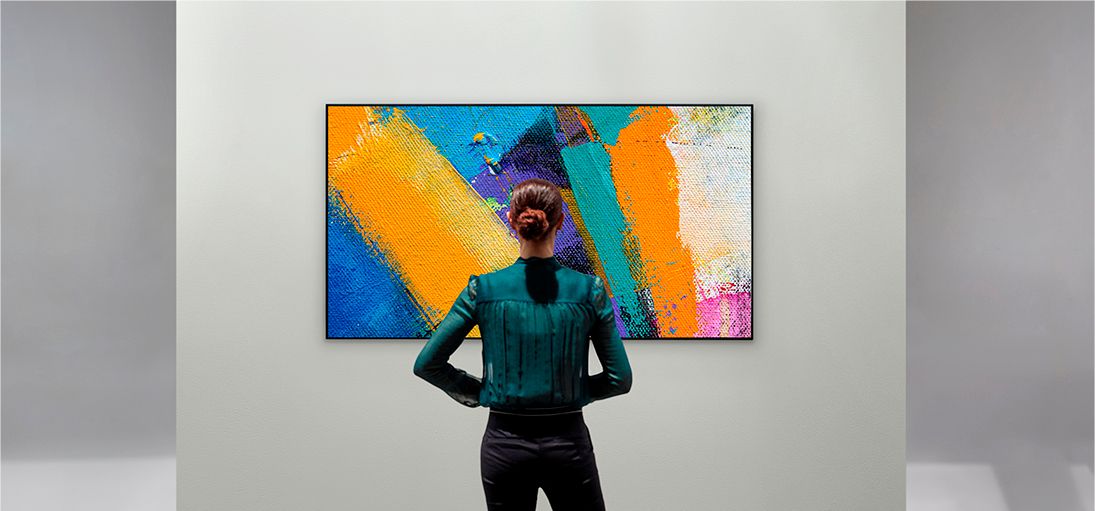
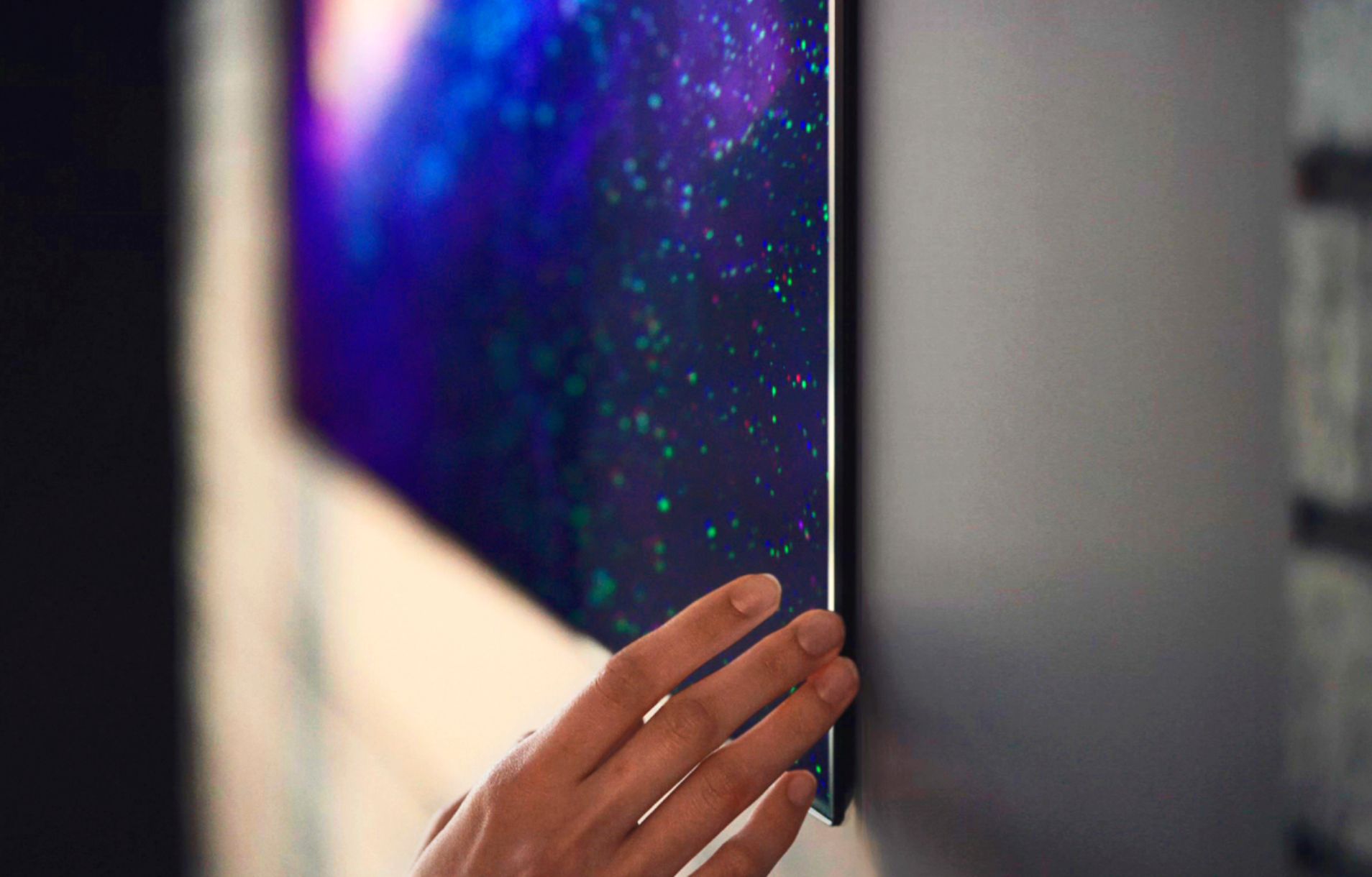
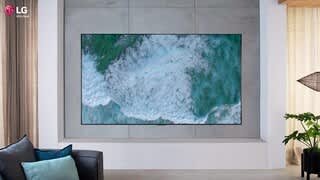
A:Answer An optional wall mount can be used with your LG Television. Consult with your local dealer for a wall mount that supports the VESA standard used by your TV model. Carefully attach the wall mount bracket at the rear of the TV. Install the wall mount bracket on a solid wall perpendicular to the foor. If you are attaching the TV to other building materials, please contact qualifed personnel to install the wall mount. Detailed instructions will be included with the wall mount. We recommend that you use an LG brand wall mount. The LG wall mount is easy to adjust or to connect the cables. When you do not use LG’s wall mount bracket, use a wall mount bracket where the device is adequately secured to the wall with enough space to allow connectivity to external devices. If you are using a non-adjustable mount, attach the mount to the wall. Attach the cables to the TV frst, then attach the TV to the mount. If you have additional questions, you can contact our Customer Support by any of the below options:
Phone: 1-800-243-0000
LiveChat: https://www.lg.com/us/support/chatbot
Email: https://www.lg.com/us/support/email-appointment
Facebook Messenger: https://www.facebook.com/LGUSA/
Twitter DM: @LGUS
The LG Community Forum is also a great resource for getting help from other LG customers: https://lgcommunity.us.com/ ^CP