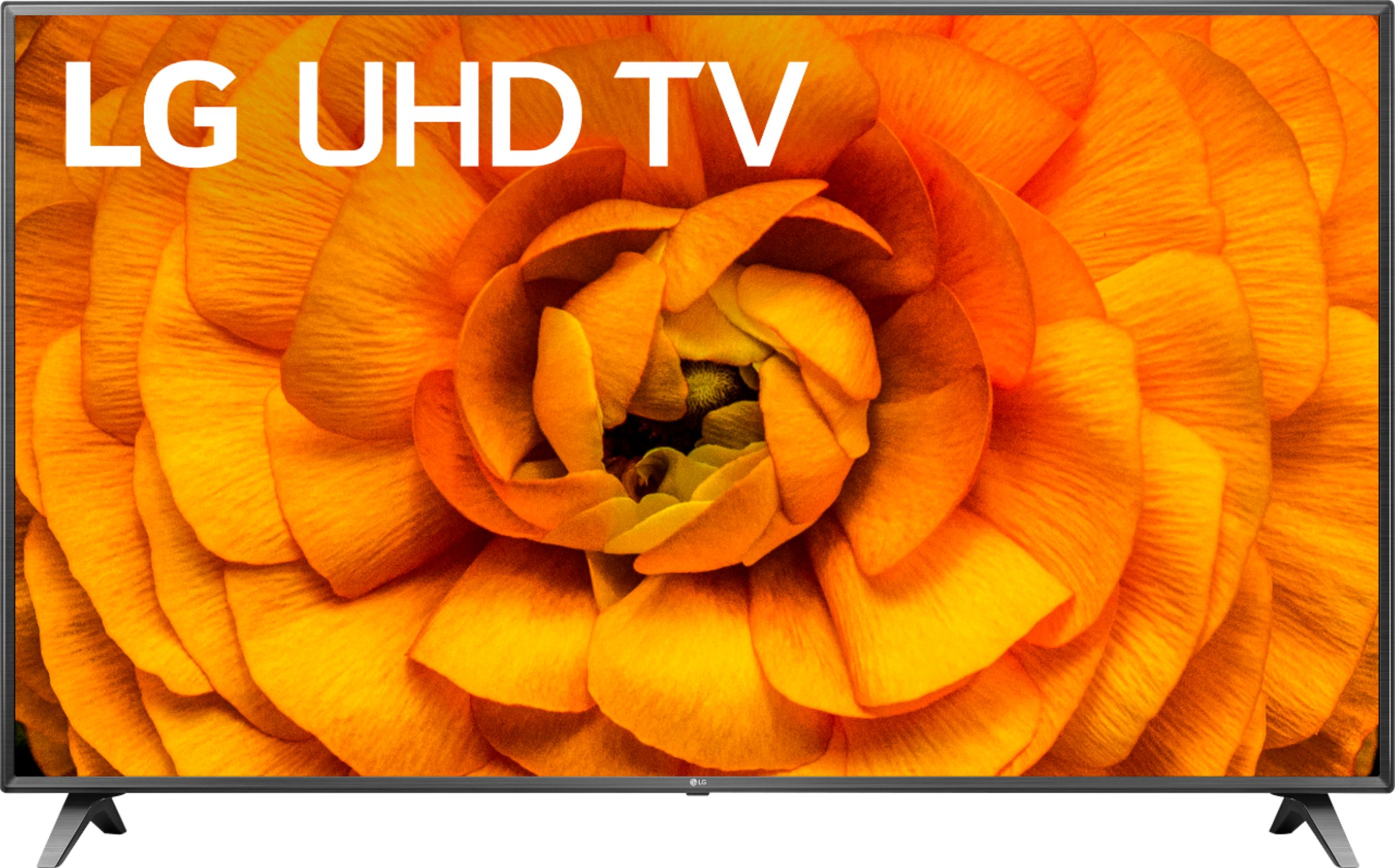
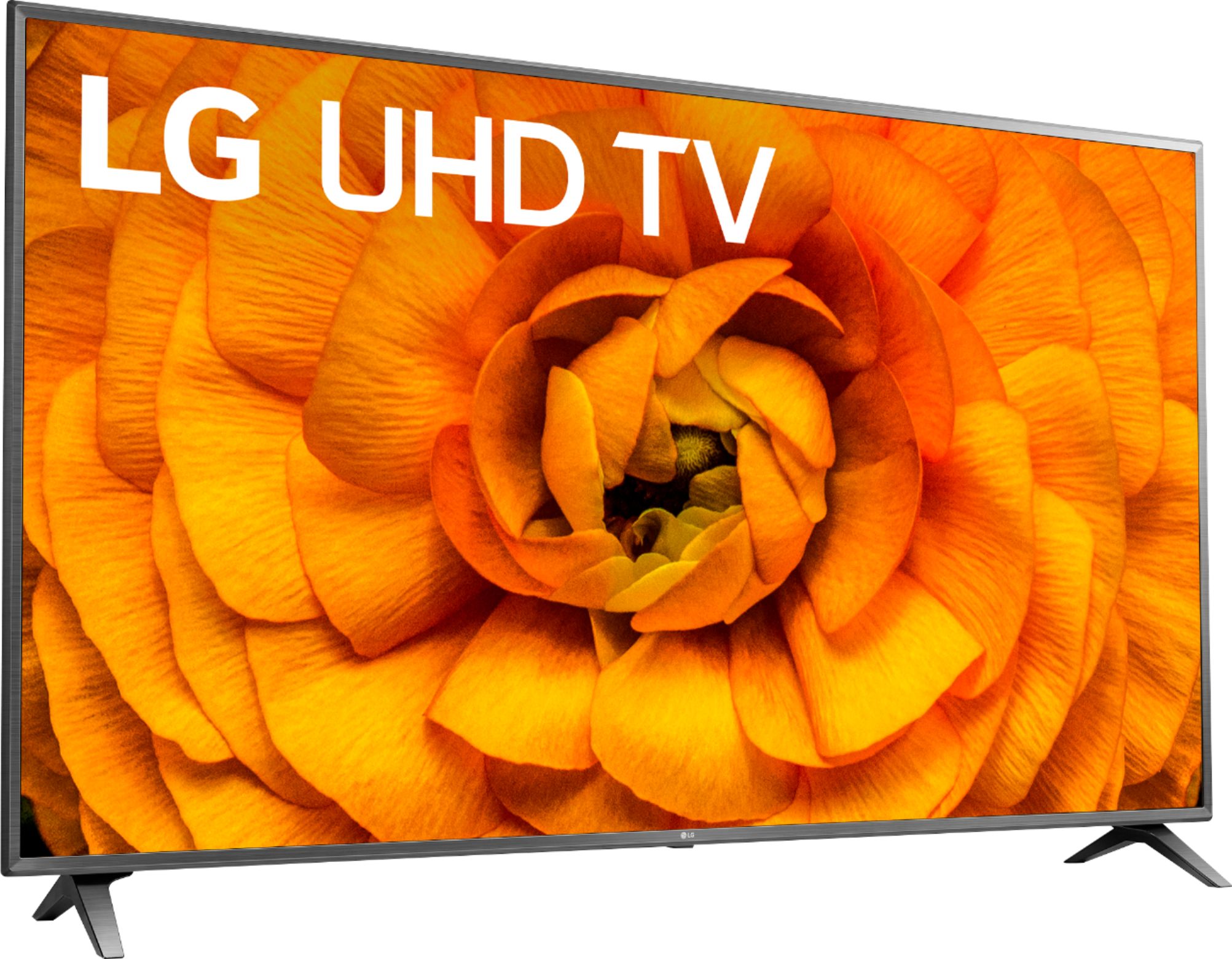
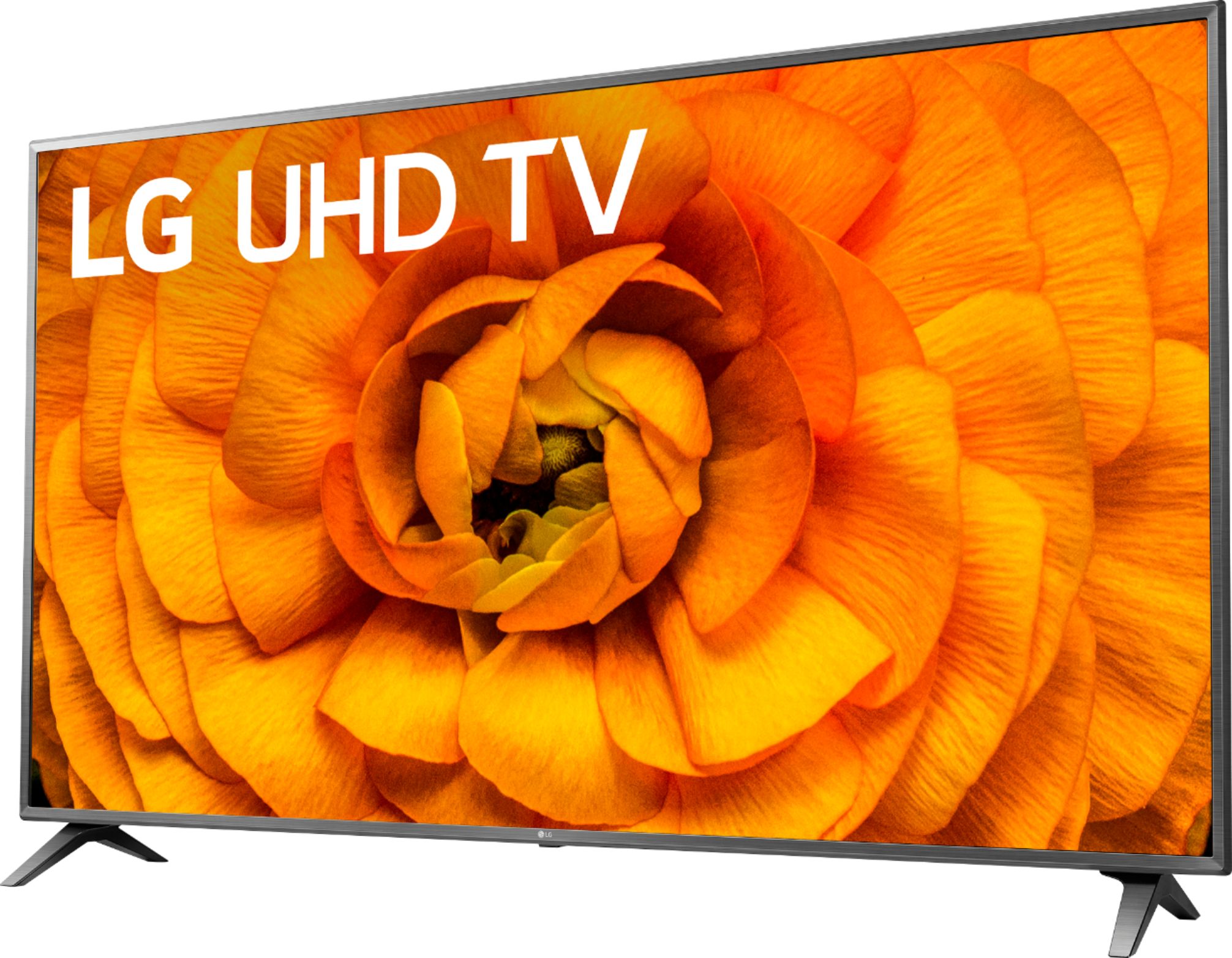
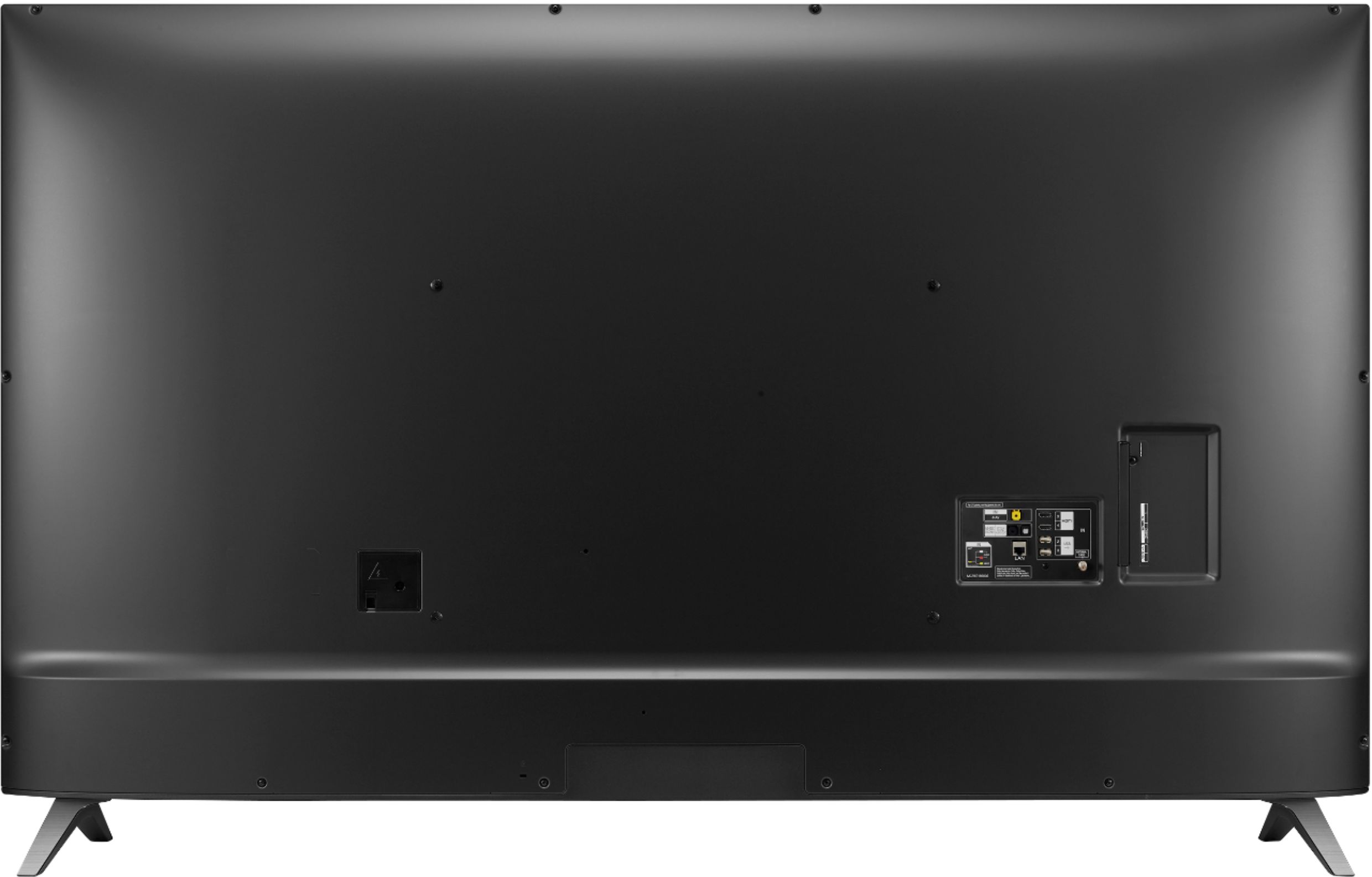
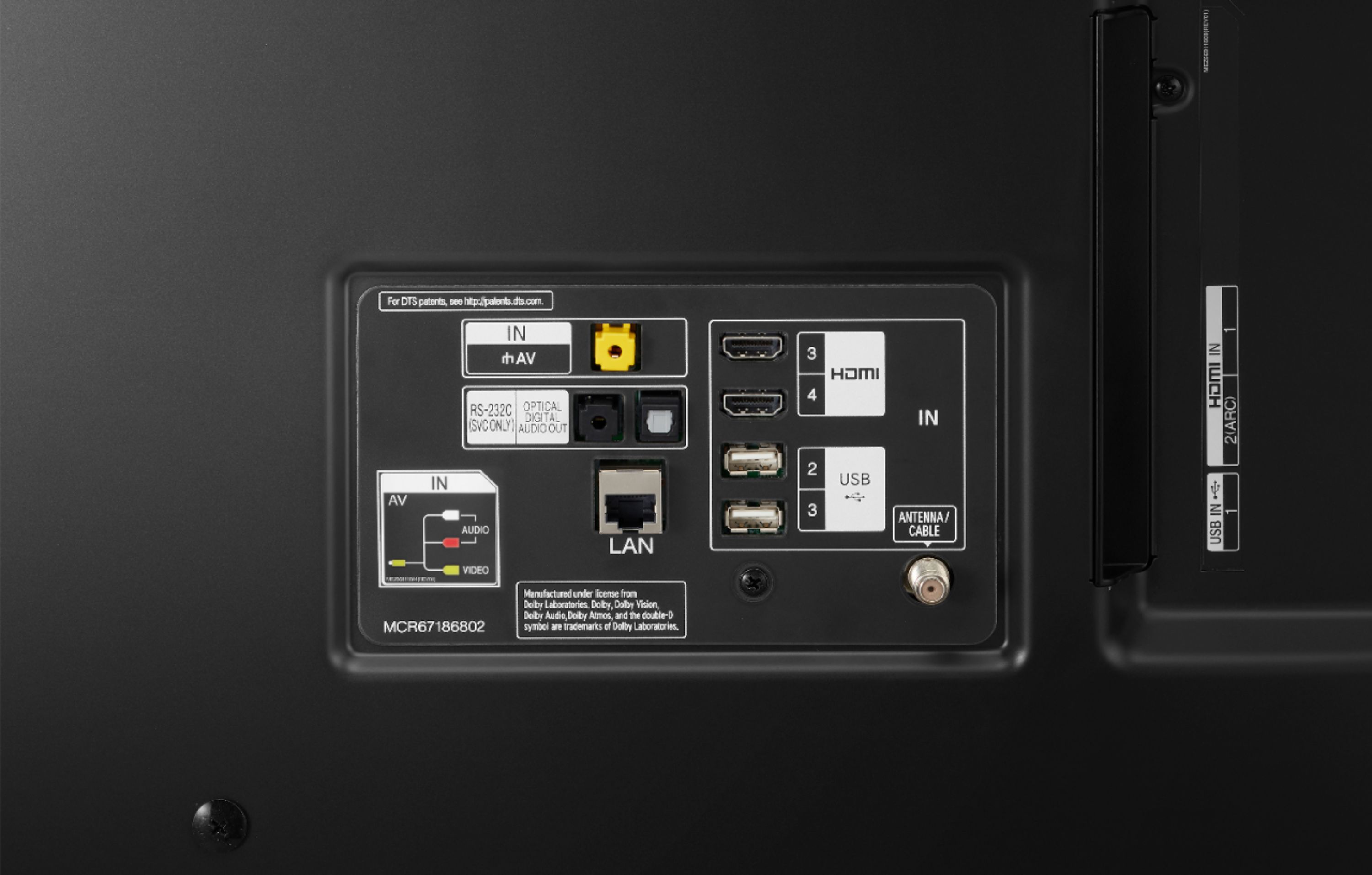
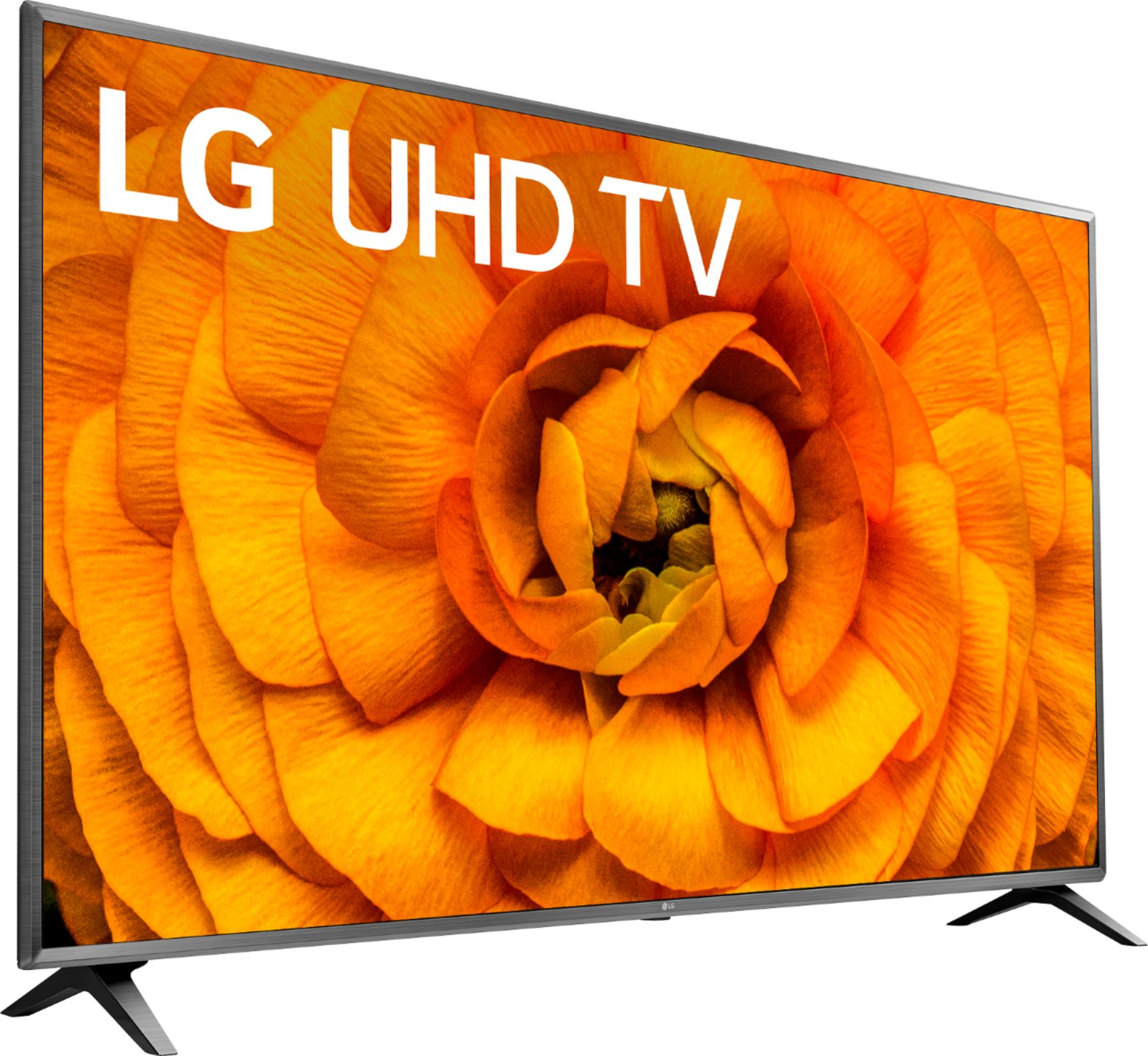
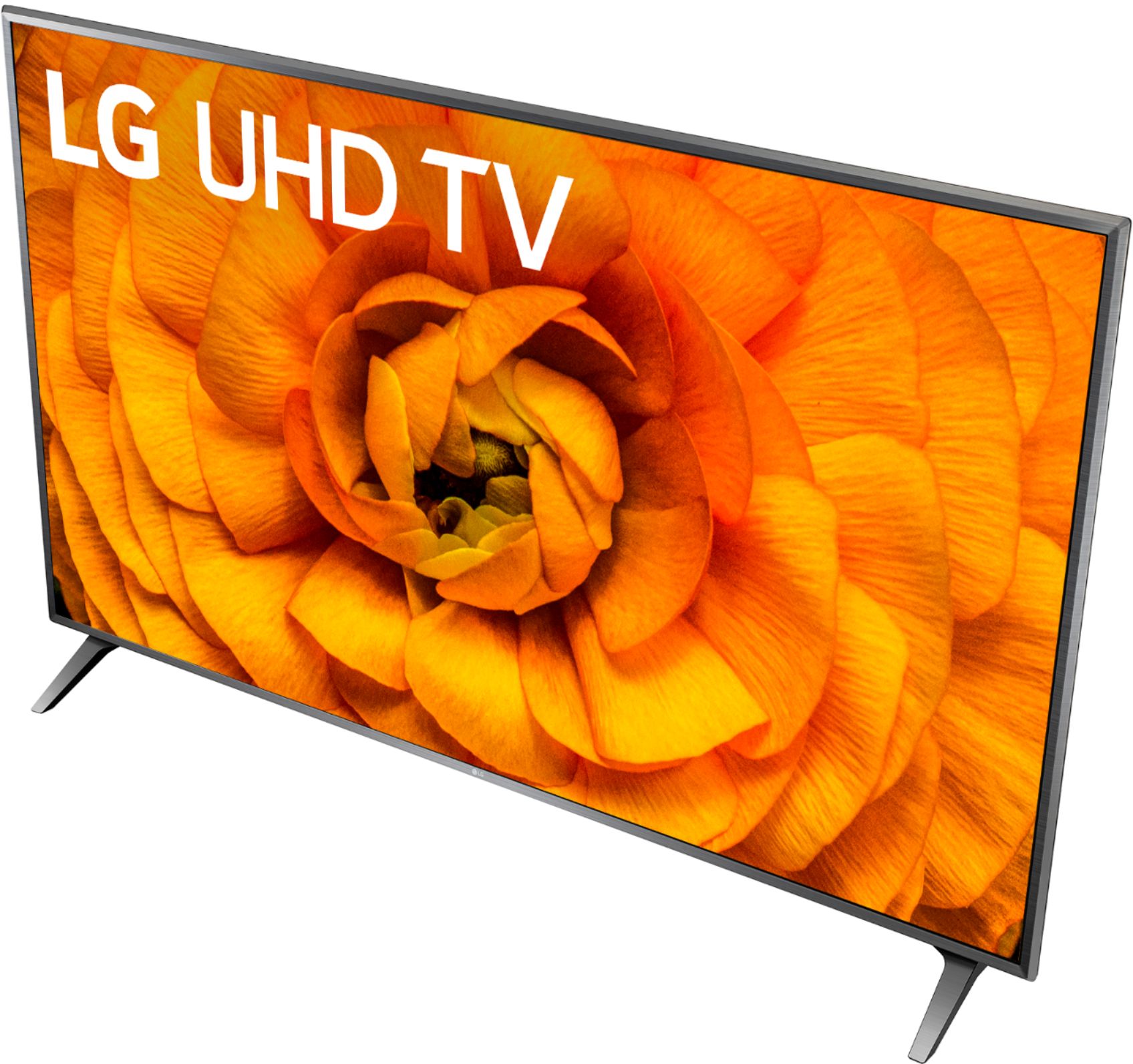
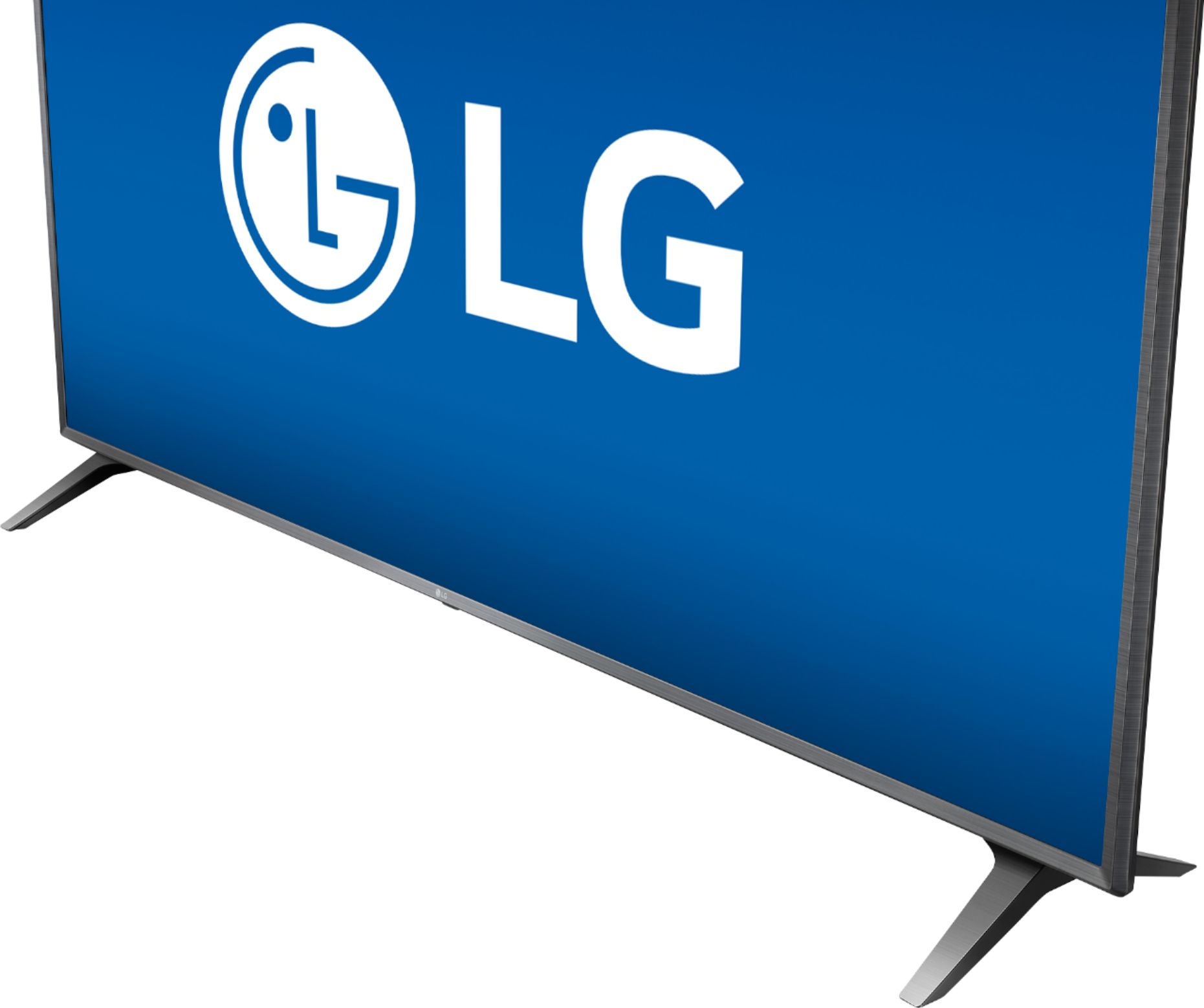
A:Answer The Screen Share feature on the LG UHD 85 Series 86 inch Class 4K Smart UHD TV with AI ThinQ® (85.6'' Diag), Model # 86UN8570PUC allows you to display your smartphone or tablet's screen on the TV and enjoy, movies, music and photo files saved on the smartphone and the Content share feature in the TV allows you to share movie, photo and music files stored on your computer. If you have Windows 7 or later installed on your PC, you can play music, video, photos, etc. on your TV without needing to install a separate program.The TV and your computer have to be connected to the same network. You can use SmartShare PC Software to connect the music / videos / photos saved on the PC to your home network and play them on your TV. The Smartshare PC Software can be downloaded from the LG website, www.lg.com/us. For iOS devices, you can use AirPlay 2 to cast entertainment from Apple devices to your TV using Airplay 2, including Apple's vast library of Dolby Vision™ content and also use your Apple devices to configure, customize, and control your smart home using HomeKit...^IFV