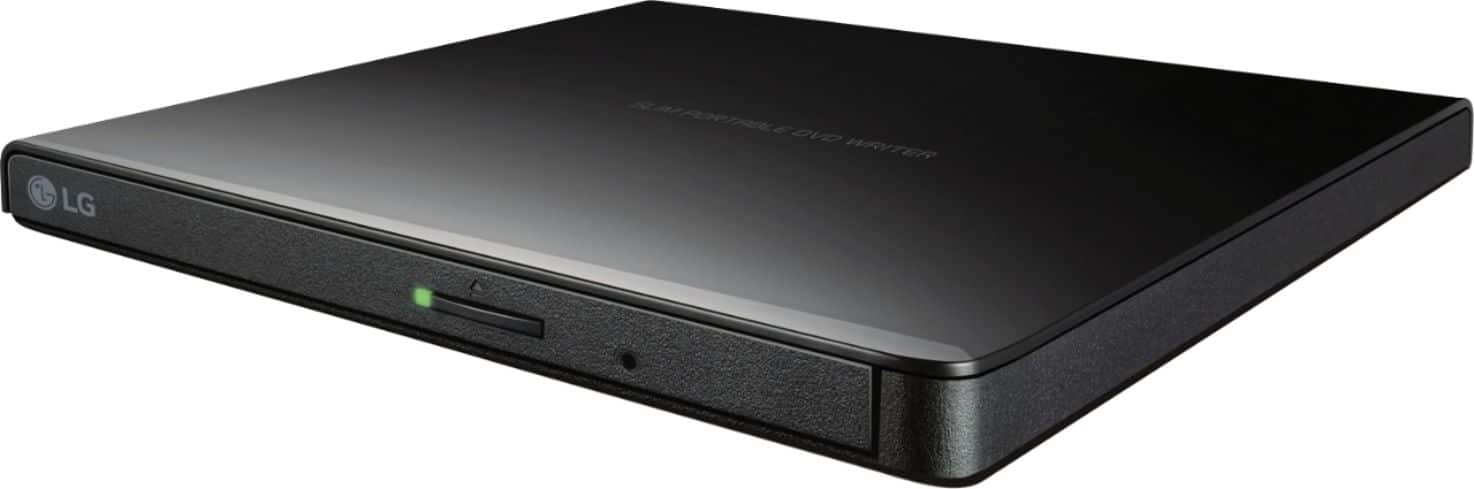
A:AnswerHi, there. The LG Ultra-Slim Portable DVD Burner & Drive with M-DISC™ Support (GP65NB60) has a burst transfer rate of USB 2.0 interface (up to 480Mbits/s, USB 3.0 Compatible). Therefore you can use it with USB 3.0. `Alice
A:AnswerThe wife and I replaced both of our older Win 10 computers and our new computers are both Win 11. I have installed numerous programs to include Microsoft Office, our Tax software, and various games. I also write DVDs and CDs perfectly.
A:AnswerWe would be happy to help you with your case, however we need to move to a platform that supports back and forth messaging. Please send us a private message on Facebook or Twitter using @LGUSSupport and include #VOC, your contact info and we will doing everything in our power to expedite a resolution for you. Thank you. ^Venette
A:AnswerLet us help you with that! Please send us a private message on Facebook or Twitter using @LGUSSupport and include #VOC, your contact info and we can expedite a resolution for you. Thank you. ^Venette
A:AnswerHello there, JohnnyMac. We understand your inquiry about using the LG GP65NB60 external DVD drive with an Acer Spin 713 Chromebook.
This drive is designed to be compatible with Windows and Mac operating systems. While Chromebooks can sometimes recognize USB optical drives, the functionality is limited. The Chrome OS operating system may allow you to read data discs, but it does not have the built-in software or codecs to play movie DVDs or music CDs directly.
https://www.bestbuy.com/site/lg-8x-external-usb-2-0-double-layer-dvdrw-r-ram-cd-rw-drive-black/5581020.p?skuId=5581020
For further assistance or to discuss other options, please send us a private message on Social Media @LGUSSupport. We appreciate your patience. —Renzo