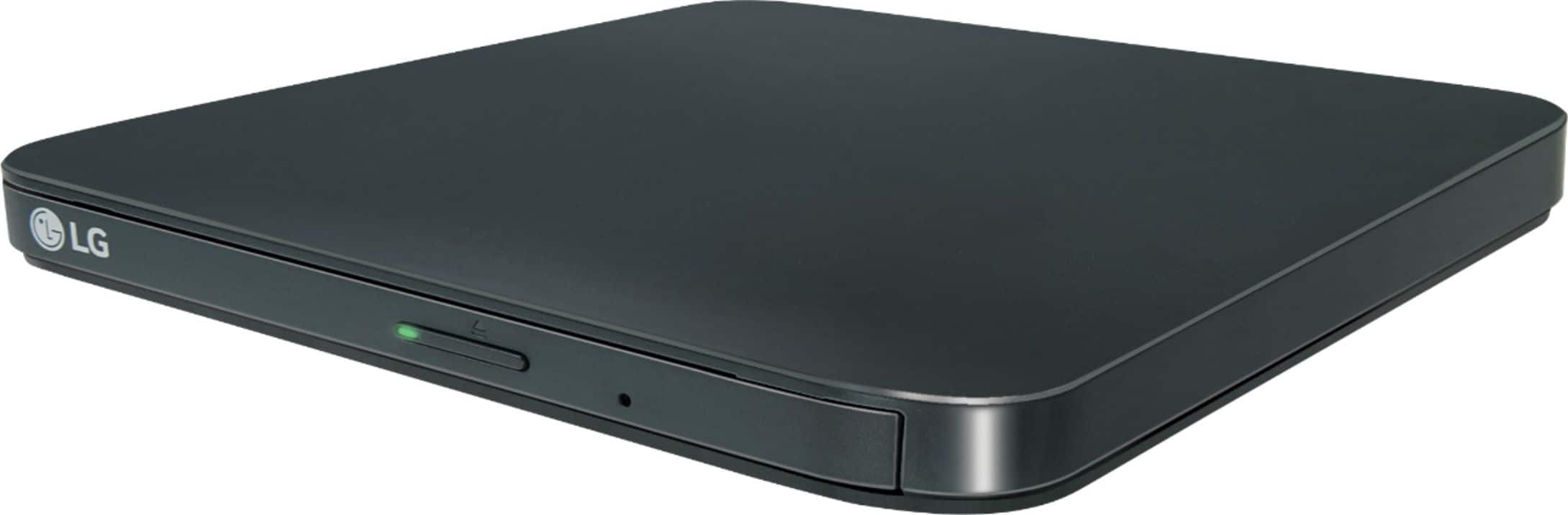
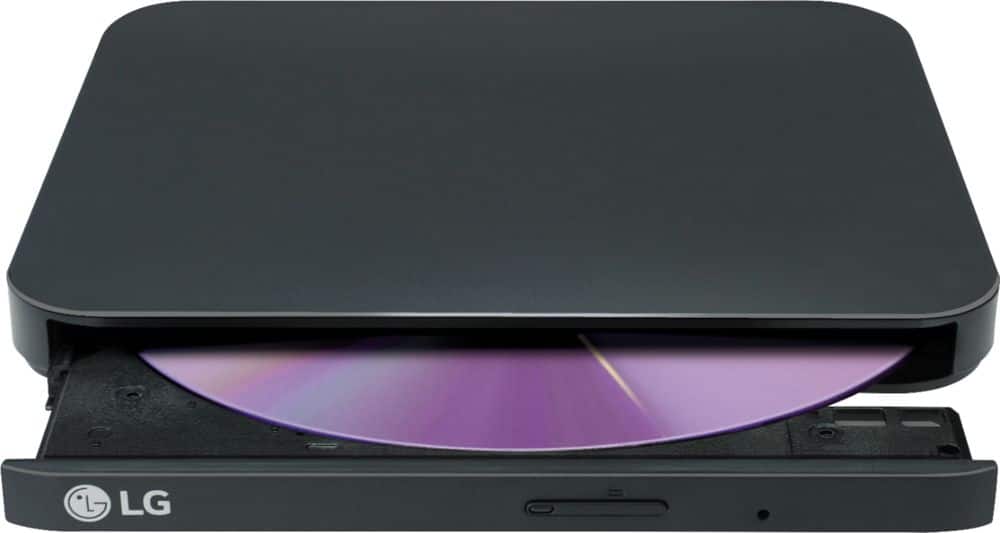
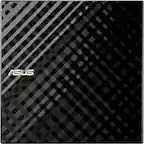
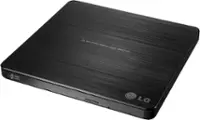
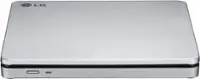
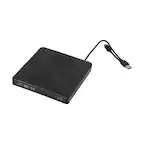
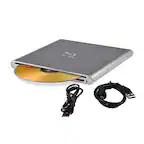
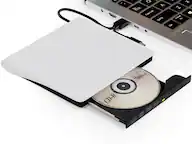
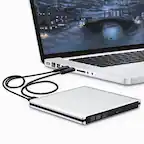
A:AnswerHi there, Mike. Thank you for your inquiry about the LG SP80NB80 Slim External DVD Drive. We understand you're curious about its compatibility and capabilities. The drive does indeed support reading and writing CDs and DVDs, and it is compatible with M-Disc DVD, allowing data to be written and preserved for long-term storage at up to 4x speed.
https://www.lg.com/us/burners-drives/lg-sp80nb80-slim-external-dvd-drive#pdp_specs
If you have any further questions or would like additional support, please feel free to reach out to us on social media @LGUSSupport. We're here to assist you.
—Renzo
A:AnswerHello there! Regarding your question about the LG SP80NB80 Slim External DVD Drive, this drive does not have the capability to format blank disks for burning purposes. It is primarily designed for reading and writing data to DVDs, CDs, and Blu-rays, but it lacks the built-in software or functionality for full disk formatting.
For your specific needs, you would typically require a DVD writer with formatting capabilities or specialized software that can be used in conjunction with a compatible drive to format blank disks. The SP80NB80 does support writing to various formats such as DVD-R, DVD-RW, CD-R, and CD-RW, but for formatting, you'll need to use compatible software like Nero or other disk management programs on your computer.
https://www.lg.com/us/burners-drives/lg-sp80nb80-slim-external-dvd-drive#pdp_specs
Let us know if you need further details or have more questions! —Renzo
A:AnswerHi there! Thank you for your inquiry about the SP80NB80 model. Unfortunately, this unit does not have a port for headphones or earbuds for private listening. However, it does feature a USB interface that delivers rapid data transfer and wide compatibility with PC systems.
If you have any further questions or need assistance with anything else, please feel free to send us a private message on Social Media @LGUSSupport. We're here to help, and we appreciate your understanding!
—Avril
A:AnswerHello there. Thank you for your question about the LG SP80NB80 Slim External DVD Drive. We understand how important functionality is when it comes to watching your DVDs. This device allows you to pause playback using the media player software on your computer. Rewinding is controlled by the software you’re using to play the DVD. Media players will have a rewind feature available. If you have any further questions or need assistance, please feel free to send us a private message on Social Media @LGUSSupport, and we’ll be happy to help. We appreciate your interest in LG! —Renzo
A:AnswerHi there! Thank you for your question about the SP80NB80. Yes, this unit is compatible with Windows 11 (64-bit). You should be able to operate it smoothly without any issues. If you have any further questions or need assistance with setup, please feel free to send us a private message on Social Media @LGUSSupport. Our team will be happy to help! We appreciate your interest! —Avril
A:AnswerThank you for reaching us regarding LG Portable DVD. The LG SP80NB80 external DVD drive should work with your HP laptop running Windows 11 in S mode, but keep these points in mind:
1. Windows 11 Compatibility: Many users have successfully used this drive with Windows 11, and it is typically recognized right away.
2. S Mode Limitations: In Windows 11 S mode, you can only install apps from the Microsoft Store. However, the DVD drive should still be recognized for basic tasks like reading discs.
3. Switching Out of S Mode: If you want to use additional software for the DVD drive, you can switch out of S mode for free. This will give you full access to all Windows 11 features.
4. Plug-and-Play: The LG SP80NB80 is a plug-and-play device, so Windows should automatically recognize and install the necessary drivers.
You can download its owner's manual through this link for more information: https://www.lg.com/us/support/product/lg-SP80NB80.AVAR10B. For additional assistance, please reach out to us on social media @LGUSSupport so we can help you further. ^Cris
A:AnswerThank you for reaching us regarding LG Portable DVD Writer. Yes, the LG SP80NB80 external DVD writer can be used with an all-in-one system. You can download its owner's manual through this link for more information: https://www.lg.com/us/support/product/lg-SP80NB80.AVAR10B. For additional assistance, please reach out to us on social media @LGUSSupport so we can help you further. ^Cris
A:AnswerThis device with software installed will allow the user to read and write to a CD or DVD. Retrieving and editing the contents on an existing disc may require additional software. This device is sufficient to store files on a disc.