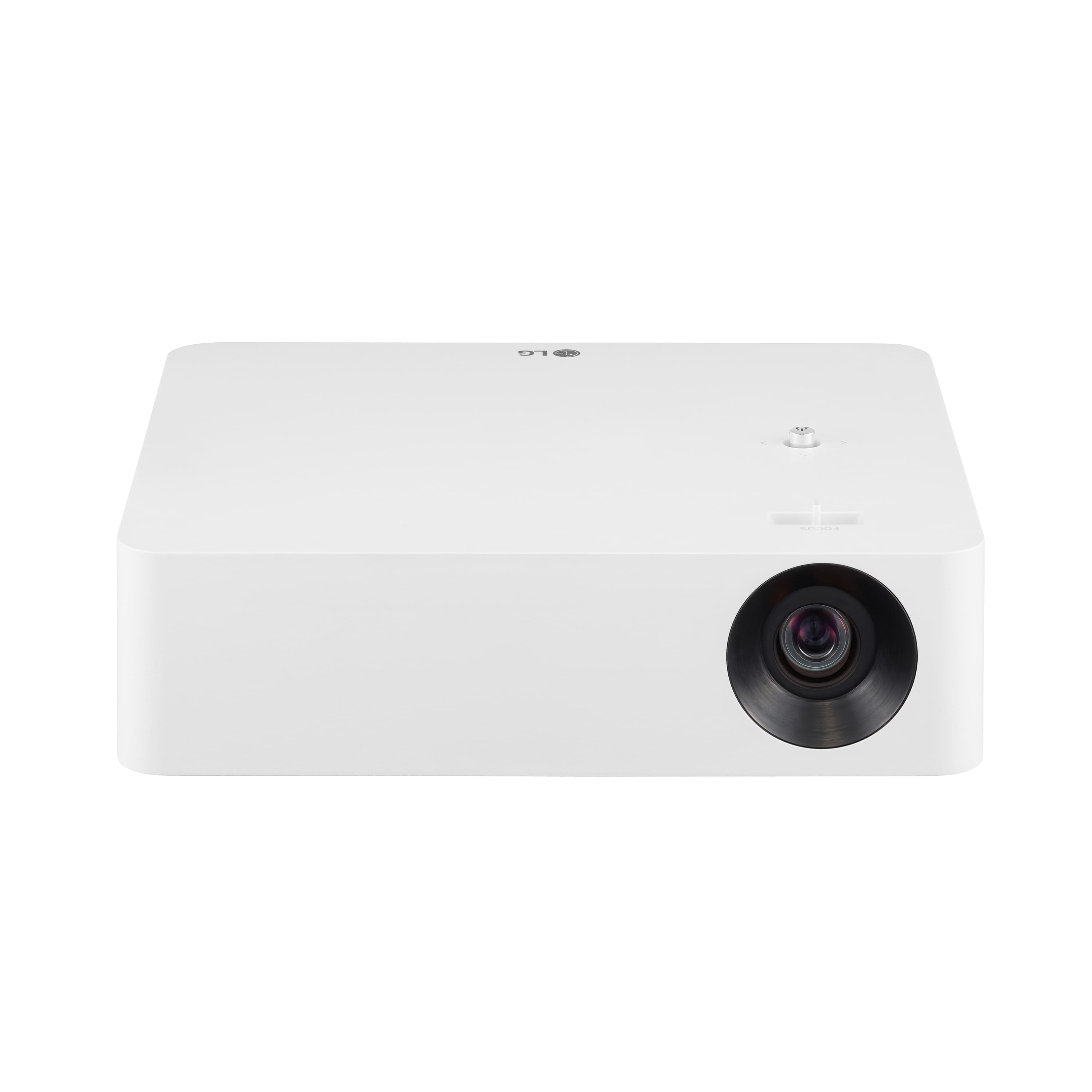
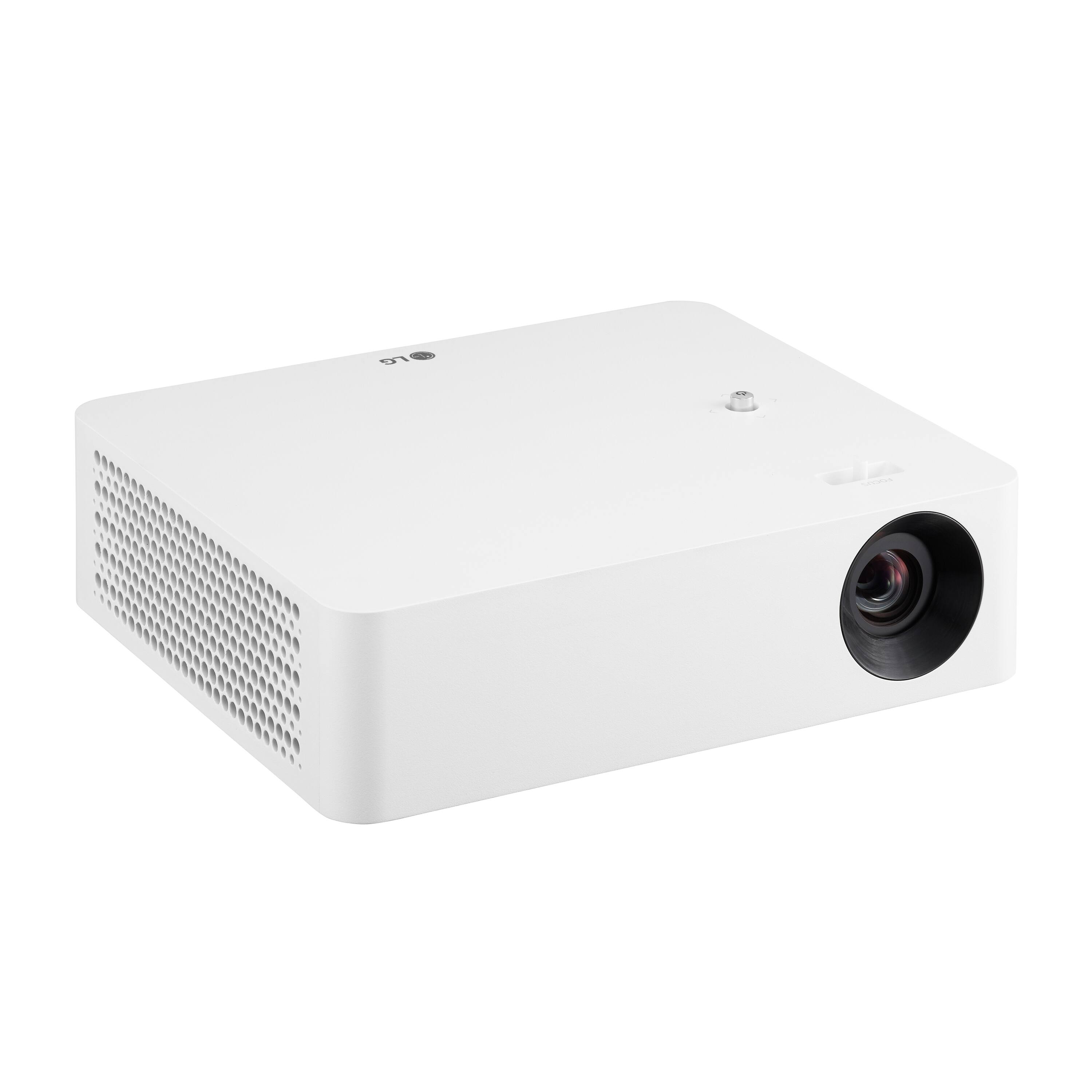
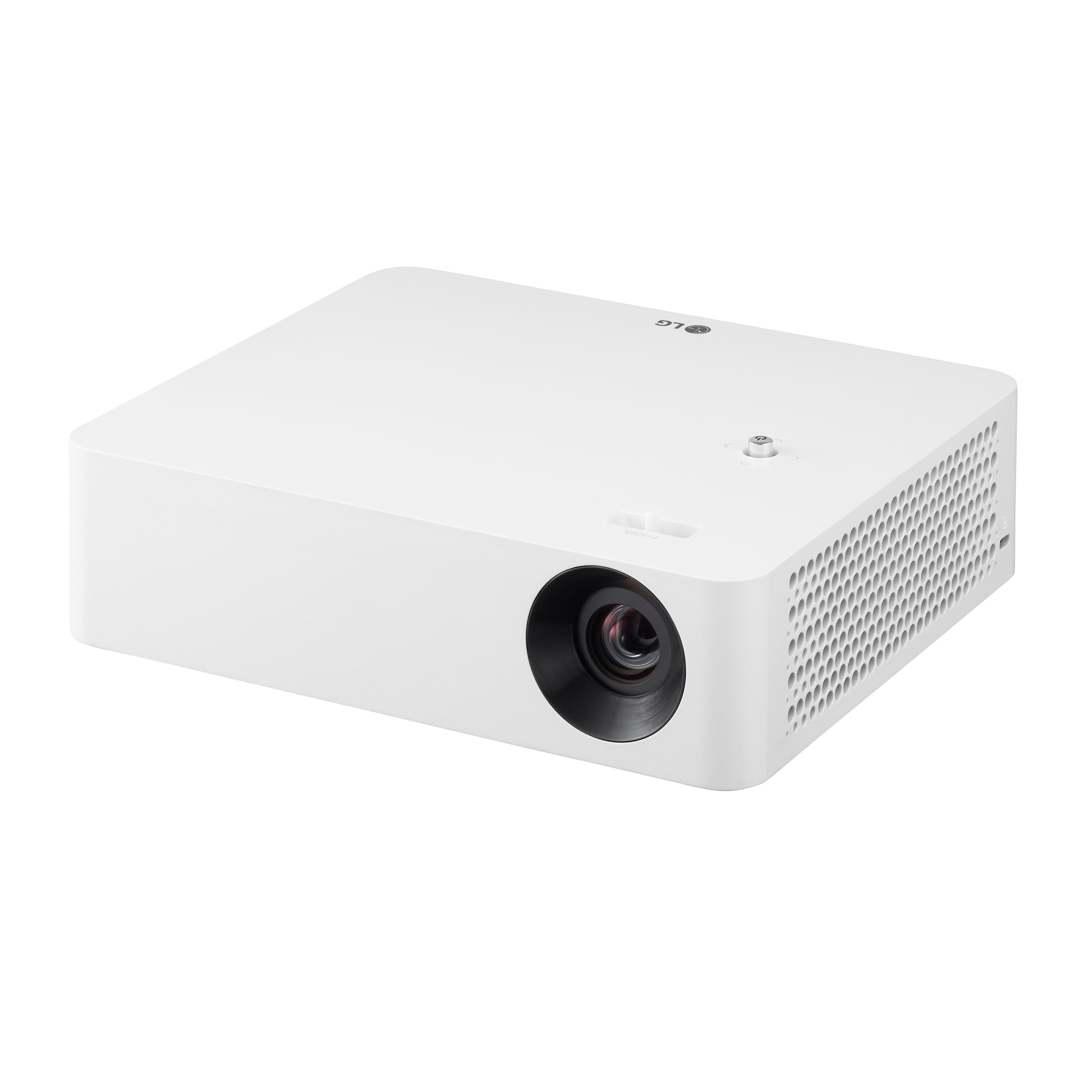
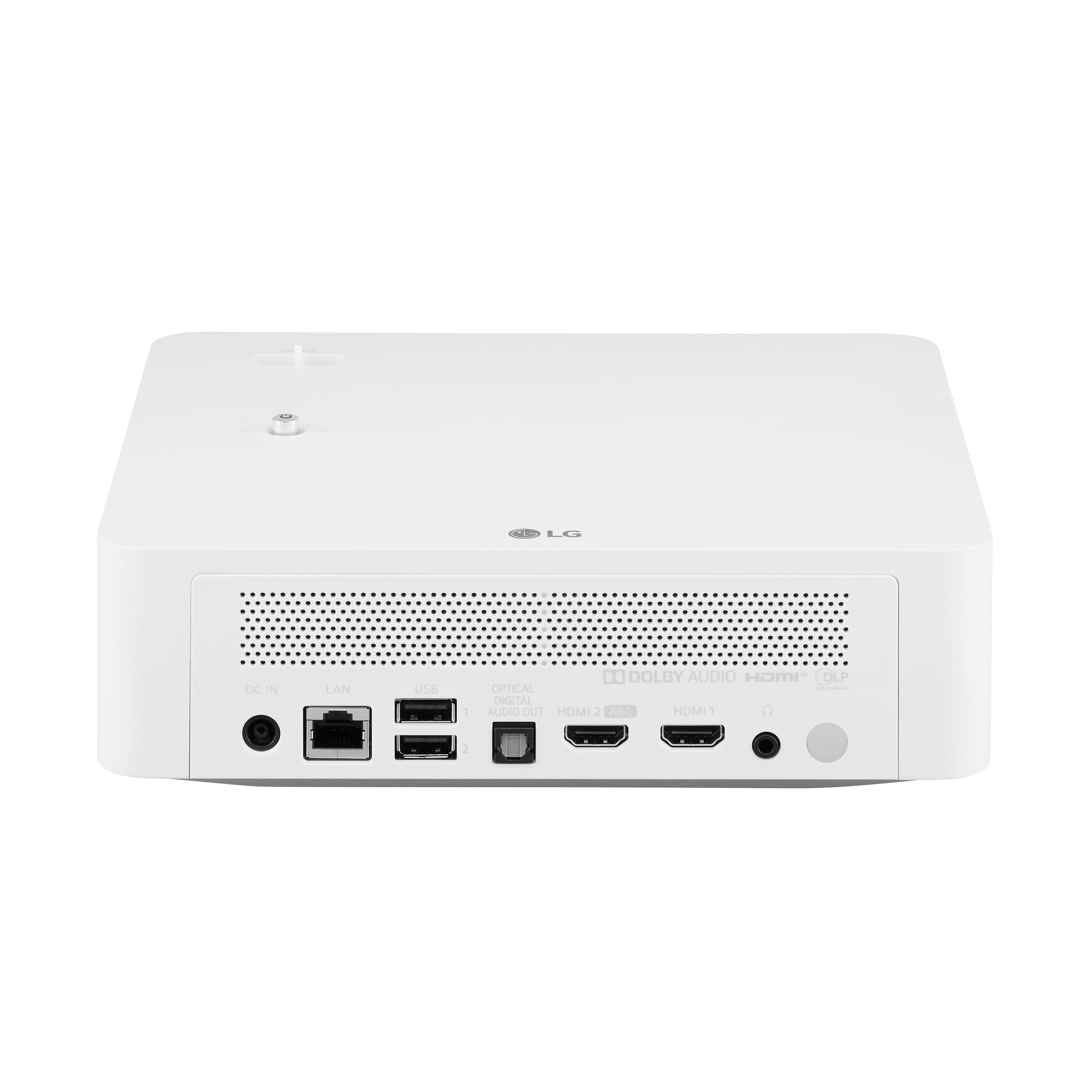
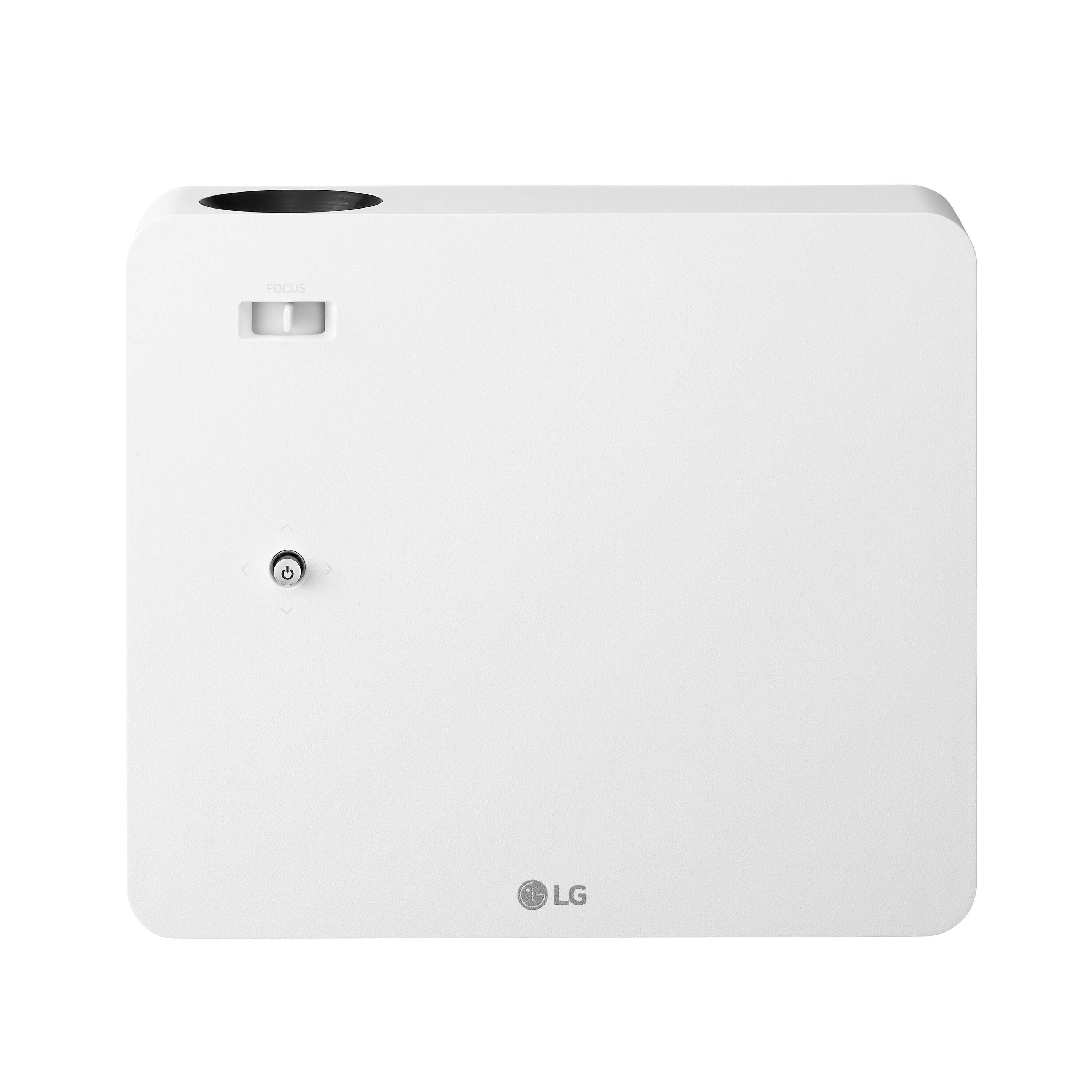
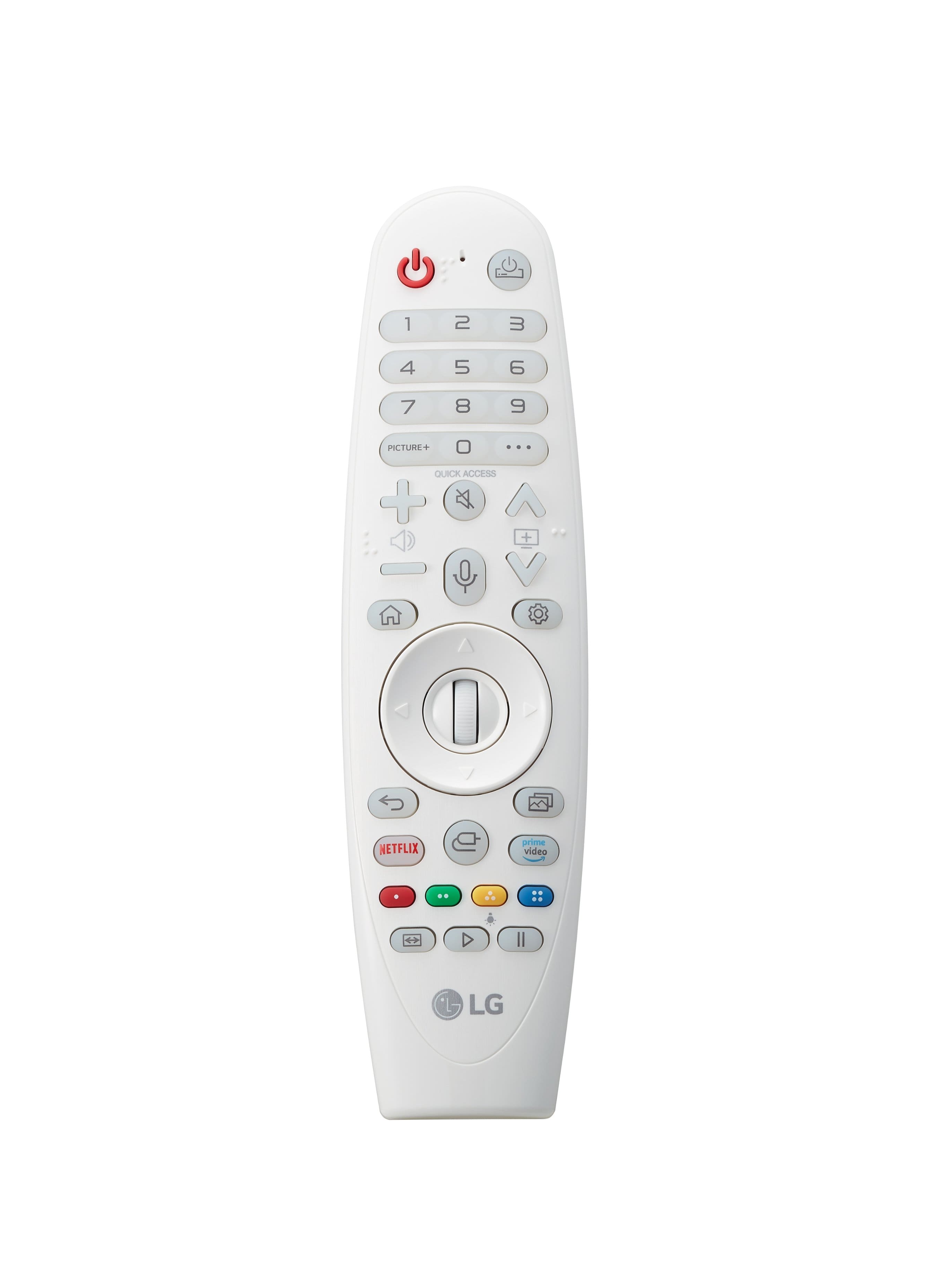
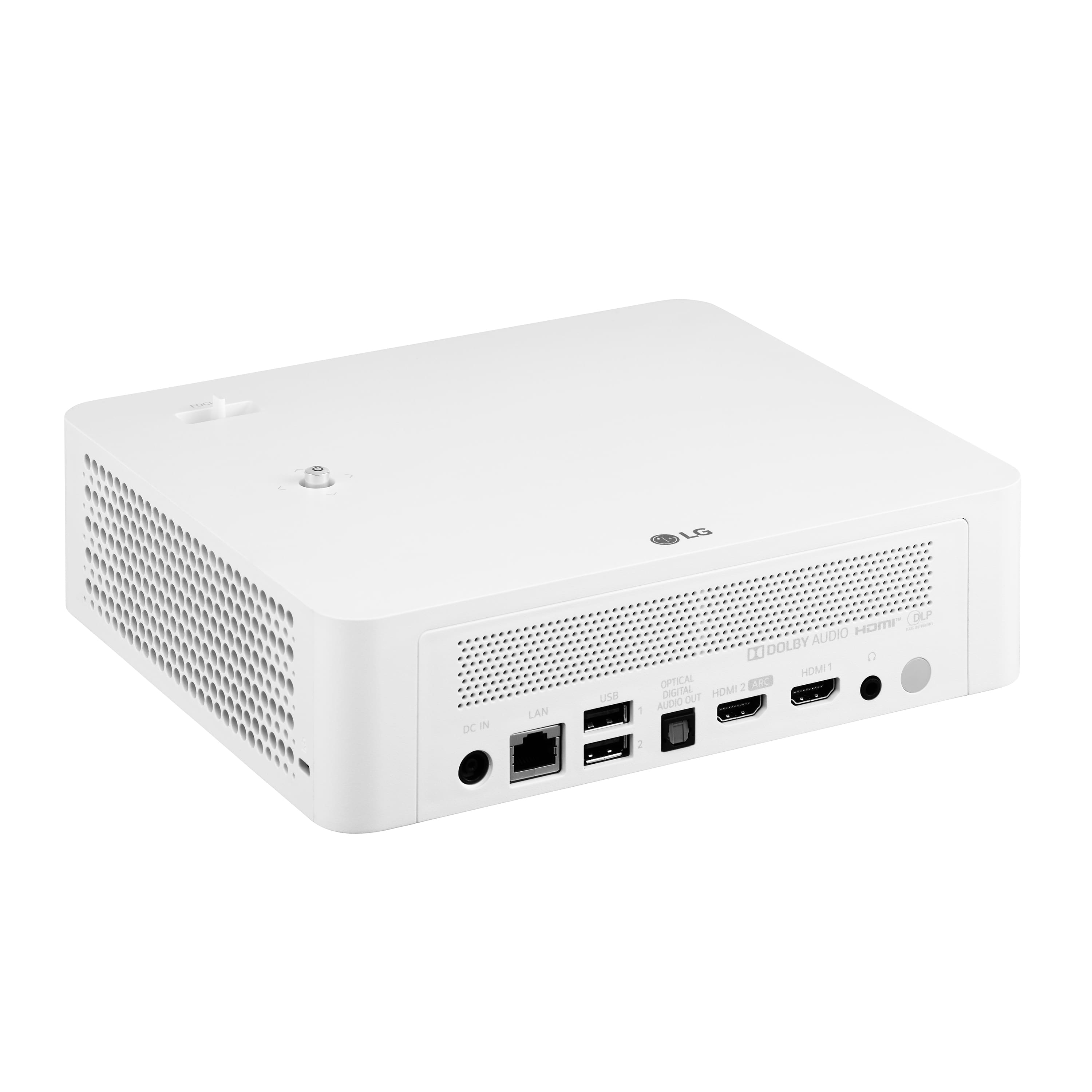
A:Answer Hi, This has Bluetooth (with Speaker), Contents Sharing (with DLNA supporting device only, Screen Share ( W i r e l e s s M i r r o r i n g w i t h M i r a C a s t supporting Android/Window device) and Apple Airplay2. Here's the steps [Home Dashboard] [Inputs] [HDMI 1]/[HDMI 2]. Connect a smart device to the projector using a cable1) and set the external input of the projector to HDMI. The smart device screen will then be displayed through the projector. You can connect with any HDMI input port. Here's the manual for connectivity https://www.lg.com/us/support/product/lg-PF610P.AUS. ^Vanessa