A:AnswerPlease reach out to our technical support team via private message on Facebook @LGUSSupport and use #VOC in your first message to our social media support team or call at 800-243-0000. Also, be sure to provide your contact information, model/serial numbers and date of purchase. ^Daphane
A:AnswerPlease reach out to our support team via private message on Facebook @LGUSSupport and use #VOC in your first message to our social media support team or call at 800-243-0000. Also, be sure to provide your contact information, model/serial numbers and date of purchase. ^Daphane
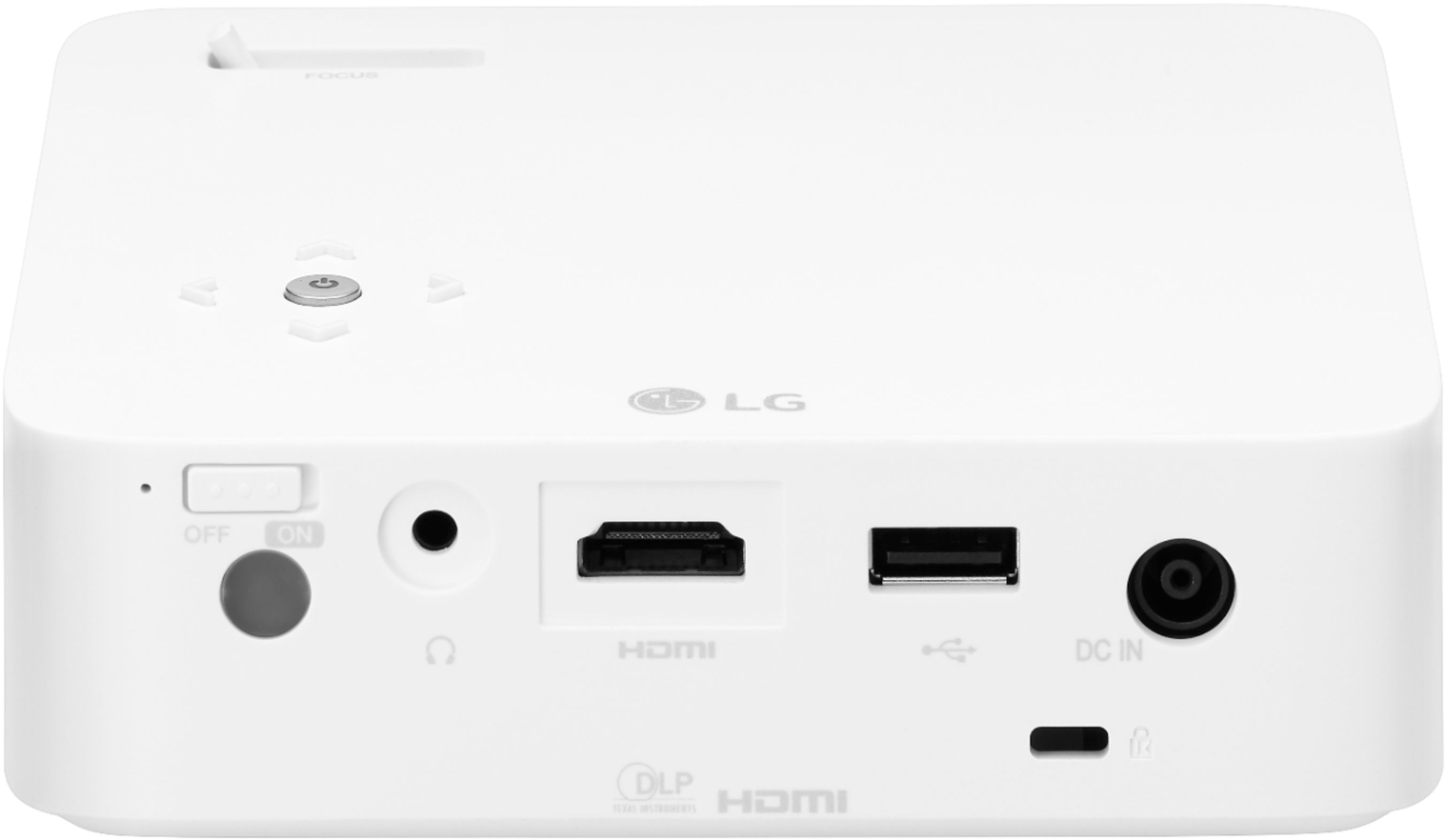
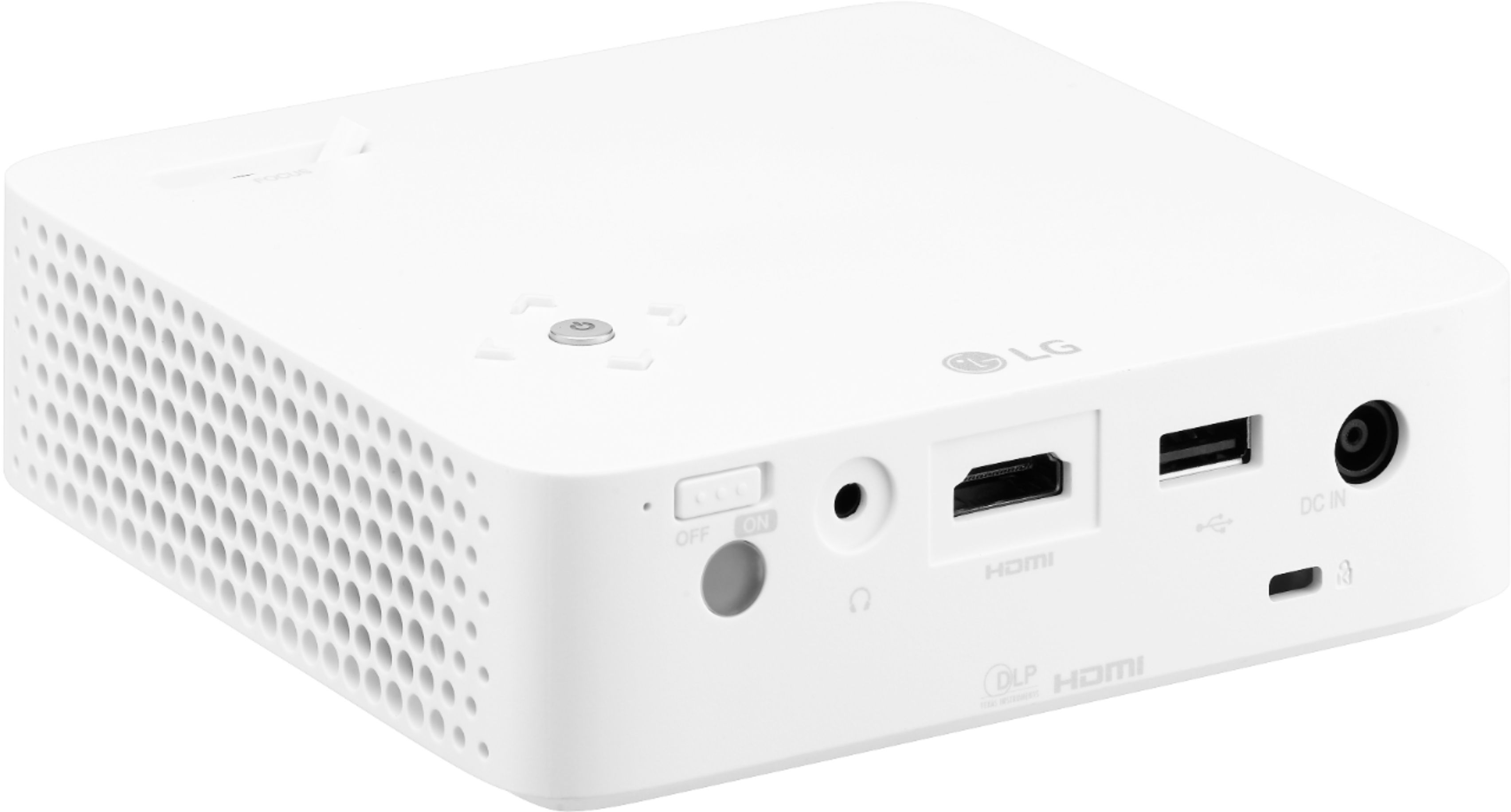
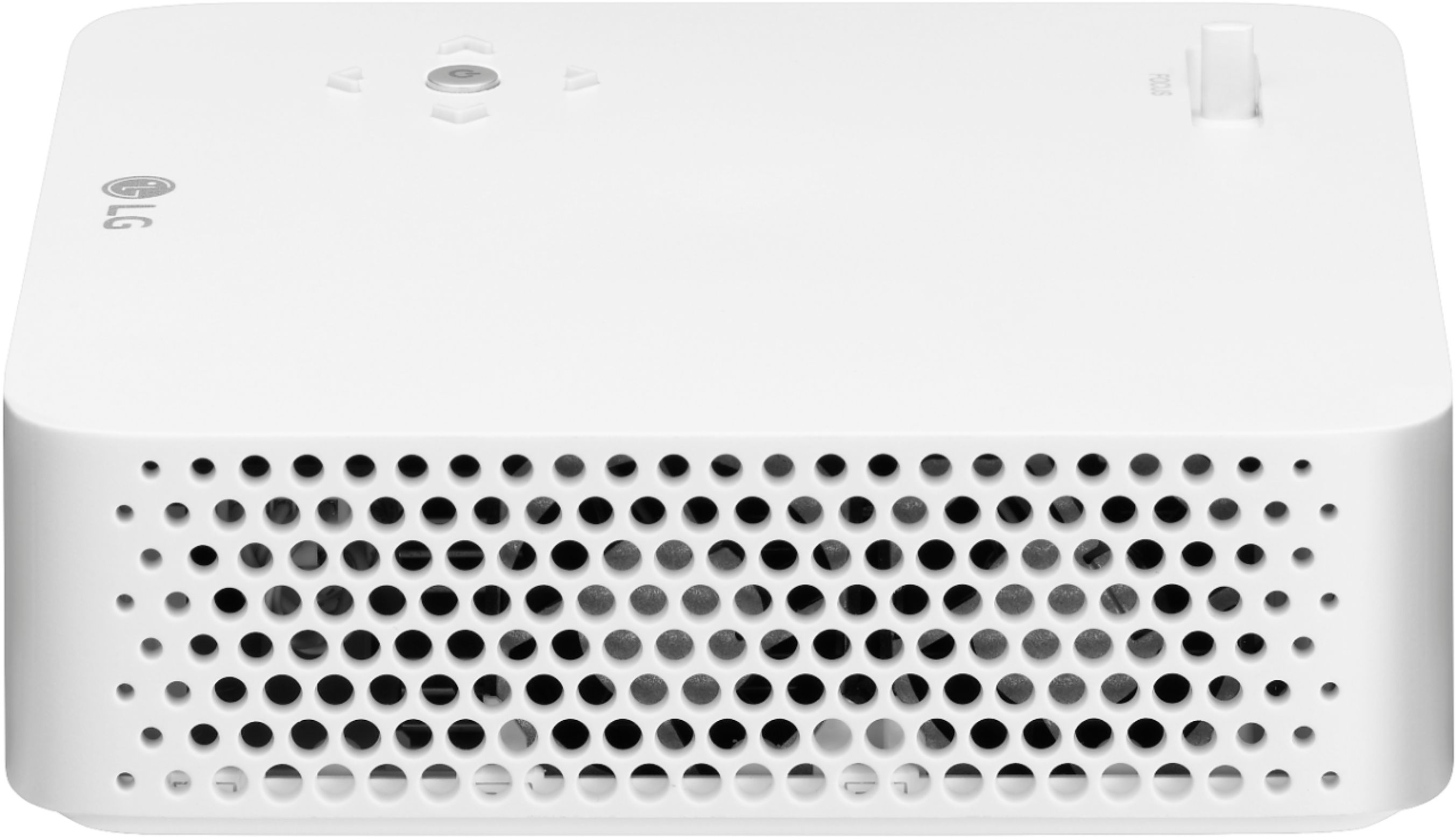
A:AnswerYes, you can connect a laptop via HDMI. This unit has wireless connectivity via Screen Share (with Miracast supporting device) and Bluetooth (with Speaker). ^Daphane https://www.lg.com/us/home-video/lg-ph30n-projector
A:AnswerPlease reach out to our support team via private message on Facebook @LGUSSupport and use #VOC in your first message to our social media support team or call at 800-243-0000 to verify. Also, be sure to provide your contact information, model/serial numbers and date of purchase. ^Daphane
A:AnswerPlease reach out to our support team via private message on Facebook @LGUSSupport and use #VOC in your first message to our social media support team or call at 800-243-0000 to verify. Also, be sure to provide your contact information, model/serial numbers and date of purchase. ^Daphane
A:AnswerYes, you can connect a USB device (external HDD, USB memory) to the USB port of projector to
enjoy the content files stored in the USB device with your projector. You cannot write or delete data in the USB device. ^Daphane
A:AnswerPlease seek recommendations/opinions at https://lgcommunity.us.com. The LG Community Forum is a great resource for getting help from other LG customers. ^Daphane
A:AnswerWhen using the SCREEN SHARE function, it is compatible with Miracast supported devices with Windows 10 or higher. It is not compatible with Android or iOS. ^Daphane