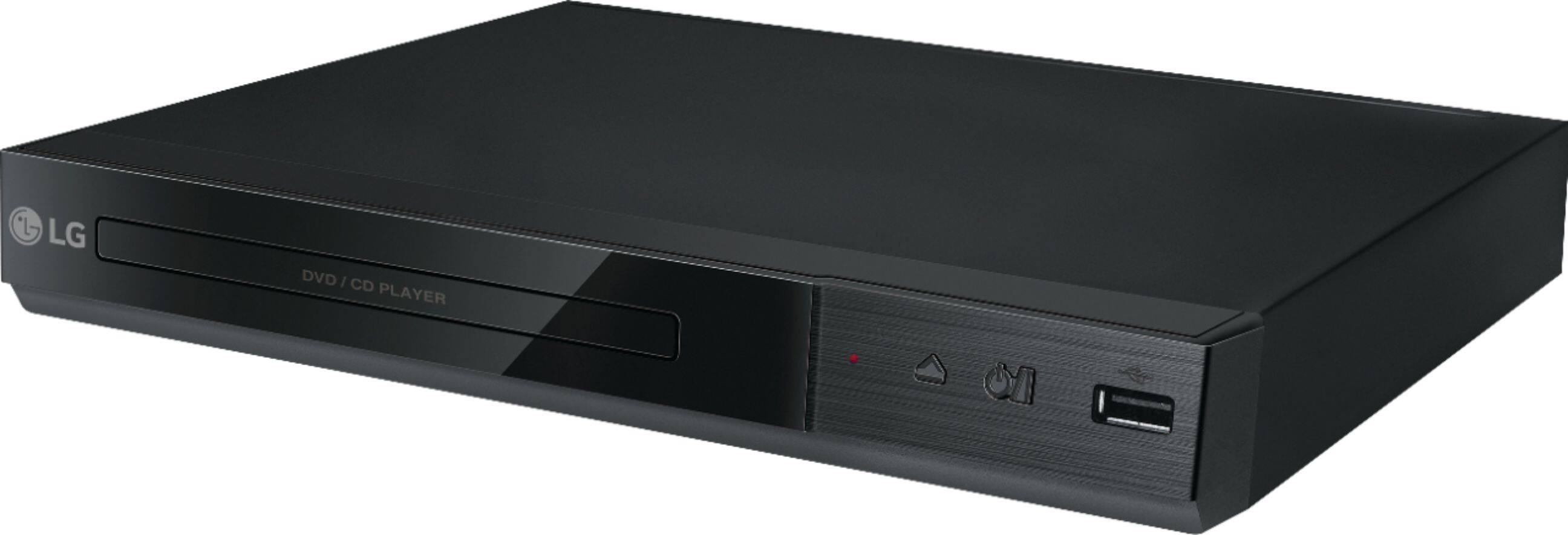
A:AnswerYou can do direct recording from the CD player to the USB drive on the LG - DVD Player with USB Direct Recording - Black, Model # DP132. The recording format is MP3 Files and the Encoding Bit rates are: 128 Kbps / 160 Kbps / 192 Kbps / 256 Kbps / 320 Kbps. The recording feature cannot record live TV shows. ^Daphane
A:AnswerPlease contact LG Customer Support by direct message via Twitter (@LGUSSupport) or Facebook Messenger (https://www.facebook.com/LGUSA/). Please be sure to provide your name, phone number, address, email, model/serial numbers, and date of purchase so that we can better investigate and quickly assist you with a resolution. We apologize for any inconvenience this has caused. ^Daphane
A:AnswerThe DVD Player with MP3 Playback/JPEG Viewer - Black, Model # DP132H is not defective. Did you check to make sure that the DVD that you are playing is also a 16:9 Aspect Ration DVD? Check the back of the jewel case for the DVD disc to make sure it is a 16:9 Aspect Ratio...^IFV
A:AnswerThe LG DVD Player with MP3 Playback/JPEG Viewer - Black, Model # DP132H does not connect to your Spectrum Cable Set-Top Box, it has an HDMI output that connects directly to an HDMI input on your TV. Which 32" LG TV do you have and what connectivity does your Spectrum cable set-top box have? Depending on what connections you have on your set-top box, it can be connected to the TV via the TV's HDMI Inputs if it has an HDMI Output or it can be connected to the F-Type, 75-Ohm, Coaxial connector in the back of the TV labeled "Antenna/Cable In" if it has a coaxial connector on it. You will need to contact Spectrum to inquire if their cable box needs to be upgraded and for instructions on how to connect it to the TV. They will need to know what connections you have on the TV...^IFV
A:AnswerThe LG DVD Player with MP3 Playback/JPEG Viewer - Black, Model # DP132H has an HDMI® Out port and PC/Laptops also have an HDMI® Out. You can't connect two HDMI® Outs. You would need to have an HDMI® In on your computer...^IFV
A:AnswerThe zoom ratio 100% > 200%, > 300% > 400% > 100%. The unit features Play frame-by- frame. Press PAUSE/STEP while video file playback and press PAUSE/STEP repeatedly to play Frame-by-Frame playback. ^Daphane
A:AnswerHi Elcid. The LG DVD Player with USB Direct Recording, Model # DP132H is not a region free player. It is coded for Region 1 DVDs and will also play DVDs that are coded "ALL" or "0". It will not play Region 2, 3, 4, 5, 7or 8 DVDs. The player has a small, standardized globe icon with the region number superimposed on it on the back of the unit...^IFV
A:AnswerThe outputs on this player are limited. There are stereo RCA jacks (Red for Right and White for Left), the kind that have been in use for at least the past forty years. There is also a Digital RCA jack, and then there is an HDMI port. The HDMI output, fed into the right surround sound receiver, will give you 7.1 sound. This is a very small and light weight player, and I don't use it for anything more than occasionally playing music CDs. It's very inexpensive, and that's the kind of unit you're getting. If you're looking for constant, regular use, I'd look for something more heavy duty.