

Presidents’ Day SaleEnds February 16. Limited quantities. No rainchecks.Shop now

Main Content

Questions & Answers

Your price for this item is $336.00
Page Showing 1-20 of 21 questions
  • QuestionDoes this LG monitor have built-in speakers?

    • Answer No, the LG gram +view does not have built-in speakers.
    This question and answer was generated by AI based on customer and product data.
  • QuestionWhat is the color gamut of this LG monitor?

    • Answer This monitor boasts a DCI-P3 99% color gamut, ensuring vibrant and true-to-life colors.
    This question and answer was generated by AI based on customer and product data.
  • QuestionWhat comes with the LG gram +view monitor?

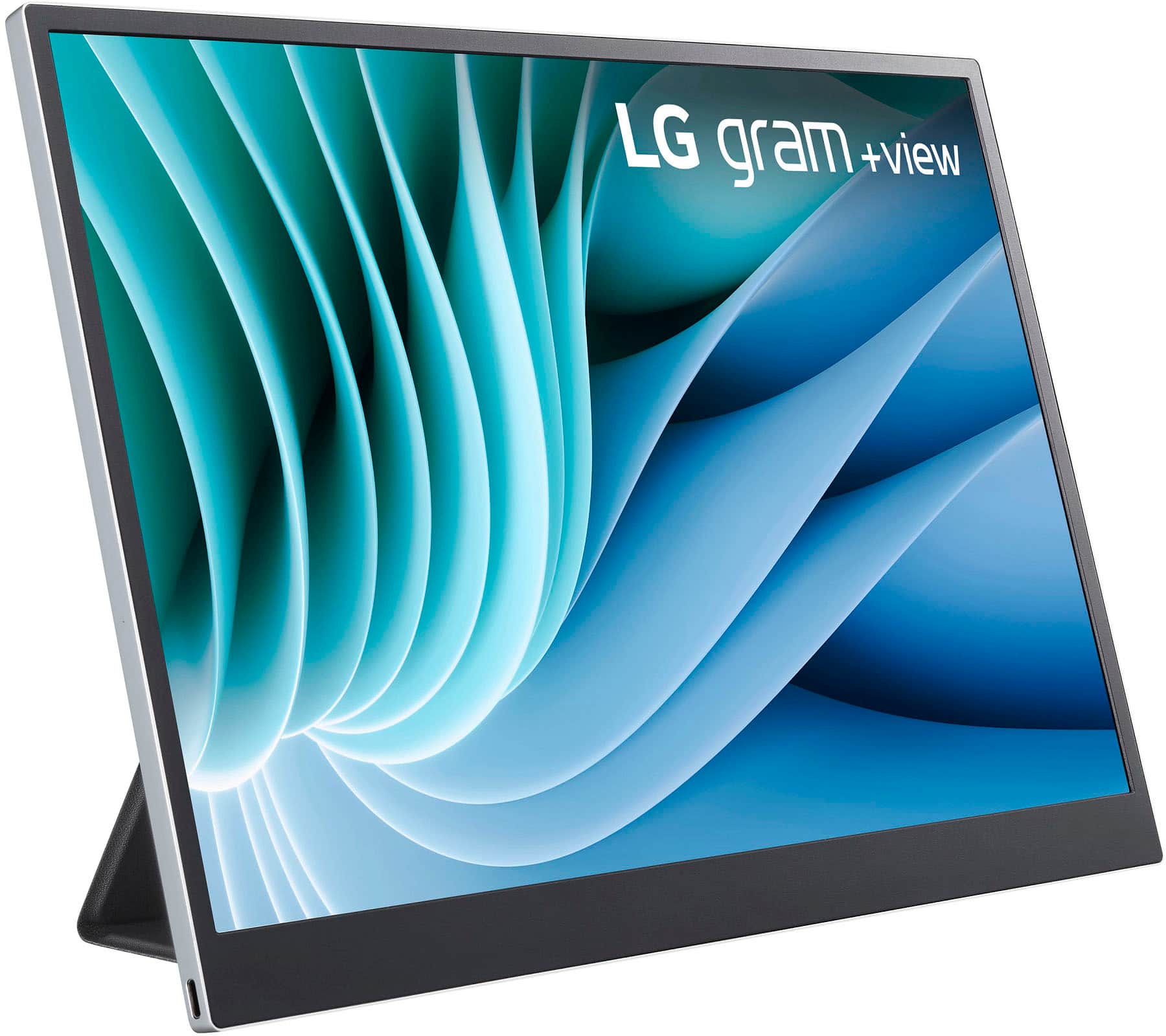
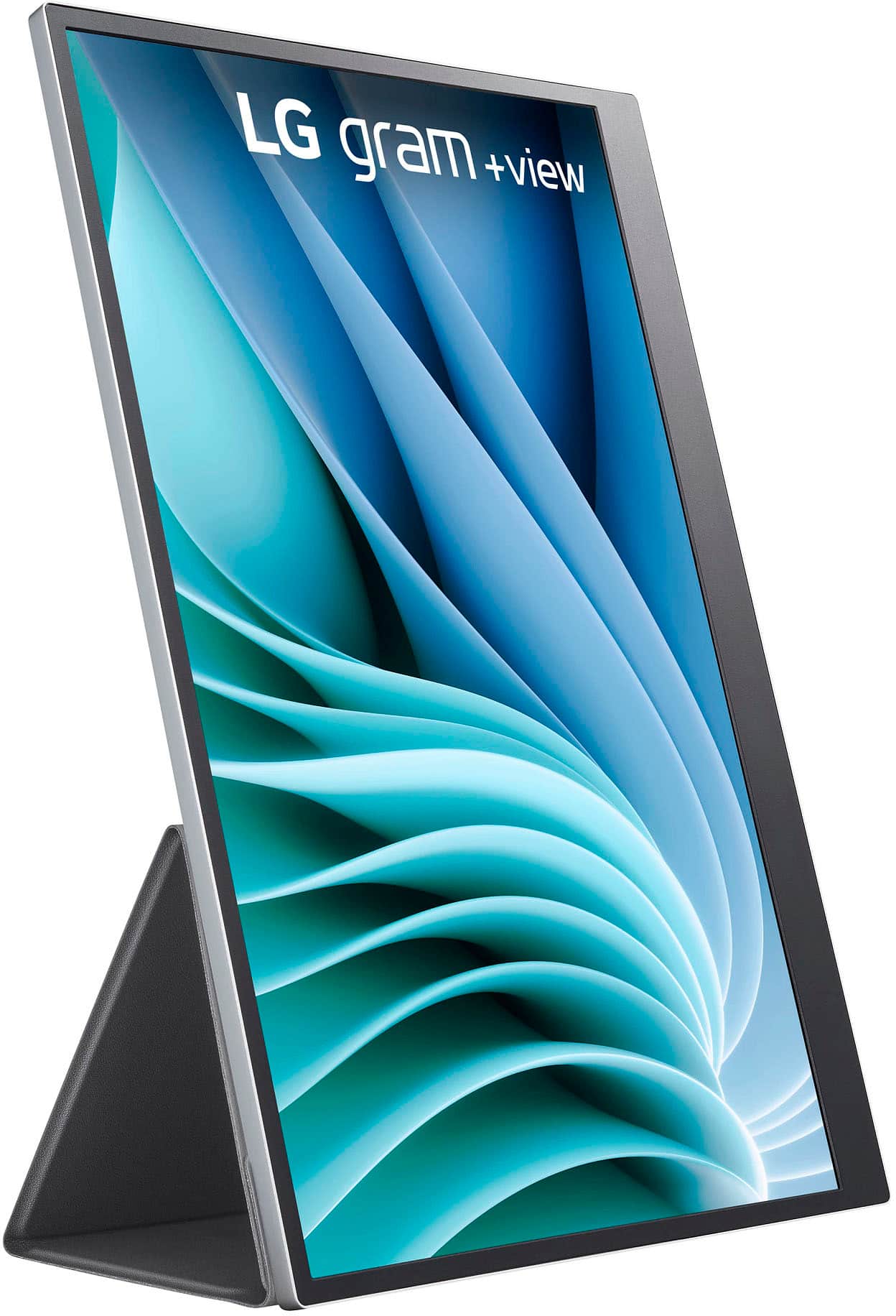
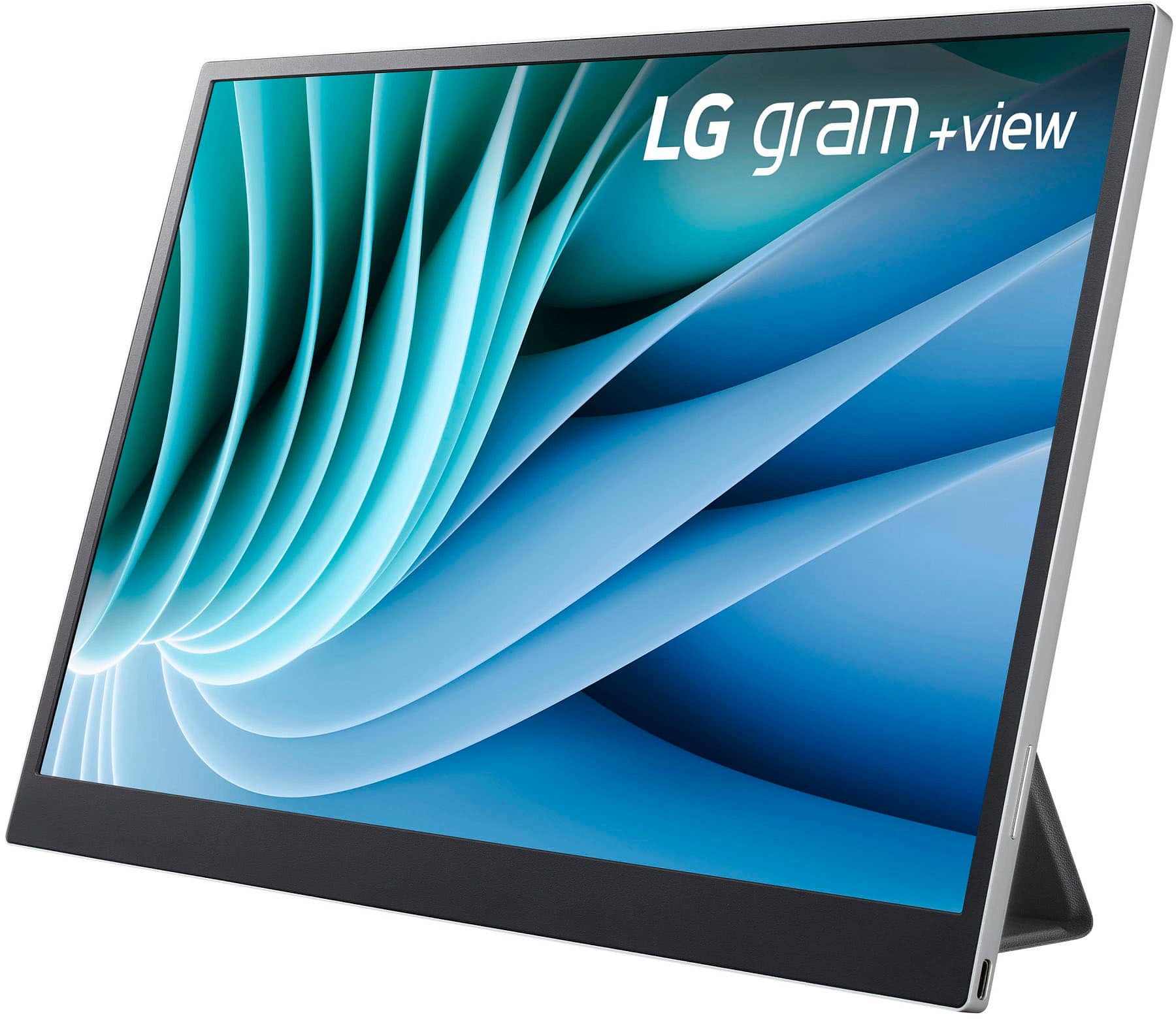
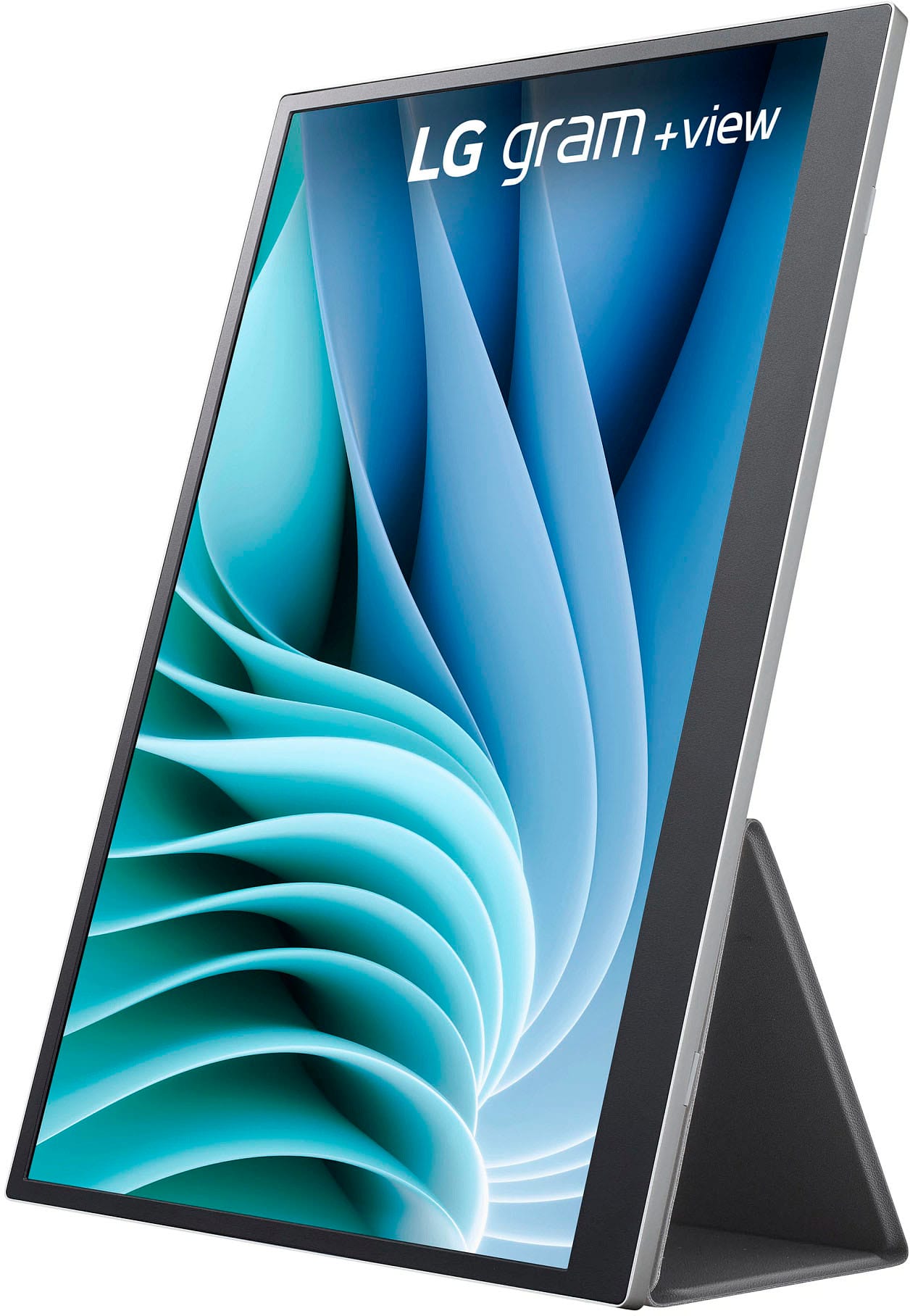
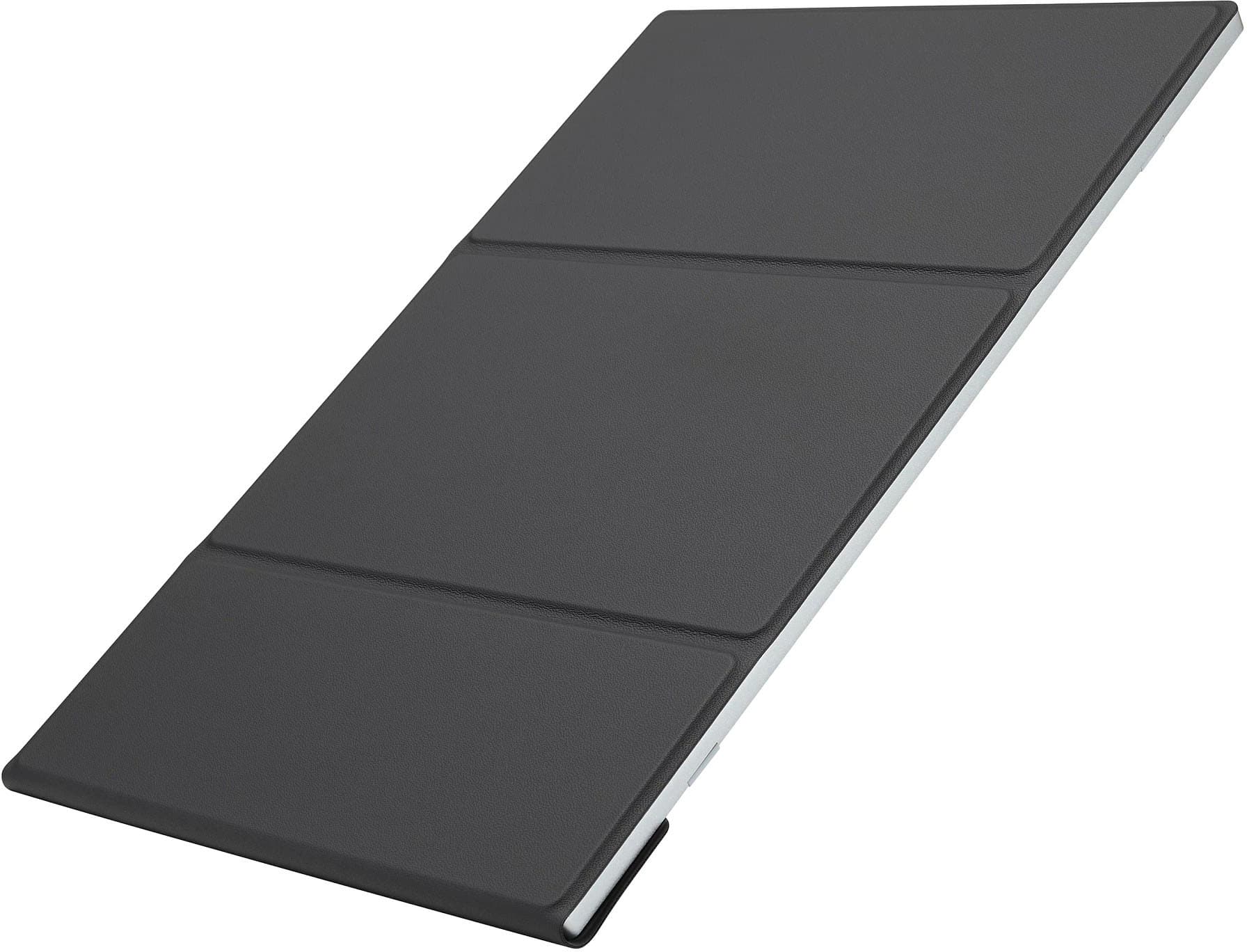
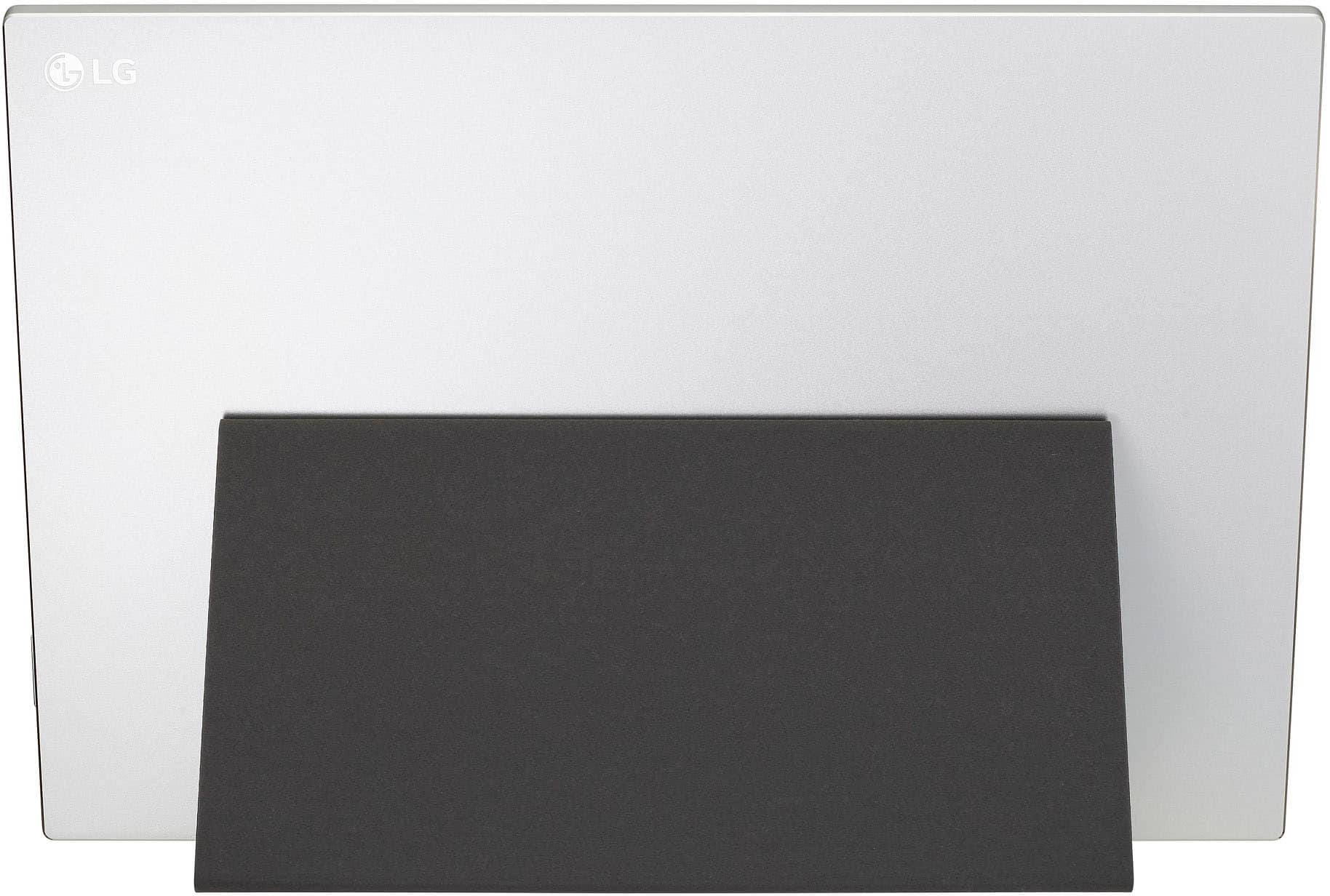
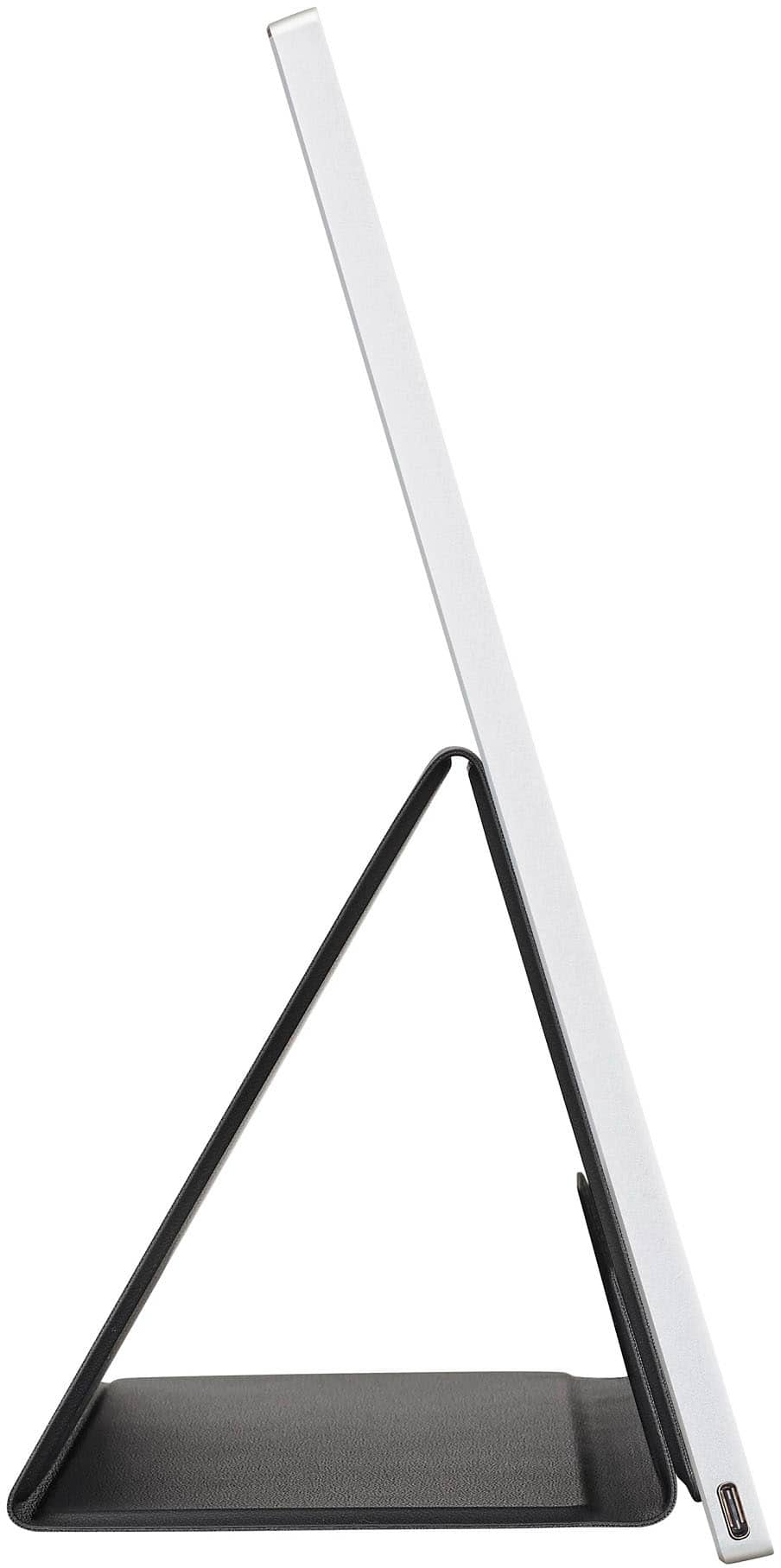
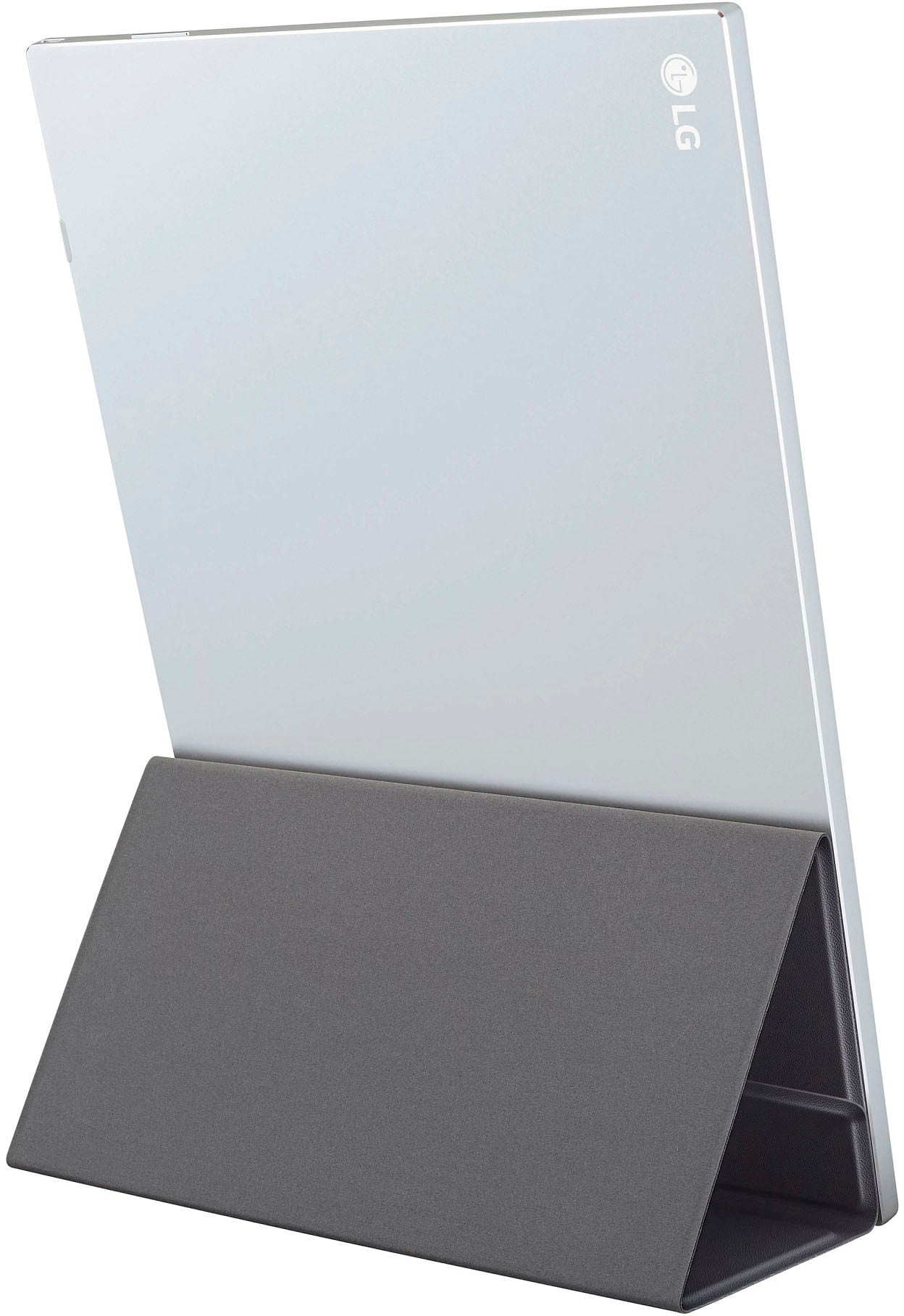
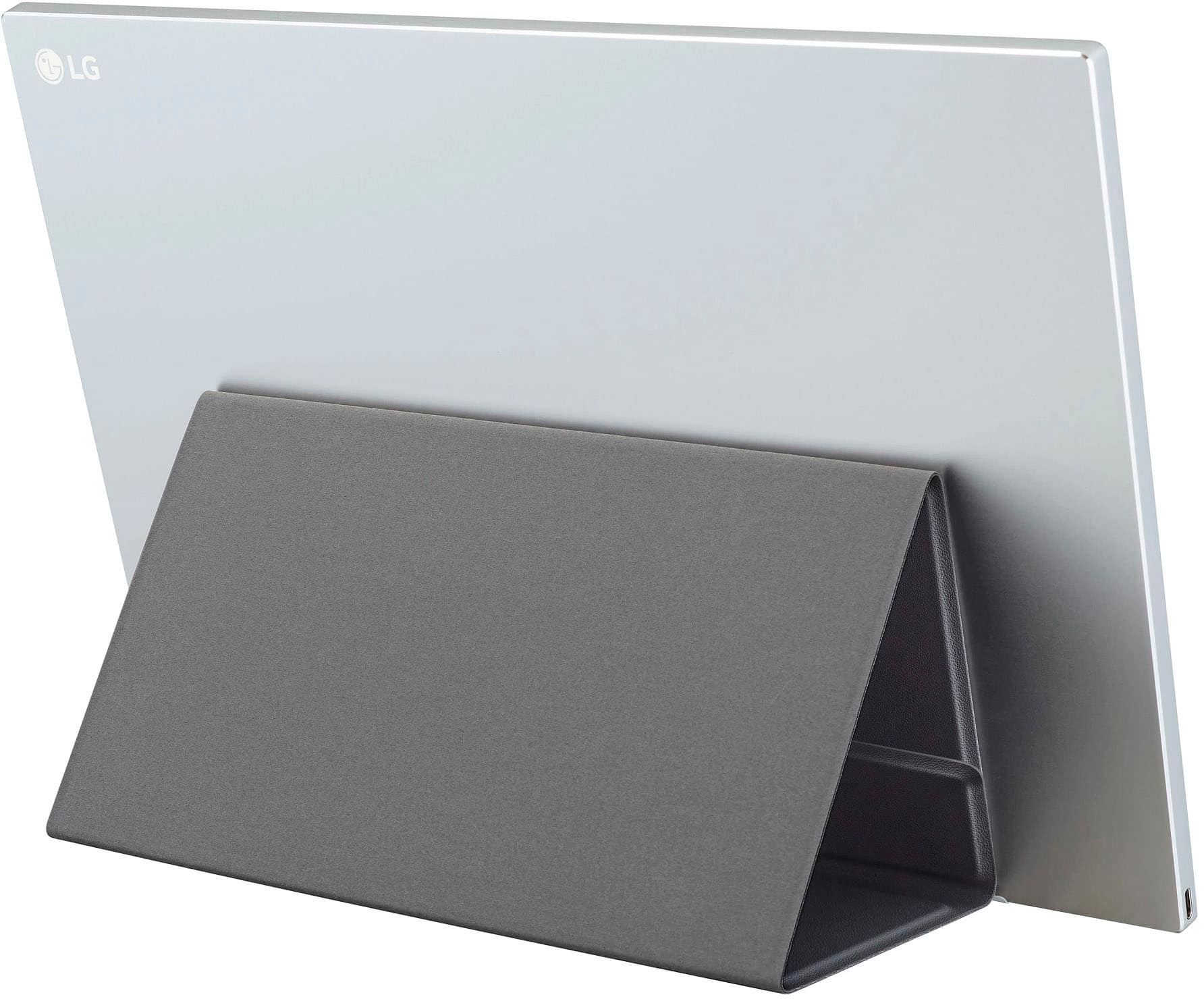
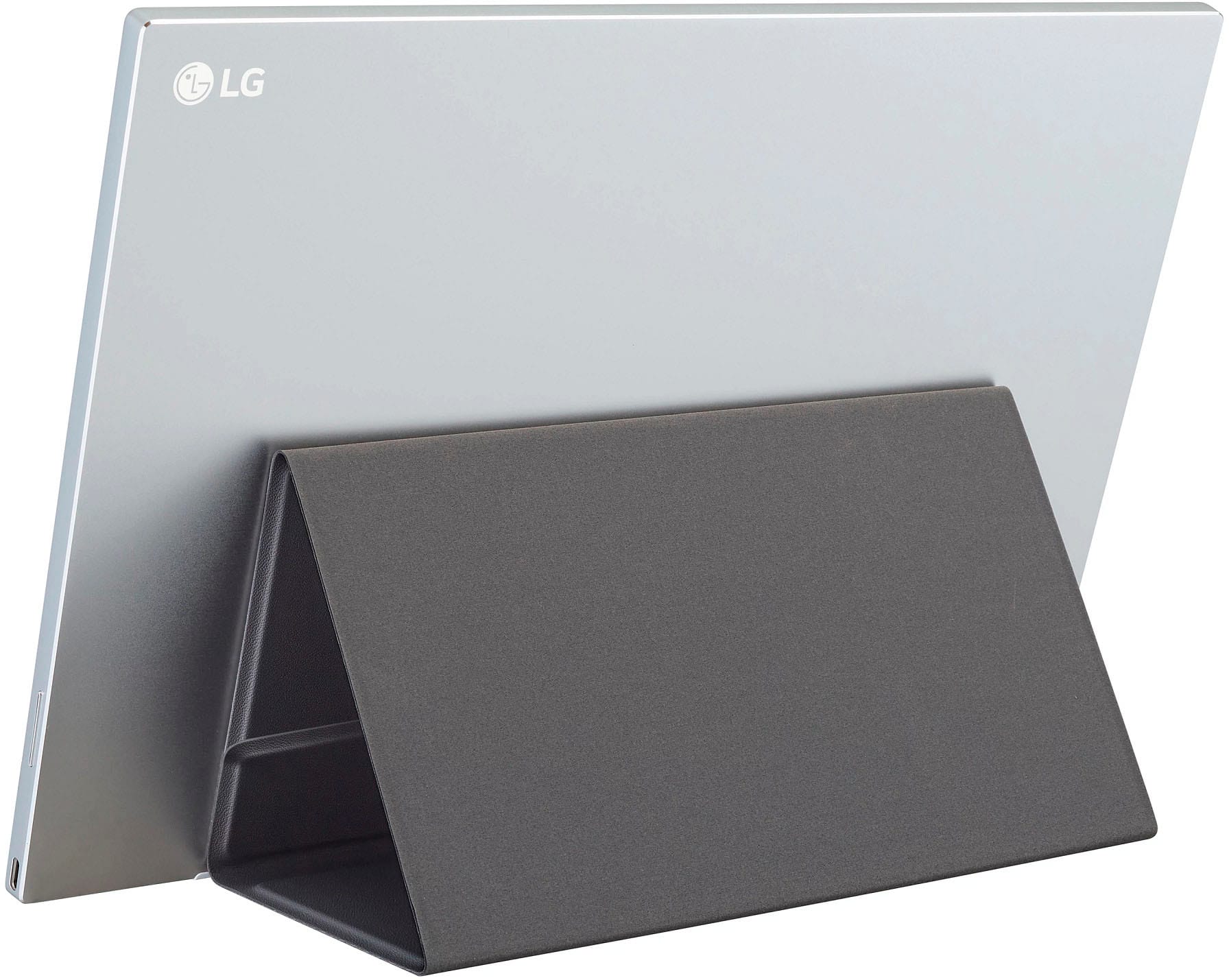
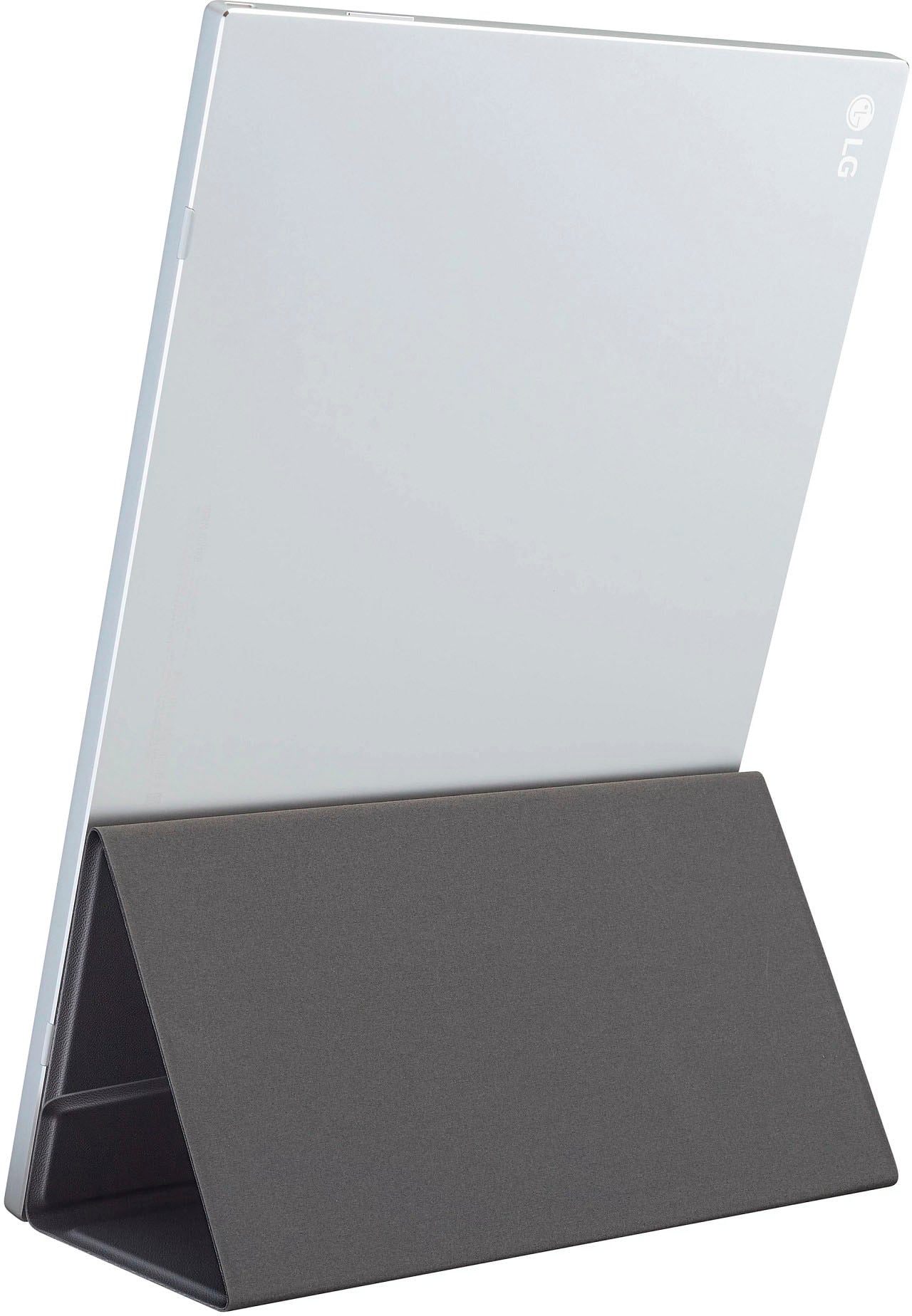
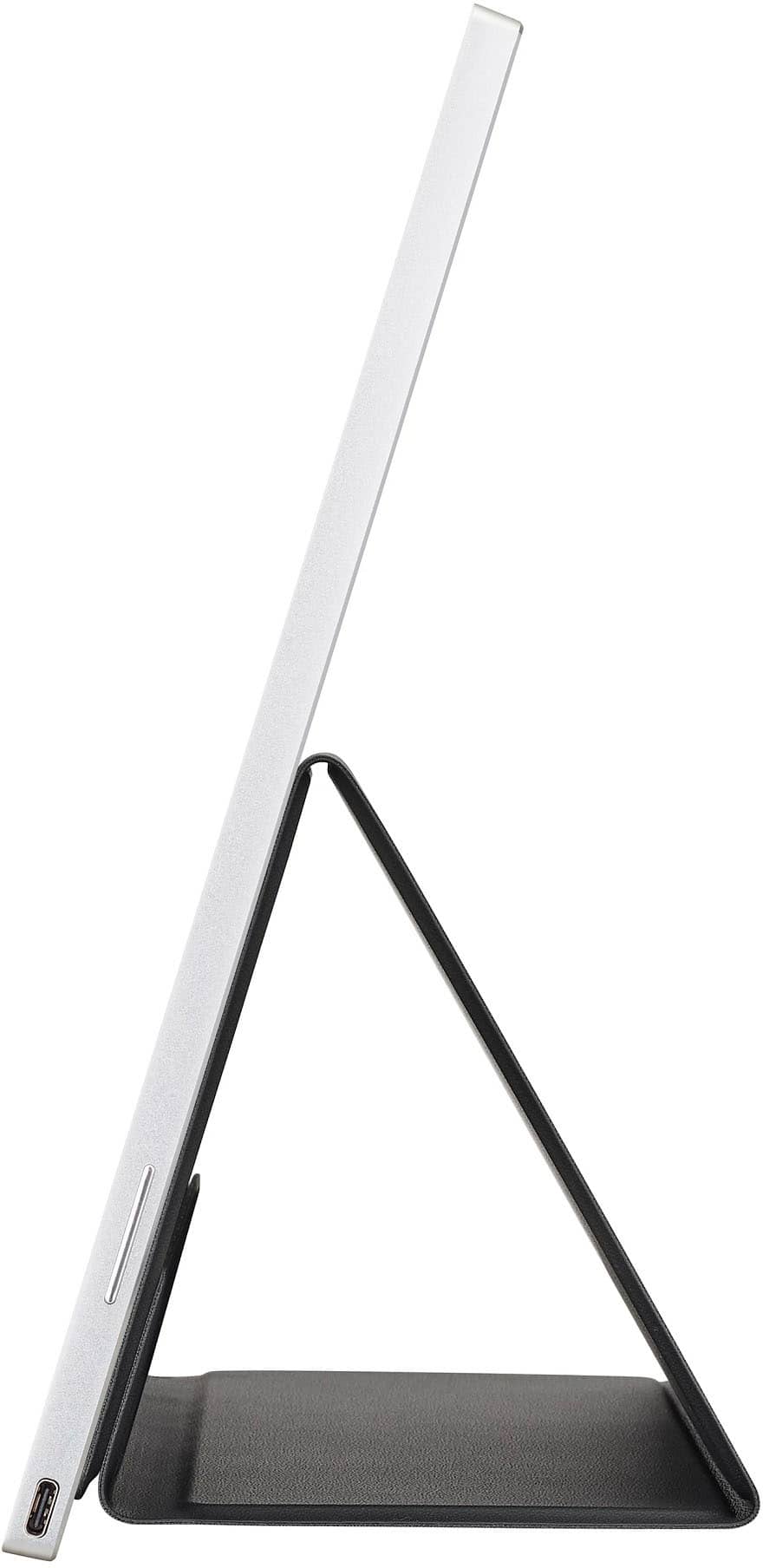
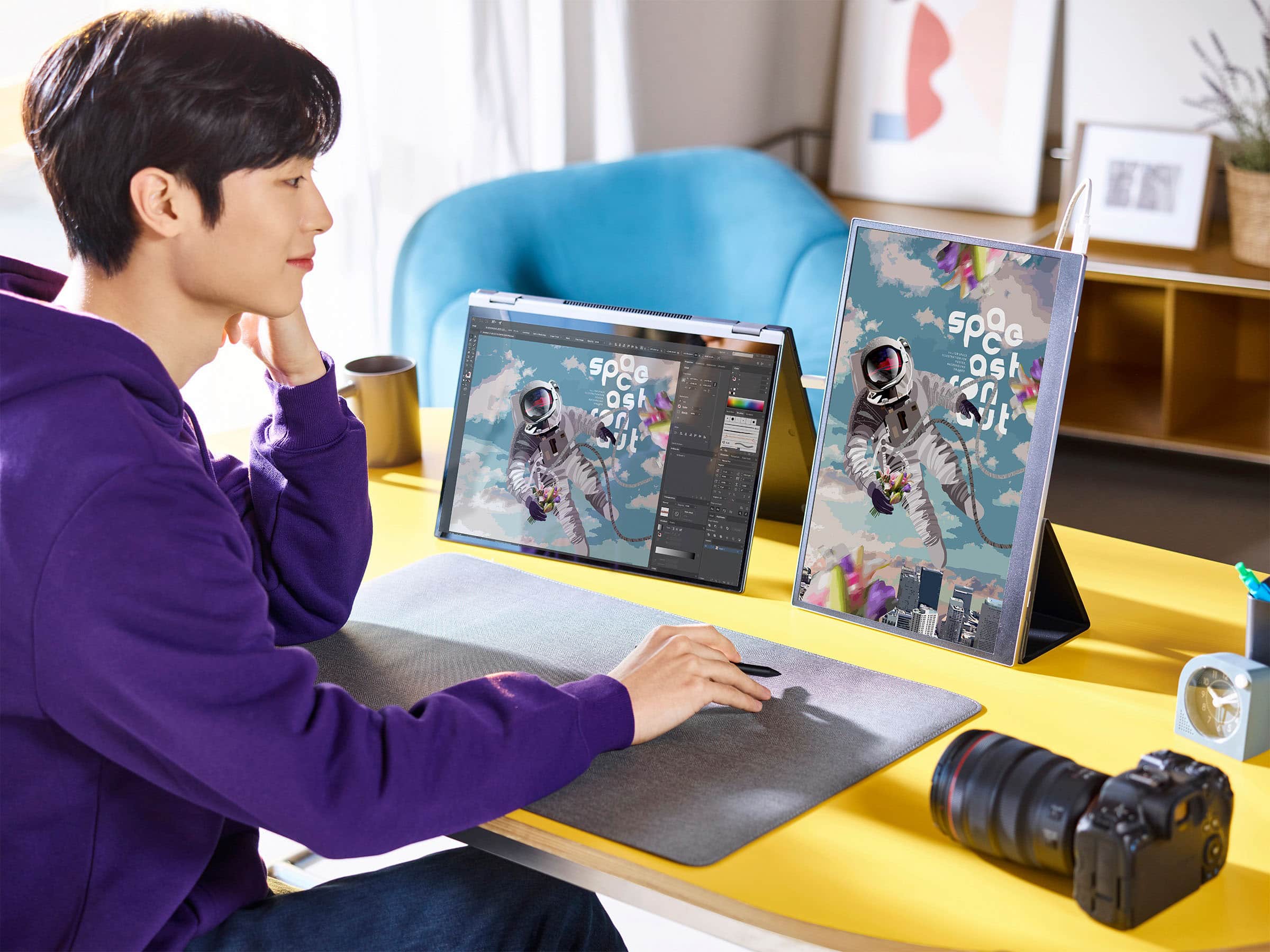
    • Answer The LG gram +view comes with a folio cover that supports both horizontal and vertical viewing angles.
    This question and answer was generated by AI based on customer and product data.

  • QuestionHow is this monitor connected to a laptop?

    • Answer The LG gram +view easily connects to your laptop using the included USB Type-C cable.
    This question and answer was generated by AI based on customer and product data.
  • QuestionCan I use this monitor in portrait mode?

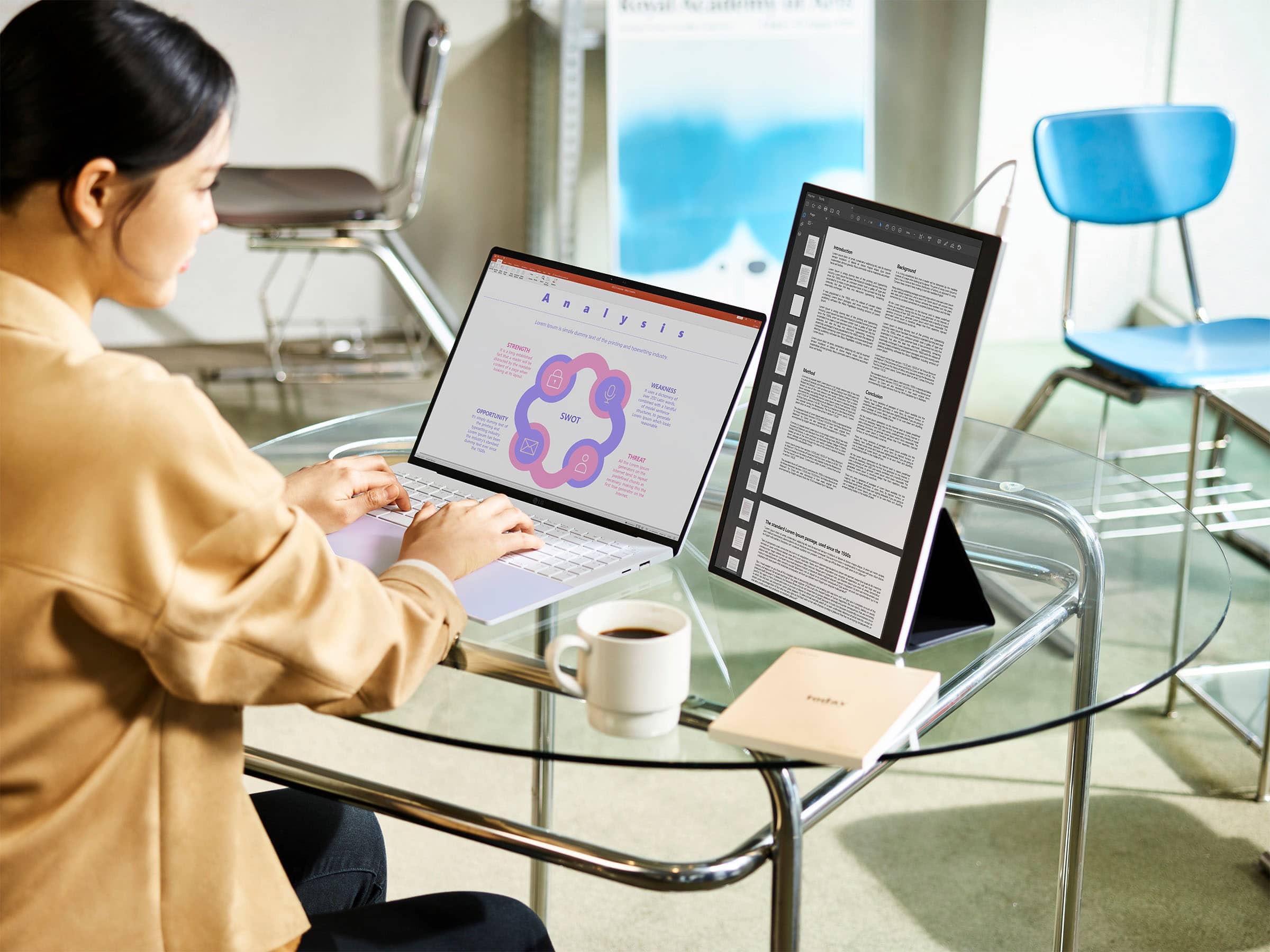
    • Answer Yes, the LG gram +view supports both horizontal and vertical views thanks to its auto pivot feature.
    This question and answer was generated by AI based on customer and product data.
  • QuestionWhat is the response time on this monitor?

    • Answer This monitor has a response time of 30 milliseconds.
    This question and answer was generated by AI based on customer and product data.
  • QuestionWhat is the problem with blurry text when used with a Max laptop?

    Asked by Visorvet.

    • Answer LG doesn't report resolutions properly to macOS. I've used a tool call BetterDisplay to enable the native resolution of the display on macOS Sonoma

      Answered by Jochen

  • QuestionCan you connect it to an XBox?

    Asked by Anonymous.

    • Answer Thank you for your interest in the LG Monitor (16MR70.ASDU1) model. The LG 16MR70.ASDU1 is a portable monitor that features a USB-C connection. To use this monitor with an Xbox, you would typically need a USB-C to HDMI adapter or cable to connect the Xbox to the monitor. It's also essential to ensure that the monitor's specifications, such as resolution and refresh rate, meet your gaming requirements. You can download its owner's manual through this link for more information: https://www.lg.com/us/support/product/lg-16MR70.ASDU1. ^Cris

      Answered by LG Digital Customer Care

  • QuestionI have a computer with only one usb-c port. How will I be able to charge my computer AND use the screen at the same time? Can you please advise on USB-c hubs which are suitable to project on this LG-screen? Thanks

    Asked by gclara.

    • Answer Thank you for your answer. I have checked all the suggested hubs and all seem incompatible with projecting on the usb-c LG portable monitor... I have also ordered a similar one to check and it did not project indeed. This is a big issue as I am unable to charge my laptop and project at the same time.

      Answered by Anonymous

  • QuestionWhere is LG service center?

    Asked by Jeon.

    • Answer Thank you for your interest in the LG Portable Monitor (16MR70.ASDU1) model. With regards to your concern, please reach out to us on social media @LGUSSupport so we can help you further. ^Cris

      Answered by LG Digital Customer Care

  • QuestionWill this work with a Windows 11 laptop?

    Asked by RobertBuyAAPL.

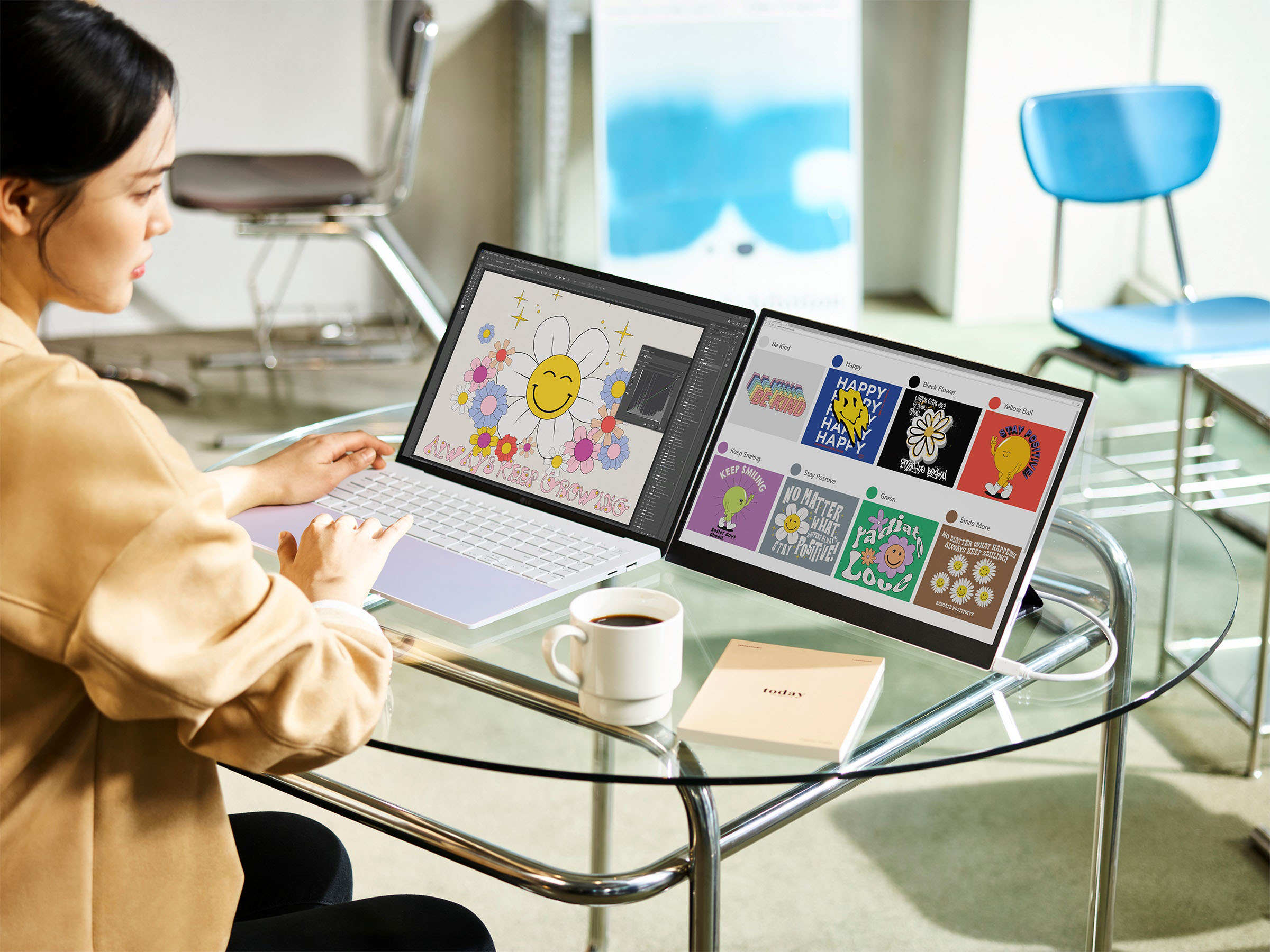
    • Answer Thank you for your interest in the LG Monitor (16MR70.ASDU1) model. Yes, the LG 16MR70.ASDU1 is a 16" portable monitor that can be used alongside a laptop as an extension of the screen. It features a 16:10 display and is designed to help you stay productive throughout the day. Portable monitors like the LG 16MR70.ASDU1 are generally compatible with Windows 11 laptops as long as the laptop supports the required connectivity options, such as HDMI or USB-C, to connect to the monitor. You can download its owner's manual through this link for more information: https://www.lg.com/us/support/product/lg-16MR70.ASDU1. ^Cris

      Answered by LG Digital Customer Care

  • QuestionHow do I input hdmi from a gaming system and still provide power to the monitor? Can the 2nd usb input be used for power only? I see many usb to hdmi adaptors but no hdmi to usb c adaptors available at best buy.

    Asked by Pete.

    • Answer Hi there, Pete. Thank you for sharing your experience with us regarding your 16MR70.ASDU1 portable monitor. We understand your inquiry about connecting an HDMI gaming system while maintaining power to the monitor. We want to share that your monitor has two USB Type-C (DP Alt Mode) ports. The best way to connect an HDMI source, like a gaming system, and power the monitor simultaneously is to use one USB-C port for power and the other USB-C port for video input via a compatible adapter. Here is the simple troubleshooting step for connecting your devices: For Video Input: Connect your gaming system's HDMI cable to an HDMI-to-USB-C adapter. Then, plug the USB-C end of the adapter into one of the USB-C ports on your monitor. For Power Input: Connect the monitor's original power adapter (or a compatible power source) to the second, unused USB-C port on the monitor. This will provide power to the unit while you receive the video signal through the other port. https://www.bestbuy.com/product/lg-gram-view-16-ips-led-60hz-portable-monitor-usb-type-c-silver/JJ8VPZRFP2 If you have any further questions about compatible adapters or setting up your devices, please contact us on [email protected], and our team will be more than happy to assist you. —Renzo

      Answered by LG Digital Customer Care

  • QuestionIs the LG Monitor Touch Screen?

    Asked by T.

    • Answer The LG gram +view 16” IPS LED 60Hz Portable Monitor (USB Type-C) - Silver, Model # 16MR70.ASDU1, is not a touchscreen...^Ivan.

      Answered by LG Digital Customer Care

  • QuestionIs this a touch screen?

    Asked by Neal.

    • Answer No.

      Answered by JonL

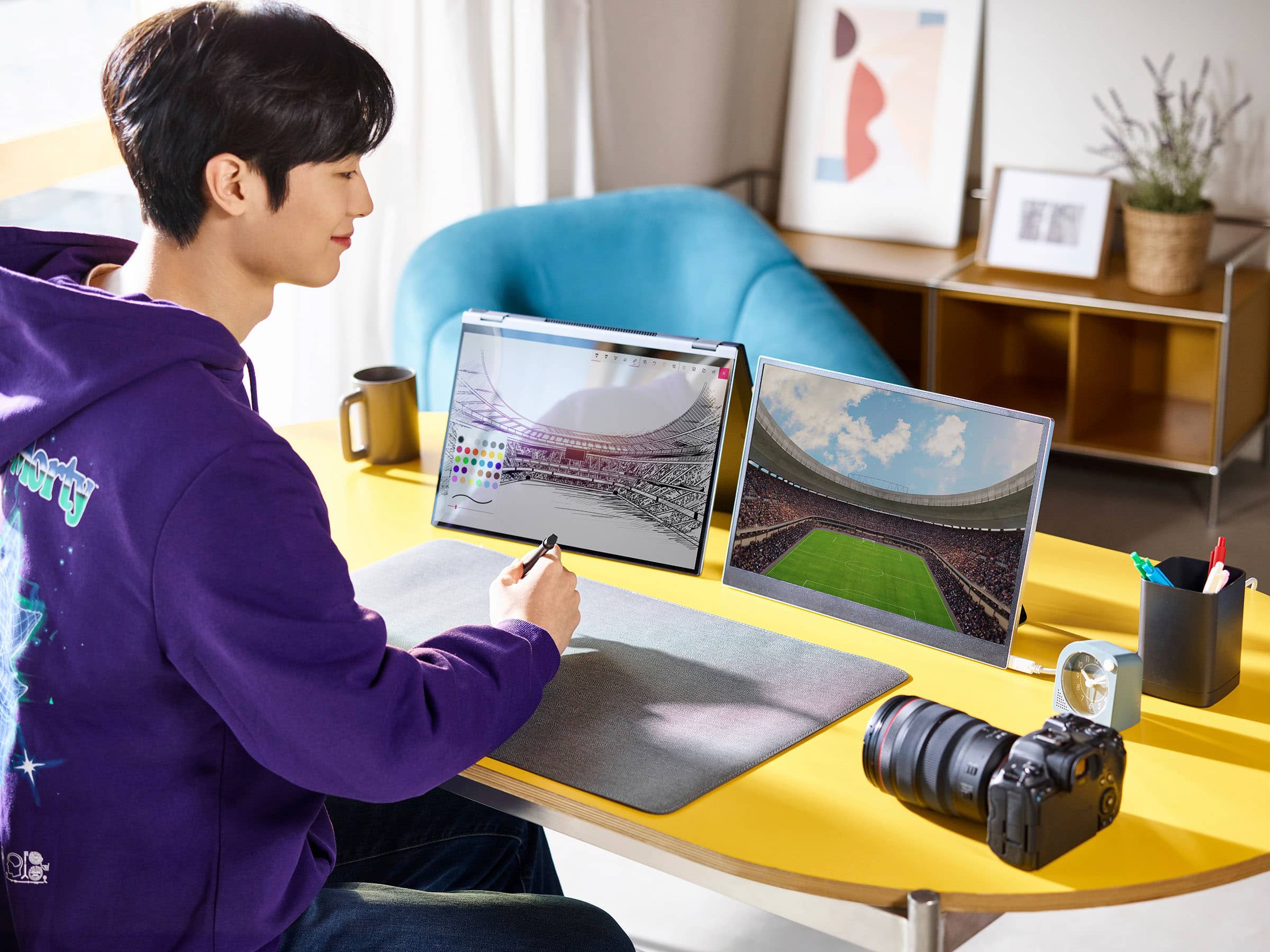
  • QuestionCan I buy 2 of them and use them as double screens for my laptop?

    Asked by Ryan.

    • Answer Hi there, Ryan. Thank you for your inquiry about the LG Gram View 16” IPS LED Portable Monitor (16MR70.ASDU1). We understand your situation and appreciate your interest in enhancing your laptop setup. In general, you can use two of these monitors as dual screens for your laptop, provided that your device supports multiple external displays through its available ports. One troubleshooting step we recommend is to verify that your laptop’s USB Type-C port supports video output (DisplayPort Alternate Mode) or to consider any necessary adapters to ensure compatibility. This will help guarantee that both monitors work seamlessly as a dual-screen setup. https://www.bestbuy.com/site/lg-gram-view-16-ips-led-60hz-portable-monitor-usb-type-c-silver/6541618.p?skuId=6541618 If you need further assistance or additional details on connecting dual displays, please send us a private message on Social Media @LGUSSupport, and our team will be more than happy to explore possible solutions with you. —Renzo

      Answered by LG Digital Customer Care

  • QuestionWith refresh only 60hz is there any flickering?

    Asked by PAWOODCHUCK.

    • Answer Not from my Chromebook.

      Answered by pittsburghjoe

  • QuestionWhat are the dimensions, height and width?

    Asked by DJ.

    • Answer Thank you for reaching us regarding LG Monitor. The 16MR70.ASDU1 dimensions (WxHxD) is 14.17" x 0.32" x 9.66". You can download its owner's manual through this link for more information: https://www.lg.com/us/support/product/lg-16MR70.ASDU1. For additional assistance, please reach out to us on social media @LGUSSupport so we can help you further. ^Cris

      Answered by LG Digital Customer Care

  • QuestionCan you connect this to an iPhone with the proper cable

    Asked by Anonymous.

    • Answer USB-C iPhones and iPads - Yes. Lightning iPhones and iPads - No.

      Answered by JonL

  • Questiondoes this monitor support dcc/ci for brightness control? i am using linux and cannot use the lg switch app as it is only available for windows and mac

    Asked by janet.

    • Answer Thank you for your interest in the LG 16” LG gram +view IPS Portable Monitor (16MR70.ASDU1) model. Yes, the LG 16MR70.ASDU1 monitor supports DDC/CI (Display Data Channel Command Interface) for brightness control, which allows communication with external monitors implementing MCCS (Monitor Control Command Set) over I2C. You can download its owner's manual through this link for more information: https://www.lg.com/us/support/product/lg-16MR70.ASDU1. ^Cris

      Answered by LG Digital Customer Care

  • QuestionDo you know if this device is using PWM or DC dimming for brightness control ?

    Asked by se30.

    • Answer Thank you for your interest in the LG 16” LG gram +view IPS Portable Monitor (16MR70.ASDU1) model. The LG 16MR70.ASDU1 monitor may use either PWM or DC dimming for brightness control, depending on the specific model and panel. You can download its owner's manual through this link for more information: https://www.lg.com/us/support/product/lg-16MR70.ASDU1. ^Cris

      Answered by LG Digital Customer Care