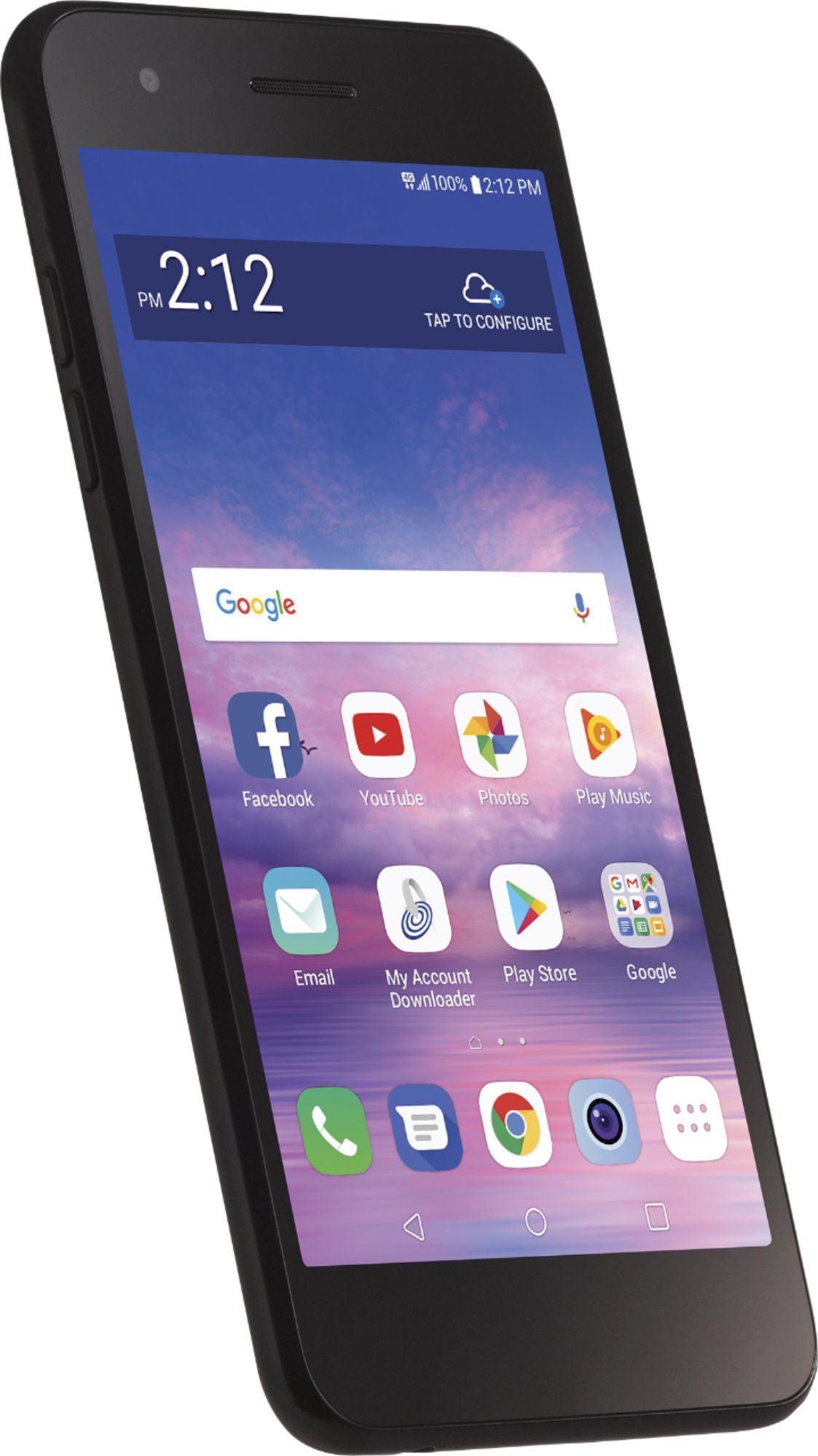
A:AnswerI used WiFi to install additional apps before activating my phone, so yes, it can be used to access the internet without phone data activation.
A:AnswerI've successfully transferred minutes from one Tracfone to another in the past, so I suspect it can be done with this model.
When you're registering your phone, Tracfone's online forms will HEAVILY push a monthly payment plan. However, if you call in to register your phone and specifically request a pay-as-you-go plan, they will set it up for you.
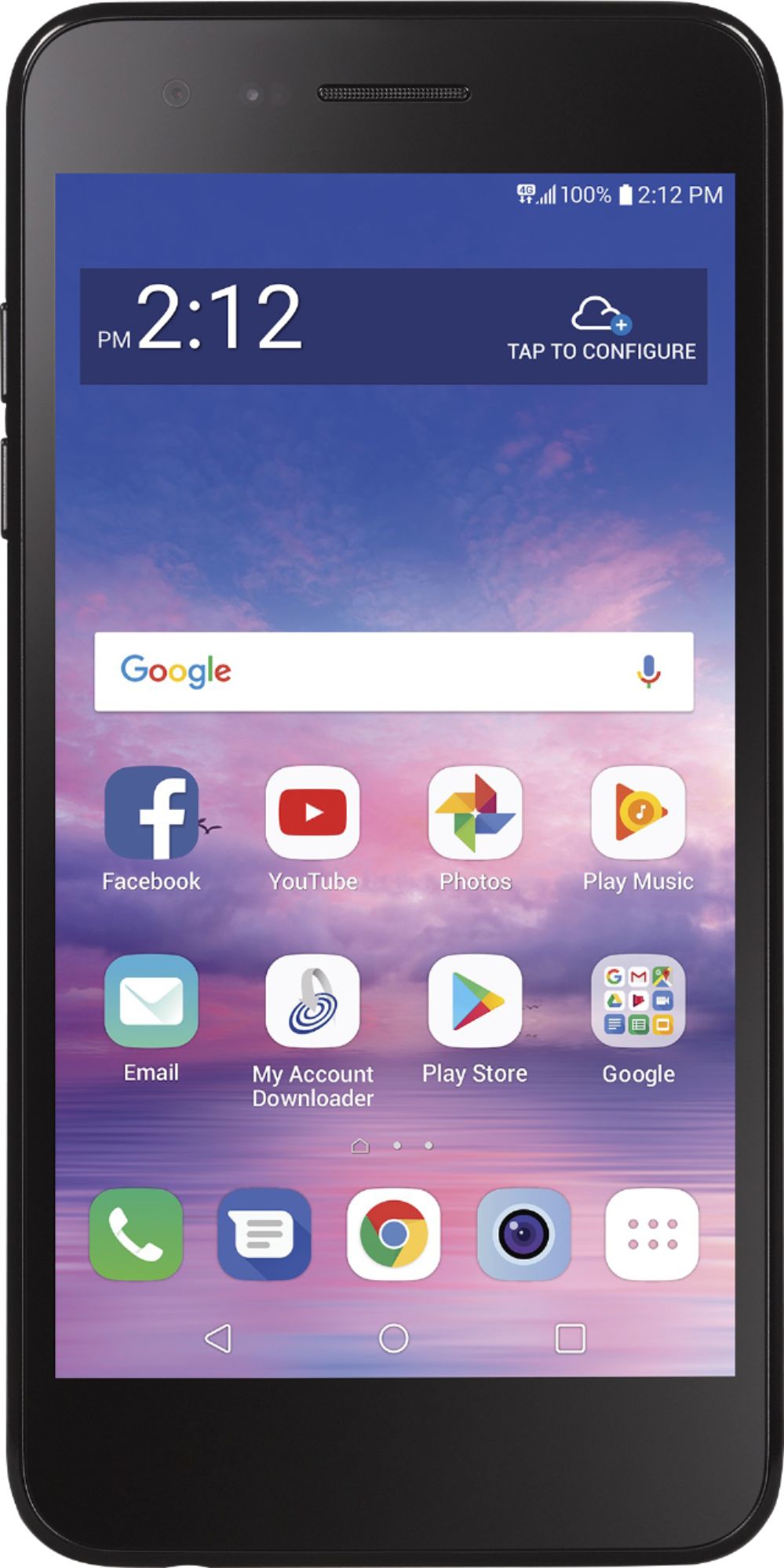
A:AnswerNo. I was in Best Buy yesterday with the same question and was told that Best Buy stopped doing this in January 2019. You have to go through TracFone customer service--oh joy.
A:AnswerThe TRACFONE - LG Rebel™ 4 LTE with 16GB Memory Prepaid Cell Phone - Black can be set as a wireless router so that other devices can connect to the Internet by using your device’s mobile data. On the settings screen, tap Network & internet > Tethering > Wi-Fi hotspot and then tap the toggle button to activate it. You can then tap Set up Wi-Fi hotspot and enter the Wi-Fi name (SSID) and password. This option uses mobile data and may incur data usage fees, depending on your pricing plan. Consult with your service provider for more information...^IFV
A:AnswerSnapdragon™ is the name of the Qualcomm® Snapdragon™ 1.4GHz Quad-Core MSM8917 processor in the TRACFONE - LG Rebel™ 4 LTE with 16GB Memory Prepaid Cell Phone...^IFV
A:AnswerAccording to LG, this phone does not have the flashing dot to notify that you have a message/call/text. Frustrating if you have had this feature on a previous phone.
A:AnswerTracphone's website is very clear "TRACFONE cell phones don't work outside of the United States, Puerto Rico or the U.S. Virgin Islands." As far as I know that applies to calling and I'd expcet other features of the phone like the camera to work.