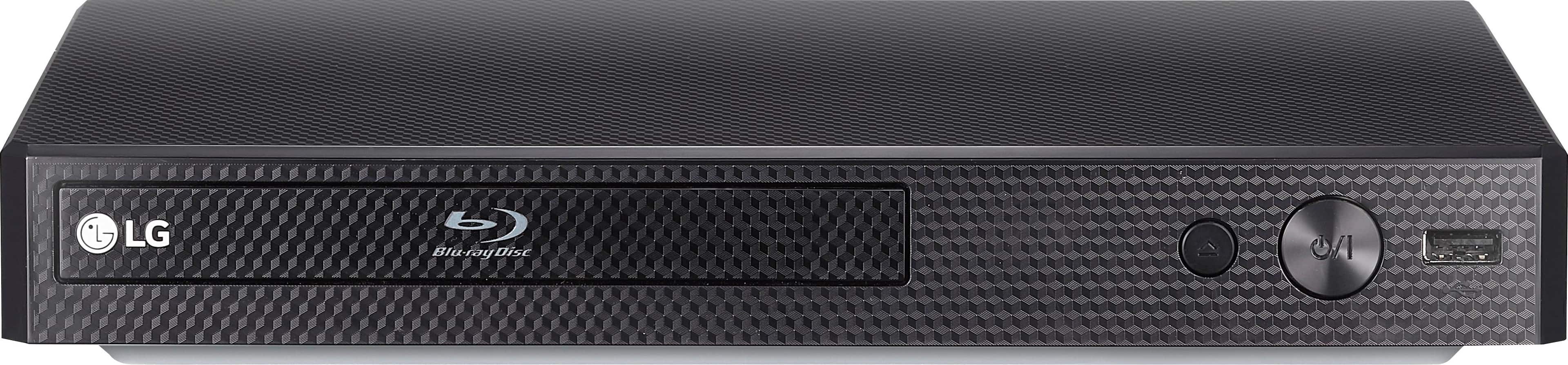
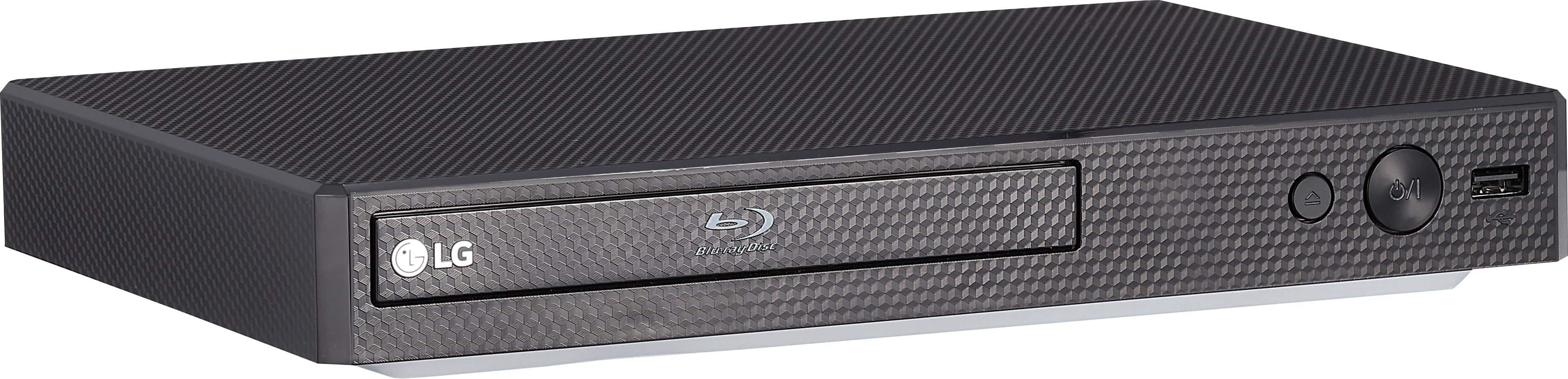
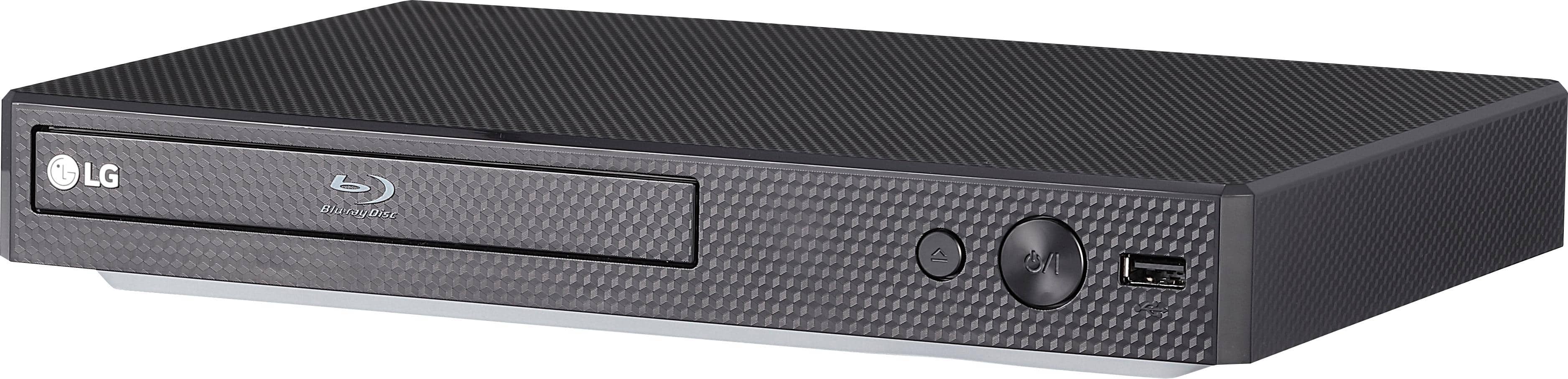
A:AnswerYouTube is one of the preinstalled Premium Content Provider apps that can be found in the LG Blu-ray Disc™ Player with Streaming Services, Model # BP175...^IFV
A:AnswerThe BP175 allows you to access premium content from providers like Netflix, Hulu and YouTube to stream your favorite movies and TV shows. A Roku stick cannot be connected to the Blu-ray player however. ^CP
A:AnswerThe BP175 does not have WiFi built in. It must connect to your router via ethernet. It has the following applications: Netflix, Vudu, Pandora, Amazon Prime Video, Youtube, Hulu and Napster. ^CP
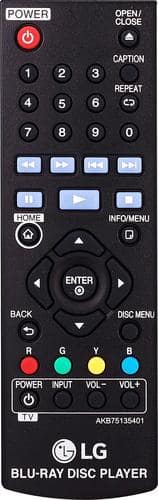
A:AnswerDuring playback, press INFO/MENU to display the scene information and run time. If you're in need of some guidance with using your Blu-ray player, please head to our support page at @LGUSSupport on Twitter so a specialist can help out. ^CP
A:AnswerBy default, the player will eventually turn itself off. However, you can change this in the settings. Screensaver will still come on, but the unit won't turn itself off.
The DVD should play automatically, but the player won't turn the input of your TV to the proper input. The user will have to do that. Similarly, when the movie is over/unloaded, the user will have to turn the input of the TV back to the cable box.
Hope this helps.
A:AnswerThe LG - BP175 - Streaming Audio Blu-Ray Player - Black can play video, audio and photo files contained in the disc or USB device. This player supports USB flash drive/external HDD formatted in FAT32 and NTFS when accessing files (music, photo, movie). However, for BD-Live and Audio CD recording, use the USB flash drive / external HDD formatted in FAT32. ^CP
A:AnswerThe BP175 is not 3D capable. It is able to play:CD-R/RW, DVD±R/RW, DVD-ROM, DVD, CD, BD-R, BD-RE and BD-ROM. It also supports WMA, AAC, MPEG1 Layer2, MP3, FLAC, LPCM, MPEG2 Layer2, MPEG-1, WMV, MKV, VC-1, AVCHD, MOV, AVC, 3GP, VOB, TS, DAT, FLV, M4V, MPEG-2 PS, MPEG-2 TS, MPEG-4 AVC and MP4 formats. ^CP