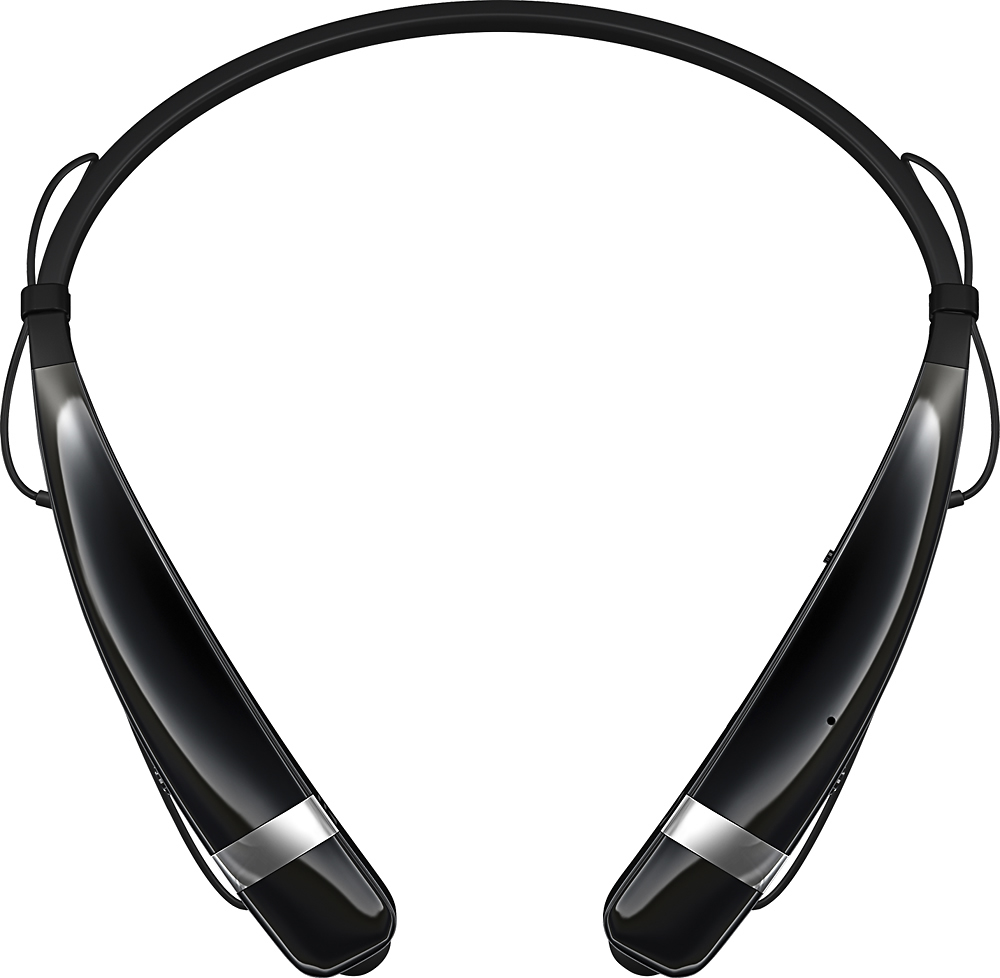
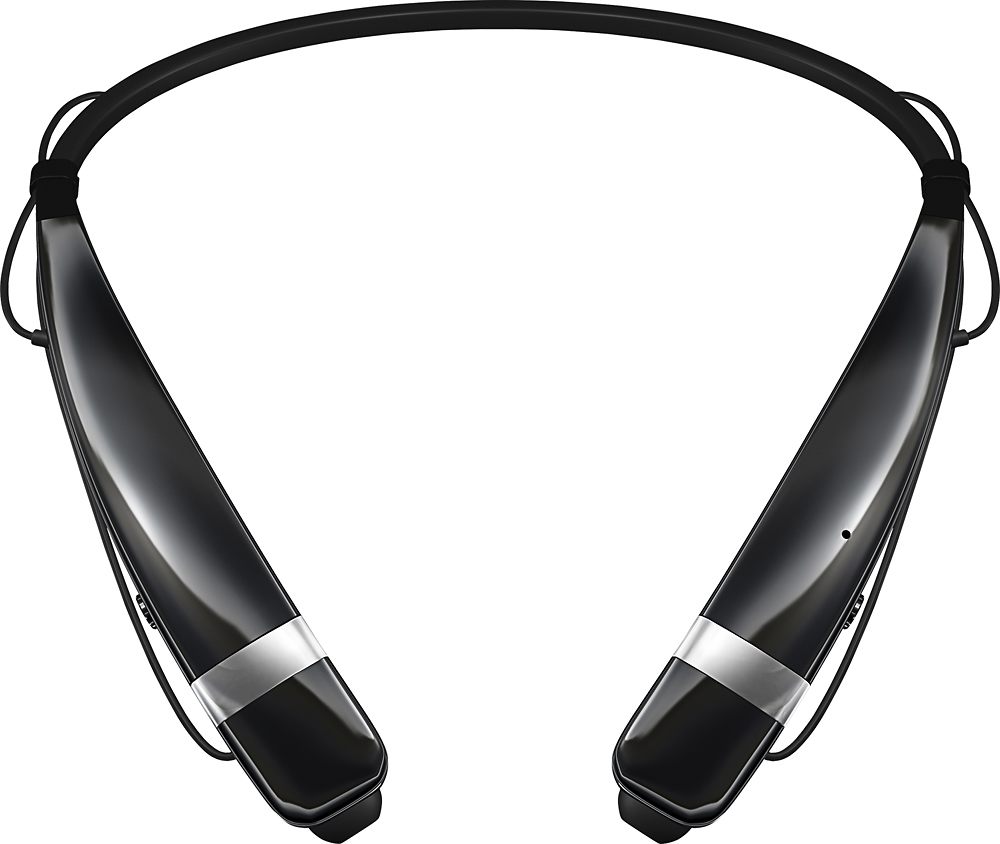
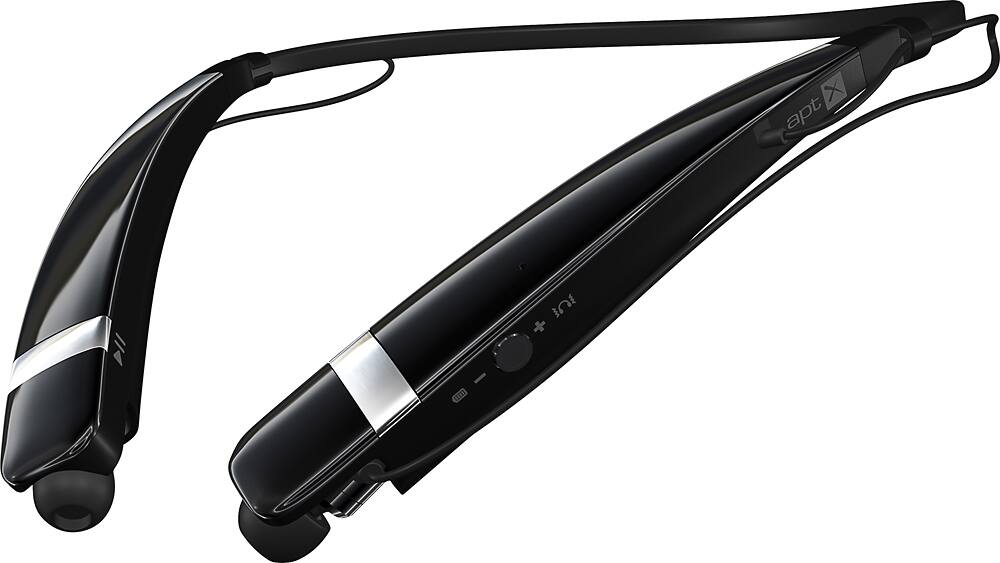
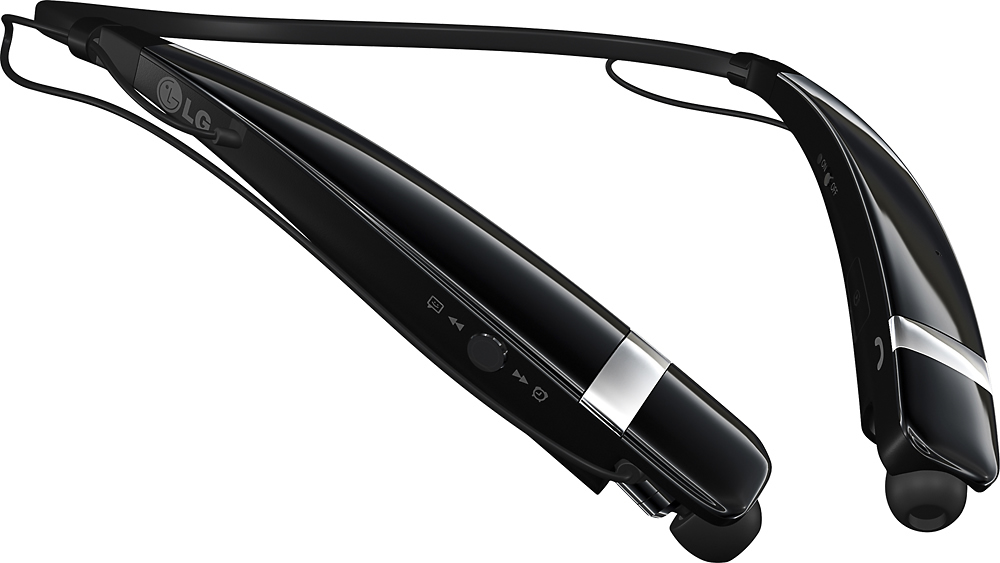
A:AnswerYou cannot upload music to the headset. It is just a wireless headset that must be connected via bluetooth to a device that has and plays the music.
A:AnswerThis headset will allow you to answer the phone by simply pressing one button on the left side of set. You will hear the phone ringing, however it does not announce who the caller is. It will allow you to hear the directions from google maps. I use this headset while driving commercial motorcoaches.
A:AnswerI always start with the volume on the connecting device all the way up. That is, if I'm connecting to my phone I turn the volume up on the phone. Then I use the up/down button on the left side of the headset to lower the volume to a comfortable level.
It is a rubberized button on the left hand side that can be pushed up or down to adjust the volume. It's easy once you get the hang of it.
The identical button on the right side of the headset will skip forward or back on whatever media I'm listening to at the time.
A:AnswerWhen you turn the headset on it should go into paring mode, if not turn the headset off then turn it back on then press and hold the button you press to answer calls also there are videos on Youtube on how to do it if my information was not helpful