Questions & Answers
- Model:
- 24MD4KL-B
- |
- SKU:
- 6357406
Highly rated by customers for: Picture Quality, Brightness, Ease of use
Page Showing 41-47 of 47 questions
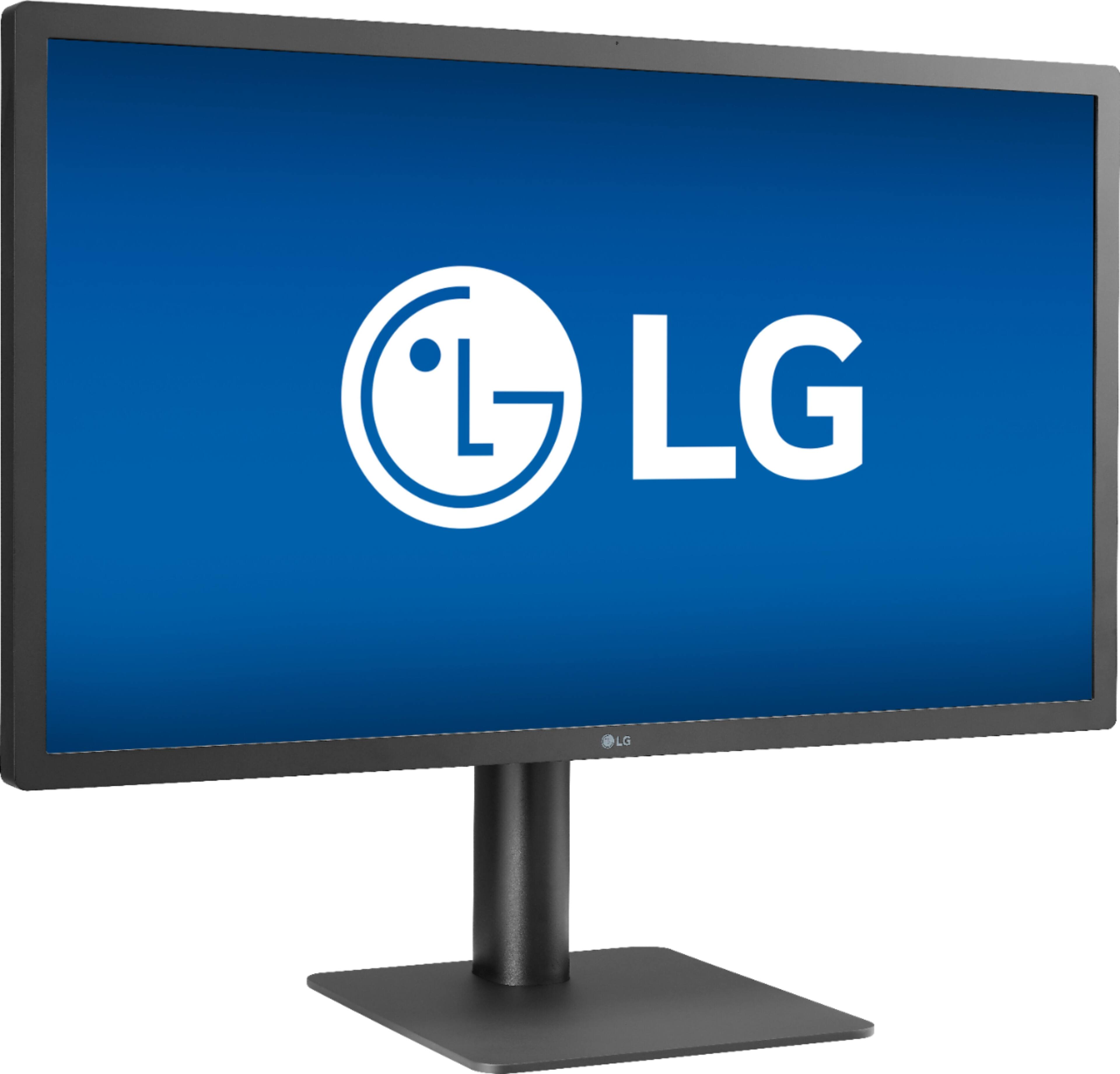
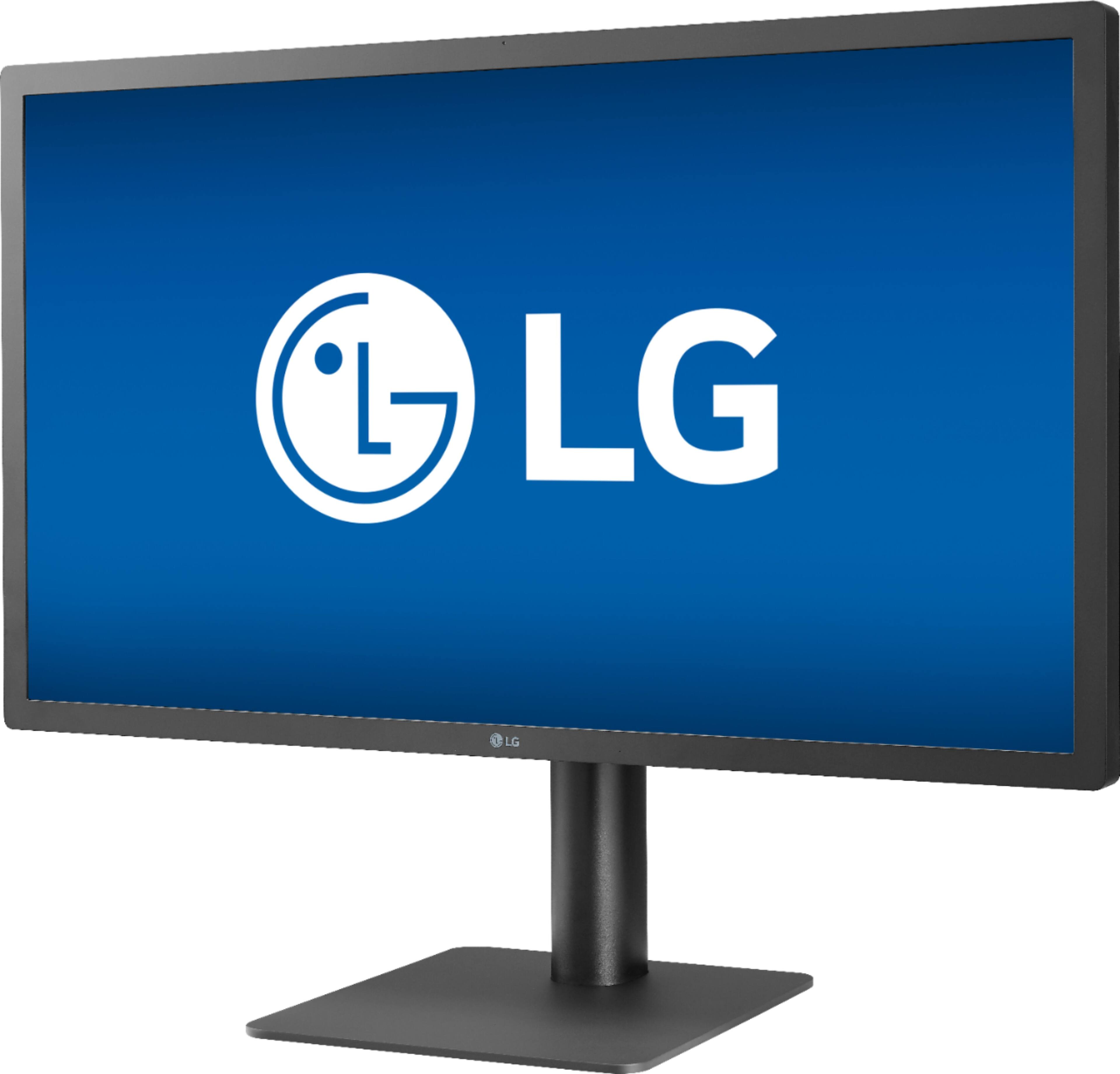
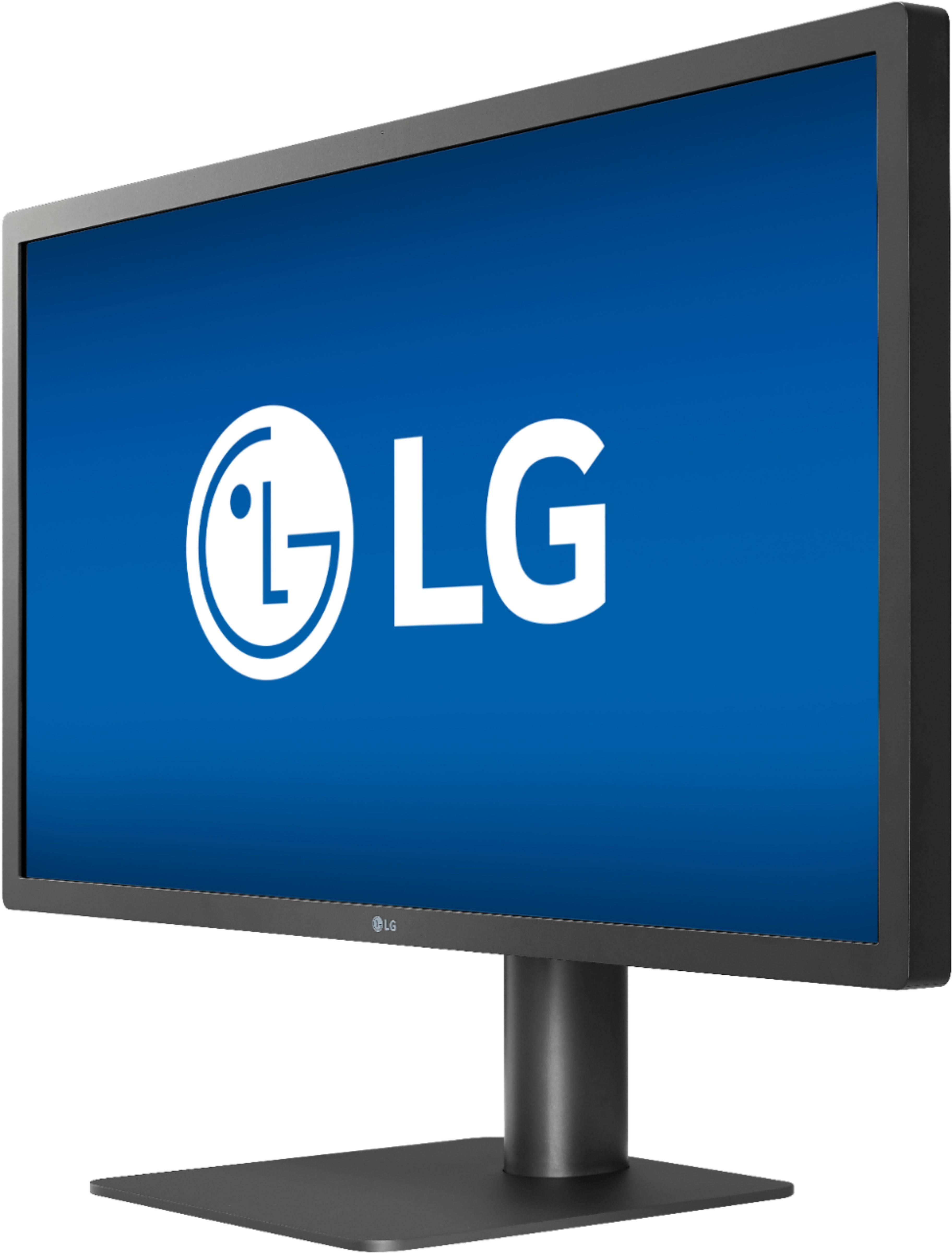
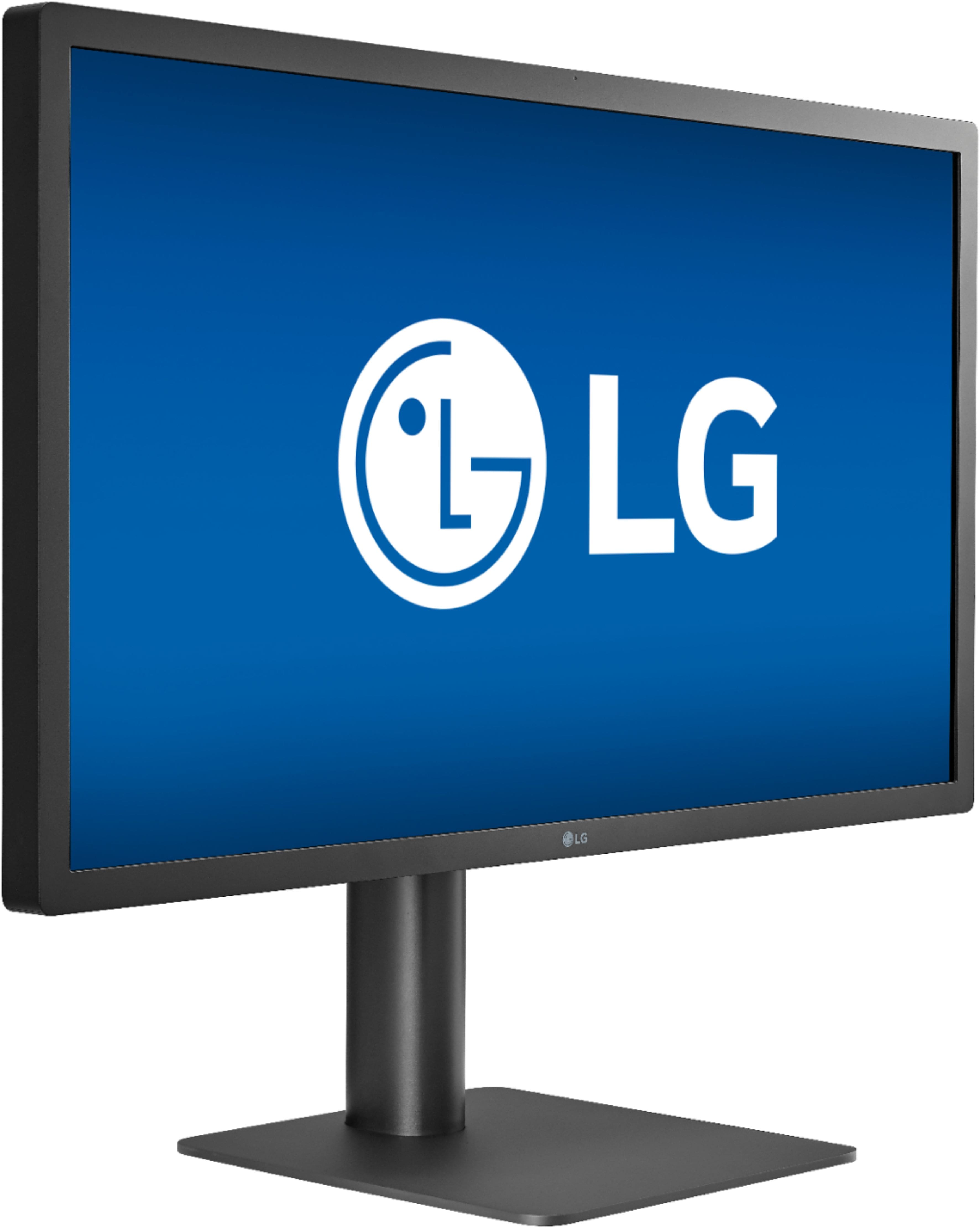
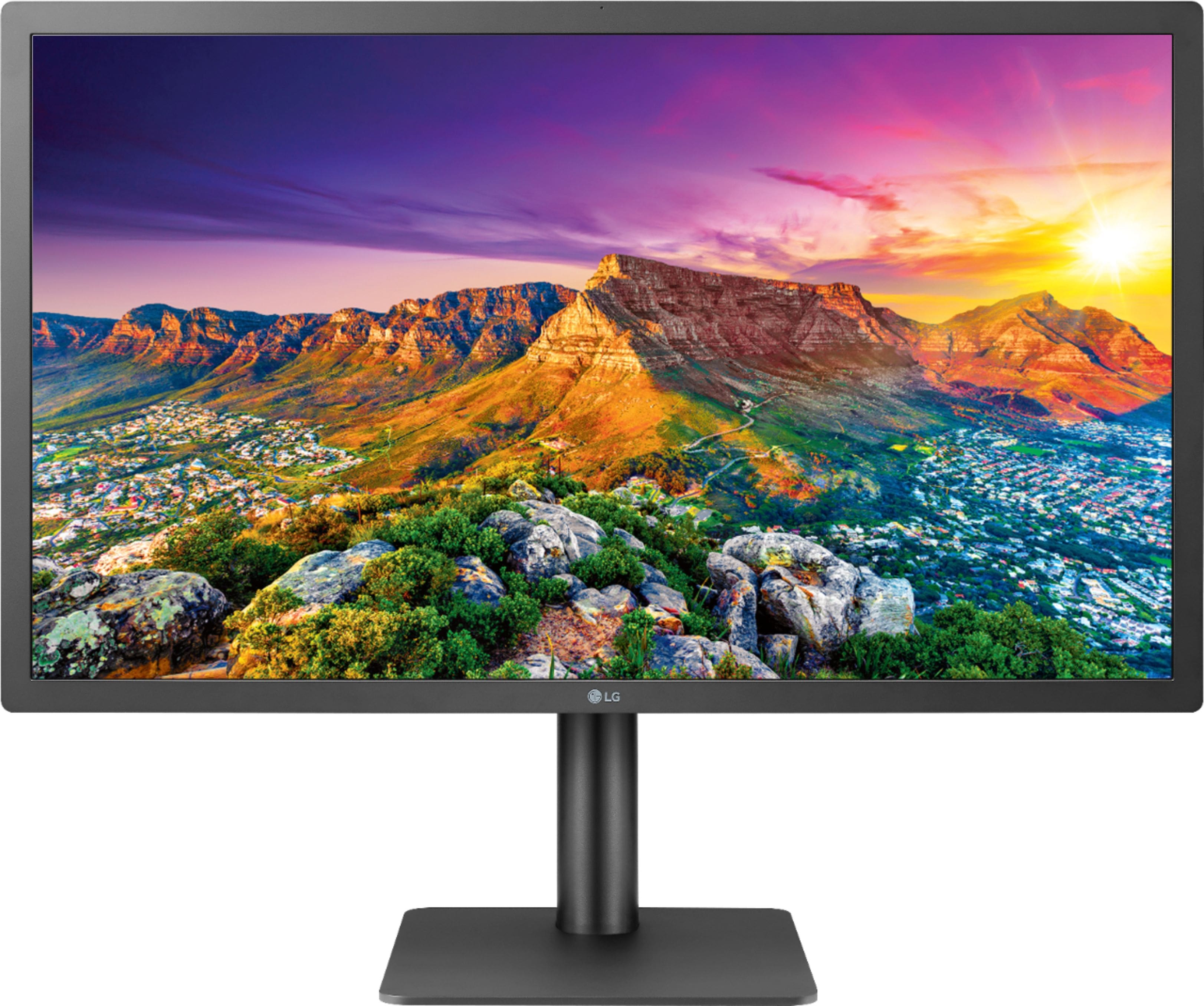
Q: QuestionIs this a glossy or matte display?
Asked by Brian.
- A:Answer Hello, it is matte.^Venette
Answered by LG Digital Customer Care
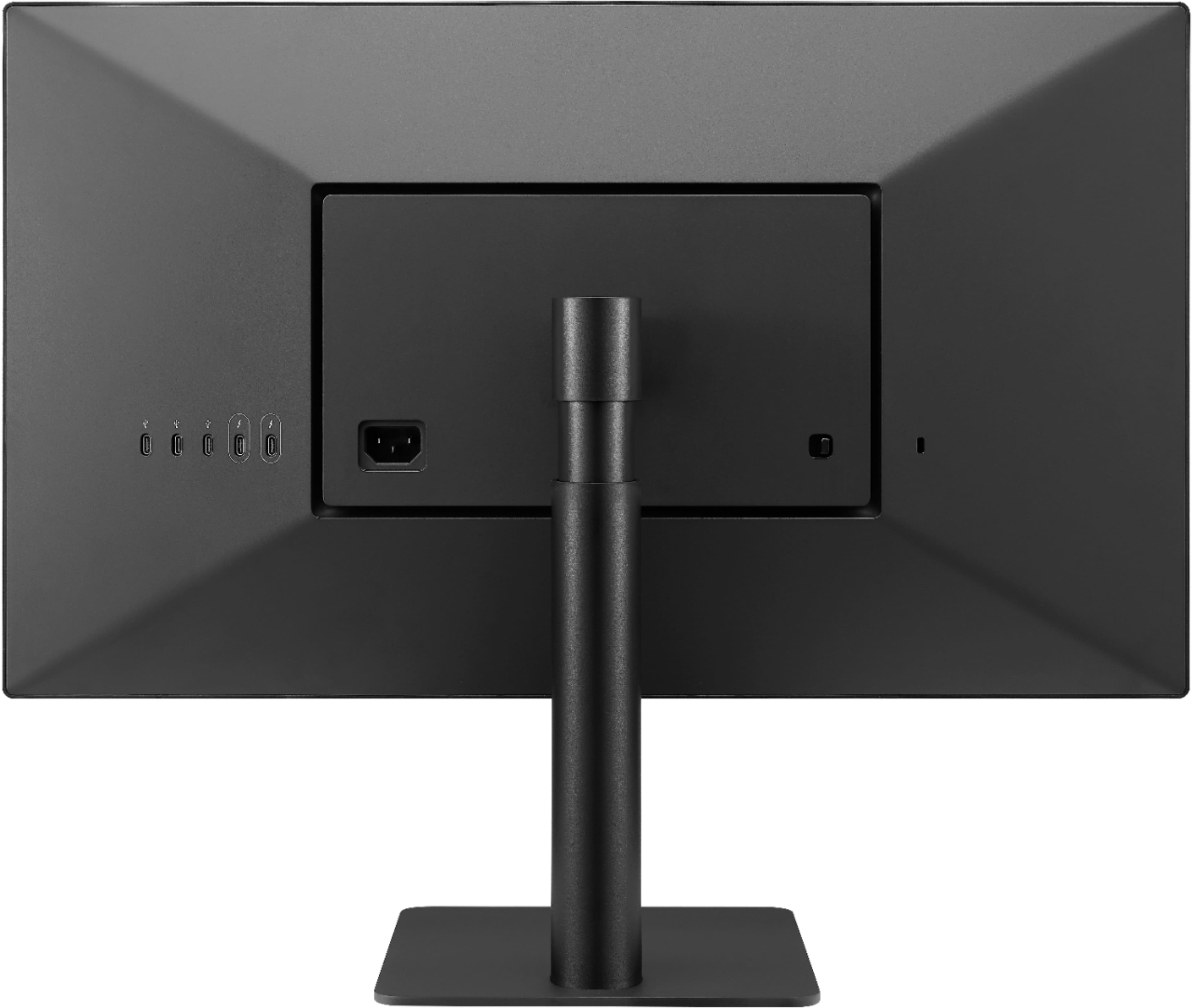
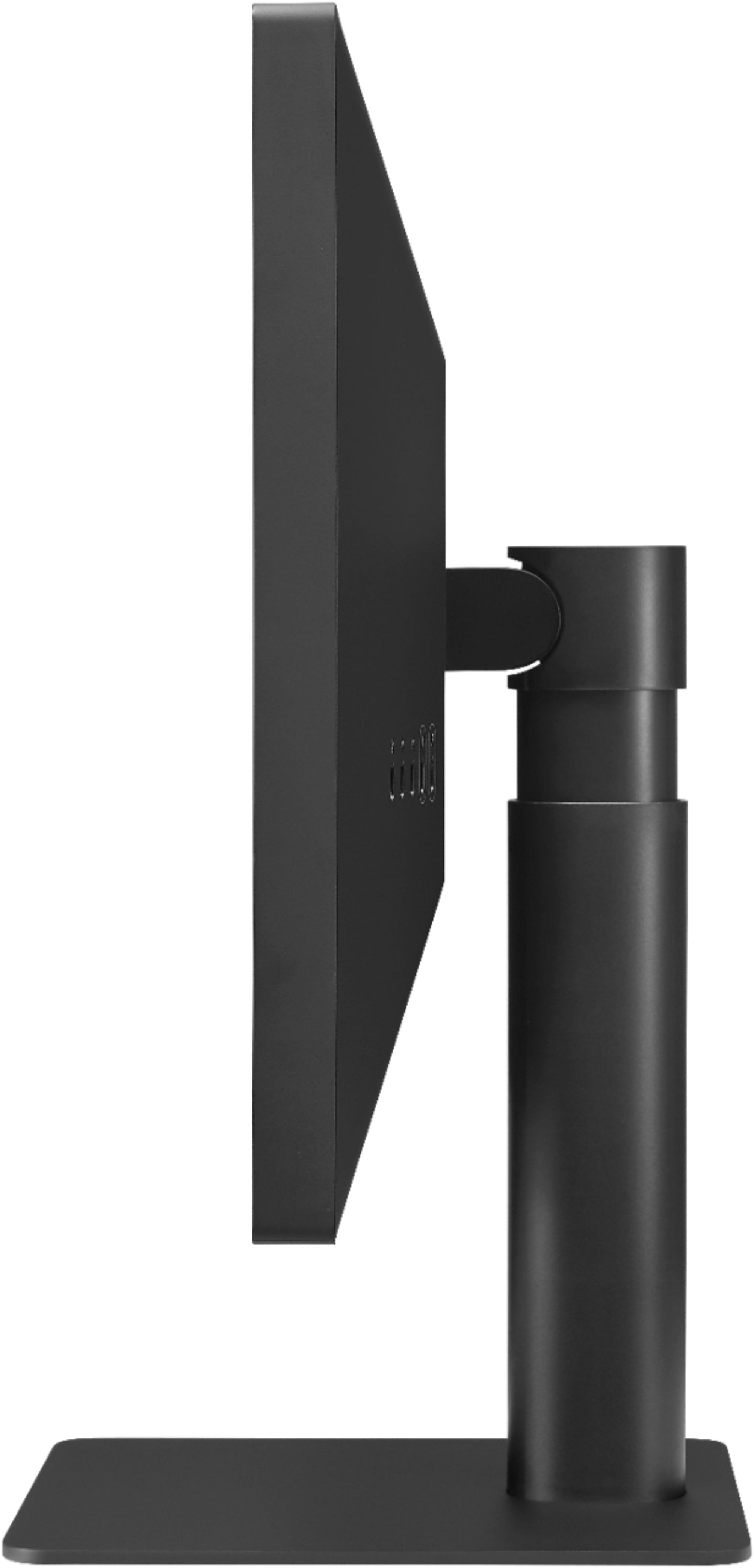
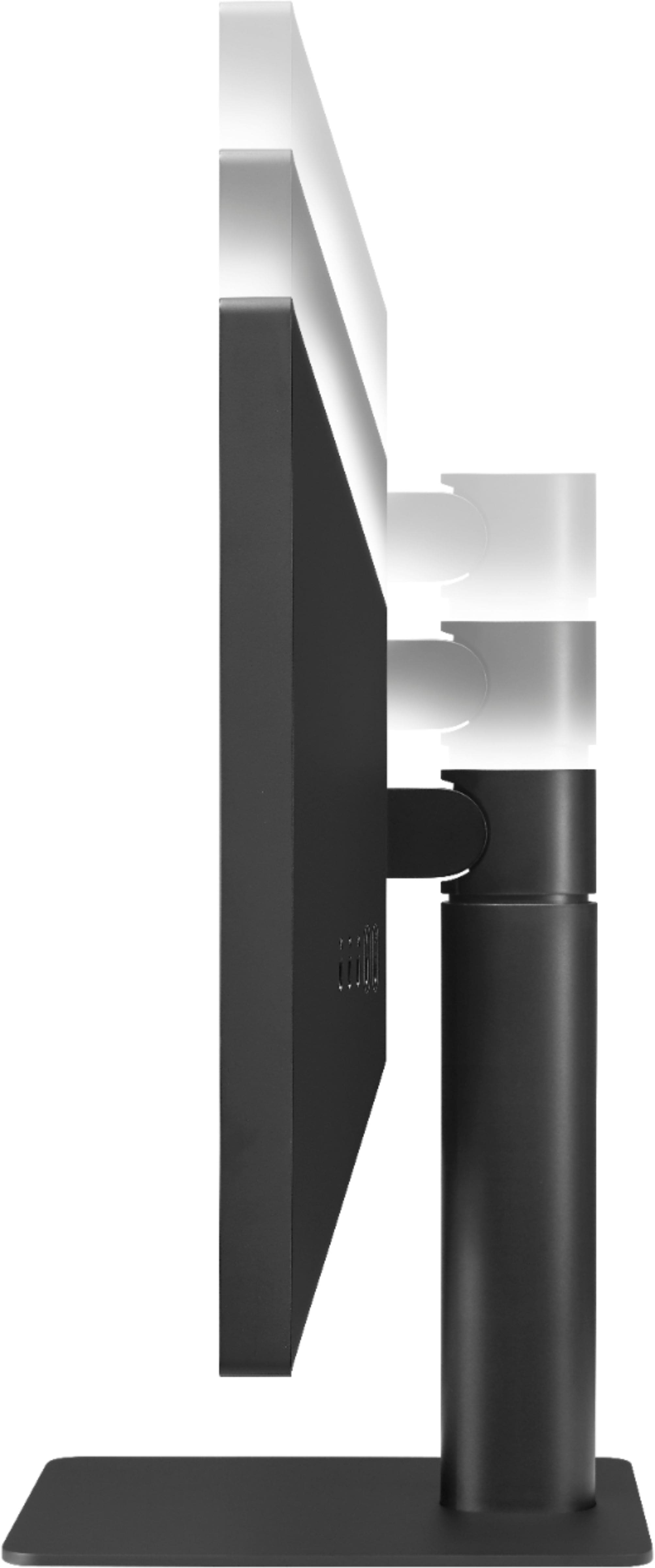
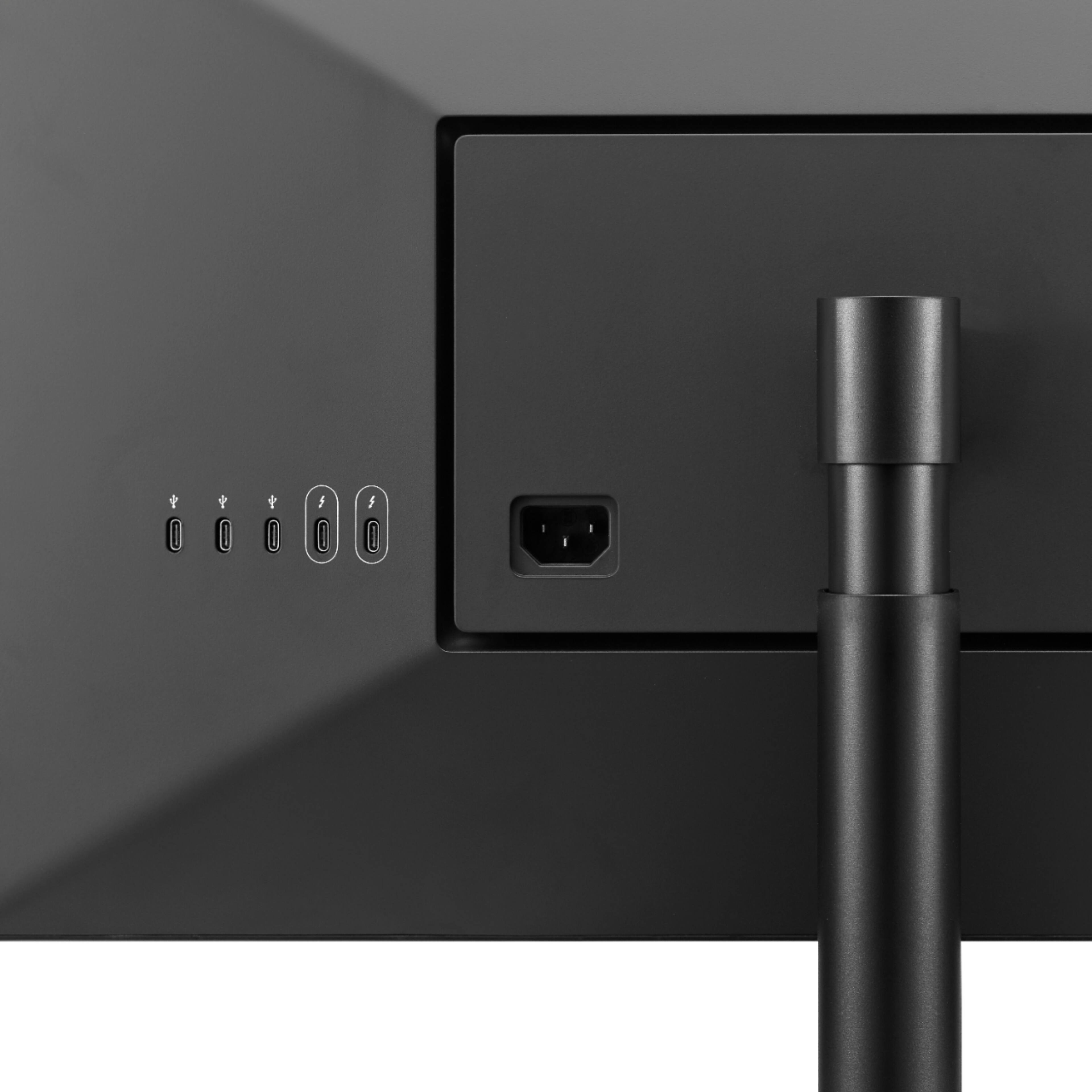
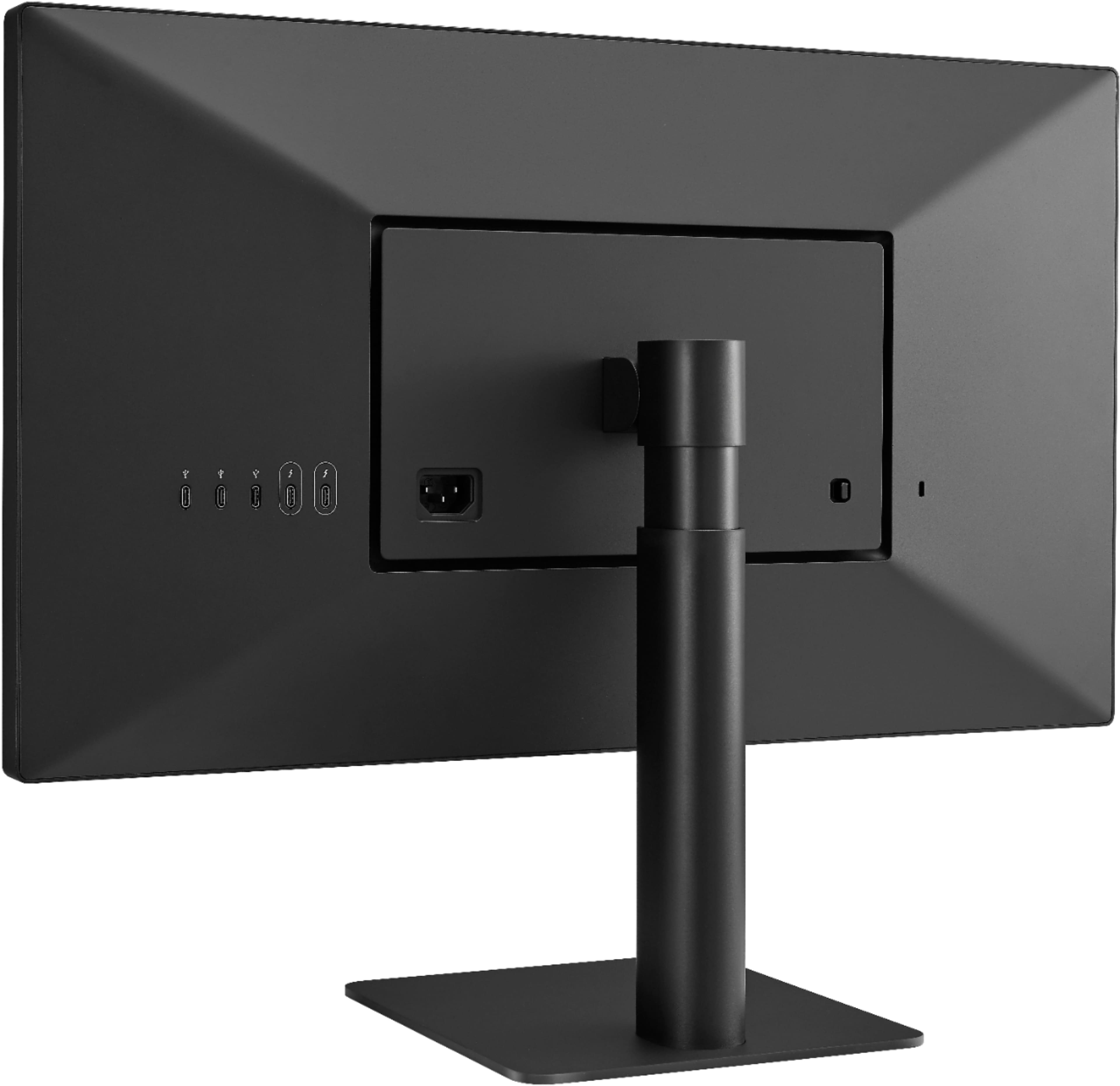
Q: QuestionWhat external controls does this monitor have? No buttons are shown in the manual drawings (see below), only several ports on the back. How are brightness, contrast, etc. set, and how do you switch between input sources using the thunderbolt 3 ports?
Asked by mataglapnano.
- A:Answer The LG number listed does not work, at least not from California. This is a straightforward question that should be answerable from the manual or a product support page. Can the monitor switch between two separate input sources when each is connected by a thunderbolt 3 cable? This is a common feature of many monitors accomplished by pressing a button to select the source. But this monitor doesn’t appear to have any external buttons. If that’s correct what is the mechanism for switching?
Answered by mataglapnano
Q: QuestionI understand this LG monitor works with Windows PC's but the settings of the monitor cannot be changed right out of the box. So is there a way to use this monitor with a Windows PC and change the settings? How?
Asked by Alfred.
- A:Answer Please reach out to our Support team on Twitter via @LGUSSupport or on Facebook at https://www.facebook.com/LGUSA. ^Daphane
Answered by LG Digital Customer Care

Q: QuestionIf I use this monitor with my MacBook Air does the monitor only mirror my MacBook or can it act as an extension like you claim is done with two of your monitors daisy chained to the MacBook?
Asked by RAF.
- A:Answer Please reach out to our support team on Twitter via @LGUSSupport or on Facebook at https://www.facebook.com/LGUSA. ^Daphane
Answered by LG Digital Customer Care

Q: QuestionHow do I control the brightness of this monitor when 2 are connected as an external mac display? Does holding 'control' adjust both displays or is there a way to control brightness of each external display separately?
Asked by BubRub.
- A:Answer Please contact LG Customer Support by direct message via Twitter (@LGUSSupport) or Facebook Messenger (https://www.facebook.com/LGUSA/). Please be sure to provide your name, phone number, address, email, model/serial numbers, and date of purchase and we will be happy to assist you. We apologize for any inconvenience this has caused. ^Daphane
Answered by LG Digital Customer Care

Q: QuestionHello, can I use this monitor with a windows laptop?
Asked by agmc.
- A:Answer Windows in officially unsupported on the LG 24 inch UltraFine 4K UHD IPS Monitor with macOS Compatibility, Model # 24MD4KL-B. It will work wit Windows to some degree...^IFV
Answered by LG Digital Customer Care

Q: QuestionMy monitor won’t turn on when plugged in and I can’t find an on/off button. Is my new monitor defective?
Asked by Anonymous.
- A:Answer It doesn’t have an on off switch. It turns on automatically when you start up your computer.
Answered by Soxfaninnyc
Page 3, Showing 41-47 of 47 questions
Most-viewed items
- $199.99$199.99The price was $299.99
- $329.99$329.99The price was $469.99
- $299.99$299.99The price was $449.99
- $449.99$449.99The price was $649.99
- $1,149.00$1,149.00The price was $1,299.00
- $99.99$99.99The price was $129.99
- $1,549.00$1,549.00The price was $1,699.00
- $299.00$299.00The price was $349.00
- $33.34 per month$33.34/mo.for 36 months; 0% APR
- $499.00$499.00The price was $549.00