Questions & Answers
- Model:
- 27MD5KL-B
- |
- SKU:
- 6362421
Highly rated by customers for: Picture Quality, USB, Price
Page Showing 21-26 of 26 questions
Q: QuestionHow do I use the webcam with a windows laptop?
Asked by RB.
- A:Answer Please reach out to our Support team on Twitter via @LGUSSupport or on Facebook at https://www.facebook.com/LGUSA. ^Daphane
Answered by LG Digital Customer Care

Q: QuestionI have a 2014 Mac Book Pro with HDMI output only. Can I use it with an adapter (HDMI to USB Type-C)? Could it damage my computer if the monitor tried to supply power to my MacBook Pro through the powered USB Type-C connection when I use an adapter?
Asked by MacQ58.
- A:Answer no, you cannot. you must have Thunderbolt 3 to use this monitor. HDMI will not work.
Answered by dustininsf
Q: QuestionI just purchased a Asus Zenbook pro duo that has a usb c thunderbolt 3 display port. With this monitor work? I already own the monitor for use with my MacBook Pro and love it. Just didn’t want to buy another monitor.
Asked by JamieB.
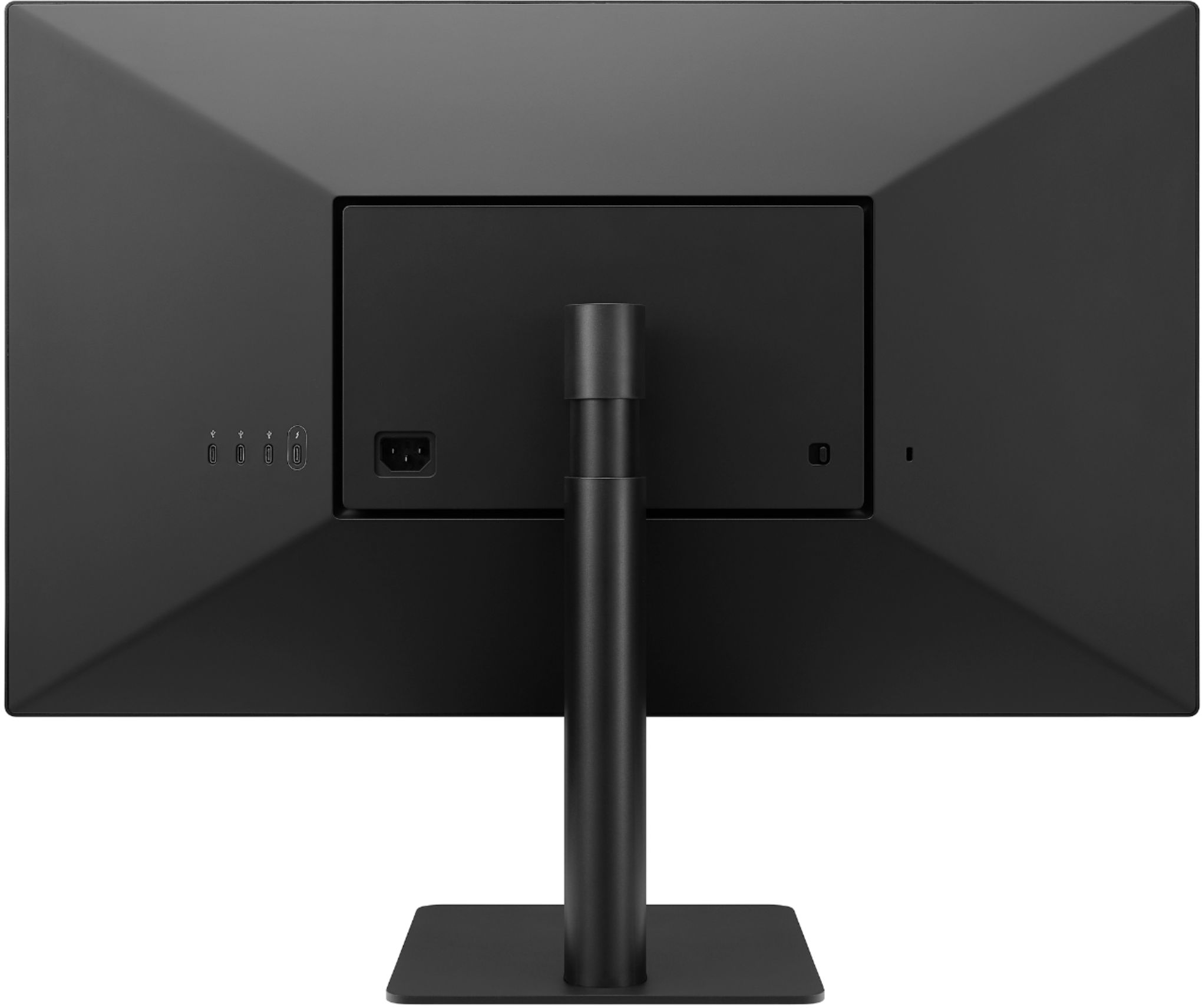
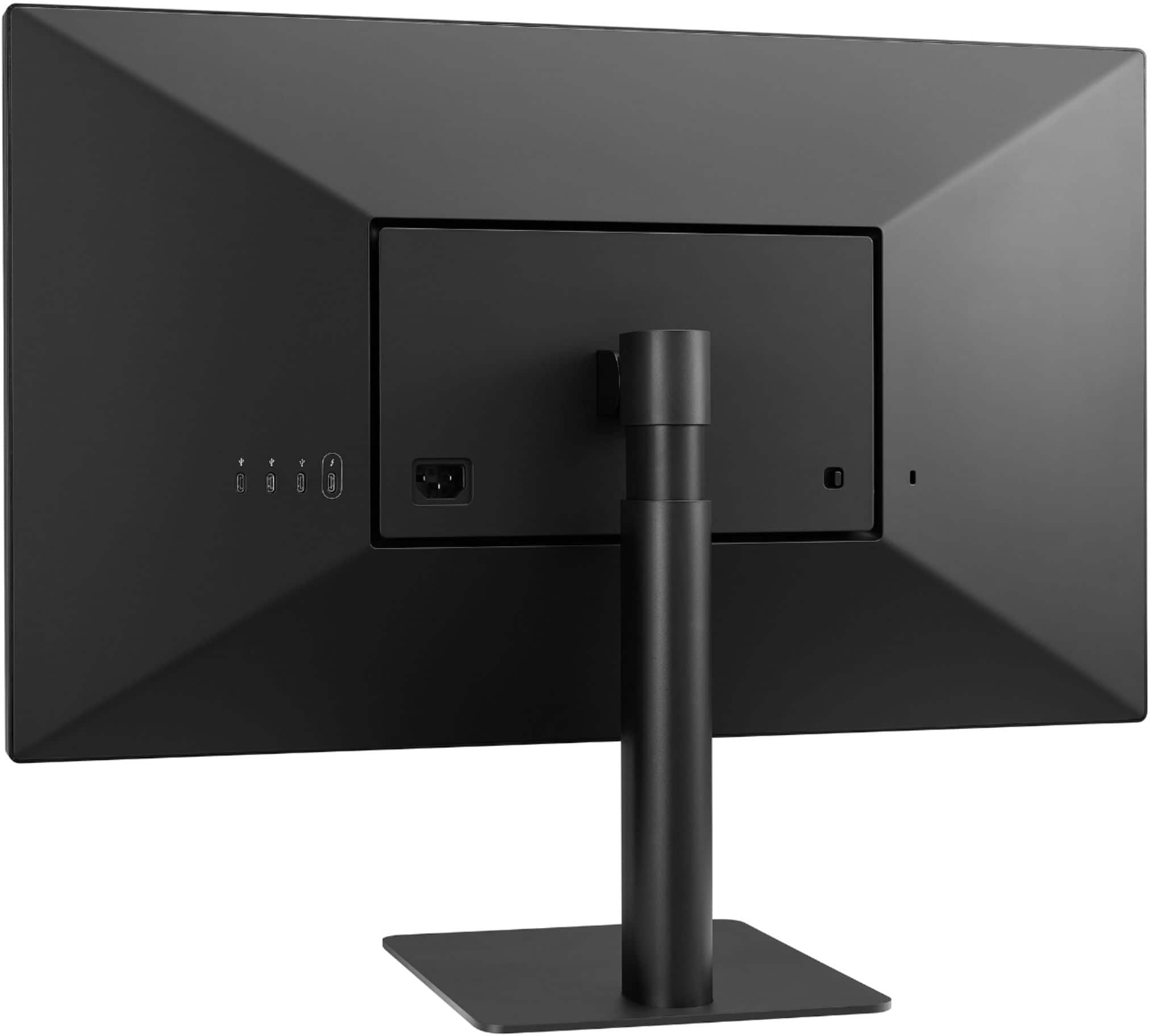
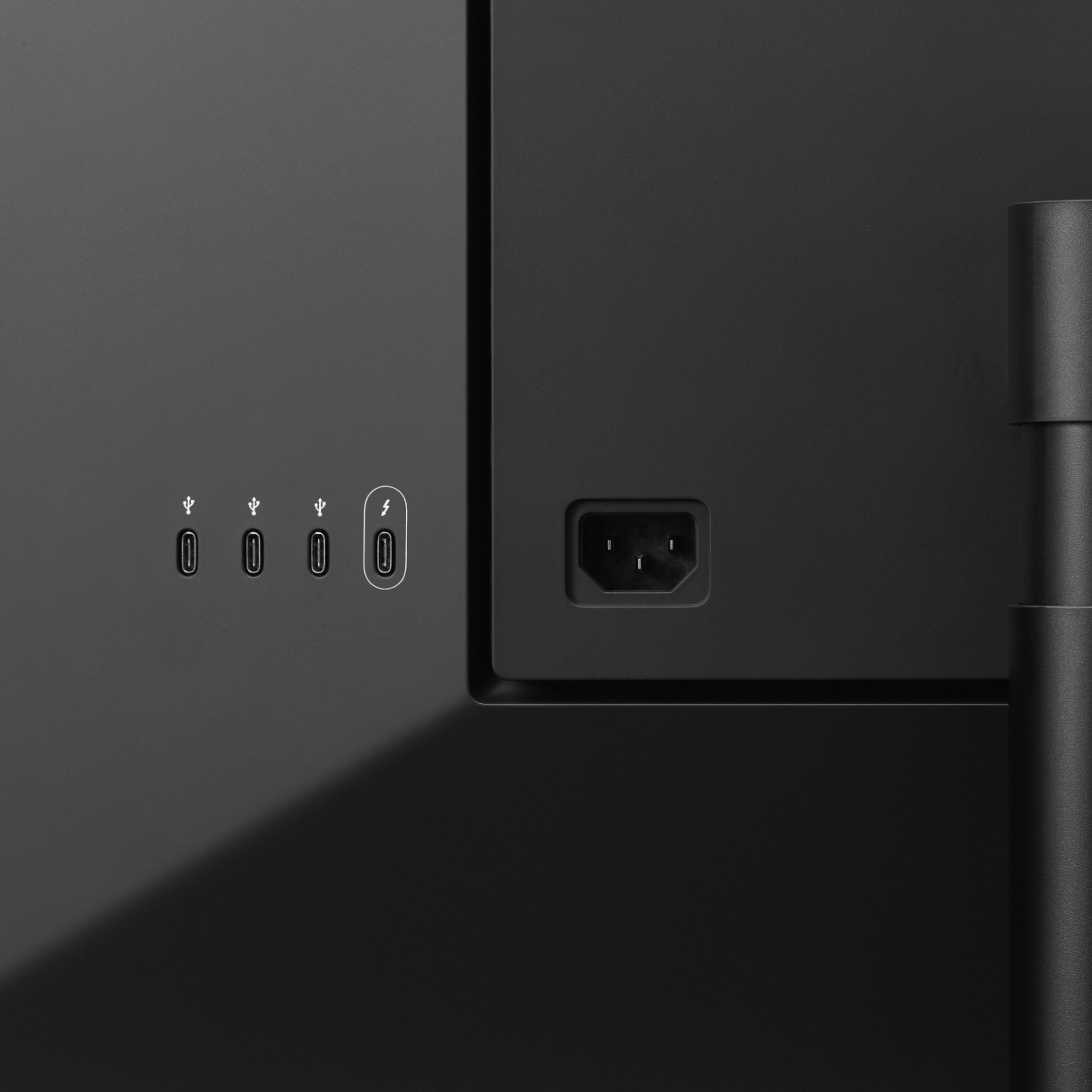
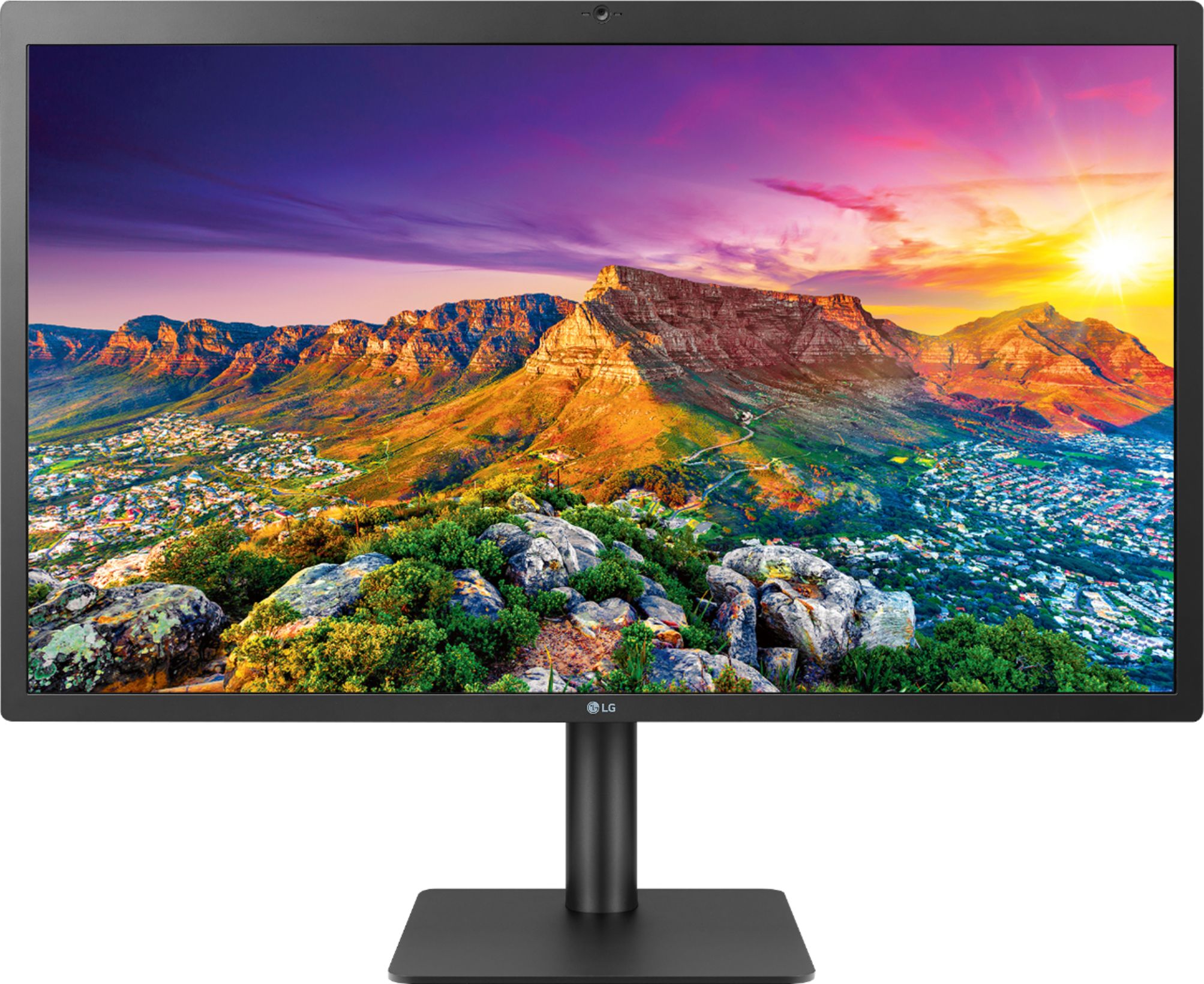
- A:Answer This unit features a Thunderbolt 3 input that allows you to transmit 5K video and data while simultaneously charging a device (up to 94W) over a single cable. Plus, three USB Type-C ports let you connect additional USB Type-C enabled Mac or iPad Pro. If you have additional questions about our monitors, give our computer specialists a call at 800-243-0000. ^CP
Answered by LG Digital Customer Care

Q: QuestionWhere is the power button?
Asked by Mel.
- A:Answer There isn't one. Took me a while to get used to. There’s also no buttons to adjust volume or display settings. It’s all done from your Mac.
Answered by SFSunset
Q: QuestionI have a 6th generation ipad. Will this monitor compatible too? Do I need to buy extra cable and/or hdmi cable to connect? Thanks Grace
Asked by Grace.
- A:Answer This will not work with your iPad. it will work with one of the M1 or M2 iPad Pro models.
Answered by dustininsf
Q: QuestionI currently have an iMAC 27" Retina 5K, 2017 model. Will this work as a second monitor for this? Can I use this as an extended desktop and video mirroring? I would hate to spend this much, and find out it won't support this.
Asked by Snowdog58.
- A:Answer Using a thunderbolt 3 cord it was like plug and play
Answered by Master3279
Page 2, Showing 21-26 of 26 questions
Most-viewed items
- $499.99$499.99The price was $779.99
- $949.00$949.00The price was $1,099.00
- $149.00$149.00The price was $399.00
- $329.99$329.99The price was $469.99
- $122.00$122.00The price was $129.99
- $159.99$159.99The price was $179.99
- $115.99$115.99The price was $175.99
- $1,049.99$1,049.99The price was $1,799.99