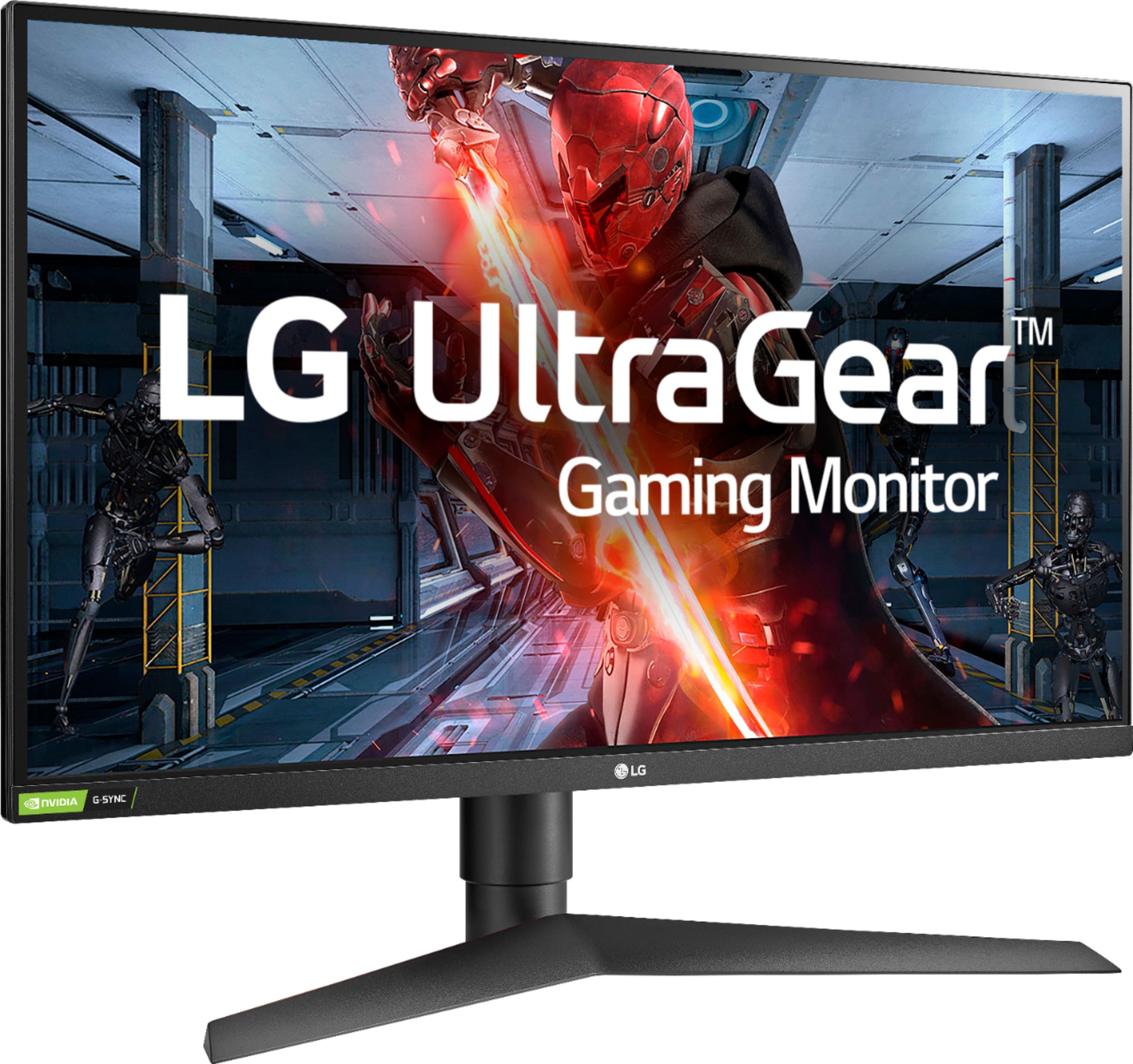
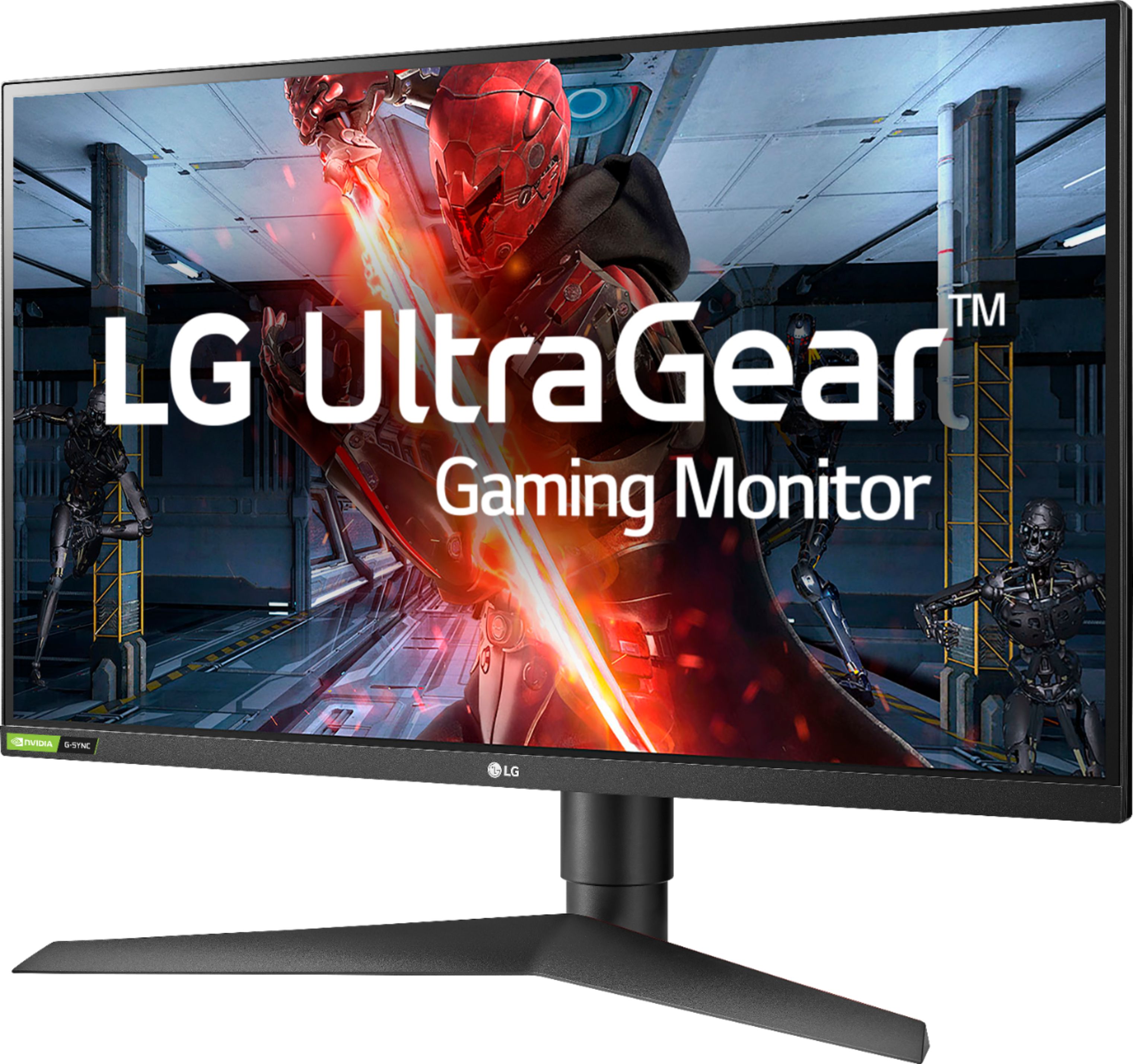
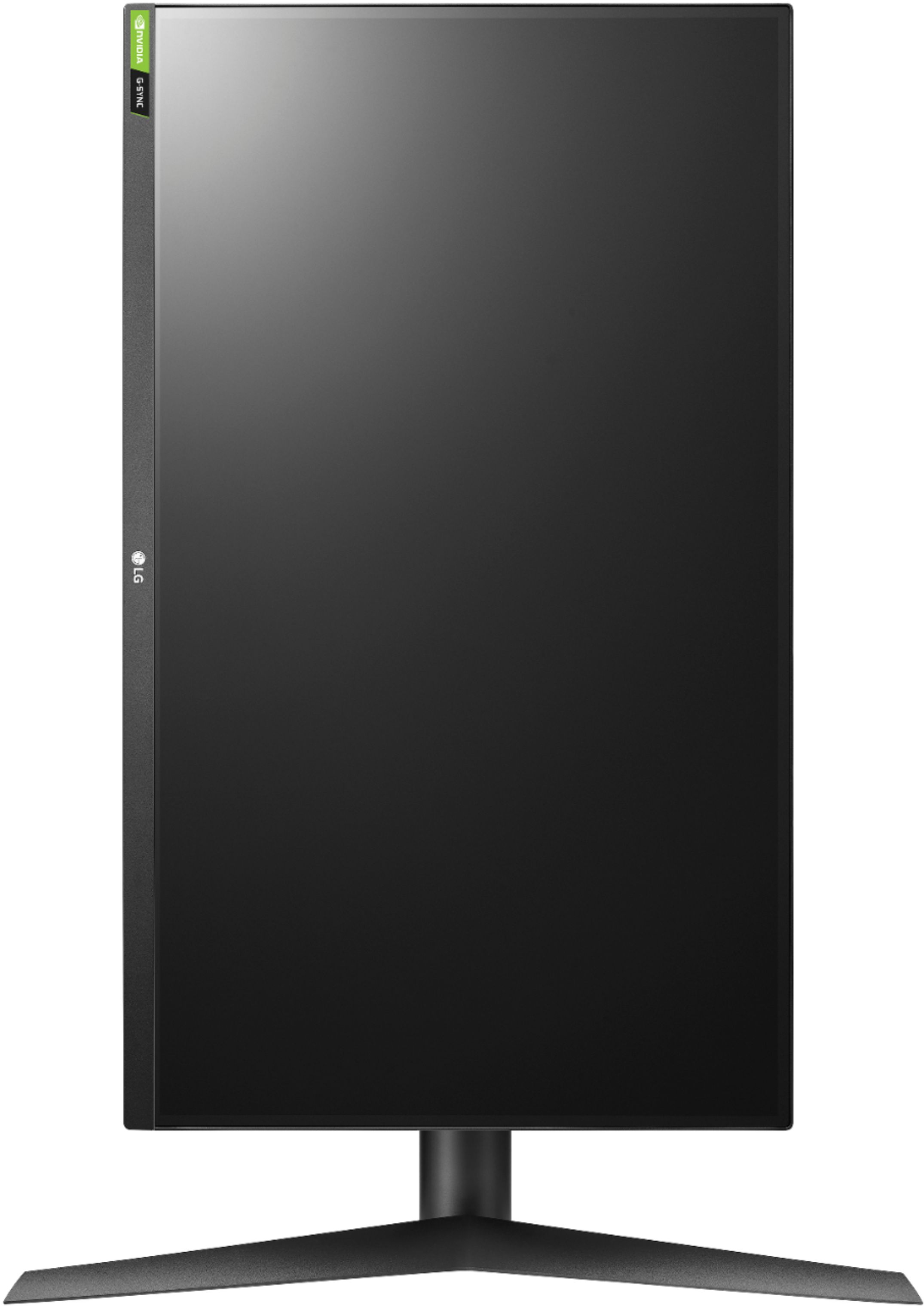
A:AnswerThis is a G-Sync Certified Freesync display, meaning it uses Freesync and is tested by Nvidia to work with their G-Sync capable video cards. It will work totally fine with the 2080.
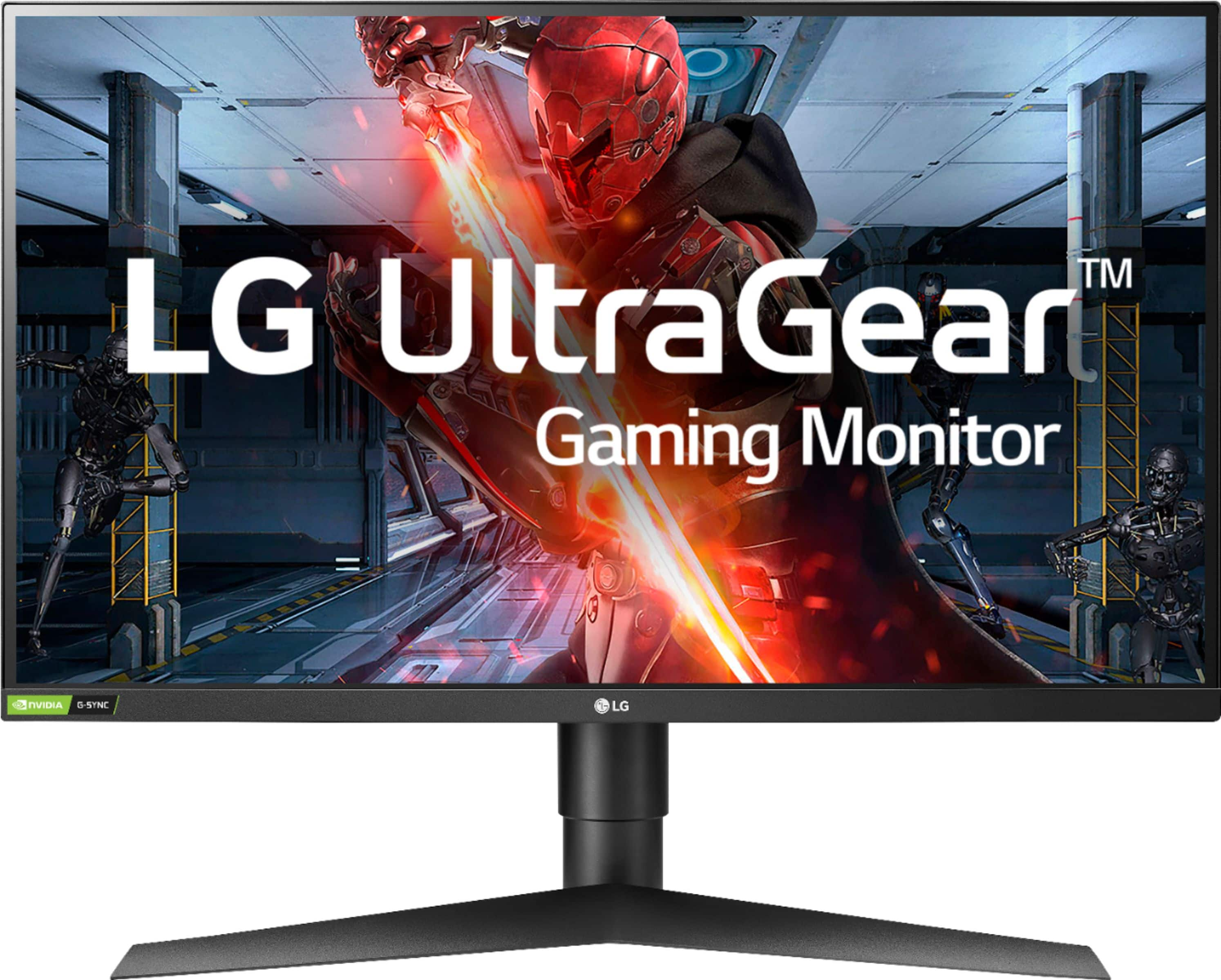
A:AnswerThe UltraGear™ 27" IPS LED QHD FreeSync™ and G-Sync® Compatible Monitor with HDR 10 (DisplayPort, HDMI) - Black, Model # 27GL850-B features 2 x HDMI ports on the back of the monitor. It also features a DisplayPort input, 2 x USB Down-Stream ports, a USB Up-Stream port and a 3.5 mm Headphone Out port.
What connectivity does your M2 MacMini Pro have and what refresh rates and resolutions does the GPU in it support?
The monitor has s native refresh rate of 144 Hz and a native resolution of 2560 x 1440...^Ivan
A:AnswerAre you inquiring about a wall mount or a desktop monitor arm?
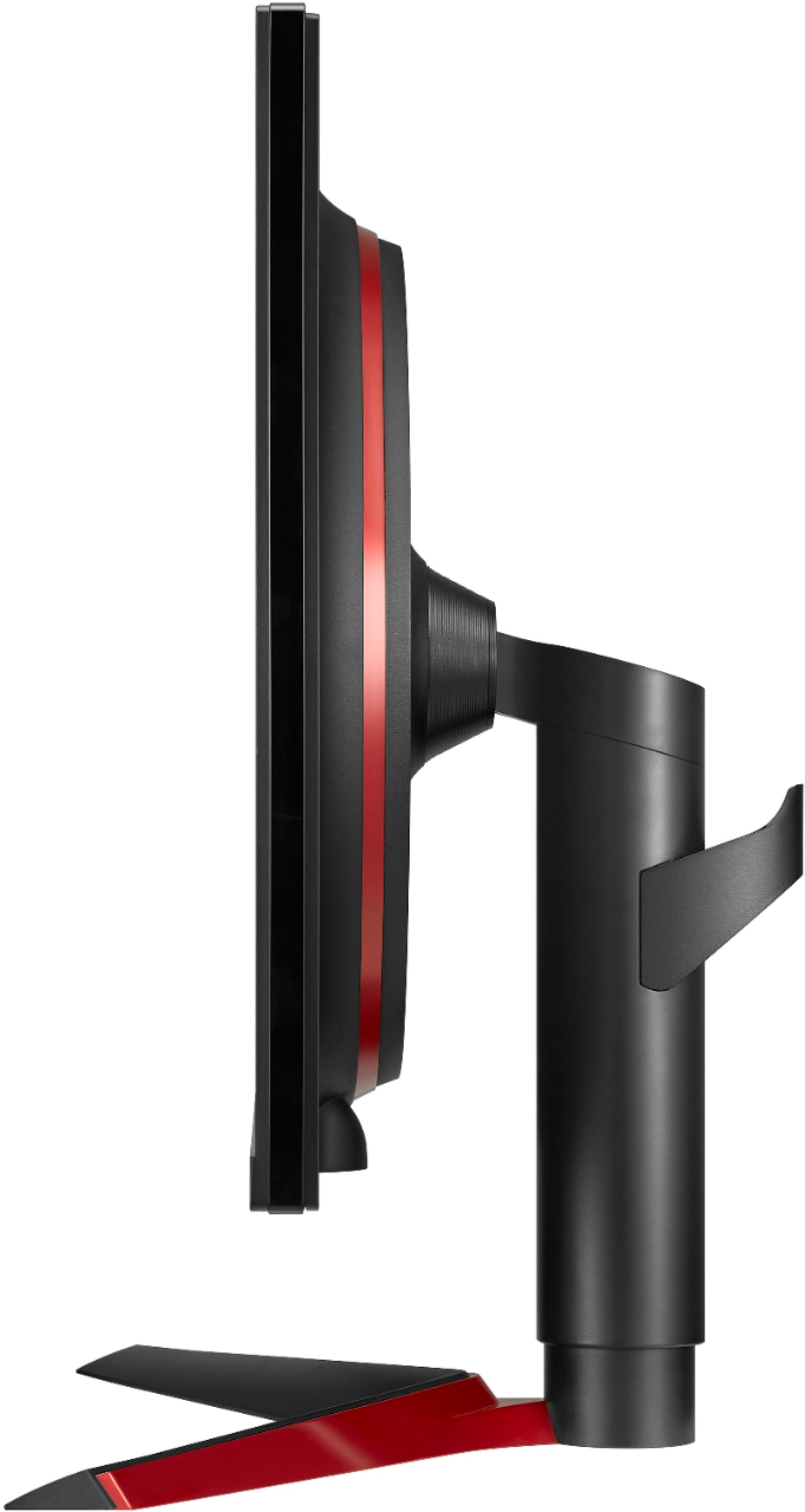
The LG UltraGear™ 27" IPS LED QHD FreeSync and G-SYNC Compatible Monitor with HDR 10 (DisplayPort, HDMI) - Black, Model # 27GL850-B is a VESA Compliant display that has a VESA Mount Pattern of 100 x 100 mm.
VESA Compliance guarantees that any VESA Compliant Desktop Monitor Arm or VESA Compliant Wall Mount Bracket that supports the Monitor's VESA Mount Pattern of 100 x 100 mm can be used with the monitor...^Ivan

A:AnswerHi Anne. The LG UltraGear 27" IPS LED QHD FreeSync and G-SYNC Compatible Monitor with HDR 10 (DisplayPort, HDMI) - Black, Model # 27GL850-B does not have a built-in camera...^Ivan

A:AnswerHi, please try this steps Turn off Display. Try turning off your display for at least a few hours, or as many as 48, ideally. Use a White Screensaver. Try setting your screensaver to a pure white image and leaving it to run for a few hours. If not resplved, please call our customer service at 1-800-243-0000 or reach out to our Social Media support in Facebook @LGUSSupport. ^Vanessa
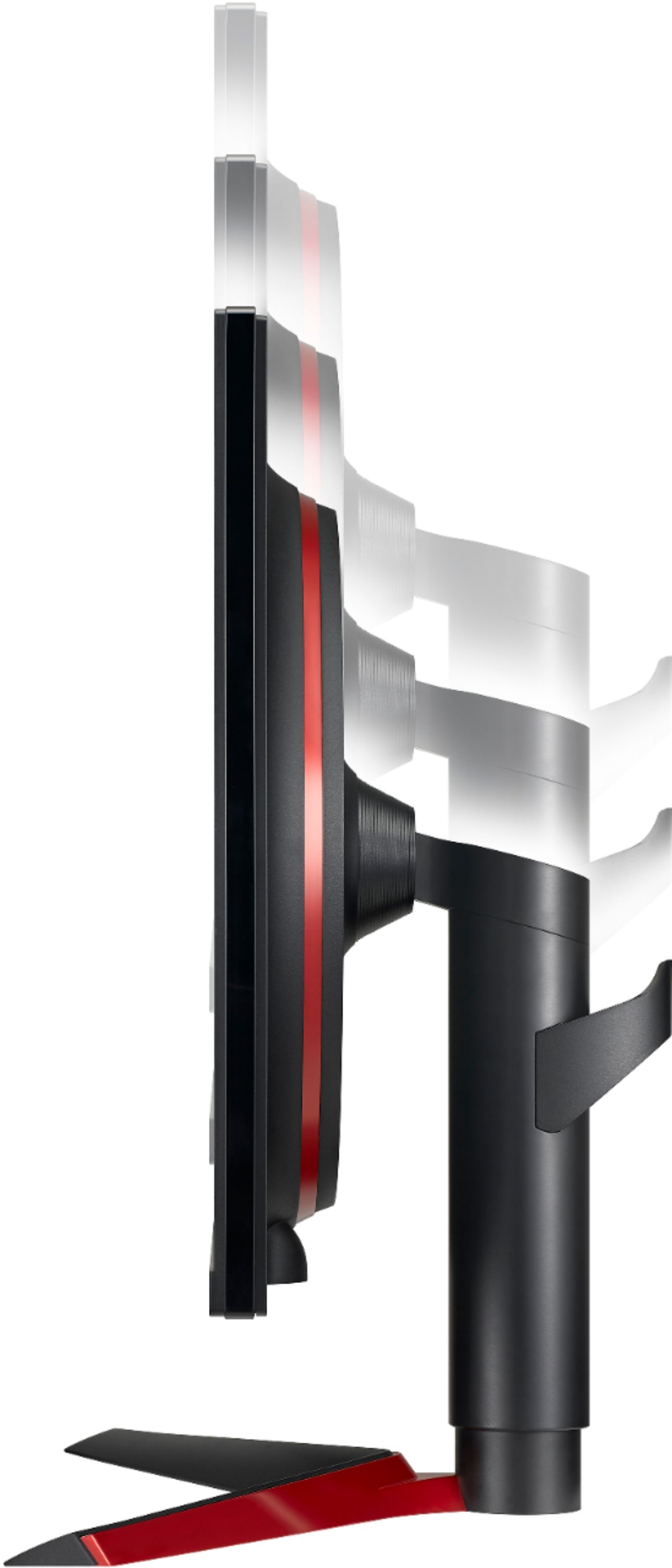
A:AnswerI'm not sure because I replaced it with an Amazon monitor stand which would go lower, so I wouldn't have to look up so much through my progessive lenses, straining my neck. But I estimate it was 4-1/2 to 5". (My new one goes down to 1-3/4".)
A:AnswerMonitor 27GL850-B has a recommend resolution of 2560 x 1440 @ 100Hz (HDMI) or 2560 x 1440 @ 144Hz (DP). This monitor does not have HDMI 2.1 and will not support 4K@120Hz. Please seek recommendations/opinions on the forums at https://www.facebook.com/LGUSA; they are a great resource for getting help from other LG customers. Thank you. ^Daphane
A:AnswerMonitor 27GL850-B has a recommended resolution of 2560 x 1440 @ 100Hz (HDMI) and 2560 x 1440 @ 144Hz (DP). At a resolution of 1920 x 1080 to maximum resolution is 75Hz via HDMI/DP. This monitor does not have HDMI 2.1 and will not support 4K@120Hz. ^Daphane
A:AnswerThis monitor maximum resolution of 2560 x 1440 @ 144Hz HDMI: Adaptive-Sync off or Display Port. This monitor does not have HDMI 2.1 and will not support 4K@120Hz. For further assistance, please reach out to our support team via private message on Facebook @LGUSSupport and use #VOC in your first message to our social media support team or call at 800-243-0000. ^Daphane
A:AnswerPlease seek recommendations/opinions in the LG Community Forum, https://lgcommunity.us.com. The LG Community Forum is a great resource for getting help from other LG customers. You can also compare the specification side by side by visiting the product pages at LG.com,https://www.lg.com/us/compare?bizType=B2C. ^Daphane