A:AnswerPlease seek recommendations/opinions at https://lgcommunity.us.com. The LG Community Forum is a great resource for getting help from other LG customers. ^Daphane
A:AnswerPlease clarify your question so that I provide an accurate and helpful response. The monitor turns on as soon as you press the power button, it will take a few seconds to identify the input. Thank you. ^Daphane
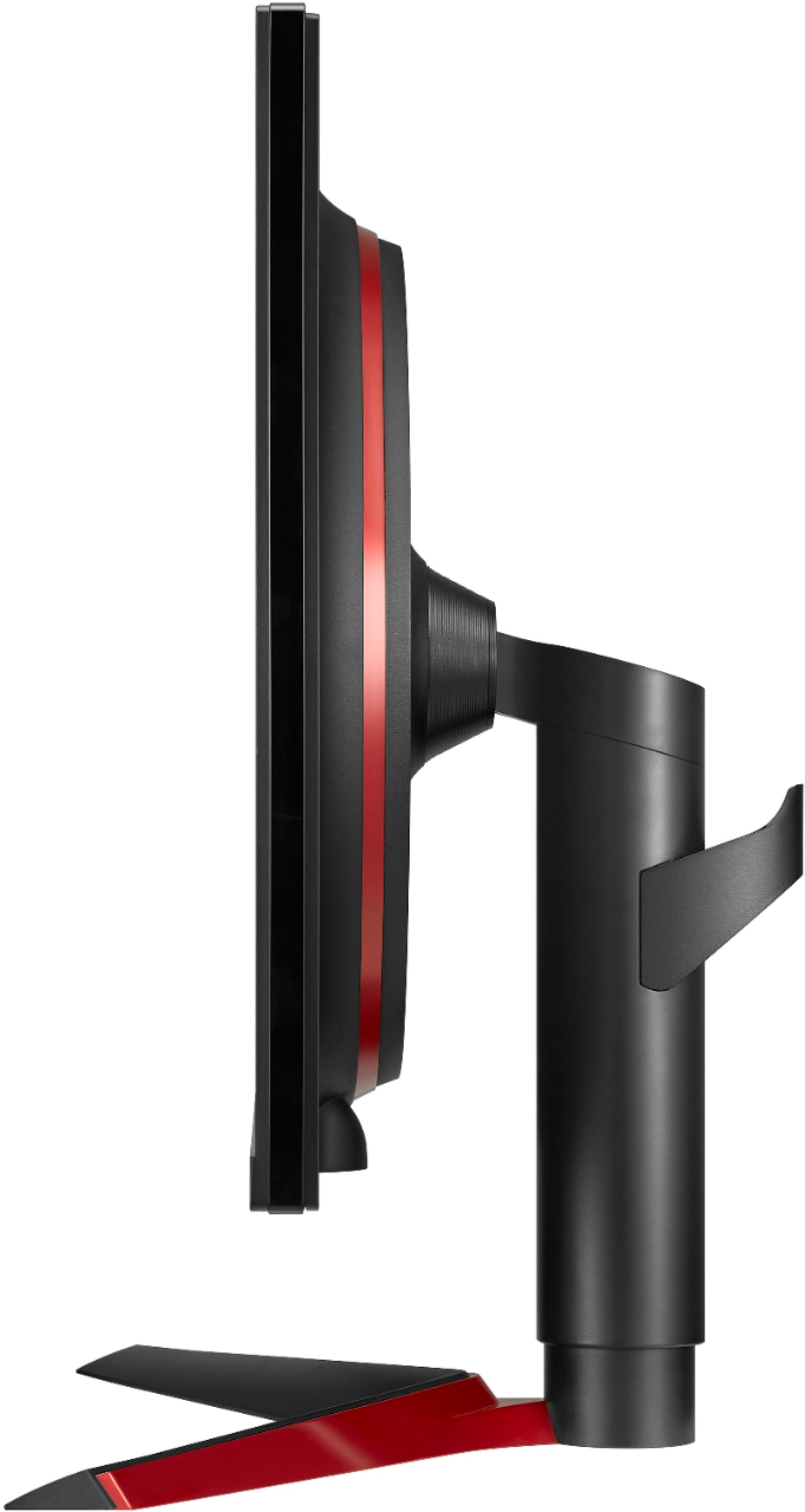
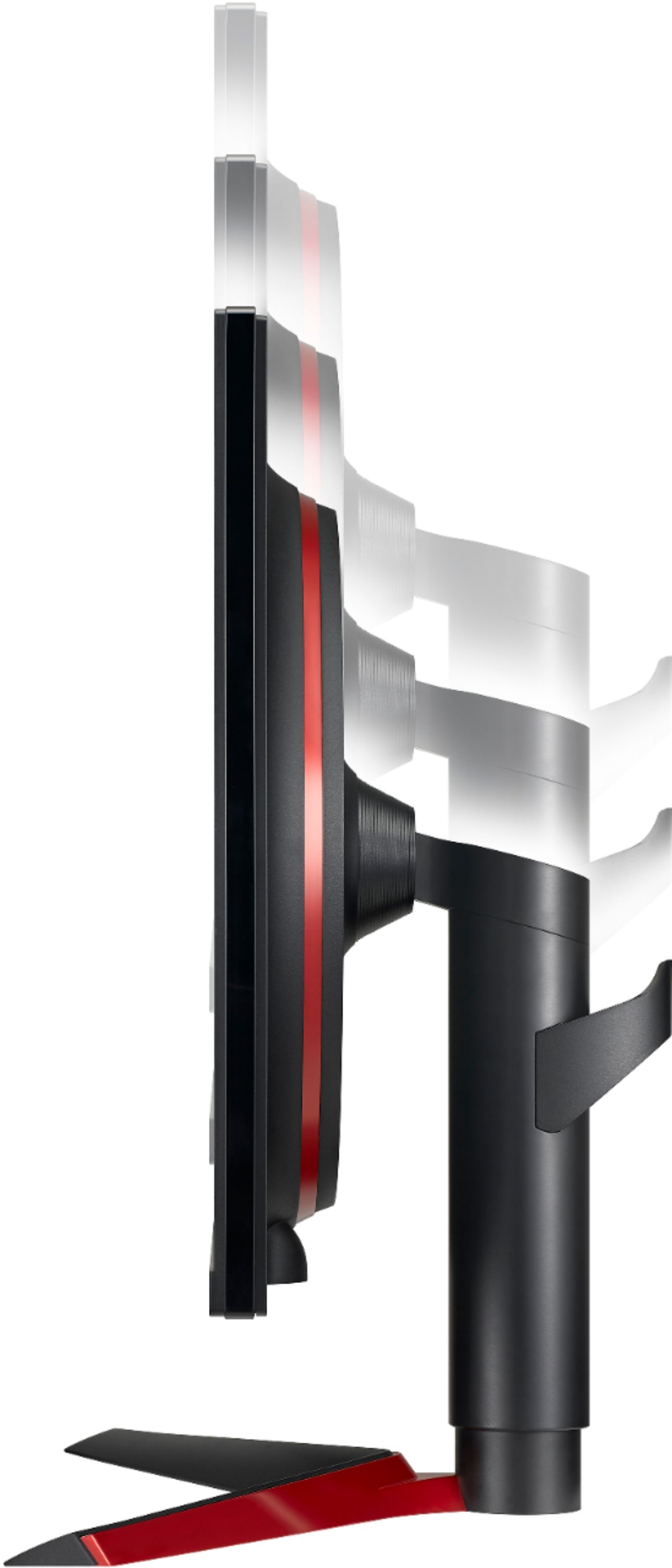
A:AnswerIt comes with 4 mounting screws pre installed for a different style stand. The stand it comes with clips in over those screws and is easy to remove with a small switch at the base of the bracket.
A:AnswerPlease seek recommendations/opinions at https://lgcommunity.us.com. The LG Community Forum is a great resource for getting help from other LG customers. ^Daphane
A:AnswerIt has a standard VESA mount - so yes if you have a wall VESA mount.
PS5 does not support 1440p resolutions .. so that could be an issue. You may need to run the game as 1080p (which will run smoother because less GPU load on the PS5), but may not look as good on this monitor vs the 1080p version of this monitor.
I don't have a PS5 to see if it will send the display at 4k to test if the monitor automatically downscales it to 1440/1080.
A:AnswerYes, I use the 120HZ option on COD Cold War and it 100% works, checked the monitor settings while playing and it shows that the game is running at 120 FPS.
A:AnswerNeither the HDMI ports nor the DisplayPort on the LG 27GL850 27'' UltraGear™ Nano IPS 1ms Gaming Monitor with G-Sync® Compatibility will work with USB ports...^IFV

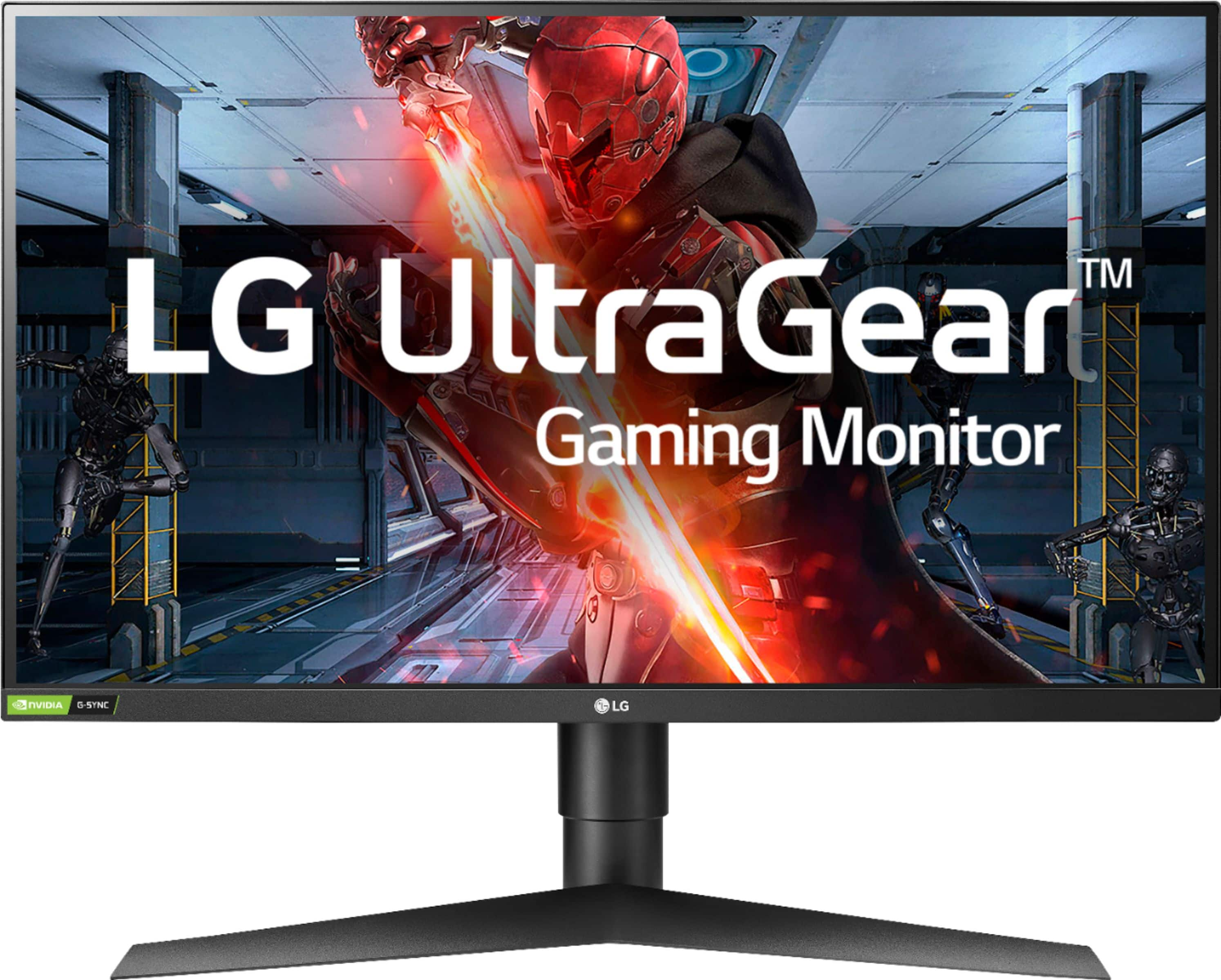
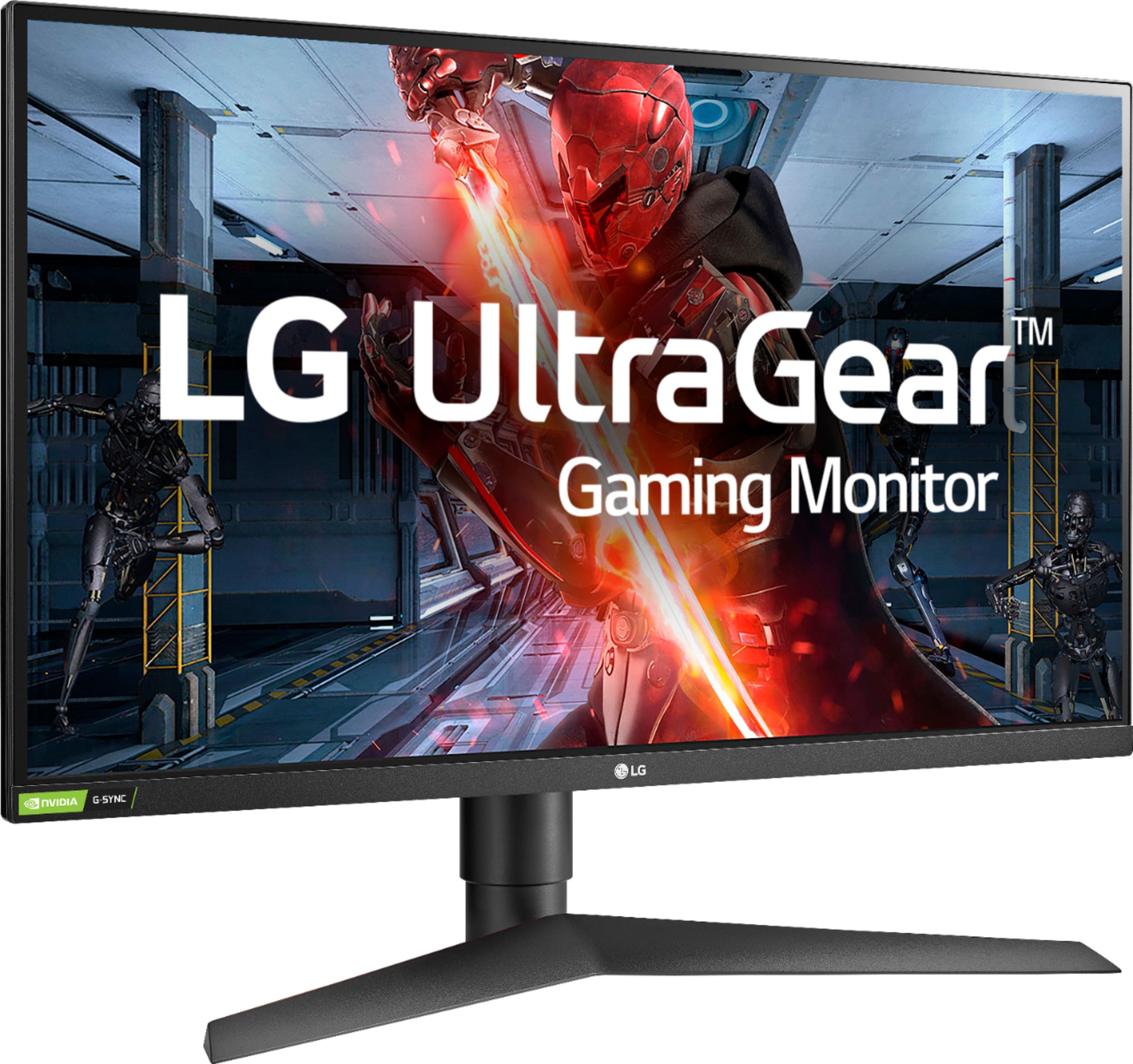
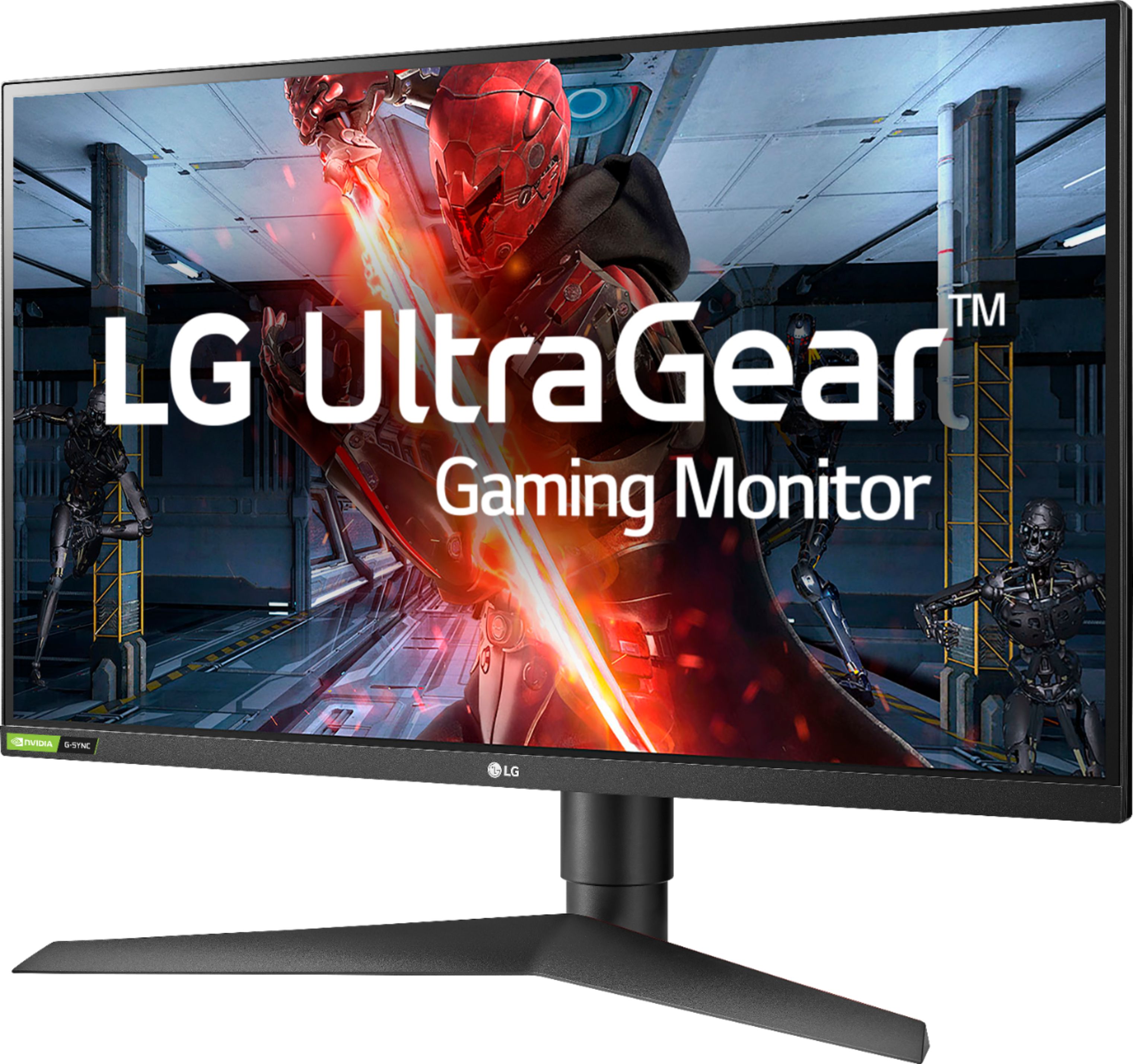
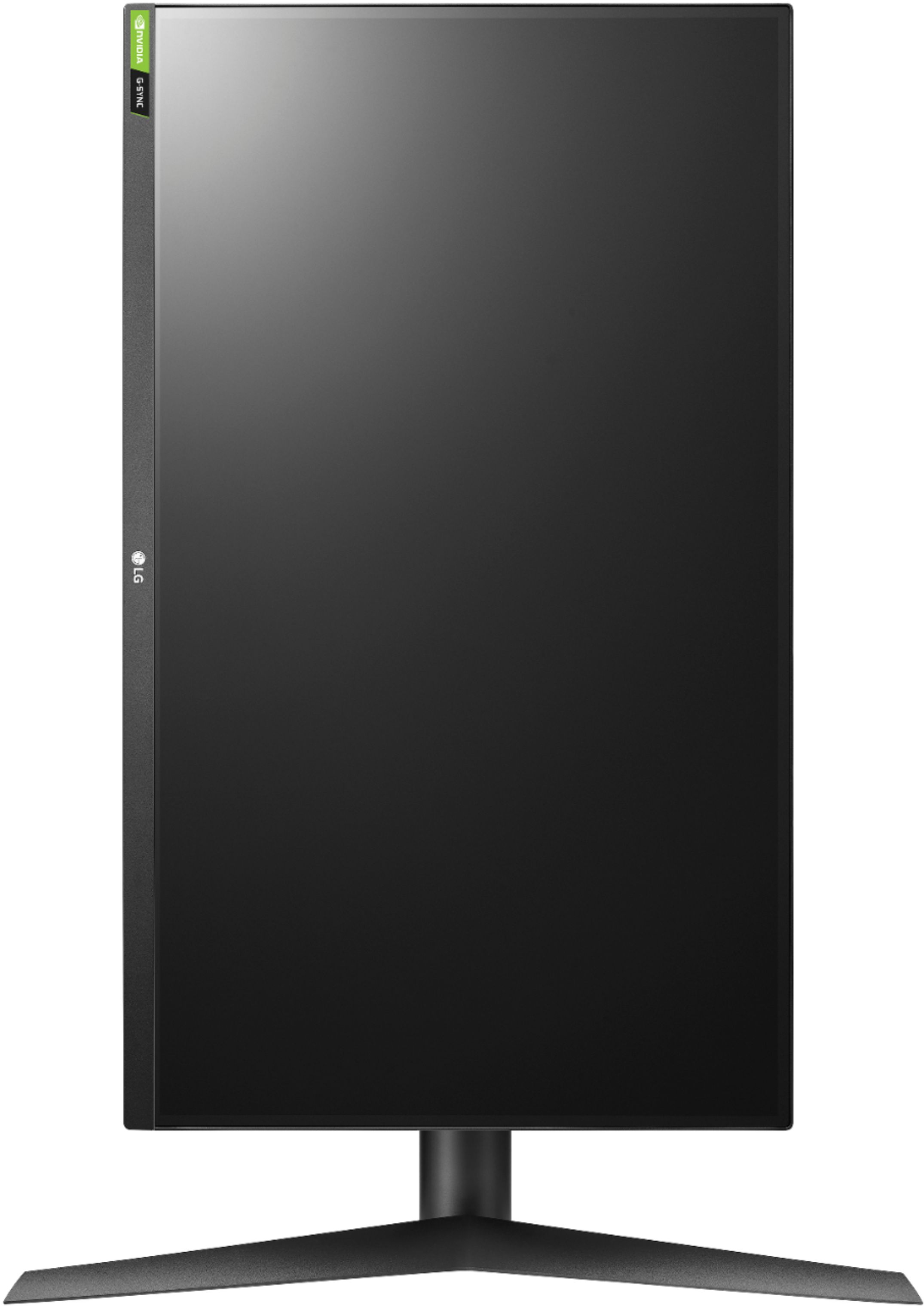
A:AnswerThere is only one version of the LG UltraGear 27" IPS LED QHD FreeSync Monitor with HDR - Black, Model # 27GL850-B and it is a Nano IPS monitor that is an Nvidia-tested and officially verified G-Sync® Compatible monitor. It can be connected to any Windows or Mac PC/Laptop via its HDMI inputs or DisplayPort input...^IFV
A:AnswerThe best mode to use this monitor in is "Gamer 1" as it does not have any issues with random backlight brightness flickering. In that mode all picture options except "Black Level" can be adjusted.
A:AnswerIt has 2 usb 3 ports. The only difference I could figure out between them is that this one consumes 51 watts and the other consumes 55 watts but other than that they seem to be pretty much the same. It's a great monitor I def recommend it
A:AnswerIf the AUX connection for your computer speakers is a 3.5 mm plug, and your computer speakers are passive speakers, you can plug it directly into the headphone Out (3.5 mm port) in the back of the LG UltraGear 27" IPS LED QHD FreeSync Monitor with HDR - Black, Model # 27GL850-B. If the speakers are active speakers, they will need to be powered through the USB ports which deliver power...^IFV