Questions & Answers
- Model:
- 34GN850-B.AUS
- |
- SKU:
- 6415809
Highly rated by customers for: Picture quality, Refresh rate, Gaming
Page Showing 21-26 of 26 questions
Q: QuestionUnable to find video cards these days for an upgrade. Can my Nvidia GTX 970ti handle a monitor like this while gaming?
Asked by Mick.
- A:Answer The monitor is compatible, but I imagine this monitor would be overkill and over taxing on your gpu considering its capable of pulling a greater number of pixels at a much larger aspect ratio than typical 1080p screens. I heard somewhere that 1440p ultrawide at 21.9 pushes 3x the work through your video card so you're not going to be getting anywhere near 160 frames.
Answered by Thereisnographicscard
Q: QuestionWhen will these be available again? Seems like they sold out in 1 day.
Asked by Brendan.
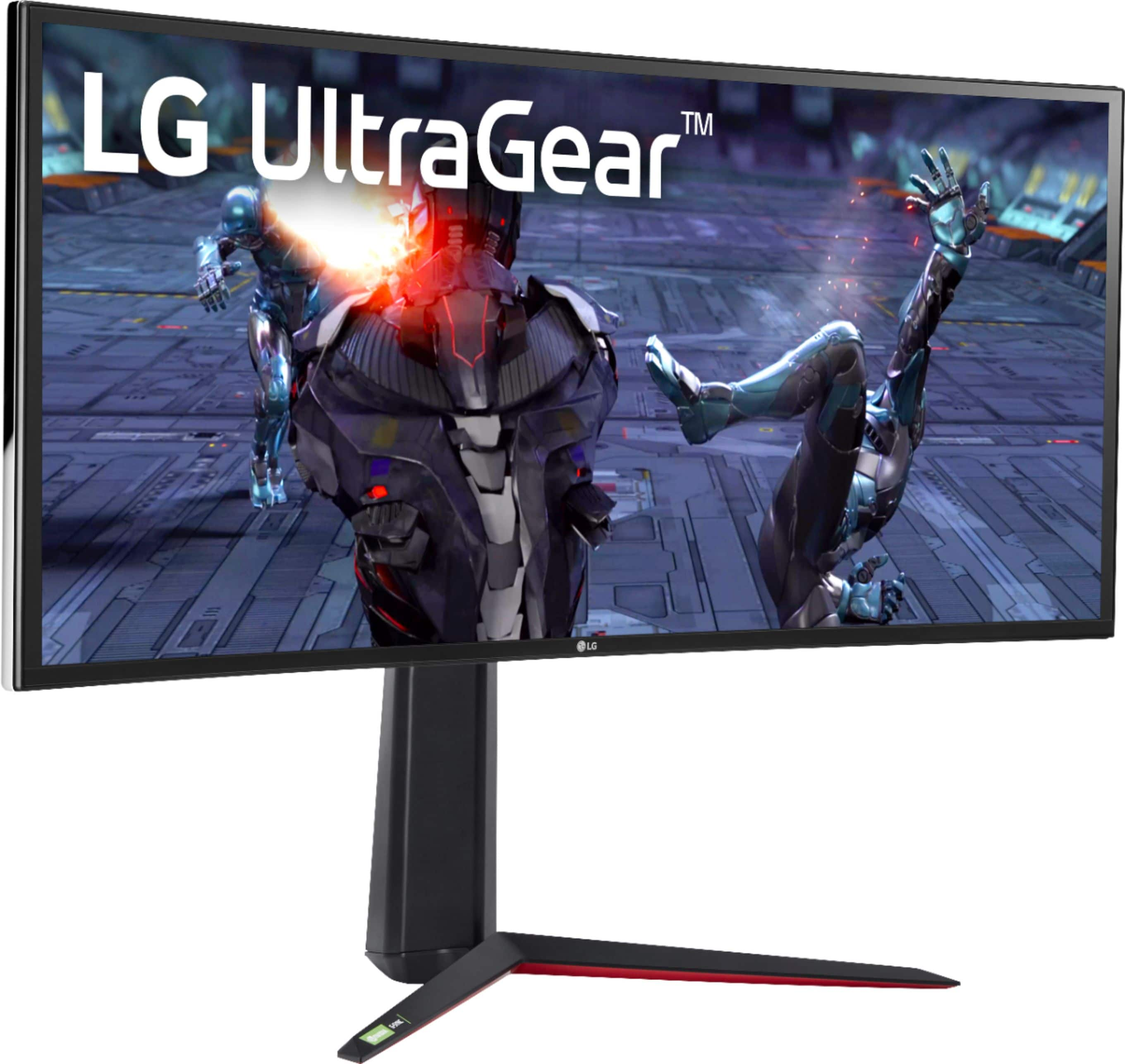
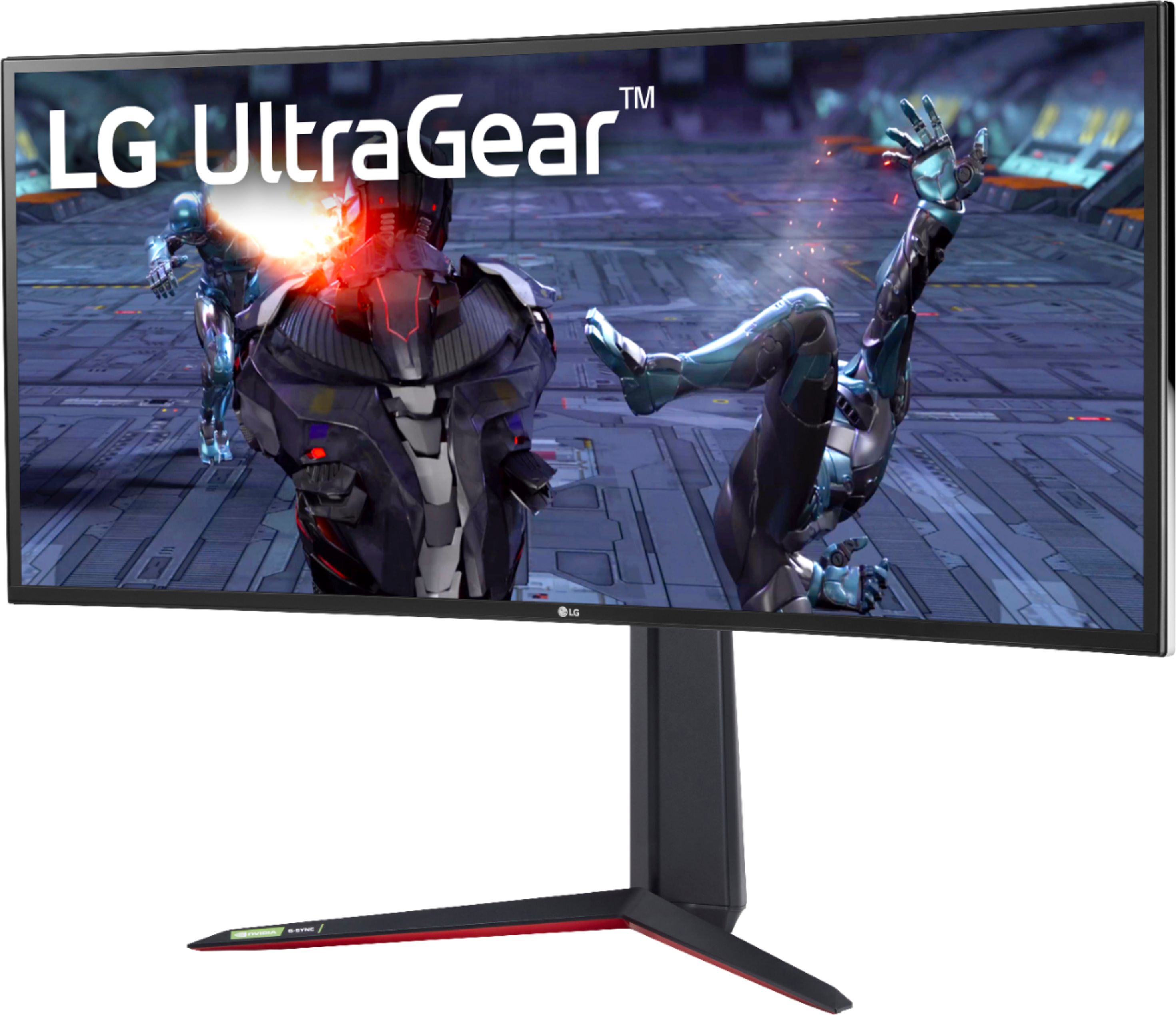
- A:Answer Please reach out to Best Buy's customer service to inquire when the LG 34'' UltraGear™ 21:9 Curved WQHD Nano IPS 1ms 144Hz HDR Gaming Monitor with G-SYNC® Compatibility, Model # 34GN850-B. AUS will be back in stock or if other nearby Best Buy stores have availability...^IFV
Answered by LG Digital Customer Care

Q: QuestionIt says it has HDR10 and HDR400. Which is it?
Asked by angel.
- A:Answer HDR 400.
Answered by eXplod3
Q: QuestionWhat the difference between this LG 34GN850 and the LG 34GP83A-B which is $200 cheaper?
Asked by Israelblewupthewtcon911.
- A:Answer Please see the link for a side by side comparison of available specifications for both units. If you are in need of further assistance, please reach out to our support team on Twitter via @LGUSSupport or on Facebook at https://www.facebook.com/LGUSA or call at 800-243-0000. ^Daphane https://www.lg.com/us/compare?bizType=B2C
Answered by LG Digital Customer Care

Q: QuestionWhat is the ".aus" at the end of the model number? Are there different model numbers for this monitor?
Asked by Matt.
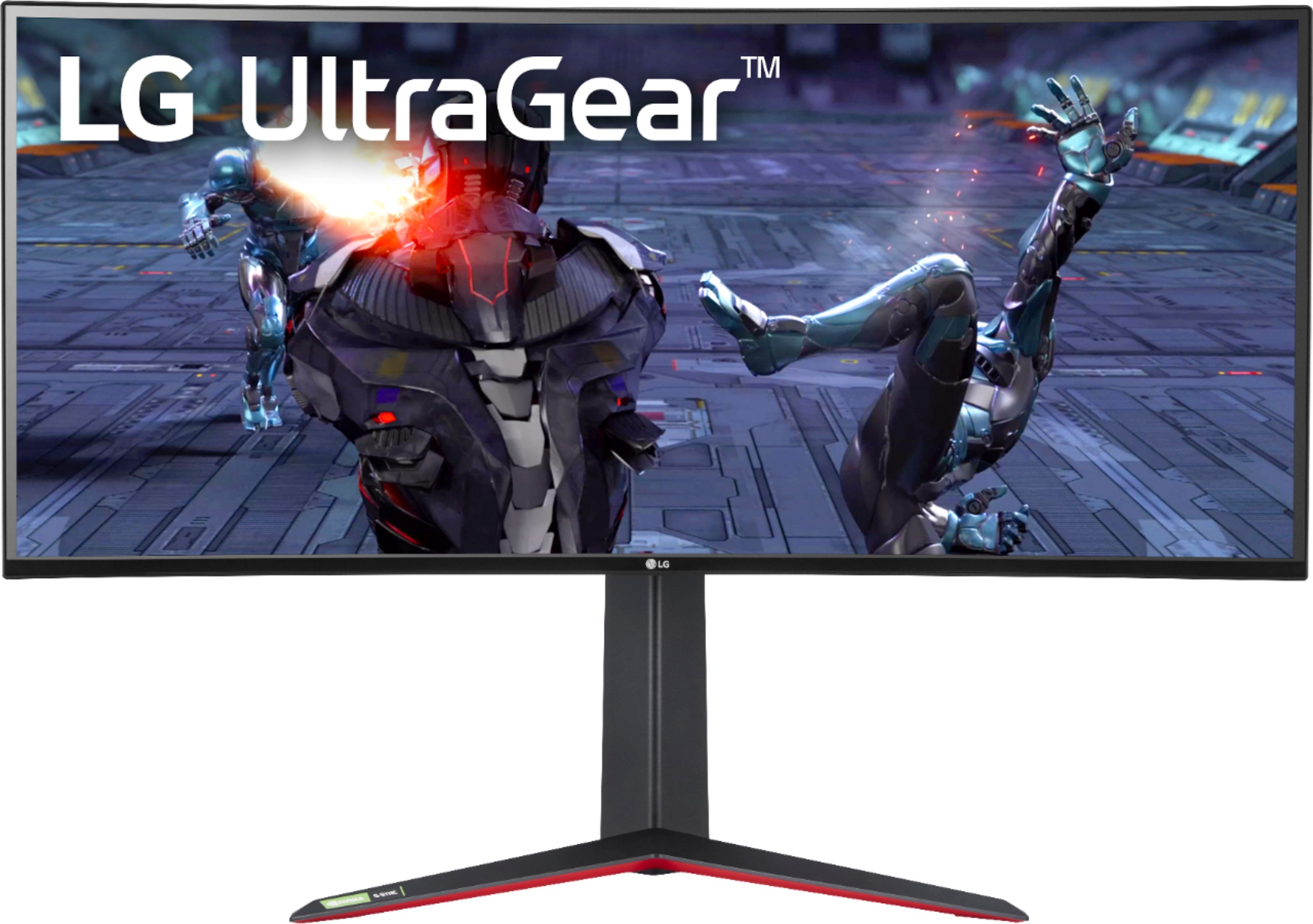
- A:Answer Bestbuy won't let me edit my other answer, which is wrong. I stated in the answer that it might be incorrect. The Correct answer is "COLOR" the dash followed by a w or b means "Black" or "White", and the W.aus is white & silver. There is B.aus as well, and I am guessing its black & silver, but you'll have to double check that one. The reason this was difficult for some people to figure out is because the websites where the products are sold use a single picture for multiple colors. Often times they use photos of different monitors (usually a similar model, but not exactly the same) as well. 2BH their lazy, and if it dups you into spending money on somthing you didn't want to, its a win for them because you just bought their product, even if you return it, it helps their data look better in the short run. Its very important to do full research on products before engaging in a transaction.
Answered by jayd3v
Q: QuestionDoes this monitor offer a picture by picture feature? I know some monitors had a switch to enable it and this includes two hdmi ports. Just would like to know if it’s as simple as that to activate or if it has picture by picture mode
Asked by Keaton.
- A:Answer You would need to download and install the OnScreen Control Software (LG SCreen Manager) for the LG 34'' UltraGear™ 21:9 Curved WQHD Nano IPS 1ms 144Hz HDR Gaming Monitor with G-SYNC® Compatibility, Model # 34GN850-B which will give you four PIP choices...^IFV
Answered by LG Digital Customer Care

Page 2, Showing 21-26 of 26 questions
Most-viewed items
- $949.00$949.00The price was $1,099.00
- $329.99$329.99The price was $469.99
- $139.00$139.00The price was $399.00
- $449.99$449.99The price was $649.99
- $122.00$122.00The price was $129.99