Tech the Halls 24-Hour Flash SaleLimited quantities.Shop now

Skip to content
Gift Ideas
Main Content

Questions & Answers

Your price for this item is $62.99
Clearance
The comparable value price is $249.99
Page Showing 281-300 of 352 questions
  • QuestionTrying to record usb to usb ?

    Asked by Anonymous.

    • Answer If you are referring on how can you record USB to USB, you can refer below: 1. Connect the USB device to the unit. 2. Select a function by pressing F. One track/file recording - You can record to USB after playing a track/file you want. All tracks/files recording - You can record to USB after full stop status. Programmed list recording - After showing the programmed list, you can record it to USB. 3. Start the recording by pressing USB REC on the remote control or USB REC. on the unit. - If you connect both USB 1 and USB 2, press USB REC on the remote control or USB REC. on the unit when USB 1 or USB 2 which you want to record blinks in the display window. 4. To stop recording, press stop.

      Answered by CommunityAnswer

  • QuestionWhat type of external antenna will work with this unit ? ( LG- XBOOM 700 W ).

    Asked by ted.

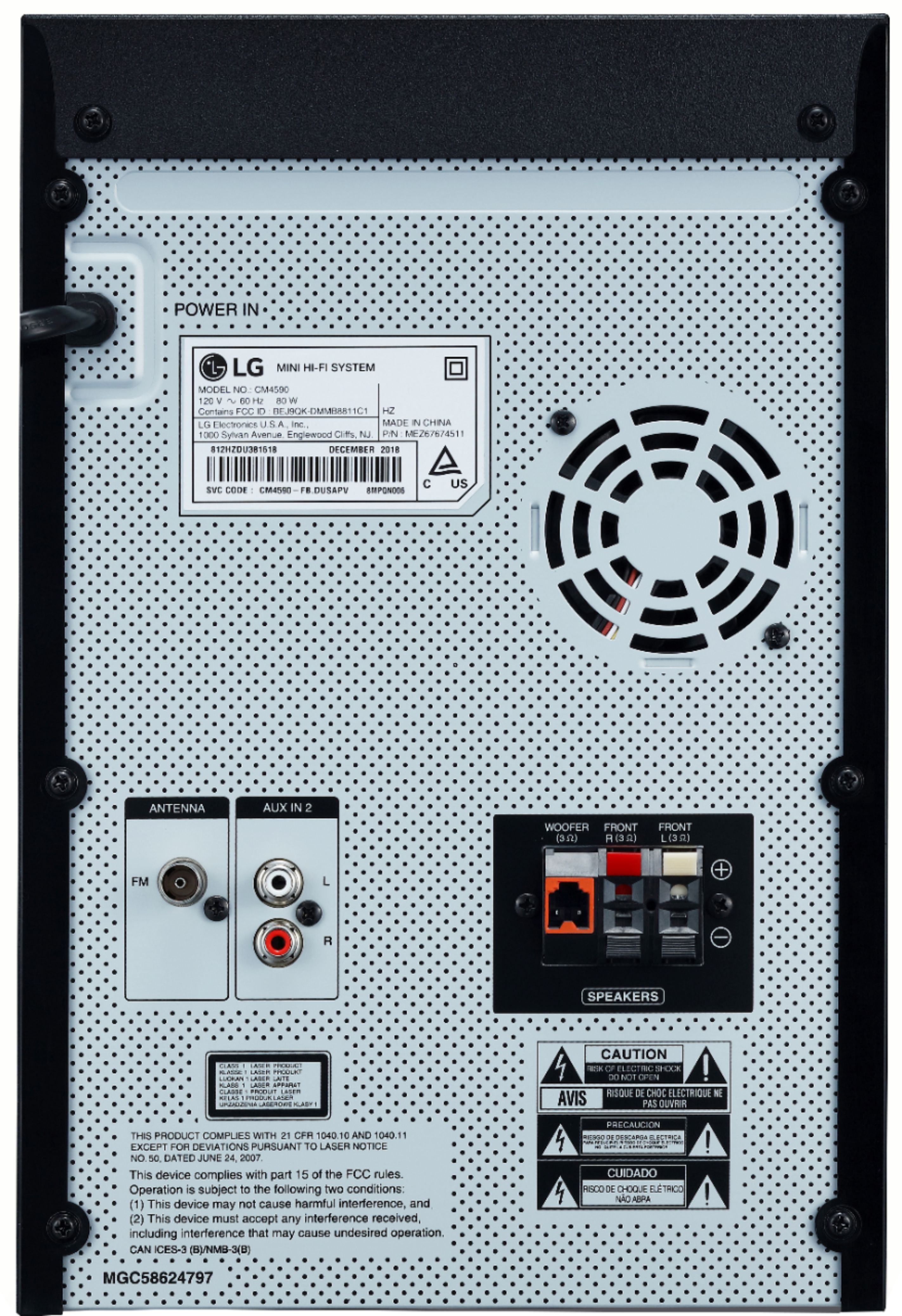
    • Answer Well, the antenna wire is attached to a 3 prong male end and plugs into a coaxial looking female part. I added pictures so you can see for yourself. This system has amazing sound. You can be about 30-35 feet from the unit and still have the Bluetooth connected. Doesn’t seem like a big deal until you put a thick residential brick wall between you and the stereo. I use this feature specifically to prank my son before getting home. If you have a Best Buy near you, I suggest stopping by and playing with the display model. Just remember to pick a neutral family friendly song when syncing up. I chose tainted love extended version. The song itself has deep bass and well as high pitched notes so you get a feel for what the stereo system offers. At home the stereo system is centrally located on a bar between the food making room (kitchen) and the party room (family room) and the antenna wire has been secured vertically to a metal pole and a binder clip added to the end. I live out the country so radio signals are already weak, the metal pole and binder clip seem to help pull in radio stations that I wouldn’t normally get. Hope this helps.

      Answered by Antenna

  • QuestionThe speaker wire that connects to the stereo (the color coded plastic part) where can you buy replacement

    Asked by LA.

    • Answer I don't really know where to buy the (color coded plastic part), but I think the wire can be found at any auto parts such as: PEP BOYS, AUTO ZONE, ADVANCE AUTO included any place that upgrade vehicle sound system.

      Answered by Maranatha

  • QuestionIn addition to the speakers that come in the system, can you wire more speakers to it?

    Asked by Anonymous.

    • Answer No, we do not produce additional speakers to add to this audio system. If you are in need of guidance with using the audio system, you can contact our Customer Support by any of the below options: Phone: 1-800-243-0000 LiveChat: https://www.lg.com/us/support/chatbot Email: https://www.lg.com/us/support/email-appointment Facebook Messenger: https://www.facebook.com/LGUSA/ Twitter: @LGUSSupport The LG Community Forum is also a great resource for getting help from other LG customers: https://lgcommunity.us.com/ ^CP

      Answered by LG Digital Customer Care

  • QuestionCan I do individual equalizer settings or does it have only pre-settings?

    Asked by Anonymous.

    • Answer The equalizer on this CM4590 is preset Sound modes that have already been to preset to the frequencies for those modes. You can change the modes, but not specific individual frequencies. ^CP

      Answered by LG Digital Customer Care

  • Questioncan you add a turntable?

    Asked by gb.

    • Answer The CM4590 features a AUX In (3.5mm) that may be able to be used with turntables. ^CP

      Answered by LG Digital Customer Care

  • QuestionIt states digital recorder would I be able to record my voice or my guitar on it.

    Asked by Butchman49.

    • Answer You can record a various sound source to USB. (CD, USB 1, AUX 1, AUX 2, FM) 1. Connect the USB device to the unit. 2. Select a function by pressing F. One track/file recording - You can record to USB after playing a track/file you want. All tracks/files recording - You can record to USB after full stop status. Programmed list recording - After showing the programmed list, you can record it to USB. 3. Start the recording by pressing USB REC on the remote control or USB REC. on the unit. - If you connect both USB 1 and USB 2, press USB REC on the remote control or USB REC. on the unit when USB 1 or USB 2 which you want to record blinks in the display window. 4. To stop recording, press stop ^CP
      Answered by LG Digital Customer Care

  • QuestionThe volume on my stereo automatically lowers to 9 after a song is over. How do I get it to stay at the volume I set it at?

    Asked by Anonymous.

    • Answer We hate to hear that, but would love to be able to help. We would be happy to see what's going on. Drop us a line on Twitter at @LGUSSupport or on Facebook https://www.facebook.com/LGUSA/ so we can get more info and see what we can do. ^CP

      Answered by LG Digital Customer Care

  • QuestionWill the tray hold more than one cd?

    Asked by Jim.

    • Answer No, this is a single disc unit. ^CP

      Answered by LG Digital Customer Care

  • QuestionIs this loud enough for a party like at a hall?

    Asked by Lulu.

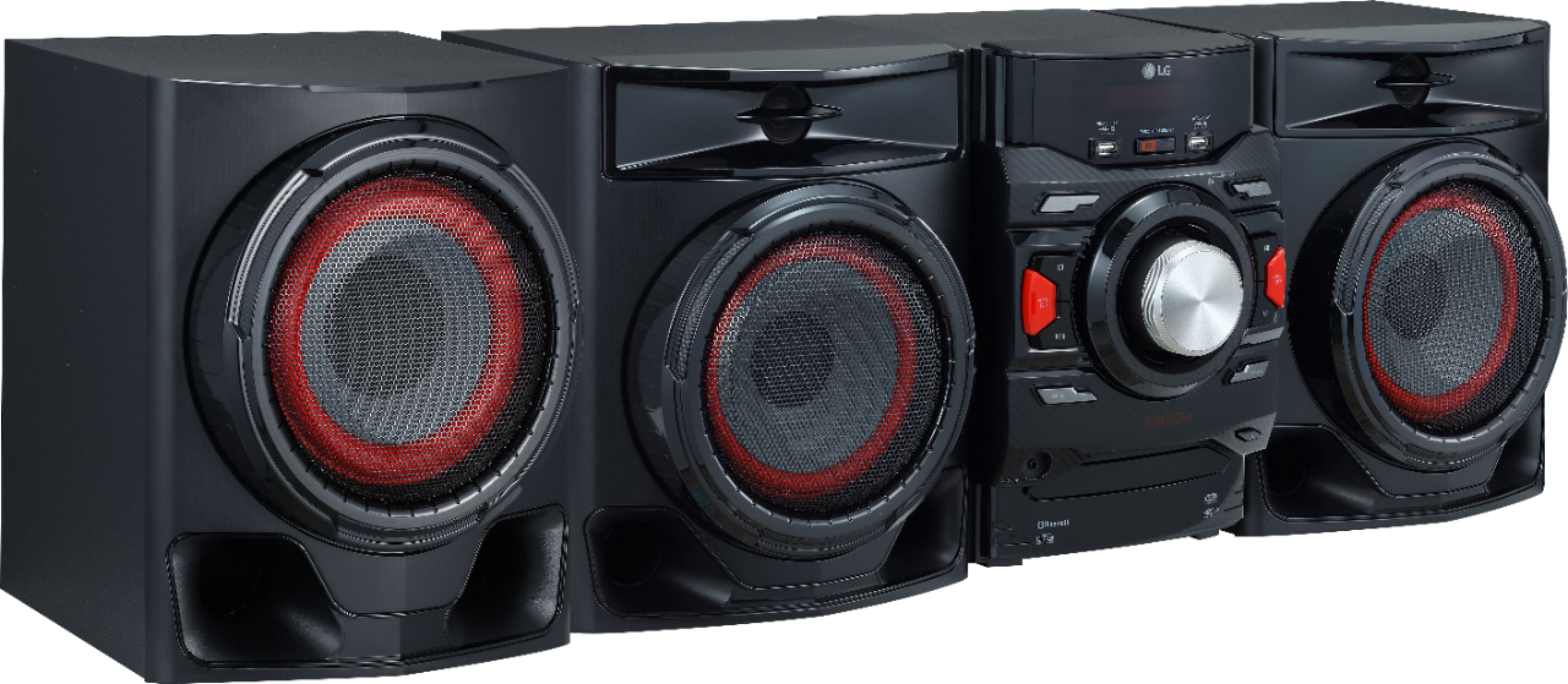
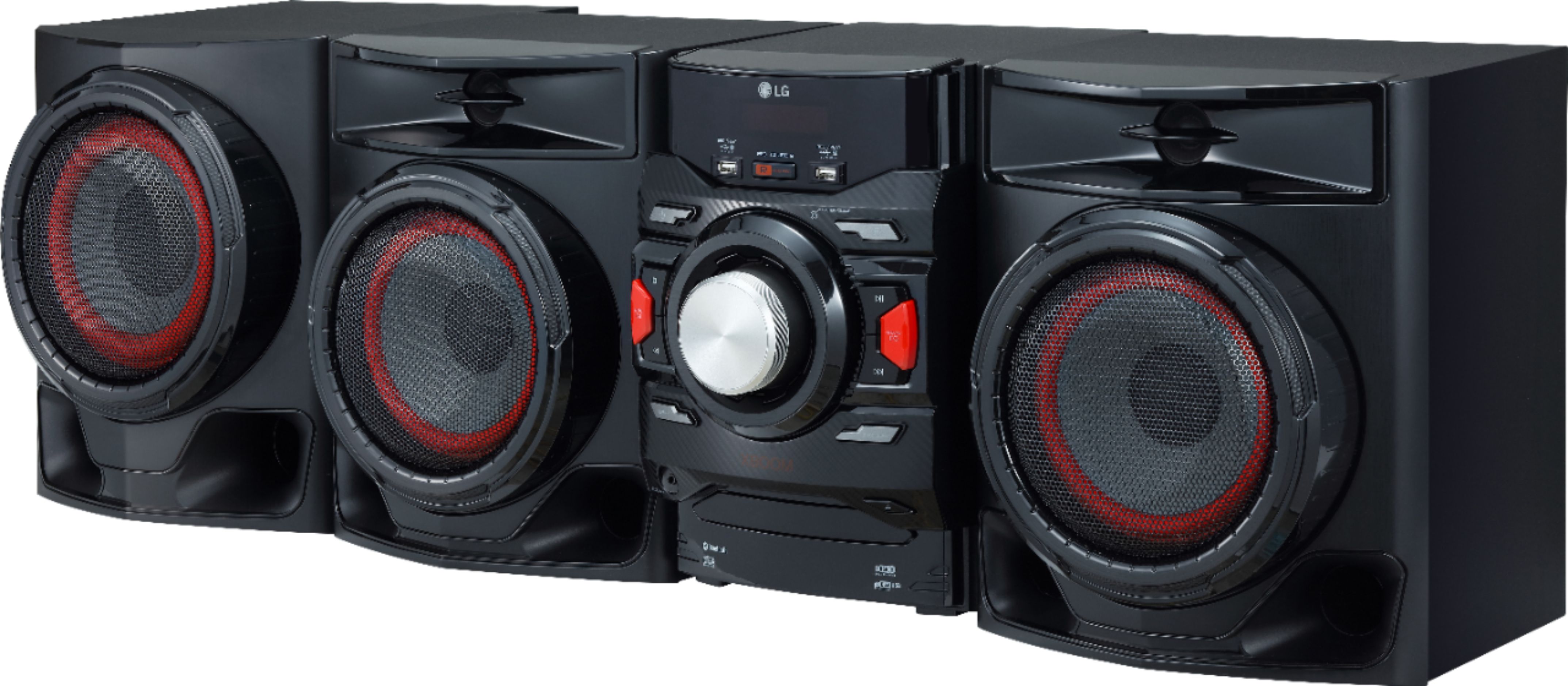
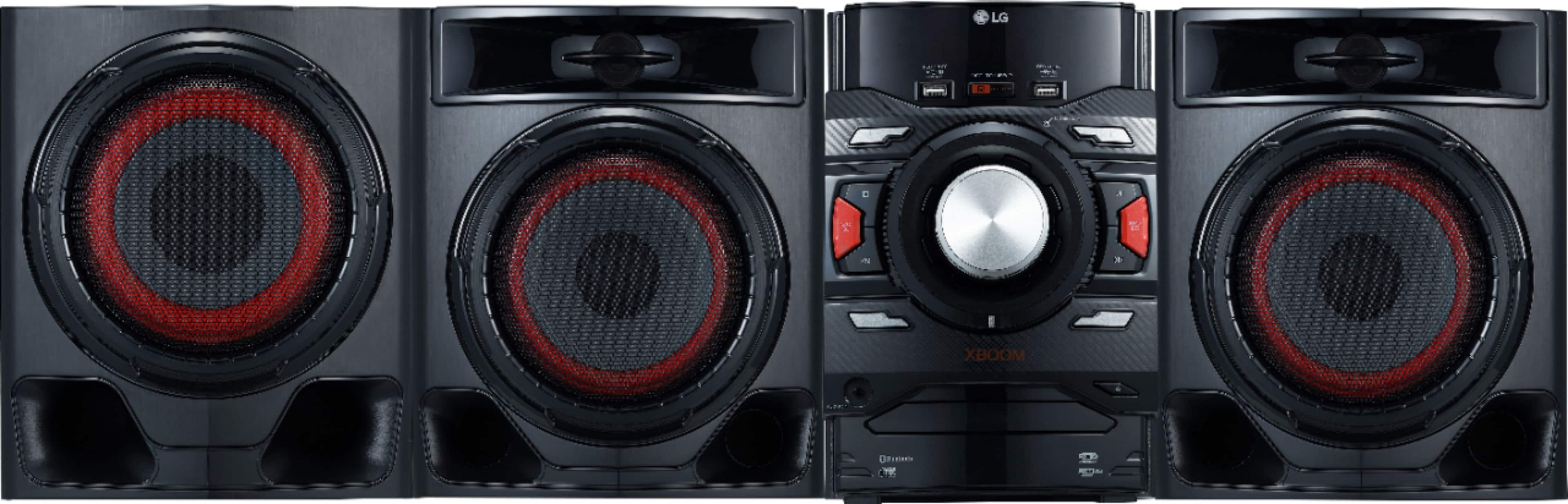
    • Answer Whether the LG XBOOM 700W 2.1ch Mini Shelf System with Subwoofer and Bluetooth®, Model # CM4590 will be loud enough for a party like at a hall will depend on the size of the room, height of the ceilings, how much furniture is in the room and on the number of occupants...^IFV

      Answered by LG Digital Customer Care

  • QuestionDo you know wireless microphone go to it

    Asked by Sugar.

    • Answer The LG XBOOM 700W 2.1ch Mini Shelf System with Subwoofer and Bluetooth®, Model # CM4590 does not have a MIC jack on it that you can use for a microphone...^IFV

      Answered by LG Digital Customer Care

  • QuestionHow/where does the CD get loaded ?

    Asked by paizc.

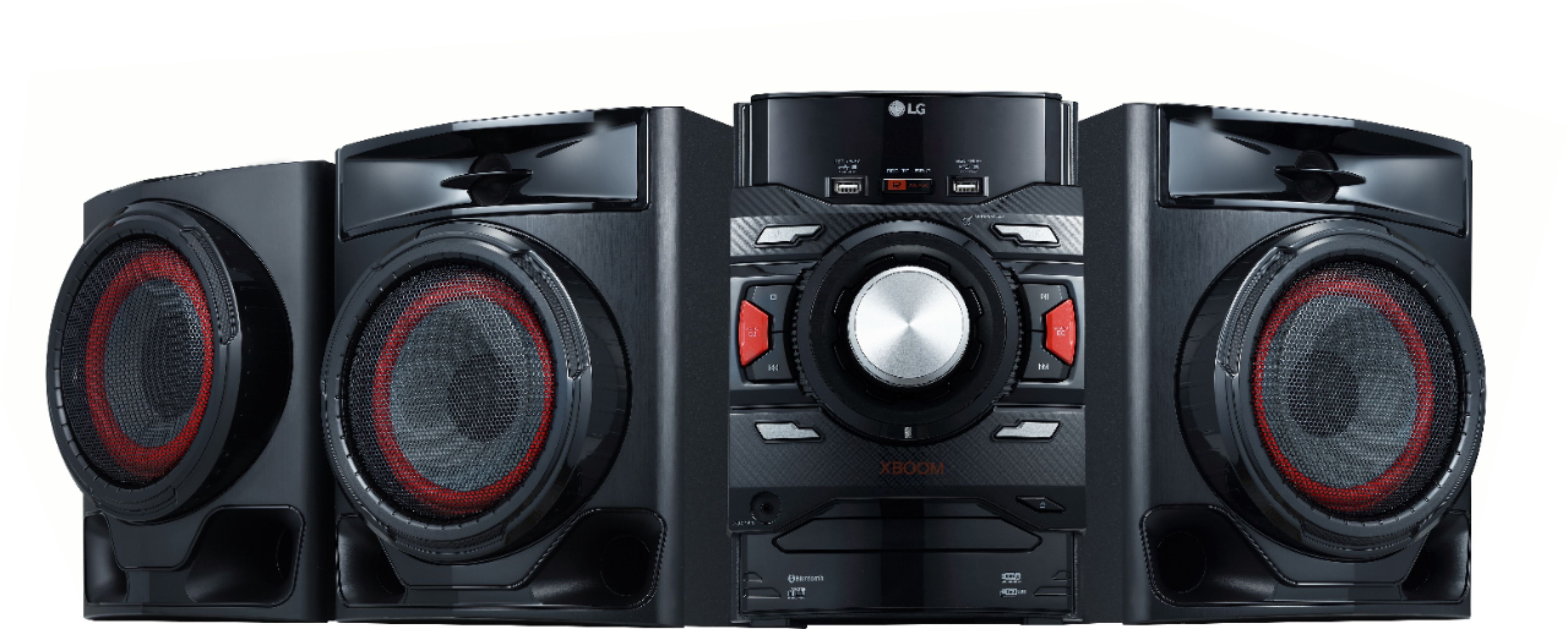
    • Answer Press the eject button on the lower right side then the cd slide will come out load it there

      Answered by Gifts

  • QuestionIs this portable? How much does it way?

    Asked by Rock.

    • Answer Not easy to carry to places ..need another hand. Look the dimensions given

      Answered by Applefan

  • Questiondoes this system have an electric plug up.. some one said batteries. I don't want batterys

    Asked by reddog.

    • Answer Yes it have electric plug up

      Answered by GamePS2

  • QuestionAre these speakers wireless?

    Asked by SS.

    • Answer No, they have wires.

      Answered by AG429

  • QuestionHi I was wondering if i could hook this up to an xbox and a tv.

    Asked by Raw32.

    • Answer Yea it has rca jacks

      Answered by djbigtrill

  • QuestionIs this remote control

    Asked by Sheilaboomer.

    • Answer Comes with a remote and there is an app you can install on mobile devices and have full control over the system.

      Answered by AliNick

  • QuestionIs it 110/220v can I use it in Russia?

    Asked by Robert.

    • Answer It's 110.. you can us it anywhere in the world as long as it has power..

      Answered by Mike

  • QuestionHow is the fm reception? Is it built in?

    Asked by Fmlistener.

    • Answer Yes, it’s build in and have a very good reception

      Answered by GamePS2

  • Questionwhy won’t the subwoofer work? I have all cords connected to main unit & get sound from 2 speakers but nothing from subwoofer

    Asked by ilikenachos.

    • Answer Must be a malfunction

      Answered by Apploniamac