A:AnswerWe are sorry for the delayed availability of products. We are working as quickly as possible to make our products available. Please consult directly with the store for more information. I cannot provide a concrete date as to when this unit will be available. We appreciate your commitment to the LG brand. ^Daphane
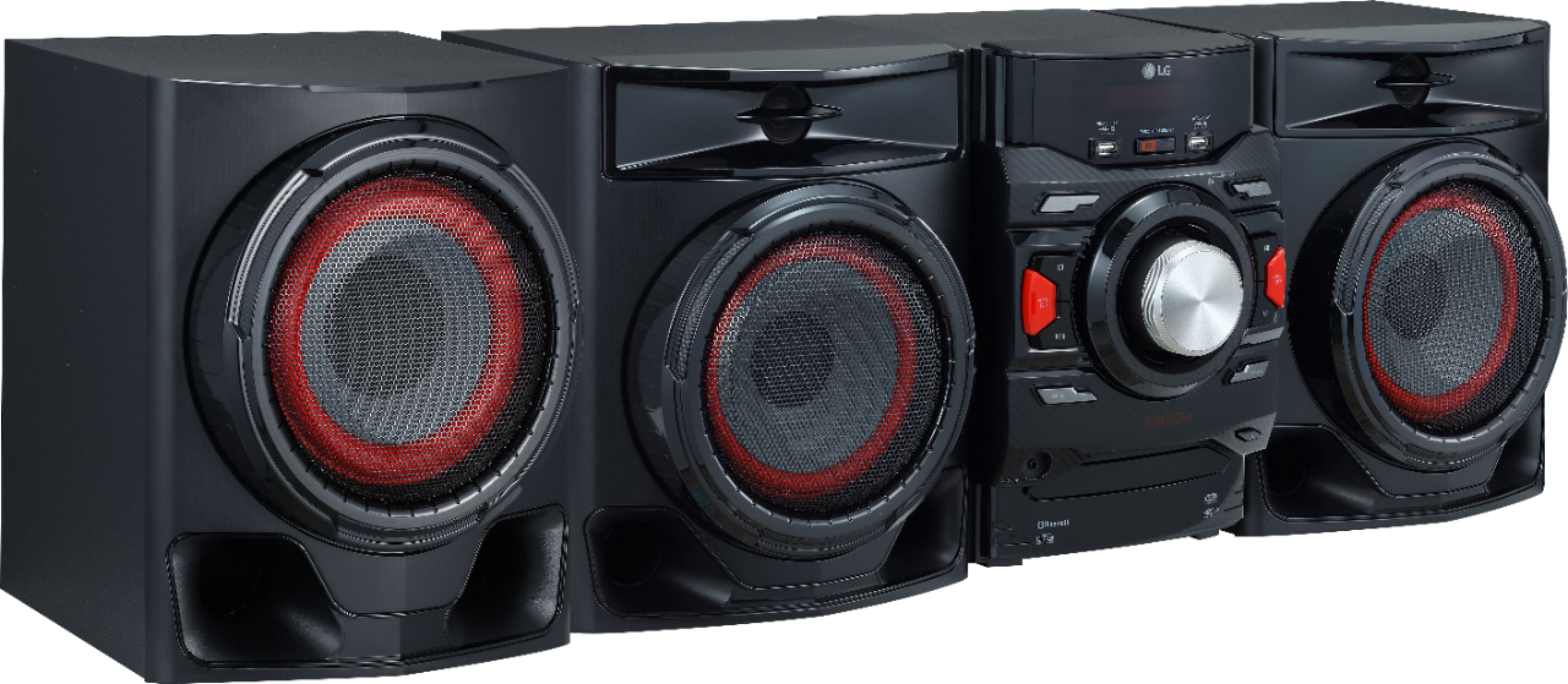
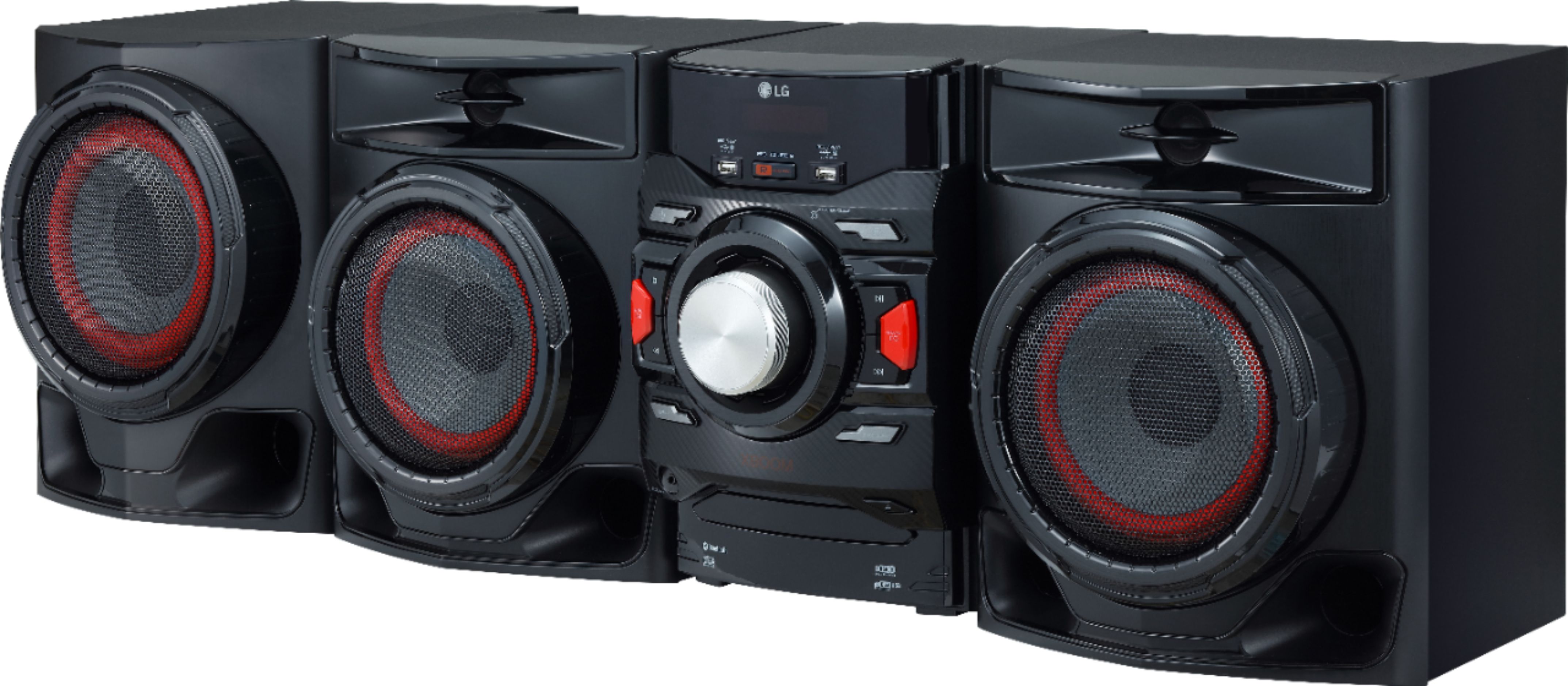
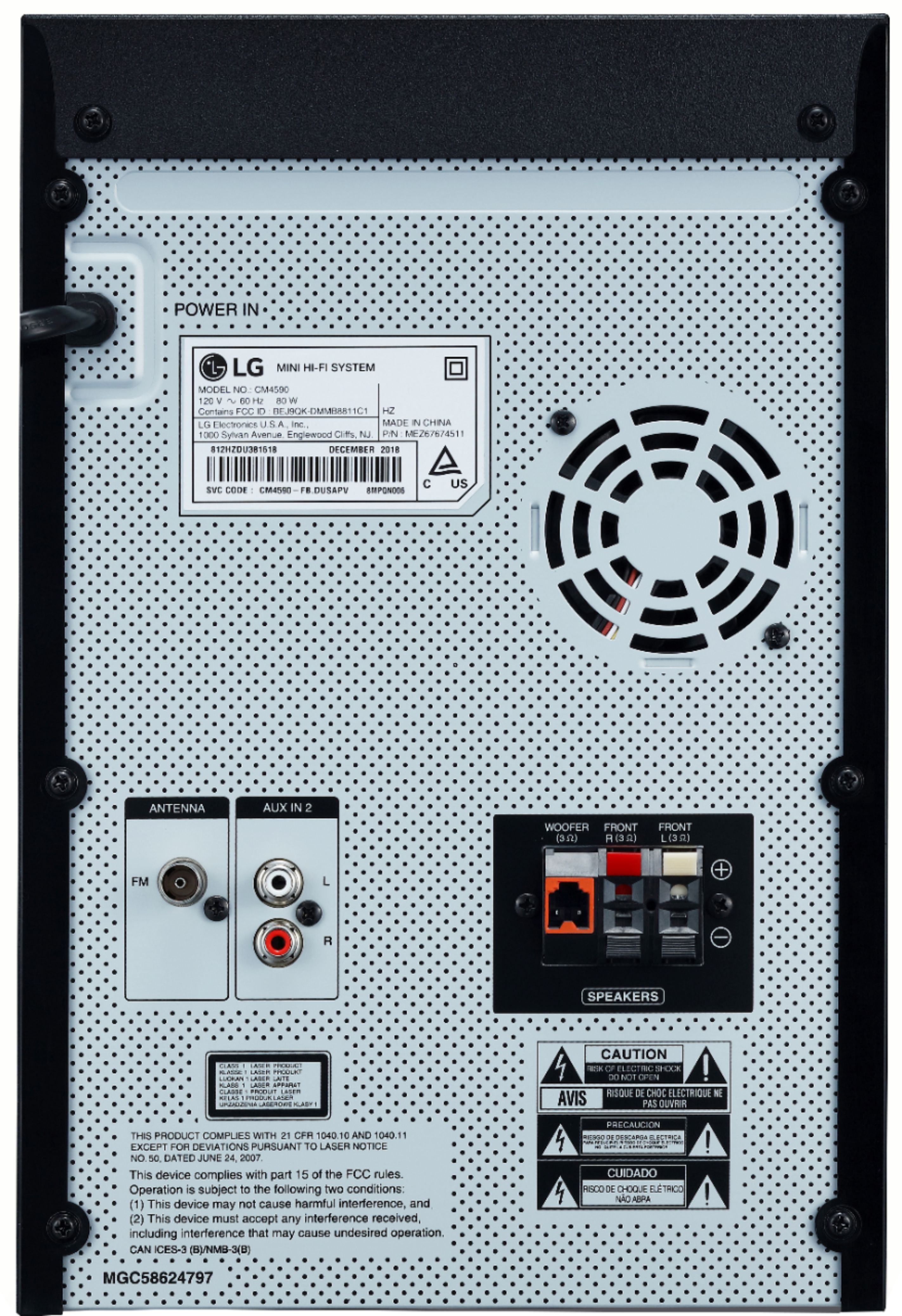
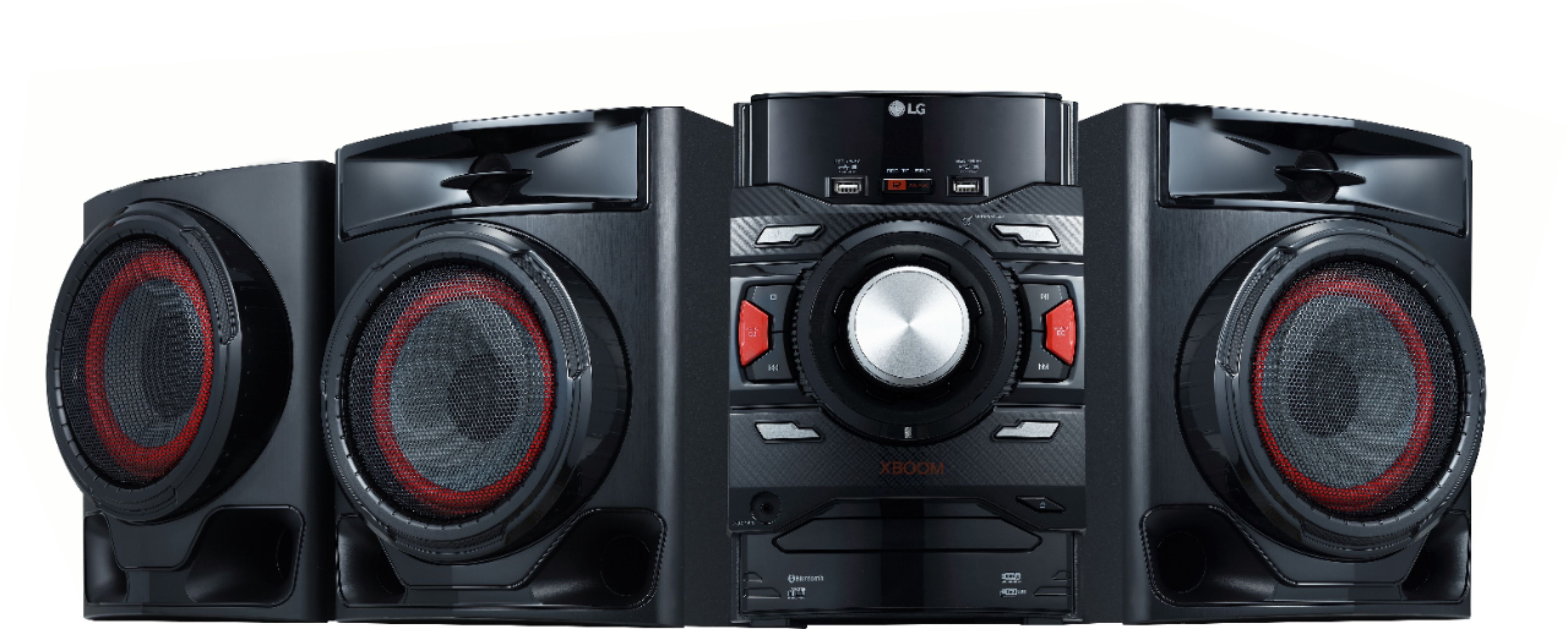
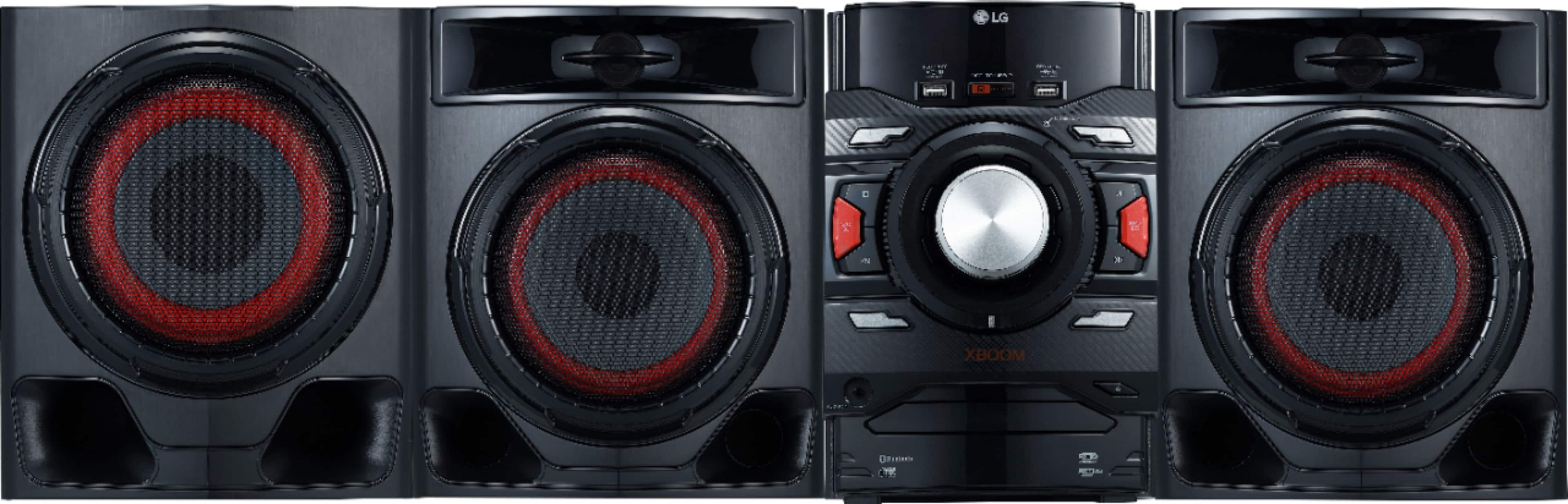
A:AnswerDepending on the connectivity available. The unit can connect to a TV via Bluetooth. It can also be connected via AUX in (L/R) port that you would need to purchase a Digital/Analog Converter to connect to an Optical Digital Audio Out. ^Daphane
A:AnswerPlease reach out to our support team on Twitter via @LGUSSupport or on Facebook at https://www.facebook.com/LGUSA or call at 800-243-0000. ^Daphane
A:AnswerMusic file requirement include MP3/WMA file compatibility. Maximum files/folders data for CD: is 999 and for USB is 2,000. CD-ROM file format is ISO 9660/JOLIET. Using NTFS file system is not supported. Only FAT(16/32) file system is supported. ^Daphane
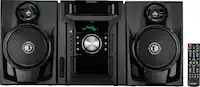
A:AnswerThe CM4590 has an Auxiliary port (AUX IN) which is a line level input. It may support a speaker. It does not have a Phono Input. Turntables need a special preamp in order to work. The PHONO input has this built in. Some turntables have this preamp built in so if yours has one, you can plug it into the AUX In. If it doesn't have the preamp built in, you will need to get an outboard "phono preamp" to plug between the turntable and the CM4590. ^Daphane
A:AnswerPlease seek recommendations/opinions at https://lgcommunity.us.com. The LG Community Forum is a great resource for getting help from other LG customers. ^Daphane
A:AnswerPress the Function key - front of unit, top right until you reach the CD function. The play /pause key is directly below the Function key. the remote also has a function key - top middle - and the play key is in the center of the remote.