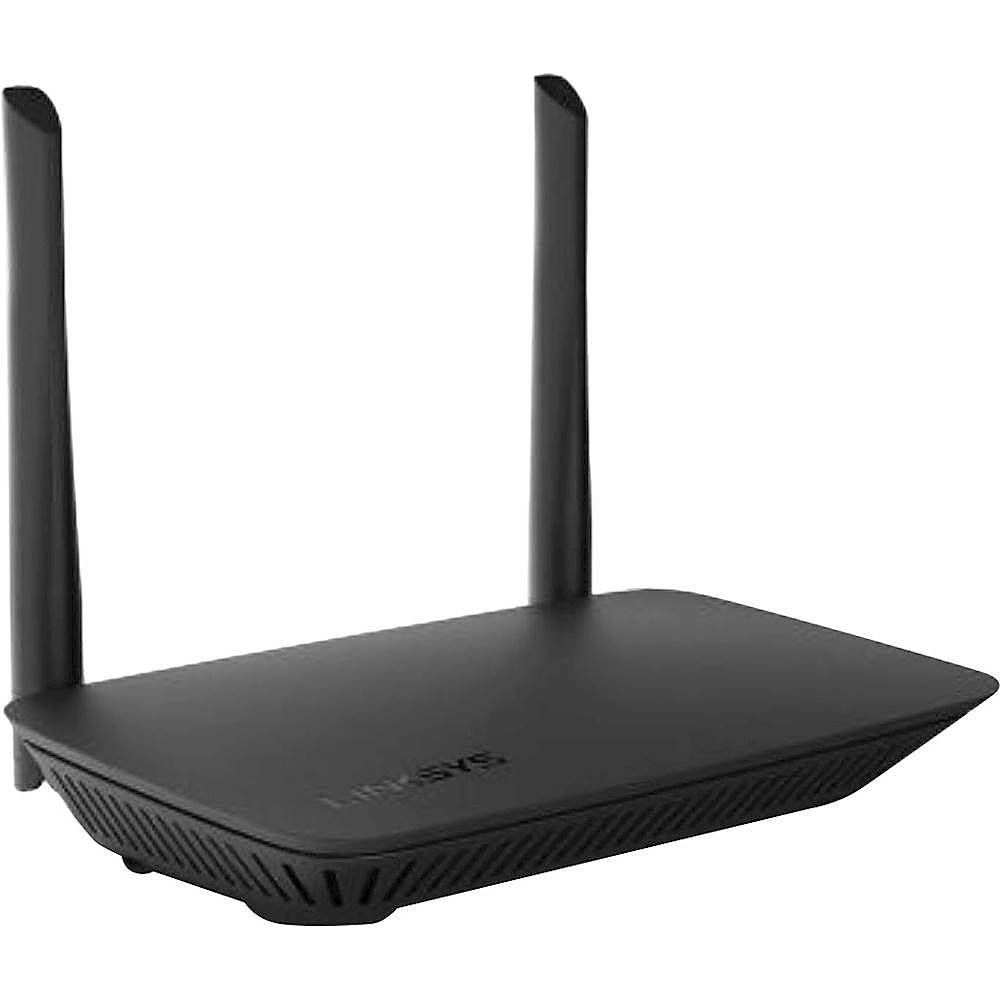
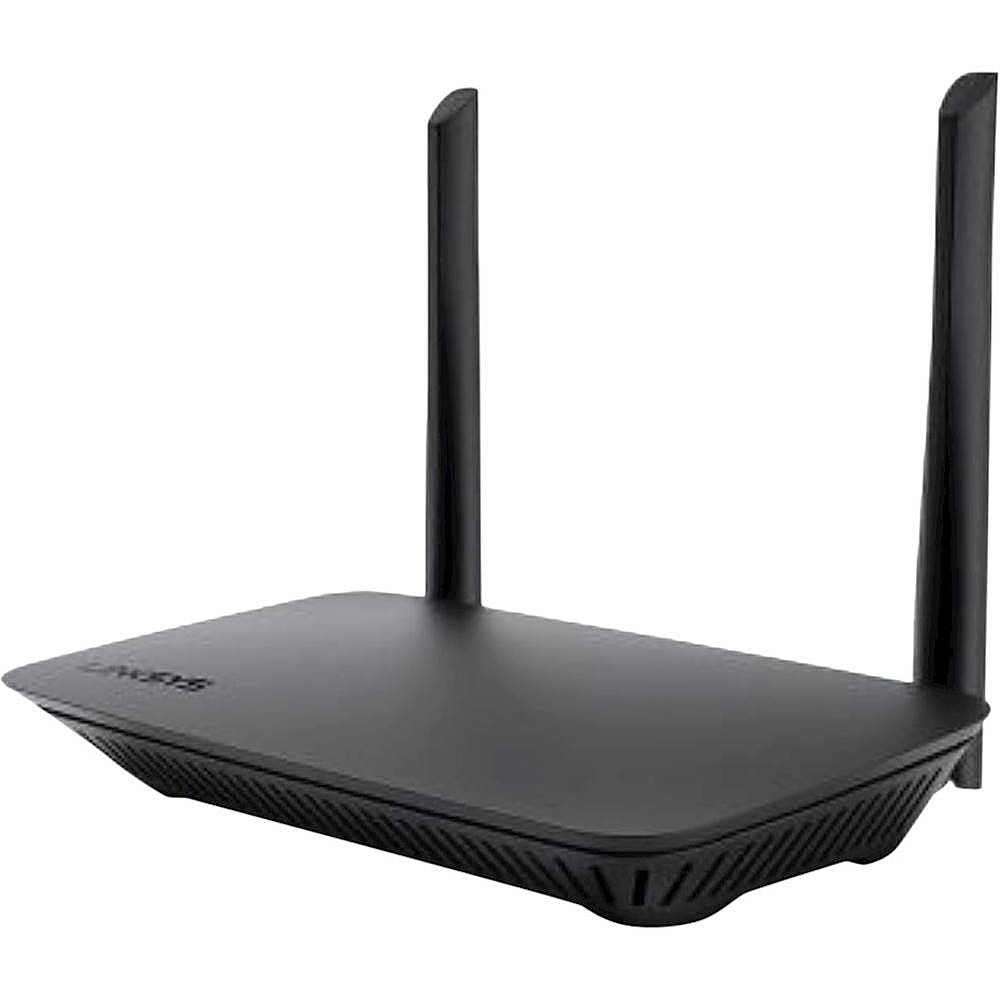
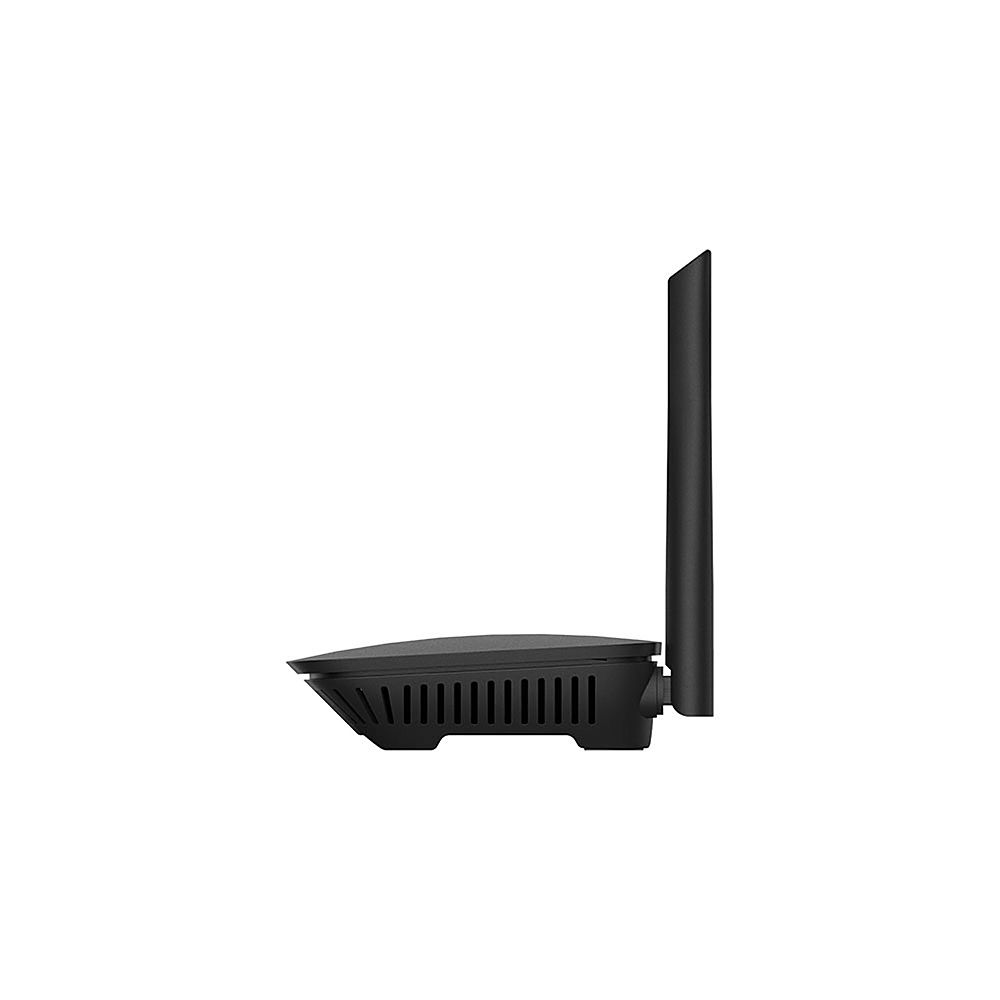
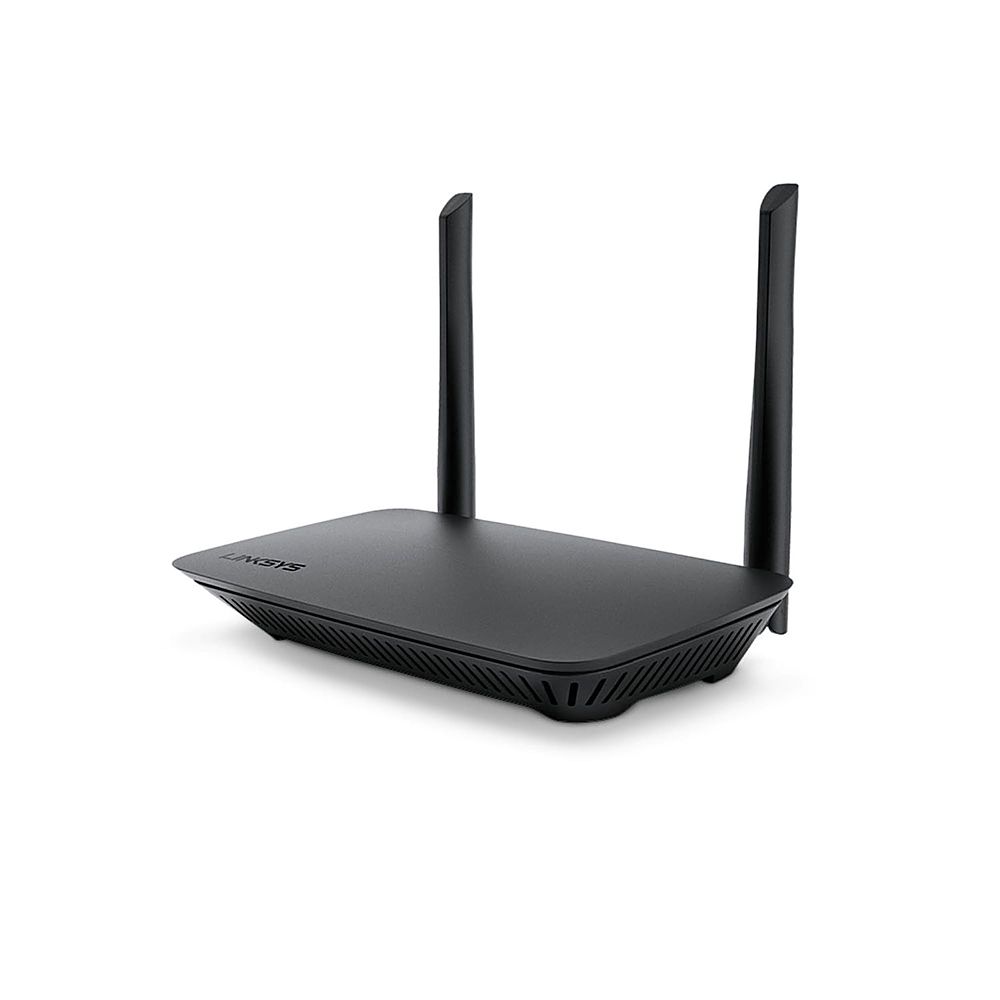
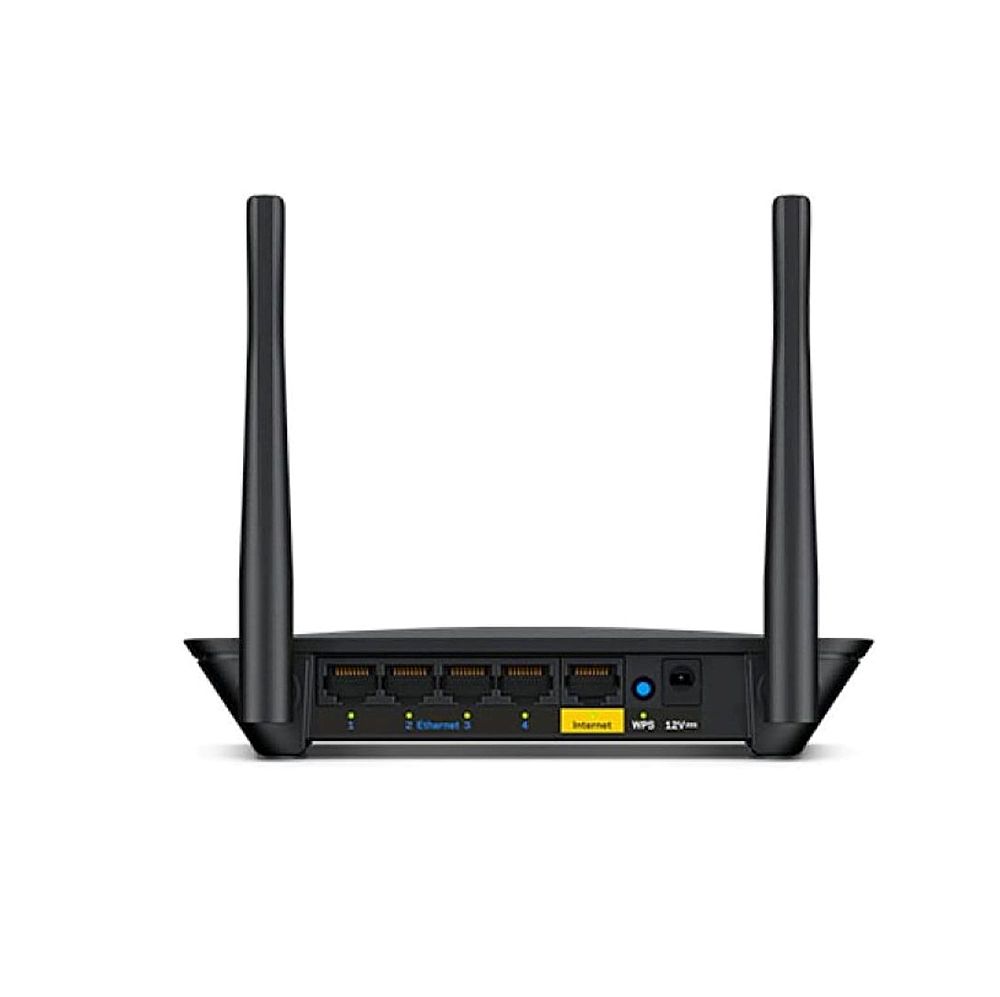
A:AnswerHi. The Linksys E5350 AC1000 Dual-Band WiFi 5 Router Internet/WAN port supports up to 10/100 Mbps but, the WiFi speed can support up to 300 Mbps (2.4 GHz) and up to 700 Mbps (5 GHz).
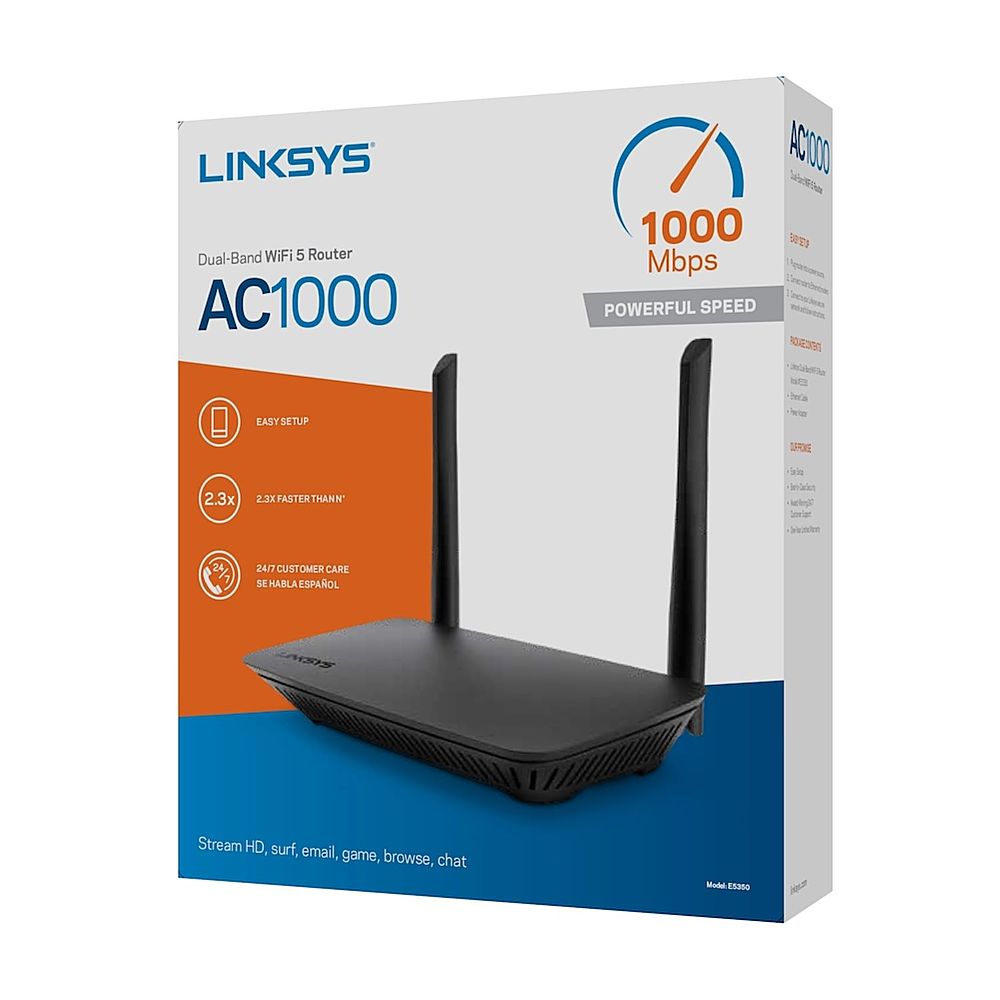
A:AnswerHi, Booda. The Linksys Dual-Band Wi-Fi 5 Router, E5350 can provide a Wi-Fi Speed of an AC1000 (N300 + AC700). Also, the unit requires no monthly bill to work. It should be connected to a modem provisioned by your ISP so it can acquire internet connection.
A:AnswerHi there. Please send us an email at [email protected] so we can walk you through the set up process. Indicate the link to this post and your contact details when you reach out.
A:AnswerAs usual, the latest Wi-Fi standard offers faster data transfer speeds. If you're using a Wi-Fi router with a single device, maximum potential speeds should be up to 40% higher with Wi-Fi 6 compared to Wi-Fi 5. Wi-Fi 6 accomplishes this through more efficient data encoding, resulting in higher throughput.
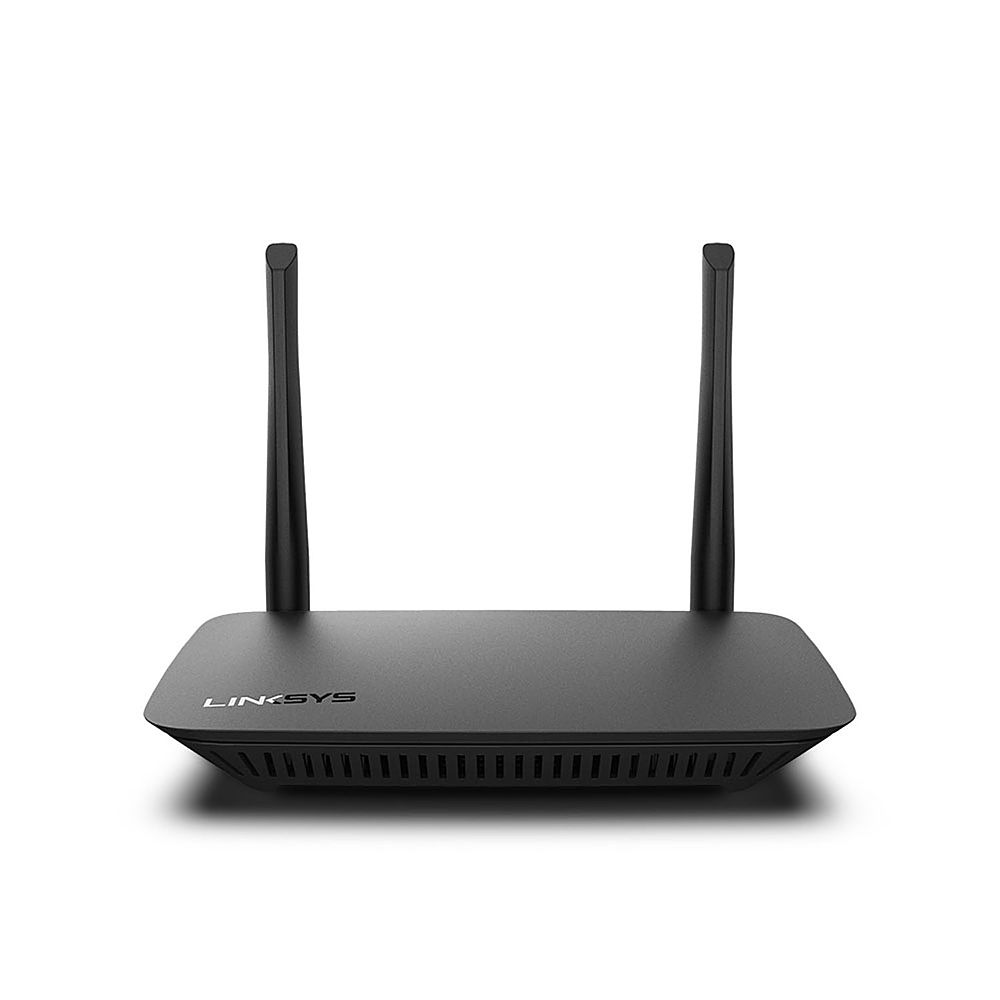
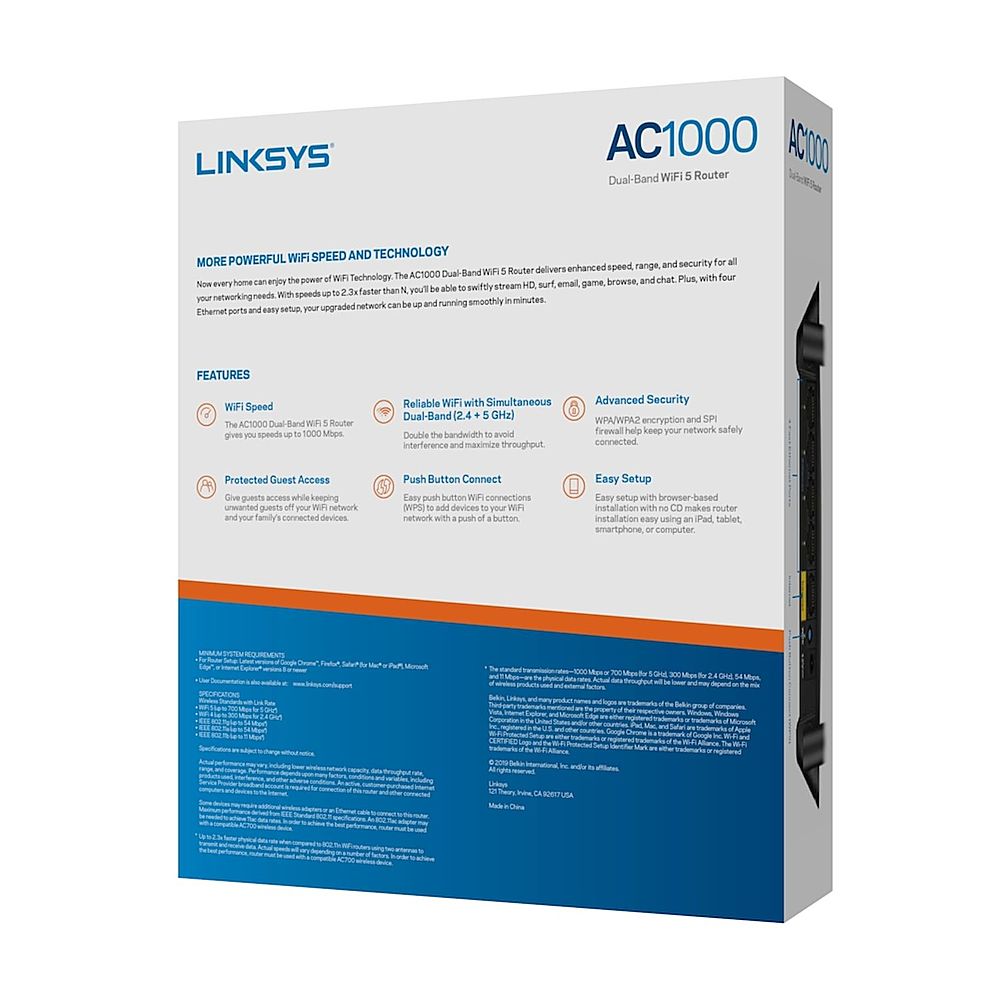
A:AnswerHi, CowboyR. The Linksys The E5350 Dual-Band WiFi router (WiFi 5) delivers enhanced speed, range, and security for all your networking needs. With speeds up to 2.3x faster than N (WiFi 4) ans should be sufficient enough to out perform your existing router. For more details and better recommendations, please reach out to us at [email protected] with your contact details and link to this post for reference.
A:AnswerHi, MrsRaleigh. Please reach out to us at [email protected] so we can check this out further and better assist you on this matter. Indicate your contact details and the link to this post for reference when you reach out.
A:AnswerHi. The Linksys E5350 only supports up to 100MBps of internet speed. We suggest that you consider our Linksys EA8300 instead to take full advantage of your internet speed.