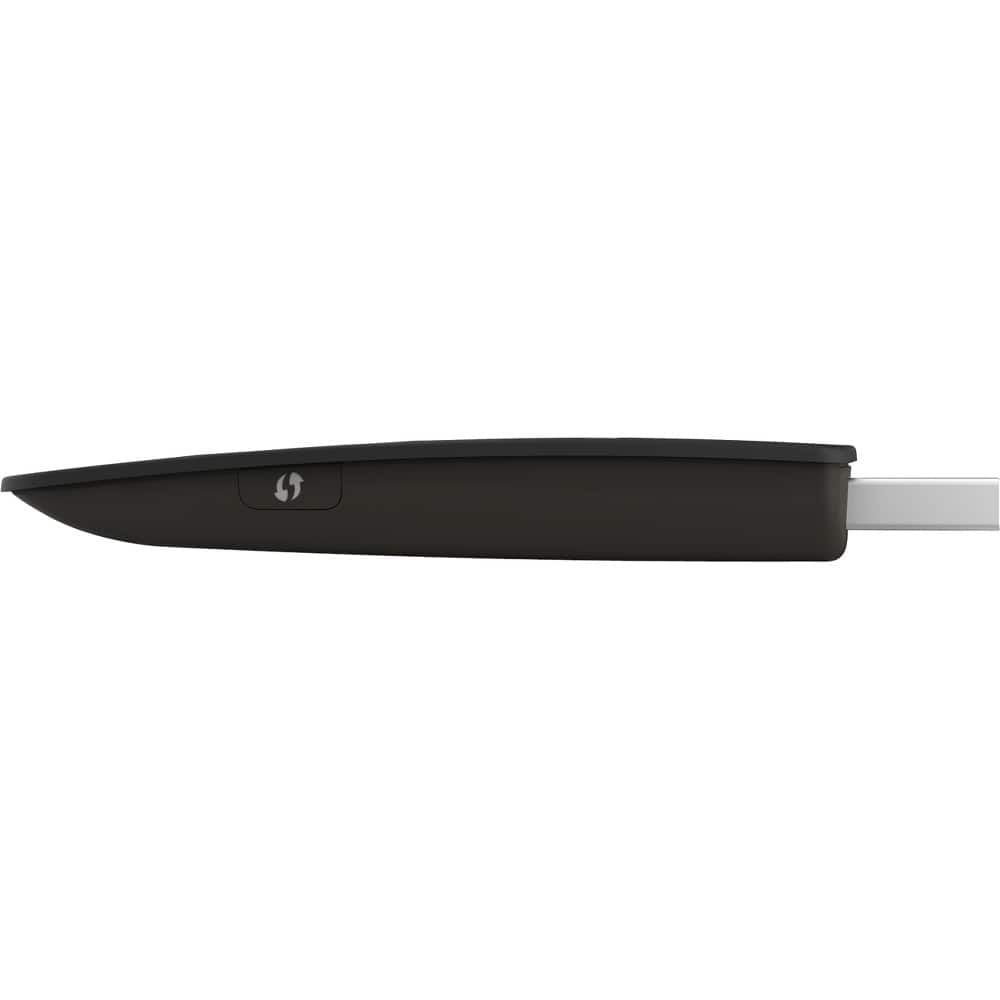
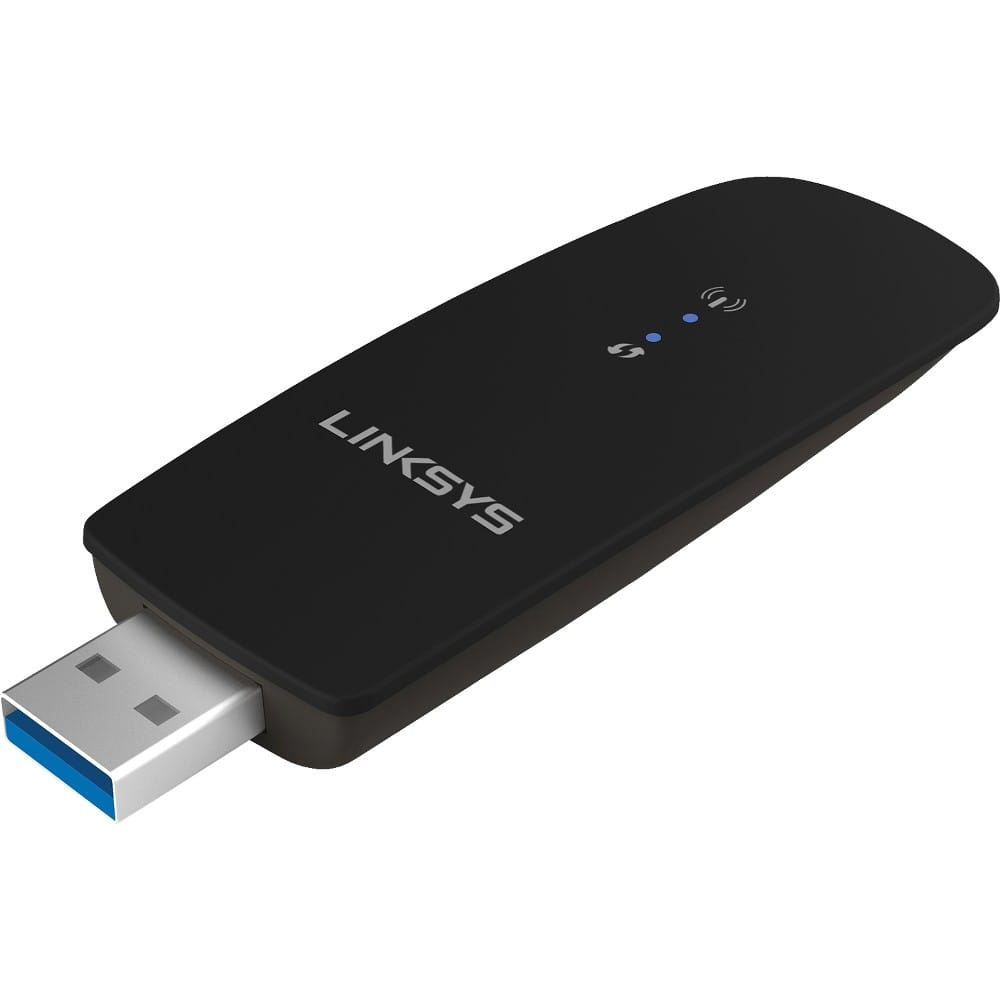
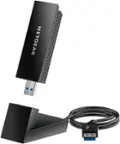
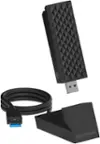
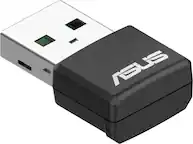
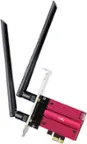
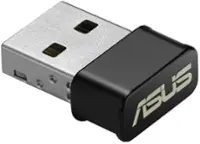
A:AnswerHi, LaptopQ99. The WUSB6300 adds up or upgrades wireless connectivity to your Windows-based computers such as Windows XP, Windows Vista®, Windows Vista® 64-bit, Windows 7, Windows 7 64-bit, Windows 8, Windows 8 64-bit, and Windows 10 64-bit.
A:AnswerNo, darmando3. You can download the driver directly on the computer. To know more, click here: https://www.linksys.com/us/support-article?articleNum=140560.
A:Answermaybe, depends on speed of network where you are at. 5ghz should not be an issue if the provider has the throughput speed. please understand this is not a cell modem by any means. you are at the mercy of the network it connects to.
A:Answertry this. goto linksys web site and download full install drivers these are more up to date than the provided CD. next delete/remove the adapter and all of the software from your pc. go through several startup cycles about 3 with letting the machine run about 5- 10 minutes each time. this allows for windows to remove any old missed files. should there be any. next reinstall the software and follow directions on screen. if you still have the issue here is option 2. find the manufacturer of your system and see if there are any CHIPSET updates or new usb drivers available for your system. if you have a self built machine this will likely be the the issue. still having issues after that? check to make sure windows is NOT allowing the adapter to be shut down for power conservation. you will find this in the windows power settings.
A:Answernot sure what your OS supports since theoretically it is a version of linux, it uses RPMS packages. you can try it if not best buy has a decent return policy. to replace your internal card is not hard the hardest part is finding one and cracking your device open to replace it.
A:AnswerYou will have to check with Sprint if you are authorized to enable tethering on your phone.
If you are authorized and enabled this adapter should work.
A:AnswerThis product replaces the WIFI chip that is in your computer. My experience is that the WIFI that comes with your computer will last at least a few years. After that I am not surprised to find my connection "slowing down". Rather that buy a new computer, or buy a replacement internal WIFI chip, I choose to replace the internal chip with the external WIFI/USB. The cost is less - or so I imagine - and the technology tends to be superior to the original chip. I do not have to take the original chip out - I simply disable it (or it may be disabled by the new USB WIFI. I any case, since it is WIFI and not Cellular, it cannot get to the Internet without a router. That me be your home router or the router available at the coffee shop or book store etc. Your system will search for possible connections - the rest (password etc. is up to you).
I hope this helps. I also hope that the information is correct (it may have been overruled by advances in technology!! Life comes at you fast.)